Professional development for core programs

Amplify professional development provides learning experiences that intentionally develop the knowledge and skills you need for effective and self-sustaining implementation.

Learn and apply impactful instructional techniques and develop a deeper understanding of your Amplify program(s) by investing in professional development.

Amplify professional development has been vetted by Rivet Education’s team through a rigorous three-step process and is listed in the Professional Learning Partner Guide.

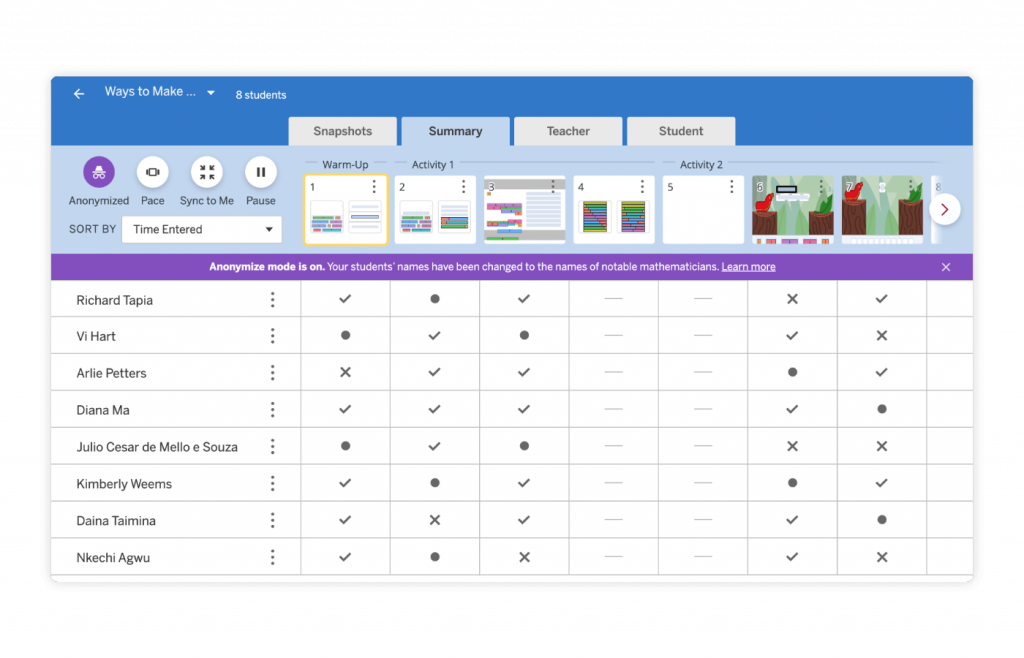
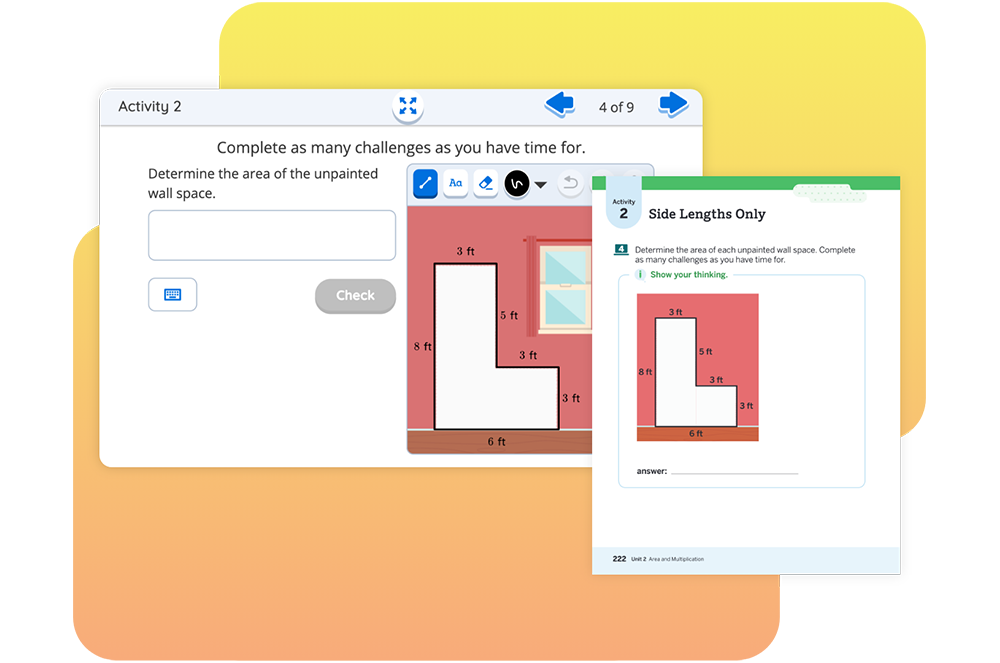
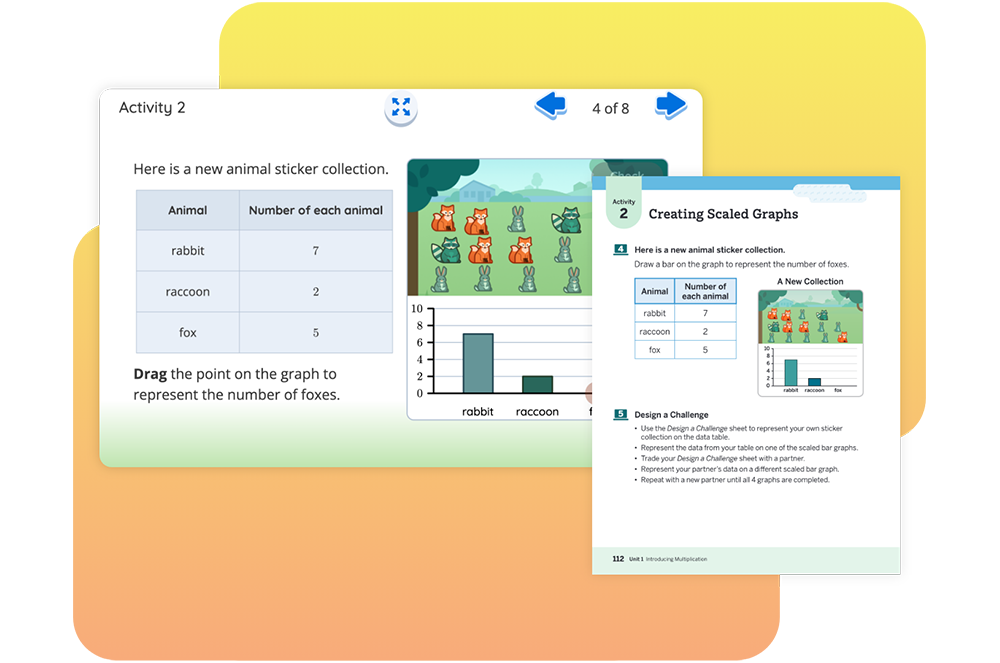
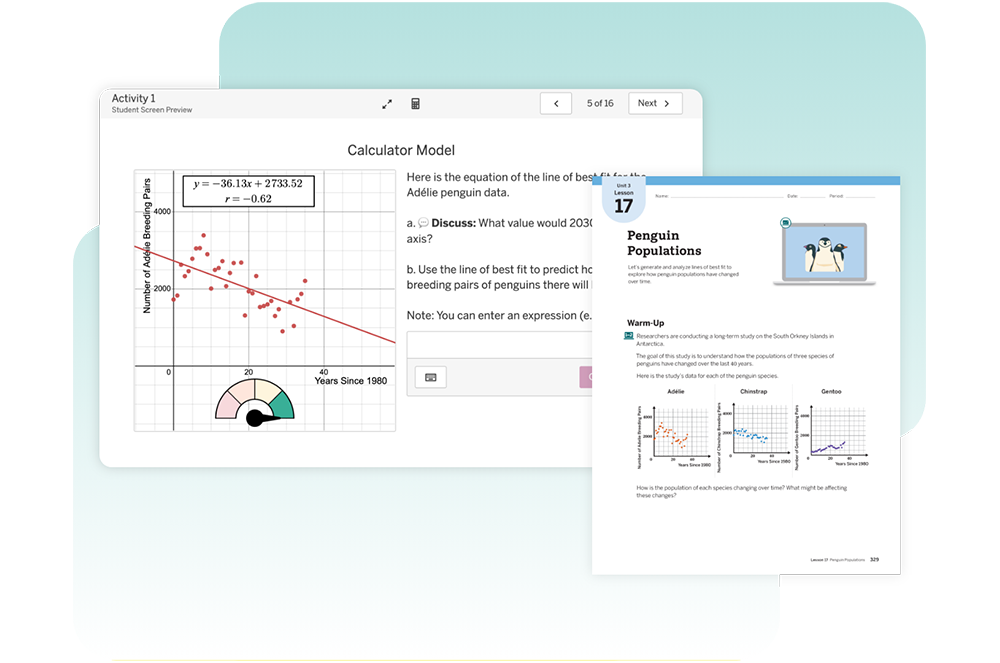
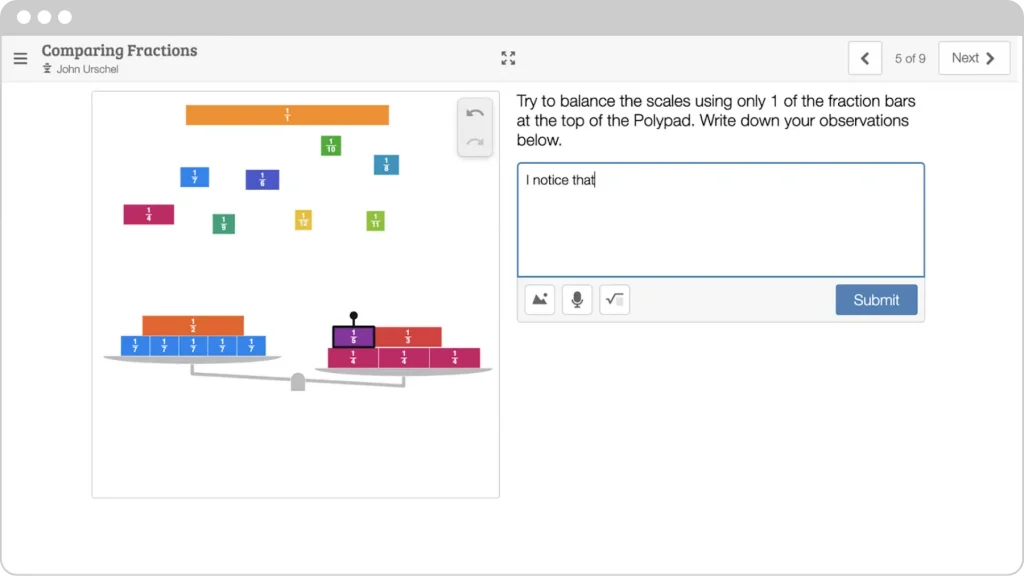
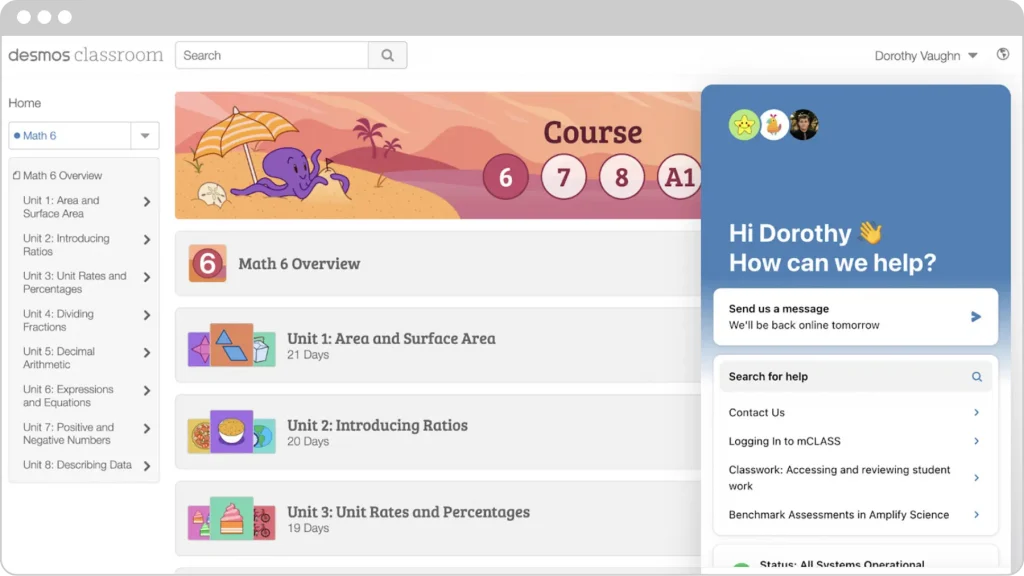
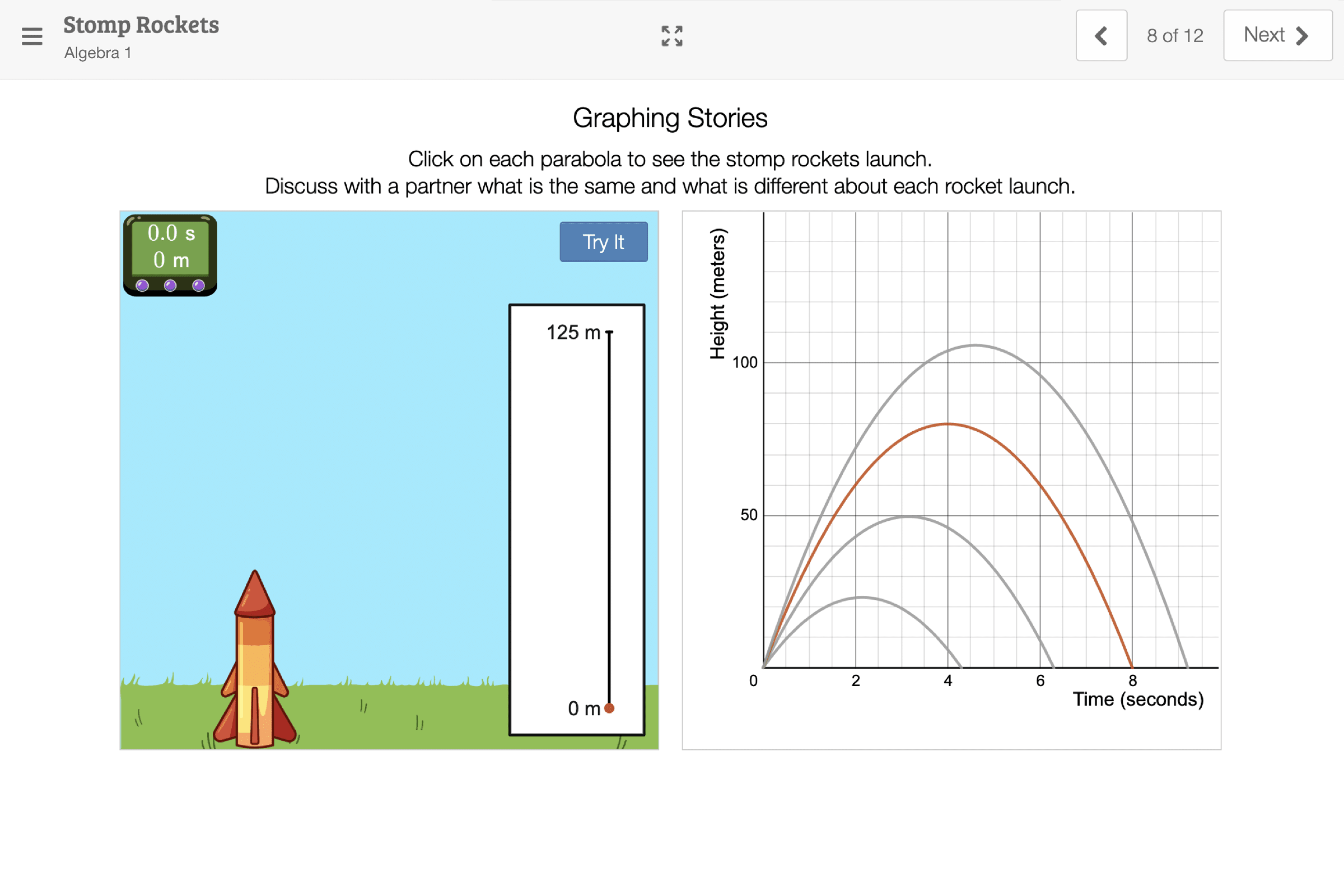
A man writes at a desk; adjacent images include a math graph with weights labeled 5 and 8, and an open book with stars above it.

About Amplify core programs

Amplify’s programs help you teach inspiring lessons that develop student brilliance through robust scaffolding and differentiated instruction.

Literacy

  • Amplify Core Knowledge Language Arts (CKLA) 2nd Edition and 3rd Edition
  • Amplify Caminos 1st and 3rd Edition
  • Amplify ELA 2nd Edition

STEM

  • Amplify Math
  • Amplify Desmos Math* (for Grades PreK–5, 6–Algebra 1, or high school)
  • Amplify Science (for Grades K–5 or 6–8)

Contact your account executive for extended PD catalog options or quotes.

*Amplify Desmos Math is our new K–12 program (English and Spanish) using a problem-based approach for deep conceptual understanding. Contact us for available packages.

About Amplify professional development (PD)

Take a systemic approach to drive lasting change. Partner with us to create a learning plan that enhances implementation, instruction, and student impact.

At each phase of your journey, packages include different types of learning experiences strategically bundled for multiple touchpoints throughout the year.

Four circular icons in a row showing a lightbulb, pencil, whiteboard, and podium, connected by arrows in a cycle, representing stages of a process.
Prepare
Begin
Practice
Advance


Shift literacy and math instruction and deepen understanding of research-based practices to support new program implementation.


Build the foundational knowledge and skills necessary to begin teaching with your Amplify program(s).


Refine instructional skills, expand knowledge of your Amplify program(s), and explore more advanced instructional strategies.


Deepen understanding of content and pedagogy and build-in house capacity to support a robust, sustainable implementation.

Click to learn more:

Review this page to learn more about the Begin and Practice packages.


Click to learn more:

Session types within packages

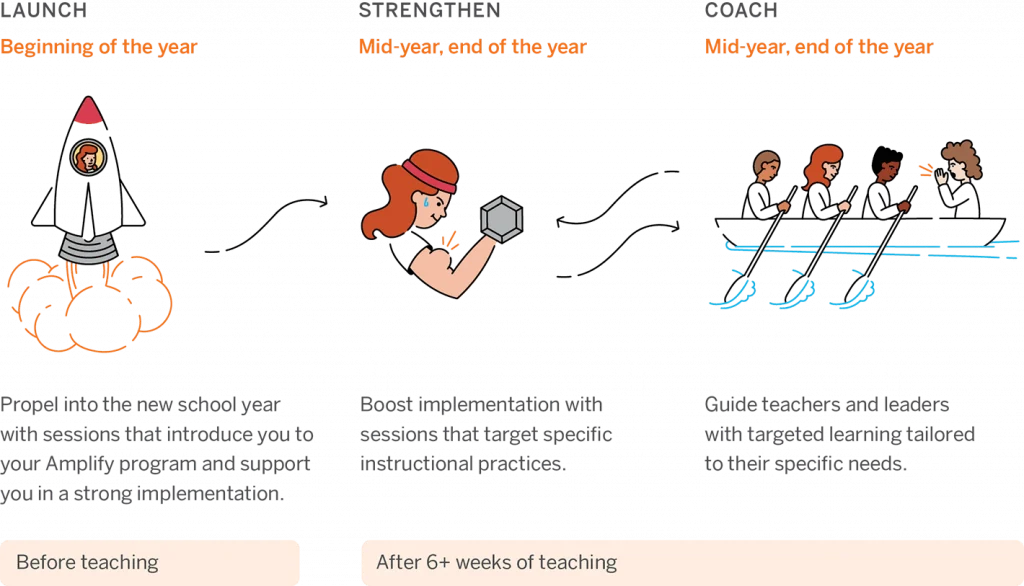
LAUNCH STRENGTHEN COACH
Beginning of the year
Mid-year, end of the year Mid-year, end of the year
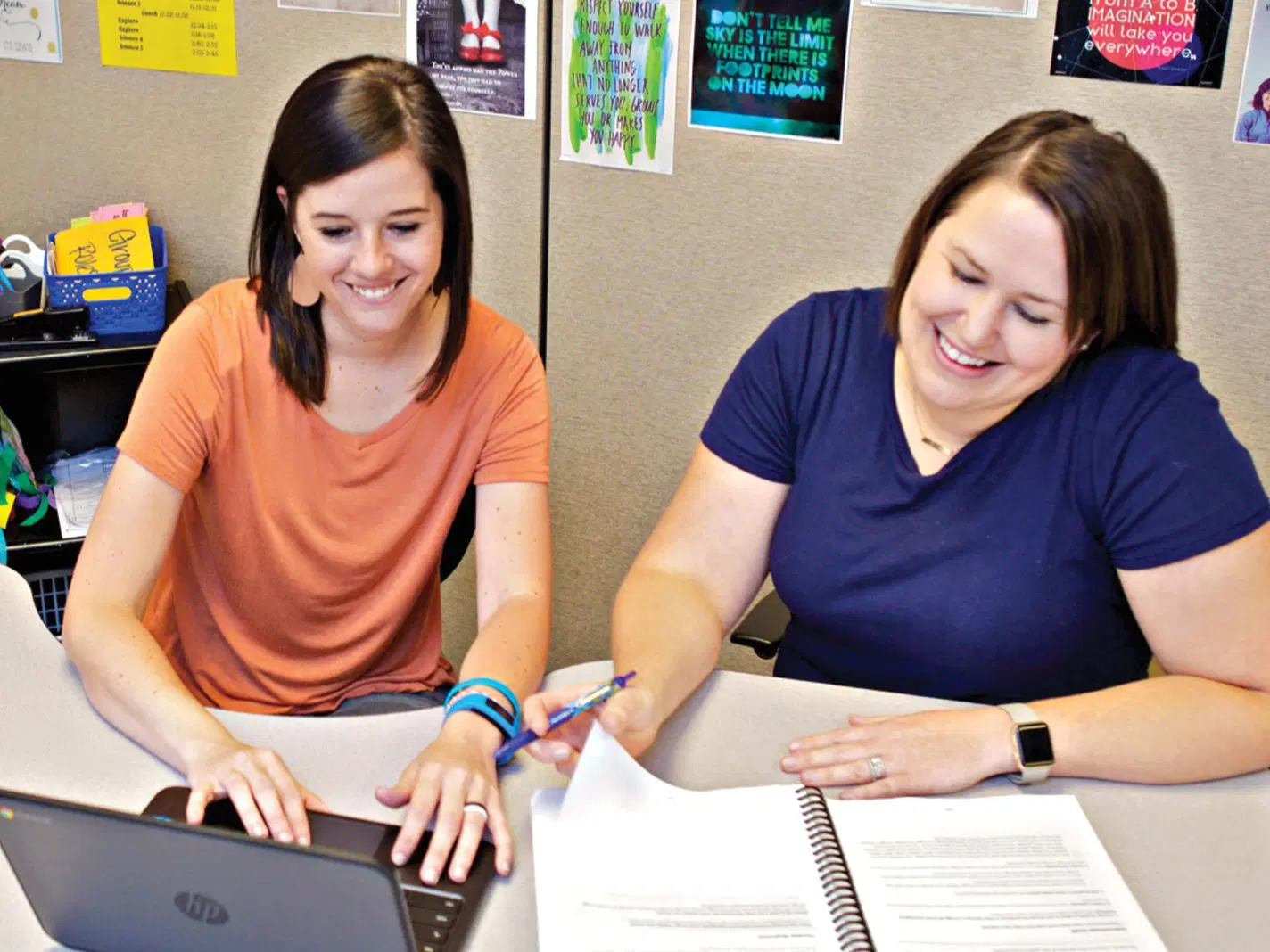
Three people work together at a computer in a classroom; one woman points at the monitor while the others watch attentively.
Two people sit at a table reviewing documents together against a yellow background. An icon of a barbell is displayed in the top left corner.
Two women sit side by side at a table, each with a laptop. One woman points at the other’s screen as they focus on the display against a plain blue background.
Introduce programs and support implementation Target specific instructional practices

Explore the Strengthen sessions for your:

Tailored learning for specific needs

Begin packages

You’re ready to shift to evidence-based practices in your first year with Amplify programs. Let us support your educators with professional development that builds new skills and knowledge.

Choose from flexible on-site, hybrid, or virtual packages which include:

  • One Launch session to introduce Amplify programs and support strong implementation.
  • One Strengthen session to deepen understanding of the program.
  • One Coach session to elevate instructional practice and meet specific needs.
  • Suggested add-ons are available.

Each package supports up to 30 participants in similar grade bands.

On-site 15 package

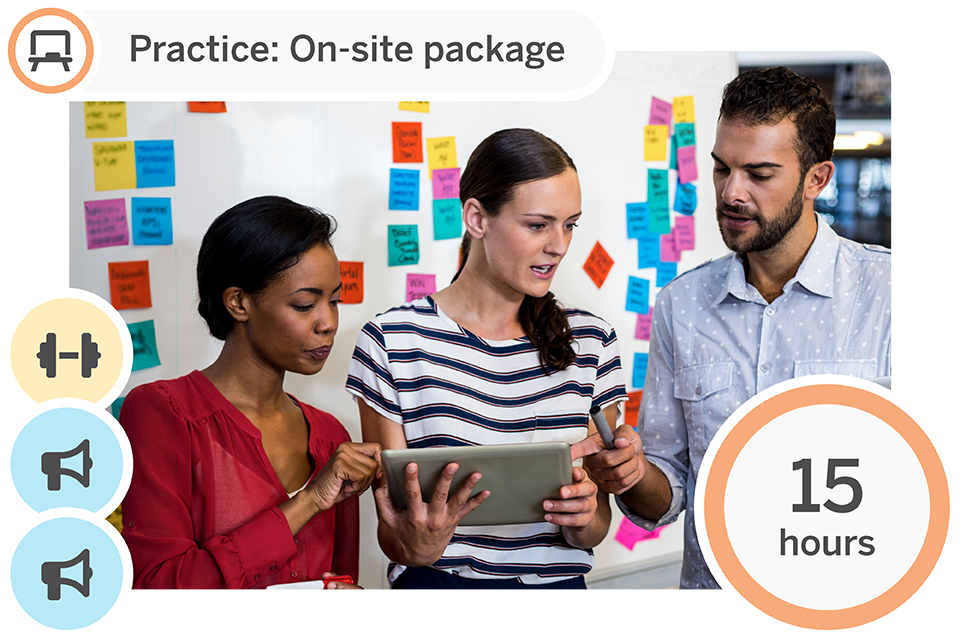
Three people stand in front of a whiteboard with colorful sticky notes, discussing content on a tablet. A graphic indicates "Begin: On-site package" and "15 hours.

Participate in 15 hours of program-aligned professional development across three sessions for up to 30 participants. Build understanding of research-based practices and develop knowledge through curated Launch, Strengthen, and Coach sessions.

Begin: On-site 15 package

Session type Modality/duration What’s included
Launch (1) On-site, 6-hr. Initial training for teachers
Strengthen (1) On-site, 3-hr. Program-specific Strengthen session (selected based on your needs) for Core Literacy and STEM programs.
Coach (1) On-site, 6-hr. Coach session
Suggested enhancements
Launch add-on On-site or virtual, 3-hr. Program overview for leaders
Launch add-on Virtual, 1 hr. Amplify CKLA Grade 3–5 Skills supplement training for teachers

Begin: Launch: Initial training for teachers

Amplify Caminos 3rd Edition, Amplify CKLA/Caminos 3rd Edition biliteracy, and Amplify Desmos Math high school sessions are available July 2026.

On-site, 6 hours

Initial training sessions are designed for educators who are new to our program. In our initial training session, educators are oriented to the key components of their program(s), including learning how to navigate, teach, and monitor student progress, while exploring content and program resources. Participants will leave the session with the foundational knowledge and skills necessary to begin teaching with the program.

Session options: Amplify CKLA (2nd and 3rd Edition), Amplify Caminos (1st and 3rd Edition), Amplify CKLA 2nd Edition/Caminos 1st Edition biliteracy, Amplify CKLA 3rd Edition/Caminos 3rd Edition biliteracy, Amplify ELA 2nd Edition, Amplify Math (Grades 6–A1), Amplify Desmos Math (Grades PreK–5, 6–A1, or high school), Amplify Science (Grades K–5 or 6–8)

Audience: Teachers, instructional staff (maximum 30 participants)

Launch add-on

Suggested enhancement: Program overview for leaders

Amplify Caminos 3rd Edition sessions are available July 2026.

On-site or virtual, 3 hours

The program overview for leaders session supports district and school-level instructional leaders in effectively coordinating the implementation of the program. Leaders will learn the foundational elements of the program, build an understanding of the key teacher and student practices to look for in classrooms, and develop an implementation plan.

Session options: Amplify CKLA (2nd and 3rd Edition), Amplify Caminos (1st and 3rd Edition), Amplify CKLA 2nd Edition/Caminos 1st Edition biliteracy, Amplify CKLA 3rd Edition/Caminos 3rd Edition biliteracy, Amplify ELA 2nd Edition, Amplify Math (Grades 6–A1), Amplify Desmos Math (Grades K–5, 6–A1, or high school), Amplify Science (Grades K–5 or 6–8)

Audience: Leaders (maximum 30 participants)

Available July 2026

Suggested enhancement: Launch add-on: Amplify CKLA Grade 3–5 Skills supplement training for teachers

Grades 4 and 5 available July 2026

Virtual, 1 hour

Learn how to implement Amplify CKLA Grades 3–5 Skills in the classroom. Learn the foundational elements of Amplify CKLA Grades 3–5 Skills, including becoming familiar with materials and key lesson components.

Note:

  • Grade 3 Skills is included in the purchase of Amplify CKLA 2nd Edition, while Grade 4 Skills and Grade 5 Skills can be added on.
  • Grades 3–5 Skills are included with the purchase of Amplify CKLA 3rd Edition.

Session options: Amplify CKLA 2nd Edition (Grades 3–5) or Amplify CKLA 3rd Edition (Grades 3–5)

Audience: Teachers, instructional staff (maximum 30 participants)

Strengthen: Program-specific sessions

Strengthen your Amplify implementation with program-specific sessions that support personalized learning and practice in your classroom.

To explore the core Strengthen sessions, select your program:

Amplify will partner closely with you to select the appropriate session(s) that will deepen educators’ understanding of Amplify program(s) and equip them with the tools they need to improve students’ learning outcomes. Each package includes one Strengthen session. Additional sessions can be added as Enhancements.

Coach: Customized support

Amplify Caminos 3rd Edition, Amplify CKLA/Caminos 3rd Edition biliteracy, and Amplify Desmos Math high school sessions are available July 2026.

On-site, 6 hours

Coaching sessions focus on building internal school and district capacity and leadership excellence. Coaching is customized to meet a school or district’s needs and can include model lessons, observations, walk-throughs, and/or co-planning.

Session options: Amplify CKLA (2nd and 3rd Edition), Amplify Caminos (1st and 3rd Edition), Amplify CKLA 2nd Edition/Caminos 1st Edition biliteracy, Amplify CKLA 3rd Edition/Caminos 3rd Edition biliteracy, Amplify ELA 2nd Edition, Amplify Math (Grades 6–A1), Amplify Desmos Math (Grades K–5, 6–A1, or high school), Amplify Science (Grades K–5 or 6–8)

Audience: Individual teachers, grade-level teams, PLCs,
and/or instructional leaders (maximum 30 participants)

Hybrid 15 on-site package

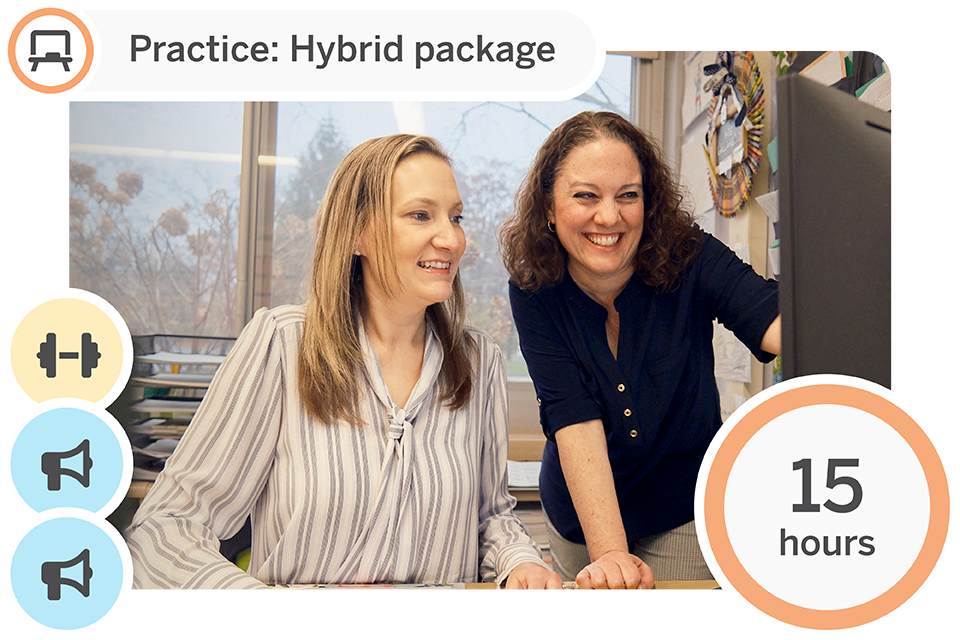
Two women smiling and looking at a computer screen in an office setting; text reads "Begin: Hybrid package" and "15 hours.

Participate in 15 hours of program-aligned professional development across three sessions for up to 30 participants. Build understanding of research-based practices and develop knowledge through curated Launch, Strengthen, and Coach sessions.

Begin: Hybrid 15 on-site package

Session type Modality/duration What’s included
Launch (1) On-site, 6-hr. Initial training for teachers
Strengthen (1) Virtual, 3-hr. Program-specific Strengthen session (selected based on your needs) for Core Literacy and STEM programs.
Coach (1) On-site, 6-hr. Coach session
Suggested enhancements
Launch add-on On-site or virtual, 3-hr. Program overview for leaders
Launch add-on Virtual, 1 hr. Amplify CKLA Grade 3–5 Skills supplement training for teachers

Begin: Launch: Initial training for teachers

Amplify Caminos 3rd Edition, Amplify CKLA/Caminos 3rd Edition biliteracy, and Amplify Desmos Math high school sessions are available July 2026.

On-site, 6 hours

Initial training sessions are designed for educators who are new users. In our initial training session, educators are oriented to the key components of the program, including learning how to navigate, teach, and monitor student progress, while exploring content and program resources. Participants will leave the session with the foundational knowledge and skills necessary to begin teaching with the program.

Session options: Amplify CKLA (2nd and 3rd Edition), Amplify Caminos (1st and 3rd Edition), Amplify CKLA 2nd Edition/Caminos 1st Edition biliteracy, Amplify CKLA 3rd Edition/Caminos 3rd Edition biliteracy, Amplify ELA 2nd Edition, Amplify Math (Grades 6–A1), Amplify Desmos Math (Grades K–5, 6–A1, or high school), Amplify Science (Grades K–5 or 6–8)

Audience: Teachers, instructional staff (maximum 30 participants)

Launch add-on

Suggested enhancement: Program overview for leaders

Amplify Caminos 3rd Edition sessions are available July 2026.

On-site or virtual, 3 hours

The program overview for leaders session supports district and school-level instructional leaders in effectively coordinating the implementation of the program. Leaders will learn the foundational elements of the program, build an understanding of the key teacher and student practices to look for in classrooms, and develop an implementation plan.

Session options: Amplify CKLA (2nd Edition), Amplify Caminos (1st and 3rd Edition), Amplify CKLA 2nd Edition/Caminos 1st Edition biliteracy, Amplify ELA 2nd Edition, Amplify Math (Grades 6–A1), Amplify Desmos Math (Grades K–5 or 6–A1), Amplify Science (Grades K–5 or 6–8)

Audience: Leaders (maximum 30 participants)

Launch add-on

Suggested enhancement: Amplify CKLA Grade 3–5 Skills supplement training for teachers

Virtual, 1 hour

Learn how to implement Amplify CKLA Grades 3–5 Skills in the classroom. Learn the foundational elements of Amplify CKLA Grades 3–5 Skills, including becoming familiar with materials and key lesson components.

Notes:

  • Grade 3 Skills is included in the purchase of Amplify CKLA 2nd Edition, while Grade 4 Skills and Grade 5 Skills can be added on.
  • Grades 3–5 Skills are included with the purchase of Amplify CKLA 3rd Edition.

Session options: Amplify CKLA 2nd Edition (Grades 3–5)

Audience: Teachers, instructional staff (maximum 30 participants)

Strengthen: Program-specific sessions

Strengthen your Amplify implementation with program-specific sessions that support personalized learning and practice in your classroom.

To explore the available core Strengthen sessions, select your program:

Amplify will closely partner with you to select the appropriate session(s) that will deepen educators’ understanding of Amplify program(s) and equip them with the tools they need to improve students’ learning outcomes. Each package includes one Strengthen session. Additional sessions can be added as Enhancements.

Coach session: Customized support

Amplify Caminos 3rd Edition, Amplify CKLA/Caminos 3rd Edition biliteracy, and Amplify Desmos Math high school sessions are available July 2026.

On-site, 6 hours

Coaching sessions focus on building internal school and district capacity and leadership excellence. Coaching is customized to meet a school or district’s needs and can include model lessons, observations, walk-throughs, and/or co-planning.

Session options: Amplify CKLA (2nd and 3rd Edition), Amplify Caminos (1st Edition), Amplify CKLA 2nd Edition/Caminos 1st Edition biliteracy, Amplify CKLA 3rd Edition/Caminos 3rd Edition biliteracy, Amplify ELA 2nd Edition, Amplify Math (Grades 6–A1), Amplify Desmos Math (Grades K–5, 6–A1, or high school), Amplify Science (Grades K–5 or 6–8)

Audience: Individual teachers, grade-level teams, PLCs, and/or instructional leaders (maximum 30 participants)

Hybrid 10 package

Two women smile while looking at a computer monitor in an office. A graphic overlay reads “Begin: Hybrid package” and “10 hours,” with icons for power, fitness, and communication.

Participate in 10 hours of program-aligned professional development across three sessions for up to 30 participants. Build understanding of research-based practices and develop knowledge through curated Launch, Strengthen, and Coach sessions.

Begin: Hybrid 10 package

Session type Modality/duration What’s included
Launch (1) On-site, 3-hr. Program overview for teachers
Strengthen (1) Virtual, 1-hr. Program-specific Strengthen Focus session (selected based on your needs) for Core Literacy and STEM programs.
Coach (1) On-site, 6-hr. Coach session
Suggested enhancements
Launch add-on On-site or virtual,
3-hr.
Program overview for leaders
Launch add-on Virtual, 1 hr. Amplify CKLA Grade 3–5 Skills supplement training for teachers

Begin: Launch: Program overview for teachers

Amplify Caminos 3rd Edition, Amplify CKLA/Caminos 3rd Edition biliteracy, and Amplify Desmos Math high school sessions are available July 2026.

On-site, 3 hours

Program overview sessions provide a basic introduction for educators who are new users of the program. In a program overview session, educators learn how to get started with the key features and materials of the program.

Session options: Amplify CKLA (2nd and 3rd Edition), Amplify Caminos (1st Edition), Amplify CKLA 2nd Edition/Caminos 1st Edition biliteracy, Amplify CKLA 3rd Edition/Caminos 3rd Edition biliteracy, Amplify ELA 2nd Edition, Amplify Math (Grades 6–A1), Amplify Desmos Math (Grades PreK–5, 6–A1, or high school), Amplify Science (Grades K–5 or 6–8)

Audience: Teachers, instructional staff (maximum 30 participants)

Launch add-on

Suggested enhancement: Program overview for leaders

Amplify Caminos 3rd Edition sessions are available July 2026.

On-site or virtual, 3 hours

The program overview for leaders session supports district and school-level instructional leaders in effectively supporting the implementation of the program. Leaders will learn the foundational elements of the program, build an understanding of the key teacher and student practices to look for in classrooms, and develop an implementation plan.

Session options: Amplify CKLA (2nd and 3rd Edition), Amplify Caminos (1st Edition), Amplify CKLA 2nd Edition/Caminos 1st Edition biliteracy, Amplify CKLA 3rd Edition/Caminos 3rd Edition biliteracy (Grades PreK–5), Amplify ELA 2nd Edition (Grades 6–8), Amplify Math (Grades 6–A1), Amplify Desmos Math (Grades K–5, 6–A1, or high school), Amplify Science (Grades K–5 or 6–8)

Audience: Leaders (maximum 30 participants)

Launch add-on

Suggested enhancement: Amplify CKLA Grade 3–5 Skills supplement training for teachers

Virtual, 1 hour

Learn how to implement Amplify CKLA Grades 3–5 Skills in the classroom. Learn the foundational elements of Amplify CKLA Grades 3–5 Skills, including becoming familiar with materials and key lesson components.

Note:

  • Grade 3 Skills is included in the purchase of Amplify CKLA 2nd Edition, while Grade 4 Skills and Grade 5 Skills can be added on.
  • Grades 3–5 Skills are included with the purchase of Amplify CKLA 3rd Edition.

Session options: Amplify CKLA 2nd Edition (Grades 3–5)

Audience: Teachers, instructional staff (maximum 30 participants)

Strengthen: Program-specific sessions

Strengthen your Amplify implementation with program-specific sessions that support personalized learning and practice in your classroom.

To explore the available core Strengthen sessions, select your program:

Amplify will closely partner with you to select the appropriate session(s) that will deepen educators’ understanding of your Amplify program(s) and equip them with the tools they need to improve students’ learning outcomes. Each package includes one Strengthen session. Additional sessions can be added as Enhancements.

Coach session: Customized support

Amplify Caminos 3rd Edition, Amplify CKLA/Caminos 3rd Edition biliteracy, and Amplify Desmos Math high school sessions are available July 2026.

On-site, 6 hours

Coaching sessions focus on building internal school and district capacity and leadership excellence. Coaching is customized to meet a school or district’s needs and can include model lessons, observations, walk-throughs, and/or co-planning.

Session options: Amplify CKLA (2nd and 3rd Edition), Amplify Caminos (1st and 3rd Edition), Amplify CKLA 2nd Edition/Caminos 1st Edition biliteracy, Amplify CKLA 3rd Edition/Caminos 3rd Edition biliteracy, Amplify ELA 2nd Edition, Amplify Math (Grades 6–A1), Amplify Desmos Math (Grades K–5, 6–A1, or high school), Amplify Science (Grades K–5 or 6–8)

Audience: Individual teachers, grade-level teams, PLCs,
and/or instructional leaders (maximum 30 participants)

Hybrid 15 virtual package

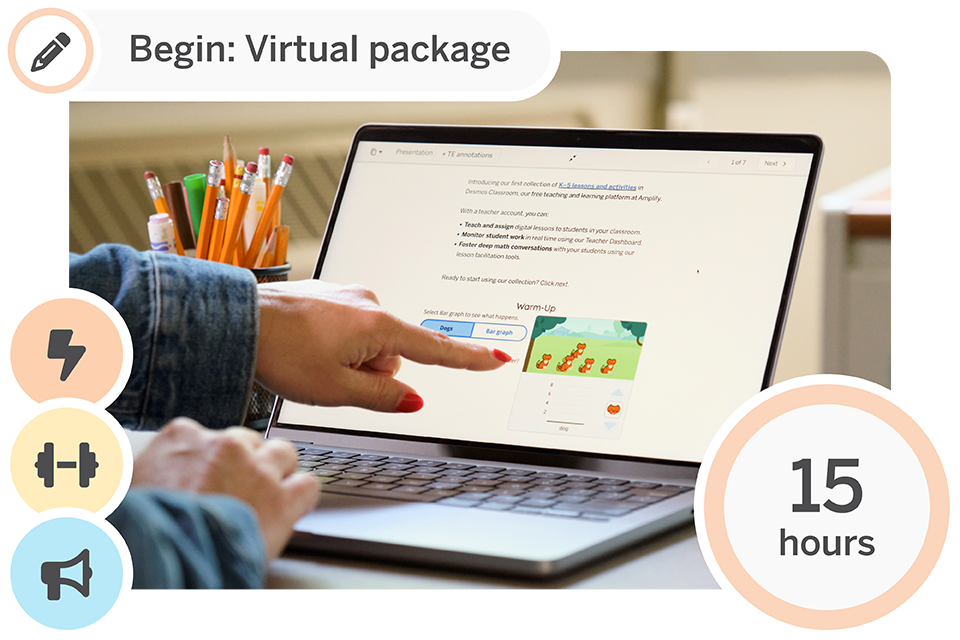
A person points at a laptop screen displaying an online training module. Icons and text indicate the start of a virtual package with a duration of 15 hours.

Participate in 15 hours of program-aligned professional development across three sessions for up to 30 participants. Build understanding of research-based practices and develop knowledge through curated Launch, Strengthen, and Coach sessions.

Begin: Hybrid 15 virtual package

Session type Modality/duration What’s included
Launch (1) Virtual, 6-hr.
(2 half-days)
Initial training for teachers
Strengthen (1) Virtual, 3-hr. Program-specific Strengthen session (selected based on your needs) for Core Literacy and STEM programs.
Coach (1) On-site, 6-hr. Coach session
Suggested enhancements
Launch add-on On-site or virtual, 3-hr. Program overview for leaders
Launch add-on Virtual, 1 hr. Amplify CKLA Grade 3–5 Skills supplement training for teachers

Begin: Launch: Initial training for teachers

Amplify Caminos 3rd Edition, Amplify CKLA/Caminos 3rd Edition biliteracy, and Amplify Desmos Math high school sessions are available July 2026.

Virtual, 6 hours (2 half-days)

Initial training sessions are designed for educators who are new to our program. In our initial training session, educators are oriented to the key components of their program(s), including learning how to navigate, teach, and monitor student progress, while exploring content and program resources. Participants will leave the session with the foundational knowledge and skills necessary to begin teaching with the program.

Session options: Amplify CKLA (2nd and 3rd Edition), Amplify Caminos (1st and 3rd Edition), Amplify CKLA 2nd Edition/Caminos 1st Edition biliteracy, Amplify CKLA 3rd Edition/Caminos 3rd Edition biliteracy, Amplify ELA 2nd Edition, Amplify Math (Grades 6–A1), Amplify Desmos Math (Grades K–5, 6–A1, or high school), Amplify Science (Grades K–5 or 6–8)

Audience: Teachers, instructional staff (maximum 30 participants)

Launch add-on

Suggested enhancement: Program overview for leaders

Amplify Caminos 3rd Edition sessions are available July 2026.

On-site or virtual, 3 hours

The program overview for leaders session supports district and school-level instructional leaders in effectively supporting the implementation of the program. Leaders will learn the foundational elements of the program, build an understanding of the key teacher and student practices to look for in classrooms, and develop an implementation plan.

Session options: Amplify CKLA (2nd and 3rd Edition), Amplify Caminos (1st Edition), Amplify CKLA 2nd Edition/Caminos 1st Edition biliteracy, Amplify CKLA 3rd Edition/Caminos 3rd Edition biliteracy, Amplify ELA 2nd Edition, Amplify Math (Grades 6–A1), Amplify Desmos Math (Grades K–5, 6–A1, or high school), Amplify Science (Grades K–5 or 6–8)

Audience: Leaders (maximum 30 participants)

Launch add-on

Suggested enhancement: Amplify CKLA Grade 3–5 Skills supplement training for teachers

Virtual, 1 hour

Learn how to implement Amplify CKLA Grades 3–5 Skills in the classroom. Learn the foundational elements of Amplify CKLA Grades 3–5 Skills, including becoming familiar with materials and key lesson components.

Note:

  • Grade 3 Skills is included in the purchase of Amplify CKLA 2nd Edition, while Grade 4 Skills and Grade 5 Skills can be added on.
  • Grades 3–5 Skills are included with the purchase of Amplify CKLA 3rd Edition.

Session options: Amplify CKLA 2nd Edition (Grades 3–5)

Audience: Teachers, instructional staff (maximum 30 participants)

Strengthen: Program-specific sessions

Strengthen your Amplify implementation with program-specific sessions that support personalized learning and practice in your classroom.

To explore the available core Strengthen sessions, select your program:

Amplify will closely partner with you to select the appropriate session(s) that will deepen educators’ understanding of Amplify program(s) and equip them with the tools they need to improve students’ learning outcomes. Each package includes one Strengthen session. Additional sessions can be added as Enhancements.

Coach session: Customized support

Amplify Caminos 3rd Edition, Amplify CKLA/Caminos 3rd Edition biliteracy, and Amplify Desmos Math high school sessions are available July 2026.

On-site, 6 hours

Coaching sessions focus on building internal school and district capacity and leadership excellence. Coaching is customized to meet a school or district’s needs and can include model lessons, observations, walk-throughs, and/or co-planning.

Session options: Amplify CKLA (2nd and 3rd Edition), Amplify Caminos (1st and 3rd Edition), Amplify CKLA 2nd Edition/Caminos 1st Edition biliteracy, Amplify CKLA 3rd Edition/Caminos 3rd Edition biliteracy, Amplify ELA 2nd Edition, Amplify Math (Grades 6–A1), Amplify Desmos Math (Grades K–5, 6–A1, or high school), Amplify Science (Grades K–5 or 6–8)

Audience: Individual teachers, grade-level teams, PLCs, and/or instructional leaders (maximum 30 participants)

Virtual 7 package

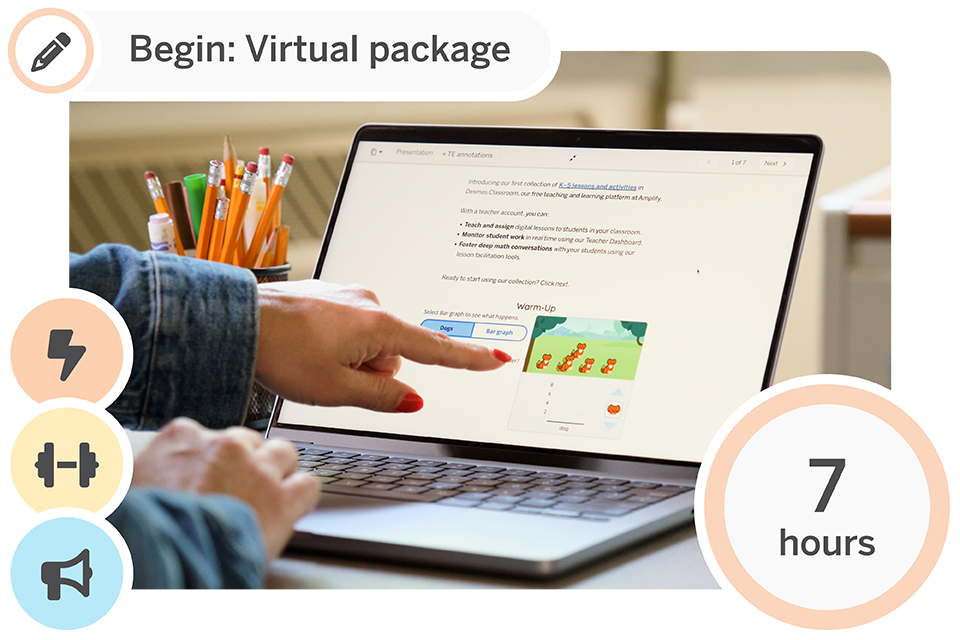
A person points at a laptop screen displaying an educational webpage; icons and text indicate the start of a virtual package lasting 7 hours.

Participate in 7 hours of program-aligned professional development across three sessions for up to 30 participants. Build understanding of research-based practices and develop knowledge through curated Launch, Strengthen, and Coach sessions.

Begin: Virtual 7 package

Session type Modality/duration What’s included
Launch (1) Virtual, 3-hr. Program overview for teachers
Strengthen (1) Virtual, 1-hr. Program-specific Strengthen Focus session (selected based on your needs) for Core Literacy and STEM programs.
Coach (1) Virtual, 3-hr. Coach session
Suggested enhancements
Launch add-on On-site or virtual, 3-hr. Program overview for leaders
Launch add-on Virtual, 1 hr. Amplify CKLA Grade 3–5 Skills supplement training for teachers

Begin: Launch: Program overview for teachers

Amplify Caminos 3rd Edition, Amplify CKLA/Caminos 3rd Edition biliteracy, and Amplify Desmos Math high school sessions are available July 2026.

Virtual, 3 hours

Program overview sessions provide a basic introduction for educators who are new users of the program. In a program overview session, educators learn how to get started with the key features and materials of the program.

Session options: Amplify CKLA (2nd and 3rd Edition), Amplify Caminos (1st and 3rd Edition), Amplify CKLA 2nd Edition/Caminos 1st Edition biliteracy, Amplify CKLA 3rd Edition/Caminos 3rd Edition biliteracy, Amplify ELA 2nd Edition, Amplify Math (Grades 6–A1), Amplify Desmos Math (Grades PreK, K–5, 6–A1, or high school), Amplify Science (Grades K–5 or 6–8)

Audience: Teachers, instructional staff (maximum 30 participants)

Launch add-on

Suggested enhancement: Launch add-on: Program overview for leaders

Amplify Caminos 3rd Edition sessions are available July 2026.

On-site or virtual, 3 hours

The program overview for leaders session supports district and school-level instructional leaders in effectively coordinating the implementation of the program. Leaders will learn the foundational elements of the program, build an understanding of the key teacher and student practices to look for in classrooms, and develop an implementation plan.

Session options: Amplify CKLA (2nd and 3rd Edition), Amplify Caminos (1st and 3rd Edition), Amplify CKLA 2nd Edition/Caminos 1st Edition biliteracy, Amplify CKLA 3rd Edition/Caminos 3rd Edition biliteracy, Amplify ELA 2nd Edition, Amplify Math (Grades 6–A1), Amplify Desmos Math (Grades K–5, 6–A1, or high school), Amplify Science (Grades K–5 or 6–8)

Audience: Leaders (maximum 30 participants)

Launch add-on

Suggested enhancement: Amplify CKLA Grade 3–5 Skills supplement training for teachers

Virtual, 1 hour

Learn how to implement Amplify CKLA Grades 3–5 Skills in the classroom. Learn the foundational elements of Amplify CKLA Grades 3–5 Skills, including becoming familiar with materials and key lesson components.

Note:

  • Grade 3 Skills is included in the purchase of Amplify CKLA 2nd Edition, while Grade 4 Skills and Grade 5 Skills can be added on.
  • Grades 3–5 Skills are included with the purchase of Amplify CKLA 3rd Edition.

Session options: Amplify CKLA 2nd Edition (Grades 3–5)

Audience: Teachers, instructional staff (maximum 30 participants)

Strengthen: Program-specific sessions

Strengthen your Amplify implementation with program-specific sessions that support personalized learning and practice in your classroom.

To explore the available core Strengthen sessions, select your program:

Amplify will closely partner with you to select the appropriate session(s) that will deepen educators’ understanding of your Amplify program(s) and equip them with the tools they need to improve students’ learning outcomes. Each package includes one Strengthen session. Additional sessions can be added as Enhancements.

Coach session: Customized support

Amplify Caminos 3rd Edition, Amplify CKLA/Caminos 3rd Edition biliteracy, and Amplify Desmos Math high school sessions are available July 2026.

Virtual, 3 hours

Coaching sessions focus on building internal school and district capacity and leadership excellence. Coaching is customized to meet a school or district’s needs and can include model lessons, observations, walk-throughs, and/or co-planning.

Session options: Amplify CKLA (2nd and 3rd Edition), Amplify Caminos (1st and 3rd Edition), Amplify CKLA 2nd Edition/Caminos 1st Edition biliteracy, Amplify CKLA 3rd Edition/Caminos 3rd Edition biliteracy, Amplify ELA 2nd Edition, Amplify Math (Grades 6–A1), Amplify Desmos Math (Grades K–5, 6–A1, or high school), Amplify Science (Grades K–5 or 6–8)

Audience: Individual teachers, grade-level teams, PLCs,
and/or instructional leaders (maximum 30 participants)

Practice packages

You’re familiar with Amplify programs and ready to deepen your knowledge and implementation. Let us support your educators with professional development that emphasizes continuous improvement and enhanced understanding.

Choose from flexible on-site, hybrid, or virtual packages:

  • One Strengthen session to deepen understanding of the program, expand practice, and drive student outcomes
  • Two Coach sessions to elevate instructional practice and meet specific needs

Each package supports up to 30 participants in similar grade bands.

On-site 15 package

Three people discuss work while looking at a tablet in front of a whiteboard with colorful sticky notes. A "Practice: On-site package" label and "15 hours" badge are displayed.

Participate in 15 hours of program-aligned professional development across three sessions for up to 30 participants. Build understanding of research-based practices and develop knowledge through curated Strengthen and Coach sessions.

Practice: On-site 15 package

Session type Modality/duration What’s included
Strengthen (1) On-site, 3-hr. Program-specific Strengthen session (selected based on your needs) for Core Literacy and STEM programs.
Coach (2) On-site, 6-hr. Coach session
Suggested enhancements
Launch substitution Virtual, 1-hr. NEW: Amplify Caminos 1st–3rd Ed. transition training for teachers
Launch substitution Virtual, 1-hr. NEW: Amplify CKLA 2nd Ed/Caminos 1st Ed to Amplify CKLA 3rd Ed/Caminos 3rd Ed transition training for teachers
Launch add-on Virtual, 1-hr. Amplify CKLA 3–5 Skills supplement training for teachers
Launch substitution
Virtual, 1-hr. Amplify CKLA 2nd–3rd Edition transition training for teachers
Launch add-on Virtual, 1-hr. Language Studio for CKLA 3rd Edition session

Strengthen: Program-specific sessions

Strengthen your Amplify implementation with program-specific sessions that support personalized learning and practice in your classroom.

To explore the available core Strengthen sessions, select your program:

Amplify will closely partner with you to select the appropriate session(s) that will deepen educators’ understanding of Amplify program(s) and equip them with the tools they need to improve students’ learning outcomes. Each package includes one Strengthen session. Additional sessions can be added as Enhancements.

Coach session: Customized support

Amplify CKLA, Amplify Caminos 3rd Edition, and Amplify Desmos Math K–5 and 6–A1 are available July 2026.

On-site, 6 hours

Coaching sessions focus on building internal school and district capacity and leadership excellence. Coaching is customized to meet a school or district’s needs and can include model lessons, observations, walk-throughs, and/or co-planning.

Session options: Amplify CKLA (2nd and 3rd Edition), Amplify Caminos (1st and 3rd Edition), Amplify CKLA 2nd Edition/Caminos 1st Edition biliteracy, Amplify CKLA 3rd Edition/Caminos 3rd Edition biliteracy, Amplify ELA 2nd Edition, Amplify Math (Grades 6–A1), Amplify Desmos Math (Grades K–5, 6–A1, or high school), Amplify Science (Grades K–5 or 6–8)

Audience: Individual teachers, grade-level teams, PLCs, and/or instructional leaders (maximum 30 participants)

Available July 2026

Suggested enhancement: Launch substitution: Amplify Caminos 1st and 3rd Edition transition training for teachers

Virtual, 1 hour

Participants will get an overview of the similarities and differences between Amplify Caminos 1st and 3rd Editions, including becoming familiar with changes in materials; the digital platform; and key lesson, assessment, and reporting components.

Session options: Amplify Caminos 1st Edition (Grades K–2 or 3–5)

Audience: Teachers, instructional staff (maximum 30 participants)

Available July 2026

Suggested enhancement: Launch substitution: Amplify CKLA 2nd Edition/Caminos 1st Edition to Amplify CKLA 3rd Edition/Caminos 3rd Edition transition training for teachers

Virtual, 1 hour

Participants will get an overview of the similarities and differences between Amplify Caminos 1st and 3rd Editions, including becoming familiar with changes in materials; the digital platform; and key lesson, assessment, and reporting components.

Session options: Amplify CKLA 2nd Edition/Amplify Caminos 1st Edition (Grades K–2 or 3–5)

Audience: Teachers, instructional staff (maximum 30 participants)

Launch add-on

Suggested enhancement: Amplify CKLA Grade 3–5 Skills supplement training for teachers

Virtual, 1 hour

Learn how to implement Amplify CKLA Grades 3–5 Skills in the classroom. Learn the foundational elements of Amplify CKLA Grades 3–5 Skills, including becoming familiar with materials and key lesson components.

Note:

  • Grade 3 Skills is included in the purchase of Amplify CKLA 2nd Edition, while Grade 4 Skills and Grade 5 Skills can be added on.
  • Grades 3–5 Skills are included with the purchase of Amplify CKLA 3rd Edition.

Session options: Amplify CKLA 2nd Edition (Grades 3–5)

Audience: Teachers, instructional staff (maximum 30 participants)

Launch substitution

Suggested enhancement: Launch substitution: Amplify CKLA 2nd Edition to 3rd Edition transition training for teachers

Virtual, 1 hour

Ideal substitution for CKLA 2nd Edition Launch sessions
Participants will get an overview of the similarities and differences between Amplify CKLA 2nd Edition and Amplify CKLA 3rd Edition, including becoming familiar with changes in materials; the digital platform; and key lesson, assessment, and reporting components.

Session options: Amplify CKLA 2nd Edition (Grades K–2 or 3–5)

Audience: Teachers, instructional staff (maximum 30 participants)

Launch add-on

Suggested enhancement: Launch add-on: Language Studio companion training for teachers

On-site and virtual, 3 hour

Ideal add-on for Amplify CKLA (2nd Edition or 3rd Edition) Launch sessions
Participants will be able to summarize the key features of Language Studio. During this session they will connect key segments of Language Studio to ELD instructional best practices, identify the segments of Language Studio, and plan and practice a Language Studio lesson.

Session options: Amplify CKLA 2nd or 3rd Edition (Grades K–2 or 3–5)

Audience: Teachers, instructional staff (maximum 30 participants)

Hybrid 15 package

Two women look at a computer screen and smile in an office setting. Text reads "Practice: Hybrid package" and "15 hours" with icons on the left side.

Participate in 15 hours of program-aligned professional development across three sessions for up to 30 participants. Build understanding of research-based practices and develop knowledge through curated Strengthen and Coach sessions.

Practice: Hybrid 15 package

Session type Modality/duration What’s included
Strengthen (1) Virtual, 3-hr. Program-specific Strengthen session (selected based on your needs) for Core Literacy and STEM programs.
Coach (2) On-site, 6-hr. Coach session
Suggested enhancements
Launch substitution Virtual, 1-hr. NEW: Amplify Caminos 1st and 3rd Ed. transition training for teachers
Launch substitution Virtual, 1-hr. NEW: Amplify CKLA 2nd Ed./Caminos 1st Ed. to Amplify CKLA 3rd Ed./Caminos 3rd Ed. transition training for teachers
Launch add-on Virtual, 1-hr. Amplify CKLA Grade 3–5 Skills supplement training for teachers
Launch substitution Virtual, 1-hr. Amplify CKLA 2nd Edition to 3rd Edition transition training for teachers
Launch add-on Virtual, 1-hr. Language Studio for CKLA 3rd Edition session

Strengthen: Program-specific sessions

Strengthen your Amplify implementation with program-specific sessions that support personalized learning and practice in your classroom.

To explore the available core Strengthen sessions, select your program:

Amplify will closely partner with you to select the appropriate session(s) that will deepen educators’ understanding of your Amplify program(s) and equip them with the tools they need to improve students’ learning outcomes. Each package includes one Strengthen session. Additional sessions can be added as Enhancements.

Coach session: Customized support

Amplify CKLA 3rd Edition and Amplify Desmos Math K–5 and 6–A1 sessions are available July 2026.

On-site, 6 hours

Coaching sessions focus on building internal school and district capacity and leadership excellence. Coaching is customized to meet a school or district’s needs and can include model lessons, observations, walk-throughs, and/or co-planning.

Session options: Amplify CKLA (2nd and 3rd Edition), Amplify Caminos (1st Edition), Amplify CKLA 2nd Edition/Caminos 1st Edition biliteracy, Amplify ELA 2nd Edition, Amplify Math (Grades 6–A1), Amplify Desmos Math (Grades K–5, 6–A1, or high school), Amplify Science (Grades K–5 or 6–8)

Audience: Individual teachers, grade-level teams, PLCs,
and/or instructional leaders (maximum 30 participants)

Available July 2026

Suggested enhancement: Launch substitution: Amplify Caminos 1st and 3rd Edition transition training for teachers

Virtual, 1 hour

Participants will get an overview of the similarities and differences between Amplify Caminos 1st and 3rd Editions, including becoming familiar with changes in materials; the digital platform; and key lesson, assessment, and reporting components.

Session options: Amplify Caminos 1st Edition (Grades K–2 or 3–5)

Audience: Teachers, instructional staff (maximum 30 participants)

Available July 2026

Suggested enhancement: Launch substitution: Amplify CKLA 2nd Edition/Caminos 1st Edition to Amplify CKLA 3rd Edition/Caminos 3rd Edition transition training for teachers

Virtual, 1 hour

Participants will get an overview of the similarities and differences between Amplify Caminos 1st and 3rd Editions, including becoming familiar with changes in materials; the digital platform; and key lesson, assessment, and reporting components.

Session options: Amplify CKLA 2nd Edition/Amplify Caminos 1st Edition (Grades K–2 or 3–5)

Audience: Teachers, instructional staff (maximum 30 participants)

Launch add-on

Suggested enhancement: Amplify CKLA Grade 3–5 Skills supplement training for teachers

Virtual, 1 hour

Learn how to implement Amplify CKLA Grades 3–5 Skills in the classroom. Learn the foundational elements of Amplify CKLA Grades 3–5 Skills, including becoming familiar with materials and key lesson components.

Note:

  • Grade 3 Skills is included in the purchase of Amplify CKLA 2nd Edition, while Grade 4 Skills and Grade 5 Skills can be added on.
  • Grades 3–5 Skills are included with the purchase of Amplify CKLA 3rd Edition.

Session options: Amplify CKLA 2nd Edition (Grades 3–5)

Audience: Teachers, instructional staff (maximum 30 participants)

Launch substitution

Suggested enhancement: Amplify CKLA 2nd Edition to 3rd Edition transition training for teachers

Virtual, 1 hour

Ideal substitution for CKLA 2nd Edition Launch sessions
Participants will get an overview of the similarities and differences between Amplify CKLA 2nd Edition and Amplify CKLA 3rd Edition, including becoming familiar with changes in materials; the digital platform; and key lesson, assessment, and reporting components.

Session options: Amplify CKLA 2nd Edition (Grades 3–5)

Audience: Teachers, instructional staff (maximum 30 participants)

Launch add-on

Suggested enhancement: Launch add-on: Language Studio companion training for teachers

On-site and virtual, 3 hours

Ideal add-on for Amplify CKLA (2nd Edition or 3rd Edition) Launch sessions
Participants will be able to summarize the key features of Language Studio. During this session they will connect key segments of Language Studio to ELD instructional best practices, identify the segments of Language Studio, and plan and practice a Language Studio lesson.

Session options: Amplify CKLA 2nd or 3rd Edition (Grades K–2 or 3–5)

Audience: Teachers, instructional staff (maximum 30 participants)

Hybrid 13 package

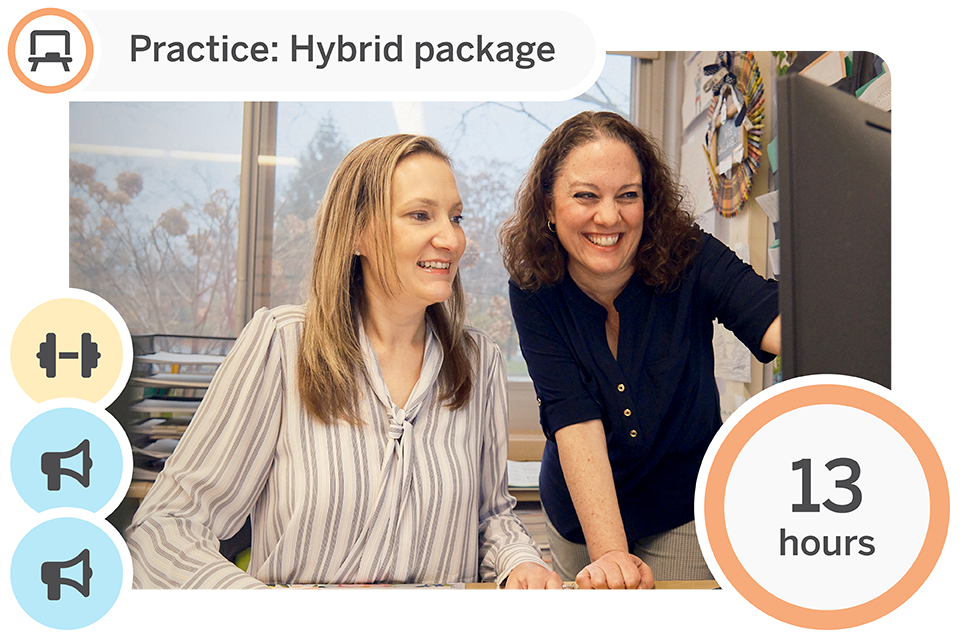
Two women work together at a computer in an office, smiling, with a graphic indicating "Practice: Hybrid package" and "13 hours.

Participate in 13 hours of program-aligned professional development across three sessions for up to 30 participants. Build understanding of research-based practices and develop knowledge through curated Strengthen and Coach sessions.

Practice: Hybrid 13 package

Session type Modality/duration What’s included
Strengthen (1) Virtual, 1-hr. Program-specific Strengthen Focus session (selected based on your needs) for Core Literacy and STEM programs.
Coach (2) On-site, 6-hr. Coach session
Suggested enhancements
Launch substitution Virtual, 1-hr. NEW: Amplify Caminos 1st and 3rd Ed. transition training for teachers
Launch substitution Virtual, 1-hr. NEW: Amplify CKLA 2nd Ed./Caminos 1st Ed. to Amplify CKLA 3rd Ed./Caminos 3rd Ed. transition training for teachers
Launch add-on Virtual, 1-hr. Amplify CKLA Grade 3–5 Skills supplement training for teachers
Launch substitution Virtual, 1-hr. Amplify CKLA 2nd Edition to 3rd Edition transition training for teachers

Strengthen: Program-specific sessions

Strengthen your Amplify implementation with program-specific sessions that support personalized learning and practice in your classroom.

To explore the available core Strengthen sessions, select your program:

Amplify will closely partner with you to select the appropriate session(s) that will deepen educators’ understanding of Amplify program(s) and equip them with the tools they need to improve students’ learning outcomes. Each package includes one Strengthen session. Additional sessions can be added as Enhancements.

Coach session: Customized support

Amplify CKLA; Amplify Caminos 3rd Edition; and Amplify Desmos Math K–5, 6–A1, and high school are available July 2026.

On-site, 6 hours

Coaching sessions focus on building internal school and district capacity and leadership excellence. Coaching is customized to meet a school or district’s needs and can include model lessons, observations, walk-throughs, and/or co-planning.

Session options: Amplify CKLA (2nd and 3rd Edition), Amplify Caminos (1st Edition), Amplify CKLA 2nd Edition/Caminos 1st Edition biliteracy, Amplify ELA 2nd Edition, Amplify Math (Grades 6–A1), Amplify Desmos Math (Grades K–5, 6–A1, or high school), Amplify Science (Grades K–5 or 6–8)

Audience: Individual teachers, grade-level teams, PLCs, and/or instructional leaders (maximum 30 participants)

Available July 2026

Suggested enhancement: Launch substitution: Amplify Caminos 1st and 3rd Edition transition training for teachers

Virtual, 1 hour

Participants will get an overview of the similarities and differences between Amplify Caminos 1st and 3rd Editions, including becoming familiar with changes in materials; the digital platform; and key lesson, assessment, and reporting components.

Session options: Amplify Caminos 1st Edition (Grades K–2 or 3–5)

Audience: Teachers, instructional staff (maximum 30 participants)

Available July 2026

Suggested enhancement: Launch substitution: Amplify CKLA 2nd Edition/Caminos 1st Edition to Amplify CKLA 3rd Edition/Caminos 3rd Edition transition training for teachers

Virtual, 1 hour

Participants will get an overview of the similarities and differences between Amplify Caminos 1st 3rd Editions, including becoming familiar with changes in materials; the digital platform; and key lesson, assessment, and reporting components.

Session options: Amplify CKLA 2nd Edition/Amplify Caminos 1st Edition (Grades K–2 or 3–5)

Audience: Teachers, instructional staff (maximum 30 participants)

Launch add-on

Suggested enhancement: Amplify CKLA Grade 3–5 Skills supplement training for teachers

Virtual, 1 hour

Learn how to implement Amplify CKLA Grades 3–5 Skills in the classroom. Learn the foundational elements of Amplify CKLA Grades 3–5 Skills, including becoming familiar with materials and key lesson components.

Note:

  • Grade 3 Skills is included in the purchase of Amplify CKLA 2nd Edition, while Grade 4 Skills and Grade 5 Skills can be added on.
  • Grades 3–5 Skills are included with the purchase of Amplify CKLA 3rd Edition.

Session options: Amplify CKLA 2nd Edition (Grades 3–5)

Audience: Teachers, instructional staff (maximum 30 participants)

Launch substitution

Suggested enhancement: Amplify CKLA 2nd Edition to 3rd Edition transition training for teachers

Virtual, 1 hour

Ideal substitution for CKLA 2nd Edition Launch sessions
Participants will get an overview of the similarities and differences between Amplify CKLA 2nd Edition and Amplify CKLA 3rd Edition, including becoming familiar with changes in materials; the digital platform; and key lesson, assessment, and reporting components.

Session options: Amplify CKLA 3rd Edition (Grades 3–5)

Audience: Teachers, instructional staff (maximum 30 participants)

Virtual 9 package

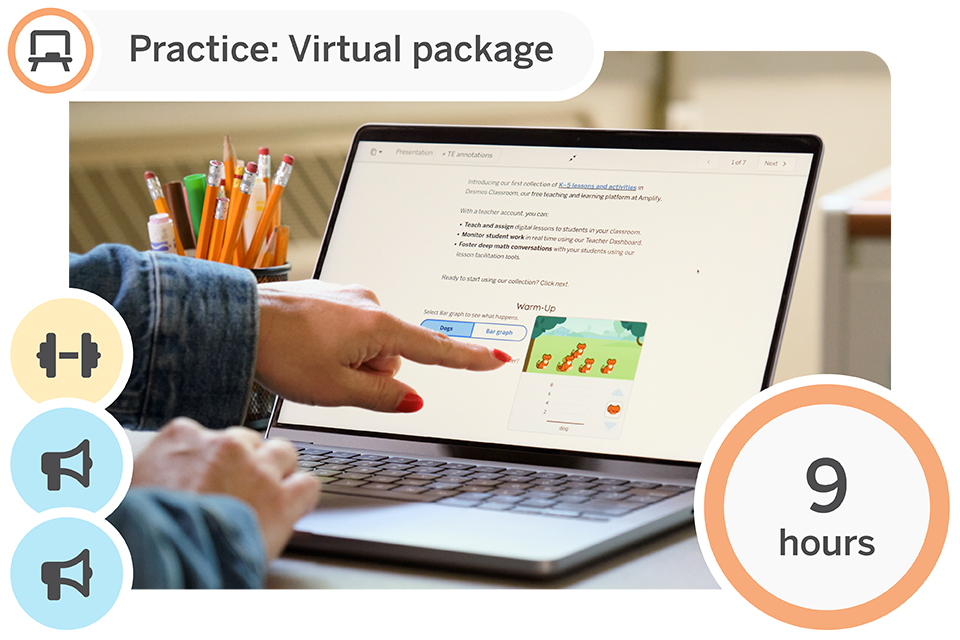
A person points at a laptop screen displaying an educational program. Text indicates "Practice: Virtual package" and "9 hours" of activity. Icons for learning and fitness are shown on the side.

Participate in 9 hours of program-aligned professional development across three sessions for up to 30 participants. Build understanding of research-based practices and develop knowledge through curated Strengthen and Coach sessions.

Practice: Virtual 9 package

Session type Modality/duration What’s included
Strengthen (1) Virtual, 3-hr. Program-specific Strengthen session (selected based on your needs) for Core Literacy and STEM programs.
Coach (2) Virtual, 3-hr. Coach session
Suggested enhancements
Launch substitution Virtual, 1-hr. NEW: Amplify Caminos 1st and 3rd Ed. transition training for teachers
Launch substitution Virtual, 1-hr. NEW: Amplify CKLA 2nd Ed./Caminos 1st Ed. to Amplify CKLA 3rd Ed./Caminos 3rd Ed. transition training for teachers
Launch add-on Virtual, 1-hr. Amplify CKLA Grade 3–5 Skills supplement training for teachers
Launch substitution Virtual, 1-hr. Amplify CKLA 2nd Edition to 3rd Edition transition training for teachers

Strengthen: Program-specific sessions

Strengthen your Amplify implementation with program-specific sessions that support personalized learning and practice in your classroom.

To explore the available core Strengthen sessions, select your program:

Amplify will closely partner with you to select the appropriate session(s) that will deepen educators’ understanding of your Amplify program(s) and equip them with the tools they need to improve students’ learning outcomes. Each package includes one Strengthen session. Additional sessions can be added as Enhancements.

Coach session: Customized support

Amplify CKLA; Amplify Caminos 3rd Edition; and Amplify Desmos Math K–5, 6–A1, and high school are available July 2026.

On-site, 6 hours

Coaching sessions focus on building internal school and district capacity and leadership excellence. Coaching is customized to meet a school or district’s needs and can include model lessons, observations, walk-throughs, and/or co-planning.

Session options: Amplify CKLA (2nd and 3rd Edition), Amplify Caminos (1st Edition), Amplify CKLA 2nd Edition/Caminos 1st Edition biliteracy, Amplify ELA 2nd Edition, Amplify Math (Grades 6–A1), Amplify Desmos Math (Grades K–5, 6–A1, or high school), Amplify Science (Grades K–5 or 6–8)

Audience: Individual teachers, grade-level teams, PLCs, and/or instructional leaders (maximum 30 participants)

Available July 2026

Suggested enhancement: Launch substitution: Amplify CKLA 2nd Edition/Caminos 1st Edition to Amplify CKLA 3rd Edition/Caminos 3rd Edition transition training for teachers

Virtual, 1 hour

Participants will get an overview of the similarities and differences between Amplify Caminos 1st and 3rd Editions, including becoming familiar with changes in materials; the digital platform; and key lesson, assessment, and reporting components.

Session options: Amplify Caminos 1st Edition (Grades K–2 or 3–5)

Audience: Teachers, instructional staff (maximum 30 participants)

Available July 2026

Suggested enhancement: Launch substitution: Amplify CKLA 2nd Edition/Caminos 1st Edition to Amplify CKLA 3rd Edition/Caminos 3rd Edition transition training for teachers

Virtual, 1 hour

Participants will get an overview of the similarities and differences between Amplify Caminos 1st and 3rd Editions, including becoming familiar with changes in materials; the digital platform; and key lesson, assessment, and reporting components.

Session options: Amplify CKLA 2nd Edition/Amplify Caminos 1st Edition (Grades K–2 or 3–5)

Audience: Teachers, instructional staff (maximum 30 participants)

Launch add-on

Suggested enhancement: Amplify CKLA Grade 3–5 Skills supplement training for teachers

Virtual, 1 hour

Learn how to implement Amplify CKLA Grades 3–5 Skills in the classroom. Learn the foundational elements of Amplify CKLA Grades 3–5 Skills, including becoming familiar with materials and key lesson components.

Note:

  • Grade 3 Skills is included in the purchase of Amplify CKLA 2nd Edition, while Grade 4 Skills and Grade 5 Skills can be added on.
  • Grades 3–5 Skills are included with the purchase of Amplify CKLA 3rd Edition.

Session options: Amplify CKLA 2nd Edition (Grades 3–5)

Audience: Teachers, instructional staff (maximum 30 participants)

Launch substitution

Suggested enhancement: Amplify CKLA 2nd Edition to 3rd Edition transition training for teachers

Virtual, 1 hour

Ideal substitution for Amplify CKLA 2nd Edition Launch sessions
Participants will get an overview of the similarities and differences between Amplify CKLA 2nd Edition and Amplify CKLA 3rd Edition, including becoming familiar with changes in materials; the digital platform; and key lesson, assessment, and reporting components.

Session options: Amplify CKLA 3rd Edition (Grades 3–5)

Audience: Teachers, instructional staff (maximum 30 participants)

Enhancement options

Want to extend learning for teachers and leaders? Have a unique need that you’d like to address? Seeking more targeted coaching options? Our package enhancements allow you to tailor your PD experience to meet the needs of your staff, whether they’re new or returning to the program.

Enhancements can be purchased for all teachers/leaders or a subset of educators.

General enhancement offerings

Session name On-site,
6-hr.
On-site,
3-hr.
Virtual,
6-hr.
(2 half days)
Virtual,
3-hr. 
Virtual,
1-hr.
Leadership Launch session       A large, light peach-colored checkmark on a transparent background.  
Leadership Strengthen session A large, light peach-colored checkmark on a transparent background. A large, light peach-colored checkmark on a transparent background. A large, light peach-colored checkmark on a transparent background. A large, light peach-colored checkmark on a transparent background.  
Launch (Practice) session for teachers and leaders   A large, light peach-colored checkmark on a transparent background.   A large, light peach-colored checkmark on a transparent background. A large, light peach-colored checkmark on a transparent background.
Strengthen session for teachers and leaders   A large, light peach-colored checkmark on a transparent background.   A large, light peach-colored checkmark on a transparent background. A large, light peach-colored checkmark on a transparent background.
Coach session for teachers and leaders A large, light peach-colored checkmark on a transparent background. A large, light peach-colored checkmark on a transparent background.   A large, light peach-colored checkmark on a transparent background.  
Amplify CKLA Grade 3–5 Skills supplement training for teachers         A large, light peach-colored checkmark on a transparent background.
Launch add-on: Language Studio companion training for K–2 or 3–5 teachers   A large, light peach-colored checkmark on a transparent background.   A large, light peach-colored checkmark on a transparent background.  
Launch substitution: Amplify CKLA 2nd Edition to 3rd Edition transition         A large, light peach-colored checkmark on a transparent background.

Launch add-on

Suggested enhancement: Launch add-on: Amplify CKLA Grade 3–5 Skills supplement training for teachers

Virtual, 1 hour

Learn how to implement Amplify CKLA Grades 35 Skills in the classroom. Learn the foundational elements of Amplify CKLA Grades 35 Skills, including becoming familiar with materials and key lesson components.

Note:

  • Grade 3 Skills is included in the purchase of Amplify CKLA 2nd Edition, while Grade 4 Skills and Grade 5 Skills can be added on.
  • Grades 3–5 Skills are included with the purchase of Amplify CKLA 3rd Edition.

Session options: Amplify CKLA 2nd Edition (Grades 3–5)

Audience: Teachers, instructional staff (maximum 30 participants)

Launch add-on

Suggested enhancement: Language Studio companion training for teachers

On-site and virtual, 3 hours

Ideal add-on for Amplify CKLA (2nd or 3rd Edition) Launch sessions

Participants will be able to summarize the key features of Language Studio. During this session, they will connect key segments of Language Studio to ELD instructional best practices, identify the segments of Language Studio, and plan and practice a Language Studio lesson.

Session options: Amplify CKLA 2nd or 3rd Edition (Grades K–2 or 3–5)

Audience: Teachers, instructional staff (maximum 30 participants)

Launch substitution

Suggested enhancement: Amplify CKLA 2nd Edition to 3rd Edition transition training for teachers

Virtual, 1 hour

Ideal substitution for CKLA 2nd Edition Launch sessions
Participants will get an overview of the similarities and differences between Amplify CKLA 2nd Edition and Amplify CKLA 3rd Edition, including becoming familiar with changes in materials; the digital platform; and key lesson, assessment, and reporting components.

Session options: Amplify CKLA 3rd Edition (Grades 3–5)

Audience: Teachers, instructional staff (maximum 30 participants)

Biliteracy packages

Biliteracy packages for Amplify CKLA and Amplify Caminos

We also offer several of the core Amplify CKLA sessions for our biliteracy and Spanish immersion programs. These specialized sessions support educators teaching with both Amplify CKLA and Amplify Caminos programs, facilitated in English, Spanish, or both languages as appropriate.

Contact your account executive for extended PD catalog options or quotes.

Companion programs

Additional sessions are available for Amplify CKLA’s companion programs (Writing Studio and Language Studio).

Get in touch with a PD expert.

Grade K

Unit 1: Position, Length, Height, and Sorting

Lesson 2: Describe and Compare Length and Height, Session 3Connecting Cubes

Unit 2: Numbers to 5, Shapes and Weight

Lesson 4: Count, Show and Write Numbers to 5, Session 2Skye’s Style
Lesson 5: Compare Numbers to 5, Session 4Matching Groups
Lesson 5: Compare Numbers to 5, Session 5Designing Shoes With Skye
Lesson 6: Three-Dimensional Shapes and Weight, Session 1What’s That Shape?
Lesson 6: Three-Dimensional Shapes and Weight, Session 2Building Solid Shapes
Lesson 6: Three-Dimensional Shapes and Weight, Session 5Putting Solid Shapes Together

Unit 3: Addition and Subtractions with 5 and Shapes,

Lesson 8: Two-Dimensional Shapes,
Session 1
So Much Sorting
Lesson 8: Two-Dimensional Shapes,
Session 2
What’s That Shape Called?
Another Shape

Unit 4: Numbers to 10 and Shapes

Lesson 11: Count, Show, and Write Numbers to 10, Session 1Investigate: Cafeteria Math
Fingers as Math Tools
Lesson 12: Compare Numbers to 10, Session 1Moving and Grooving
Fingers and Counters
Lesson 12: Compare Numbers to 10, Session 2More, Fewer, or the Same
Comparing Words
Lesson 12: Compare Numbers to 10, Session 5Forest Friends
Lesson 14: Compose and Decompose 10, Session 2Harry’s Hamster Wheel
Lesson 14: Compose and Decompose 10, Session 3Harry Explores Space
Lesson 14: Compose and Decompose 10, Session 4Showing What We Know About 10
Lesson 14: Compose and Decompose 10, Session 5Harry Explores the Ocean

Unit 6: Addition and Subtraction Within 10

Lesson 20: Add Within 10, Session 1Investigate: Casey’s Town
What Does It Mean to Add?
Lesson 20: Add Within 10, Session 2How Many Objects?
Lesson 20: Add Within 10, Session 3How Many Objects in Pictures?
How Will You Count?
Lesson 21: Subtract Within 10, Session 1What Does It Mean to Subtract?
Lesson 22: Add and Subtract to Solve Wold Problems, Session 1The Bus Depot

Unit 7: Teen Numbers and Shapes

Lesson 23: Compose and Decompose Teen Numbers with Tools and Drawings, Session 2Investigate: Packing Snacks
Getting Ready for the Game
Pass, Shoot, Score
Lesson 23: Compose and Decompose Teen Numbers with Tools and Drawings, Session 3How Many on the Field?
Lesson 25: Compose and Decompose Teen Numbers with Symbols, Session 2Jersey Jam!
People at the Park

Grade 1

Unit 1: Relating Addition and Subtraction

Lesson 2: Add and Subtract Within 10, Session 1What’s the Difference?
Leaping Lily Pads!
Investigate: Let’s Grow!
Lesson 2: Add and Subtract Within 10, Session 3Packing a Picnic
Lesson 5: Solve Word Problems to 10, Session 2Tutu’s Garden in Maui
Lesson 5: Solve Word Problems to 10, Session 2Replanting Huli
Lesson 5: Solve Word Problems to 10, Session 3The Kalo Plants
Lesson 5: Solve Word Problems to 10, Session 4A Community Working Together
Lesson 5: Solve Word Problems to 10, Session 5Helping Others

Unit 2: Addition and Subtraction Within 20

Lesson 6: Teen Numbers, Session 2Same Number, Different Ways
Lesson 7: Add Three Numbers, Session 2Making 10
Kitten Coaster

Unit 4: Using Tens and Ones to Organize and Count

Lesson 15: Tens and Ones, Session 1Investigate: Game Points
Lesson 15: Tens and Ones, Session 3Meeting Yara
It’s a Match
Lesson 16: Numbers to 120, Session 1How Many Cubes?
Boris’s Thimbles
Lesson 21: Add Two-Digit Numbers, Session 1How Many Tens?
Investigate: Squashes at the Playground
Lesson 21: Add Two-Digit Numbers,
Session 2
Town Helpers
Lesson 21: Add Two-Digit Numbers,
Session 3
Making Squash Butter

Unit 5: Operations with Tens and Ones

Lesson 19: Addition with Two-Digit Numbers, Session 2From Park to Table

Unit 6: Geometry and Measurement

Lesson 22: Shapes, Session 1Shapes Ying Saw
Lesson 23: Break Shapes Into Equal Parts, Session 2Fair and Square
One of the Parts, All of the Parts
Lesson 23: Break Shapes Into Equal Parts, Session 5A Bigger Part

Grade 1 (ADM G2)

Unit 1: Relating Addition and Subtraction

Lesson 1: Partner Pairs for 10, Session 3Ways to Make 10
Lesson 2: Add and Subtract Within 10, Session 3Exploring Within 10

Grade 2

Unit 1: Numbers Within 20

Lesson 2: Using Mental Math Strategies to Subtract, Session 1Awesome Aquariums

Unit 2: Numbers Within 100

Lesson 10: Solve Word Problems Involving Money, Session 1Investigate
Lesson 10: Solve Word Problems Involving Money, Session 2Discovering Coins (Part 1)
The Toy Stand
Lesson 10: Solve Word Problems Involving Money, Session 3How Much Money?
Discovering Coins (Part 2)
Lesson 10: Solve Word Problems Involving Money, Session 4The Craft Stand at the Block Party

Unit 3: Numbers Within 1000

Lesson 12: Three-Digit Numbers, Session 1Investigate: A Mistake in Mom’s Office
What Makes a Hundred?
Lesson 12: Three-Digit Numbers, Session 2Looking for Patterns
Lesson 13: Read and Write Three-Digit Numbers, Session 1What’s the Value?
Lesson 13: Read and Write Three-Digit Numbers, Session 2Mail Call!
Lesson 13: Read and Write Three-Digit Numbers, Session 3A New Representation
What’s Your Name?
All the Ways!
Lesson 15: Mental Addition and Subtraction, Session 2Turtle Hurdle
Lesson 16: Add Three-Digit Numbers, Session 2There’s Something About Berries
Lesson 18: Using Addition and Subtraction Strategies with Three-Digit Numbers, Session 2Baking With Skunk

Unit 4: Length

Lesson 25: Solving Problems About Length, Session 2Lengths of Jungle Animals
Lesson 27: Sorting and Organizing Data, Session 1Messy Measurements
Lesson 27: Sorting and Organizing Data, Session 3Bracelets and Wristbands
Lesson 26: Add and Subtract on the Number Line, Session 1Investigate
Time to Line Up!
In Full Bloom
Lesson 26: Add and Subtract on the Number Line, Session 2What’s That Number?
Lesson 26: Add and Subtract on the Number Line, Session 3Greater Than, Less Than, or Equal to

Unit 5: Shapes and Arrays

Lesson 28: Recognize and Draw Shapes, Session 2Frame It!
Lesson 28: Recognize and Draw Shapes, Session 3Measure It, Draw It
Lesson 32: Even and Odd Numbers,
Session 1
Can You Share?
Lesson 32: Even and Odd Numbers,
Session 2
Everybody, Find A Partner!
Lesson 32: Even and Odd Numbers,
Session 3
Is It Even or Odd?

Grade 2 (ADM G3)

Unit 2: Numbers Within 100

Lesson 6: Adding Two-Digit Numbers, Session 1Panda Patterns
Lesson 12: Understand Three-Digit Numbers, Session 2Investigate: Creating a Photo Gallery
Lesson 16: Add Three-Digit Numbers, Session 2How Would You Solve It?
Adding Your Way
What Is an Algorithm?
Lesson 16: Add Three-Digit Numbers, Session 3Using Fewer Digits
Determining Sums of 2 or More Addends
Lesson 16: Add Three-Digit Numbers, Session 3Adding Strategically

Unit 4: Length

Lesson 27: Read and Make Line Plots, Session 2The Plot Chickens
Let’s Make a Line Plot

Grade 3

Unit 2: Multiplication and Division

Lesson 4: Understand the Meaning of Multiplication, Session 1Equal Groups
Lesson 6: Multiply with 3, 4, and 6, Session 2Rectangles and Arrays
Lesson 8: Use Order and Grouping to Multiply, Session 2Arrays of Flavor
Lesson 11: Understand How Multiplication and Division Are Connected, Session 1It’s Chili in Here!
Lesson 12: Multiplication and Division Facts, Session 3Relating Quotients to Familiar Products

Unit 3: Multiplication

Lesson 19: Scaled Graphs, Session 1Puppy Pile
Lesson 19: Scaled Graphs, Session 42, 5, or 10?
Lesson 14: Understand Area, Session 1Tiling Figures
Lesson 14: Understand Area, Session 2Which Covers More Space?
Lesson 15: Multiply to Find Area, Session 3Area Hunt
Lesson 17: Solve One-Step Word Problems Using Multiplication and Division, Session 2Division and Multiplication Equations

Unit 4: Fractions

Lesson 21: Understand Fractions on a Number Line, Session 1Cat Crossing
Lesson 21: Understand Fractions on a Number Line, Session 2Fractions on the Number Line
Lesson 21: Understand Fractions on a Number Line, Session 3Location, Location, Location

Unit 6: Shapes

Performance TaskInvestigate: Comparing Rugs
Lesson 30: Understand Categories of Shapes, Session 1Piho’s Shapes
Lesson 31: Classify Quadrilaterals, Session 1Rectangles, Squares, and Rhombuses
Lesson 31: Classify Quadrilaterals, Session 3More Quadrilaterals

Grade 4

Unit 2: Operations

Lesson 6: Understand Multiplication as a Comparison, Session 1Sticker Mania
Lesson 6: Understand Multiplication as a Comparison, Session 2Representing “Times as Many”
Going Swimming
Lesson 8: Multiples and Factors, Session 1Hamster Homes
Lesson 8: Multiples and Factors, Session 3Factor or Multiple?
Lesson 8: Multiples and Factors, Session 4A Number Game
Lesson 9: Number and Shape Patterns, Session 1How Does It Grow?

Unit 3: Multi-Digit Operations and Measurement

Lesson 11: Multiply by One-Digit Numbers, Session 1Investigate: Packing Lei
Counting Flowers for Lei
Lesson 11: Multiply by One-Digit Numbers, Session 3A Lei Making Workshop
A Reasonable Answer
Three of a Kind
Lesson 12: Multiply by Two-Digit Numbers, Session 2Growing Flowers for the Lei
Double Decomposition
Lesson 12: Multiply by Two-Digit Numbers, Session 3Revisiting Strategies
How Many Supplies?

Unit 4: Fractions, Decimals, and Measurement

Lesson 17: Understand Equivalent Fractions, Session 1Investigate: Building Your Own Number Line
Fraction Strips
Lesson 18: Understand Equivalent Fractions, Session 3Chop It
All Kinds of Fractions
Lesson 19: Fraction Addition and Subtraction, Session 1Pizza Problems
Lesson 20: Add and Subtract Fractions, Session 4Math Pizzeria
Lesson 24: Multiply Fractions by Whole Numbers, Session 2Equal Groups of Fractions
Lesson 25: Fractions as Tenths and Hundredths, Session 3Investigate: Different Units
Lesson 26: Relate Decimals and Fractions, Session 2A New Way to Write Tenths
A New Way to Write Hundredths
Lesson 26: Relate Decimals and Fractions, Session 4Are They Equivalent?
Lesson 27: Compare Decimals, Session 2How Can You Compare?
Lesson 27: Compare Decimals, Session 3Robot Factory
Lesson 27: Compare Decimals, Session 4What’s the Order

Unit 5: Geometry and Measurement

Lesson 30: Points, Lines, Rays, and Angles, Session 3Angle Adventures
Lesson 31: Angles, Session 1The Spin on Angles
Lesson 32: Add and Subtract with Angles, Session 3Angles in Motion

Grade 5

Unit 1: Whole Number Operations and Applications

Lesson 2: Find Volume Using Unit Cubes, Session 1Which is Largest
Lesson 2: Find Volume Using Unit Cubes, Session 2Packing the Barge
Lesson 3: Find Volume Using Formulas, Session 3Putting it Together
Figures Made of Prisms
Lesson 4: Multiply Multi-Digit Numbers, Session 1Partial Products Everywhere
Lesson 4: Multiply Multi-Digit Numbers, Session 4How Do They Compare?
Lesson 5: Divide Multi-Digit Numbers, Session 4Emptying the Water Tank

Unit 2: Decimals and Fractions

Lesson 6: Understand Decimal Place Value, Session 1Investigate: Numbers Between Numbers
Lesson 6: Understand Decimal Place Value, Session 2What Is One Thousandth?
Lesson 8: Read and Write Decimals,
Session 1
Say What?
Place Value Patterns
Lesson 9: Compare and Round Decimals, Session 2Selling Collectibles
Lesson 9: Compare and Round Decimals, Session 3The Claw
Which Way Down the Mountain?
Lesson 9: Compare and Round Decimals, Session 4Rounding Races
Lesson 7: Understand Powers of 10, Session 1Monarch Butterflies
All About That Base
Powers of 10 Parade

Unit 3: More Decimals & Fractions

Lesson 18: Fractions as Division, Session 1Investigate: Sharing Sandwiches
Division Story Problems
Making Generalizations
Investigate: Folding Paper
Lesson 18: Fractions as Division, Session 2Sharing More Sandwiches
Dance Breaks
Lesson 19: Multiplication by a Fraction, Session 2Parts of Parts
Lesson 20: Multiply Fractions to Find Area, Session 2One Part of One Part
Lesson 20: Multiply Fractions to Find Area, Session 3Making Food
Lesson 22: Multiply Fractions in Word Problems, Session 3Installing Turf
Rows and Columns
Lesson 22: Multiply Fractions in Word Problems, Session 4Messy Multiplication
Applying Fraction Multiplication
Lesson 21: Exploring Multiplication as Scaling, Session 1Chores at Animal Haven
The Re-size-inator

Unit 5: Algebraic Thinking and the Coordinate Plane

Lesson 31: Understand the Coordinate Plane, Session 1Bullseye!
Lesson 31: Understand the Coordinate Plane, Session 2Creating a Coordinate System
Coordinating Satellite Repairs

Grade 6

Unit 1: Expressions and Equations: Area, Algebraic Expressions, and Exponents

iReady ClassroomAmplify Classroom
Lesson 1: Find the Area of a ParallelogramUnit 1
Lesson 3: Exploring Parallelograms
Exploring Parallelograms, Part 2

Unit 2: Decimals and Fractions: Base-Ten Operations, Division with Fractions, and Volume

Lesson 7: Add, Subtract, and Multiply Multi-Digit DecimalsUnit 4
Lesson 1: Dishing Out Decimals
Lesson 8: Divide Whole Numbers and Multi-Digit DecimalsUnit 5
Lesson 13: Movie Time
Lesson 9: Understand Division with FractionsUnit 4
Lesson 3: Flour Planner
Lesson 10: Divide FractionsUnit 4
Lesson 6: Fill the Gap

Unit 3: Ratio Reasoning: Ratio Concepts and Equivalent Ratios

Lesson 12: Understand Ratio ConceptsUnit 2
Lesson 1: Pizza Maker
Lesson 13: Find Equivalent RatiosUnit 2
Lesson 4: Fruit Lab
Lesson 10: Disaster Preparation

Unit 4: Ratio Reasoning: Unit Rates and Percent

Lesson 15: Understand Rate ConceptsUnit 3
Lesson 1: Many Measurements
Lesson 16: Use Unit Rates to Solve ProblemsUnit 3
Lesson 6: Soft Serve
Lesson 17: Understand PercentsUnit 3
Lesson 9: Lucky Duckies

Unit 5: Algebraic Thinking: Equivalent Expressions and Equations with Variables

Lesson 19: Write and Identify Equivalent ExpressionsUnit 6
Lesson 8: Products and Sums
Take Away (coming soon!)
Lesson 22: Analyze Two-Variable RelationshipsUnit 6
Lesson 16: Subway Fares
Take Away (coming soon!)

Unit 6: Positive and Negative Numbers: Absolute Value, Inequalities, and the Coordinate Plane

Lesson 23: Understand Positive and Negative NumbersUnit 7
Lesson 1: Can You Dig It?
Lesson 24: Order Positive and Negative NumbersUnit 7
Lesson 4: Order in the Class
Lesson 26: Write and Graph One-Variable InequalitiesUnit 7
Lesson 7: Tunnel Travels

Unit 7: Statistical Thinking: Data Distributions and Measures of Center and Variability

Lesson 30: Use Dot Plots and Histograms to Describe Data DistributionsUnit 8
Lesson 3: Minimum Wage
Lesson 5: The Plot Thickens
Lesson 31: Interpret Median and Interquartile Range in Box PlotsUnit 8
Lesson 11: Toy Cars

Grade 7

Unit 1: Proportional Relationships: Ratios, Rates, and Circles

iReady ClassroomAmplify Classroom
Lesson 2: Find Unit Rates Involving Ratios and FractionsUnit 2
Lesson 1: Paint
Lesson 4: Represent Proportional RelationshipsUnit 2
Lesson 6: Two and Two
Lesson 5: Solve Proportional Relationship Problems
Lesson 6: Solve Area and Circumference Problems Involving CirclesUnit 3
Lesson 3: Measuring Around
Lesson 9: Area Challenges

Unit 2: Numbers and Operations: Add and Subtract Rational Numbers

Lesson 7: Understand Addition with Negative NumbersUnit 5
Lesson 1: Floats and Anchors
Lesson 8: Add with Negative NumbersUnit 5
Lesson 1: Floats and Anchors
Lesson 9: Understand Subtraction with Negative IntegersUnit 5
Lesson 1: Floats and Anchors
Lesson 10: Add and Subtract Positive and Negative NumbersUnit 5
Lesson 1: Floats and Anchors

Unit 3: Numbers and Operations: Multiply and Divide Rational Numbers

Lesson 14: Use the Four Operations with Negative NumbersUnit 5
Lesson 10: Integer Puzzles

Unit 4: Algebraic Thinking: Expressions, Equations, and Inequalities

Lesson 19: Write and Solve InequalitiesUnit 6
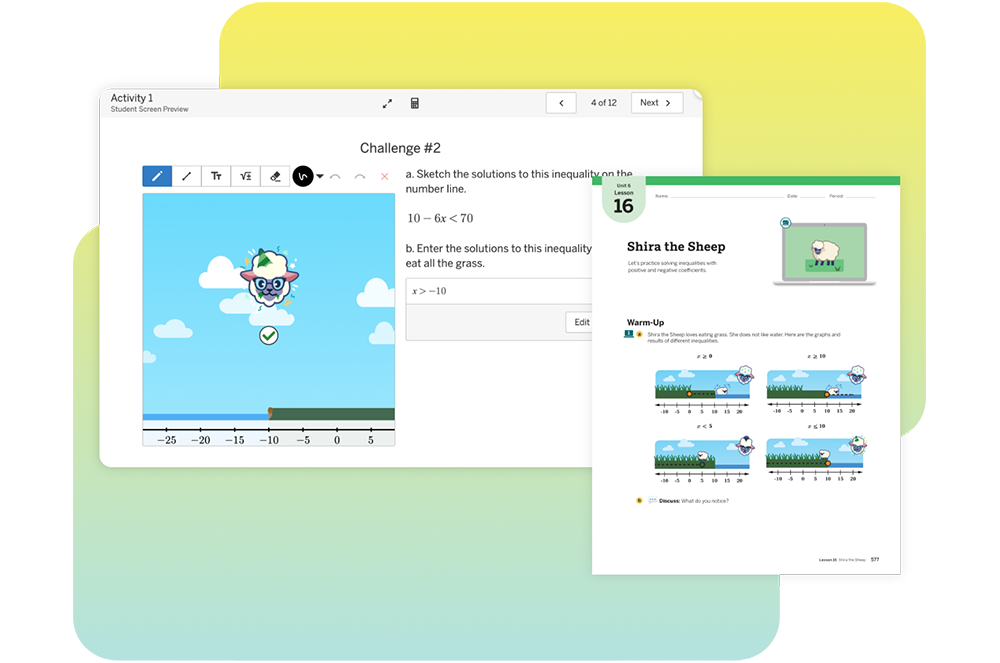
Lesson 16: Shira the Sheep

Unit 5: Proportional Reasoning: Percents and Statistical Samples

Lesson 20: Solve Problems Involving Percents Unit 4
Lesson 5: Percent Machines
Lesson 12: Posing Percent Problems (coming soon!)
Lesson 22: Understand Random SamplingUnit 8
Lesson 2: Prob-bear-bilities
Lesson 24: Compare PopulationsUnit 8
Lesson 10: Crab Island

Unit 6: Geometry: Solids, Triangles, and Angles

Lesson 28: Find Unknown Angle MeasuresUnit 7
Lesson 2: Friendly Angles
Lesson 4: Missing Measures

Unit 7: Probability: Theoretical Probability, Experimental Probability, and Compound Events

Lesson 30: Understand ProbabilityUnit 8
Lesson 1: How Likely?
Lesson 2: Prob-bear-bilities

Grade 8

Unit 1: Geometric Figures: Rigid Transformations and Congruence

iReady ClassroomAmplify Classroom
Lesson 1: Understand Rigid Transformations and Their PropertiesUnit 1
Lesson 1: Transformers
Lesson 2: Spinning, Flipping, Sliding
Lesson 2: Work with Single Rigid Transformations in the Coordinate PlaneUnit 1
Lesson 4: Moving Day

Unit 2: Geometric Figures: Transformations, Similarity, and Angle Relationships

Lesson 4: Understand Dilations and SimilarityUnit 2
Lesson 2: Dilation Mini Golf
Lesson 6: Describe Angle RelationshipsUnit 2
Lesson 6: Social Scavenger Hunt
Lesson 7: Describe Angle Relationships in TrianglesUnit 1
Lesson 12: Puzzling It Out

Unit 3: Linear Relationships: Slope, Linear Equations, and Systems

Lesson 8: Graph Proportional Relationships and Define SlopeUnit 3
Lesson 1: Turtle Time Trials
Lesson 13: Solve Systems of Linear Equations AlgebraicallyUnit 4
Lesson 11: Make Them Balance
Lesson 12: Line Zapper

Unit 4: Functions: Linear and Nonlinear Relationships

Lesson 15: Understand FunctionsUnit 5
Lesson 1: Turtle Crossing
Lesson 2: Guess My Rule
Lesson 16: Use Functions to Model Linear RelationshipsUnit 5
Lesson 5: The Tortoise and the Hare

Unit 5: Integer Exponents: Properties and Scientific Notation

Lesson 19: Apply Exponent Properties for Positive Integer ExponentsUnit 7
Lesson 1: Circles
Lesson 3: Power Pairs
Lesson 22: Work with Scientific NotationUnit 7
Lesson 9: Specific and Scientific
Lesson 11: Balance the Scale

Unit 6: Real Numbers: Rational Numbers, Irrational Numbers, and the Pythagorean Theorem

Lesson 23: Find Square Roots and Cube Roots to Solve ProblemsUnit 8
Lesson 4: Root Down
Lesson 25: Find Rational Approximations of Irrational NumbersUnit 8
Lesson 10: Taco Truck
Lesson 27: Apply the Pythagorean TheoremUnit 8
Lesson 8: Triangle-Tracing Turtle
Lesson 28: Solve Problems with Volumes of Cylinders, Cones, and SpheresUnit 8
Lesson 11: Cylinders
Lesson 13: Cones

Unit 7: Statistics: Two-Variable Data and Fitting a Linear Model

Lesson 29: Analyze Scatter Plots and Fit a Linear Model to DataUnit 6
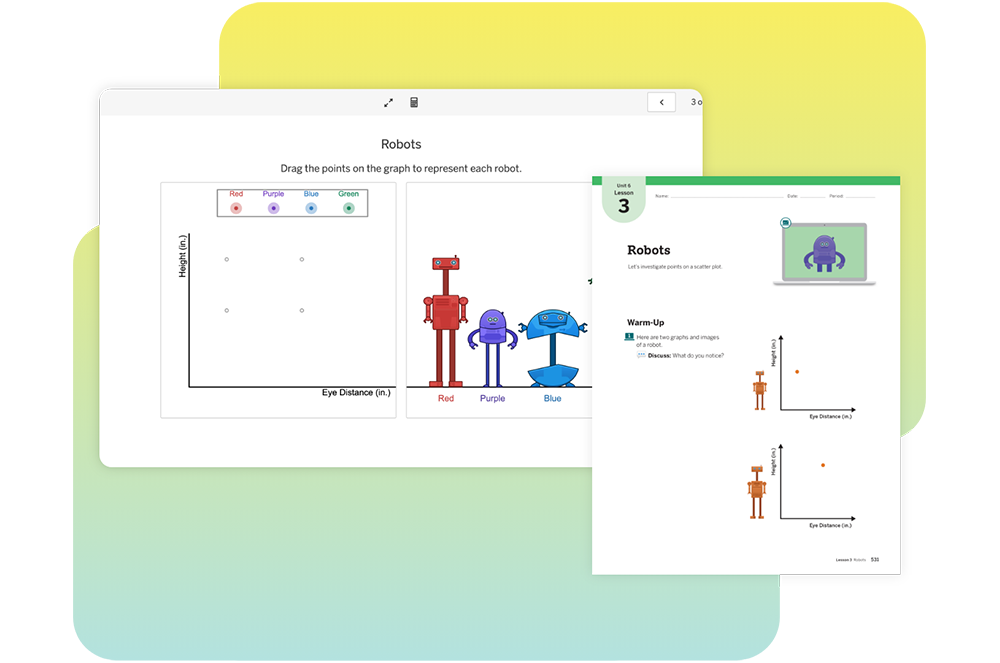
Lesson 3: Robots
Lesson 4: Dapper Cats
Lesson 6: Find the Fit

Disclaimer

This document is for informational purposes only; references to third-party programs do not imply endorsement or affiliation, and all trademarks are the property of their respective owners.

Grade K

Unit 1: Math Is…

Lesson 1-2: Math is Exploring and ThinkingConnecting Cubes

Unit 4: Sort, Classify and Count Objects

Lesson 4-1: Alike and DifferentSo Much Sorting
Lesson 4-2: Sort Objects into GroupsSo Much Sorting
Lesson 4-3: Count Objects in GroupsWhat’s that Shape called?
Another Shape

Unit 5: 2-Dimensional Shapes

Lesson 5-1: TrianglesWhat’s that Shape called?
Lesson 5-2: Squares and RectanglesAnother Shape
Lesson 5-4: CirclesWhat’s that Shape called?

Unit 6: Understand Addition

Lesson 6-1: Represent and Solve Add To ProblemsHow Many Objects?
Lesson 6-2: Represent and Solve More Add to ProblemsWhat does it mean to add?
Lesson 6-3: Represent and Solve Put Together ProblemsWhat does it mean to add?

Unit 7: Understand Subtraction

Lesson 7-1: Represent Take Apart ProblemsWhat does it mean to subtract?
Lesson 7-2: Represent and Take From ProblemsWhat does it mean to subtract?

Unit 8: Addition and Subtraction Strategies

Lesson 8-4: Ways to Decompose 6 and 7Harry Explores the Ocean
Lesson 8-6: Ways to Decompose 8 and 9Harry Explores the Ocean
Lesson 8-7: Ways to Make 10Harry Explores Space
Lesson 8-8: Ways to Decompose 10Showing What We Know About 10

Unit 13: Analyze, Compare and Compose Shapes

Lesson 13-1: Compare and Contrast 2-Dimensional ShapesWhat’s that Shape called?

Unit 14: Compare Measurable Attributes

Lesson 14-1: Describe Attributes of ObjectsAnother Shape

Grade 1

Unit 2: Number Patterns

Lesson 2-5: Patterns when Representing Objects in a GroupMeeting Yara

Unit 3: Place Value

Lesson 3-1: Numbers 11 to 19Same Number, Different Ways
Lesson 3-2: Understand 10sBoris’s Thimbles
Lesson 3-4: Represent 2-DigitsSame Number, Different Ways
Lesson 3-5: Represent 2-Digits in Different WaysSame Number, Different Ways

Unit 4: Addition within 20: Facts and Strategies

Lesson 4-1: Relate Counting to AdditionInvestigate: Game Points
Meeting Yara
Lesson 4-5: Make a Ten to AddMaking 10
Lesson 4-9: Find an Unknown Number in an Addition EquationA Community Working Together
Lesson 4-10: Understand The Equal SignKitten Coaster
Lesson 4-11: True Addition EquationsKitten Coaster
Replanting Huli

Unit 5: Subtraction within 20: Facts and Strategies

Lesson 5-1: Relate Counting to SubtractionPacking a Picnic

Unit 7: Meanings of Addition

Lesson 7-1: Represent and Solve Add to ProblemsThe Kalo Plants
Tutu’s Garden in Maui
Lesson 7-2: Represent and Solve More Add to ProblemsHelping Others

Unit 8: Meanings of Subtraction

Lesson 8-1: Represent and Solve Take From ProblemsThe Kalo Plants
Tutu’s Garden in Maui
Lesson 8-2: Represent and Solve More Take From ProblemsHelping Others

Unit 13: Equal Shares

Lesson 13-1: Understand Equal SharesA Bigger Part
Lesson 13-2: Partition Shapes into HalvesFair and Square
Lesson 13-3: Partition Shapes into FourthsFair and Square
Lesson 13-4: Describe the WholeOne of the Parts, All of the Parts
Lesson 13-5: Describe the Halves and Fourths of ShapesOne of the Parts, All of the Parts

Grade 2

Unit 2: Place Value to 1,000

Lesson 2-1: Understand HundredsWhat Makes a Hundred?
Lesson 2-2: Understand 3-digit numbersWhat’s the Value?
Lesson 2-3: Read and Write Numbers to 1000All the Ways!
Lesson 2-4: Decompose 3-digit numbersA New Representation

Unit 3: Patterns within Numbers

Lesson 3-1: Counting PatternsInvestigate: A Mistake in Mom’s Office
Lesson 3-2: Patterns when Skip Counting by 5?What’s that Number?
Lesson 3-3: Patterns when Skip Counting by 10s and 100sLooking for Patterns

Unit 4: Meanings of Addition and Subtraction

Lesson 4-7: Represent and Solve Compare ProblemsAwesome Aquariums

Unit 5: Strategies to Add Fluently Within 100

Lesson 5-9: Add More Than Two NumbersHow Much Money?

Unit 7: Measure and Compare Lengths

Lesson 7-10: Solve Problems using LengthLengths of Jungle Animals

Unit 8: Measurement, Time and Money

Lesson 8-1: Understand the Value of CoinsDiscovering Coins (Part I)
Discovering Coins (Part 2)
Lesson 8-2: Solving Money Problems Using CoinsHow Much Money?

Unit 9: Strategies to Add 3-Digit Numbers

9-2: Represent Addition with 3-Digit NumbersThere’s Something About Berries
9-3: Represent Addition with 3-Digit Numbers With RegroupingBaking with Skunk

Unit 11: Data Analysis

Lesson 11-5: Understand Line PlotsMessy Measurements
Lesson 11-6: Show Data on a Line PlotBracelets and Wristbands

Grade 3

Unit 2: Use Place Value Fluently to Add and Subtract within 1001

Lesson 2-3: Estimate Sums and DifferencesAdding Strategically
Lesson 2-6: Use Partial Sums to AddWhat is an Algorithm
Lesson 2-10: Fluently Add Within 1,000How Would You Solve It?
Determining the Sum of 2 or More Addends

Unit 3: Multiplication and Division

Lesson 3-1: Understand Equal GroupsEqual Groups
Lesson 3-3: Understand the Commutative PropertyArrays of Flavor
Lesson 3-7: Find the UnknownIt’s Chilli In Here!

Unit 4: Use Patterns to Multiply by 0,1, 2, 5 and 11

Lesson 4-6: Solve Problems Using Equal GroupsDivision and Multiplication Equations

Unit 6: Connect Area and Multiplication

Lesson 6-1: Understand AreaTiling Figures
Lesson 6-2: Count Unit Squares to Determine AreaRectangles and Arrays
Unit 2: Lesson 4: Area Hunt

Unit 7: Fractions

Lesson 7-5: Represent Whole Numbers as FractionsCat Crossing
Lesson 7-6: Represent a Greater Than One on a Number LineFractions on the Number Line

Unit 9: Use Multiplication to Divide

Lesson 9-1: Use Multiplication to Solve Division ProblemsRelating Quotients to Familar Products

Unit 12: Measurement and Data

Lesson 12-10: Measure to Halves or Fourths of an InchHow Long Is It?
More Precise Measurements
Lesson 12-11: Show Measurement Data on a Line PlotThe Plot Chickens

Unit 13: Describe and Analyze 2-Dimensional Shapes

Lesson 13-1: Describe and Classify PolygonsPiho’s Shapes
Lesson 13-2: Classify QuadrilateralsRectangles, Squares and Rhombuses

Grade 4

Unit 4: Multiplication as Comparison

Lesson 4-1: Understanding Comparing with MultiplicationRepresenting “Times as Many”
Lesson 4-2: Represent Comparison ProblemsSticker Mania
Lesson 4-3: Solve Comparison Problems Using MultiplicationGoing Swimming

Unit 5: Numbers and Number Patterns

Lesson 5-1: Understand Factors of a NumberHamster Homes
Lesson 5-3: Understand MultiplesFactor or Multiple
Lesson 5-4: Number or Shape PatterrnsHow Does it Grow?
Lesson 5-5: Generate a PatternHow Does it Grow?

Unit 6: Multiplication Strategies with Multi-Digit Numbers

Lesson 6-2: Estimate ProductsA Reasonable Answer
Lesson 6-4: Multiply 2-Digit by 1-Digit FactorsCounting Flowers for Lei
Lesson 6-5: Multiply Multi-Digit 1-Digit FactorsA Lei Making Workshop
Lesson 6-7: Multiply 2-Digit FactorsDouble Decomposition

Unit 9: Addition and Subtractions Meanings and Strategies with Fractions

Lesson 9-2: Represent Adding FractionsPizza Problems
Lesson 9-3: Add Fractions with Like DenominatorsPizza Problems
Lesson 9-4: Represent Subtracting FractionsPizza Problems
Lesson 9-5: Subtract Fractions with Like DenominatorsPizza Problems
Lesson 9-6: Solve Problems Using FractionsPizza Problems

Unit 10: Addition and Subtraction Strategies with Mixed Numbers

Lesson 10-1: Understand Decomposing Mixed NumbersMath Pizzeria

Unit 11: Multiply Fractions by Whole Numbers

Lesson 11-1: Represent Multiplication of a Unit Fraction by a Whole NumberEqual Groups of Fractions

Unit 12: Decimal Fractions

Lesson 12-2: Understand Decimal NotationA New Way to Write Tenths
A New Way to Write Hundredths
Lesson 12-3: Compare DecimalsCan You Compare?

Grade 5

Unit 2: Volume

Lesson 2-2: Use Unit Cubes to Determine VolumePutting It Together
Lesson 2-3: Use Formula to Determine VolumePutting It Together
Lesson 2-4: Determine the Volume of Composite FiguresFigures Made of Prisms

Unit 3: Place Value and Number Relationships

Lesson 3-1: Generalize Place ValuePlace Value Patterns
Lesson 3-4: Compare DecimalsSelling Collectibles
Lesson 3-5: Use Place Value to Round DecimalsWhich Way Down the Mountain?

Unit 5: Multiply Multi-Digit Whole Numbers

Lesson 5-1: Understand Powers and ExponentsMonarch Butterflies
Lesson 5-2: Patterns When Multiplying a Whole Number by Powers of 10All About that Base
Lesson 5-5: Use Partial Products to Multiply Multi-Digit FactorsHow Do They Compare?
Lesson 5-6: Relate Partial Products to an AlgorithmPatrial Products Everywhere
Lesson 5-7: Multiply Multi-Digit Factors FluentlyPatrial Products Everywhere

Unit 6: Multiply Decimals

Lesson 6-1: Patterns when Multiplying Decimals by Powers of 10Powers of 10 Parade

Unit 7: Divide Whole Numbers

Lesson 7-5: Use Partial Quotients to DivideEmptying the Water Tank

Unit 8: Divide Decimals

Lesson 8-1: Division Patterns with Decimals and Patterns of 10Powers of 10 Parade

Unit 10: Multiply Fractions

Lesson 10-3: Represent Multiplication of a Fraction By A FractionMaking Food
Lesson 10-4: Multiply a Fraction By A FractionMaking Food
Lesson 10-5: Determine the Area of Rectanges with Fractional Side LengthsInstalling Turf
Lesson 10-6: Represent Multiplication of Mixed NumbersInstalling Turf
Lesson 10-7: Multiply Mixed NumbersInstalling Turf

Unit 13: Geometry

Lesson 13-2: Plot Ordered Pairs on the Coordinate PlaneBullseye!

Grade 6

Module 1: Ratios and Rates

Reveal MathAmplify Classroom
Lesson 1: Understand ratiosUnit 2
Lesson 1: Pizza Maker
Lesson 2: Tables of Equivalent RatiosUnit 2
Lesson 10: Disaster Preparation
Lesson 4: Compare Ratio RelationshipsUnit 2
Lesson 4: Fruit Lab
Lesson 6: Convert Customary Measurement UnitsUnit 3
Lesson 1: Many Measurements
Lesson 7: Understand Rates and Unit RatesUnit 3
Lesson 6: Soft Serve

Module 2: Fractions, Decimals, and Percents

Lesson 1: Understand PercentsUnit 3
Lesson 9: Lucky Duckies
Lesson 3: Relate Fractions, Decimals, and PercentsUnit 5
Lesson 2: Decimal Diagrams and Algorithms

Module 3: Compute with Multi-Digit Numbers and Fractions

Lesson 1: Divide Multi-Digit Whole NumbersUnit 5
Lesson 13: Movie Time
Lesson 3: Divide Whole Numbers by FractionsUnit 4
Lesson 3: Flour Planner
Lesson 4: Divide Fractions by FractionsUnit 4
Lesson 6: Fill the Gap
Lesson 5: Divide with Whole and Mixed NumbersUnit 4
Lesson 6: Fill the Gap

Module 4: Integers, Rational Numbers, and the Coordinate Plane

Lesson 1: Represent IntegersUnit 7
Lesson 1: Can You Dig It?
Lesson 3: Compare and Order IntegersUnit 7
Lesson 4: Order in the Class

Module 5: Numerical and Algebraic Expressions

Lesson 3: Write Algebraic Expressions
Lesson 4: Evaluate Algebraic Expressions
Unit 6
Lesson 8: Products and Sums
Take Away (coming soon!)
Lesson 6: Use the Distributive PropertyUnit 6
Lesson 8: Products and Sums
Take Away (coming soon!)
Lesson 7: Equivalent Algebraic ExpressionsUnit 6
Lesson 1: Weight for It

Module 6: Relationships in Geometry

Lesson 2: One-Step Addition Equations
Lesson 3: One-Step Subtraction Equations
Unit 6
Lesson 1: Weight for It
Lesson 6: InequalitiesUnit 7
Lesson 7: Tunnel Travels

Module 7: Relationships Between Two Variables

Lesson 4: Multiple RepresentationsUnit 6
Lesson 16: Subway Fares
Take Away (coming soon!)

Module 8: Area

Module 9: Volume and Surface Area

Lesson 2: Surface Area of Rectangular PrismsUnit 1
Lesson 10: Renata’s Stickers

Module 10: Statistical Measures and Displays

Lesson 1: Statistical QuestionsUnit 8
Lesson 3: Minimum Wage
Lesson 2: Dot Plots and HistogramsUnit 8
Lesson 5: The Plot Thickens
Lesson 3: Measures of CenterUnit 8
Lesson 11: Toy Cars
Lesson 7: Interpret Graphical DisplaysUnit 8
Lesson 3: Minimum Wage

Grade 7

Module 1: Proportional Relationships

Reveal MathAmplify Classroom
Lesson 1: Unit Rates Involving Ratios of FractionsUnit 2
Lesson 1: Paint
Lesson 3: Tables of Proportional ReasoningUnit 2
Lesson 1: Paint
Lesson 4: Graphs of Proportional ReasoningUnit 2
Lesson 8: Dino Pops
Lesson 5: Equations of Proportional ReasoningUnit 2
Lesson 6: Two and Two

Module 2: Solve Percent Problems

Lesson 1: Percent of ChangeUnit 4
Lesson 5: Percent Machines
Lesson 12: Posing Percent Problems (coming soon!)
Lesson 3: Tips and MarkupsUnit 4
Lesson 5: Percent Machines
Lesson 4: DiscountsUnit 4
Lesson 5: Percent Machines

Module 3: Operations with Integers

Lesson 1: Add Integers
Lesson 2: Subtract Integers
Unit 5
Lesson 4: Draw Your Own
Lesson 10: Integer Puzzles
Lesson 3: Multiply IntegersUnit 5
Lesson 10: Integer Puzzles
Lesson 5: Apply Integers OperationsUnit 5
Lesson 10: Integer Puzzles

Module 4: Operations with Rational Numbers

Lesson 1: Add Integers
Lesson 2: Subtract Integers
Unit 5
Lesson 4: Draw Your Own
Lesson 10: Integer Puzzles
Lesson 3: Multiply IntegersUnit 5
Lesson 10: Integer Puzzles
Lesson 5: Apply Integers OperationsUnit 5
Lesson 10: Integer Puzzles

Module 5: Simplify Algebraic Expressions

Lesson 2: Add Linear Expressions
Lesson 3: Subtract Linear Expressions
Unit 6
Lesson 10: Collect the Squares
Lesson 4: Solve Inequalities Using Addition or SubtractionUnit 6
Lesson 16: Shira the Sheep

Module 6: Write and Solve Equations

Lesson 1: Write and Solve One-Step EquationsUnit 6
Lesson 16: Shira the Sheep

Module 7: Write and Solve Inequalities

Lesson 6: Wirte and Solve Two-Step InequalitiesUnit 6
Lesson 16: Shira the Sheep

Module 8: Geometric Figures

Lesson 1: Vertical and Adjacent AnglesUnit 7
Lesson 4: Missing Measures
Lesson 2: Complementary and Supplementary AnglesUnit 7
Lesson 2: Friendly Angles
Lesson 3: TrianglesUnit 7
Lesson 5: Can You Build It?
Lesson 4: Scale DrawingsUnit 1
Lesson 1: Scaling Machines
Lesson 7: Will It Fit?

Module 9: Measure Figures

Lesson 1: Circumference of CirclesUnit 3
Lesson 3: Measuring Around
Lesson 2: Area of CirclesUnit 3
Lesson 9: Area Challenges

Module 10: Probability

Lesson 1: Find Likelihoods
Lesson 2: Relative Frequency of Simple Events
Lesson 3: Theoretical Probability of Events
Unit 8
Lesson 1: How Likely?
Lesson 2: Prob-bear-bilities

Module 11: Sampling and Statistics

Lesson 1: Biased and Unbiased SamplesUnit 8
Lesson 10: Crab Island
Lesson 2: Make Predictions
Lesson 3: Generate Multiple Samples
Unit 8 
Lesson 10: Crab Island
Lesson 4: Compare Two PopulationsUnit 8
Lesson 10: Crab Island

Grade 8

Module 1: Exponents and Scientific Notation

Reveal MathAmplify Classroom
Lesson 1: Powers and ExponentsUnit 7 
Lesson 1: Circles
Lesson 2: Multiply and Divide MonomialsUnit 7 
Lesson 3: Power Pairs
Lesson 3: Power of MonomialsUnit 7 
Lesson 3: Power Pairs
Lesson 5: Scientific NotationUnit 7 
Lesson 9: Specific and Scientific
Lesson 11: Balance the Scale
Lesson 6: Compute with Scientific NotationUnit 7 
Lesson 9: Specific and Scientific
Lesson 11: Balance the Scale

Module 2: Real Numbers

Lesson 2: RootsUnit 8
Lesson 4: Root Down

Module 3: Solve Equations with Variables on Each Side

Lesson 1: Solve Equations with Variables on Each SideUnit 4
Lesson 5: Equation Roundtable
Lesson 2: Write and Solve Equations with Variables on Each SideUnit 4
Lesson 5: Equation Roundtable
Lesson 5: Determine the Number of Solutions

Module 4: Linear Relationships and Slope

Lesson 1: Proportional Relationships and SlopeUnit 3
Lesson 1: Turtle Time Trials
Lesson 2: Slope of a LineUnit 3
Lesson 4: Flags
Lesson 5: Slope-Intercept FormUnit 4
Lesson 5: Equation Roundtable
Lesson 6: Graph Linear EquationsUnit 3
Lesson 4: Flags
Unit 5
Lesson 5: The Tortoise and the Hare

Module 5: Functions

Lesson 1: Identify FunctionsUnit 5
Lesson 1: Turtle Crossing
Lesson 2: Guess My Rule
Lesson 6: Qualitative GraphsUnit 5
Lesson 5: The Tortoise and the Hare

Module 6: Systems of Linear Equations

Lesson 1: Solve Systems of Equations by GraphingUnit 4 
Lesson 11: Make Them Balance

Module 7: Triangles and the Pythagorean Theorem

Lesson 2: Angle Relationships and TrianglesUnit 1 
Lesson 12: Puzzling It Out

Module 8: Transformations

Lesson 1: Translations
Lesson 2: Reflections
Lesson 3: Rotations
Unit 1
Lesson 1: Transformers
Lesson 2: Spinning, Flipping, Sliding
Lesson 4: Moving Day
Lesson 4: DilationsUnit 2
Lesson 1: Sketchy Dilations
Lesson 2: Dilation Mini Golf

Module 9: Congruence and Similarity

Lesson 3: Similarity and TransformationsUnit 2
Lesson 6: Social Scavenger Hunt

Module 10: Volume

Lesson 1: Volume of CylindersUnit 5
Lesson 11: Cylinders
Lesson 2: Volume of ConesUnit 5
Lesson 13: Cones

Module 11: Scatter Plots and Two-Way Tables

Lesson 1: Scatter PlotsUnit 6 
Lesson 3: Robots
Lesson 2: Draw Lines of FitUnit 6 
Lesson 4: Dapper Cats
Lesson 6: Find the Fit
Lesson 4: Two-Way TablesUnit 6
Lesson 11: Finding Associations
Lesson 5: Associations in Two-Way TablesUnit 6
Lesson 11: Finding Associations

Disclaimer

This document is for informational purposes only; references to third-party programs do not imply endorsement or affiliation, and all trademarks are the property of their respective owners.

Grade K

Unit 1: Count Sequence and Numbers to 5

Module 1: Represent Numbers to 5 with Objects

Lesson 1: Represent 1 and 2Connecting Cubes
Lesson 2: Represent 3 and 4Skye’s Style
Matching Groups
Designing Shoes With Skye

Unit 2: Count Sequence and Numbers to 10

Module 7: Represent Numbers 6 to 10 with Objects

Module 10: Compare Numbers to 10

Lesson 4: Compare Groups Within 10 by CountingMore, Fewer, or the Same
Fingers and Counters
Lesson 5: Compare Groups Within 10 by MatchingComparing Words
Forest Friends

Module 11: Add To and Take From Within 10

Module 12: Put Together and Take Apart Within 10

Lesson 3: Solve Put Together Problems Within 10How Many Objects in Pictures?
How Will You Count?
What Does It Mean to Add?
Lesson 4: Solve Take Apart Problems Within 10What Does It Mean to Subtract?
Lesson 5: Solve Word Problems Within 10The Bus Depot

Module 13: Ways to Make Numbers to 10

Lesson 4: Ways to Make 10Harry’s Hamster Wheel
Harry Explores Space
Lesson 5: Make 10 From a Given NumberShowing What We Know About 10
Lesson 1: Ways to Make 6 and 7Harry Explores the Ocean

Unit 3: Geometry

Module 14: Analyze and Compare Three-Dimensional Shapes

Module OpenerWhat’s That Shape?
Lesson 5: Build ShapesBuilding Solid Shapes

Module 15: Describe Position of Objects

Module 16: Analyze and Compare Two-Dimensional Shapes

Lesson 7: Compare Two-Dimensional and Three-Dimensional ShapesSo Much Sorting
What’s That Shape Called?
Another Shape

Unit 4: Number and Operations in Base Ten

Module 17: Place Value Foundations-Represent Numbers to 20

Lesson 3: Compose Ten Ones and Some More Ones to 19Investigate: Packing Snacks
Lesson 4: Represent Numbers to 20Getting Ready for the Game
How Many on the Field?
Pass, Shoot, Score

Module 18: Place Value Foundations-Represent Number to 20 with a Written Numeral

Lesson 1: Count and Write 11 to 14Jersey Jam!
Lesson 3: Count and Write 16-19People at the Park

Grade 1

Unit 1: Ways to Add and Subtract

Module 2: Subtraction Strategies

Lesson 2.1: Represent SubtractionPacking a Picnic
Lesson 2.2: Count BackWhat’s the Difference?
Lesson 2.3: Count on to SubtractLeaping Lily Pads!

Module 3: Properties of Operations

Lesson 3.6: Determin Equatl and Not EqualReplanting Huli

Module 4: Apply Addition and Subtraction Relationships

Lesson 4.2: Represent Related FactsSame Number, Different Ways
Lesson 4.3: Identify Related FactsKitten Coaster
Lesson 4.6: Solve for Unknow AddendTutu’s Garden in Maui

Module 5: Understand Add to and Take From Problems

Lesson 5.4: Solve Add To and Take From ProblemsA Community Working Together
Helping Others
Making 10

Module 6: Understand Put Together and Take Apart Problems

Lesson 6.3: Represent Addend and Unknown Problems with Objects and DrawingInvestigate: Let’s Grow!

Module 8: Data

Lesson: 8.2 Represent Data with Picture GraphsShapes Ying Saw

Unit 3: Numbers to 120

Module 10: Count and Represent Numbers

Lesson 10.4: Decompose Numbers in Different WaysInvestigate: Game Points
Lesson 10.5: Represent, Read, and Write Numbers from 100 to 110From Head to Claw
From Wing Tip to Wing Tip
Measuring More Wingspans
Lesson 10.5: Represent, Read, and Write Numbers from 110 to 120From Head to Claw
From Wing Tip to Wing Tip
Measuring More Wingspans

Unit 4: Addition and Subtractoin in Base Ten

Module 12: Understand Addition and Subtraction with Tens and Ones

Lesson 12.1: Representing Adding TensMeeting Yara
It’s a Match
From Park to Table
Lesson 12.3: Add and Subtract TensHow Many Cubes?
Boris’s Thimbles
How Many Tens?

Module 13: Two-Digita Addition and Subtraction

Lesson 13.1: Use Hundred Charts to Show Two-Digit Addtion and Subtraction.Investigate: Squashes at the Playground
Lesson 13.2: Understand and Explain Place Value AdditionTown Helpers
Making Squash Butter

Unit 6: Measurment

Module 16: Fraction Foundations

Lesson 16.1: TAke Apart Two-Dimensional ShapesFair and Square
Lesson 16.2: Identify Equal or Unequal PartsOne of the Parts, All of the Parts
Lesson 16.4: Partition Shapes into FourthsA Bigger Part

Grade 2

Unit 1: Numbers and Data

Module 1: Fluency for Addition and Subtraction Within 20

Lesson 1.5: Use the Make a Ten Strategy to AddExploring Within 10
Ways to Make 10

Module 1: Fluency for Addition and Subtraction Within 21

Lesson 1.6: Use a Tens Fact to SubtractExploring Within 10
Ways to Make 10

Module 2: Equal Groups

Lesson 2.1: Identify Even and Odd NumbersCan You Share?
Is It Even or Odd?
Lesson 2.2: Write Equations to Represent Even NumbersEverybody, Find A Partner!

Module 3: Data

Lesson 3.5: Draw bar graphs to Represent DataAwesome Aquariums

Unit 2: Place Value

Module 4: Understand Place Value

Lesson 4.1: Group Tens as HundredsWhat Makes a Hundred?
Lesson 4.2: Understand Three-Digit NumbersWhat’s the Value?
Lesson 4.4: Represent Numbers with Hundreds, Tens, and OnesMail Call!
What’s Your Name?

Module 5: Read, Write, and Show Numbers to 1000

Lesson 5.3: Different Ways to Write NumbersA New Representation
Lesson 5.4: Different Ways to Show NumbersAll the Ways!

Module 6: Use Place Value

Lesson 6.1: Count Within 1000Investigate
Turtle Hurdle
Lesson 6.5: Use Symbols to Compare NumbersTime to Line Up!

Unit 3: Money and Time

Module 7: Coins

Lesson 7.1: Relate Place Value to CoinsInvestigate
Lesson 7.2 Identify and Find Value of CoinsDiscovering Coins (Part 1)
Lesson 7.3: Compute the Value of Coin CombinationsHow Much Money?
Lesson 7.4: Show Amounts in Different WaysDiscovering Coins (Part 2)
The Toy Stand

Module 8: Dollar Amounts

Lesson 8.3: Solve Problems Involving MoneyThe Craft Stand at the Block Party

Unit 5: Three-Digita Addition and Subtraction

Module 16: Three-Digit Addition

Lesson 16.1: Use Drawing to Represent Three-Digit AdditionThere’s Something About Berries
Lesson 16.2: Decomposte Three-Digit AddendsBaking With Skunk

Unit 6: Measurement

Module 18: Lengths in Inches, Feet, and Yards

Lesson 18.4: Make Line Ploits to Show Measurement DataMessy Measurements
Bracelets and Wristbands

Module 20: Relate Addition and Subtraction to Length

Lesson 20.1: Relate Inches to a Number LineInvestigate
Time to Line Up!
What’s That Number?
Lesson 20.2: Add and Subtract Lengths in InchesLengths of Jungle Animals
Lesson 20.3: Relate Centimeters to a Number LineInvestigate
Time to Line Up!
In Full Bloom

Unit 7: Geometry and Fractions

Module 21: Two- and Three- Dimensional Shapes

Lesson 21.2 Identify and Draw Three-Dimensional ShapesMore to Measure
Lesson 21.2: Identify and Draw Two-Dimensional ShapesFrame It!
Measure It, Draw It

Grade 3

Unit 1: Understand Multiplication and Area

Module 1: Understand Multiplication

Lesson 1.1: Count Equal GroupsEqual Groups
Lesson 1.3: Represent Multiplication with ArraysArrays of Flavor
Lesson 1.4: Understand the Commutative Property of MultiplicationArrays of Flavor

Module 2: Relate Multiplication and Area

Lesson 2.1 Understand Area by Counting Unit SquareInvestigate: Comparing Rugs
Which Covers More Space?
Lesson 2.2: Measuring Area by Counting Unit SquaresTiling Figures
Area Hunt
Lesson 2.3: Relate Area to Addition and MultiplicationRectangles and Arrays

Unit 2: Multiplication and Division

Module 7: Relate Multiplication and Division

Lesson 7.7: Build Fluency with Multiplication and DivisionRelating Quotients to Familiar Products

Module 8: Apply Multiplication and Division

Lesson 8.3: Use Multiplication and Division to Solve Problem SituationsIt’s Chili in Here!
Lesson 8.4: Solve Two-Step ProblemsDivision and Multiplication Equations

Unit 3: Addition and Subtraction Strategies

Module 9: Addition and Subtraction Strategies

Lesson 9.3: Use Properties to AddHow Would You Solve It?
Lesson 9.4: Use Mental Math to Assess ReasonablenessAdding Strategically

Module 10: Addition and Subtraction Within 1000

Lesson 10.1: Use Expanded Form to AddWhat Is an Algorithm?
Lesson 10.2: Use Place Value to AddAdding Your Way
Using Fewer Digits
Lesson 10.5: Choose a Strategy to Add or SubtractDetermining Sums of 2 or More Addends

Unit 4: Fractions

Module 13: Understand Fractions as Numbers

Lesson 13.4: Represent and Name Fractions on a Number LineFractions on the Number Line
Lesson 13.5: Express Whole Numbers as FractionsCat Crossing
Lesson 13.6: Represent and Name Fractions Greater Than 1Location, Location, Location

Unit 5: Measurement and Data

Module 18: Represent and Interpret Data

Lesson 18.4: Make a Bar GraphPuppy Pile
2, 5, or 10?
Egg-cellent Pick
Lesson 18.5: Use Line Plots to Display Measurement DataHow Long Is It?
More Precise Measurements
Same Lengths, Different Names
Lesson 18.6: Make Line Plots to Display Measurement DataThe Plot Chickens
Let’s Make a Line Plot

Unit 6: Geometry

Module 19: Define Two-Dimensional Shapes

Lesson 19.1: Describe ShapesPiho’s Shapes
Lesson 19.4: Define QuadrilateralsRectangles, Squares, and Rhombuses

Module 20: Categorize Two-Dimensional Shapes

Lesson 20.1: Draw QuadrilateralsMore Quadrilaterals

Grade 4

Unit 1: Place Value and Whole Number Operations

Module 3: Interpret and Solve Problem Situations

Lesson 3.1: Explore Multiplicative ComparisonsSticker Mania
Lesson 3.4: Use Comparison to Solve Problem SituationsRepresenting “Times as Many”
Going Swimming

Unit 2: Multiplication and Division Problems

Module 4: Mental Math and Estimation Strategies

Lesson 4.3: Estimate Products by 1-Digit NumbersA Reasonable Answer

Module 5: Multiply by 1-Digit Numbers

Lesson 5.1: Represent MultiplicationInvestigate: Packing Lei
Lesson 5.2: Use Area Models and the Distributive Property to MultiplyCounting Flowers for Lei
Lesson 5.4: Multiplying Using Partial ProductsThree of a Kind
Lesson 5.6: Multiplying 3-Digit and 4-Digit NumbersA Lei Making Workshop

Unit 3: Extend and Apply Multiplication

Module 8: Extend and Apply Multiplication

Lesson 8.1: Multiply with TensGrowing Flowers for the Lei
Lesson 8.3: Relate Area Model and Partial ProductsDouble Decomposition
Lesson 8.4: Multiplying Using Partial ProductsRevisiting Strategies
Lesson 8.7: Solve Multi-step Problems and Assess ReasonablenessHow Many Supplies?

Unit 4: Fractions and Decimals

Module 10: Algebraic Thinking and Number Theory

Lesson 10.1: Investigate FactorsHamster Homes
Lesson 10.2: Identify FactorsFactor or Multiple?
Lesson 10.4: Identify Prime and Composite NumbersA Number Game
Lesson 10.5 Generate and Analyze Number PatternsHow Does It Grow?

Module 11: Fraction Equivalence and Comparison

Lesson 11.1: Compare Fractions Using Viaula ModelsInvestigate: Building Your Own Number Line
Lesson 11.2: Compare Fractions Using BenchmarksFraction Strips
Lesson 11.6: Compare Fractions Using Common DenominatorsChop It
Lesson 11.7: Use Comparison to Order FractionsAll Kinds of Fractions

Module 12: Relate Fractions and Decimals

Lesson 12.1: Represent Tenths as Fractions and DecimalsA New Way to Write Tenths
Lesson 12.2 Represent Hundredths as Fractions and DecimalsA New Way to Write Hundredths
Lesson 12.3: Identify Equivalent Fractions and DecimalsAre They Equivalent?
Lesson 12.4: Compare DecimalsHow Can You Compare?
Robot Factory
What’s the Order

Module 13: Use Fractions to Understand Angles

Lesson 13.2: Explore AnglesAngle Adventures
Lesson 13.3: Relate Angles to Fraction Part of a CircleThe Spin on Angles
Lesson 13.6: Join and Separate AnglesAngles in Motion

Module 14: Understand Addition and Subtraction of Fractions with Like Denominators

Lesson 14.2: Joining Parts of the Same WholePizza Problems

Module 15: Add and Subtract Fractions and Mixed Numbers with Like Denominators

Lesson 15.1: Add and Subtract Fractions to Solve ProblemsMath Pizzeria

Unit 6: Two-Dimensional Figures and Symmetry

Module 18: Symmetry and Patterns

Lesson 18.3: Generate and Identify Shape PattersHow Does It Grow?

Grade 5

Unit 1: Whole Numbers, Expressions, and Volume

Module 1: Whole Number Place Value and Multiplication

Lesson 1.3: Use a Pattern to Multiply by Multiplies of 10, 100, and 1000Partial Products Everywhere
Monarch Butterflies
All About That Base
Lesson 1.5: Multiply Multi-Digit NumbersHow Do They Compare?

Module 2: Understand Division of Whole Numbers

Lesson 2.4: Use Partial QuotientsEmptying the Water Tank

Module 5: Volume

Lesson 5.2: Understand VolumeWhich is Largest
Lesson 5.3: Estimate VolumePacking the Barge
Lesson 5.6: Find Volume of Composed FiguresPutting it Together
Figures Made of Prisms

Unit 3: Multiplying Fractions and Mixed Numbers

Module 8: Understand Multiplication of Fractions

Lesson 8.1: Explore Groups of Equal Shares to Show MultiplicationInvestigate: Sharing Sandwiches
Investigate: Folding Paper
Lesson 8.2: Represent Multiplication of Whole Numbers by FractionsSharing More Sandwiches
Lesson 8.3: Represent Multiplication with Unit FractionOne Part of One Part
Lesson 8.4: Represent Multiplication of FractionsDance Breaks
Parts of Parts
Making Food
Lesson 8.5: Use Representations of Area to Develop ProceduresOne Part of One Part
Installing Turf
Rows and Columns
Lesson 8.6: Interpret Fraction Multiplication as ScalingChores at Animal Haven
The Re-size-inator
Lesson 8.7: Multiplying FractionsMessy Multiplication

Module 9: Understand and Apply Multiplication of Mixed Numbers

Lesson 9.3: Practice Multiplication with Fractions and Mixed NumbersMessy Multiplication
Applying Fraction Multiplication

Unit 4: Divide Fractions and Convert Customary Units

Module 10: Understand Division with Whole Numbers and Unit Fractions

Lesson 10.1: Interpret a Fraction as DivisionDivision Story Problems
Making Generalizations

Unit 5: Add and Subtract Decimals

Module 13: Decimal Place Value

Lesson 13.1: Understand ThousandthsWhat Is One Thousandth?
Lesson 13.2: Read and Write Decimals to ThousandthsSay What?
Lesson 13.3: Round DecimalsWhich Way Down the Mountain?
Rounding Races
Lesson 13.4: Compare and Order DecimalsInvestigate: Numbers Between Numbers
The Claw
Selling Collectibles

Unit 6: Multiply Decimals

Module 15: Multiply Decimals and Whole Numbers

Lesson 15.1: Understand Decimal Multiplication PatternsPlace Value Patterns
Powers of 10 Parade

Unit 7: Divide Decimals and Convert Customary Units

Module 17: Understand Decimal Division Patterns

Lesson 17.1: Understand Decimal Division PatternsPowers of 10 Parade

Unit 8: Graphs, Patterns, and Geometry

Module 19: Graphs and Patterns

Lesson 19.1: Describe a Coordinate SystemCreating a Coordinate System
Lesson 19.2: Understand Ordered PairsBullseye!
Lesson19.4: Generate and Identify Numerical PattermsCoordinating Satellite Repairs

Grade 6

Unit 1: Number Systems and Operations

Module 1: Integer Concepts

Lesson 1: Identify and Interpret IntegersCan You Dig It?
Lesson 2: Compare and Order Integers on a Number LineOrder in the Class

Module 3: Fraction Division

Lesson 1: Understand Fraction DivisionFlour Planner
Fill the Gap

Module 4: Fluency with Multi-Digit Decimal Operations

Lesson 1: Add and Subtract Multi-Digit DecimalsDishing Out Decimals
Decimal Diagrams and Algorithms
Lesson 4: Divide Multi-Digit DecimalsMovie Time

Unit 2: Ratio and Rate Reasoning

Module 5: Ratio and Rates

Lesson 1: Understand the Concept and Language of RatiosPizza Maker
Lesson 2: Represent Ratios and Rates with Tables and GraphsFruit Lab
Disaster Preparation
Lesson 3: Compare Ratios and RatesModel Trains
Lesson 4: Find and Apply Unit RatesWorld Records
Lesson 5: Solve Ratio and Rate Problems Using Proportional ReasoningWelcome to the Robot Factory
More Soft Serve

Module 6: Apply Ratios and Rates to Measurement

Lesson 2: Use Rate Reasoning to Convert withing Measurement SystemsSoft Serve
Many Measurements

Module 7: Understand, Express, and Compare Percent Ratios

Lesson 1: Understand, Express, and Compare Percent RatiosLucky Duckies

Unit 3: Expressions, Equations, and Inequalities

Module 8: Numerical and Algebraic Expressions

Lesson 3: Write Algebraic Expressions to Model SituationsProducts and Sums

Module 9: Solve Problems Using Equations and Inequalities

Lesson 1: Write Equations to Represent SituationsWeight for It
Five Equations
Lesson 2: USe Additions and Subtraction Equations to Solve ProblemsHanging Around
Hanging It Up
Lesson 3: Use Multiplication and Division Equations to Solve ProblemsHanging Around
Hanging It Up
Lesson 4: Use One-Step Equations to Solve a Variety of ProblemsSwap and Solve
Lesson 5: Write and Graph InequalitiesTunnel Travels

Module 10: Real-World Relationships Between Variables

Lesson 1: Represent Equations in Tables and GraphsSubway Fares
Lesson 2: Write Equations from Verbal DescriptionsSubway Fares

Unit 4: Relationships in Geometry

Module 11: Polygons on the Coordinate Plane

Lesson 4: Find the Perimeter and Area on the Coordinate PlaneShapes on a Plane

Module 12: Area of Triangles and Special Quadrilaterals

Lesson 1: Develop and Use the Formula for Area of ParallelogramsExploring Parallelograms, Part 1
Exploring Parallelograms, Part 2
Off the Grid, Part 1
Lesson 2: Develop and Use the Formula for Area of TrianglesExploring Triangles
Triangles and Parallelograms
Off the Grid, Part 2
Lesson 3: Develop and Use the Formula for Area of TrapezoidsPile of Polygons
Lesson 4: Find Area of Composite FiguresPuzzling Areas
Letters

Module 13: Surface Area and Volume

Lesson 1: Explore Nets and Surface AreaRenata’s Stickers

Unit 5: Data Collection and Analysis

Module 14: Data Collection and Displays

Lesson 2: Display Data in Dot PlotsMinimum Wage
Lesson 3: Make Histograms and Frequency TablesThe Plot Thickens

Module 15: Measure of Center

Lesson 2: Find Measures of CenterToy Cars
Lesson 3: Choose a Measure of CenterHoops

Grade 7

Unit 1: Proportional Relationships

Module 1: Identify and Represent Proportional Relationships

Lesson 1: Explore RelationshipsPaint
Lesson 2: Recognize Proportional Relationships in TablesTwo and Two
Lesson 3: Compute Unit Rates Involving FractionsDinoPops
Lesson 4: Recognize Proportional Relationships in GraphsScale Factor Challenges
Lesson 5: Use Proportional Relationships to Solve Rate ProblemsScaling Robots
Lesson 6: Practice Proportional Reasoning with Scale DrawingsScaling Machines
Make it Scale
Tiles
Will It Fit

Module 2: Proportional Reasoning with Percents

Lesson 1: Percent ChangeMosaics
Percent Machines
Lesson 2: Markups and DiscountsMore and Less
All the Equations
Lesson 3: Taxes and Gratuities100%
Lesson 5: Simple InterestBack in My Day

Unit 2: Rational Number Operations

Module 3: Understand Addition and Subtraction of Rational Numbers

Lesson 1: Add or Subtract a Positive Integer on a Number lineFloats and Anchors
Lesson 3: Use a Number Line to Add and Subtract Rational NumbersDraw Your Own

Module 4: Add and Subtract Rational Numbers

Lesson 1: Compute Sums of IntegersMore Floats and Anchors
Lesson 2: Compute Differences of IntegersMore Floats and Anchors
Lesson 4: Apply Properties to Multi-step Addition and Subtraction ProblemsInteger Puzzles

Unit 3: Model with Expressions, Equations, and Inequalities

Module 7: Solve Problems Using Expressions and Equations

Lesson 1: Write Linear Expressions in Different Forms for Different SituationsCollect the Squares
Lesson 3: Write Two-Step Equations for SituationsKeeping it True
Lesson 5: Apply Two-Step Equations fo Find Angle MeasuresFriendly Angles
Missing Measures

Module 8: Solve Problems Using Inequalities

Lesson 1: Understand and Apply Properties to Solve One-Step InequalitiesI Saw the Signs
Lesson 2: Write Two-Step Inequalities for SituationsUnbalanced Hangers
Shira the Sheep
Lesson 3: Apply Two-Step Inequalities to Solve ProblemsBudgeting
Write Them and Solve Them

Unit 4: Geometry

Module 9: Draw and Analyze Two-Dimensional Figures

Lesson 2: Draw Circles and Other FiguresCan You Build It

Module 10: Analyze Figures to Find Circumference and Area

Lesson 1: Derive and Apply Formulas for CircumferenceMeasuring Around
Lesson 2: Derive and Apply a Formula for the Area of a CircleWhy Pi?
Lesson 4: Areas of Composite FiguresArea Challenges

Unit 5: Sampling and Data Analysis

Module 13: Use Statistics and Graphs to Compare Data

Lesson 3: Compare Means Using MAD and Repeated SamplingCrab Island

Module 14: Understand and Apply Experimental Probability

Lesson 1: Understand Probability of an EventHow Likely
Lesson 2: Find Experimental Probability of Simple EventsProb-bear-bilities

Module 15: Find Theoretical Probability of Simple Events

Lesson 1: Find Theoretical Probability of Simple EventsIs It Fair?

Grade 8

Unit 1: Transformational Geometry

Module 1: Transformations and Congruence

Module 2: Transformations and Similarity

Lesson 1: Investigate Reductions and EnlargementsSketchy Dilations
Lesson 2: Explore DilationsDilation Mini Golf
Lesson 3: Understand and Recognize Similar FiguresSocial Scavenger Hunt

Unit 2: Linear Equations and Applications

Module 3: Solve Linear Equations

Lesson 1: Solve Multi-Step Linear EquationsEquation Roundtable
Lesson 3: Apply Linear Equations

Module 4: Angle Relationships

Lesson 1: Develop Angle Relationships for TrianglesPuzzling It Out
Lesson 3: Explore Prarallel Lines Cut by a TransversalPuzzling It Out

Unit 3: Relationships and Functions

Module 5: Proportional Relationships

Lesson 2: Derive y = mxTurtle Time Trials
Lesson 3: Interpret and Graph Proportional RelationshipsTurtle Time Trials
Lesson 4: Compare Proportional RelationshipsTurtle Time Trials

Module 6: Understand and Analyze Functions

Lesson 1: Understand and Graph FunctionsGuess My Rule
Lesson 2: Derive and Interpret y = mx + bFlags
Translations
Lesson 3: Interpret Rat of Change and Initial ValueStacking Cups (Optional)
Lesson 4: Construct FunctionsWater Cooler
Lesson 5: Compare FunctionsUps and Downs
Lesson 6: Describe and Sketch Nonlinear FunctionsTurtle Crossing
The Tortoise and the Hare

Module 7: Systems of Linear Equations

Lesson 1: Represent Systems by GraphingMake Them Balance
Lesson 2: Solve Systems by GraphingLine Zapper

Unit 4: Statistics and Probability

Module 8: Scatter Plots

Lesson 1: Construct Scatter Plots and Examine AssociationRobots
Dapper Cats
Lesson 2: Draw and Analyze Trend LinesInterpreting Scatter Plots
Find the Fit (called Fit Fights in Desmos Math)
Lesson 3: Interpret Linear Data in ContextInterpreting Slopes
Scatter Plot City
Animal Brains

Module 9: Two-Way Tables

Lesson 1: Construct and Interpret Two-Way Frequency TablesFinding Associations
Lesson 3: Interpret Two-Way Relative Freqency TablesFinding Associations

Unit 5: Real Numbers and the Pythagorean Theorem

Module 10: Real Numbers

Lesson 2: Investigate RootsRoot Down

Module 11: The Pythagorean Theorem

Lesson 1: Prove the Pythagorean TheoremTriangle Tracing Turtle
Lesson 3: Apply the Pythagorean TheoremTaco Truck

Unit 6: Exponents, Scientific Notation, and Volume

Module 12: Exponents and Scientific Notation

Lesson 1: Know and Apply Properties of ExponentsCircles
Power Pairs
Lesson 2: Understand Scientific NotationSpecific and Scientific (formerly Solar System)
Lesson 3: Compute with Scientific NotationBalance the Scale

Module 13: Volume

Lesson 1: Find Volume of CylindersCylinders
Lesson 2: Find Volumes of ConesCones

Algebra 1

Intro/Launch

Unit 1: Real Numbers and Connections to Algebra

Module 2: Linear Equations and Inequalities in One Variable

Lesson 2.2: Write and Solve EquationsWorking Backwards
Solving Strategies
Same Position
Lesson 2.3: Rewrite Formulas and Solve Literal EquationsVarious Variables
Lesson 2.4: Write and Solve InequalitiesPizza Delivery

Unit 2: Linear Functions and Equations

Module 3: Linear Equations in Two Variables

Lesson 3.1: Linear Equations in Standard FormShelley the Snail
Five Representations
Lesson 3.2: Slopes of Lines and Rates of ChangePlane, Train, and Automobile

Module 4: Linear Functions and Models

Lesson 4.3: Characteristics of Linear FunctionsCraft-a-Graph

Module 5: Relationships Among Linear Functions

Lesson 5.3: Compare Linear FunctionsSubway Seats
Lesson 5.4: Inverses of Linear FunctionsChip the Robot

Unit 3: Build Linear Functions and Models

Module 6: Fit Linear Functions to Data

Lesson 6.1: Scatter Plots, Correlation, and Fitted LinesCorrelation Coefficient
How Hot Is It?
City Slopes
Behind the Headlines
City Data
Lesson 6.2: Residualts and Best-Fit LinesResidual Fruit
Penguin Populations

Module 7: Discrete Linear Functions

Lesson 7.1: Arithmetic Sequences Defined RecursivelySequence Carnival
Lesson 7.2: Arithmetic Sequences Defined ExplicitlyMore Visual Patterns

Module 8: Piecewise-Defined Functions

Lesson 8.1: Graph Piecewise-Defined FunctionsPumpkin Prices

Unit 4: Linear Systems

Module 9: Systems of Linear Equations

Lesson 9.1: Solve Linear Systems by GraphingLizard Lines
Lesson 9.2: Solve Linear Systems by SubstitutionShape It Up

Module 10: Linear Inequalities

Lesson 10.2: Graph Systems of Linear InequalitiesQuilts
Seeking Solutions

Unit 5: Exponential Functions and Equations

Module 11: Exponential Functions and Models

Lesson 11.1: Exponential Growth FunctionsCarlos’s Fish

Unit 6: Build Exponential Functions and Models

Module 13: Fit Exponential Functions to Data

Lesson 13.1: Scatter Plots and Fitted Exponential CurvesDetroit’s Population, Part 1
Detroit’s Population, Part 2

Module 14: Discrete Exponential Functions

Lesson 14.1: Geometric Sequences Defined RecursivelySequence Carnival
Lesson 14.2: Geometric Sequences Defined ExplicitlyMore Visual Patterns

Unit 8: Quadratic Functions and Equations

Module 17: Use Graphing and Factoring to Solve Quadratic Equations

Lesson 17.1: Solve Quadratic Equations by Graphing Quadratic FunctionsRevisiting Visual Patterns, Part 1
Quadratic Visual Patterns
On the Fence
Plenty of Parabolas
Lesson 17.3: Solve Quadratic Equations by Factoring ax^2+bx+cStomp Rockets
Two for One
Robot Launch
Lesson 17.4: Use Special Factoring Patterns to Solve Quadratic EquationsParabola Zapper
Shooting Stars

Module 18: Use Square Roots to Solve Quadratic Equations

Lesson 18.2: Solve Quadratic Equations by Completing the SquareSquare Tactic
Lesson 18.3: Use the Quadratic Formula to Solve EquationsStomp Rockets in Space

Unit 9: Function Analysis

Module 20: Function Analysis

Lesson 20.1: Choose Among Linear, Exponential, and Quadratic ModelsSorting Relationships

Unit 10: Data Analysis

Module 22: Numerical Data

Lesson 22.1: Data Distributions and Appropriate StatisticsFinding Desmo

Disclaimer

This document is for informational purposes only; references to third-party programs do not imply endorsement or affiliation, and all trademarks are the property of their respective owners.

Professional development for multi-program suites

Amplify professional development provides learning experiences that intentionally develop the knowledge and skills you need for effective and self-sustaining implementation.

Now you can learn and apply impactful instructional techniques and develop a deeper understanding of the suite of Amplify programs.

Professional Learning Partner Guide Certified Provider

Amplify professional development has been vetted by Rivet Education’s team through a rigorous three-step process and is listed in the Professional Learning Partner Guide.

A diagram shows three math programs: mCLASS Math with a student's photo, Amplify Desmos Math with math tools, and Boost Math with a robot illustration, all connected by orange lines.

Amplify suites

Each of Amplify’s high-quality, research-based programs is designed to help you teach inspiring math lessons that celebrate and develop your students’ brilliance. When used together, our comprehensive math suite provides even greater support and coherence for every student across your curriculum.

Contact your account executive to discuss PD options or request a quote.

Math

Amplify Desmos Math with mCLASS Math assessments and Boost Personalized Learning combine the best of problem-based lessons, intervention, personalized practice, and assessment into a coherent and engaging experience for both students and teachers. With the full suite, teachers gain access to all the tools they need to inspire and motivate all learners in math class.

Empower educators with:

  • High-quality professional development
    Comprehensive PD sessions equip teachers with the skills and knowledge necessary for effective program implementation, enhancing instructional practices and boosting student outcomes. These sessions support educators in leveraging the full suite of Amplify’s K–5 math programs, ensuring seamless integration and maximizing classroom impact.
  • Core instruction for grades K–12
    Amplify Desmos Math lessons provide a structured approach to problem-based learning, helping teachers create a collaborative math community with students at its center. Each lesson systematically builds on students’ curiosity to develop lasting grade-level understanding for all students. Available in English and Spanish.
  • Integrated personalized practice
    Personalized Learning activities help students access grade-level math through engaging, independent digital practice. Responsive FeedbackTM adjusts to students’ work, providing item-level adaptivity to further support their learning.
  • Screening and progress monitoring
    mCLASS Assessments, along with daily formative checks, measure what students know and how they think. The asset-based assessment system provides teachers with targeted, actionable insights, linked to core instruction and intervention resources.
  • Embedded intervention
    Integrated resources like Mini-Lessons, Fluency Practice, and Math Adventures provide targeted intervention on a specific skill or concept connected to the daily lesson. Extensions are also available to stretch students’ understanding.

Each suite package will include:

LAUNCH STRENGTHEN COACH
Beginning of year Mid-year, end of year Mid-year, end of year
Three people work together at a computer in a classroom; one woman points at the monitor while the others watch attentively.
Two people sit at a table reviewing documents together against a yellow background. An icon of a barbell is displayed in the top left corner.
Two women sit side by side at a table, each with a laptop. One woman points at the other’s screen as they focus on the display against a plain blue background.
Receive one on-site or virtual Launch session for Amplify Desmos Math.
Receive one on-site or virtual Strengthen session for Amplify Desmos Math.
Receive one on-site or virtual Coach session for Amplify Desmos Math.
  In addition, select one 1-hour virtual Strengthen Focus session for the program of your choice:

  • Amplify Desmos Math
  • mCLASS Math
  • Boost Math
In addition, select one more on-site or virtual Coach session for the program of your choice:

  • Amplify Desmos Math
  • mCLASS Math
Add-on: Suggested enhancements are available for each Launch, Strengthen, and Coach session options.
Before teaching After 6+ weeks of teaching  

Begin packages for grades K–5, 6–A1, or high school

Launch sessions

  On-site package
(22 hr.)
Hybrid 22, on-site package
(22 hr.)
Hybrid 17 package
(17 hr.)
Hybrid 22,
virtual
package
(22hr.)
Virtual
package
(14 hr.)
One Launch session per package On-site,
6 hr.
On-site,
6 hr.
On-site,
3 hr.
Virtual,
6 hr.
(2 half-days)
Virtual,
3 hr.
Amplify Desmos Math: Initial training for K–5, 6–A1, or high school teachers
A large, light peach-colored checkmark on a transparent background. A large, light peach-colored checkmark on a transparent background.   A large, light peach-colored checkmark on a transparent background.  
Amplify Desmos Math: Program overview for K–5, 6–A1, or high school teachers
    A large, light peach-colored checkmark on a transparent background.   A large, light peach-colored checkmark on a transparent background.
Suggested enhancements
Launch add-on On-site or virtual, 3 hr. session Amplify Desmos Math: Program overview for K–5, 6–A1, or high school leaders
Launch add-on On-site or virtual, 3 hr. session mCLASS Math 2nd Edition: Program overview for grades K–5 or 6–8 teachers

Strengthen and Coach sessions

One Strengthen session and one additional Strengthen session (1 hr. Focus only) per package. Choose any of the following as a secondary Strengthen touchpoint.

  On-site package
(22 hr.)
Hybrid 22,
on-site package

(22 hr.)
Hybrid 17 package
(17 hr.)
Hybrid 22,
virtual
package
(22hr.)
Virtual
package
(14 hr.)
Virtual
package
Strengthen On-site, 3 hr. Virtual, 3 hr. Virtual,
1 hr.
Virtual, 3 hr. Virtual, 1 hr. Virtual, 2 hr.
Amplify Desmos Math: Enhancing planning for K–5, 6–A1, or high school teachers
A large, light peach-colored checkmark on a transparent background. A large, light peach-colored checkmark on a transparent background.   A large, light peach-colored checkmark on a transparent background.    
Amplify Desmos Math: Enhancing practice for K–5, 6–A1, or high school teachers
A large, light peach-colored checkmark on a transparent background. A large, light peach-colored checkmark on a transparent background.   A large, light peach-colored checkmark on a transparent background.    
Amplify Desmos Math: Enhancing observations for K–5, 6–A1, or high school leaders A large, light peach-colored checkmark on a transparent background. A large, light peach-colored checkmark on a transparent background.   A large, light peach-colored checkmark on a transparent background.    
Amplify Desmos Math: Supporting all learners: Differentiation in Amplify Desmos Math for K–5 or 6–A1 teachers A large, light peach-colored checkmark on a transparent background. A large, light peach-colored checkmark on a transparent background.   A large, light peach-colored checkmark on a transparent background.    
Amplify Desmos Math: Teaching a lesson with digital student screens for K–5 teachers     A large, light peach-colored checkmark on a transparent background.   A large, light peach-colored checkmark on a transparent background.  
Amplify Desmos Math: Unit-level planning for
K–5, 6–A1, or high school teachers
    A large, light peach-colored checkmark on a transparent background.   A large, light peach-colored checkmark on a transparent background.  
Amplify Desmos Math: Snapshots in the Teacher Dashboard for 6–A1 teachers     A large, light peach-colored checkmark on a transparent background.   A large, light peach-colored checkmark on a transparent background.  
mCLASS Math: Leveraging assessment data to strengthen mathematical explanations for K–5 or 6–8 teachers     A large, light peach-colored checkmark on a transparent background.   A large, light peach-colored checkmark on a transparent background.  
Coach On-site,
6 hr.
On-site,
6 hr.
On-site,
6 hr.
On-site,
6 hr.
Virtual,
3 hr.
Coach session
A large, light peach-colored checkmark on a transparent background. A large, light peach-colored checkmark on a transparent background. A large, light peach-colored checkmark on a transparent background. A large, light peach-colored checkmark on a transparent background. A large, light peach-colored checkmark on a transparent background.
Suggested enhancements
Strengthen add-on On-site or virtual, 3 hr. session mCLASS Math + Boost Math: Understanding and using data to plan intervention for grades K–5 or 6–8 teachers
Strengthen add-on On-site or virtual, 3 hr. session Amplify Desmos Math: Supporting and facilitating meaningful discussions for teachers

Launch session options

Propel your school or district into the new school year. Program-aligned Launch sessions introduce teachers and leaders to their unique Amplify program(s) and support a strong implementation.

Begin: Amplify Desmos Math: Initial training for K–5, 6–A1, or high school teachers

On-site, 6 hours

Initial training sessions are designed for educators who are new to our program. In our initial training session, educators are oriented to the key components of their program(s), including learning how to navigate, teach, and monitor student progress, while exploring content and program resources. Participants will leave the session with foundational knowledge and skills necessary to begin teaching with the program.

Session options: Amplify Desmos Math (Grades K–5, 6–A1, or high school)

Audience: Teachers, instructional staff (maximum 30 participants)

Begin: Amplify Desmos Math: Program overview for K–5, 6–A1, or high school teachers

On-site or virtual, 3 hours

Program overview sessions provide a basic introduction for educators who are new users of the program. In a program overview session, educators learn how to get started with the key features and materials of the program.

Session options: Amplify Desmos Math (Grades K–5, 6–A1, or high school)

Audience: Teachers, instructional staff (maximum 30 participants)

Suggested enhancement: Launch add-on: Amplify Desmos Math: Program overview for K–5, 6–A1, or high school leaders

On-site or virtual, 3 hours

Ideal add-on to Launch sessions
The Program overview for leaders supports district and school-level instructional leaders in effectively coordinating the implementation of the program. Leaders will learn the foundational elements of the program, build an understanding of the key teacher and student practices to look for in classrooms, and develop an implementation plan.

Session options: Amplify Desmos Math

Audience: Leaders (maximum 30 participants)

New session

Suggested enhancement: Launch add-on: mCLASS Math 2nd Edition Program overview for K–5 or 6–8 teachers

On-site or virtual, 3 hours

Dive into the essentials of your mCLASS Assessments. Learn how these assessments both highlight students’ strengths and help identify what’s next through an asset-based approach. Leave ready to administer assessments and understand reporting.

Session options: mCLASS Math (grades K–5 or 6–8)

Audience: Leaders (maximum 30 participants)

Strengthen session options

Strengthen your Amplify implementation with program-specific sessions that support personalized learning and practice in your classroom.

Amplify will partner closely with you to select the appropriate session(s) that will deepen educators’ understanding of Amplify program(s) and equip them with the tools they need to improve student’s learning outcomes. Each package includes one Strengthen session. Additional sessions can be added as Enhancements.

Begin: Amplify Desmos Math: Enhancing planning for K–5, 6–A1, or high school teachers

On-site or virtual, 3 hours

Dive into planning for Amplify Desmos Math, both big picture and day-to-day. Practice using lesson- and unit-planning protocols that will help you build a deep understanding of the math content you’ll be teaching and the planning resources available to you in the curriculum. Walk away with practical strategies for planning, even when you may not have much time.

Session options: Amplify Desmos Math (Grades K–5, 6–A1, or high school)

Audience: Teachers, instructional staff (maximum 30 participants)

Begin: Amplify Desmos Math: Enhancing practice for K–5 or 6–A1, or high school teachers

On-site or virtual, 3 hours

Dig into Amplify Desmos Math’s Launch, Monitor, Connect framework to level up the student discourse in your math class. Explore in-the-moment differentiation support to help you orchestrate discussion and make the most out of key opportunities for conversation and collaboration.

Session options: Amplify Desmos Math (Grades K–5, 6–A1, or high school)

Audience: Teachers, instructional staff (maximum 30 participants)

Begin: Amplify Desmos Math: Enhancing observations for K–5 or 6–A1 leaders

Virtual, 1 hour

Elevate your program knowledge to support teachers with effective Amplify Desmos Math implementation. Leave prepared to identify key instructional elements in a problem-based math lesson, analyze data, and conduct effective classroom observations.

Session options: Amplify Desmos Math (Grades K–5 or 6–A1)

Audience: Teachers, instructional staff (maximum 30 participants)

Begin: Supporting all learners: Differentiation in Amplify Desmos Math for K–5 or 6–A1 teachers

On-site or virtual, 3 hours

Learn how to use the differentiation supports in Amplify Desmos Math to effectively support all learners, both in the moment during a lesson and beyond the lesson. Leave with a plan for implementing resources to support, strengthen, and stretch students’ thinking.

Session options: Amplify Desmos Math

Audience: Teachers, instructional staff (maximum 30 participants)

Begin: Strengthen Focus: Amplify Desmos Math: Teaching a lesson with digital student screens for K–5 teachers

Virtual, 1 hour

Get ready to facilitate digital lessons with your students. Explore what’s possible with the Teacher Dashboard and plan to make the most of these exciting instructional moments.

Session options: Amplify Desmos Math (K–5)

Audience: Teachers, instructional staff (maximum 30 participants)

Begin: Strengthen Focus: Amplify Desmos Math: Unit-level planning for K–5, 6–A1, or high school teachers

Virtual, 1 hour

Dive into unit-level planning to learn the story of your upcoming unit, and discover the big ideas you will explore alongside your students in Amplify Desmos Math.

Session options: Amplify Desmos Math (Grades K–5, 6–A1, or high school)

Audience: Teachers, instructional staff (maximum 30 participants)

Begin: Strengthen Focus: Amplify Desmos Math: Snapshots in the Teacher Dashboard for 6–A1 teachers

Virtual, 1 hour

Explore how to use the Snapshots tool in the Teacher Dashboard to create a collaborative classroom that invites and celebrates student thinking. Leave with planning tips and tricks that will get you ready to use Snapshots during your busy math classes.

Session options: Amplify Desmos Math (Grades 6–A1)

Audience: Teachers, instructional staff (maximum 30 participants)

Begin: Strengthen Focus: mCLASS Math: Leveraging assessment data to strengthen mathematical thinking for grades K–5 or 6–8 teachers

Available for grades 6–8 teachers Oct. 2026

Virtual, 1 hour

Dig into mCLASS Math to reveal what students understand about mathematical concepts, and give them the tools to become more clear and confident communicators in math class.

Session options: mCLASS Math (Grades K–5 or 6–8)

Audience: Teachers, instructional staff (maximum 30 participants)

New session

Suggested enhancement: Begin: mCLASS Math and Boost Math: Understanding and using data to plan intervention for grades K–5 or 6–8 teachers

Available for grades 6–8 teachers Oct. 2026

On-site or virtual, 3 hours

Ideal add-on Strengthen session
Explore how Boost Math uses mCLASS Math data to inform intervention recommendations and monitor student progress. Dig into your student data, explore relevant instructional resources, and leave with actionable next steps for intervention.

Session options: mCLASS Math (Grades K–5 or 6–8)

Audience: Teachers, instructional staff (maximum 30 participants)

New session

Suggested enhancement: Begin: Amplify Desmos Math: Supporting and facilitating meaningful discussions for K–5, 6–A1, or high school teachers

On-site or virtual, 3 hours

Explore how Boost Math uses mCLASS Math data to inform intervention recommendations and monitor student progress. Dig into your student data, explore relevant instructional resources, and leave with actionable next steps for intervention.

Session options: mCLASS Math (Grades K–5 or 6–8)

Audience: Teachers, instructional staff (maximum 30 participants)

Coach session options

Elevate instructional practice and help meet teachers’ and schools’ specific needs with customizable Coach sessions.

Coach session

On-site, 6 hours

Coaching sessions focus on building internal school and district capacity and leadership excellence. Coaching is customized to meet a school or district’s needs and can include model lessons, observations, walk-throughs, and/or co-planning.

Session options: Amplify Desmos Math (K–5 or 6–A1) and/or mCLASS Math (Grades K–5 or 6–8)

Audience: Individual teachers, grade-level teams, PLCs, and/or instructional leaders (maximum 30 participants)

Practice packages (grades K–5 or 6–8)

Launch sessions

  On-site package
(16 hr.)
Hybrid 16, on-site package
(16 hr.)
Virtual package
(16 hr.)
One Launch session per package On-site, 3 hr. Virtual, 3 hr. Virtual, 3 hr.
mCLASS Math 2nd Edition Program overview for K–5 or 6–8 teachers
A large, light peach-colored checkmark on a transparent background. A large, light peach-colored checkmark on a transparent background. A large, light peach-colored checkmark on a transparent background.

Strengthen and Coach sessions

  On-site package
(16 hr.)
Hybrid 16, on-site package
(16 hr.)
Virtual package
(16 hr.)
One Strengthen and two Coach sessions per package Virtual, 1 hr. Virtual, 1 hr. Virtual, 1 hr.
Amplify Desmos Math: Teaching a lesson with digital student screens for K–5 teachers
A large, light peach-colored checkmark on a transparent background. A large, light peach-colored checkmark on a transparent background. A large, light peach-colored checkmark on a transparent background.
Amplify Desmos Math: Unit-level planning for K–5, 6–A1, or high school teachers
A large, light peach-colored checkmark on a transparent background. A large, light peach-colored checkmark on a transparent background. A large, light peach-colored checkmark on a transparent background.
Amplify Desmos Math: Increasing engagement with instructional routines for K–5, 6–A1, or high school teachers A large, light peach-colored checkmark on a transparent background. A large, light peach-colored checkmark on a transparent background. A large, light peach-colored checkmark on a transparent background.
mCLASS Math: Leveraging assessment data to strengthen mathematical thinking for grades K–5 or 6–8 teachers A large, light peach-colored checkmark on a transparent background. A large, light peach-colored checkmark on a transparent background. A large, light peach-colored checkmark on a transparent background.
Coaching On-site, 6 hr. On-site, 6 hr. Virtual, 3 hr.
Coach session
A large, light peach-colored checkmark on a transparent background. A large, light peach-colored checkmark on a transparent background. A large, light peach-colored checkmark on a transparent background.
Suggested enhancements
Strengthen add-on Virtual or on-site, 3 hr. Amplify Desmos Math: Enhancing planning for K–5, 6–A1, or high school teachers
Strengthen add-on Virtual or on-site, 3 hr. Amplify Desmos Math: Enhancing practice for K–5, 6–A1, or high school teachers
Strengthen add-on Virtual or on-site, 3 hr. Amplify Desmos Math: Enhancing observation for K–5, 6–A1, or high school leaders
Strengthen add-on Virtual or on-site, 3 hr. Amplify Desmos Math: Supporting all learners for K–5 or 6–A1 teachers
Strengthen add-on Virtual or on-site, 3 hr. Amplify Desmos Math: Supporting and facilitating meaningful discussions for K–5, 6–A1, or high school teachers
Strengthen add-on Virtual or on-site, 3 hr. Amplify Desmos Math: Assessment in action: Analyzing data and reports and planning next steps for K–5 or 6–A1 teachers
Strengthen add-on Virtual or on-site, 3 hr. mCLASS Math and Boost Math: Understanding and using data to plan intervention for K–5 teachers

Launch session options

Propel your school or district into the new school year. Program-aligned Launch sessions introduce teachers and leaders to their unique Amplify program(s) and support a strong implementation.

Practice: mCLASS Math 2nd Edition Program overview for grades K–5 or 6–8 teachers

On-site or virtual, 3 hours

Dive into the essentials of your mCLASS Math assessment program. Learn how these assessments both highlight students’ strengths and help identify what’s next through an asset-based approach. Leave ready to administer assessments and understand reporting.

Session options: mCLASS Math (Grades K–5 or 6–8)

Audience: Teachers, instructional staff (maximum 30 participants)

Strengthen session options

Strengthen your Amplify implementation with program-specific sessions that support personalized learning and practice in your classroom.

Amplify will partner closely with you to select the appropriate session(s) that will deepen educators’ understanding of your Amplify program(s) and equip them with the tools they need to improve students’ learning outcomes. Each package includes one Strengthen session. Additional sessions can be added as Enhancements.

New session

Practice: Amplify Desmos Math: Strengthen: Focus: Teaching a lesson with digital student screens for K–5 teachers

Virtual, 1 hour

Get ready to facilitate lessons with digital student screens. Explore what’s possible with the Teacher Dashboard and plan to make the most of these exciting instructional moments.

Session options: Amplify Desmos Math (K–5)

Audience: Teachers, instructional staff (maximum 30 participants)

Practice: Strengthen Focus: Amplify Desmos Math: Unit-level planning for K–5, 6–A1, or high school teachers

Virtual, 1 hour

Dive into unit-level planning to learn the story of your upcoming unit, and discover the big ideas you will explore alongside your students in Amplify Desmos Math.

Session option: Amplify Desmos Math (Grades K–5, 6–A1, or high school)

Audience: Teachers, instructional staff (maximum 30 participants)

New session

Practice: Strengthen Focus: Amplify Desmos Math: Increasing engagement with instructional routines for K–5, 6–A1, or high school teachers

Available Oct. 2026

Virtual, 1 hour

Explore how to use the instructional routines in Amplify Desmos Math to support and engage students as they make sense of new contexts, develop mathematical language, and solve problems.

Session option: Amplify Desmos Math (Grades K–5 or 6–A1)

Audience: Teachers, instructional staff (maximum 30 participants)

New session

Practice: Strengthen Focus: mCLASS Math: Leveraging assessment data to strengthen mathematical explanations for grades K–5 or 6–8 teachers

Available for grades 6–8 teachers Oct. 2026

Virtual, 1 hour

Dig into mCLASS Math to reveal what students understand about mathematical concepts, and give them the tools to become more clear and confident communicators in math class.

Session option: mCLASS Math (Grades K–5 or 6–8)

Audience: Teachers, instructional staff (maximum 30 participants)

New session

Suggested enhancement: Practice: Amplify Desmos Math: Enhancing planning K–5 or 6–A1 teachers

On-site or virtual, 3 hours

Dive into planning for Amplify Desmos Math, both big picture and day-to-day. Practice using lesson- and unit-planning protocols that will help you build a deep understanding of the math content you’ll be teaching and the planning resources available to you in the curriculum. Walk away with practical strategies for planning, even when you may not have much time.

Session option: Amplify Desmos Math (Grades K–5 or 6–A1)

Audience: Teachers, instructional staff (maximum 30 participants)

New session

Suggested enhancement: Practice: Amplify Desmos Math: Enhancing practice for K–5, 6–A1, or high school teachers

On-site or virtual, 3 hours

Dig into Amplify Desmos Math’s Launch, Monitor, Connect framework to level up the student discourse in your math class. Explore in-the-moment differentiation support to help you orchestrate discussion and make the most out of key opportunities for conversation and collaboration.

Session option: Amplify Desmos Math (Grades K–5, 6–A1, or high school)

Audience: Teachers, instructional staff (maximum 30 participants)

New session

Suggested enhancement: Practice: Amplify Desmos Math: Enhancing observations for K–5, 6–A1, or high school leaders

On-site or virtual, 3 hours

Elevate your program knowledge to support teachers with effective Amplify Desmos Math implementation. Leave prepared to identify key instructional elements in a problem-based math lesson, analyze data, and conduct effective classroom observations.

Session options: Amplify Desmos Math (Grades K–5, 6–A1, or high school)

Audience: Teachers, instructional staff (maximum 30 participants)

New session

Suggested enhancement: Practice: Supporting all learners: Differentiation in Amplify Desmos Math for K–5 or 6–A1 teachers

On-site or virtual, 3 hours

Learn how to use the differentiation supports in Amplify Desmos Math to effectively support all learners, both in the moment during a lesson and beyond the lesson. Leave with a plan for implementing resources to support, strengthen, and stretch students’ thinking.

Session option: Amplify Desmos Math (Grades K–5 or 6–A1)

Audience: Teachers, instructional staff (maximum 30 participants)

New session

Suggested enhancement: Practice: Amplify Desmos Math: Supporting and facilitating meaningful discussions for K–5, 6–A1, or high school teachers

Available Oct. 2026

On-site or virtual, 3 hours

Explore how to transform your mathematics classroom into a social and collaborative environment where students deepen their understanding by sharing their mathematical thinking. Learn more about how Amplify Desmos Math provides support for these meaningful mathematical conversations.

Session option: Amplify Desmos Math (Grades K–5, 6–A1, or high school)

Audience: Teachers, instructional staff (maximum 30 participants)

New session

Suggested enhancement: Practice: Amplify Desmos Math: Assessment in action: Analyzing data, reports, and planning next steps for K–5 or 6–A1 teachers

Available Oct. 2026

On-site or virtual, 3 hours

Deepen your understanding of the different types of assessments in Amplify Desmos Math and how they provide evidence of student learning. Analyze sample student work to calibrate on assessment scoring, interpret student thinking, and make a plan for instructional next steps.

Session option: Amplify Desmos Math (Grades K–5 or 6–A1)

Audience: Teachers, instructional staff (maximum 30 participants)

New session

Suggested enhancement: Practice: mCLASS Math and Boost Math: Understanding and using data to plan intervention for K–5 teachers

Available for grades 6–8 teachers Oct. 2026

On-site or virtual, 3 hours

Ideal add-on Strengthen session
Explore how Boost Math uses mCLASS Math data to inform intervention recommendations and monitor student progress. Dig into your student data, explore relevant instructional resources, and leave with actionable next steps for intervention.

Session option: mCLASS Math (Grades K–5 or 6–8)

Audience: Teachers, instructional staff (maximum 30 participants)

Coach session options

Elevate instructional practice and help meet teachers’ and schools’ specific needs with customizable Coach sessions.

Coach session

On-site, 6 hours

Coaching sessions focus on building internal school and district capacity and leadership excellence. Coaching is customized to meet a school or district’s needs and can include model lessons, observations, walk-throughs, and/or co-planning.

Session options: Amplify Desmos Math (Grades K–5 or 6–A1) and mCLASS Math (Grades K–5 or 6–8)

Audience: Individual teachers, grade-level teams, PLCs, and/or instructional leaders (maximum 30 participants)

Contact us

Ready to lock in your dates? Want to learn more about developing a professional development plan to meet your needs?

Amplify welcomes the opportunity to partner with you to design professional development plans to meet the needs of your staff. Whether you’re returning or new to Amplify program(s), we provide guidance in answering your questions and making package/session recommendations.

If you’d like to order professional development services, please contact your local Amplify sales representative or call (800) 823-1969.

Eureka Math²

Level K

Module 1: Counting and Cardinality

Topic A: Classify to Make Categories and Count

Lesson 1: Compare objects based on their attributes.Connecting Cubes
Lesson 3: Classify objects into two categories and count.Skye’s Style

Topic B: Answer How Many Questions with Up to 5 Objects

Lesson 3: Sort by Same ColorMatching Groups

Topic C: Write Numerals and Create Sets of Up to 5 Objects

Lesson 10: Count out a group of objects to match a numeral.Designing Shoes with Skye

Topic E: Answer How Many Questions with Up to 10 Objects

Lesson 19: Organize, count, and represent a collection of objects.Investigate: Cafeteria Math
Lesson 20: Count objects in 5-group and array configurations and match to a numeral.Fingers as Math Tools
Lesson 23: Conserve number regardless of the order in which objects are counted.Moving and Grooving

Module 2: Two- and Three- Dimensional Shapes

Topic A: Analyze and Name Two-Dimensional Shapes

Lesson 1: Find and describe attributes of flat shapes.So Much Sorting
Lesson 2: Classify shapes as triangles or nontriangles.What’s That Shape Called?
Lesson 3: Classify shapes as circles, hexagons, or neither.What’s That Shape Called?
Lesson 4: Classify shapes as rectangles or nonrectangles, with square rectangles as a special case.Another Shape

Module 3: Comparison

Topic C: Compare Sets Within 10

Lesson 12: Relate more and fewer to length.More, Fewer, or the Same
Forest Friends
Lesson 13: Compare sets by using more than, fewer than, and the same number as.Fingers and Counters
Comparing Words

Module 4: Composition and Decomposition

Topic A: Explore Composition and Decomposition

Lesson 1: Compose flat shapes and count the parts.Investigate: Casey’s Town
Lesson 2: Decompose flat shapes and count the parts.How Many Objects?
Lesson 3: Decompose a group to identify parts and total.How Many Objects in Pictures?

Topic B: Record Composition and Decomposition

Lesson 5: Sort to decompose a number in more than one way.How Will You Count?
Lesson 6: Decompose a number in more than one way and record.Harry Explores the Ocean

Module 5: Addition and Subtraction

Topic A: Represent Addition

Lesson 1: Represent add to with result unknown story problems by using drawings and numbers.What Does It Mean to Add?

Topic B: Represent Subtraction

Lesson 8: Understand taking away as a type of subtraction.What Does It Mean to Subtract?

Topic C: Make Sense of Problems

Lesson 15: Identify the action in a problem to represent and solve it.The Bus Depot

Level 1

Module 1: Counting, Comparison, and Addition

Topic A: Count and Compare with Data

Lesson 2: Organize and represent data to compare two categories.Shapes Ying Saw

Module 2: Addition and Subtraction Relationships

Topic A: Reason About Take From Situations

Lesson 1: Represent result unknown problems and record as addition or subtraction number sentences.Packing for a Picnic
Lesson 3: Subtract 1 or subtract 1 less than the total.What’s the Difference?
Leaping Lily Pads!

Topic B: Relate and Distinguish Addition and Subtraction

Lesson 5: Use the Read–Draw–Write process to solve result unknown problems.Investigate: Let’s Grow!
Lesson 6: Represent and solve related addition and subtraction result unknown problems.Tutu’s Garden in Maui
Lesson 7: Count on or count back to solve related addition and subtraction problems.The Kalo Plants

Topic C: Find an Unknown Part in Change Unknown Problems

Lesson 8: Interpret and find an unknown change.Replanting Huli
Lesson 11: Represent and solve take from with change unknown problems.Helping Others
A Community Working Together

Module 3: Properties of Operations to Make Easier Problems

Topic B: Make Easier Problems to Add

Lesson 9: Make ten with either addend.Making 10
Kitten Coaster

Topic D: Reason about Ten as a Unit to Add or Subtract

Lesson 16: Identify ten as a unit.Same Number, Different Ways

Module 5: Place Value Concepts to Compare, Add, and Subtract

Topic A: Grouping Units in Tens and Ones

Lesson 2: Count a collection and record the total in units of tens and ones.Investigate: Game Points
Meeting Yara
Lesson 4: Represent a number in multiple ways by trading 10 ones for a ten.It’s a Match
Lesson 6: Add 10 or take 10 from a two-digit number.How Many Cubes?

Topic D: Addition and Subtraction of Tens

Lesson 15: Count on and back by tens to add and subtract.Boris’s Thimbles
Lesson 16: Use related single-digit facts to add and subtract multiples of ten.How Many Tens?

Level 2

Module 1: Place Value Concepts Through Metric Measurement and Data · Place Value, Counting, and Comparing Within 1,000

Topic A: Representing Data to Solve Problems

Lesson 3: Use information presented in a bar graph to solve put together and take apart problems.Exploring Within 10
Ways to Make 10
Lesson 4: Use information presented in a bar graph to solve compare problems.Awesome Aquariums

Topic C: Estimate, Measure, and Compare Lengths

Lesson 12: Model and reason about the difference in length.Lengths of Jungle Animals

Topic D: Solve Compare Problems by Using the Ruler as a Number Line

Lesson 15: Use a measuring tape as a number line to add efficiently.Investigate: Where Am I?
Time to Line Up!
What’s That Number?
Lesson 17: Represent and solve comparison problems by using measurement contexts.Greater Than, Less Than, or Equal to

Module 2: Addition and Subtraction Within 200

Topic A: Simplifying Strategies for Addition

Lesson 1: Reason about addition with four addends.Investigate: Activities at the Block Party

Module 5: Money, Data, and Customary Measurement

Topic A: Problem Solving with Coins and Bills

Lesson 1: Organize, count, and represent a collection of coins.Discovering Coins (Part 1)
Discovering Coins (Part 2)
Lesson 2: Use the fewest number of coins to make a given value.How Much Money?
Lesson 5: Use different strategies to make 1 dollar or to make change from 1 dollar.The Toy Stand
Lesson 3: Solve one- and two-step word problems to find the total value of a group of coins.The Craft Stand at the Block Party

Topic B: Use Customary Units to Measure and Estimate Length

Lesson 12: Identify unknown numbers on a number line by using the interval as a reference point.In Full Bloom

Topic C: Use Measurement and Data to Solve Problems

Lesson 15: Use measurement data to create a line plot.Messy Measurements
“Lesson 16: Create a line plot to represent data and ask and answer questions.
60 min
Bracelets and Wristbands

Level 3

Module 1: Multiplication and Division with Units of 2, 3, 4, 5, and 10

Topic A: Conceptual Understanding of Multiplication

Lesson 2: Interpret equal groups as multiplication.Equal Groups

Topic C: Properties of Multiplication

Lesson 10: Demonstrate the commutative property of multiplication using a unit of 2 and the array model.Arrays of Flavor

Topic D: Two Interpretations of Division

Lesson 15: Model division as an unknown factor problem.It’s Chili in Here

Module 2: Place Value Concepts Through Metric Measurement

Topic A: Understanding Place Value Concepts Through Metric Measurement

Lesson 1: Connect the composition of 1 kilogram to the composition of 1 thousand.Investigate: Create a Photo Gallery

Topic C: Simplifying Strategies to Find Sums and Differences

Lesson 13: Collect and represent data in a scaled bar graph and solve related problems.Puppy Pile
Lesson 14: Use place value understanding to add and subtract like units.Adding Your Way
Lesson 15: Use the associative property to make the next ten to add.Panda Patterns
Lesson 16: Use compensation to add.How Would You Solve It?

Topic D: Two- and Three-Digit Measurement Addition and Subtraction

Lesson 20: Add measurements using the standard algorithm to compose larger units once.What is an Algorithm?
Using Fewer Digits
Lesson 21: Add measurements using the standard algorithm to compose larger units twice.Determining Sums of 2 or More Addends
Adding Strategically

Module 3: Multiplication and Division with Units of 0, 1, 6, 7, 8, and 9

Topic B: Multiplication and Division Concepts with an Emphasis on the Unit of 7

Lesson 11: Use the break apart and distribute strategy to divide with units of 7.Relating Quotients to Familiar Products
Lesson 12: Solve one-step word problems involving multiplication and division.Division and Multiplication Equations

Module 4: Multiplication and Area

Topic A: Foundations for Understanding Area

Lesson 2: Recognize area as an attribute of polygons.Investigate: Comparing Rugs
Which Covers More Space?
Lesson 3: Tile polygons to find their areas.Tiling Figures
Area Hunt

Topic B: Concepts of Area Measurement

Lesson 6: Tile rectangles with squares to make arrays and relate the side lengths to area.Rectangles and Arrays
Lesson 7: Draw rows and columns to complete a rectangular array and determine its area.Area Hunt

Module 6: Geometry, Measurement, and Data

Topic D: Collecting and Displaying Dat

Lesson 23: Solve problems by creating scaled picture graphs and scaled bar graphs.2, 5, or 10?

Level 4

Module 1: Place Value Concepts for Addition and Subtraction

Topic A: Multiplication as Multiplicative Comparison

Lesson 1: Interpret multiplication as multiplicative comparison.How Does It Grow?

Module 2: Place Value Concepts for Multiplication and Division

Topic E: Factors and Multiples

Lesson 24: Recognize that a number is a multiple of each of its factors.Hamster Homes
Factor or Multiple?
Lesson 25: Explore properties of prime and composite numbers up to 100 by using multiples.A Number Game

Module 4: Foundations for Fraction Operations

Lesson 1: Decompose whole numbers into a sum of unit fractions.

Lesson 1: Decompose whole numbers into a sum of unit fractions.Investigate: Building Your Own Number Line
Lesson 3: Decompose fractions into a sum of fractions.Math Pizzeria
Lesson 4: Represent fractions by using various fraction models.Fraction Strips
Chop It
Lesson 5: Rename fractions greater than 1 as mixed numbers.All Kinds of Fractions

Topic D: Add and Subtract Fractions

Lesson 21: Solve addition and subtraction word problems and estimate the reasonableness of the answers.Pizza Problems

Topic F: Repeated Addition of Fractions as Multiplication

Lesson 32: Multiply a fraction by a whole number by using the associative property.Equal Groups of Fractions

Module 5: Place Value Concepts for Decimal Fractions

Topic A: Exploration of Tenths

Lesson 1: Organize, count, and represent a collection of money.Investigate: Different Units
Lesson 3: Represent tenths as a place value unit.A New Way to Write Tenths
Lesson 4: Write mixed numbers in decimal form with tenths.A New Way to Write Tenths

Topic B: Tenths and Hundredths

Lesson 5: Decompose 1 one and express hundredths in fraction form and decimal form.Are They Equivalent?
Lesson 6: Represent hundredths as a place value unit.A New Way to Write Hundredths
Lesson 7: Write mixed numbers in decimal form with hundredths.A New Way to Write Hundredths

Topic C: Comparison of Decimal Numbers

Lesson 10: Use pictorial representations to compare decimal numbers.How Can You Compare?
Lesson 11: Compare and order decimal numbers.Robot Factory
What’s the Order?

Level 5

Module 1: Place Value Concepts for Multiplication and Division with Whole Numbers

Topic B: Multiplication of Whole Numbers

Lesson 8: Multiply two- and three-digit numbers by two-digit numbers by using the distributive property.Partial Products Everywhere
Lesson 9: Multiply two- and three-digit numbers by two-digit numbers by using the standard algorithm.How Do They Compare?

Topic C: Division of Whole Numbers

Lesson 15: Divide three-digit numbers by two-digit numbers in problems that result in two-digit quotients.Emptying the Water Tank

Module 2: Addition and Subtraction with Fractions

Topic A: Fractions and Division

Lesson 1: Interpret a fraction as division.Investigate: Sharing Sandwiches
Sharing More Sandwiches
Dance Breaks
Lesson 3: Represent fractions as division by using models.Making Generalizations
Lesson 4: Solve word problems involving division and fractions.Division Story Problems

Module 3: Multiplication and Division with Fractions

Topic B: Multiplication of Fractions

Lesson 7: Multiply fractions less than 1 by unit fractions pictorially.Investigate: Folding Paper
Lesson 8: Multiply fractions less than 1 pictorially.Parts of Parts
One Part of One Part
Rows and Columns
Lesson 9: Multiply fractions by unit fractions by making simpler problems.Messy Multiplication
Lesson 10: Multiply fractions greater than 1 by fractions.Making Food
Installing Turf
Lesson 11: Multiply fractions.Applying Fraction Multiplication
Chores at Animal Haven
The Re-size-inator

Module 5: Addition and Multiplication with Area and Volume

Topic C: Volume Concepts

Lesson 17: Find the volume of right rectangular prisms by packing with unit cubes and counting.Which is Largest
Lesson 18: Find the volume of right rectangular prisms by packing with improvised units.Packing the Barge

Topic D: Volume and the Operations of Multiplication and Addition

Lesson 25: Find the volumes of solid figures composed of right rectangular prisms.Putting It Together
Figures Made of Prisms

Level 6

Module 1: Ratios, Rates, and Percents

Topic A: Ratios

Lesson 2: Introduction to RatiosPizza Maker

Topic B: Collections of Equivalent Ratios

Lesson 6: Ratios Tables and Double Number LinesFruit Lab
Lesson 9: Multiplication Patterns in Ratio RelationshipsDisaster Preparation

Topic D: Rates

Lesson 16: SpeedWorld Records
Lesson 17: RatesMany Measurements
Soft Serve
Lesson 18: Comparing RatesWelcome to the Robot Factory
Lesson 19: Unit Rates to Convert UnitsModel Trains
More Soft Serve
Lesson 20: Solving Rate ProblemsLucky Duckies

Module 2: Operations with Fractions and Multi-Digit Numbers

Topic B: Dividing Fractions

Lesson 6: Dividing a Whole Number by a FractionFlour Planner
Lesson 8: Dividing Fractions by Making Common DenominatorsFill the Gap

Topic C: Dividing Fractions Fluently

Lesson 9: Dividing Fractions by Using Tape DiagramsPuzzling Areas

Topic D: Decimal Addition, Subtraction, and Multiplication

Lesson 13: Decimal Addition and SubtractionDishing Out Decimals
Lesson 16: Applications of Decimal OperationsDecimal Diagrams and Algorithms

Topic F: Decimal Division

Lesson 21: Dividing a Decimals by a Whole NumberMovie Time
Lesson 22: Dividing a Decimal by a Decimal Greater than 1Movie Time
Lesson 23: Dividing a Decimal by a Decimal Less than 1Movie Time

Module 3: Rational Numbers

Topic A: Integers and Rational Numbers

Lesson 1: Positive and Negative NumbersCan You Dig It?
Lesson 3: Rational NumbersOrder in the Class

Module 4: Expressions and One-Step Equations

Topic B: Expressions and Real-World Problems

Lesson 9: Addition and Subtraction Expressions from the Real-WorldSubway Fares

Topic C: Equivalent Expressions Using the Properties of Operations

Lesson 13: The Distributive PropertyProducts and Sums

Topic D: Equations and Inequalities

Lesson 17: Equations and SolutionsFive Equations
Lesson 18: Inequalities and SolutionsHanging It Up
Tunnel Travels
Lesson 19: Solving Equations with Addition and SubtractionWeight for It
Lesson 20: Solving Equations with Multiplication and DivisionHanging Around
Lesson 21: Solving Problems with EquationsSwap and Solve

Module 5: Area, Surface Area, and Volume

Topic A: Areas of Polygons

Lesson 1: The Area of a ParallelogramExploring Parallelograms, Part 1
Lesson 2: The Area of a Right TriangleOff the Grid, Part 2
Lesson 3: The Area of a TriangleExploring Parallelograms, Part 2
Off the Grid, Part 1
Lesson 4: Areas of Triangles in Real-World SituationsExploring Triangles

Topic B: Problem Solving with Area

Lesson 5: Perimeter and Area in the Coordinate PlaneShapes on a Plane
Lesson 6: Problem Solving with Area in the Coordinate PlaneLetters
Lesson 7: Areas of Trapezoids and Other PolygonsTriangles and Parallelograms
Lesson 8: Areas of Composite Rigures in Real-World SituationsPile of Polygons

Topic C: Nets and Surface Area

Lesson 12: From Nets to Surface AreaRenata’s Stickers

Module 6: Statistics

Topic A: Understanding Distributions

Lesson 2: Describing a Data DistributionHoops
Lesson 3: Creating a Dot PlotMinimum Wage
Lesson 4: Creating a HistogramThe Plot Thickens

Topic B: Mean and Mean Absolute Deviation

Lesson 7: Using the Mean to Describe CenterToy Cars

Level 7

Module 1: Ratios and Proportional Relationships

Topic A: Understanding Proportional Relationships

Lesson 1: An Experiment with Ratios and RatesPaint
Lesson 2: Exploring Tables and Proportional RelationshipsTwo and Two
Lesson 4: Exploring Graphs of Proportional RelationshipsDinoPops

Topic C: Scale Drawing and Proportional Relationships

Lesson 14: Extreme BicyclesScaling Machines
Lesson 15: Scale DrawingScaling Robots
Lesson 16: Using Scale FactorScale Factor Challenges
Lesson 17: Finding Actual Distances from ScaleMake it Scale
Lesson 18: Relating Areas of Scale DrawingTiles
Will It Fit

Module 2: Operations with Rational Numbers

Topic A: Adding Rational Numbers

Lesson 2: Adding IntegersFloats and Anchors

Topic B: Subtracting Rational Numbers

Lesson 8: Subtracting Integers, Part 1More Floats and Anchors
Lesson 10: Subtracting Rational Numbers, Part 1Draw Your Own

Topic E: Numberical Expressions with Rational Numbers

Lesson 25: Writing and Evaluating Expressions with Rational NumbersInteger Puzzles

Module 3: Expressions, Equations, and Inequalities

Topic A: Equivalent Expressions

Lesson 1: Equivalent ExpressionsCollect the Squares

Topic B: Unknown Angle Measurements

Lesson 7: Angle Relationships and Unknown Angle MeasuresFriendly Angles

Topic C: Solving Equations

Lesson 11: Dominoes and DominoesKeeping it True

Topic D: Inequalities

Lesson 18: Understanding Inequalities and Their SolutionsI Saw the Signs
Lesson 19: Using Equations to Solve InequalitiesUnbalanced Hangers
Lesson 20: Preserving and ReversingShira the Sheep
Lesson 21: Solving Two-Step InequalitiesBudgeting
Lesson 22: Solving Problems Involving InequalitiesWrite Them and Solve Them

Module 4: Geometry

Topic A: Constructing Geometric Figures

Lesson 3: Side Lengths of a TriangleCan You Build It
Lesson 4: Angles of a TriangleFriendly Angles

Topic C: Circumference and Areas of Circles

Lesson 10: The Outside of a CicleMeasuring Around
Lesson 11: The Inside of a CircleWhy Pi?
Lesson 14: Composite Figures with Circular RegionsArea Challenges

Module 5: Percent and Applications of Percent

Topic A: Proportion and Percent

Lesson 3: Percent as a Rate per 100Mosaics
Lesson 4: Proportion and PercentMore and Less

Topic C: More of Less Than 100%

Lesson 10: Percent IncreaseAll the Equations

Topic D: Applications of Percent

Lesson 16: Markups and Discount100%
Lesson 18: Simple Interest – Solving for Unknown ValuesPercent Machines

Topic E: Problems Involving Percent

Lesson 20: Making Money, Day 1Back in My Day

Module 6: Probability and Populations

Topic A: Calculating and Interpreting Probabilities

Lesson 2: Empirical ProbabilityHow Likely
Lesson 4: Theoretical ProbabilityProb-bear-bilities

Topic B: Estimating Probabilities

Lesson 7: The Law of Large NumbersIs It Fair?

Topic C: Random Sampling

Lesson 11: Populations and SamplesCrab Island

Level 8

Module 1: Scientific Notation, Exponents, and Irrational Numbers

Topic A: Introduction to Scientific Notation

Lesson 2: Comparing Large NumbersSpecific and Scientific (formerly Solar System)
Lesson 4: Adding and Subtracting Numbers Written in Scientific NotationBalance the Scale

Topic B: Properties and Definitions of Exponents

Lesson 6: More Properties of ExponentsCircles
Lesson 7: Making Sense of the Exponent 0Power Pairs

Topic D: Perfect Squares, Perfect Cubes, and the Pythagorean Theorem

Lesson 18: The Pythagorean TheoremTriangle Tracing Turtle
Lesson 19: Using the Pythagorean TheoremTaco Truck
Lesson 23: Ordering Irrational NumbersRoot Down

Module 2: Rigid Motions and Congruent Figures

Topic A: Rigid Motion and Their Properties

Lesson 1: Motions in the PlaneTransformers
Moving Day
Lesson 2: TranslationsSpinning, Flipping, Sliding
Moving Day
Lesson 4: Translations and Reflections on the Coordinate PlaneGetting Coordinated, Part 1
Lesson 6: Rotations on the Coordinate PlaneGetting Coordinated, Part 2

Topic B: Rigid Motions and Congruent Figures

Lesson 8: Sequencing the Rigid MotionsTransformation Golf

Topic C: Angle Relationships

Lesson 12: Lines Cut by a TransversalPuzzling It Out

Module 3: Dilations and Similar Figures

Topic A: Dilations

Lesson 1: Exploring DilationsSketchy Dilations
Lesson 3: Reductions and More EnlargmentsDilation Mini Golf

Topic B: Properties of Dilations

Lesson 5: Figures and DilationsSocial Scavenger Hunt

Module 4: Linear Equations in One and Two Variables

Topic A: Linear Equations in One Variable

Lesson 3: Solving Linear Equations with Rational CoefficientsEquation Roundtable

Topic D: Slope of a Line

Lesson 16: Proportional Relationships and SlopeTurtle Time Trials
Lesson 17: Slopes of Rising LinesFlags
Ups and Downs
Lesson 18: Slopes of Falling LinesFlags
Water Cooler
Ups and Downs

Topic E: Different Forms of a Linear Equation

Lesson 20: Slope-Intercept form of the Equation of a LineStacking Cups (Optional)
Lesson 21: Slopes and Parallel LinesTranslations

Module 5: Systems of Linear Equations

Topic A: Solving Systems of Linear Equations Graphically

Lesson 1: Solving Problems with Equations and Their GraphsMake Them Balance

Topic B: Solving Systems of Linear Equations Algebraically

Lesson 6: Solving Systems of Linear Equations without GraphingLine Zapper

Module 6: Functions and Bivariate Statistics

Topic A: Functions

Lesson 1: Motion and SpeedTurtle Crossing
Lesson 2: Definition of a FunctionGuess My Rule

Topic B: Linear and Nonlinear Functions

Lesson 9: Increasing and Decreasing FunctionsThe Tortoise and the Hare

Topic C: Bivariate Numerical Data

Lesson 11: Scatter PlotsRobots
Dapper Cats
Lesson 12: Patterns in Scatter PlotsInterpreting Scatter Plots
Lesson 13: Informally Fitting a Line to DataFind the Fit (called Fit Fights in Desmos Math)
Lesson 14: Determining an Equation of a Line Fit to DataInterpreting Slopes
Lesson 15: Linear ModelAnimal Brains
Lesson 16: Using the Investigative ProcessScatter Plot City
Lesson 17: Analyzing the ModleScatter Plot City

Topic D: Bivariate Categorical Data

Lesson 18: Bivariate Categorical DataFinding Associations

Topic E: Volume

Lesson 22: Volume of a CylinderCylinders
Lesson 23: Volume of ConesCones

Algebra 1

Module 1: Expressions, Equations and Inequalities in One Variable

Lesson 1: The Growing Pattern of DucksMore Visual Patterns
Lesson 8: Solution Sets for Equations and Inequalities in One VariableSame Position
Lesson 9: Solving Linear Equations in One VariableWorking Backwards
Solving Strategies
Lesson 12: Rearranging FormulasSubway Seats
Various Variables
Shelley the Snail
Five Representations
Lesson 13: Solving Linear Inequalities in One VariablePizza Delivery
Lesson 21: Describing Variability in a Univariate Distribution with Standard DeviationFinding Desmo

Module 2: Equations and Inequalities in Two Variables

Lesson 1: Solution Sets of Linear Equations in Two VariablesSubway Seats
Various Variables
Shelley the Snail
Five Representations
Lesson 6: Applications of Linear Equations and InequalitiesSubway Seats
Various Variables
Shelley the Snail
Five Representations
Pizza Delivery
Lesson 8: Systems of Linear Equations in Two VariablesShape It Up
Lizard Lines
Lesson 12: Solution Sets of Systems of Linear InequalitiesQuilts
Lesson 13: Graphing Solution Sets of Systems of Linear InequalitiesSeeking Solutions
Lesson 16: Using Lines to Model Bivariate Quantitative DataCity Data
Lesson 17: Modeling Relationships with a LinePenguin Populations
Lesson 18: Calculating and Analyzing ResidualsResidual Fruit
Lesson 20: Interpreting CorrelationCorrelation Coefficient
How Hot Is It?
City Slopes
Lesson 21: Analyzing Bivariate Quantitative DataBehind the Headlines

Module 3: Functions and Their Representations

Lesson 7: Exploring Key Features of a Function and Its GraphCraft-a-Graph
Lesson 17: Piecewise Linear Functions in ContextPumpkin Prices

Module 4: Quadratic Functions

Topic A: Quadratic Functions and Their GraphsRobot Launch
Lesson 1: Falling ObjectsQuadratic Visual Patterns
Lesson 2: Projectile MotionStomp Rockets
Lesson 3: Analyzing Functions That Model Projectile MotionStomp Rockets in Space
Lesson 4: Graphs of Quadratic FunctionsOn the Fence
Plenty of Parabolas
Lesson 5: Solving Equations that Contain Factored ExpressionsShooting Stars
Lesson 11: Graphing Quadratic Functions from Factored FormTwo for One
Parabola Zapper
Lesson 14: Solving Quadratic Equations by Completing the SquareSquare Tactic
Lesson 27: Search and Rescue HelicopterCity Data

Module 5: Linear and Exponential Functions

Topic A: Arithmetic and Geometric SequencesMore Visual Patterns
Sequence Carnival
Lesson 8: Exponential FunctionsCarlos’s Fish
Topic A: Arithmetic and Geometric SequencesSequence Carnival
Topic A: Arithmetic and Geometric SequencesRevisiting Visual Patterns, Part 1
Lesson 18: Modeling PopulationsSorting Relationships
Lesson 20: Comparing Growth of FunctionsPlane, Train, and Automobile
Sorting Relationships

Module 6: Modeling with Functions

Topic A: Modeling Bivariate Quantitative DataCity Data
Topic B: Developing Models for ContextsDetroit’s Population, Part 1
Detroit’s Population, Part 2

Grade K

Topic Opener Numbers 0 to 5

Topic Opener Numbers 0 to 5Connecting Cubes

Topic 1: Numbers 0 to 5

Lesson 1-2 Recognize 1, 2, and 3 in Different ArrangementsSkye’s Style
Lesson 1-5 Recognize 4 and 5 in Different ArrangementsMatching Groups
Designing Shoes with Skye
3-ACT MATH: Set the TableInvestigate: Cafeteria Math

Topic 3: Numbers 6 to 10

Lesson 3-2: Read, Make, and Write 6 and 7Moving and Grooving
Lesson 3-4: Read, Make, and Write 8 and 9Moving and Grooving
Lesson 3-6: Read, Make, and Write 10Moving and Grooving
Lesson 3-7: Count Numbers to 10Fingers as Math Tools

Topic 4: Compare Numbers 0 to 10

Lesson 4-1: Compare Groups to 10 by MatchingMore, Fewer, or the Same
Forest Friends
Lesson 4-2: Compare Numbers Using Numerals to 10Fingers and Counters
Lesson 4-3: Compare Groups to 10 by CountingComparing Words

Topic 6: Understand Addition

Interactive Math StoryInvestigate: Casey’s Town
Lesson 6-1: Explore AdditionHow Many Objects in Pictures?
The Bus Depot
Lesson 6-2: Represent Addition as Adding ToHow Will You Count?
Lesson 6-3: Represent Addition as Putting TogetherHow Many Objects?
Lesson 6-4: Represent and Explain Addition with EquationsWhat Does It Mean to Add?

Topic 7: Understand Subtraction

Lesson 7-1: Explore SubtractionWhat Does It Mean to Subtract?
The Bus Depot

Topic 8: More Addition and Subtraction

Lesson 8-5: Decompose 6 and 7 to Solve ProblemsHarry Explores the Ocean
Lesson 8-6: Decompose 8 and 9 to Solve ProblemsHarry Explores the Ocean
Lesson 8-8: Decompose 10 to Solve ProblemsHarry Explores the Ocean

Topic 12: Identify and Describe Shapes

Lesson 12-2: Circles and TrianglesWhat’s That Shape Called?
Lesson 12-3: Squares and Other RectanglesAnother Shape

Topic 13: Analyze, Compare, and Create Shapes

Lesson 13-1: Analyze and Compare Two-Dimensional (2-D) ShapesAnother Shape
So Much Sorting

Grade 1

Topic 1: Understand Addition and Subtraction

Lesson 1-4: Take FromPacking for a Picnic
What’s the Difference?
Lesson 1-7: Change UnknownReplanting Huli
Lesson 1-8: Practice Adding and SubtractingLeaping Lily Pads!

Topic 2: Fluently Add and Subtract Within 10

enVision STEM ProjectA Community Working Together
Topic 2 Interactive Math StoryInvestigate: Let’s Grow!
Lesson 2-8: Solve Word Problems with Facts to 10Tutu’s Garden in Maui
The Kalo Plants
Helping Others

Topic 3: Addition Facts to 20: Use Strategies

Lesson 3-5: Make 10 to AddMaking 10
Lesson 3-6: Continue to Make 10 to AddKitten Coaster

Topic 6: Represent and Interpret Data

Lesson 6-1: Organize Data into Three CategoriesShapes Ying Saw

Topic 7: Extend the Counting Sequence

Lesson 7-1: Count by 10s to 120Meeting Yara
Grade 1 Lesson 7-5: Count on an Open Number LineTime to Line Up!
Grade 1 Lesson 7-5: Count on an Open Number LineWhat’s That Number?

Topic 8: Understand Place value

Lesson 8-1: Make Numbers 11 to 19Same Number, Different Ways
Lesson 8-2: Numbers Made with TensInvestigate: Game Points
It’s a Match

Topic 9: Compare Two-Digit Numbers

Lesson 9-3: Compare NumbersInvestigate: Where Am I?
Grade 1 Lesson 9-5: Compare Numbers on a Number LineGreater Than, Less Than, or Equal to
Grade 1 Lesson 9-5: Compare Numbers on a Number LineIn Full Bloom

Topic 10: Use Models and Strategies to Add Tens and Ones

Lesson 10-1: Add Tens Using ModelsHow Many Cubes?
Boris’s Thimbles
How Many Tens?

Topic 11: Use Models and Strategies to Subtract Tens

Lesson 11-1: Subtract Tens Using ModelsBoris’s Thimbles
Lesson 11-2: Subtract Tens Using a Hundred ChartHow Many Tens?

Topic 14: Reason with Shapes and Their Attributes

Lesson 14-1: Use Attributes to Define Two-Dimensional (2-D) ShapesShapes Ying Saw

Grade 2

Topic 1: Fluently Add and Subtract Within 20

Lesson 1-1: Addition Fact StrategiesExploring Within 10
Lesson 1-3: Make a 10 to AddWays to Make 10

Topic 8: Work with Time and Money

Lesson 8-1: Solve Problems with CoinsInvestigate: Activities at the Block Party
Discovering Coins (Part 1)
Discovering Coins (Part 2)
Lesson 8-2: Continue to Solve Problems with CoinsHow Much Money?
Discovering Coins (Part 2)
Lesson 8-5: Problem Solving: ReasoningThe Toy Stand
The Craft Stand at the Block Party

Topic 12: Measuring Length

Lesson 12-8: Compare LengthsLengths of Jungle Animals

Topic 15: Graphs and Data

Lesson 15-1: Line PlotsMessy Measurements
Lesson 15-2: More Line PlotsBracelets and Wristbands
Lesson 15-3: Bar GraphsAwesome Aquariums

Grade 3

Topic 1: Understand Multiplication and Division of Whole Numbers

Lesson 1-1: Relate Multiplication and AdditionEqual Groups
Lesson 1-3: Arrays and PropertiesArrays of Flavor

Topic 4: Use Multiplication to Divide: Division Facts

Lesson 4-1: Relate Multiplication and DivisionIt’s Chili in Here
Relating Quotients to Familiar Products
Lesson 4-8: Solve Multiplication and Division EquationsDivision and Multiplication Equations

Topic 6: Connect Area to Multiplication and Addition

Lesson 6-1: Cover RegionsInvestigate: Comparing Rugs
Which Covers More Space?
Lesson 6-2: Area: Nonstandard UnitsTiling Figures
Lesson 6-3: Area: Standard UnitsArea Hunt
Lesson 6-4: Area of Squares and RectanglesRectangles and Arrays

Topic 7: Represent and Interpret Data

Lesson 7-3: Make Bar GraphsPuppy Pile
2, 5, or 10?

Topic 8: Use Strategies and Properties to Add and Subtract

Topic 8 VocabularyInvestigate: Create a Photo Gallery
Lesson 8-2: Algebra: Addition PatternsPanda Patterns
Lesson 8-3: Mental Math: AdditionHow Would You Solve It?

Topic 9: Fluently Add and Subtract within 1,000

Lesson 9-1: Use Partial Sums to AddAdding Your Way
What is an Algorithm?
Lesson 9-2: Use Regrouping to AddUsing Fewer Digits
Lesson 9-3: Add 3 or More NumbersDetermining Sums of 2 or More Addends
Lesson 9-6: Use Strategies to Add and SubtractAdding Strategically

Grade 4

Topic 7: Factors and Multiples

3-ACT MATH: Can-Do AttitudeHamster Homes
Lesson 7-2: FactorsFactor or Multiple?
Lesson 7-4: Prime and Composite NumbersA Number Game
Lesson 7-5: MultiplesFactor or Multiple?
How Does It Grow?

Topic 8: Extend Understanding of Fraction Equivalence and Ordering

Lesson 8-2: Equivalent Fractions: Number LinesInvestigate: Building Your Own Number Line
All Kinds of Fractions
Lesson 8-5: Use Benchmarks to Compare FractionsFraction Strips
Lesson 8-5: Use Benchmarks to Compare FractionsChop It

Topic 9: Understand Addition and Subtraction of Fractions

Lesson 9-1: Model Addition of FractionsPizza Problems
Lesson 9-4: Model Subtraction of FractionsPizza Problems
Lesson 9-2: Decompose FractionsMath Pizzeria

Topic 10: Extend Multiplication Concepts to Fractions

Lesson 10-1: Fractions as Multiples of Unit FractionsEqual Groups of Fractions

Topic 12: Understand and Compare Decimals

Topic 12 Review What You KnowInvestigate: Different Units
Lesson 12-1: Fractions and DecimalsA New Way to Write Tenths
A New Way to Write Hundredths
Lesson 12-2: Fractions and Decimals on the Number LineAre They Equivalent?
What’s the Order?
Lesson 12-3: Compare DecimalsHow Can You Compare?
Robot Factory

Grade 5

Topic 3: Fluently Multiply Multi-Digit Whole Numbers

Lesson 3-5: Multiply 3-Digit by 2-Digit NumbersPartial Products Everywhere
Lesson 3-7: Practice Multiplying Multi-Digit NumbersHow Do They Compare?

Topic 5: Use Models and Strategies to Divide Whole Numbers

Lesson 5-4: Use Partial Quotients to DivideEmptying the Water Tank

Topic 8: Apply Understanding of Multiplication to Multiply Fractions

Lesson 8-3: Multiply Fractions and Whole NumbersMaking Food
Lesson 8-4: Use Models to Multiply Two FractionsInvestigate: Folding Paper
Parts of Parts
One Part of One Part
Lesson 8-5: Multiply Two FractionsMaking Food
Messy Multiplication
Lesson 8-6: Area of a RectangleInstalling Turf
Rows and Columns
Lesson 8-7: Multiply Mixed NumbersApplying Fraction Multiplication
Messy Multiplication
Lesson 8-8: Multiplication as ScalingChores at Animal Haven
The Re-size-inator

Topic 9: Apply Understanding of Division to Divide Fractions

Topic 11: Understand Volume Concepts

Lesson 11-1: Model VolumeWhich is Largest
3-ACT Math: Fill ‘er UpPacking the Barge
Lesson 11-3: Combine Volumes of PrismsPutting It Together
Figures Made of Prisms

Algebra 1

No lessons focused on only shape patterns.

Topic 1: Solving Equations and Inequalities

Lesson 1-2: Solving Linear EquationsWorking Backwards
Solving Strategies
Lesson 1-3: Solving Linear Equations With a Variable on Both SidesSame Position
Lesson 1-4: Literal Equations & FormulasSubway Seats
Various Variables
Lesson 1-5: Solving Inequalities in One VariablePizza Delivery

Topic 2: Linear Equations

Lesson 2-3: Standard FormShelley the Snail
Five Representations

Topic 3: Linear Functions

Lesson 3-4: Arithmetic SequenceMore Visual Patterns
Sequence Carnival
Lesson 3-5: Scatter Plots and Lines of FitCorrelation Coefficient
How Hot Is It?
City Slopes
Lesson 3-6: Analyzing Lines of FitResidual Fruit
Penguin Populations
Behind the Headlines
City Data

Topic 4: Systems of Linear Equations and Inequalities

Lesson 4-1: Solving Systems of Linear Equations by GraphingLizard Lines
Lesson 4-2: Solving Systems of Equations by SubstitutionShape It Up
Lesson 4-5: Systems of Linear InequalitiesQuilts
Seeking Solutions

Topic 5: Piecewise Functions

Lesson 5-2: Piecewise Defined FunctionsCraft-a-Graph
Pumpkin Prices

Topic 6: Exponents and Exponential Functions

Lesson 6-3: Exponential FunctionsCarlos’s Fish
Lesson 6-5: Geometric SequencesRevisiting Visual Patterns, Part 1
Sequence Carnival
More Visual Patterns

Topic 8: Quadratic Functions

Lesson 8-1: Key Features of a Quadratic FunctionRevisiting Visual Patterns, Part 1
Quadratic Visual Patterns
On the Fence
Lesson 8-3: Quadratic Functions in Standard FormPlenty of Parabolas
Two for One
Lesson 8-4: Modeling with Quadratic FunctionsStomp Rockets
Robot Launch
Lesson 8-5: Linear, Exponential and Quadratic ModelsSorting Relationships

Topic 9: Solving Quadratic Equations

Lesson 9-1: Solving Quadratics Using Graphs and TablesStomp Rockets
Lesson 9-2: Solving Quadratic Equations by FactoringParabola Zapper
Shooting Stars
Lesson 9-4: Completing the SquareSquare Tactic
Lesson 9-5: The Quadratic Formula and the DiscriminantStomp Rockets in Space

Topic 10: Working with Functions

Lesson 10-1: The Square Root Function ( & average rate of change)Plane, Train, and Automobile
Lesson 10-3: Analyzing Functions Graphically (Abs, Quad, Sq.Root, Exp, Cubic)Craft-a-Graph
Detroit’s Population, Part 1
Detroit’s Population, Part 2
Lesson 10-7: Inverse FunctionsChip the Robot

Topic 11: Statistics

Lesson 11-4: Standard DeviationFinding Desmo

Disclaimer

This document is for informational purposes only; references to third-party programs do not imply endorsement or affiliation, and all trademarks are the property of their respective owners.

Professional development for core programs

Amplify professional development provides learning experiences that intentionally develop the knowledge and skills you need for effective and self-sustaining implementation.

Learn and apply impactful instructional techniques and develop a deeper understanding of your Amplify program(s) by investing in professional development.

Professional Learning Partner Guide Certified Provider

Amplify professional development has been vetted by Rivet Education’s team through a rigorous three-step process and is listed in the Professional Learning Partner Guide.

Two women smiling and looking at a laptop screen, sitting at a desk with a water bottle and notepad. decorative yellow and orange speech bubbles and shapes overlay the image.

About Amplify core programs

Amplify’s high-quality programs make it easier for you to teach inspiring, impactful lessons that celebrate and develop the brilliance of your students. By equipping teachers with resources and strategies to provide robust scaffolding and differentiated instruction, Amplify’s core programs ensure that all students can fully engage with rigorous subject matter.

Literacy

  • Amplify ELAR K–5
  • Amplify SLAR K–5
  • Amplify ELAR 6–8

STEM

  • Amplify Math
  • Desmos Math
  • Amplify Desmos Math (for Grades K–Algebra 1)*
  • Amplify Science

We provide PD sessions for all Amplify programs. Contact your account executive to discuss the extended catalog of PD session options or request a quote.

*Amplify Desmos Math is a new core PreK–12 program from Amplify and Desmos Classroom—available in English and Spanish—that applies a problem-based approach to get results by developing deep conceptual understanding, procedural fluency, and application. Contact us to learn more about the packages and sessions currently available.

About Amplify Professional Development (PD)

Change is more likely to stick and get results when you take a systemic approach. Partner with us to do just that by developing a learning plan that will drive your program implementation, enrich your instructional practices, and increase student impact. Begin and Practice packages are available for core programs.


Prepare

Begin

Practice

Advance
Program-agnostic sessions will set up educators for success in areas such as the Science of Reading and/or problem-based approaches to math. Program-aligned packages will support those who are new to Amplify’s programs. Program-aligned packages will support those who have experience using Amplify’s programs. Offerings will support advanced implementation, build capacity for instructional leaders, certify in-house trainers to deliver Launch sessions, and more.

At each phase of implementation, we offer a range of unique packages and offerings. Sessions are strategically bundled for multiple touch points throughout the year. A variety of high-quality sessions set educators up for success with Amplify programs—whether you’re years into using them or just starting out.

Session types

Select a package to uncover the benefits of a customizable Coach session.

LAUNCH STRENGTHEN COACH
Beginning of year Mid-year, end of year Mid-year, end of year
Illustration of a rocket ship with a red tip, gray fins, and orange flames, featuring a person with red hair visible through a window.
Illustration of a woman with red hair lifting a dumbbell, sweating and flexing her arm to show a muscle.
Three people are in a rowboat; two are rowing while the third faces them, appearing to give instructions or shout.
Propel your teachers into the new school year with sessions that introduce them to their Amplify program and support them in a strong implementation.
Boost implementation with sessions that target specific instructional practices.
Guide teachers and leaders with targeted learning tailored to their specific needs.
Before teaching
After 6+ weeks of teaching
 
Select a package to reveal the components of a launch session. To explore the core strengthen sessions, select your program: Select a package to uncover the benefits of a customizable Coach session.

Interactive sessions empower teachers and leaders implementing Amplify programs, giving them the tools and skills they need to inspire all students to think deeply, creatively, and for themselves.

Explore enhancement options to see how you can further customize your package to build capacity in teachers and leaders and meet the needs of all learners within Amplify literacy, biliteracy, and/or STEM program(s).

Begin packages

You’re in your first year of implementation. You’re ready to start making the shift to evidence-based practices, using your Amplify program(s). You know that individual change is critical to organizational change. Let us support educators with professional development that develops new skills, knowledge, and a positive orientation to change.

Explore the program-aligned package options below to learn more about the modality and duration of each Launch, Strengthen, and Coach session available to you during your first year of implementation.

Select from flexible on-site, hybrid, or virtual packages, including:

  • Launch sessions to introduce Amplify programs and support strong implementation.
  • Strengthen sessions to deepen understanding of the program.
  • Coach sessions to elevate instructional practice and help meet teachers’ and schools’ specific needs.

Each package supports up to 30 participants in similar grade bands.

Overview: Begin packages for Amplify core programs

Package title and duration On-site package (15 hours) Hybrid
on-site package
(15 hours)
Hybrid 10 package (10 hours) Hybrid virtual package (15 hours) Virtual package   (7 hours)
Launch
One session per package
On-site
6 hr.
On-site
6 hr.
On-site
3 hr.
Virtual
6 hr.
(2 half-days)
Virtual
3 hr.
Strengthen
One session per package
On-site
3 hr.
Virtual
3 hr.
Virtual
1 hr.
Virtual
3 hr.
Virtual
1 hr.
Coach
One session per package
On-site
6 hr.
On-site
6 hr.
On-site
6 hr.
On-site
6 hr.
Virtual
3 hr.
Suggested enhancements
Launch add-on On-site or virtual,
3 hr. session
Program overview for leaders

On-site package

Begin: On-site packages include program-aligned, on-site Launch, Strengthen, and Coach sessions. Providing 15 hours of professional development for up to 30 participants, this package will build understanding of research-based practices supported by Amplify program(s) and develop knowledge and skills through a variety of curated sessions.

Begin: On-site package

(15 hours for 30 participants)
    Select the session to learn more.
Launch (1) On-site, 6-hr. session Initial training for teachers
Strengthen (1) On-site, 3-hr. session Explore Core Literacy and Core STEM Strengthen sessions. Session titles scheduled upon request.
Coach (1) On-site, 6-hr. session Coach session
Suggested enhancements On-site or virtual,
3-hr. session
Program overview for leaders

Launch

Propel your school or district into the new school year. Program-aligned Launch sessions introduce teachers and leaders to their unique Amplify program(s) and support a strong implementation.

Initial training for teachers

On-site, 6 hours

Initial training sessions are designed for educators who are new to our program. In our initial training session, educators are oriented to the key components of their program(s), including learning how to navigate, teach, and monitor student progress, while exploring content and program resources. Participants will leave the session with foundational knowledge and skills necessary to begin teaching with the program.

Session options: Amplify ELAR, Amplify SLAR, or Amplify ELAR/SLAR biliteracy, Amplify ELAR 6–8, Amplify Math, Amplify Desmos Math (Grades K–5 or 6–A1), Amplify Science (Grades K–5 or 6–8)

Audience: Teachers, instructional staff (maximum 30 participants)

Suggested enhancement: Program overview for leaders

On-site or virtual, 3 hours

The program overview for leaders session supports district and school-level instructional leaders in effectively coordinating the implementation of the program. Leaders will learn the foundational elements of the program, build an understanding of the key teacher and student practices to look for in classrooms, and develop an implementation plan.

Session options: Amplify ELAR, Amplify SLAR, or Amplify ELAR/SLAR biliteracy; Amplify ELAR 6–8, Amplify Math, Amplify Desmos Math (Grades K–5 or 6–A1), Amplify Science (Grades K–5 or 6–8)

Audience: Leaders (maximum 30 participants)

Strengthen

Strengthen your Amplify implementation with program-specific sessions that support personalized learning and practice in your classroom.

To explore the core strengthen sessions, select your program:

Amplify will partner closely with you to select the appropriate session(s) that will deepen educators’ understanding of Amplify program(s) and equip them with the tools they need to improve students’ learning outcomes. Each package includes one Strengthen session. Additional sessions can be added as Enhancements.

Coach

Elevate instructional practice and help meet teachers’ and schools’ specific needs with customizable Coach sessions.

Coach session

On-site, 6 hours

Coaching sessions focus on building internal school and district capacity and leadership excellence. Coaching is customized to meet a school or district’s needs and can include model lessons, observations, walk-throughs, and/or co-planning.

Session options: Amplify ELAR, Amplify SLAR, or Amplify ELAR/SLAR biliteracy, Amplify Math, Amplify Desmos Math, Amplify Science (Grades K–5 or 6–8)

Audience: Individual teachers, grade-level teams, PLCs,
and/or instructional leaders (maximum 30 participants)

Hybrid 15 on-site package

Begin: Hybrid 15 on-site packages include program-aligned, on-site Launch, Strengthen, and Coach sessions. Providing 15 hours of professional development for up to 30 participants, this package will build understanding of research-based practices supported by Amplify program(s) and develop knowledge and skills through a variety of curated sessions.

Begin: Hybrid 15 on-site package

(15 hours for 30 participants)
    Select the session to learn more.
Launch (1) On-site, 6-hr. session Initial training for teachers
Strengthen (1) Virtual, 3-hr. session Explore the Core Literacy and Core STEM Strengthen sessions. Session titles scheduled upon request.
Coach (1) On-site, 6-hr. session Coach session
Suggested enhancements On-site or virtual,
3-hr. session
Program overview for leaders

Launch

Propel yourself into the new school year. Program-aligned Launch sessions introduce teachers and leaders to their unique Amplify program(s) and support a strong implementation.

Initial training for teachers

On-site, 6 hours

Initial training sessions are designed for educators who are new users. In our initial training session, educators are oriented to the key components of the program, including learning how to navigate, teach, and monitor student progress, while exploring content and program resources. Participants will leave the session with foundational knowledge and skills necessary to begin teaching with the program.

Session options: Amplify ELAR, Amplify SLAR, or Amplify ELAR/SLAR biliteracy, Amplify ELAR 6–8, Amplify Math, Amplify Desmos Math (Grades K–5 or 6–A1), Amplify Science (Grades K–5 or 6–8)

Audience: Teachers, instructional staff (maximum 30 participants)

Suggested enhancement: Program overview for leaders

On-site or virtual, 3 hours

The program overview for leaders session supports district and school-level instructional leaders in effectively supporting the implementation of the program. Leaders will learn the foundational elements of the program, build an understanding of the key teacher and student practices to look for in classrooms, and develop an implementation plan.

Session options: Amplify ELAR, Amplify SLAR, or Amplify ELAR/SLAR biliteracy; Amplify ELAR 6–8, Amplify Math, Amplify Desmos Math (Grades K–5 or 6–A1), Amplify Science (Grades K–5 or 6–8)

Audience: Leaders (maximum 30 participants)

Strengthen

Strengthen your Amplify implementation with program-specific sessions that support personalized learning and practice in your classroom.

To explore the core strengthen sessions, select your program:

Amplify will closely partner with you to select the appropriate session(s) that will deepen educators’ understanding of Amplify program(s) and equip them with the tools they need to improve student’s learning outcomes. Each package includes one Strengthen session. Additional sessions can be added as Enhancements.

Coach

Elevate instructional practice and help meet teachers’ and schools’ specific needs with customizable Coach sessions.

Coach session

On-site, 6 hours

Coaching sessions focus on building internal school and district capacity and leadership excellence. Coaching is customized to meet a school or district’s needs and can include model lessons, observations, walk-throughs, and/or co-planning.

Session options: Amplify ELAR, Amplify SLAR, or Amplify ELAR/SLAR biliteracy, Amplify Math, Amplify Desmos Math, Amplify Science

Audience: Individual teachers, grade-level teams, PLCs,and/or instructional leaders (maximum 30 participants)

Hybrid 10 package

The Begin: Hybrid 10 package includes program-aligned, on-site and virtual Launch, Strengthen, and Coach sessions. Providing 10 hours of professional development for up to 30 participants, this package will build understanding of research-based practices supported by Amplify program(s) and develop knowledge and skills through a variety of curated sessions.

Begin: Hybrid 10 package

(10 hours for up to 30 participants)
    Select the session to learn more.
Launch (1) On-site, 6-hr. session Program overview for teachers
Strengthen (1) Virtual, 1-hr. session Explore Core Literacy and Core STEM Strengthen sessions. Session titles scheduled upon request.
Coach (1) On-site, 6-hr. session Coach session
Suggested enhancements On-site or virtual,
3-hr. session
Program overview for leaders

Launch

Propel your school or district into the new school year. Program-aligned Launch sessions introduce teachers and leaders to their unique Amplify program(s) and support a strong implementation.

Program overview for teachers

On-site, 3 hours

Program overview sessions provide a basic introduction for educators who are new users of the program. In a program overview session, educators learn how to get started with the key features and materials of the program.

Session options: Amplify ELAR, Amplify SLAR, or Amplify ELAR/SLAR biliteracy, Amplify Math, Amplify Desmos Math (Grades K–5 or 6–A1), Amplify Science (Grades K–5 or 6–8)

Audience: Teachers, instructional staff (maximum 30 participants)

Suggested enhancements: Program overview for leaders

On-site or virtual, 3 hours

The program overview for leaders session supports district and school-level instructional leaders in effectively supporting the implementation of the program. Leaders will learn the foundational elements of the program, build an understanding of the key teacher and student practices to look for in classrooms, and develop an implementation plan.

Session options: Amplify ELAR, Amplify SLAR, or Amplify ELAR/SLAR biliteracy; Amplify ELAR 6–8, Amplify Math, Amplify Desmos Math (Grades K–5 or 6–A1), Amplify Science (Grades K–5 or 6–8)

Audience: Leaders (maximum 30 participants)

Strengthen

Strengthen your Amplify implementation with program-specific sessions that support personalized learning and practice in your classroom.

To explore the available core strengthen sessions, select your program:

Amplify will closely partner with you to select the appropriate session(s) that will deepen educators’ understanding of your Amplify program(s) and equip them with the tools they need to improve student’s learning outcomes. Each package includes one Strengthen session. Additional sessions can be added as Enhancements.

Coach

Elevate instructional practice and help meet teachers’ and schools’ specific needs with customizable Coach sessions.

Coach session

On-site, 6 hours

Coaching sessions focus on building internal school and district capacity and leadership excellence. Coaching is customized to meet a school or district’s needs and can include model lessons, observations, walk-throughs, and/or co-planning.

Session options: Amplify ELAR, Amplify SLAR, or Amplify ELAR/SLAR biliteracy, Amplify Math, Amplify Desmos Math, Amplify Science (Grades K–5 or 6–8)

Audience: Individual teachers, grade-level teams, PLCs,
and/or instructional leaders (maximum 30 participants)

Hybrid 15 virtual package

Begin: Hybrid 15 virtual packages include program-aligned, on-site Launch, Strengthen, and Coach sessions. Providing 15 hours of professional development for up to 30 participants, this package will build understanding of research-based practices supported by Amplify program(s) and develop knowledge and skills through a variety of curated sessions.

Begin: Hybrid 15 virtual package

(15 hours for up to 30 participants)
    Select the session to learn more.
Launch (1) Virtual, 6-hr. session
(2 half-days)
Initial training for teachers
Strengthen (1) Virtual, 3-hr. session Explore Core Literacy and Core STEM Strengthen sessions. Session titles scheduled upon request.
Coach (1) On-site, 6-hr. session Coach session
Suggested enhancements On-site or virtual,
3-hr. session
Program overview for leaders

Launch

Propel your school or district into the new school year. Program-aligned Launch sessions introduce teachers and leaders to their unique Amplify program(s) and support a strong implementation.

Initial training for teachers

Virtual, 6 hours (2 half-days)

Initial training sessions are designed for educators who are new to our program. In our initial training session, educators are oriented to the key components of their program(s), including learning how to navigate, teach, and monitor student progress, while exploring content and program resources. Participants will leave the session with foundational knowledge and skills necessary to begin teaching with the program.

Session options: Amplify ELAR, Amplify SLAR, or Amplify ELAR/SLAR biliteracy, Amplify Math, Amplify Desmos Math (Grades K–5 or 6–A1), Amplify Science (Grades K–5 or 6–8)

Audience: Teachers, instructional staff (maximum 30 participants)

Suggested enhancement: Program overview for leaders

On-site or virtual, 3 hours

The program overview for leaders session supports district and school-level instructional leaders in effectively supporting the implementation of the program. Leaders will learn the foundational elements of the program, build an understanding of the key teacher and student practices to look for in classrooms, and develop an implementation plan.

Session options: Amplify ELAR, Amplify SLAR, or Amplify ELAR/SLAR biliteracy; Amplify ELAR 6–8, Amplify Math, Amplify Desmos Math (Grades K–5 or 6–A1), Amplify Science (Grades K–5 or 6–8)

Audience: Leaders (maximum 30 participants)

Strengthen

Strengthen your Amplify implementation with program-specific sessions that support personalized learning and practice in your classroom.

To explore the available core strengthen sessions, select your program:

Amplify will closely partner with you to select the appropriate session(s) that will deepen educators’ understanding of Amplify program(s) and equip them with the tools they need to improve students’ learning outcomes. Each package includes one Strengthen session. Additional sessions can be added as Enhancements.

Coach

Elevate instructional practice and help meet teachers’ and schools’ specific needs with customizable Coach sessions.

Coach session

On-site, 6 hours

Coaching sessions focus on building internal school and district capacity and leadership excellence. Coaching is customized to meet a school or district’s needs and can include model lessons, observations, walk-throughs, and/or co-planning.

Session options: Amplify ELAR, Amplify SLAR, or Amplify ELAR/SLAR biliteracy, Amplify ELAR 6–8, Amplify Math, Amplify Desmos Math (Grades K–5 or 6–A1), Amplify Science (Grades K–5 or 6–8)

Audience: Individual teachers, grade-level teams, PLCs, and/or instructional leaders (maximum 30 participants)

Virtual package

Begin: Virtual packages include program-aligned, on-site Launch, Strengthen, and Coach sessions. Providing seven hours of professional development for up to 30 participants, this package will build understanding of research-based practices supported by Amplify program(s) and develop knowledge and skills through a variety of curated sessions.

Begin: Virtual package

(7 hours for up to 30 participants)
    Select the session to learn more.
Launch (1) Virtual, 3-hr. session Program overview for teachers
Strengthen (1) Virtual, 1-hr. session Explore Core Literacy and Core STEM Strengthen sessions. Session titles scheduled upon request.
Coach (1) Virtual, 3-hr. session Coach session
Suggested enhancements
Launch add-on
On-site, 3-hr. session Program overview for leaders

Launch

Propel your school or district into the new school year. Program-aligned Launch sessions introduce teachers and leaders to their unique Amplify program(s) and support a strong implementation.

Program overview for teachers

Virtual, 3 hours

Program overview sessions provide a basic introduction for educators who are new users of the program. In a program overview session, educators learn how to get started with the key features and materials of the program.

Session options: Amplify ELAR, Amplify SLAR, or Amplify ELAR/SLAR biliteracy, Amplify ELAR 6–8, Amplify Math, Amplify Desmos Math (Grades K–5 or 6–A1), Amplify Science (Grades K–5 or 6–8)

Audience: Teachers, instructional staff (maximum 30 participants)

Suggested enhancement: Program overview for leaders

Virtual, 3 hours

The program overview for leaders session supports district and school-level instructional leaders in effectively supporting the implementation of the program. Leaders will learn the foundational elements of the program, build an understanding of the key teacher and student practices to look for in classrooms, and develop an implementation plan.

Session options: Amplify ELAR, Amplify SLAR, or Amplify ELAR/SLAR biliteracy; Amplify ELAR 6–8, Amplify Math, Amplify Desmos Math (Grades K–5 or 6–A1), Amplify Science (Grades K–5 or 6–8)

Audience: Leaders (maximum 30 participants)

Strengthen

Strengthen your Amplify implementation with program-specific sessions that support personalized learning and practice in your classroom.

To explore the available core strengthen sessions, select your program:

Amplify will closely partner with you to select the appropriate session(s) that will deepen educators’ understanding of your Amplify program(s) and equip them with the tools they need to improve students’ learning outcomes. Each package includes one Strengthen session. Additional sessions can be added as Enhancements.

Coach

Elevate instructional practice and help meet teachers’ and schools’ specific needs with customizable Coach sessions.

Coach session

Virtual, 3 hours

Coaching sessions focus on building internal school and district capacity and leadership excellence. Coaching is customized to meet a school or district’s needs and can include model lessons, observations, walk-throughs, and/or co-planning.

Session options: Amplify ELAR, Amplify SLAR, or Amplify ELAR/SLAR biliteracy, Amplify ELAR 6–8, Amplify Math, Amplify Desmos Math (Grades K–5 or 6–A1), Amplify Science (Grades K–5 or 6–8)

Audience: Individual teachers, grade-level teams, PLCs,
and/or instructional leaders (maximum 30 participants)

Practice packages

You’re becoming familiar with Amplify programs and are ready to deepen your knowledge and implementation. Our team will facilitate learning that emphasizes deeper understanding of resources and instructional practices through learning experiences focused on continuous improvement, enhancing your understanding of your Amplify program(s), and customized coaching.

Explore the program-aligned package options below to learn more about the modality and duration of each Strengthen and Coach session available to you at any time during your second year of implementation.

Select from flexible on-site, hybrid, or virtual packages, including:

  • Strengthen sessions to deepen understanding of the program, expand practice, and drive student outcomes.
  • Coach sessions to elevate instructional practice and help meet teachers’ and schools’ specific needs.

Each package supports up to 30 participants in similar grade bands.

Overview: Practice packages for Amplify core programs

Select the package title to view session descriptions

Package title and duration On-site package
(15 hours)
Hybrid 15 package
(15 hours)
Hybrid 13 package
(13 hours)
Virtual package
(9 hours)
Strengthen*  One session per package On-site, 3-hr. Virtual, 3-hr. Virtual,1-hr. Virtual, 3-hr.

Coach
Two sessions per package    

On-site, 6-hr. On-site, 6-hr. On-site, 6-hr. Virtual, 3-hr.

*The topics of the Strengthen sessions will vary in Practice packages as determined by the needs of the school/district.

Suggested enhancements
Select the sessions to learn more.
Launch add-on
Virtual, 1-hr. session Amplify ELAR Grade 3 Skills supplement training for teachers

On-site package

Practice: On-site packages include program-aligned, on-site Strengthen and Coach sessions. Providing 15 hours of professional development for up to 30 participants, this package will build understanding of research-based practices supported by Amplify program(s) and develop knowledge and skills through a variety of curated sessions.

Practice: On-site package

(15 hours for up to 30 participants)
    Select the session to learn more.
Strengthen (1) On-site, 3-hr. session Explore Core Literacy and Core STEM Strengthen sessions. Session titles scheduled upon request.
Coach (2) On-site, 6-hr. session Practice: Coach session
Suggested enhancements
Select the sessions to learn more.
Launch add-on
Virtual, 1-hr. session Amplify ELAR Grade 3 Skills supplement training for teachers

Strengthen

Strengthen your Amplify implementation with program-specific sessions that support personalized learning and practice in your classroom.

To explore the available core strengthen sessions, select your program:

Amplify will closely partner with you to select the appropriate session(s) that will deepen educators’ understanding of Amplify program(s) and equip them with the tools they need to improve student’s learning outcomes. Each package includes one Strengthen session. Additional sessions can be added as Enhancements.

Coach

Elevate instructional practice and help meet educators’ specific needs with customizable Coach sessions.

Coach session

On-site, 6 hours

Coaching sessions focus on building internal school and district capacity and leadership excellence. Coaching is customized to meet a school or district’s needs and can include model lessons, observations, walk-throughs, and/or co-planning.

Session options: Amplify ELAR, Amplify SLAR, or Amplify ELAR/SLAR biliteracy, Amplify ELAR 6–8, Amplify Math, Amplify Desmos Math (Grades K–5 or 6–A1), Amplify Science (Grades K–5 or 6–8)

Audience: Individual teachers, grade-level teams, PLCs, and/or instructional leaders (maximum 30 participants)

Suggested enhancement: Amplify ELAR Grade 3 Skills supplement for teachers

Virtual, 1 hour

Participants will get an overview of how to implement Amplify ELAR Grade 3 Skills in their classrooms! Learn the foundational elements of Amplify ELAR Grade 3 Skills, including becoming familiar with materials and key lesson components.

Session options: Amplify ELAR

Audience: Grade 3–5 teachers, instructional staff (maximum 30 participants)

Hybrid 15 package

Practice: Hybrid on-site packages include program-aligned, on-site and virtual Strengthen and Coach sessions. Providing 15 hours of professional development for up to 30 participants, this package will build understanding of research-based practices supported by Amplify program(s) and develop knowledge and skills through a variety of curated sessions.

Practice: Hybrid 15 package

(15 hours for 30 participants)
    Select the session to learn more.
Strengthen (1) Virtual, 3-hr. session Explore Core Literacy and Core STEM Strengthen sessions. Session titles scheduled upon request.
Coach (2) On-site, 6-hr. sessions Coach session
Suggested enhancements
Select the sessions to learn more.
Launch add-on Virtual, 1-hr. session Amplify ELAR Grade 3 Skills supplement training for teachers

Strengthen

Strengthen your Amplify implementation with program-specific sessions that support personalized learning and practice in your classroom.

To explore the available core strengthen sessions, select your program:

Amplify will closely partner with you to select the appropriate session(s) that will deepen educators’ understanding of your Amplify program(s) and equip them with the tools they need to improve students’ learning outcomes. Each package includes one Strengthen session. Additional sessions can be added as Enhancements.

Coach

Elevate instructional practice and help meet educators’ specific needs with customizable Coach sessions.

Coach session

On-site, 6 hours

Coaching sessions focus on building internal school and district capacity and leadership excellence. Coaching is customized to meet a school or district’s needs and can include model lessons, observations, walk-throughs, and/or co-planning.

Session options: Amplify ELAR, Amplify SLAR, or Amplify ELAR/SLAR biliteracy, Amplify ELAR 6–8, Amplify Math, Amplify Desmos Math (Grades K–5 or 6–A1), Amplify Science (Grades K–5 or 6–8)

Audience: Individual teachers, grade-level teams, PLCs,
and/or instructional leaders (maximum 30 participants)

Suggested enhancement: Amplify ELAR Grade 3 Skills supplement for teachers

Virtual, 1 hour

Ideal add-on to Launch sessions
Participants will get an overview of how to implement Amplify ELAR Grade 3 Skills in their classrooms! Learn the foundational elements of Amplify ELAR Grade 3 Skills, including becoming familiar with materials and key lesson components.

Session options: Amplify ELAR

Audience: Grade 3–5 teachers, instructional staff (maximum 30 participants)

Hybrid 13 package

Practice: Hybrid on-site packages include program-aligned, on-site and virtual Strengthen and Coach sessions. Providing 13 hours of professional development for up to 30 participants, this package will build understanding of research-based practices supported by Amplify program(s) and develop knowledge and skills through a variety of curated sessions.

Practice: Hybrid 13 package

(13 hours for 30 participants)
    Select the session to learn more.
Strengthen (1) Virtual, 1-hr. session Explore Core Literacy and Core STEM Strengthen sessions. Session titles scheduled upon request.
Coach (2) On-site, 6-hr. sessions Coach session
Suggested enhancements
Select the sessions to learn more.
Launch add-on Virtual, 1-hr. session Amplify ELAR Grade 3 Skills supplement training for teachers

Strengthen

Strengthen your Amplify implementation with program-specific sessions that support personalized learning and practice in your classroom.

To explore the available core strengthen sessions, select your program:

Amplify will closely partner with you to select the appropriate session(s) that will deepen educators’ understanding of Amplify program(s) and equip them with the tools they need to improve students’ learning outcomes. Each package includes one Strengthen session. Additional sessions can be added as Enhancements.

Coach

Elevate instructional practice and help meet educators’ specific needs with customizable Coach sessions.

Coach session

On-site, 6 hours

Coaching sessions focus on building internal school and district capacity and leadership excellence. Coaching is customized to meet a school or district’s needs and can include model lessons, observations, walk-throughs, and/or co-planning.

Session options: Amplify ELAR, Amplify SLAR, or Amplify ELAR/SLAR biliteracy, Amplify ELAR 6–8, Amplify Math, Amplify Desmos Math (Grades K–5 or 6–A1), Amplify Science (Grades K–5 or 6–8)

Audience: Individual teachers, grade-level teams, PLCs, and/or instructional leaders (maximum 30 participants)

Suggested enhancement: Amplify ELAR Grade 3 Skills supplement for teachers

Virtual, 1 hour

Ideal add-on to Launch sessions
Participants will get an overview of how to implement Amplify ELAR Grade 3 Skills in their classrooms! Learn the foundational elements of Amplify ELAR Grade 3 Skills, including becoming familiar with materials and key lesson components.

Session options: Amplify ELAR

Audience: Grade 3–5 teachers, instructional staff (maximum 30 participants)

Virtual package

Practice: Virtual packages include program-aligned, virtual Strengthen and Coach sessions. Providing nine hours of professional development for up to 30 participants, this package will build understanding of research-based practices supported by Amplify program(s) and develop knowledge and skills through a variety of curated sessions.

Practice: Virtual package

(9 hours for 30 participants)
    Select the session to learn more.
Strengthen (1) Virtual, 3-hr. session Explore Core Literacy and Core STEM Strengthen sessions. Session titles scheduled upon request.
Coach (2) Virtual, 3-hr. sessions Coach session
Suggested enhancements
Select the sessions to learn more.
Launch add-on Virtual, 1-hr. session Amplify ELAR Grade 3 Skills supplement training for teachers

Strengthen

Strengthen your Amplify implementation with program-specific sessions that support personalized learning and practice in your classroom.

To explore the available core strengthen sessions, select your program:

Amplify will closely partner with you to select the appropriate session(s) that will deepen educators’ understanding of your Amplify program(s) and equip them with the tools they need to improve student’s learning outcomes. Each package includes one Strengthen session. Additional sessions can be added as Enhancements.

Coach

Support teachers and leaders with learning experiences tailored to meet their specific needs.

Coach session

On-site, 6 hours

Elevate instructional practice and help meet educators’ specific needs with customizable Coach sessions.

Session options: Amplify ELAR, Amplify SLAR, or Amplify ELAR/SLAR biliteracy, Amplify ELAR 6–8, Amplify Math, Desmos Math 6–A1, Amplify Desmos Math (Grades K–5 or 6–A1), Amplify Science (Grades K–5 or 6–8)

Audience: Individual teachers, grade-level teams, PLCs,
and/or instructional leaders (maximum 30 participants)

Suggested enhancement: Amplify ELAR Grade 3 Skills supplement for teachers

Virtual, 1 hour

Ideal add-on to Launch sessions
Participants will get an overview of how to implement Amplify ELAR Grade 3 Skills in their classrooms! Learn the foundational elements of Amplify ELAR Grade 3 Skills, including becoming familiar with materials and key lesson components.

Session options: Amplify ELAR

Audience: Grade 3–5 teachers, instructional staff (maximum 30 participants)

Enhancement options

Want to extend learning for teachers and leaders? Have a unique need that you’d like to address? Seeking more targeted coaching options? Our package enhancements allow you to tailor your PD experience to meet the needs of your staff, whether they’re new or returning to the program.

Enhancements can be purchased for all teachers/leaders or a subset of educators.

General enhancement offerings

Add-on session name Leadership Launch session Leadership Strengthen session Launch
(Practice) session
Strengthen session
Coach session
Amplify ELAR Grade 3 Skills supplement for teachers session
Session audience Leader Leader Teacher, Leader Teacher, Leader Teacher, Leader Teacher
Session modality
/duration
On-site
3-hr.
On-site
3-hr.
On-site
6-hr.
On-site
3-hr.
On-site
6-hr.
Virtual
1-hr.
Virtual
3-hr.
Virtual
3-hr.
On-site
3-hr.
Virtual
3-hr.
Virtual
3-hr.
Virtual 6 hr.
(2 half-days)
Virtual
1-hr.
Virtual
3-hr.

Biliteracy packages

Biliteracy packages for Amplify ELAR and Amplify SLAR

Built on the Science of Reading, Amplify Texas English Language Arts and Reading (ELAR) sequences deep content knowledge with research-based foundational skills. Amplify ELAR is a K–5 literacy curriculum that inspires curiosity and drives results, empowering all students with rich background knowledge.

Amplify SLAR serves as the perfect Spanish language arts partner to Amplify ELAR. These aligned programs combine deep content knowledge with systematic foundational skills instruction grounded in the Science of Reading. They adhere to biliteracy principles and support multiple teaching models.

The table below lists Amplify ELAR and Amplify SLAR packages for first year implementation and beyond.

Begin packages

  On-site
package

(15 hours)
Hybrid on-site package
(15 hours)
Hybrid virtual package
(15 hours)
Virtual package
(10 hours)
Select the session title to view each description.
Launch session
Initial training for teachers
On-site 6 hr. On-site 6 hr.  Virtual, 6 hr. (2 half-days) Virtual, 6 hr. (2 half-days)
Strengthen session
Session titles scheduled upon request.
On-site 3 hr. Virtual 3 hr. Virtual 3 hr. Virtual 1 hr.
Explore Core Literacy Strengthen sessions aligned with the duration and modality of your biliteracy package.
Coach session On-site 6 hr. On-site 6 hr. On-site 6 hr. Virtual 3 hr.

Practice packages

  On-site
package

(15 hours)
Hybrid 15 package
(15 hours)
Hybrid 13 package
(13 hours)
Virtual package
(9 hours)
Strengthen session On-site 3 hr. Virtual 3 hr. Virtual 1 hr. Virtual 3 hr.
Explore Core Literacy Strengthen sessions aligned with the duration and modality of your biliteracy package.
Coach sessions (2) On-site 6 hr. On-site 6 hr. On-site 6 hr. Virtual 3 hr.

Companion programs

Additional sessions are available for Amplify ELAR’s companion programs (Writing Studio and Language Studio).

To learn more about enhancing your Amplify experience by purchasing companion programs and/or accompanying PD sessions, please contact your account executive.

Get in touch with a PD expert

We’re here to provide answers and guidance as you explore your PD journey. Fill out the form to connect with us and discover how Amplify PD can enhance your educational journey.

Families and caregivers, welcome to Amplify Desmos Math K–5!

Welcome to the Amplify Desmos Math K–5 Caregiver Hub. We hope your student enjoys exploring math, working with friends to solve problems, and learning new and interesting concepts. And we hope you enjoy the math journey with them! Below are some suggestions and resources for how you can support their learning at home.

Learn more about Amplify Desmos Math.

Para la versión en español, haga clic aquí.

Three children are engaging in a math activity with a grid and orange markers. One child holds a "9-3" card. The background includes beach elements and abstract math symbols.

Caregiver Unit Resources

For every unit of the program, we’ve created a Caregiver Resource that provides a summary of key concepts, plus a problem from the lesson practice set you can work through with your student. You’ll find a Caregiver Resource for each unit, in both English and Spanish.

Unit 1: Math in Our World

Unit 2: Numbers 1–10

Unit 3: Flat Shapes All Around Us

Unit 4: Understanding Addition and Subtraction

Unit 5: Make and Break Apart Numbers Within 10

Unit 6: Numbers 0–20

Unit 7: Solid Shapes All Around Us

Unit 1: Adding, Subtracting, and Working With Data

Unit 2: Addition and Subtraction Story Problems

Unit 3: Adding and Subtracting Within 20

Unit 4: Numbers to 99

Unit 5: Adding Within 100

Unit 6: Measuring Lengths of Up to 120 Length Units

Unit 7: Geometry and Time

Unit 1: Working With Data and Solving Comparison Problems

Unit 2: Adding and Subtracting Within 100

Unit 3: Measuring Length

Unit 4: Addition and Subtraction on the Number Line

Unit 5: Numbers to 1,000

Unit 6: Geometry and Time

Unit 7: Adding and Subtracting Within 1,000

Unit 8: Equal Groups

Unit 1: Introducing Multiplication

Unit 2: Area and Multiplication

Unit 3: Wrapping Up Addition and Subtraction Within 1,000

Unit 4: Relating Multiplication to Division

Unit 5: Fractions as Numbers

Unit 6: Measuring Length, Time, Liquid Volume, and Weight

Unit 7: Two-Dimensional Shapes and Perimeter

Unit 1: Factors and Multiples

Unit 2: Fraction Equivalence and Comparison

Unit 3: Extending Operations to Fractions

Unit 4: From Hundredths to Hundred Thousands

Unit 5: Multiplicative Comparison and Measurement

Unit 6: Multiplying and Dividing Multi-Digit Numbers

Unit 7: Angles and Properties of Shapes

Unit 1: Volume

Unit 2: Fractions as Quotients and Fraction Multiplication

Unit 3: Multiplying and Dividing Fractions

Unit 4: Multiplication and Division With Multi-Digit Whole Numbers

Unit 5: Place Value Patterns and Decimal Operations

Unit 6: More Decimal and Fraction Operations

Unit 7: Shapes on the Coordinate Plane

Unit refresh videos

Unit 1

  • Sub-Unit 2 – Answering the Question “Are There Enough?”
  • Sub-Unit 3 – Counting and Cardinality

Unit 2

  • Sub-Unit 1 – Comparing 2 Groups Using the Terms More, Fewer, and Same
  • Sub-Unit 2 – Counting Objects in Different Orders
  • Sub-Unit 3 – Making Groups to Represent Numerals
  • Sub-Unit 4 – Comparing Written Numbers

Unit 3

  • Sub-Unit 1 – Identifying Circles and Triangles in Different Sizes and Orientations
  • Sub-Unit 2 – Using Positional Words to Describe the Location of Shapes

Unit 4

  • Sub-Unit 1 – Adding and Subtracting Within 10
  • Sub-Unit 2 – Representing Addition and Subtraction Story Problems
  • Sub-Unit 3 – Finding the Values of Expressions

Unit 5

Unit 1

  • Sub-Unit 1 – Organizing Data to Count How Many in Each Category
  • Sub-Unit 2 – Counting on to Add and Counting Back to Subtract
  • Sub-Unit 3 – Representing 2 Categories of Data With Addition Equations

Unit 2

  • Sub-Unit 1 – Representing and Solving Add To, Change Unknown Story Problems
  • Sub-Unit 2 – Using Addition or Subtraction to Find an Unknown Part of a Total Amount
  • Sub-Unit 3 – Solving Compare, Difference Unknown Problems
  • Sub-Unit 4 – Making Sense of Story Problems With Different Questions

Unit 3

  • Sub-Unit 1 – Finding a Difference Using the Relationship Between Addition and Subtraction
  • Sub-Unit 2 – Using the Structure of Teen Numbers to Find Missing Addends
  • Sub-Unit 3 – Breaking Apart Addends to Make 10 When Adding
  • Sub-Unit 4 – Subtracting From Teen Numbers in Parts to Get to 10

Unit 4

  • Sub-Unit 1 – Adding a Ten To and Subtracting a Ten From Multiples of 10
  • Sub-Unit 2 – Representing and Writing Two-Digit Numbers
  • Sub-Unit 3 – Comparing Two-Digit Numbers
  • Sub-Unit 4 – Representing the Same Two-Digit Number With Different Amounts of Tens and Ones

Unit 5

  • Sub-Unit 1 – Adding a Number of Tens or Ones to a Two-Digit Number
  • Sub-Unit 2 – Adding a Two-Digit Number and a One-Digit Number When Composing a Ten is Necessary
  • Sub-Unit 3 – Adding a Two-Digit Number and a Two-Digit Number When Composing a Ten is Necessary

Unit 1

  • Sub-Unit 1 – Choosing Strategies to Add Within 20
  • Sub-Unit 2 – Representing Data in a Picture Graph and Bar Graph
  • Sub-Unit 3 – Finding the Difference Between 2 Categories Shown on a Bar Graph

Unit 2

  • Sub-Unit 1 – Strategies to Solve Story Problems Involving Money
  • Sub-Unit 2 – Decomposing a Ten When Subtracting by Place
  • Sub-Unit 3 – Making Sense of Story Problems About Comparing That Use the Word More
  • Sub-Unit 4 – Making Sense of One- and Two-Step Story Problems

Unit 3

  • Sub-Unit 1 – Measuring the Length of an Object in Centimeters Using a Ruler
  • Sub-Unit 2 – Measuring Objects in Inches and Feet
  • Sub-Unit 3 – Representing Measurement Data on a Line Plot

Unit 4

  • Sub-Unit 1 – Locating Numbers on Number Lines
  • Sub-Unit 2 – Representing Addition and Subtraction Strategies on a Number Line

Unit 5

  • Sub-Unit 1 – Composing Hundreds to Represent Three-Digit Numbers
  • Sub-Unit 2 – Comparing Three-Digit Numbers

Unit 1

  • Sub-Unit 1 – Representing Equal-Groups Situations With Equal-Groups Drawings
  • Sub-Unit 2 – Representing Arrays With Multiplication Equations
  • Sub-Unit 3 – Representing Data Using Scaled Bar Graphs

Unit 2

  • Sub-Unit 1 – Determining the Area of a Rectangle Using Counting and Skip Counting
  • Sub-Unit 2 – Determining the Area of a Rectangle Using Multiplication
  • Sub-Unit 3 – Decomposing to Determine the Area of Rectilinear Figures

Unit 3

  • Sub-Unit 1 – Using the Expanded Form and Partial Sums Algorithms to Add
  • Sub-Unit 2 – Using the Expanded Form Algorithm to Subtract
  • Sub-Unit 3 – Rounding Numbers to the Nearest Hundred and Ten Using Number Lines
  • Sub-Unit 4 – Representing and Solving Two-Step Story Problems Involving Multiplication

Unit 4

  • Sub-Unit 1 – Representing Division Situations With Equal-Groups Drawings
  • Sub-Unit 2 – Representing an Equal-Groups Problem With a Division and Multiplication Equation
  • Sub-Unit 3 – Using the Distributive Property of Multiplication to Multiply a One-Digit Number by a Teen Number
  • Sub-Unit 4 – Decomposing Dividends to Divide

Unit 5

  • Sub-Unit 1 – Writing Unit and Non-Unit Fractions
  • Sub-Unit 2 – Locating Non-Unit Fractions on the Number Line
  • Sub-Unit 3 – Identifying Equivalent Fractions
  • Sub-Unit 4 – Comparing Fractions With the Same Denominator or Same Numerator

Unit 1

  • Sub-Unit 1 – Using Factor Pairs to Determine All the Possible Side Lengths of a Rectangle With a Given Area
  • Sub-Unit 2 – Finding Multiples and Common Multiples

Unit 2

  • Sub-Unit 1 – Locating Fractions with Different Denominators On the Same Number Line
  • Sub-Unit 2 – Using Multiples or Factors to Determine Equivalent Fractions
  • Sub-Unit 3 – Comparing Fractions Using Equivalent Fractions With Common Denominators

Unit 3

  • Sub-Unit 1 – Adding and Subtracting Fractions with the Same Denominator
  • Sub-Unit 2 – Multiplying Whole Numbers and Fractions
  • Sub-Unit 3 – Adding Fractions with Denominators of 10 and 100

Unit 4

  • Sub-Unit 1 – Writing Fractions With Denominators of 10 and 100 as Decimals
  • Sub-Unit 2 – Relationships Between Place Values in Multi-Digit Whole Numbers
  • Sub-Unit 3 – Comparing Multi-Digit Numbers
  • Sub-Unit 4 – Using the Standard Algorithm to Subtract When Decomposing is Required

Unit 5

  • Sub-Unit 1 – Representing Multiplicative Comparison Situations
  • Sub-Unit 2 – Converting Measurements in the Metric System
  • Sub-Unit 3 – Comparing Measurements

Unit 1

  • Sub-Unit 1 – Using the Layered Structure of a Rectangular Prism to Determine the Volume
  • Sub-Unit 2 – Determining the Volume of a Rectangular Prism
  • Sub-Unit 3 – Determining the Volume of Figures Composed of Rectangular Prisms

Unit 2

  • Sub-Unit 1 – Representing Equal-Sharing Story Problems with Fractional Quotients
  • Sub-Unit 2 – Representing Fractions with Equivalent Multiplication and Division Expressions
  • Sub-Unit 3 – Determining the Area of a Rectangle With a Fractional Side Length

Unit 3

  • Sub-Unit 1 – Representing Multiplication of 2 Unit Fractions with Diagrams
  • Sub-Unit 2 – Dividing Whole Numbers by Unit Fractions

Unit 4

  • Sub-Unit 1 – Multiplying Multi-digit Whole Numbers Using the Partial Products and Standard Algorithms
  • Sub-Unit 2 – Dividing Multi-Digit Whole Numbers Using Partial Quotients
  • Sub-Unit 3 – Representing Multi-Step Story Problems with Equations

Unit 5

  • Sub-Unit 1 – Comparing Decimals
  • Sub-Unit 2 – Using the Standard Algorithms to Add and Subtract Decimals
  • Sub-Unit 3 – Multiplying a Whole Number and a Decimal Using the Distributive Property
  • Sub-Unit 4 – Dividing Whole Numbers by Decimals Less Than 1

Access Amplify Desmos Math at home.

In addition to a print Student Edition workbook, your student will have digital access to all learning, practice, and assessment materials through the Amplify platform. The digital curriculum can be accessed in school and at home by following these instructions:

  • Click the Amplify Desmos Math button.
  • Select Log in with Amplify.
  • Enter your student’s username and password provided by your student’s teacher.
  • Select the desired grade level.

Once logged in, caregivers can view student work by opening previous assignments.

Learn how to navigate the student home page.

Materials overview

Amplify Desmos Math supports blended learning with supporting print materials and a unique digital experience. All K–5 lessons are available in a write-in Student Edition book. Many of the lessons include hands-on activities with manipulatives, tools that help students understand abstract concepts by making them tangible. Your student will also work with digital devices for an age-appropriate number of lessons.

When students use devices, teachers can monitor their work in real time, making sure they get the exact support that they need at every part of the lesson, in and outside of class.

Una interfaz digital que muestra los nombres anónimos de los estudiantes y su estado de participación en diversas actividades. La interfaz incluye opciones para realizar resúmenes, capturas de pantalla y vistas individuales de los estudiantes.

Components of a lesson

Students in an Amplify Desmos Math classroom can be seen (and heard!) asking questions, debating answers, justifying their thinking, grappling with problems, and working together and independently.

A typical Amplify Desmos Math lesson includes:

  • Warm-up: A short, attention-getting problem to pique students’ interest in the lesson.
  • Activities: One to two mini-activities that challenge students’ problem-solving skills.
  • Synthesis: Discussion to review and bring together the important concepts from the lesson.
  • Show What You Know and Reflection: Questions for students to show what they know from the lesson. (Note: The Show What You Know lesson assessment is optional for kindergarten and grade 1.)
  • Centers: Student-led activity stations that reinforce the math learned during lesson activities through interactive and often game-like formats. In kindergarten and grade 1, time for Centers is built into the last 15 minutes of every lesson.

To support, strengthen, and stretch students’ learning after the lesson, Amplify Desmos Math offers options for:

  • Differentiation: Mini-Lessons, Centers, Extensions, Boost Personalized Learning, and Fluency Practice.
  • Practice: Additional problems your student’s teacher may assign for classwork or homework.

Support math learning at home.

You can support your student’s math learning outside of school in many ways:

Your student’s teacher may assign practice problems at the end of each lesson for classwork or homework. If your student has already completed the practice problems for the lesson, ask them to walk you through how they solved each problem, or talk about any parts that were challenging for them. Ask your student follow-up questions to encourage the use of math language as they explain their thinking, such as, “How do you know?,” “How can you show your thinking?,” or “How would you describe that?” If students are stuck, ask support questions, such as, “What information do you know here?” or “How could you represent this problem?”

Your student’s teacher may introduce a Center game with students in the lesson or beyond the lesson. These games are aligned to the math of the unit and can be played with students outside of class. Your student’s teacher may introduce a Center game to students during or after completing a lesson, or you may need to teach the game before you play by using easy-to-follow instructions. Sign up for a free account to explore Centers and additional K–5 content in our Featured Collections.

Each unit in Amplify Desmos Math begins with a read-aloud story to engage students and provide context for the math of the unit. Elements and characters from the Unit Story then appear in lessons throughout the unit.

Kindergarten

Grade 1

Grade 2

Grade 3

Grade 4

Grade 5

Relate math to daily activities at home, whether grocery shopping, preparing a meal, or planning for a trip to the store. Your student can help you figure out how many more apples there are than oranges in the grocery cart, show how to split a sandwich into fourths, or figure out how much change you’ll receive in exchange for a $10 bill. Encourage your student to point out ways that you use math in your daily tasks.

Remind your student that getting stuck is part of the process and a necessary—beneficial, even!—part of learning. Many students (and adults) fear making mistakes. But research shows that making mistakes helps our brains grow. When your student gets stuck on a problem, encourage them to keep trying different strategies, even if they’re not sure if they are right.

Get more information.

Have a question about Amplify Desmos Math? Visit our help library to search for articles with answers to your program questions. For additional support, please contact your student’s teacher.

Professional development for assessment and intervention programs

Amplify professional development (PD) provides learning experiences that intentionally develop the knowledge and skills you need for effective and self-sustaining implementation.

Learn how to administer and score your assessment and develop a deeper understanding of reporting and instruction by investing in professional development.

Professional Learning Partner Guide Certified Provider

Amplify professional development has been vetted by Rivet Education’s team through a rigorous three-step process and is listed in the Professional Learning Partner Guide.

A teacher talks to a student at a desk; two other students, a boy and a girl, are shown smiling and sitting at desks in separate portraits.

About Amplify PD

Change is more likely to stick and get results if you take a systemic approach. Partner with us to do just that by developing a learning plan that will drive your program implementation, enrich your instructional practices, and increase student impact.

Amplify’s professional development is designed to ensure successful, sustained implementation of our programs. Sessions are strategically bundled to provide continuous support, adapting to your K–8 educators’ evolving needs throughout the year.

Four circular icons in a row showing a lightbulb, pencil, whiteboard, and podium, connected by arrows in a cycle, representing stages of a process.

Prepare

Begin

Practice

Advance

Program-agnostic sessions will set up educators for success in areas such as the Science of Reading and/or problem-based approaches to math.

Program-aligned packages will support those who are new to Amplify’s programs.

Program-aligned packages will support those who have experience using Amplify’s programs.

Offerings will support advanced implementation, build capacity for instructional leaders, certify in-house trainers to deliver Launch sessions, and more.

Our packages include:

  • Launch sessions: Propel your teachers into the new school year by introducing them to their Amplify program, laying a strong foundation for effective implementation.
  • Strengthen sessions: Enhance implementation with mid-year sessions that target specific instructional practices, providing the support needed to enhance program efficacy.
  • Coach sessions: Provide tailored guidance and support for educators and leaders to address specific needs, refining and advancing their instructional practices.

About Amplify assessment and intervention programs

Amplify’s high-quality programs make it easier for K–8 educators to teach inspiring, impactful lessons that celebrate and develop the brilliance of their students. Equipped with tools that provide robust scaffolding and differentiated instruction, assessment, and intervention, educators gain real-time insights and can provide personalized, actionable plans that support every learner.

Learn how to get the most out of your assessment and intervention program(s) through Amplify’s PD.

Assessment

  • mCLASS® DIBELS® 8th Edition (grades K–8)
  • mCLASS Lectura (grades K–6)
  • mCLASS DIBELS 8th Edition and mCLASS Lectura biliteracy
  • mCLASS Math (grades K–8)

Intervention

  • mCLASS Intervention

We provide PD sessions for all Amplify programs. Contact your account executive to discuss the extended catalog of PD session options or request a quote.

mCLASS Assessments

We’ve created professional development offerings that will help you meet your unique needs this school year. Explore the Begin and Practice packages available for mCLASS DIBELS 8th Edition (K–8), mCLASS Lectura (K–6), and/or mCLASS Math (K–8) by selecting the session titles to learn more.

Please note that mCLASS DIBELS 8th Edition and mCLASS Lectura biliteracy sessions are currently unavailable for the Hybrid 4 and Virtual 4 packages.

Begin packages for mCLASS Literacy

Assessment programs

  On-site package
(9 hours)
Hybrid 9 package
(9 hours)
Hybrid 4 package
(4 hours)
Virtual 9 package
(9 hours)
Virtual 4 package
(4 hours)
  One Launch and Strengthen session per package
Launch sessions
  On-site
6 hr.
On-site or virtual 3 hr. On-site
3 hr.
Virtual
6 hr.
(2 half-days)
Virtual
3 hr.
Administration and instruction essentials for K–8 teachers A large, light peach-colored checkmark on a transparent background. A large, light peach-colored checkmark on a transparent background.   A large, light peach-colored checkmark on a transparent background.  
Administration and scoring training for K–8 teachers
    A large, light peach-colored checkmark on a transparent background.   A large, light peach-colored checkmark on a transparent background.
Administration and reporting training for K–8 leaders     A large, light peach-colored checkmark on a transparent background.   A large, light peach-colored checkmark on a transparent background.
      Virtual
1 hr.
  Virtual
1 hr.
NEW: mCLASS additional assessment measures training for K–3 teachers     A large, light peach-colored checkmark on a transparent background.   A large, light peach-colored checkmark on a transparent background.
NEW: mCLASS Español assessment measures training for K–3 teachers     A large, light peach-colored checkmark on a transparent background.   A large, light peach-colored checkmark on a transparent background.
NEW: mCLASS/mCLASS Español additional assessment measures training for K–3 teachers     A large, light peach-colored checkmark on a transparent background.   A large, light peach-colored checkmark on a transparent background.
Strengthen sessions
  On-site
3 hr.
Virtual 
3 hr.
Virtual
1 hr.
Virtual 
3 hr.
Virtual 
1 hr.
Creating a data-driven classroom for K–8 teachers A large, light peach-colored checkmark on a transparent background. A large, light peach-colored checkmark on a transparent background.   A large, light peach-colored checkmark on a transparent background.  
Building a data-driven culture for K–8 leaders A large, light peach-colored checkmark on a transparent background. A large, light peach-colored checkmark on a transparent background.   A large, light peach-colored checkmark on a transparent background.  
Assessing with fidelity for K–8 teachers
    A large, light peach-colored checkmark on a transparent background.   A large, light peach-colored checkmark on a transparent background.
Reporting and instruction basics for K–8 teachers     A large, light peach-colored checkmark on a transparent background.   A large, light peach-colored checkmark on a transparent background.
Goal setting and growth outcomes for K–8 teachers     A large, light peach-colored checkmark on a transparent background.   A large, light peach-colored checkmark on a transparent background.
Progress monitoring for K–8 teachers     A large, light peach-colored checkmark on a transparent background.   A large, light peach-colored checkmark on a transparent background.
Reporting basics for K–8 leaders
    A large, light peach-colored checkmark on a transparent background.   A large, light peach-colored checkmark on a transparent background.

*Assessment Strengthen sessions should be scheduled after the most recent benchmark window has closed for participants to work with their own data.

Add-on
  On-site or virtual,
3 hr.
On-site,
6 hr.
Self-paced,
online course
Coach session for individual teachers, grade-level teams, PLCs, and/or instructional leaders A large, light peach-colored checkmark on a transparent background. A large, light peach-colored checkmark on a transparent background.  
mCLASS DIBELS 8th Edition/Lectura: Administration and instruction essentials training for teachers     A large, light peach-colored checkmark on a transparent background.
mCLASS DIBELS 8th Edition: Calibration training for teachers     A large, light peach-colored checkmark on a transparent background.
mCLASS DIBELS 8th Edition: Transition training for DDS teachers     A large, light peach-colored checkmark on a transparent background.

Begin: Launch: Administration and instruction essentials for K–8 teachers


On-site or virtual, 6 hours

Dive into the essentials of your mCLASS assessment program. Learn how to administer and score the assessment(s) and leave ready to leverage mCLASS reports and lessons to accelerate data-driven student outcomes.

Session options: mCLASS DIBELS 8th Edition (K–8), mCLASS Lectura (K–6), and/or mCLASS DIBELS 8th Edition/Lectura

Audience: Teachers, instructional staff (maximum 30 participants)

Language: The mCLASS Lectura session is facilitated in English or Spanish.

Begin: Launch: Administration and scoring training for K–8 teachers

On-site or virtual, 3 hours

Learn how to administer and score your mCLASS assessment(s) and leave ready to collect data using standardized guidelines.

Session options: mCLASS DIBELS 8th Edition (K–8), mCLASS Lectura (K–6)

Audience: Teachers, instructional staff (maximum 30 participants)

Language: The mCLASS Lectura session is facilitated in English or Spanish.

Begin: Launch: Administration and reporting training for K–8 leaders

On-site or virtual, 3 hours

Prepare to implement your assessment program(s) at your school site(s). Determine systems-level actions that will ensure assessment fidelity and leave ready to leverage key admin reports to support data-informed decisions.

Session options: mCLASS DIBELS 8th Edition (K–8), mCLASS Lectura (K–6), and/or mCLASS DIBELS 8th Edition/Lectura

Audience: Leaders (maximum 30 participants)

Language: The mCLASS Lectura session is facilitated in English only.

Available July 2026

Begin: Launch: mCLASS additional assessment measures training for K–3 teachers

Virtual, 1 hour

Participants will dive into the essentials of mCLASS Spelling, RAN, Vocabulary, and/or Oral Language and leave ready to administer the assessment to collect data using standardized guidelines.

Session options: mCLASS DIBELS 8th Edition (K–3)

Audience: Teachers, instructional staff (maximum 30 participants)

Available July 2026

Begin: Launch: mCLASS Español assessment measures training for K–3 teachers

Virtual, 1 hour

Participants will dive into the essentials of mCLASS Spelling Español, Vocabulary Español, and/or Oral Language Español and leave ready to administer the assessment to collect data using standardized guidelines.

Session options: mCLASS Lectura (K–3)

Audience: Teachers, instructional staff (maximum 30 participants)

Language: The mCLASS Lectura session is facilitated in English.

Available July 2026

Begin: Launch: mCLASS/mCLASS Español additional assessment measures training for K–3 teachers

Virtual, 1 hour

Participants will dive into the essentials of mCLASS Spelling/Spelling Español, RAN, Vocabulary/Vocabulary Español, and/or Oral Language/Oral Language Español and leave ready to administer the assessment to collect data using standardized guidelines.

Session options: mCLASS DIBELS 8th Edition (K–3) and mCLASS Lectura (K–3)

Audience: Teachers, instructional staff (maximum 30 participants)

Language: The mCLASS Lectura session is facilitated in English or Spanish.

Begin: Strengthen: Creating a data-driven classroom for K–8 teachers

On-site or virtual, 3 hours

Dive deep into mCLASS reports and instructional recommendations to drive stronger student outcomes in your classroom. You will leave ready to leverage mCLASS progress monitoring and grouping tools to support a robust MTSS program.

Session options: mCLASS DIBELS 8th Edition (K–8), mCLASS Lectura (K–6), and/or mCLASS DIBELS 8th Edition/Lectura

Audience: Teachers, instructional staff (maximum 30 participants)

Language: The mCLASS Lectura session is facilitated in English or Spanish.

Begin: Strengthen: Building a data-driven culture for K–8 leaders

On-site or virtual, 3 hours

Cultivate a schoolwide culture of data-driven practices. Use mCLASS reports to drill into key school-level data and leave with a systems-level action plan to drive stronger student and teacher outcomes.

Session options: mCLASS DIBELS 8th Edition (K–8), mCLASS Lectura (K–6), and/or mCLASS DIBELS 8th Edition/Lectura

Audience: Leaders (maximum 30 participants)

Language: The mCLASS Lectura session is facilitated in English only.

Begin: Strengthen Focus: Assessing with fidelity for K–8 teachers

Virtual, 1 hour

Fortify your assessment administration with trainer-led practice targeted to your unique needs.

Session options: mCLASS DIBELS 8th Edition (K–8), mCLASS Lectura (K–6), and/or mCLASS DIBELS 8th Edition/Lectura

Audience: Teachers, instructional staff (maximum 30 participants)

Language: The mCLASS Lectura session is facilitated in English or Spanish.

Begin: Strengthen Focus: Reporting and instruction basics for K–8 teachers

Virtual, 1 hour

Learn how to use mCLASS classroom reporting, instructional tools, and resources to accelerate data-driven student outcomes.

Session options: mCLASS DIBELS 8th Edition (K–8), mCLASS Lectura (K–6), and/or mCLASS DIBELS 8th Edition/Lectura

Audience: Teachers, instructional staff (maximum 30 participants)

Language: The mCLASS Lectura session is facilitated in English or Spanish.

Begin: Strengthen Focus: Goal setting and growth outcomes for K–8 teachers

Virtual, 1 hour

Learn how to use mCLASS Zones of Growth (Zonas de crecimiento for mCLASS Lectura) reports to set meaningful, ambitious, and attainable student goals that drive student progress and growth.

Session options: mCLASS DIBELS 8th Edition (K–8), mCLASS Lectura (K–6), and/or mCLASS DIBELS 8th Edition/Lectura

Audience: Teachers, instructional staff (maximum 30 participants)

Language: The mCLASS Lectura session is facilitated in English or Spanish.

Begin: Strengthen Focus: Progress monitoring for K–8 teachers

Virtual, 1 hour

Implement mCLASS progress monitoring and MTSS best practices to track student progress and accelerate growth.

Session options: mCLASS DIBELS 8th Edition (K–8), mCLASS Lectura (K–6), and/or mCLASS DIBELS 8th Edition/Lectura

Audience: Teachers, instructional staff (maximum 30 participants)

Language: The mCLASS Lectura session is facilitated in English or Spanish.

Begin: Strengthen Focus: Reporting basics for K–8 leaders

Examine your school-level mCLASS benchmark assessment data to identify key levers for improving student outcomes.

Session options: mCLASS DIBELS 8th Edition (K–8), mCLASS Lectura (K–6), and/or mCLASS DIBELS 8th Edition/Lectura

Audience: Leaders (maximum 30 participants)

Language: The mCLASS Lectura session is facilitated in English only.

Coach session

On-site, 6 hours or virtual, 3 hours

Coach sessions focus on building internal school and district capacity and leadership excellence to accelerate data-driven student outcomes for teachers using mCLASS. Coaching is customized to meet a school or district’s needs and can include observations, modeling, real-time coaching, and/or co-planning.

Audience: Individual teachers, grade-level teams, PLCs, and/or instructional leaders (maximum 30 participants)

mCLASS DIBELS 8th Edition/Lectura: Administration and instruction essentials for teachers

Online course, self-paced

Dive into the essentials of your mCLASS assessment program through this on-demand course. Learn how to administer and score the assessment and leave ready to leverage mCLASS reports and lessons to accelerate data-driven student outcomes.

Upon finishing the course, participants can download a certificate of completion. This subscription includes an individual seat to the course, which takes approximately 8 hours to complete. Participants will be able to access and revisit the course as needed for up to one year.

Course options: mCLASS DIBELS 8th Edition, mCLASS Lectura

Audience: Teachers, instructional staff (individual seat)

Available July 2026

mCLASS DIBELS 8th Edition: Calibration training course for teachers

Online course, self-paced

Ensure accuracy and reliability of mCLASS DIBELS 8th Edition test administration through this on-demand course. Review how to administer and score each teacher-administered measure, then calibrate your scoring through scoring mastery checks.

Upon finishing the course, participants can download a certificate of completion. This subscription includes an individual seat to the course, which takes approximately 1–3 hours to complete, depending on learner needs. Participants will be able to access and revisit the course as needed for up to one year.

Course options: mCLASS DIBELS 8th Edition

Audience: Teachers, instructional staff (individual seat)

mCLASS DIBELS 8th Edition: Transition training course for DDS teachers

Online course, self-paced

Prepare to administer and score the DIBELS 8th Edition assessment in the mCLASS platform through this on-demand course. Learn the essentials of your mCLASS assessment program and leave ready to leverage mCLASS reports and lessons to accelerate data-driven student outcomes.

Upon finishing the course, participants can download a certificate of completion. This subscription includes an individual seat to the course, which takes approximately 8 hours to complete. Participants will be able to access and revisit the course as needed for up to one year.

Course options: mCLASS DIBELS 8th Edition

Audience: Teachers, instructional staff (individual seat)

Begin packages for mCLASS Math 2nd Edition

Assessment programs

  On-site package
(6 hours)
Hybrid 6 package
(6 hours)
Hybrid 4 package
(4 hours)
Virtual 6 package
(6 hours)
Virtual 4 package
(4 hours)
  One Launch and Strengthen session per package
Launch sessions
  On-site
3 hr.
On-site
6 hr.
On-site
3 hr.
Virtual
3 hr.
Virtual
3 hr.
mCLASS Math 2nd Edition: Program overview for K–5 or 6–8 teachers A large, light peach-colored checkmark on a transparent background.   A large, light peach-colored checkmark on a transparent background. A large, light peach-colored checkmark on a transparent background. A large, light peach-colored checkmark on a transparent background.
NEW: mCLASS Math 2nd Edition: Program overview for K–8 leaders A large, light peach-colored checkmark on a transparent background.   A large, light peach-colored checkmark on a transparent background. A large, light peach-colored checkmark on a transparent background. A large, light peach-colored checkmark on a transparent background.
Strengthen sessions
  On-site
3 hr.
Virtual 
3 hr.
Virtual
1 hr.
Virtual 
3 hr.
Virtual 
1 hr.
mCLASS Math 2nd Edition: Student thinking and instructional next steps for K–5 or 68 teachers A large, light peach-colored checkmark on a transparent background. A large, light peach-colored checkmark on a transparent background.   A large, light peach-colored checkmark on a transparent background.  
mCLASS Math 2nd Edition: Leveraging assessment data to strengthen mathematical explanations for K–5 teachers     A large, light peach-colored checkmark on a transparent background.   A large, light peach-colored checkmark on a transparent background.
mCLASS Math and Boost Math: Understanding and using data to plan intervention for K–5 or 6–8 teachers A large, light peach-colored checkmark on a transparent background. A large, light peach-colored checkmark on a transparent background.   A large, light peach-colored checkmark on a transparent background.  
Add-on
mCLASS Math 2nd Edition: Program overview and instructional next steps course for K–5 teachers

Self-paced online course
mCLASS Math 2nd Edition: Program overview and instructional next steps course for 6–8 teachers

Self-paced online course

New

Begin: mCLASS Math: Program overview for K–5 or 6–8 teachers

Available for grades 6–8 teachers July 2026

On-site or virtual, 3 hours

Dive into the essentials of your mCLASS Math assessment program. Learn how these assessments both highlight students’ strengths and help identify what’s next through an asset-based approach. Leave ready to administer assessments and understand reporting.

Audience: Teachers, instructional staff (maximum 30 participants)

New

Begin: mCLASS Math: Program overview for K–5 or 6–8 leaders

Available for grades K–5 and grades 6–8 leaders July 2026

On-site or virtual, 3 hours

Prepare to implement your mCLASS Math assessment program at your school site(s). Determine systems-level actions that will ensure successful assessment administration and leave ready to leverage key admin reports to support data-informed decisions.

Audience: Teachers, instructional staff (maximum 30 participants)

New

Begin: mCLASS Math: Student thinking and instructional next steps for grades K–5 teachers

Available for grades 6–8 teachers Oct. 2026

On-site or virtual, 3 hours

Explore how mCLASS Math helps determine what students know in relation to grade-level content, and how to use data to inform instructional next steps that support, strengthen, and stretch student thinking. Dig into your own student data and leave with actionable next steps that connect directly to the ways your students are thinking about mathematics.

Audience: Teachers, instructional staff (maximum 30 participants)

New

Begin: mCLASS Math + Boost Math: Understanding and using data to plan intervention for grades K–5 or 6–8 teachers

Available for grades K–5 teachers July 2026 and grades 6–8 teachers Oct. 2026

On-site or virtual, 3 hours

Explore how Boost Math uses mCLASS Math data to inform intervention recommendations and monitor student progress. Dig into your student data, explore relevant instructional resources, and leave with actionable next steps for intervention.

Audience: Teachers, instructional staff (maximum 30 participants)

New

Begin: Strengthen Focus: mCLASS Math: Leveraging assessment data to strengthen mathematical explanations for grades K–5 or 6–8 teachers

Available for grades K–5 teachers July 2026 and grades 6–8 teachers Oct. 2026

Virtual, 1 hour

Dig into mCLASS Math to reveal what students understand about mathematical concepts and give them the tools to become more clear and confident communicators in math class.

Audience: Teachers, instructional staff (maximum 30 participants)

Available July 2026

Begin: mCLASS Math 2nd Edition: Program overview and instructional next steps for grades K–5 teachers

Online course, self-paced

Through this self-paced, on-demand online course, participants will dive into the essentials of mCLASS Math K–5 and leave ready to administer the assessment, understand reporting, and take instructional next steps based on the data.

Upon finishing the course, participants can download a certificate of completion. This subscription includes an individual seat to the course, which takes approximately six hours to complete. Participants will be able to access and revisit the course as needed for up to one year.

Course options: mCLASS DIBELS 8th Edition

Audience: Teachers, instructional staff (individual seat)

Available July 2026

Begin: mCLASS Math 2nd Edition: Program overview and instructional next steps for grades 6–8 teachers

Online course, self-paced

Through this self-paced, on-demand online course, participants will dive into the essentials of mCLASS Math 6–8 and leave ready to administer the assessment, understand reporting, and take instructional next steps based on the data.

Upon finishing the course, participants can download a certificate of completion. This subscription includes an individual seat to the course, which takes approximately six hours to complete. Participants will be able to access and revisit the course as needed for up to one year.

Course options: mCLASS DIBELS 8th Edition

Audience: Teachers, instructional staff (individual seat)

Practice packages for mCLASS Literacy

  On-site package
(6 hours)
Virtual 6 package
(6 hours)
Virtual 4 package
(4 hours)
Virtual 2 package
(2 hours)
Two Strengthen sessions per package
Strengthen session titles*
  On-site
3 hr.
Virtual
3 hr.
Virtual
3 hr. and 1 hr.
Virtual
1 hr.
Creating a data-driven classroom for K–8 teachers A large, light peach-colored checkmark on a transparent background. A large, light peach-colored checkmark on a transparent background. A large, light peach-colored checkmark on a transparent background.  
Building a data-driven culture for K–8 leaders A large, light peach-colored checkmark on a transparent background. A large, light peach-colored checkmark on a transparent background. A large, light peach-colored checkmark on a transparent background.  
Assessing with fidelity for K–8 teachers     A large, light peach-colored checkmark on a transparent background. A large, light peach-colored checkmark on a transparent background.
Reporting and instruction basics for K–8 teachers     A large, light peach-colored checkmark on a transparent background. A large, light peach-colored checkmark on a transparent background.
Progress monitoring for K–8 teachers     A large, light peach-colored checkmark on a transparent background. A large, light peach-colored checkmark on a transparent background.
Goal setting and growth outcomes for K–8 teachers     A large, light peach-colored checkmark on a transparent background. A large, light peach-colored checkmark on a transparent background.
Reporting basics for K–8 leaders      A large, light peach-colored checkmark on a transparent background. A large, light peach-colored checkmark on a transparent background.
NEW: mCLASS DIBELS 8 additional assessment measures training for K–8 teachers       A large, light peach-colored checkmark on a transparent background.
NEW: mCLASS Español assessment measures training for K–8 teachers       A large, light peach-colored checkmark on a transparent background.
NEW: mCLASS DIBELS 8 and mCLASS Lectura additional assessment measures training for K–8 teachers       A large, light peach-colored checkmark on a transparent background.

*Assessment Strengthen sessions should be scheduled after the most recent benchmark window has closed for participants to work with their own data.

Add-on
  On-site or virtual, 3 hr. On-site, 6 hr. Self-paced, online course
Coach session for individual teachers, grade-level teams, PLCs, and/or instructional leaders A large, light peach-colored checkmark on a transparent background. A large, light peach-colored checkmark on a transparent background.  
mCLASS DIBELS 8th Edition and Amplify CKLA 3rd Edition: Data-driven instruction for K–5 teachers A large, light peach-colored checkmark on a transparent background.    
mCLASS DIBELS 8th Edition and mCLASS Lectura: Administration and instruction essentials training for teachers     A large, light peach-colored checkmark on a transparent background.
mCLASS DIBELS 8th Edition: Calibration training for teachers     A large, light peach-colored checkmark on a transparent background.
mCLASS DIBELS 8th Edition: Transition training for DDS teachers     A large, light peach-colored checkmark on a transparent background.

Practice: Creating a data-driven classroom for K–8 teachers

On-site or virtual, 3 hours

Dive deep into mCLASS reports and instructional recommendations to drive stronger student outcomes in your classroom. You will leave ready to leverage mCLASS progress monitoring and grouping tools to support a robust MTSS program.

Session options: mCLASS DIBELS 8th Edition (K–8), mCLASS Lectura (K–6), and/or mCLASS DIBELS 8th Edition/Lectura

Audience: Teachers, instructional staff (maximum 30 participants)

Language: The mCLASS Lectura session is facilitated in English or Spanish.

Practice: Building a data-driven culture for K–8 leaders

On-site or virtual, 3 hours

Cultivate a schoolwide culture of data-driven practices. Use mCLASS reports to drill into key school-level data and leave with a systems-level action plan to drive stronger student and teacher outcomes.

Session options: mCLASS DIBELS 8th Edition (K–8), mCLASS Lectura (K–6), and/or mCLASS DIBELS 8th Edition/Lectura

Audience: Leaders (maximum 30 participants)

Language: The mCLASS Lectura session is facilitated in English only.

Practice: Strengthen Focus: Assessing with fidelity for K–8 teachers

Virtual, 1 hour

Fortify your mCLASS DIBELS 8th Edition assessment administration with trainer-led practice targeted to your unique needs.

Session options: mCLASS DIBELS 8th Edition (K–8), mCLASS Lectura (K–6), and/or mCLASS DIBELS 8th Edition/Lectura

Audience: Teachers, instructional staff (maximum 30 participants)

Language: The mCLASS Lectura session is facilitated in English or Spanish.

Practice: Strengthen Focus: Reporting and instruction basics for K–8 teachers

Virtual, 1 hour

Learn how to use mCLASS classroom reporting, instructional tools, and resources to accelerate data-driven student outcomes.

Session options: mCLASS DIBELS 8th Edition (K–8), mCLASS Lectura (K–6), and/or mCLASS DIBELS 8th Edition/Lectura

Audience: Teachers, instructional staff (maximum 30 participants)

Language: The mCLASS Lectura session is facilitated in English or Spanish.

Practice: Strengthen Focus: Progress monitoring for K–8 teachers

Virtual, 1 hour

Implement mCLASS progress monitoring and MTSS best practices to track student progress and accelerate growth.

Session options: mCLASS DIBELS 8th Edition (K–8), mCLASS Lectura (K–6), and/or mCLASS DIBELS 8th Edition/Lectura

Audience: Teachers, instructional staff (maximum 30 participants)

Language: The mCLASS Lectura session is facilitated in English or Spanish.

Practice: Goal setting and growth outcomes for K–8 teachers

Virtual, 1 hour

Learn how to use mCLASS Zones of Growth (Zonas de crecimiento for mCLASS Lectura) reports to set meaningful, ambitious, and attainable student goals that drive student progress and growth.

Session options: mCLASS DIBELS 8th Edition (K–8), mCLASS Lectura (K–6), and/or mCLASS DIBELS 8th Edition/Lectura

Audience: Teachers, instructional staff (maximum 30 participants)

Language: The mCLASS Lectura session is facilitated in English or Spanish.

Practice: Reporting basics for K–8 leaders

Virtual, 1 hour

Examine your school-level mCLASS benchmark assessment data to identify key levers for improving student outcomes.

Session options: mCLASS DIBELS 8th Edition (K–8), mCLASS Lectura (K–6), and/or mCLASS DIBELS 8th Edition/Lectura

Audience: Leaders (maximum 30 participants)

Language: The mCLASS Lectura session is facilitated in English.

Available July 2026

Practice: Strengthen Focus: mCLASS DIBELS 8th Edition additional assessment measures training for K–8 teachers

Virtual, 1 hour

Participants will dive into the essentials of mCLASS Spelling, RAN, Vocabulary, and/or Oral Language and leave ready to administer the assessment to collect data using standardized guidelines.

Session options: mCLASS DIBELS 8th Edition (K–8)

Audience: Leaders (maximum 30 participants)

Available July 2026

Practice: Strengthen Focus: mCLASS Español assessment measures training for K–8 teachers

Virtual, 1 hour

Participants will dive into the essentials of mCLASS Spelling Español, Vocabulary Español, and/or Oral Language Español and leave ready to administer the assessment to collect data using standardized guidelines.

Session options: mCLASS Lectura (K–6)

Audience: Teachers, instructional staff (maximum 30 participants)

Language: The mCLASS Lectura session is facilitated in English.

Available July 2026

Practice: Strengthen Focus: mCLASS DIBELS 8th Edition and mCLASS Lectura additional assessment measures training for K–8 teachers

Virtual, 1 hour

Participants will dive into the essentials of mCLASS Spelling/Spelling Español, RAN, Vocabulary/Vocabulary Español, and/or Oral Language/Oral Language Español and leave ready to administer the assessment to collect data using standardized guidelines.

Session options: mCLASS DIBELS 8th Edition (K–8) and mCLASS Lectura (K–6)

Audience: Teachers, instructional staff (maximum 30 participants)

Language: The mCLASS Lectura session is facilitated in English or Spanish.

Add on: Coach session

On-site, 6 hours or virtual, 3 hours

Coach sessions focus on building internal school and district capacity and leadership excellence to accelerate data-driven student outcomes for teachers using mCLASS. Coaching is customized to meet a school or district’s needs and can include observations, modeling, real-time coaching, and/or co-planning.

Audience: Individual teachers, grade-level teams, PLCs, and/or instructional leaders (maximum 30 participants)

Available October 2026

Add on: mCLASS DIBELS 8th Edition and Amplify CKLA 3rd Edition: Data-driven instruction for K–5 teachers

On-site or virtual, 3 hours

Dive deep into mCLASS reports and instructional recommendations to drive instructional decisions in Amplify CKLA and stronger student outcomes in your classroom. You will leave ready to leverage mCLASS progress monitoring and grouping tools to support a robust Multi-Tiered System of Supports program with Amplify CKLA as your core instruction.

Course options: mCLASS DIBELS 8th Edition and Amplify CKLA 3rd Edition

Audience: K–2 or 3–5 teachers, instructional staff (maximum 30 participants)

Add on: mCLASS DIBELS 8th Edition and mCLASS Lectura: Administration and instruction essentials for teachers

Online course, self-paced

Dive into the essentials of your mCLASS assessment program through this on-demand course. Learn how to administer and score the assessment and leave ready to leverage mCLASS reports and lessons to accelerate data-driven student outcomes.

Upon finishing the course, participants can download a certificate of completion. This subscription includes an individual seat to the course, which takes approximately eight hours to complete. Participants will be able to access and revisit the course as needed for up to one year.

Course options: mCLASS DIBELS 8th Edition, mCLASS Lectura

Audience: Teachers, instructional staff (individual seat)

Available July 2026

Add on: mCLASS DIBELS 8th Edition: Calibration training course for teachers

Online course, self-paced

Ensure accuracy and reliability of mCLASS DIBELS 8th Edition test administration through this on-demand course. Review how to administer and score each teacher-administered measure, then calibrate your scoring through scoring mastery checks.

Upon finishing the course, participants can download a certificate of completion. This subscription includes an individual seat to the course, which takes approximately 1–3 hours to complete, depending on learner needs. Participants will be able to access and revisit the course as needed for up to one year.

Course options: mCLASS DIBELS 8th Edition

Audience: Teachers, instructional staff (individual seat)

Available July 2026

Add on: mCLASS DIBELS 8th Edition: Transition training course for DDS teachers

Online course, self-paced

Prepare to administer and score the DIBELS 8th Edition assessment in the mCLASS platform through this on-demand course. Learn the essentials of your mCLASS assessment program and leave ready to leverage mCLASS reports and lessons to accelerate data-driven student outcomes.

Upon finishing the course, participants can download a certificate of completion. This subscription includes an individual seat to the course, which takes approximately eight hours to complete. Participants will be able to access and revisit the course as needed for up to one year.

Course options: mCLASS DIBELS 8th Edition

Audience: Teachers, instructional staff (individual seat)

Amplify intervention PD sessions

Each intervention program offers Launch and Coach sessions for up to 30 participants per program for year one and beyond. Our interactive sessions are available on-site or virtually, empowering teachers and leaders anywhere with the tools and skills they need to inspire all students to think deeply, creatively, and for themselves.

mCLASS Intervention

mCLASS Intervention is a staff-led Tier 2 and Tier 3 reading intervention program that does the heavy lifting of data analysis and lesson sequencing, freeing up teachers to teach the reading skills each student needs. View the table and select the session title to learn more about each mCLASS Intervention PD session.

  On-site or virtual sessions
6 hr.
Self-paced course
Launch sessions
Initial training for K–6 interventionists and intervention coordinators A large, light peach-colored checkmark on a transparent background.  
Initial training for K–6 interventionists and intervention coordinators   A large, light peach-colored checkmark on a transparent background. 

Coach sessions

  On-site sessions
6 hr.
On-site or virtual sessions
3 hr.
Coach session
 
Coach session
 

Launch

Propel your teachers into the new school year with sessions that introduce them to their Amplify program(s) and support a strong implementation.

Initial training for K–6 interventionists and intervention coordinators

On-site or virtual, 6 hours

In part 1 of this training, interventionists and intervention coordinators will prepare to deliver mCLASS Intervention lessons and learn how to administer the diagnostic and progress monitoring measures. In part 2, intervention coordinators will learn the essentials of coordinating mCLASS Intervention and leave ready to implement the program at their school site.

Audience: Teachers, instructional staff, intervention coordinators (maximum 30 participants)

Initial training course for K–6 interventionists and intervention coordinators

Online course, self-paced

Prepare to deliver mCLASS Intervention lessons and learn how to administer the diagnostic and progress monitoring measures through this on-demand course. Intervention coordinators will additionally learn the essentials of coordinating mCLASS Intervention to support implementation at their school site.

Upon finishing the course, participants can download a certificate of completion. This subscription includes an individual seat to the course, which takes approximately three hours to complete. Participants will be able to access and revisit the course as needed for up to one year.

Audience: Teachers, instructional staff (individual seat)

Coach

Support teachers and leaders with learning experiences tailored to meet their specific needs.

Coach session

On-site, 6 hours

Coach sessions focus on building internal school and district capacity and leadership excellence to accelerate data-driven student outcomes for teachers using mCLASS Intervention. Coaching is customized to meet a school or district’s needs and can include observations, modeling, real-time coaching, and/or co-planning.

Audience: Individual teachers, grade-level teams, PLCs, and/or instructional leaders (maximum 30 participants)

Coach session

On-site or virtual, 3 hours

Coach sessions focus on building internal school and district capacity and leadership excellence to accelerate data-driven student outcomes for teachers using mCLASS Intervention. Coaching is customized to meet a school or district’s needs and can include observations, modeling, real-time coaching, and/or co-planning.

Audience: Individual teachers, grade-level teams, PLCs, and/or instructional leaders (maximum 30 participants)

Additional assessment and intervention programs

Additional sessions and online courses are also available for other mCLASS programs (Paper DIBELS 8th Edition and mCLASS Intervention Universal).

To learn more about enhancing your Amplify experience by purchasing other mCLASS programs and/or accompanying PD sessions, please contact your account executive.

Contact us

S1-04: Connecting with students and caregivers in the science classroom: Ryan Rudkin

Promotional graphic for "science connections", season 1, episode 4, featuring a smiling woman named Ryan Rudkin, themed with science illustrations like atoms and a globe, highlighting how to engage students

In this special episode, our host Eric Cross sits down with veteran middle school teacher Ryan Rudkin. Ryan shares her expertise after almost two decades in the classroom, discussing ways to incorporate aspects of problem-based learning into the K–8 science classroom. Eric and Ryan talk about how to increase parent engagement, involve community members, and add excitement to lessons.

Explore more from Science Connections by visiting our main page.

Download Transcript

Ryan Renee Rudkin (00:00):

I know there’s other goals in mind, you know, standards and test scores. But at the end of the day, I wanna come back and I want them to come back.

Eric Cross (00:35):

My name’s Eric Cross, host of our science podcast, and I am with Ryan Rudkin, middle-school teacher out here in California just to the north up near Sacramento? El Dorado Hills?

Ryan Renee Rudkin (00:46):

Yeah. 20 miles east of Sacramento.

Eric Cross (00:49):

Nice. And I am down here in San Diego. And so Ryan, to start off, what I wanna do is ask you about your origin story, like a superhero. So how did you become a middle-school science teacher to become part of this elite profession of science folks that get to do awesome things with kids?

Ryan Renee Rudkin (01:08):

I would agree with you that it is definitely an elite profession. I got my credential and I thought I was gonna teach third or fourth grade elementary school. And the second day I got called for a sub job for middle school. And I just thought, “We’ll take it,” you know? And by second period, I knew: This is where I belong. The kids, middle school, students are just a species of their own. And you have to appreciate them. And if you do appreciate them, then you’re in the right spot. And I quickly looked at my coursework and I was able to get authorizations in science, history, and English, and I love science. So I chose science. And the rest is history. It’s been a wild ride and I wouldn’t have changed or asked for anything different. I love it.

Eric Cross (02:02):

I definitely agree with you. So, your history—you’ve been in various middle-school classrooms. Can you tell us a little bit about that? What classrooms have you been in? What disciplines of science have you taught or are currently teaching?

Ryan Renee Rudkin (02:14):

I was hired for seventh grade life science, and then I did that for a few years and then I got moved into eighth physical science, and I was there for 12 years. Love eighth grade science. I love eighth graders. Chemistry and physics are my favorite. There’s just so much opportunity for just awesome labs, great conversations, student discourse, all of that. And then the past three years I’ve been in sixth grade and now we’re integrated. So,a sixth grade integrated science and I also teach social studies and a technology design class.

Eric Cross (02:52):

Oh, nice. What do you do in your technology design class? That sounds cool.

Ryan Renee Rudkin (02:56):

Right now it’s mostly internet media and we use WeVideo, it’s an editing-video program, and we produce and put on our school weekly news bulletin. And then we weave in other projects. We do some interdisciplinary projects. Right now my students are working on a mythology God, Goddess, and Monster project that relates to our social studies curriculum. And we’re learning about Greece. So yeah, we just try to give them added projects and they’re using the WeVideo platform. By sixth grade, they’re coming to us now with wonderful skills with all the tech. I mean, if I need help, I ask them like, “How do you do something on Google Docs?” Or, “How do you do something on Drive?” The kids are definitely tech-savvy.

Eric Cross (03:49):

They must love being the teacher in the classroom. They get to—it kind of switches power roles, where they get to teach the teacher something.

Ryan Renee Rudkin (03:56):

Yes. And especially WeVideo, sometimes we’ve had some hiccups, and the kids show everybody, and that’s part of the design class. They’re trying to solve—we’re teaching them how to solve their own problems. So if there’s any kind of issue with anything with the technology, honestly, I usually tell them, “Go ask a friend,” or we kind of shout out, “Hey, who knows how to troubleshoot this?” And the kids are eager to help each other, which is nice.

Eric Cross (04:21):

And they have this authentic experience where they’re actually doing real problem-solving, as opposed to something that we manufactured. Like, those are real things that we have to deal with in life. And that’s exactly like how we solve it, right? We just go ask people! We look it up, and the ahas are genuine too. Throughout!

Ryan Renee Rudkin (04:36):

Yes, especially thinking on the fly. Especially yesterday, I was in the middle of teaching and my laptop froze, and it’s like, “OK, everybodytake a couple minutes, you know, work on this, this, or that while I switch out laptops!” And so I’m modeling, too, how to solve my own problems. And I think it teaches the kids how to do that too.

Eric Cross (04:59):

I’ve always thought it was interesting that when teachers get to teach in real time, how do we handle stress and frustration when it’s really happening? And I think the tech—at times, failure is the real one where you feel this chill or this sweat that kind of comes over you and you’re trying to present or cast or the video won’t play and things like that. I think I’ve done enough times in my years of teaching where now my students know what to do, or they want to come up and help, and we’re good with it. But I remember in the beginning when those things would kind of glitch or go wrong or the wifi goes down, and you’re like, OK, what do we need now?

Ryan Renee Rudkin (05:33):

I think it’s honestly, after the fact, when I think in the moment, I’m not thinking of feeling stressed, but just afterwards, then I’m like, “Oh my gosh, this has just been a wild day.” But yeah, you just have to kind of go with it. And that’s just the beast of middle school. I just added to the list of why we love it.

Eric Cross (05:53):

You said something about interdisciplinary work, and I wanna kind of ask about that. Because it sounds like you’ve had your hand in several different areas of science and grade levels. Working, doing design courses, working with tech. Are there certain lessons that are your favorites to teach? The ones that you really enjoy, or that no matter what, you’re like, “We need to do this; this is such a rich experience for students”?

Ryan Renee Rudkin (06:17):

Yeah. I definitely try to do lessons or activities along the way. I like to do projects at the end of my units. When I taught physics, we did a project and it was mainly an assessment tool called the Wheeling and Dealing. The kids, they would all get a different car. And then they to sell their car. And so they had to pretend to be a car salesman, and they did that with their knowledge of the physics unit. So everything we did on forces and speed and motion. So I like doing culminating projects like that. And you’re kind of tricking them into assessing them.

Eric Cross (06:57):

When I think about your car salesman project, I’m thinking of a bunch of students, but they’re like on Shark Tank, but they’re just littler versions. And they’re doing these sales pitches, but they’re speaking in scientific terms as they’re trying to do it. Do you record these or do they just exist in the classroom?

Ryan Renee Rudkin (07:12):

No…And that was a long time ago, when I taught eighth grade. I wish I had; I wish I had recorded. That was definitely—it was fun, ’cause the kids, they would get their little piece of paper and they—some of ’em didn’t know what car it was. And so they’re like “A Boo… A Boo-gatti? What’s a Boo-gatti?” And then someone from across the room would be like, “Ooh, I want it! Here, I’ll trade you my Ford Focus!” And <laugh> so they would kind of wheel-and-deal which car they would…and then once they got their choice, then they would do the project.

Eric Cross (07:44):

So they’re really embodying this persona of a car salesman. The wheeling and doing back-and-forth and trying to trade a Bugatti for a Ford Focus. <Laugh>

Ryan Renee Rudkin (07:53):

I know. <Laugh> I like to make my class, my learning environment, enjoyable. You know, I gotta be there; they gotta be there. So I know there’s other goals in mind—you know, standards and test scores—but at the end of the day, I wanna come back, and I want them to come back. And I just have that as a priority.

Eric Cross (08:18):

Well, based on the projects that you’re doing and the way that you approach education with students, I can see why middle-school students would want to come back, even if they had the option not to. Just because of the cool things that you’re doing. Now we’re on this—hopefully, fingers crossed—tail end of COVID in the classroom and schools, and I know it’s impacted all of us differently. Has student engagement changed since COVID and if so, how, and what have you done in these last two years to maybe adjust your approach, to continue that engagement and that richness that you provide for your kids?

Ryan Renee Rudkin (08:57):

I definitely—I think for me, I recognize that when the students are in my classroom, I want them to, I dunno, for lack of a better word, just escape the noise at home. And I know we’ve always had students that are going through divorce situations or their dog died, other things, but I think with COVID, it’s definitely been compounded. And just creating a safe place for the kids to want to be and…it’s hard. We’ve had a lot of students that have been out, absent, for various reasons and on quarantine. And they’re struggling with doing work from home, ’cause their parents are stressed and their parents are dealing with their work issues. And so I think just having grace for the kids and just keeping…I don’t know, I guess like I said, I’ve always had student engagement as top of my list.

Eric Cross (10:06):

It sounds like—the things I hear you say really have to do with who these students are as people.

Ryan Renee Rudkin (10:12):

Yeah.

Eric Cross (10:13):

And then as a second, who they are as students. How do relationships fit into your engagement? ‘Cause I’m hearing this connection that you seem to be making with kids as you’re talking about things that are beyond academics: their home life, how they’re impacted.

Ryan Renee Rudkin (10:28):

Yes.

Eric Cross (10:28):

Is there anything that you do to build these relationships, or to connect with your students, to make them feel wanted or feel connected to the classroom or to you?

Ryan Renee Rudkin (10:37):

Yeah, I do. I do a few things to build those connections. And again, this timeframe in their life is so out of their control, their peer relationships, relationships with their parents. And when they’re in my classroom, I want them to feel loved and appreciated. Something I do it’s called Phone Fridays. And in one of the social media groups, someone posted about it, and I’ve been doing it for over a year now, actually. So on Fridays I call parents and give good news. And so I’ll pick maybe one or two students. And it could be academic reasons. It could be behavior, I’ve seen a slight improvement of behavior. Maybe a role model in the classroom. And my goal is to get everybody every trimester. So everybody gets a phone call by the end of the trimester. And it’s funny ’cause sometimes the parents are a little like “Uh-oh”! When they pick up, they see the caller ID, and their school’s calling. ‘Cause Some kids don’t get good calls. So it’s a really—I would say every single parent that I’ve called, I usually get a follow-up email, either to me or my admin, just saying it’s such a cool idea I do this; thank you so much. And yeah, I just call and give good news and just put ’em on the spot. And usually the kids are a little embarrassed, but you can tell, even though they’re kind of—I think they’re faking it, that they’re embarrassed! ‘Cause You know that they got the Phone Friday, and everybody’s like, “Who’s gonna get the phone Friday?!” And so it’s a very big deal in my class.

Eric Cross (12:07):

What a great way to—I mean, it seems like that hits on so many levels. You’re making these positive calls home. You’re praising publicly, which a lot of times can happen where students can get criticized or redirected publicly and then praised privately, which is a lot of times the reverse what we should be doing. But here you are praising them publicly. And then you’re not only building a relationship with yourself, but you’re also connecting them with their parent or whoever is caring for them, because now when they go home, there’s this, “Hey, your teacher called; you’re doing awesome!” So it’s this kind of triangle that’s forming there. I think that’s super-cool and a great thing for teachers to do.

Ryan Renee Rudkin (12:45):

It takes, you know, the last five minutes of my class. I do it every class. And then I have a system. Like I said, I keep track of all the kids. That way, by the end of the trimester I’ve gotten everybody. Sometimes I let the students, whoever I call first, then I let them pick a peer and I tell them, “OK, we have to have a solid reason. Why are we calling?” And a couple times they’ll have a student, like one of my energized ones, they’ll raise their hand. “How About me? How about me?” And I and the kids kind of laugh a little and I said, “Well, how about this? Let’s make a goal. How about next week we’re gonna make a goal and we’re gonna have a reason to call home.” So just working on the kids that need a little push in the right direction. That’s other reasoning to it. But yeah, it’s fun. I love it.

Eric Cross (13:33):

And you have the community. You have this goal setting. We were talking a little earlier about this transition—so you’re becoming this…your school’s going through the IB process, is that right?

Ryan Renee Rudkin (13:44):

Yes.

Eric Cross (13:44):

And we were talking about the ATL skills and one of them is goal-setting management. You already kind of organically do this in your classroom, which is really neat. I know being an IB teacher, a lot of times I find the things that I’ve already been doing and find, “Oh, this is actually an approach to learning!” or “This is something that has a title!” I just thought it was just being helpful! Ah…So the kids are connected. You have this process where you’re calling parents; it’s working; students are involved, so it’s building this community. Now you’re engaging students. Do you have any favorite student engagement tools that you use in your classroom or when you’re teaching that you feel like you get a lot of bang for your buck? There’s so many things out there these days. And so many approaches, tools, web apps. Do you have any favorites that you use?

Ryan Renee Rudkin (14:40):

No. Nothing comes up top of my mind right now. Mostly just projects, like I said. And being excited. I think having my students see me excited about something…and I’m honest when we’re doing something that’s not quite my favorite, then I’m honest about that too. But just having my—like, we just started thermal energy this week and I told my students, I said, “OK guys, I’m gonna weave in some chemistry in there. I’m gonna weave in some particle motion,” and they’re like, “Oh! That’s when you taught eighth grade, huh!” Cause I talk a lot about when I taught eighth grade before. I don’t know, just showing my own enthusiasm, I think, is a good payoff to me. That’s a bang for your buck. Other things…I try to give ’em cool videos and Mark Grober, he’s definitely a favorite of mine I like to show my students. I like to bring in guest speakers from our community. When I taught eighth grade for physics, I always brought in a local CHP officer and they would bring in the radar and lidar guns and the kids would mark off the parking lot and they would calculate their speed. And then they would verify it with the radar gun. Two years ago when I taught math, I brought in a local landscaper company, a father-and-son outfit, and they showed the kids how they would do bids on jobs. And so, relate it to our chapter on volume and area. So just making that connection with real life. Plus it’s just a nice opportunity, too, for the community to come in. With our design class, put on our newscast. And then one of our units in our sixth grade curriculum is weather. And so I brought in a local weatheruh, chief meteorologist. And he actually talked to the students about his job as a meteorologist and then also being on the news and putting on a newscast. So we got him on our green screen and did a little like Mark Finan, you know, little cameo on our newscast for the week for school. So that was kind of cool.

Eric Cross (16:45):

They must have been excited.

Ryan Renee Rudkin (16:47):

Yeah. They’re pretty starstruck by him. So that was pretty fun.

Eric Cross (16:51):

This person was on their local news? So they would know him?

Ryan Renee Rudkin (16:56):

Yeah, he’s on Channel 3 out of Sacramento. Yeah. KCRA Channel 3, Mark Finan.

Eric Cross (17:00):

So all these guest speakers that you have…how do you reach out to these people? And you sound like you get a lot of success. Do you ever get nos? Like if I’m sitting here listening and that inspires me, but you’re getting celebrities and you see a few people…like, how do you reach out to them? And does everybody say yes? How does it go?

Ryan Renee Rudkin (17:21):

Well, usually at my back-to-school night, I always ask the parents if they have a career or hobby that could lend itself to the curriculum. And so sometimes I’ll hear about—students will talk about, like, “My mom’s a doctor.” And so I’ll reach out to parents and just say, “Hey, you know, your kiddo said, you’re a doctor. May I ask what type?” And most of the time the nos that I’ve received are just because of schedule conflicts. You just have to get creative! Look in your community and see what you have. People want to come and talk to kids. I’ve had some presentations that the person is so intelligent and amazing, but they just, weren’t very kid-friendly. I mean, that happens. Butsomeone knows someone. And just ask! I mean, it doesn’t hurt to ask to have ’em come out, come hang out for the day, with my students. Andone time I had a nurse practitioner she was in the cardiac unit. And so she brought in hearts and led a heart dissection with my students. And we did a station set-up. I’ve had elaborate ones like that, or just a mom come in to tell my students about her job as a nutritionist and relate it to our unit on metabolism. And so just did like a little 15-minute Q&A with the kids on nutrition. And I would just say, look at your community and/or post on social media. I always do that. Post in your school’s PTA groups. So the parents know someone, that’s for sure. Or someone’s retired. One time I had—I think he was a grandfather of one of the kids—he was into rocks. And he had a bunch of meteorites <laugh> and brought in his meteorites.

Eric Cross (19:15):

Bring in your rocks!

Ryan Renee Rudkin (19:15):

I know! Right? And he <laugh> just brought in his meteorite collection! I was like, sure, come on in!

Eric Cross (19:23):

That’s one of the things I love about being a middle-school teacher is that my students have such varied interests and I’ll get the Rock Kid every once in a while and he’ll come in and he’ll have all these rocks and crystals. And a lot of times there’s a grandfather that’s responsible for this inherited geologic treasure that they have.

Ryan Renee Rudkin (19:45):

Yeah, something like that—I mean rocks are not my favorites, but I don’t really tell the kids that. I was like, “Sure, yeah, come on in! We can have a whole-day lesson on rocks!”

Eric Cross (19:55):

<Weakly> “This is great!”

Ryan Renee Rudkin (19:58):

Just utilizing your resources. That’s all it’s about.

Eric Cross (20:02):

Well, I think the back-to-school night was really helpful. That’s something that’s super doable. You have a bunch of parents and you just simply ask, “Who do you know? What do you do?” And then just collecting that and then just asking people to come in. I’ve I’ve been reluctant to do it more often than I’ve wanted to, because I haven’t figured out—and maybe you can help me with this—I have three class periods a day plus other class periods that are not necessarily science. And I don’t want to dominate a person’s schedule. Do they tend to be willing to stay all day? Or do you do, one class gets it, and you record it? Like, how do you balance out the speakers with your school schedule?

Ryan Renee Rudkin (20:39):

Mostly they’ll they’ll just come for the whole day. When I taught eighth grade, I had five classes, so that was easy. That was an all-day thing. And then usually I’ll offer to call lunch, have lunch delivered, or snacks during the day. I mean—

Eric Cross (20:53):

Feeding them is key.

Ryan Renee Rudkin (20:54):

Yeah. Just something kind of nice. Donuts in the morning. I mean, you’d be very surprised. Most people that are in the field or retired, like I said, they’re more than willing to come. And even if they have to wait an hour, while you teach another class that doesn’t pertain to it, then they’ll either leave or come back or just hang out in the back and pretend to be a student during that history class that you have.

Eric Cross (21:20):

It’s my own limiting belief where I feel guilty. I don’t think about it. I need to think about it through the perspective that you do, that these people WANT to talk. I just assume everybody’s so busy. But I do know, the times I’ve had speakers come out, at the end of the day, they’re so energized or they’re so happy or they’re so grateful. ‘Cause They’re like, “This is what it’s like to teach every day?” I’m like, “Yeah, this is what it’s like.”

Ryan Renee Rudkin (21:42):

I think too, a lot of parents…usually being being in the stops at elementary. A Lot of parents don’t get the opportunity to come help out in the classroom, because the middle school kids, you know, it’s not very cool or it’s just not needed like in the elementary classes. So a lot of times, like I said, you’d be surprised. A lot of the parents they’re more than happy to come and hang out. And again, some students, they don’t want their mom or dad to be there, but then I talk it up. I’m like, “Everyone’s gonna be so like impressed that your dad’s a doctor,” or “your mom’s a doctor” or —so then I kind of like downplay it. Like, “Oh, whatever, you’re you’re faking it. It’ll be fine. Don’t be embarrassed.” Leading up to their parent coming into the classroom.

Eric Cross (22:36):

Right. Kind of redirect that energy toward something positive. With guest speakers, projects, pacing, all these awesome things that you have going on, how do you find balance as a teacher, as a person? And what encouragement would you give to new or aspiring teachers? We work in a profession that will take as much as you give it. And you fall asleep at night worrying about other people’s kids and we love it. And teachers by personality can just give and give and give and give. But in order for us to last—I’m thinking about those new teachers who are going into it, who are gonna go in and be there before the sun gets up and stay after the sun gets down. How do you maintain balance, taking care of yourself? You’ve been in education for—how long have you been teaching for?

Ryan Renee Rudkin (23:29):

Sixteen. This is my 16th year.

Eric Cross (23:31):

Enough to be that veteran. So how do you find balance? And then, what encouragement would you give to new or aspiring teachers?

Ryan Renee Rudkin (23:39):

I would say each year, pick one or two things to add on. You can’t add on 10 things, even though you’re gonna find 10 things that are awesome. But just make a little list, put ’em in a file, and every year, just get good at what you do and then just add on one or two things. And reflect on what’s not going well that you can get rid of to make room to add something else. Try to be patient with yourself. And don’t reinvent the wheel. There’s so many things out there that you can borrow and make it your own. Again, I think that’s a time-saver, just leaning on your colleagues. And take lots of notes, because then when you do it again next year, you can refresh yourself and, “Oh yeah, this lesson, wasn’t the best…” What can you add in to make it a little bit better? And yeah, I would say just take on one or two things each year. And then by the time you get to, you know, being a veteran, you can do all these awesome things and it’ll feel natural ’cause you’ve been practicing and just adding in one thing at a time. I coached Science Olympiad a bunch of years ago, and Science Olympiad is so rewarding. It’s just so amazing.

Eric Cross (24:59):

What is Science Olympiad, for the people who’ve never heard of it?

Ryan Renee Rudkin (25:03):

Oh, Science Olympiad is so awesome. Google it. I think it’s just ScienceOlympiad.org. It’s 23 different events across all disciplines of science, different topics. And then you have a team of 15 students. And so your 15 students have to cover the 23 events. So for example, if the student’s on the anatomy team, usually there’s a team of two kids they’re gonna study and learn. They provide all the rules and the guidelines. So the students learn and study whatever the parameters are for that year. And then they take a test. And then they compete against other schools. And there’s build events, the engineering events, they can build things like trebuchets matchbox cars or mousetrap cars. Oh gosh, there’s all kinds of things. There’s like a Rube Goldberg device. It changes every year. And it’s so rewarding to see the kids; they pick their area of science that they love. And sometimes you have to put them on an event that they don’t know, and then they end up loving it. It’s so rewarding as a teacher to see these kids that are just on fire and you know that one day they’re gonna go off and do amazing things. They just commit. They commit to their event. And then they blow it outta the water and they win medals and just the recognition…it’s super, it’s just an amazing program.

Eric Cross (26:42):

One of the competitions that’s really low-tech that I’ve taken into my classroom is Write It, Do It. Have you done that one before?

Ryan Renee Rudkin (26:50):

Oh, yes. Yeah. That’s one. Yep.

Eric Cross (26:52):

It’s such a low-tech, simple one to do, but it teaches such great skills. And for those people who haven’t heard of the Write It, Do It project, you create kinda some abstract art out of random crafts. That’s very difficult to describe. You have pipe cleaners and foam and balls and you know, all these different things. And you make it. And then one person on the team is the writer, and they look at it and they write the procedures, and then their teammate, who’s in a different room and doesn’t get to see it, gets all the materials to build it and the procedures, and they have to rebuild it as closely as possible to the actual original. Even though they don’t get to see the original. So they have to rely on their partner’s ability to write procedures step-by-step. And it was fun to watch my students become teammates in that. And they learned how to communicate in a really fun competition. So I expanded it to do it with all of my students as an activity, just to teach them how write descriptively, to write procedurally, to be technical writers. And it’s, it’s fun! It’s fun to see what they build based on what the students say. <Laugh> And it’s also fun to watch them interact with each other, which for seventh graders, usually it’s conflict. <Laugh> But, like, playful conflict. <Laugh> It’s pretty funny to see what they build.

Ryan Renee Rudkin (28:11):

They’re like, “Man, what are you talking about? That doesn’t mean this; it means this!”

Eric Cross (28:16):

<Laugh> I know part of me feels guilty, but not enough to stop the project. ‘Cause I know for some of ’em, it’s gonna be a really trial by fire being able to practice their skills with writing procedures.

Ryan Renee Rudkin (28:27):

But they’re learning among themselves how to provide more details and to be more thorough with their writing and and their thoughts, put their thoughts onto paper. So yeah, that’s a funny event. Definitely.

Eric Cross (28:41):

Earlier you had mentioned something about connecting your kids with kids and students outside of your classroom. What is it that you do with that? Because I thought that was a really cool project. Can you speak to that a little bit?

Ryan Renee Rudkin (28:57):

Yes, I’ve done—they haven’t had it in a few years, but there’s something called the Pringles Challenge. And if you Google that, I’m sure it’s on the Internet still. So you sign your class up, or your classes, and you get partnered with another school somewhere in the U.S., someplace else. And you decide individually teams, whatever they build. And they make a package to ship a single Pringle chip through the mail. And then you actually mail a Pringle chip through the mail. And then your partner team or partner school, they send their chips to you and then you open everything and then you can take pictures and video. And then there was a whole scoring process where you would score when you receive the chips. And then you input all the data on the website so you can see like how your—and most schools would trade pictures, so that the kids found out how their chip survived. March Mammal Madness is so much fun. Again, Google that.

Eric Cross (30:01):

Did you say March Mammal Madness?

Ryan Renee Rudkin (30:02):

Yes.

Eric Cross (30:03):

Like March Madness, with mammals?

Ryan Renee Rudkin (30:05):

Yes.

Eric Cross (30:05):

  1. What is this?

Ryan Renee Rudkin (30:06):

It starts up in March. And you can sign your students up. And that one—it’s not too interactive with other schools, but this is opportunity to get the kids interacting within your site or within your district. Or if you have teacher friends at other schools. There’s like 60…I think it’s 64 animals? And they have this massive bracket that they post. And then you can have the students, I did it—it would be very time-consuming to have the kids individually research each animal. So I just gave one animal per student and so as a class we researched all the animals and then, I think it’s every three days or so, they have these bouts. And it’s all posted on YouTube. Google it. It’s kind of fun.

Eric Cross (30:56):

I’ve already got the website up, ready to go! Folks, everybody who needs to Google this: <articulates carefully> March Mammal Madness. And is it Arizona State University? Is that the main site, ASU?

Ryan Renee Rudkin (31:04):

Yes.

Eric Cross (31:04):

So people, listen to this. Check it out. March Mammal Madness. Look, I’m doing this! I’m already,—you’ve already sold me on this.

Ryan Renee Rudkin (31:14):

It is so much fun, oh my gosh. And then, then the kids—each round, they pick their pick, just like basketball. They do their picks and then you wait for the video. And they do it live on—I think it’s live on Instagram, or the next day on YouTube. And then the kids get all excited. And then usually the kids, whatever animal they got as their research animal, they’re rooting for that one to win, the whole thing.

Eric Cross (31:42):

But we still have time; we still have time to—

Ryan Renee Rudkin (31:45):

You can jump in anytime. Even if it’s already started, you can jump into it. It usually lasts—I believe it’s a two-week from beginning to end. When they do the first round, the wild card, and then all the way to the winner, I believe it’s a two-week process. Oh, maybe three, actually.

Eric Cross (31:59):

I’m already seeing this lead-up to the video being watched in class to see…I’m already thinking about like, “How do I prevent my students from finding the video?” Or like, “When does it go live so that I could be the one to show them so they didn’t go find it early?”

Ryan Renee Rudkin (32:13):

It takes time out of the class, but I believe it’s one of those things where you have to just…it takes 10 minutes out of the class, but it’s important. So when they each round and then the next day, they release the YouTube video. Last year, when it got down to the final round, we were on spring break. And so I told my students, “You guys, let’s do some optional Zooms. And so I had a bunch of kids log on and we all watched the videos together. So that was kind of fun. And then this year, the other thing, the first time I’ve ever done this and it’s going really well is—on social media, I was talking with one of the teachers from Ohio who teaches science and she and I decided we’re gonna do penpals for our students this year. Paper-And-Pen penpals. So that’s been a lot of fun. We just partnered up all the students, her students and my students, and once a month we send and receive the letters to each other. So that’s been a really cool experience.

Eric Cross (33:14):

If you keep doing that, and you need more teachers to be involved, can my students be penpals with your students?

Ryan Renee Rudkin (33:20):

Yeah!

Eric Cross (33:20):

If you open it up to more people? I think that, to get a letter, old-school? Letter in the mail? It would be so exciting.

Ryan Renee Rudkin (33:28):

It is. We mail them, the teacher and I, we just put them all together in one package. But yeah, it’s an actual handwritten letter.

Eric Cross (33:37):

The only letters I feel like I get in the mail now are bills.

Ryan Renee Rudkin (33:42):

Right? Exactly.

Eric Cross (33:42):

But I feel like the digital version of that is if someone calls me, it’s probably bad news. I don’t know if I’m the only one that’s like that, but I’m like, “Who’s calling me? Why aren’t you texting me? What’s going on? Text me first, then call! I need to know who’s going on, and if you’re unknown, you’re going to voicemail.

Ryan Renee Rudkin (34:00):

Exactly. The penpals has been a lot of fun.

Eric Cross (34:03):

You’ve been in education for a while. You’re on the other side of what it’s like to be a student in the classroom. Which can be surreal in itself, when we think about our own experiences as being a student. Is there a teacher or a learning experience that’s had an impact on you while you were a student in school that really stands out to you? And you can interpret the question however you want. But is there someone that’s memorable or an experience that’s memorable that you still carry with you today?

Ryan Renee Rudkin (34:32):

Definitely. My favorite teacher, and we actually still keep in contact on social media is Mrs. Sheldon. She was my fifth and sixth grade teacher. I had the pleasure when I was in elementary school, I was in an all-day contained GATE class—Gifted and Talented Education class. I vividly remember doing so many amazing projects. We built this big, giant—she brought in a big ol’, like, TV box. It was big, big, big. And you could stick like three kids inside there, standing up shoulder-to-shoulder. And we built this big dragon. The head, and we had the whole rest of the class in a big sheet behind us, and we would do a little parade around the school. And she had that thing for years after. They had to repair it every year, and they would do the little parade around school. She did a lot of traveling and when we would go on vacation and then come back, that was always the big deal: “Where did Mrs Sheldon go?” And she had sand from Egypt and pictures from the rainforest. And later when I became a teacher and then I looked her up and we reconnected I did ask her, “Did you go to those places? Or did you, like, lie about it? <Laugh> To get us engaged?

Eric Cross (35:52):

You went for the real questions!

Ryan Renee Rudkin (35:54):

I did. And she laughed and thought that was funny. And she did travel for real. But yeah, she’s an amazing woman. We still keep in contact. And I remember, you know, little things…like we would be out there doing our PE time and she’d have her long skirt, you know, dress on, with her tennies, and she’s out there playing kickball with us. Just a very kindhearted, smart, amazing woman. I’m very fortunate and I’m grateful that we are able to keep in contact. Love social media for that reason. So.

Eric Cross (36:33):

Yeah. And that’s Miss Sheldon?

Ryan Renee Rudkin (36:35):

Mrs. Sheldon. Marlene Sheldon. Yeah.

Eric Cross (36:37):

Shout-Out to Marlene Sheldon influencing the next generation of teachers, with engagement with your world travels and all those different things.

Eric Cross (37:04):

Ryan, thank you so much for one, serving our students. And in the classroom, our middle-school students who need us. I think that middle school especially, elementary school, those years are when students are really starting to decide, “What am I good at?” And the experiences that we create for our students really shape what they believe they can do. These really cool, engaging experiences, these projects that you’re giving them, whether they’re doing these car sales, Shark Tanks, or they’re doing penpals, or you have guest speakers, or they’re designing planets. These are things that students don’t forget. And then when they move on to higher grades, they remember more than anything, I think, how they felt about something. And it sounds like you’re crafting these awesome experiences. And so I just wanna thank you for your time. I know as a teacher it’s very short. And I thank you for being on the podcast with us.

Ryan Renee Rudkin (38:04):

Thank you. This has been a great experience. I just—I really enjoy my students. And I feel very, very grateful and very blessed for finding where I belong.

Stay connected!

Join our community and get new episodes every other Tuesday!

We’ll also share new and exciting free resources for your classroom every month.

What Ryan Rudkin says about science

“I like to make my class and my learning environment enjoyable. I know there’s other goals in mind… but at the end of the day, I want to come back and I want [students] to come back. It’s so rewarding as a teacher to see these kids that are just on fire… and you know that one day they’re going to go off and do amazing things. ”

– Ryan Renee Rudkin

Middle school science teacher

Meet the guest

Ryan Rudkin is a middle school science educator near Sacremento, California. Although she originally thought she would teach elementary students, Ryan connected with middle school and never looked back. Now in her 16th year in the classroom, Ryan also supports teachers in her district with professional development. Ryan’s favorite part of teaching science is seeing students grapple with concepts and explore phenomena.

A woman with shoulder-length blonde hair smiles at the camera, wearing earrings and a dark top. The background is blurred green and gray.

About Science Connections: The podcast

Welcome to Science Connections: The Podcast! Science is changing before our eyes, now more than ever. So…how do we help kids figure that out? We will bring on educators, scientists, and more to discuss the importance of high-quality science instruction. In this episode, hear from our host Eric Cross about his work engaging students as a K-8 science teacher.

S1-05: How does coding fit in the science classroom? A conversation with Aryanna Trejo of Code.org

Podcast cover titled "Science Connections" featuring Aryanna Trejo, Season 1, Episode 5. It includes abstract illustrations of a globe and telescope, discussing coding in the science classroom.

In this episode, Eric sits down with Aryanna Trejo, a professional learning specialist of Code.org. Aryanna shares her journey from working as an elementary teacher in New York City and Los Angeles to teaching other educators at Code.org. Eric and Aryanna chat about computer literacy within the science classroom, problem-solving skills, and ways to model productive struggle for students. Aryanna also shares ways to teach coding and computer literacy in schools, no matter the classroom’s technology level. Explore more from Science Connections by visiting our main page.

Download Transcript

Aryanna Trejo (00:00):

I would hear teachers saying things like, “Well, I just can’t do coding; this is too hard for me; the time has passed.” And I would ask them, “Would you say that to your student about math or English?” And they would always sheepishly go, “No.” And I’d say, “Well, be as kind to yourself as you would be to your student.”

Eric Cross (00:19):

Welcome to Science Connections. I’m your host, Eric Cross. My guest today is Aryanna Trejo. Aryanna is a member of the professional learning team at Code.org. Before joining Code.org, Aryanna led computer science professional development for elementary school teachers, and served as an instructional coach for new educators. She also taught fourth and fifth grade in both New York City and in Los Angeles. In this episode, we discuss Aryanna’s journey to Code.org, where she helps educators connect coding to real life, how to use a rubber duck to solve problems, and how coding and computer science principles can be taught to students in areas without access to the internet…or even a computer. I hope you enjoy my conversation with Aryanna Trejo. So I was born and raised here, and I saw that you went to UC San Diego.

Aryanna Trejo (01:11):

I did, I did. I actually just put a deposit down on an apartment in University Heights, ’cause I’m moving back.

Eric Cross (01:16):

You’re coming back?

Aryanna Trejo (01:17):

I’m coming back. Yeah.

Eric Cross (01:19):

So if you need a classroom to visit….

Aryanna Trejo (01:21):

I would love to do more classroom observations!

Eric Cross (01:24):

Are we doing this? Let’s do—we’re making this happen.

Aryanna Trejo (01:26):

We are. Yeah. So I’ll be there. I’m moving there in April. I actually grew up in Orange County too, so I’m like a very diehard SoCal person.

Eric Cross (01:35):

So I feel like I know the answer to, hopefully—Tupac or Biggie? ‘Cause you’re on the East Coast, and you’re on the West Coast.

Aryanna Trejo (01:40):

Yeah. I like Tupac, but I have more Biggie songs committed to memory. Which is not a lot. I have “Juicy” and “Hypnotized” memorized.

Eric Cross (01:53):

All right. So you’re just memorizing, and you have the Biggie songs memorized, but not the Tupac ones.

Aryanna Trejo (01:58):

No, but I do love Tupac songs. You know, it’s like, Biggie has the flow, but Tupac has the lyrics. Nobody’s—they both have something really amazing about them.

Eric Cross (02:06):

You know, I can respect that you broke it down into both of their strengths.

Aryanna Trejo (02:11):

Thanks for buttering me up before this interview. And not….

Eric Cross (02:15):

<laugh> Oh, we already started.

Aryanna Trejo (02:16):

Huh? We already started?

Eric Cross (02:17):

We’re already started. Yeah. We’re already into this.

Aryanna Trejo (02:19):

We’re into it.

Eric Cross (02:21):

You were in the classroom, fourth and fifth grade, and you were doing TFA.

Aryanna Trejo (02:26):

I did. I did Teach For America. I was 2012, New York City Corps. Right after graduation. ‘Cause I graduated UC San Diego in 2012. So graduation was on June 17th, and I touched down at JFK on June 19th.

Eric Cross (02:40):

Even though I wasn’t in TFA, I know a lot of the fellows that are in it. And there’s just some phenomenal teachers in there. How long were you doing elementary school when you were teaching?

Aryanna Trejo (02:49):

Yeah, I taught for—well, I did, three years of teaching fourth grade. Then there happened to be an instructional coach opening in my fourth year. I took that, did some instructional coaching within the same network, and then I moved back to LA and I taught fifth grade for a year.

Eric Cross (03:11):

  1. And what was it like now? Did you go to Code.org right after the classroom?

Aryanna Trejo (03:17):

No, I didn’t. No. I transitioned after teaching fifth grade for a year in downtown Los Angeles, in the Pico-Union neighborhood. I ended up getting this email out of the blue from someone who had actually found me through the Teach for America job site. ‘Cause I was hitting the pavement; I was really looking to transition out of the classroom. And she invited me to interview with this company called 9 Dots. And they taught computer science to kids K–6 throughout Los Angeles and Compton. And I was like, “Sure, no problem. Let’s do it.” So I interviewed, I got the job, and yeah, that’s how I transitioned to 9 Dots. And then after almost four years there, I transitioned to Code.org, with the same person. Actually, she moved over to Code.org first, and then she helped me get this job.

Eric Cross (04:07):

Oh, that’s happened a lot—like, that relationship kinda carries over.

Aryanna Trejo (04:11):

Yeah. We’re meant to be coworkers.

Eric Cross (04:13):

Yeah. Are you still? Is she still there? Are you both still together?

Aryanna Trejo (04:17):

Yeah, we’re on the same team and it’s nice. I saw her last night for Happy Hour, with another coworker who’s in LA. So we’re tight. And she’s a wonderful, wonderful mentor to me.

Eric Cross (04:28):

That’s great. Did you have computer-science background, when you were doing elementary school teaching? Did you have—

Aryanna Trejo (04:34):

No. <laugh> Not at all. When I was teaching in New York City, I had like four desktop computers in my classroom, and we rarely used them. Which was such a shame. And then when I moved to Los Angeles and taught fifth grade there, we were a one-to-one school, and the joys of that are just amazing. It was just really wonderful to, you know, get the students used to typing on the computer, using different software to submit their assignments. Getting creative—as creative as you can get—with Google Slides. You know, to show off what they know. And stuff like that. That’s all I had, though. And you know, when I transitioned to 9 Dots I was like, “Sure, why not? Let’s give a shot.” And I learned a lot. It was really interesting, yeah.

Eric Cross (05:26):

And so now at Code.org you are…well, so my journey with Code.org, I’ve been in the classroom for eight years. Still in the classroom as of…an hour ago, I was there. <Laugh> And I use Code.org, and I feel like I’ve checked it periodically, and I feel like it’s evolved over the gaps. And I’ve seen it. It’s become more robust in the things that they offer, over the years I’ve been an educator. Just to kind of…could you give a thumbnail sketch? Like, what is Code.org? Who’s it for? Who’s the target audience? What resources are there?

Aryanna Trejo (06:00):

Yeah. So it’s for everyone. It is a nonprofit that provides curriculum and training and a platform for teachers and students. We provide curriculum for K through 12. It’s completely free. And it comes with lesson plans, slideshows, all that. We focus specifically on underrepresented groups. So we have targeted measures for Black students, for Native American students, for students who identify as female. That’s a huge part of our mission. But we’re really working to expand access to computer science to as many students as we can.

Eric Cross (06:41):

One of the things I’m hearing in your story is you were teaching in Compton; you were in Bronx, New York. One of the reasons why I got into the classroom is because of educators, and the impact they made on me in exposing me to science and technologies I’d never had access to. And that intentionality, that you’re going about it…are there…not just the code, but how you bring that across to different groups…are there strategies, or are there ways to connect this idea of coding to diverse groups and diverse audiences? Or is it kind of, the curriculum applies for everyone? ‘Cause in science, when I’m teaching, I’m always trying to make what I’m doing relevant to the backgrounds of my students.

Aryanna Trejo (07:28):

Sure.

Eric Cross (07:28):

So I’m teaching biology, and I’m trying to make this kind of connection. Sometimes it’s more organic; sometimes it feels kind of forced. Because it’s just not always a nice fit. But it sounds like Code.org is really about inclusion. And in the numbers that I’ve seen for representation, in especially computer science software engineers, the groups that you’re focusing on are not necessarily represented in the professional workforce. At least disproportionately.

Aryanna Trejo (07:54):

Yeah, absolutely. Yeah, that’s correct.

Eric Cross (07:57):

And so how do you go about being intentional about reaching groups that we don’t see in, you know, the Silicon Valley software engineers? How do you start that? Like, at a young age, do you look for specific schools in specific areas to say, “We are going to bring this to the school. We’re going out to these populations of the cities”? Because we’re just not seeing…you know, on the map, we’re not seeing anybody really doing anything with coding here. Or we’re not seeing the numbers come out of these areas, out of these cities, of students who are going into STEM or going into computer science fields.

Aryanna Trejo (08:41):

Yeah. I don’t necessarily work on the recruitment side of it, is the issue, in my position. But I do work on the professional learning, that is brought out to teachers. And we have a huge focus on equity throughout the workshops that we create from K–12. It’s something we’re really passionate about. We definitely aim to prepare teachers to teach computer science. That’s a huge part of it. Knowing the content, but also thinking through, “What does recruitment look like at your school to make sure that the demographics of your classroom match the demographics of your entire school?” Also, thinking through, “How can we make sure that female students feel included in your classroom? How can we make sure that we are, giving students creativity to think about, or we are setting students up to be creative and think about the problems that are in their community, and how they can use computer science to solve them, or at least work towards them?”

Eric Cross (09:39):

So solving real-world problems and that inclusion aspect…are there things like…you were saying “female or students who identify as female”…are there things that teachers can do to ensure that they’re being more inclusive? Or to recruit, or encourage more female students to take part? One of the things I was thinking of, that I’ve seen, is I’ve seen coding kind of camps.

Aryanna Trejo (10:06):

Sure.

Eric Cross (10:08):

That were specifically for a female audience. And that seemed to help with recruitment. Is that something that you see on your side?

Aryanna Trejo (10:16):

That’s not something that we set up, no. But the curriculum that I work with is CS Principles. And it’s offered as an Advanced Placement course, as well as an AP class. So that’s a curriculum that’s designed for students who are in grades 10 through 12. And so at that point, we can really talk to teachers and ask them what the recruitment strategy is. But in terms of strategies that teachers can use to recruit those students…I mean, I’ve heard over and over from lots of different teachers who identify as female that they didn’t think that computer science was for them, until they saw a role model in that position. And so just being a role model for those students is really wonderful.

Eric Cross (11:00):

And I see it too, with—like, we do “Draw a Scientist” activity, which is like a popular science thing—

Aryanna Trejo (11:05):

Sure, yeah, I’m familiar.

Eric Cross (11:05):

But it’s the same thing, right? Like, it fleshes out. My students don’t draw themselves as scientists. They draw what they perceive, based on what television says. I imagine with computer science, it’s probably really similar, when you think about “What’s a software engineer look like?” Do students tend to draw themselves? Or is it even a mystery? Because I don’t even know what a software engineer looks like.

Aryanna Trejo (11:28):

Yeah, absolutely. Well, one of the things we love to do with our professional learning workshops is talk about understanding yourself, your identities, how they show up in the classroom as biases. And, you know, things like stereotype threat. We see that as really important to understand, and think through, and consider, before you step into the classroom. So that you’re not, you know, coddling certain groups of students because you don’t believe that they are able to be successful in computer science. Holding all the students to the same expectations and believing that they can succeed. And computer science, I think a lot of the times people have this conception of it being this utopian, bias-less, technocratic field. When in reality, everything has bias. And people talk about algorithmic bias and facial recognition, but also the people who created computers and computer languages have their own bias that comes through. And I think it’s really important to show students that. So that they can, one, know what they’re working with, and two, make sure that they can create products that reduce that bias.

Eric Cross (12:50):

It’s like…it’s not objective, just because we’re creating software. Like, once it gets to a point of being so sophisticated…I think, like, AI software, right? With facial recognition? And we’re seeing more and more articles come out about, you know, predicting trends based on historical data.

Aryanna Trejo (13:12):

Sure.

Eric Cross (13:13):

But then, the trends and things that they’re seeing tend to target things that have happened in the past. But it also doesn’t take into consideration a lot of other factors that can lead to certain groups or populations being identified. And I’ve seen some articles lately about how your code is really just representation of what you put into it. And like you just said, your bias—if you have that, conscious or unconscious—you’re gonna put that into your code. And the input is gonna be an impact, is gonna impact the output.

Aryanna Trejo (13:44):

Yeah, absolutely. Or even just—and I’m ashamed to say this, ’cause this is an idea that came to me just recently, through an article that I read—but computers themselves have bias. The hardware assumes that you have vision, that you can see the screen, that you are able-bodied, that you can use your hands to work the keyboard, the mouse, et cetera, and that you don’t have to use assistive technology. You know, there are small things like that, where we think that technology, like I said, is this utopian, futuristic science…but there are biases throughout.

Eric Cross (14:19):

You’re absolutely right. I’ve never even—I’ve never even considered that. Even though I do use assistive tech, and figure it out, I’ve never thought from the ground up, the process is built for an able-bodied, sighted, hearing person.

Aryanna Trejo (14:31):

Exactly.

Eric Cross (14:32):

To be able to engage with the hardware. And then these other things, these tertiary things that we kind of add on, so that you can do this, but it’s not designed from the ground up for people who are, you know, different audiences, physically. So I’m glad you brought that up, though. Now I’ve seen—and I haven’t done this—but I know Hour of Code is a big thing. And this is something that’s ongoing. Can you talk a little bit about what Hour of Code is? I know it’s, it’s a big thing for the classroom teachers.

Aryanna Trejo (15:08):

Yeah. So Hour of Code is really exciting, and it’s just blossomed from something small to something tremendous. This year is gonna be the 10th Hour of Code. So what it is, is it happens during CS Education Week in December, during Grace Hopper’s—or to honor Grace Hopper’s birthday. She was a computer scientist and Navy Admiral. And basically the aim of it is to get as many students on the computer doing an hour of code, and demystify what coding is. You know, to do seed-planting. To show teachers that this is something that you can facilitate for your students. And also to show students like, “Hey, computer science is something you can absolutely do. Not just for an hour, but more if you want.” So, yeah. Now it’s worldwide, and it’s really exciting.

Eric Cross (15:58):

That’s awesome. And I think about teachers and I still hear the apologetic—when I’m helping teachers in the classroom with education technology—the self-deprecating “I’m a dinosaur; I’m not good with tech,” which is never true. Like, they’re better than they even realize. And I feel like sometimes there’s still a stigma, too. It’s like <laugh> The Simpsons’ Comic Book Store Guy. The condescending tech support person—

Aryanna Trejo (16:27):

Sure.

Eric Cross (16:28):

—who has that tone. And so I feel like some people have been so negatively impacted by that person. So I know when I’m helping people, I actually try to go full-spectrum the other side. But I’m thinking about teachers’ barrier to entry. Sometimes code is like, “Whoa.” And I don’t teach computer science. Do you see those barriers to entry, or at least the perception of them? And then, what’s the reality for like someone listening, and going, “I’m a fourth grade teacher,” or “I’m a humanities teacher in ninth grade.” What’s the perception that you see, versus reality, with the teachers that you train? Is it much more accessible than we think? Or is there a level of sophistication that you have to have coming into it?

Aryanna Trejo (17:10):

No, not at all. I know computer science, and that says a lot! <Laugh> You know, I know my own corner of computer science. And you know, that’s me being self-deprecating, too. But I think learning computer science has helped me in so many different ways that I wasn’t expecting. I recently took the GRE in hopes of, you know, getting back into grad school. And I think just the way that computer science teaches you to search for bugs in your code, or errors, and kind of tirelessly look at a problem from multiple different angles, I was able to carry that into the math that I was doing. And I noticed just a huge difference in the way that I approached it, and the way that I was open to it. But you asked a great question, in regards to the barriers to technology. In my position at 9 Dots, I was working directly with teachers to lead professional development with them. Sometimes it would be a full day; sometimes it would be an hour after school. And the one thing that I always had in my back pocket that was really useful is that I would hear teachers saying things like, “Well, I just can’t do coding; this is too hard for me; the time has passed.” And I would ask them, “Would you say that to your student about math or English?” And they would always sheepishly go, “No.” And I’d say, “Well, be as kind to yourself as you would be to your student.” You know, it takes some patience and nobody’s gonna get it perfect 100 percent of the time. Have I banged my head against the wall trying to solve one tiny little syntax error in my code? Absolutely! But it feels absolutely phenomenal to fix that. And I was an English major in undergrad, and I had never done computer science before. So it’s something that becomes really satisfying.

Eric Cross (19:07):

Yeah, I imagine. I had someone—a trainer or a presenter—one time bring up the fact that our students rarely get to see us learn in real time.

Aryanna Trejo (19:19):

Yeah.

Eric Cross (19:19):

So we don’t get to ever really model failure. I mean, unless we’re in a classroom situation <laughs> in our failures, with classroom management. Then they see it, they see it! But they don’t get to see us model learning failure. And I don’t mean like failure—and yes, I know, “first attempt is learning,” and “no such thing as failure”—that’s not what I’m talking about. But just when we’re not successful with our code, and then we experience real-time frustration.

Aryanna Trejo (19:42):

Yep.

Eric Cross (19:42):

And they said that is actually a great learning experience for your students to watch you go through productive struggle. And that was really liberating for me. Because now I’m in the classroom, and I’m trying to go through it with my students, and the beautiful thing was, they started helping me. We were all trying to solve the problem. And then we had this authentic problem-solving experience. I think it was like a Scratch program, where we were trying to solve, trying to embed it somewhere, or something. And then, in the background of the class: “Mr. Cross! I got it! I figured it out!” And it was this really neat bonding experience. And I felt that—your ears get red, and you get hot, ’cause you’re not—

Aryanna Trejo (20:19):

Oh yeah.

Eric Cross (20:20):

You don’t know it! And you’re in front of 36 kids! And I said, “OK, I need to tell them how I feel.”

Aryanna Trejo (20:25):

Yeah.

Eric Cross (20:26):

So I said, “Now I feel really frustrated.” Like, “I want to go through this, and here’s my thoughts.” ‘Cause I knew that it would be helpful if they saw and would hear my thoughts. So I just did a quick think-aloud and I said, “In my head, <laugh> I want to just quit,” I said, “But I realize that this is the part where my learning’s happening. So I just want you all to hear what’s going on in my brain.” And now I feel like when I’m doing coding with my students, and it’s just basic coding, I feel much more comfortable, like, not knowing. But I needed someone to release me from that “I have to be the expert in everything” to do it.

Aryanna Trejo (21:06):

And teachers are used to being the experts. Right? And they should be. And coding is just such a different landscape. But I think once you kind of give over to the power of tinkering, I think it’s really gratifying. I love being able to…you can revise a sentence, and then read your paragraph back to yourself in English, and say, “OK, I get it.” But there’s something so gratifying about changing a line of code or a block and then being able to hit play and watch your program come to life, and say, “Hmm, that’s not quite what I wanted. Let’s try something different.”

Eric Cross (21:39):

I love your connection to tinkering. ‘Cause—I had never thought about it—’cause I love tinkering with my hands. But I always think about physical things. But coding is exactly that. It’s tinkering.

Aryanna Trejo (21:47):

It’s exactly that.

Eric Cross (21:47):

That’s exactly what it is.

Aryanna Trejo (21:49):

And a lot of it is, for me, especially when I’m trying something new, it’s guess-and-check. It’s like, “OK, that didn’t work. What if I add a semicolon here? Will it finally work? Or what if I add a ‘for’ loop? Will this get me what I want?” And it’s wonderful because you have that with students as well. Like, you have that record of their thinking, and you can ask them to go step-by-step and tell you, you know, “First, I added this, because I wanted the program to do this,” and so on and so forth. And so you have that record, but you can always get rid of it. Students often wanna get completely get rid of it. That’s something that I’ve noticed a lot as I’ve taught computer science. But, once you can get them to target the specific parts of the program, tinker with that, and continue, that’s a really wonderful learning space. There was also something you said about modeling failure. I love the fact that in computer science you can model failure for your students. You said to your students, “I’m getting frustrated.” I love that, because I never got that in math. Nobody ever showed me what it was like to be frustrated with graphing a parabola. Right? Like, my math teachers were always like, “Doot, doot, doot, here you go, you’re done!” <Laugh> And I would get so frustrated, because it didn’t come that easily to me. And I think there’s two parts to that. So there’s modeling the learning and the thinking and the productive struggle, but also there’s the identity of being a computer scientist and modeling what that looks like. So for me, when I get really frustrated with a program, I walk away. I take five minutes. I take a deep breath. I say, “I’m not gonna think about it in these five minutes.” And I come back to it. And I think once you start teaching computer science, you can facilitate that for students. And there’s so many different strategies that they can pick up. They can pick up rubber ducking, which is where they pick up a rubber duck or a similar object, and they talk to it as if they were a partner and talk through their code. And oftentimes, as you’re rubber ducking, you’re gonna find that error, because you’re explaining it to someone who’s a stand-in for a novice. And rubber ducking is a well-known strategy for computer scientists who make it their career. You know, there’s pair programming. Some students love pair programming; some students hate it. But the students start to build this identity about how they problem-solve. And how they approach failure. And I just love that.

Eric Cross (24:31):

I’m writing this down. Because the rubber-ducking strategy, I love. I just imagine my seventh graders, a bunch of 13-year-olds with, like, rubber on the desk. And not necessarily in coding, but I was thinking in my science class. And they’re working through a challenge, and they’re all looking at this duck, and they’re talking to it. But I just love the the idea of externalizing your thought process and talking through it yourself so that you can hopefully arrive at a conclusion. But it’s such a great practice, and this is something that’s been around for a long time, apparently. So.

Aryanna Trejo (24:59):

Yeah. Yeah. It’s a real thing. And you know, you can go low-fi. It doesn’t have to be a rubber duck. You can have students talk to their pencils or their imaginary friends. That’s not the issue; the issue is, you know, talking to somebody.

Eric Cross (25:10):

I know you support teachers. But I just wanted to…I was just curious about your typical day, what that’s like. And then what you do, how you support ’em.

Aryanna Trejo (25:15):

So, at my previous job at 9 Dots, I was in there with the teachers in the classrooms. I was coaching our internal staff who went out to co-teach with teachers. And I loved that. And I had such a great impact on a local scale. But now at Code.org, I have a much broader impact. But I don’t get to interface with—that’s such a tech-y word!—I don’t get to interact with—

Eric Cross (25:42):

You work at Code.org! You get to—

Aryanna Trejo (25:42):

I know! But I’m a teacher at heart, forever, right? That’s my identity that I forged when I was 22 years old. And a typical day looks like opening up my computer, taking a look at my calendar. I often have meetings to talk about, different things that we’re doing to support our facilitators who go out to our teachers and lead their workshops for them. I recently worked on a product that was designed for CS principles, teachers, to onboard to the course if they weren’t able to get into an in-person workshop. And it’s completely self-paced, so it gives teachers an on-ramp into the course. And now I’m working on some in-person workshop agendas. So I feel really wonderful that my work is going out to thousands of teachers. But at the same time, I really, really miss talking to teachers. Because that’s something that energizes me so much.

Eric Cross (26:46):

When should students start learning computer science? I feel like we see it in this kind of narrow lane. Like, this is computer science if you make an app. Can it be more than that? As far as like the benefit of computer science? And—I guess two-part question—when should students, one, start being exposed to it? And then two, what are some of the benefits beyond just, “I wanna just make an app”?

Aryanna Trejo (27:08):

I taught coding to kindergartners. It can start as early as you as you want it to. And it doesn’t necessarily need to be on the computer. A lot of students that I worked with didn’t have computers at home, were interacting with computers for the first time. And that’s a huge barrier, of course, to a lot of teachers. But there are so many unplugged lessons that you can do to start to start to have students think about algorithms, which is just a series of steps to complete to solve a problem. As long as a student can use a computer, I think they can do computer science. There are products out there like codeSpark, where students—and Code.org has these products too—where students are moving an avatar around a board, kind of like a quadrant to…you know, they feed the directions to a computer and then the computer enacts it for them. And with that, they can learn algorithms. You know, that is computer science. And a lot of people don’t see it that way, but it really is. And it starts to set students up for more complex thinking as they move on.

Eric Cross (28:13):

One of the biggest underserved communities, geographically, are students in rural areas.

Aryanna Trejo (28:20):

Yep.

Eric Cross (28:21):

They can be reservations; they can be places just not an urban area. Is there a way to serve our communities of students and bring these skills in an unplugged way?

Aryanna Trejo (28:32):

Yeah. Yeah. If you typed in “unplugged computer science lessons” to Google, you’ll have a ton of hits. And there are so many students out there—not just in rural areas. But there’s incarcerated students. It hurts my heart to even say those words, but in urban areas too. Like in my classroom, where I only had four desktop computers. Access is a real struggle. And there’s things, like I said, instead of moving an avatar around a grid on the computer, I used to have an actual mat that I would take out to my kindergarten classrooms, lay it out, and it would have a grid on it. And we’d have one of the students act as the avatar and the rest of the students would give them directions to get to a different point on the grid. And there, you’re building an algorithm or just a series of steps. Like I said, it’s not some fancy term to solve a problem. And there’s multiple ways to solve that problem, too. And I think investigating that can be a really good way to stretch those lessons.

Eric Cross (29:32):

It almost sounds like an oxymoron, but this low-tech computer science strategy. Develop these skills and then transfer that once you have access to the tools.

Aryanna Trejo (29:39):

Yeah. Yeah. Absolutely. And I think it’s a good way for students who need kinesthetic means to start to understand something, or just different learning styles, to start transferring that over.

Eric Cross (29:53):

I probably have students in the classroom where those kinesthetic moving things would help be a great way—or WILL be a great way—for them to learn the principles and the fundamentals of coding. Instead of only giving the option to just do the computer, actually giving them some choice. Or giving them a way to be able to manipulate things. We’re still in the system of education that’s still very siloed. It’s been the same way for a hundred years. We got math and then we got science and we got English. I’m wondering, how can a teacher fit this into their daily lessons? And then, do you have any experiences or stories or things that you’ve seen, just really creative ways that you’ve seen teachers incorporate this? Outside the norm of, “This is a computer science class; we’re just gonna code.” But have you seen it branch out? In the trainings that you’ve done?

Aryanna Trejo (30:40):

I’ve seen examples of that. I’ve seen a teacher use Scratch to demonstrate different climates of California, and show the different climates. This past year for Hour of Code, my friend Amy—the one who helped me move to 9 Dots and at Code.org—she created this incredible tutorial called Poetry Bot. And it was a way to get students to match the mood of the poem to some of the elements that were happening in the stage. So they would have different backgrounds show up at different parts of the poem. When the words would show up, they would have different sprites show up. They would have, sometimes, sounds. Or the text would show up with different animations. So there are cross-curricular opportunities everywhere, if you can be creative enough to find them, or if you beg, borrow, steal from other educators who are doing this incredible work out there.

Eric Cross (31:36):

Yeah. I say this all the time, but I’m an educational DJ, not an MC.

Aryanna Trejo (31:44):

Oh yeah.

Eric Cross (31:45):

So MCs write their lyrics and DJs remix with things that other people have done.

Aryanna Trejo (31:48):

Absolutely.

Eric Cross (31:48):

I was like, I’m a DJ. I was like, all day. Sometimes I’ll write a lyric, once or twice, but most of the time I’m remixing things. So teachers, if you’ve been out there and you got an awesome interdisciplinary thing, or you’ve incorporated coding and it’s something that’s traditionally not seen, please send it to us. Share it with us.

Aryanna Trejo (32:03):

Yeah. And there are so many different places where you can find that. We have a forum for Code.org, but there’s also CSTA, the Computer Science Teachers Association. You can join your local chapter and get to know other computer science teachers out there.

Eric Cross (32:19):

I guess…to wrap up, I’ve been using Scratch programming, the MIT website. My students do the basic animated name, CS First, stuff. But over the years, I’ve noticed that my students are coming in with a higher level of sophistication in Scratch to where now the differentiation…some of my students are just doing very basic…and then I have other students who’ve created full-on video games with complex…like, you look at their Scratch page and it’s just an amazing amount of blocks and integrations and things that they have. Is there anything on Code.org that could be a next step? That takes them beyond, maybe like the visuals? And if so, what would be a good next step, to take students to advance them to another platform? There’s so many coding languages out there, I feel like. Or I might not even be thinking about that the right way.

Aryanna Trejo (33:20):

No, I think you are. You know, we have three different curricula out on our website right now. We have CS Fundamentals, which is probably more in line with what you’re talking about. We have a free CS Discoveries curriculum, and that is designed for, grades, I believe, 6 through 10. And that would be a really good entry point, for both teachers and for students.

Eric Cross (33:44):

There’s a lot of new stuff that I hadn’t seen yet, a few years ago.

Aryanna Trejo (33:49):

Yeah.

Eric Cross (33:49):

So I was really excited.

Aryanna Trejo (33:50):

One thing that I do know is that CS Discovery has just added an artificial intelligence slash machine-learning unit, that you can just pick up and give to your students. You don’t have to go in order with CS Discoveries, like you do with CS Principles. And I’ve gone through some of those lessons. They are really rad. And I would’ve loved to have learned that when I was in middle school or high school. So yeah, we’re constantly thinking of how we can make things one, relevant to our students, and two relevant to what’s going on in the world.

Eric Cross (34:20):

So would I be overselling it if I said, “If you go through this, you’ll be able to create an AI or a neural net to do all your homework”?

Aryanna Trejo (34:26):

You would be overselling it.

Eric Cross (34:27):

I would be? OK. So what I’ll do is, I’ll wait until the end of the school year, and then introduce it, and then by the time they’ve realized it’s not true, they’ll be eighth graders.

Aryanna Trejo (34:35):

There you go. Good old bait-and-switch.

Eric Cross (34:37):

You’re amazing. Thank you for serving teachers, and for being part of such a great organization that puts out great stuff. So much free curricula for teachers to be able to use. Especially nowadays we hunt and scour the internet for those types of things. And to be able to bring computer literacy into the classroom, and with your focus of serving communities of underrepresented groups, it feels good to know that not only is it high-quality material, but it’s also trying to raise everyone up. Because ultimately when we have more people trying to solve a common problem, we come up with better solutions. And I was talking to somebody who was a materials engineer somewhere in Europe, and he said one of the things about the U.S., As he was critiquing me on this flight, critiquing the U.S., He said, “One of the things about your country is that you have a heterogeneous group of people who, in a group, when you have multiple perspectives attacking a problem, you come up with more novel solutions.” He says, “That’s one of the great things, is that there’s not necessarily just a hive mind.” And I think that that’s one of the great things. We uplift different communities, and we uplift women, people of color, people who, have backgrounds that parents didn’t go to college but have these amazing qualities and strengths. And we put everybody focusing on the same issue. We come up with novel solutions that we wouldn’t have come up with if only select groups were trying to look at it and solve it. And so—.

Aryanna Trejo (36:22):

Yeah.

Eric Cross (36:23):

And we couldn’t do that without organizations like yours, that help empower teachers. So.

Aryanna Trejo (36:27):

Yeah! You really said it.

Eric Cross (36:29):

You’re coming to my classroom when you’re back in San Diego?

Aryanna Trejo (36:31):

Yeah! I totally will. Yeah. Let’s make it happen.

Eric Cross (36:34):

Last question. If you think back in your schooling, your own schooling, K through college, is there a person or a teacher that had a big impact on you? Or a learning experience that had an impact on you? And it could be, you know, positive or negative. But something that impacted you, even to this day, that stands out to you, that you remember?

Aryanna Trejo (36:56):

This is a big diversion from the topics that we’re talking about. But in grades 10 through 12, my drama teacher, Mr. Byler, who I still talk with, was such a huge impression on me. Really wonderful. And I couldn’t tell you the teaching moves that he did that were wonderful. I don’t know much about his management. But I can tell you that he gave me space to be confident, and grow into myself, through drama productions. They were high school productions, so they weren’t amazing. But I just really came into myself in high school, because I had the confidence to get on stage. And he was just such a wonderful mentor to all of us. So, props to Mr. Byler.

Eric Cross (37:39):

Shout out to Mr. Byler for creating space for Aryanna to fly! Thanks for making time, after your workday, to talk with us and to share Code.org with teachers.

Aryanna Trejo (37:54):

Of course. Happy to.

Eric Cross (37:59):

Thanks so much for joining me and Aryanna today. We want to hear more about you. If you have any great lessons or ways to keep student engagement high, please email us at stem@amplify.com. Make sure to click subscribe wherever you listen to podcasts. And join our brand new Facebook group, Science Connections: The Community for some extra content.

Stay connected!

Join our community and get new episodes every other Tuesday!

We’ll also share new and exciting free resources for your classroom every month.

What Aryanna Trejo says about science

“I would hear teachers saying things like, ‘Well I just can’t do coding, it’s just too hard for me.’ And I would ask them…Would you say that to your student about math or English? Be as kind to yourself as you would be to your student.”

– Aryanna Trejo

Professional Learning Specialist, Code.org

Meet the guest

Aryanna is a member of the Code.org Professional Learning Team. Before joining Code.org, Aryanna led computer science professional development for K-6 teachers and served as an instructional coach for new educators. She also taught fourth and fifth grade in New York City and Los Angeles. In her spare time, Aryanna loves taking advantage of the California sunshine, creating wheel-thrown pottery, and hanging out with her dog Lola.

Person with curly hair smiling, standing in front of a brick wall. Circular frame with decorative star in the corner.

About Science Connections

Welcome to Science Connections! Science is changing before our eyes, now more than ever. So…how do we help kids figure that out? We will bring on educators, scientists, and more to discuss the importance of high-quality science instruction. In this episode, hear from our host Eric Cross about his work engaging students as a K-8 science teacher. Listen here!

Families and caregivers, welcome to Amplify Desmos Math California K–5!

Welcome to the Amplify Desmos Math California K–5 Caregiver Hub. We hope your student enjoys exploring math, working with friends to solve problems, and learning new and interesting concepts. And we hope you enjoy the math journey with them! Below are some suggestions and resources for how you can support their learning at home.

Learn more about Amplify Desmos Math California.

Para la versión en español, haga clic aquí.

Three children are engaging in a math activity with a grid and orange markers. One child holds a "9-3" card. The background includes beach elements and abstract math symbols.

Caregiver Unit Resources

For every unit of the program, we’ve created a Caregiver Resource that provides a summary of key concepts, plus a problem from the lesson practice set you can work through with your student. You’ll find a Caregiver Resource for each unit, in both English and Spanish.

Unit 1: Math in Our World

Unit 2: Numbers 1–10

Unit 3: Flat Shapes All Around Us

Unit 4: Understanding Addition and Subtraction

Unit 5: Make and Break Apart Numbers Within 10

Unit 6: Numbers 0–20

Unit 7: Solid Shapes All Around Us

Unit 1: Adding, Subtracting, and Working With Data

Unit 2: Addition and Subtraction Story Problems

Unit 3: Adding and Subtracting Within 20

Unit 4: Numbers to 99

Unit 5: Adding Within 100

Unit 6: Measuring Lengths of Up to 120 Length Units

Unit 7: Geometry and Time

Unit 1: Working With Data and Solving Comparison Problems

Unit 2: Adding and Subtracting Within 100

Unit 3: Measuring Length

Unit 4: Addition and Subtraction on the Number Line

Unit 5: Numbers to 1,000

Unit 6: Geometry and Time

Unit 7: Adding and Subtracting Within 1,000

Unit 8: Equal Groups

Unit 1: Introducing Multiplication

Unit 2: Area and Multiplication

Unit 3: Wrapping Up Addition and Subtraction Within 1,000

Unit 4: Relating Multiplication to Division

Unit 5: Fractions as Numbers

Unit 6: Measuring Length, Time, Liquid Volume, and Weight

Unit 7: Two-Dimensional Shapes and Perimeter

Unit 1: Factors and Multiples

Unit 2: Fraction Equivalence and Comparison

Unit 3: Extending Operations to Fractions

Unit 4: From Hundredths to Hundred Thousands

Unit 5: Multiplicative Comparison and Measurement

Unit 6: Multiplying and Dividing Multi-Digit Numbers

Unit 7: Angles and Properties of Shapes

Unit 1: Volume

Unit 2: Fractions as Quotients and Fraction Multiplication

Unit 3: Multiplying and Dividing Fractions

Unit 4: Multiplication and Division With Multi-Digit Whole Numbers

Unit 5: Place Value Patterns and Decimal Operations

Unit 6: More Decimal and Fraction Operations

Unit 7: Shapes on the Coordinate Plane

Unit refresh videos

Unit 1

  • Sub-Unit 2 – Answering the Question “Are There Enough?”
  • Sub-Unit 3 – Counting and Cardinality

Unit 2

  • Sub-Unit 1 – Comparing 2 Groups Using the Terms More, Fewer, and Same
  • Sub-Unit 2 – Counting Objects in Different Orders
  • Sub-Unit 3 – Making Groups to Represent Numerals
  • Sub-Unit 4 – Comparing Written Numbers

Unit 3

  • Sub-Unit 1 – Identifying Circles and Triangles in Different Sizes and Orientations
  • Sub-Unit 2 – Using Positional Words to Describe the Location of Shapes

Unit 4

  • Sub-Unit 1 – Adding and Subtracting Within 10
  • Sub-Unit 2 – Representing Addition and Subtraction Story Problems
  • Sub-Unit 3 – Finding the Values of Expressions

Unit 5

Unit 1

  • Sub-Unit 1 – Organizing Data to Count How Many in Each Category
  • Sub-Unit 2 – Counting on to Add and Counting Back to Subtract
  • Sub-Unit 3 – Representing 2 Categories of Data With Addition Equations

Unit 2

  • Sub-Unit 1 – Representing and Solving Add To, Change Unknown Story Problems
  • Sub-Unit 2 – Using Addition or Subtraction to Find an Unknown Part of a Total Amount
  • Sub-Unit 3 – Solving Compare, Difference Unknown Problems
  • Sub-Unit 4 – Making Sense of Story Problems With Different Questions

Unit 3

  • Sub-Unit 1 – Finding a Difference Using the Relationship Between Addition and Subtraction
  • Sub-Unit 2 – Using the Structure of Teen Numbers to Find Missing Addends
  • Sub-Unit 3 – Breaking Apart Addends to Make 10 When Adding
  • Sub-Unit 4 – Subtracting From Teen Numbers in Parts to Get to 10

Unit 4

  • Sub-Unit 1 – Adding a Ten To and Subtracting a Ten From Multiples of 10
  • Sub-Unit 2 – Representing and Writing Two-Digit Numbers
  • Sub-Unit 3 – Comparing Two-Digit Numbers
  • Sub-Unit 4 – Representing the Same Two-Digit Number With Different Amounts of Tens and Ones

Unit 5

  • Sub-Unit 1 – Adding a Number of Tens or Ones to a Two-Digit Number
  • Sub-Unit 2 – Adding a Two-Digit Number and a One-Digit Number When Composing a Ten is Necessary
  • Sub-Unit 3 – Adding a Two-Digit Number and a Two-Digit Number When Composing a Ten is Necessary

Unit 1

  • Sub-Unit 1 – Choosing Strategies to Add Within 20
  • Sub-Unit 2 – Representing Data in a Picture Graph and Bar Graph
  • Sub-Unit 3 – Finding the Difference Between 2 Categories Shown on a Bar Graph

Unit 2

  • Sub-Unit 1 – Strategies to Solve Story Problems Involving Money
  • Sub-Unit 2 – Decomposing a Ten When Subtracting by Place
  • Sub-Unit 3 – Making Sense of Story Problems About Comparing That Use the Word More
  • Sub-Unit 4 – Making Sense of One- and Two-Step Story Problems

Unit 3

  • Sub-Unit 1 – Measuring the Length of an Object in Centimeters Using a Ruler
  • Sub-Unit 2 – Measuring Objects in Inches and Feet
  • Sub-Unit 3 – Representing Measurement Data on a Line Plot

Unit 4

  • Sub-Unit 1 – Locating Numbers on Number Lines
  • Sub-Unit 2 – Representing Addition and Subtraction Strategies on a Number Line

Unit 5

  • Sub-Unit 1 – Composing Hundreds to Represent Three-Digit Numbers
  • Sub-Unit 2 – Comparing Three-Digit Numbers

Unit 1

  • Sub-Unit 1 – Representing Equal-Groups Situations With Equal-Groups Drawings
  • Sub-Unit 2 – Representing Arrays With Multiplication Equations
  • Sub-Unit 3 – Representing Data Using Scaled Bar Graphs

Unit 2

  • Sub-Unit 1 – Determining the Area of a Rectangle Using Counting and Skip Counting
  • Sub-Unit 2 – Determining the Area of a Rectangle Using Multiplication
  • Sub-Unit 3 – Decomposing to Determine the Area of Rectilinear Figures

Unit 3

  • Sub-Unit 1 – Using the Expanded Form and Partial Sums Algorithms to Add
  • Sub-Unit 2 – Using the Expanded Form Algorithm to Subtract
  • Sub-Unit 3 – Rounding Numbers to the Nearest Hundred and Ten Using Number Lines
  • Sub-Unit 4 – Representing and Solving Two-Step Story Problems Involving Multiplication

Unit 4

  • Sub-Unit 1 – Representing Division Situations With Equal-Groups Drawings
  • Sub-Unit 2 – Representing an Equal-Groups Problem With a Division and Multiplication Equation
  • Sub-Unit 3 – Using the Distributive Property of Multiplication to Multiply a One-Digit Number by a Teen Number
  • Sub-Unit 4 – Decomposing Dividends to Divide

Unit 5

  • Sub-Unit 1 – Writing Unit and Non-Unit Fractions
  • Sub-Unit 2 – Locating Non-Unit Fractions on the Number Line
  • Sub-Unit 3 – Identifying Equivalent Fractions
  • Sub-Unit 4 – Comparing Fractions With the Same Denominator or Same Numerator

Unit 1

  • Sub-Unit 1 – Using Factor Pairs to Determine All the Possible Side Lengths of a Rectangle With a Given Area
  • Sub-Unit 2 – Finding Multiples and Common Multiples

Unit 2

  • Sub-Unit 1 – Locating Fractions with Different Denominators On the Same Number Line
  • Sub-Unit 2 – Using Multiples or Factors to Determine Equivalent Fractions
  • Sub-Unit 3 – Comparing Fractions Using Equivalent Fractions With Common Denominators

Unit 3

  • Sub-Unit 1 – Adding and Subtracting Fractions with the Same Denominator
  • Sub-Unit 2 – Multiplying Whole Numbers and Fractions
  • Sub-Unit 3 – Adding Fractions with Denominators of 10 and 100

Unit 4

  • Sub-Unit 1 – Writing Fractions With Denominators of 10 and 100 as Decimals
  • Sub-Unit 2 – Relationships Between Place Values in Multi-Digit Whole Numbers
  • Sub-Unit 3 – Comparing Multi-Digit Numbers
  • Sub-Unit 4 – Using the Standard Algorithm to Subtract When Decomposing is Required

Unit 5

  • Sub-Unit 1 – Representing Multiplicative Comparison Situations
  • Sub-Unit 2 – Converting Measurements in the Metric System
  • Sub-Unit 3 – Comparing Measurements

Unit 1

  • Sub-Unit 1 – Using the Layered Structure of a Rectangular Prism to Determine the Volume
  • Sub-Unit 2 – Determining the Volume of a Rectangular Prism
  • Sub-Unit 3 – Determining the Volume of Figures Composed of Rectangular Prisms

Unit 2

  • Sub-Unit 1 – Representing Equal-Sharing Story Problems with Fractional Quotients
  • Sub-Unit 2 – Representing Fractions with Equivalent Multiplication and Division Expressions
  • Sub-Unit 3 – Determining the Area of a Rectangle With a Fractional Side Length

Unit 3

  • Sub-Unit 1 – Representing Multiplication of 2 Unit Fractions with Diagrams
  • Sub-Unit 2 – Dividing Whole Numbers by Unit Fractions

Unit 4

  • Sub-Unit 1 – Multiplying Multi-digit Whole Numbers Using the Partial Products and Standard Algorithms
  • Sub-Unit 2 – Dividing Multi-Digit Whole Numbers Using Partial Quotients
  • Sub-Unit 3 – Representing Multi-Step Story Problems with Equations

Unit 5

  • Sub-Unit 1 – Comparing Decimals
  • Sub-Unit 2 – Using the Standard Algorithms to Add and Subtract Decimals
  • Sub-Unit 3 – Multiplying a Whole Number and a Decimal Using the Distributive Property
  • Sub-Unit 4 – Dividing Whole Numbers by Decimals Less Than 1

Access Amplify Desmos Math California at home.

In addition to a print Student Edition workbook, your student will have digital access to all learning, practice, and assessment materials through the Amplify platform. The digital curriculum can be accessed in school and at home by following these instructions:

  • Click the Amplify Desmos Math California button.
  • Select Log in with Amplify.
  • Enter your student’s username and password provided by your student’s teacher.
  • Select the desired grade level.

Once logged in, caregivers can view student work by opening previous assignments.

Learn how to navigate the student home page.

Materials overview

Amplify Desmos Math California address blended learning with supporting print materials and a unique digital experience. All K–5 lessons are available in a write-in Student Edition book. Many of the lessons include hands-on activities with manipulatives, tools that help students understand abstract concepts by making them tangible. Your student will also work with digital devices for an age-appropriate number of lessons.

When students use devices, teachers can monitor their work in real time, making sure they get the exact support that they need at every part of the lesson, in and outside of class.

Una interfaz digital que muestra los nombres anónimos de los estudiantes y su estado de participación en diversas actividades. La interfaz incluye opciones para realizar resúmenes, capturas de pantalla y vistas individuales de los estudiantes.

Components of a lesson

Students in an Amplify Desmos Math California classroom can be seen (and heard!) asking questions, debating answers, justifying their thinking, grappling with problems, and working together and independently.

A typical Amplify Desmos Math California lesson includes:

  • Warm-up: A short, attention-getting problem to pique students’ interest in the lesson.
  • Activities: One to two mini-activities that challenge students’ problem-solving skills.
  • Synthesis: Discussion to review and bring together the important concepts from the lesson.
  • Show What You Know and Reflection: Questions for students to show what they know from the lesson. (Note: The Show What You Know lesson assessment is optional for kindergarten and grade 1.)
  • Centers: Student-led activity stations that reinforce the math learned during lesson activities through interactive and often game-like formats. In kindergarten and grade 1, time for Centers is built into the last 15 minutes of every lesson.

To support, strengthen, and stretch students’ learning after the lesson, Amplify Desmos Math California offers options for:

  • Differentiation: Mini-Lessons, Centers, Extensions, Boost Personalized Learning, and Fluency Practice.
  • Practice: Additional problems your student’s teacher may assign for classwork or homework.

Support math learning at home.

You can support your student’s math learning outside of school in many ways:

Your student’s teacher may assign practice problems at the end of each lesson for classwork or homework. If your student has already completed the practice problems for the lesson, ask them to walk you through how they solved each problem, or talk about any parts that were challenging for them. Ask your student follow-up questions to encourage the use of math language as they explain their thinking, such as, “How do you know?,” “How can you show your thinking?,” or “How would you describe that?” If students are stuck, ask support questions, such as, “What information do you know here?” or “How could you represent this problem?”

Your student’s teacher may introduce a Center game with students in the lesson or beyond the lesson. These games are aligned to the math of the unit and can be played with students outside of class. Your student’s teacher may introduce a Center game to students during or after completing a lesson, or you may need to teach the game before you play by using easy-to-follow instructions. Sign up for a free account to explore Centers and additional K–5 content in our Featured Collections.

Each unit in Amplify Desmos Math begins with a read-aloud story to engage students and provide context for the math of the unit. Elements and characters from the Unit Story then appear in lessons throughout the unit.

Kindergarten

Grade 1

Grade 2

Grade 3

Grade 4

Grade 5

Relate math to daily activities at home, whether grocery shopping, preparing a meal, or planning for a trip to the store. Your student can help you figure out how many more apples there are than oranges in the grocery cart, show how to split a sandwich into fourths, or figure out how much change you’ll receive in exchange for a $10 bill. Encourage your student to point out ways that you use math in your daily tasks.

Remind your student that getting stuck is part of the process and a necessary—beneficial, even!—part of learning. Many students (and adults) fear making mistakes. But research shows that making mistakes helps our brains grow. When your student gets stuck on a problem, encourage them to keep trying different strategies, even if they’re not sure if they are right.

Get more information.

Have a question about Amplify Desmos Math California? Visit our help library to search for articles with answers to your program questions. For additional support, please contact your student’s teacher.

Grade 6

Chapter 1: Use Positive Rational Numbers

enVision MathDesmos Classroom
Lesson 1: Fluently Add, Subtract, and Multiply DecimalsUnit 5
Lesson 1: Dishing Out Decimals
Lesson 2: Decimal Diagrams and Algorithms
Lesson 2: Fluently Divide Whole Numbers and DecimalsUnit 5
Lesson 13: Movie Time
Lesson 4: Understand Division with FractionsUnit 4
Lesson 13: Movie Time
Lesson 6: Divide Mixed NumbersUnit 4
Lesson 6 Fill the Gap
Lesson 7: Solve Problems with Rational NumbersUnit 4
Lesson 3: Flour Planner

Chapter 2: Integers and Rational Numbers

Lesson 1: Understand IntegersUnit 7
Lesson 1: Can You Dig It?
Lesson 2: Represent Rational Numbers on the Number LineUnit 7
Lesson 4: Order in the Class

Chapter 3: Numeric and Algebraic Expressions

Lesson 4: Write Algebraic ExpressionsUnit 6
Lesson 8: Products and SumsTake Away (coming soon!)
Lesson 6: Generate Equivalent Expressions Unit 6
Lesson 8: Products and SumsTake Away (coming soon!)

Chapter 4: Represent and Solve Equations and Inequalities

Lesson 1: Understand Equations and SolutionsUnit 6
Lesson 1: Weight for It
Lesson 6: Understand and Write InequalitiesUnit 7
Lesson 7: Tunnel Travels
Lesson 9: Use Patterns to Write and Solve Equations
Lesson 10: Relate Tables, Graphs, and Equations
Unit 6
Lesson 16: Subway FaresTake Away (coming soon!)

Chapter 5: Understand and Use Ratio and Rate

Lesson 1: Understand RatiosUnit 2
Lesson 1: Pizza Maker
Lesson 2: Generate Equivalent RatiosUnit 2
Lesson 4: Fruit Lab
Lesson 4: Represent and Graph RatiosUnit 2
Lesson 10: Disaster Preparation
Lesson 5: Understand Rates and Unit RatesUnit 3
Lesson 6: Soft Serve
Lesson 6: Compare Unit RatesUnit 3
Lesson 6: Soft Serve

Chapter 6: Understand and Use Percent

Lesson 1: Understand PercentUnit 3
Lesson 9: Lucky Duckies

Chapter 7: Solve Area, Surface Area, and Volume Problems

Lesson 1: Find Areas of Parallelograms and RhombusesUnit 1
Lesson 3: Exploring Parallelograms, Part 1
Exploring Parallelograms, Part 2
Lesson 5: Represent Solid Figures Using NetsUnit 1
Lesson 10: Renata’s Stickers

Chapter 8: Display, Describe, and Summarize data

Lesson 2: Summarize data Using Mean, Median, and ModeUnit 8 
Lesson 11: Toy Cars
Lesson 4: Display Data in Frequency Tables and HistogramsUnit 8 
Lesson 5: The Plot Thickens
Lesson 7: Summarize Data DistributionsUnit 8 
Lesson 3: Minimum Wage

Grade 7

Chapter 1: Rational Number Operations

enVision MathDesmos Classroom
Lesson 1: Relate Integers and Their OppositesUnit 5
Lesson 1: Floats and Anchors
Lesson 3: Add Integers
Lesson 4: Subtract Integers
Unit 5
Lesson 4: Draw Your Own
Lesson 10: Integer Puzzles
Lesson 5: Add and Subtract Rational NumbersUnit 5
Lesson 4: Draw Your Own
Lesson 10: Integer Puzzles
Lesson 6: Multiply IntegersUnit 5
Lesson 10: Integer Puzzles
Lesson 7: Multiply Rational NumbersUnit 5
Lesson 10: Integer Puzzles
Lesson 9: Divide Rational NumbersUnit 5
Lesson 10: Integer Puzzles

Chapter 2: Analyze and Use Proportional Relationships

Lesson 3: Understand Proportional Relationships: Equivalent RatiosUnit 2
Lesson 1: Paint
Lesson 4: Describe Proportional Relationships: Constant of ProportionalityUnit 2
Lesson 6: Two and Two
Lesson 5: Graph Proportional RelationshipsUnit 2
Lesson 8: Dino Pops

Chapter 3: Analyze and Solve Percent Problems

Lesson 1: Analyze Percents of Numbers
Lesson 2: Connect Percent and Proportion
Unit 4
Lesson 1: Mosaics
Lesson 4: Solve Percent Change and Percent Error ProblemsUnit 4
Lesson 5: Percent Machines
Lesson 12: Posing Percent Problems (coming soon!)
Lesson 5: Solve Markup and Markdown ProblemsUnit 4
Lesson 5: Percent Machines
Lesson 12: Posing Percent Problems (coming soon!)

Chapter 4: Generate Equivalent Expressions

Lesson 3: Simplify ExpressionsUnit 6
Lesson 10: Collect the Squares
Lesson 4: Expand ExpressionsUnit 6
Lesson 10: Collect the Squares
Lesson 6: Add Expressions
Lesson 7: Subtract Expressions
Unit 6
Lesson 10: Collect the Squares

Chapter 5: Solve Problems Using Equations and Inequalities

Lesson 4: Solve Inequalities Using Addition or Subtraction
Lesson 5: Solve Inequalities Using Multiplication or Division
Unit 6
Lesson 16: Shira the Sheep
Lesson 6: Solve Two-Step Inequalities
Lesson 7: Solve Multi-Step Problems
Unit 6
Lesson 16: Shira the Sheep

Chapter 6: Use Sampling to Draw Inferences About Populations

Lesson 1: Populations and SamplesUnit 8
Lesson 10: Crab Island
Lesson 2: Draw Inferences from DataUnit 8 
Lesson 10: Crab Island
Lesson 3: Make Comparative Inferences About Populations
Lesson 4: Make More Comparative Inferences About Populations
Unit 8
Lesson 10: Crab Island

Chapter 7: Probability

Lesson 1: Understand Likelihood and ProbabilityUnit 8
Lesson 1: How Likely?
Lesson 2: Prob-bear-bilities

Chapter 8: Solve Problems Involving Geometry

Lesson 1: Solve Problems Involving Scale DrawingsUnit 1 Lesson 1: Scaling Machines Lesson 7: Will It Fit?
Lesson 3: Draw Triangles with Given ConditionsUnit 7
Lesson 5: Can You Build It?
Lesson 4: Solve Problems Using Angle RelationshipsUnit 7
Lesson 2: Friendly Angles
Lesson 4: Missing Measures
Lesson 5: Solve Problems Involving Circumference of a CircleUnit 7
Lesson 3: Measuring Around
Lesson 6: Solve Problems Involving Area of a CircleUnit 3
Lesson 9: Area Challenges

Grade 8

Chapter 1: Real Numbers

enVision MathDesmos Classroom
Lesson 4: Evaluate Square Roots and Cube RootsUnit 8
Lesson 4: Root Down
Lesson 6: Use Properties of Integer ExponentsUnit 7  
Lesson 3: Power Pairs
Lesson 9: Understand Scientific NotationUnit 7  
Lesson 9: Specific and Scientific
Lesson 11: Balance the Scale

Chapter 2: Analyze and Solve Linear Equations

Lesson 3: Solve Multi-Step EquationsUnit 4
Lesson 5: Equation Roundtable
Lesson 5: Compare Proportional RelationshipsUnit 3
Lesson 1: Turtle Time Trials
Lesson 6: Connect proportional Relationships and SlopeUnit 3
Lesson 4: Flags
Lesson 8: Understand the y-intercept of a LineUnit 3
Lesson 4: Flags

Chapter 3: Use Functions to Model Relationships

Lesson 1: Understand Relations and FunctionsUnit 5
Lesson 1: Turtle Crossing
Lesson 2: Guess My Rule
Lesson 2: Connect Representations of FunctionsUnit 5
Lesson 5: The Tortoise and the Hare
Lesson 5: Intervals of Increase and DecreaseUnit 5
Lesson 1: Turtle Crossing

Chapter 4: Investigate Bivariate Data

Lesson 1: Construct and Interpret Scatter PlotsUnit 6  
Lesson 3: Robots
Lesson 2: Analyze Linear AssociationUnit 6  
Lesson 4: Dapper Cats
Lesson 6: Find the Fit
Lesson 5: Interpret Two-Way Relative Frequency TablesUnit 6  
Lesson 11: Finding Associations

Chapter 5: Analyze and Solve Systems of Linear Equations

Lesson 2: Solve Systems by GraphingUnit 4  
Lesson 11: Make Them Balance
Lesson 12: Line Zapper

Chapter 6: Congruence and Similarity

Lesson 1: Analyze TranslationsUnit 1
Lesson 1: Transformers
Lesson 2: Spinning, Flipping, Sliding
Lesson 4: Moving Day
Lesson 2: Analyze Reflections
Lesson 3: Analyze Rotations
Unit 1
Lesson 1: Transformers
Lesson 2: Spinning, Flipping, Sliding
Lesson 4: Moving Day
Lesson 6: Describe DilationsUnit 2
Lesson 1: Sketchy Dilations
Lesson 2: Dilation Mini Golf
Lesson 7: Understand Similar FiguresUnit 2
Lesson 6: Social Scavenger Hunt
Lesson 9: Interior and Exterior Angles of TrianglesUnit 1
Lesson 12: Puzzling It Out

Chapter 7: Understand and Apply the Pythagorean Theorem

Lesson 1: Understand the Pythagorean TheoremUnit 8
Lesson 8: Triangle-Tracing Turtle
Lesson 3: Apply the Pythagorean Theorem to Solve ProblemsUnit 8
Lesson 10: Taco Truck

Chapter 8: Solve Problems Involving Surface Area and Volume

Lesson 2: Find Volume of CylindersUnit 5
Lesson 11: Cylinders
Lesson 3: Find Volume of ConesUnit 5
Lesson 13: Cones

Algebra 1

Topic 1: Solving Equations and Inequalities

Lesson 1-2: Solving Linear EquationsWorking Backwards
Lesson 1-3: Solving Equations with Variables on Both SidesSolving Strategies
Same Position
Lesson 1-4: Literal Equations and FormulasSubway Seats
Various Variables
Lesson 1-5: Solving Inequalities in One VariablePizza Delivery

Topic 2: Linear Functions

Lessons 2-1 to 2-3 Forms of Linear EquationsSubway Seats
Five Representations

Topic 3: Linear Functions

Topic 4: Systems of Linear Equations and Inequalities

Lesson 4-1: Solving Systems of Equations by GraphingLizard Lines
Lesson 4-2: Solving Systems of Equations by SubstitutionShape It Up
Lesson 4-5: Systems of Linear InequalitiesQuilts
Seeking Solutions

Topic 5: Piecewise Functions

Lesson 5-2: Piecewise-Defined FunctionsPumpkin Prices

Topic 6: Exponents and Exponential Functions

Lesson 6-2: Exponential FunctionsCarlos’s Fish
Revisiting Visual Patterns, Part 1
Lesson 6-4: Geometric SequencesSequence Carnival
More Visual Patterns

Topic 8: Quadratic Functions

Lesson 8-1: Key Features of a Quadratic FunctionQuadratic Visual Patterns
Lesson 8-2: Quadratic Functions in Vertex FormOn the Fence
Plenty of Parabolas
Lesson 8-5: Linear, Exponential and Quadratic ModelsDetroit’s Population, Part 1
Detroit’s Population, Part 2
Sorting Relationships
Lesson 8-3: Quadratic Functions in Standard FormRobot Launch
Lesson 8-4: Modeling with Quadratic FunctionsStomp Rockets

Topic 9: Solving Quadratic Equations

Lesson 9-2: Solving Quadratic Equations by FactoringTwo for One
Parabola Zapper
Shooting Stars
Lesson 9-5: Completing the SquareSquare Tactic
Lesson 9-6: The Quadratic Formula and the DiscriminantStomp Rockets in Space

Topic 10: Working with Functions

Lesson 10-1: The Square Root functionPlane, Train, and Automobile
Lesson 10-3: Analyzing Functions GraphicallyCraft-a-Graph
Lesson 10-7: Inverse FunctionsChip the Robot

Topic 11: Statistics

Lesson 11-4: Standard DeviationFinding Desmo

Disclaimer

This document is for informational purposes only; references to third-party programs do not imply endorsement or affiliation, and all trademarks are the property of their respective owners.

Grade 6

Chapter 1: Use Positive Rational Numbers

enVision MathDesmos Math 6–A1
Lesson 1: Fluently Add, Subtract, and Multiply DecimalsUnit 5
Lesson 1: Dishing Out Decimals (Print available) [Free lesson]
Lesson 2: Decimal Diagrams [Free lesson]
Lesson 3: Fruit by the Pound
Lesson 4: Missing Digits
Lesson 5: Decimal Multiplication
Lesson 12: Budget Vehicles (Print available)
Practice Day 1 (Print available)
Lesson 2: Fluently Divide Whole Numbers and DecimalsUnit 5
Lesson 8: Division Diagrams
Lesson 9: Long Division Launch (Print available)
Lesson 10: Return of the Long Division (Print available)
Lesson 11: Movie Time [Free lesson]
Lesson 12: Budget Vehicles (Print available)
Practice Day 2
Lesson 3: Multiply FractionsUnit 4
Lesson 12: Puzzling Areas (Print available) [Free lesson]
Lesson 13: Volume Challenges
Lesson 14: Planter Planner (Print available)
Lesson 4: Understand Division with FractionsUnit 4
Lesson 1: Cookie Cutter
Lesson 2: Making Connections (Print available)
Lesson 3: Flour Planner [Free lesson]
Lesson 4: Flower Planters
Practice Day (Print available)
Lesson 5: Divide Fractions by fractionsUnit 4
Lesson 5: Garden Bricks (Print available)
Lesson 7: Break It Down
Lesson 8: Potting Soil
Lesson 9: Division Challenges
Lesson 14: Planter planner (Print available)
Practice Day (Print available)
Lesson 6: Divide Mixed NumbersUnit 4
Lesson 5 Garden Bricks (Print available)
Lesson 6 Fill the Gap [Free lesson]
Lesson 11 Classroom Comparisons
Lesson 7: Solve Problems with Rational NumbersLesson 3: Flour Planner [Free lesson]
Lesson 4: Flower Planters
Lesson 5: Garden Bricks (Print available)
Lesson 10: Swap Meet (Print available)

Chapter 2: Integers and Rational Numbers

Lesson 1: Understand IntegersUnit 7
Lesson 1: Can You Dig it In [Free lesson]
Lesson 4 Sub-Zero
Lesson 2: Represent Rational Numbers on the Number LineUnit 7
Lesson 2: Digging Deeper
Lesson 3: Order in the Class (Print available) [Free lesson]
Practice Day 1
Lesson 3: Absolute Values of Rational NumbersUnit 7
Lesson 5: Distance on the Number Line
Practice Day 1 (Print available)
Lesson 4: Represent Rational Numbers on the Coordinate Plane 
Lesson 5: Find Distances on the Coordinate Plane
Lesson 6: Represent Polygons on the Coordinate Plane
Unit 7
Lesson 11: Polygon Maker

Chapter 3: Numeric and Algebraic Expressions

Chapter 4: Represent and Solve Equations and Inequalities

Lesson 1: Understand Equations and SolutionsUnit 6
Lesson 1: Weight for It [Free lesson]
Lesson 3: Hanging Around
Lesson 13: Turtles All the Way
Lesson 2: Apply Properties of Equality
Lesson 3: Write and Solve Addition and Subtraction Equations
Lesson 4: Write and Solve Multiplication and Division Equations
Unit 6
Lesson 3: Hanging Around
Lesson 4: Hanging It Up
Lesson 5: Swap and Solve (Print available)
Practice Day 1 (Print Available)
Lesson 5: Write and Solve Equations with Rational NumbersUnit 6
Lesson 4; Hanging It Up
Lesson 5: Swap and Solve (Print available)
Lesson 6: Understand and Write InequalitiesUnit 7
Lesson 6: Tunnel Travel [Free lesson]
Lesson 7: Comparing Weights
Lesson 7: Solve InequalitiesUnit 7
Lesson 8: Shira’s Solutions
Lesson 8: Understand Dependent and Independent VariablesUnit 6
Lesson 13: Turtles All the Way
Lesson 9: Use Patterns to Write and Solve Equations
Lesson 10: Relate Tables, Graphs, and Equations
Unit 6
Lesson 13: Turtles All the Way
Lesson 14: Representing Relationships
Lesson 15: Connecting Representations (Print available)
Lesson 16: Subway Fares (Print available) [Free lesson]
Practice Day 2 (Print available)

Chapter 5: Understand and Use Ratio and Rate

Chapter 6: Understand and Use Percent

Lesson 1: Understand PercentUnit 3
Lesson 8: Lucky Duckies [Free lesson]
Lesson 2: Relate Fractions, Decimals, and PercentsUnit 5
Lesson 13: Grocery Prices (Print available)
Lesson 3: Represent Percents Greater Than 100 or Less than 1 
Lesson 4: Estimate to Find Percent 
Lesson 5: Find the Percent of a Number
Lesson 6: Find the Whole Given a Part and the Percent
Unit 3
Lesson 9: Bicycle Goals
Lesson 10: What’s Missing?
Lesson 11: Cost Breakdown
Lesson 12: More Bicycle Goals
Practice Day 2 (Print Available)

Chapter 7: Solve Area, Surface Area, and Volume Problems

Chapter 8: Display, Describe, and Summarize data

Grade 7

Chapter 1: Rational Number Operations

enVision MathDesmos Math 6–A1
Lesson 1: Relate Integers and Their OppositesUnit 5
Lesson 1: Floats and Anchors [Free lesson]
Lesson 2: Understand Rational NumbersUnit 4
Lesson 13: Decimal Deep Dive (Print available)
Lesson 3: Add Integers
Lesson 4: Subtract Integers
Unit 5
Lesson 2: More Floats and Anchors
Lesson 4: Draw Your Own (Print available) [Free lesson]
Lesson 5: Number Puzzles
Lesson 10: Integer Puzzles [Free lesson]
Lesson 11: Changing Temperatures
Lesson 13: Solar Panels and More (Print available)
Lesson 5: Add and Subtract Rational NumbersUnit 5
Lesson 3: Bumpers
Lesson 4: Draw Your Own (Print available) [Free lesson]
Lesson 5: Number Puzzles
Lesson 10: Integer Puzzles [Free lesson]
Lesson 11: Changing Temperatures
Lesson 13: Solar Panels and More (Print available)
Practice Day 1 (Print available)
Lesson 6: Multiply IntegersUnit 5
Lesson 6: Floating in Groups
Lesson 7: Back in Time
Lesson 8: Speeding Turtles
Lesson 10: Integer Puzzles [Free lesson]
Practice Day 2 (Print available)
Lesson 7: Multiply Rational NumbersUnit 5
Lesson 8: Speeding Turtles
Lesson 10: Integer Puzzles [Free lesson]
Lesson 12: Arctic Sea Ice (Print available)
Lesson 13: Solar Panels and More (Print available)
Practice Day 2 (Print available)
Lesson 8: Divide IntegersUnit 5
Lesson 8: Speeding Turtles
Lesson 9: Divide Rational NumbersUnit 5
Lesson 8: Speeding Turtles
Lesson 10: Integer Puzzles [Free lesson]
Lesson 12: Arctic Sea Ice (Print available)
Lesson 13: Solar Panels and More (Print available)
Practice Day 2 (Print available)
Lesson 10 Solve Problems with Rational NumbersUnit 5
Lesson 11: Changing Temperatures
Lesson 12: Arctic Sea Ice (Print available)
Lesson 13: Solar Panels and More (Print available)

Chapter 2: Analyze and Use Proportional Relationships

Lesson 1: Connect Ratios, Rates, and Unit Rates 
Lesson 2: Determine Unit Rates with Ratios of Fractions 
Lesson 3: Understand Proportional Relationships: Equivalent RatiosUnit 2
Lesson 1: Paint [Free lesson]
Lesson 2: Balloon Float
Lesson 4: Describe Proportional Relationships: Constant of ProportionalityUnit 2
Lesson 3: Sugary Drinks (Print available)
Lesson 4: Robot Factory
Lesson 5: Snapshots
Lesson 6: Two and Two (Print available) [Free lesson]
Lesson 7: All Kinds of Equations
Lesson 10: Three Turtles
Practice Day (Print available)
Unit 3
Lesson 1 Circumference of a Circle
Lesson 5: Graph Proportional RelationshipsUnit 2
Lesson 8: Dino Pops [Free lesson]
Lesson 9: Gallon Challenge
Lesson 10: Three Turtles
Lesson 11: Four Representations (Print available)
Lesson 6: Apply Proportional Reasoning to Solve ProblemsUnit 2
Lesson 11: Four Representations (Print available)
Lesson 12: Water Efficiency

Chapter 3: Analyze and Solve Percent Problems

Chapter 4: Generate Equivalent Expressions

Chapter 5: Solve Problems Using Equations and Inequalities

Chapter 6: Use Sampling to Draw Inferences About Populations

Chapter 7: Probability

Lesson 1: Understand Likelihood and ProbabilityUnit 8
Lesson 1 How Likely? (Print available) [Free lesson]
Lesson 2 Prob-bear-bilities [Free lesson]
Lesson 3 Mystery Bag
Lesson 2: Understand Theoretical Probability
Lesson 3: Understand Experimental Probability
Unit 8
Lesson 4: Spin Class
Lesson 5: Is It Fair?
Lesson 6: Fair Games
Lesson 4: Use Probability ModelsUnit 8
Lesson 6: Fair Games
Lesson 7: Weather or Not
Lesson 8: Simulate It
Lesson 9: Car, Bike, or Train? (Print available)
Lesson 5: Determine Outcomes of Compound EventsUnit 8
Lesson 9: Car, Bike, or Train? (Print available)
Lesson 6: Find Probabilities of Compound Events
Lesson 7: Simulate Compound Events
Unit 8
Lesson 8: Simulate It
Lesson 9: Car, Bike, or Train? (Print available)
Practice Day 1 (Print Available)

Chapter 8: Solve Problems Involving Geometry

Lesson 1: Solve Problems Involving Scale DrawingsUnit 1 Lesson 1: Scaling Machines [Free lesson] Lesson 2: Scaling Robots Lesson 3: Make It Scale Lesson 4: Scale Factor Challenges Lesson 5: Tiles Lesson 6: Introducing Scale Lesson 7: Will It Fit? [Free lesson] Lesson 8: Scaling States Lesson 9: Scaling Buildings Lesson 10: Room Redesign Practice Day 1 Practice Day 2   Unit 3 Lesson 1: Toothpicks   Unit 4 Lesson 3: Sticker Sizes
Lesson 2: Draw Geometric FiguresUnit 7
Lesson 6: Is It Enough?
Lesson 3: Draw Triangles with Given ConditionsUnit 7
Lesson 5: Can You Build It? [Free lesson]
Lesson 6: Is It Enough?
Lesson 7: More Than One
Lesson 8: Can You Draw It?
Practice Day 1
Lesson 4: Solve Problems Using Angle RelationshipsUnit 7
Lesson 1: Pinwheels
Lesson 2: Friendly Angles [Free lesson]
Lesson 3: Angle Diagrams
Lesson 4: Missing Measures [Free lesson]
Lesson 5: Solve Problems Involving Circumference of a CircleUnit 3
Lesson 2: Is It a Circle?
Lesson 3: Measuring Around [Free lesson]
Lesson 4: Perimeter Challenges
Practice Day 1 (Print available) [Free lesson]
Lesson 6: Solve Problems Involving Area of a CircleUnit 3
Lesson 5: Area Strategies
Lesson 6: Radius Squares
Lesson 7: Why Pi?
Lesson 8: Area Challenges [Free lesson]
Lesson 9: Circle vs. Square
Practice Day 2
Lesson 7: Describe Cross SectionsUnit 7
Lesson 9: Slicing Solids
Lesson 8: Solve Problems Involving Surface AreaUnit 7
Lesson 10: Simple Prisms
Lesson 11: More Complicated Prisms
Lesson 12: Surface Area Strategies
Lesson 13: Popcorn Possibilities
Lesson 9: Solve Problems Involving VolumeUnit 7
Lesson 10: Simple Prisms
Lesson 11: More Complicated Prisms
Lesson 13: Popcorn Possibilities
Practice Day 2

Grade 8

Chapter 1: Real Numbers

enVision MathDesmos Math 6–A1
Lesson 1: Rational Numbers as DecimalsUnit 8
Lesson 12: Fractions to Decimals
Lesson 13: Decimals to Fractions
Lesson 2: Understand Irrational NumbersUnit 8
Lesson 14: Hit the Target
Lesson 3: Compare and Order Real Numbers 
Lesson 4: Evaluate Square Roots and Cube RootsUnit 8
Lesson 2: From Squares to Roots
Lesson 3: Between Squares
Lesson 4: Root Down [Free lesson]
Lesson 5: Solve Equations Using Square Roots and Cube RootsUnit 8
Lesson 5: Filling Cubes
Practice Day 1 (Print available)
Lesson 6: Use Properties of Integer ExponentsUnit 7  
Lesson 2: Combining Exponents
Lesson 3: Power Pairs (Print available) [Free lesson]
Lesson 4: Rewriting Powers
Practice Day 1 (Print available)
Lesson 7: More Properties of Integer ExponentsUnit 7  
Lesson 5: Zero and Negative Exponents
Lesson 6: Write a Rule (Print available)
Lesson 8: Use Powers of 10 to Estimate QuotientsUnit 7  
Lesson 7: Scales and Weights
Lesson 8: Point Zapper
Lesson 9: Use Your Powers
Lesson 9: Understand Scientific NotationUnit 7  
Lesson 10: Solar System [Free lesson]
Lesson 11: Balance the Scales [Free lesson]
Lesson 13: Star Power
Practice Day 2 (Print available)

Chapter 2: Analyze and Solve Linear Equations

Lesson 1: Combine Like Terms to Solve EquationsUnit 4
Lesson 2: Keep It Balanced
Lesson 2: Solve Equations with Variables on Both SidesUnit 4
Lesson 3: Balanced Moves
Lesson 4: More Balanced Moves (Print available)
Lesson 3: Solve Multi-Step EquationsUnit 4
Lesson 3: Balanced Moves
Lesson 4: More Balanced Moves (Print available)
Lesson 5: Equation Roundtable (Print available) [Free lesson]
Lesson 6: Strategic Solving (Print available)
Lesson 4: Equations with No Solutions or Infinitely Many SolutionsUnit 4
Lesson 7: All, Some, or None?
Lesson 5: Compare Proportional RelationshipsUnit 3
Lesson 1: Turtle Time Trials [Free lesson]
Lesson 2: Water Tank
Lesson 3: Posters
Lesson 6: Connect proportional Relationships and SlopeUnit 2
Lesson 9: Water Slide
Lesson 10: Points on a Plane
Practice Day 
 
Unit 3
Lesson 2: Water Tank
Lesson 4: Stacking Cups
Lesson 5: Flags [Free lesson]
Lesson 7: Water Cooler
Lesson 8: Landing Planes
Lesson 9: Coin Capture
Lesson 7: Analyze Linear Equations: y = mxUnit 3
Lesson 3: Posters
Lesson 6: Translations
Lesson 8: Understand the y-intercept of a LineUnit 3
Lesson 5: Flags [Free lesson]
Lesson 6: Translations
Lesson 9: Analyze Linear Equations: y = mx + bUnit 3  
Lesson 6: Translations
Lesson 7: Water Cooler
Practice Day 

Chapter 3: Use Functions to Model Relationships

Lesson 1: Understand Relations and FunctionsUnit 5
Lesson 1: Turtle Crossing [Free lesson]
Lesson 2: Guess My Rule [Free lesson]
Lesson 2: Connect Representations of FunctionsUnit 5
Lesson 3: Function or Not?
Lesson 5: The Tortoise and the Hare [Free lesson]
Lesson 3: Compare Linear and Nonlinear FunctionsUnit 5
Lesson 4: Window Frames
Lesson 4: Construct Functions to Model Linear RelationshipsUnit 5
Lesson 6: Graphing Stories
Lesson 7: Feel the Burn (Print available) [Free lesson]
Lesson 8: Charge! (Print available)
Lesson 5: Intervals of Increase and DecreaseUnit 5
Lesson 1: Turtle Crossing [Free lesson]
Lesson 6: Graphing Stories
Lesson 6: Sketch Functions from Verbal DescriptionsUnit 5  
Lesson 6: Graphing Stories

Chapter 4: Investigate Bivariate Data

Lesson 1: Construct and Interpret Scatter PlotsUnit 6  
Lesson 1: Click Battle
Lesson 2: Wing Span
Lesson 3: Robots [Free lesson]
Practice Day 1 (Print available) [Free lesson]
Lesson 2: Analyze Linear AssociationUnit 6  
Lesson 4: Dapper Cats [Free lesson]
Lesson 5: Fit Fights [Free lesson]
Lesson 7: Scatter Plot City
Lesson 3: Use Linear Models to Make PredictionsUnit 6  
Lesson 6: Interpreting Slopes
Lesson 8: Animal Brains
Practice Day 2 (Print available)
Lesson 4: Interpret Two-Way Frequency TablesUnit 6
Lesson 9: Tasty Fruit
Lesson 5: Interpret Two-Way Relative Frequency TablesUnit 6
Lesson 10: Finding Associations [Free lesson]
Lesson 11: Federal Budgets
Practice Day 3

Chapter 5: Analyze and Solve Systems of Linear Equations

Chapter 6: Congruence and Similarity

Chapter 7: Understand and Apply the Pythagorean Theorem

Lesson 1: Understand the Pythagorean TheoremUnit 8
Lesson 6: The Pythagorean Theorem
Lesson 7: Pictures to Prove It
Lesson 8: Triangle-Tracing Turtle [Free lesson]
Lesson 2: Understand the Converse of the Pythagorean TheoremUnit 8
Lesson 9: Make It Right
Lesson 3: Apply the Pythagorean Theorem to Solve ProblemsUnit 8
Lesson 10: Taco Truck [Free lesson]
Practice Day 2 (Print available)
Lesson 4: Find Distance in the Coordinate PlaneUnit 8
Lesson 11: Pond Hopper

Chapter 8: Solve Problems Involving Surface Area and Volume

Lesson 1: Find Surface Area of Three-Dimensional Figures 
Lesson 2: Find Volume of CylindersUnit 5
Lesson 10: Volume Lab
Lesson 11: Cylinders [Free lesson]
Lesson 14: Missing Dimensions (Print available)
Lesson 3: Find Volume of ConesUnit 5
Lesson 13: Cones [Free lesson]
Lesson 14: Missing Dimensions (Print available)
Lesson 4: Find Volume of SpheresUnit 5
Lesson 15: Spheres
Practice Day 2 (Print available)

Welcome to Amplify Desmos Math California!

California educators, welcome to math that motivates. Introducing Amplify Desmos Math California, a new, curiosity-driven TK–12 program that builds lifelong math proficiency. Each lesson poses problems that invite a variety of approaches before guiding students to synthesize their understanding of the learning goals. Students encounter math problems they are eager to solve; teachers spend more time where it’s most impactful: creating a collaborative classroom of learners.

Scroll to learn more about the program and explore sample materials.

About the program

Amplify Desmos Math California is a TK–12 core math program designed to meet the CA Math Framework and the Common Core State Standards for Mathematics. Offered in English and Spanish, Amplify Desmos Math California thoughtfully combines conceptual understanding, procedural fluency, and application through a structured approach to problem-based learning. Through engaging activities, Amplify Desmos Math California invites curiosity and math discourse into the classroom to create lifelong math proficiency.

Please scroll to learn more about the K–8 program and explore sample materials. (TK and high school materials are in development and will be available soon.)

A powerful math suite

Amplify Desmos Math California combines the best of assessment, problem-based core lessons, personalized practice, and intervention into a coherent and engaging experience for both students and teachers.

Laptop displaying a math problem interface with student assessment reports in the background.

Assessment

mCLASS benchmark assessments, along with daily formative checks, measure not only what students know, but also how they think. The asset-based assessment system provides teachers with targeted, actionable insights, linked to core instruction and intervention resources. Unit- and lesson-level core assessments give teachers data at their fingertips to guide and differentiate instruction. In grades 3–8, core assessments and performance tasks are designed to prepare students for success on the Smarter Balanced Assessment Consortium (SBAC) testing.

Core instruction

Amplify Desmos Math California core lessons pair problems students are eager to solve with clear instructional moves for teachers. Each lesson is designed to tell a story by posing problems that invite a variety of approaches before guiding students to synthesize their understanding of the learning goals. With built-in differentiation and Multilingual / English Learner support, Amplify Desmos Math California will allow every student to find success in the math classroom.

An educational game screen with a worm on a log and numbered blocks. Adjacent is a worksheet titled "Finding the Missing Pair" with instructions and incomplete equations.
A digital educational screen showing a math problem about converting meters to centimeters. It involves a diving toy sinking 5 meters into a pool. Text prompts users to input the conversion.

Personalized learning

Boost Personalized Learning activities help students access grade-level math through engaging, independent digital practice. Responsive Feedback adjusts to students’ work, providing item-level adaptivity to further support their learning.

Intervention

Integrated resources like Mini-Lessons, Fluency Practice, and Math Adventures provide targeted intervention on a specific concept or skill connected to the daily lesson. Extensions are also available to stretch students’ understanding.

Two pages of a math workbook displaying exercises on determining coordinates after rotation. The pages include diagrams, tables, and practice problems.
Network diagram with interconnected nodes labeled: Measure and Compare Objects, Represent Data, Dollars and Cents, Problem Solving with Measure, Skip Counting to 100, Number Strategies, Squares in an Array, Seeing Fraction in Shapes.

Big Ideas

The CA Mathematics Framework encourages a shift from power standards to thinking about math as a series of connected Big Ideas. Each Amplify Desmos Math California lesson supports one or more Big Ideas and the connections between Big Ideas. The grade-level diagram changes through the course based on the math concepts being addressed.

Focus, coherence, and rigor

Each lesson highlights why the content being covered is important, how students will engage with the mathematics, and what students will do with the learning. Our lesson opener helps teachers understand the most important concepts of the lesson, and includes the Drivers of Investigation (DI), Content Connections (CC), and Standards for Mathematical Practice (SMP) that drive learning in each lesson.

An educational slide on addition story problems, detailing goals for solving problems, language goals, and strategies using equal expressions, tens and ones, and number sense.
A screen titled "Match the Score" with a 2D target graph showing various scores. Instructions request four ordered pairs to total 400. Four pairs are listed: (4, 2), (7, 4), (7, 6), (10, 6). A "Try again" button is shown.

Built-in authentic tasks

Mathematics is not learning in isolation. Students are connected to each other’s thinking and can use math to understand the world. With accessible invitations to authentic tasks, all students can experience mathematical success. Amplify Desmos Math California provides these authentic invitations in a variety of ways:

Each unit begins with an “Explore” lesson, which allows students to engage with authentic exploration in low-floor, high-ceiling tasks. These tasks are designed in such a way that all students can access the basic mathematical concepts, but they also offer possibilities for advanced exploration and problem-solving for those ready for more complex work, promoting an inclusive and differentiated learning environment.

Our innovative course-level investigations are designed to facilitate multipart exploration. Students grapple with Big Ideas, diving deep into key concepts that encourage comprehensive understanding. Data science is infused into the approach, equipping students with a strong foundation in interpreting and applying data-driven solutions. The Environmental Principles and Concepts (EP&Cs) are also a focus of our investigations, enabling students to understand and appreciate the coherence and interrelationship of Earth’s environmental systems.

A focus on multilingual and English learners

Children sitting at desks in a classroom with a large illustrated caterpillar on the wall. Beside them are printed educational materials labeled “Amplify Desmos Math” and “Ying’s Aquarium Story.”.

In building Amplify Desmos Math California, we partnered with the English Learner Success Forum (ELSF) to provide guidance on our multilingual/English learner support for teachers. ELSF is a national nonprofit organization that advocates for high-quality instructional materials that are inclusive of multilingual learners. ELSF’s guiding documents reflect research-based instructional strategies that are critical to curriculum design and were created by researchers, linguists, and practitioners from across the country. ELSF reviewed our materials and provided directional guidance and feedback to ensure that the program fully supports multilingual/English learners.

A component of our K–5 curriculum is the engaging unit stories that interweave mathematics with real-life situations and relatable narratives. These unit stories are specifically crafted to inspire curiosity and foster a deep connection between the learner and the math concepts being explored. This unique approach not only makes learning fun and interesting, but also allows our young learners to see themselves in the math.

To help students grow their domain-specific and academic vocabulary, Amplify Desmos Math California provides embedded vocabulary routines, such as prompting teachers to use a Frayer Model. These routines allow students to make connections to new language and offer repeated opportunities to develop and refine language.

Amplify Desmos Math California recognizes the diverse language needs of our students and is designed to be inclusive. Each lesson in the program features a parallel language activity, designed to be available to all students, in the form of teacher guidance and student activities. The activities in the Math Language Development Resource has leveled ELD (Emerging, Expanding, Bridging) differentiation to support all levels of Multilingual and English Learners. This approach ensures that all students, regardless of their language skills, can participate fully, grasp the material, and excel in their mathematical journey.

Uploaded digital glossary for languages other than Spanish. Up to nine languages of translations will be provided for.

Amplify Desmos Math California will include support resources for Spanish-speaking students across TK–Algebra 1/Integrated I beginning in the 20262027 school year.

A computer displays an educational activity about measuring platform heights. A notebook page is layered behind it, with a colorful hamster-themed illustration.

K–5 sample materials

Click the links in the drop-down sections below to explore sample materials from each grade. 

For helpful navigation tips and more program information, download the Amplify Desmos Math Program Guide.

You can also watch a product expert walk through a lesson and the available program components.

Screenshot of a kindergarten curriculum outline featuring units like Math in Our World, Numbers 1-10, Positions and Shapes, Understanding Addition, Making 10, and Shapes All Around Us. This comprehensive program utilizes New York Math standards to build foundational skills.
Program structure

Get to know the content and structure of Kindergarten Amplify Desmos Math California.

Cover of Amplify Desmos Math Grade K Teacher Edition featuring three children playing with math-related objects and a group of rabbits sitting nearby, aligning with the engaging curriculum seen in New York math classrooms.
Teacher Edition pages

Planning and instructional guidance is visual, organized, and easy-to-follow. To help you review the program, we have included samples from a complete sub-unit on this site: Unit 2, Sub-Unit 1: Counting and Comparing Objects.

Digital educational activity showing a blue backpack illustration with dots, a task to match dots on cards, and printed sheet featuring a similar dot-matching exercise.
Digital experience

Explore our digital experience! Every lesson in Amplify Desmos Math California has student print materials and digital recommendations.

Cover of "Amplify Desmos Math: Student Edition Kindergarten," featuring an illustration of three children playing with math-related toys. A group of small white animals, possibly hamsters, play nearby. The scene brilliantly captures the joy of New York math exploration for young learners.
Student Edition pages

Motivate students with mathematics that is both rigorous and delightful.

Cover of "Amplify Desmos Math Grade K Centers Resources" featuring a large, stylized red and pink "C" on a light pink background with simple geometric designs. This distinctive cover complements New York math curriculums with its engaging visual elements.
Centers Resources

Engaging, hands-on games for students to play collaboratively to strengthen their understanding of key skills and concepts.

Cover of "Amplify Desmos Math: Grade K." The title is displayed with a geometric "I" illustration in the center. Subtitle reads "Intervention and Extension Resources" on a pink and white background, ideal for New York math standards.
Intervention and Extension Resources

Additional resources to reinforce and extend key concepts, including Mini-Lessons and Extensions.

Illustration of a bear choosing a path with more mushrooms. Activity book page titled "A Furry Feast" with groups of objects to compare quantities.

In this lesson, students apply their understanding of how to compare groups of images as they determine which group has more or fewer and then compare their strategies by guiding a bear through a path that has more mushrooms than the other.

A clear plastic box contains various math manipulatives, including counting cubes, geometric shapes, rulers, and dice, displayed outside the box.
Hands-on manipulative kit

An optional add-on to your Amplify Desmos Math California program, the manipulative kit provides hands-on learning tools designed to simplify and illustrate complex mathematical concepts.

Grade 1 math curriculum overview displaying six units with instructional and assessment days: counting, addition, subtraction, numbers to 10, comparing numbers, measuring length, and geometry—aligned with the New York Math standards.
Program structure

Get to know the content and structure of Grade 1 Amplify Desmos Math California.

Children interact with math activities on a large tablet while observing fish illustrations. The text reads "Amplify Desmos Math Grade 1 Teacher Edition, aligned with New York Math standards.
Teacher Edition pages

Planning and instructional guidance is visual, organized, and easy-to-follow. To help you review the program, we have included samples from a complete sub-unit on this site: Unit 2, Sub-Unit 1: Story Problems in Maui.

A digital educational activity showing a math problem about leaves on a kalo plant with a related worksheet on plant growth.
Digital experience

Explore our digital experience! Every lesson in Amplify Desmos Math California has student print materials and digital recommendations.

Illustration of three children engaged in math activities from the "Amplify Desmos Math: Student Edition 1" textbook. One child holds a number card, while the others manipulate counters and images, experiencing an exciting approach inspired by New York math techniques.
Student Edition pages

Motivate students with mathematics that is both rigorous and delightful.

Centers Resources

Engaging, hands-on games for students to play collaboratively to strengthen their understanding of key skills and concepts.

Intervention and Extension Resources

Additional resources to reinforce and extend key concepts, including Mini-Lessons and Extensions.

Interactive math activity for kids featuring a frog and number line for subtraction problems, asking to find differences to locate bugs.

In this lesson, students find differences when subtracting 1 and 2 from the same number by helping a frog reach a lily pad where it can eat a bug.

A clear plastic box contains various math manipulatives, including counting cubes, geometric shapes, rulers, and dice, displayed outside the box.
Hands-on manipulative kit

An optional add-on to your Amplify Desmos Math California program, the manipulative kit provides hands-on learning tools designed to simplify and illustrate complex mathematical concepts.

A curriculum overview for Grade 2 in New York Math displaying 8 units, including topics like comparisons, addition, subtraction, and geometric shapes, with details on the number of instructional and assessment days. This plan integrates resources from Amplify Desmos Math to enrich learning experiences.
Program structure

Get to know the content and structure of Grade 2 Amplify Desmos Math California.

Cover of the "Amplify Desmos Math" Grade 2 Teacher Edition, showcasing children measuring with rulers and a poster displaying a mathematical equation, set against whimsical scenery with a colorful dragon. Perfect for New York math classrooms.
Teacher Edition pages

Planning and instructional guidance is visual, organized, and easy-to-follow. To help you review the program, we have included samples from a complete sub-unit on this site: Unit 2, Sub-Unit 1: Adding and Subtracting.

Two digital worksheets about Theo's aquarium with tasks to estimate animal quantities using draggable graphs and illustrations of fish, frogs, and shrimps.
Digital experience

Explore our digital experience! Every lesson in Amplify Desmos Math California has student print materials and digital recommendations.

Cover of "Amplify Desmos Math Student Edition 2" showing three children performing a New York math activity with blocks and measurements.
Student Edition pages

Motivate students with mathematics that is both rigorous and delightful.

Cover of an educational book titled "Amplify Desmos Math Grade 2 Centers Resources" featuring a green "C" on a light green background, perfect for enhancing New York math education.
Centers Resources

Engaging, hands-on games for students to play collaboratively to strengthen their understanding of key skills and concepts.

Cover of "Amplify Desmos Math Grade 2: Intervention and Extension Resources" featuring a green numeral 1 on a light green background, aligning with the New York math standards.
Intervention and Extension Resources

Additional resources to reinforce and extend key concepts, including Mini-Lessons and Extensions.

Educational activity on a screen showing a worm and blocks with numbers. Another page shows an activity titled "Finding the Missing Pair," with numbered options and a video prompt.

Students continue to develop fluency by finding the number that makes 10 by helping a millipede reach its favorite food – a clump of leaves!

A clear plastic box contains various math manipulatives, including counting cubes, geometric shapes, rulers, and dice, displayed outside the box.
Hands-on manipulative kit

An optional add-on to your Amplify Desmos Math California program, the manipulative kit provides hands-on learning tools designed to simplify and illustrate complex mathematical concepts.

An educational curriculum outline for Grade 3 with seven units covering various mathematics topics, including multiplication, shapes, fractions, and measurement. Suggested instructional days are provided. The New York Math approach ensures a thorough understanding of each concept.
Program structure

Get to know the content and structure of Grade 3 Amplify Desmos Math California.

Cover of a "Grade 3 Amplify Desmos Math Teacher Edition" book, featuring a cutaway building with diverse students and a teacher working on New York math problems and organizing materials.
Teacher Edition pages

Planning and instructional guidance is visual, organized, and easy-to-follow. To help you review the program, we have included samples from a complete sub-unit on this site: Unit 2, Sub-Unit 1: Concepts of Area Measurement.

Math activity screenshot showing a problem to calculate the area of an unpainted wall space with given side lengths in a room diagram.
Digital experience

Explore our digital experience! Every lesson in Amplify Desmos Math California has student print materials and digital recommendations.

Cover of "Amplify Desmos Math Student Edition 3" showcasing illustrated children engaged in various mathematical activities inside a glass house structure, reflecting the dynamic energy of New York math.
Student Edition pages

Motivate students with mathematics that is both rigorous and delightful.

Cover of the Amplify Desmos Math Grade 3 Centers Resources book, featuring a 3D letter "C" in blue and white on a minimalistic background, perfect for aligning with New York math standards.
Centers Resources

Engaging, hands-on games for students to play collaboratively to strengthen their understanding of key skills and concepts.

Cover of an "Amplify Cover of the "Amplify Desmos Math" Grade 3 book featuring intervention and extension resources, with a blue geometric "I" on a light blue background, aligning with New York Math standards.
Intervention and Extension Resources

Additional resources to reinforce and extend key concepts, including Mini-Lessons and Extensions.

Activity sheets showing a bar graph and a table for counting animal stickers: 7 rabbits, 5 raccoons, and 2 foxes. Includes instructions for arranging data points on a graph.

Students compare data represented on bar graphs with different scales by using animal stickers to create scaled bar graphs.

A clear plastic box contains various math manipulatives, including counting cubes, geometric shapes, rulers, and dice, displayed outside the box.
Hands-on manipulative kit

An optional add-on to your Amplify Desmos Math California program, the manipulative kit provides hands-on learning tools designed to simplify and illustrate complex mathematical concepts.

A course outline for Algebra 1 with 8 units, each detailing the number of instructional and optional days. The total suggested instructional days are 144 and 28 optional days, aligning with New York Math standards.
Program structure

Get to know the content and structure of Grade 4 Amplify Desmos Math California.

Cover of "Amplify Desmos Math: Teacher Edition Grade 4" showing children learning New York Math outdoors, using large mathematical tools and numbers, with one child in a wheelchair.
Teacher Edition pages

Planning and instructional guidance is visual, organized, and easy-to-follow. To help you review the program, we have included samples from a complete sub-unit on this site: Unit 2, Sub-Unit 1: Size and Location of Fractions.

Screenshot of a digital math activity showing a fraction number line task with a log-cutting visual and an instruction page titled "Locating Fractions.
Digital experience

Explore our digital experience! Every lesson in Amplify Desmos Math California has student print materials and digital recommendations.

Cover of "Amplify Desmos Math, Student Edition, Grade 4," showcasing students collaborating on math problems involving shapes and numbers against a vibrant backdrop that blends cityscapes and natural scenery, capturing the essence of New York math learning.
Student Edition pages

Motivate students with mathematics that is both rigorous and delightful.

Cover of the "Amplify Desmos Math" Grade 4 Centers Resources book, featuring a large, stylized blue letter "C" on a light blue background. This essential resource for New York math educators ensures engaging and effective instruction.
Centers Resources

Engaging, hands-on games for students to play collaboratively to strengthen their understanding of key skills and concepts.

Cover of "Amplify Desmos Math, Grade 4: Intervention and Extension Resources," featuring a geometric illustration and a blue and orange color scheme inspired by New York math standards.
Intervention and Extension Resources

Additional resources to reinforce and extend key concepts, including Mini-Lessons and Extensions.

An educational activity displays a drag-and-drop task to determine platform heights using tube lengths, showing a room scene and instructions on a digital interface.

Students choose tube lengths to connect to platform heights for hamster homes, identifying possible heights using what they know about multiples.

A clear plastic box contains various math manipulatives, including counting cubes, geometric shapes, rulers, and dice, displayed outside the box.
Hands-on manipulative kit

An optional add-on to your Amplify Desmos Math California program, the manipulative kit provides hands-on learning tools designed to simplify and illustrate complex mathematical concepts.

A Grade 5 curriculum scope and sequence chart with units covering volume, fractions, multiplication, shapes, place value, and measurement. Each unit lists instructional and assessment days to amplify Desmos Math activities.
Program structure

Get to know the content and structure of Grade 5 Amplify Desmos Math California.

Illustration of three students engaging with various math activities outdoors and around large blocks. Text at the top reads "Amplify Desmos Math, Grade 5, Teacher Edition" - a perfect resource for New York math educators.
Teacher Edition pages

Planning and instructional guidance is visual, organized, and easy-to-follow. To help you review the program, we have included samples from a complete sub-unit on this site: Unit 2, Sub-Unit 1: Fractions as Quotients.

Activity worksheet and digital screen showing a panda on a cliff, with instructions about placing a missing bamboo shoot to help it reach the leaf.
Digital experience

Explore our digital experience! Every lesson in Amplify Desmos Math California has student print materials and digital recommendations.

Cover of "Amplify Desmos Math: Student Edition, Grade 5" featuring students engaged in various mathematical activities outside, such as block building, measuring, and gardening—a perfect resource aligning with New York math standards.
Student Edition pages

Motivate students with mathematics that is both rigorous and delightful.

Cover image of "Amplify Desmos Math Grade 5 Centers Resources" featuring a large purple letter C on a light purple background, showcasing the innovative approach of Amplify Desmos Math that's making waves in New York math education.
Centers Resources

Engaging, hands-on games for students to play collaboratively to strengthen their understanding of key skills and concepts.

Cover of "Amplify Desmos Math Grade 5: Intervention and Extension Resources," featuring a large, stylized number five in purple against a light purple background with minimal geometric patterns, ideal for New York math curriculum support.
Intervention and Extension Resources

Additional resources to reinforce and extend key concepts, including Mini-Lessons and Extensions.

Screen showing a student activity about decomposing a figure into prisms, with a drag-and-drop exercise and an adjacent worksheet labeled "Seeing Prisms.

Students decompose a figure into rectangular prisms and determine the volume of the figure by adding the volumes of the individual prisms.

A clear plastic box contains various math manipulatives, including counting cubes, geometric shapes, rulers, and dice, displayed outside the box.
Hands-on manipulative kit

An optional add-on to your Amplify Desmos Math California program, the manipulative kit provides hands-on learning tools designed to simplify and illustrate complex mathematical concepts.

6–A1 sample materials

Click the links in the drop-down sections below to explore sample materials from each grade. 

For helpful navigation tips and more program information, download the Amplify Desmos Math Program Guide.

You can also watch a product expert walk through a lesson and the available program components.

Laptop showing a math activity with geometric shapes. Two textbooks titled "Amplify Desmos Math" are displayed above.
An educational document titled "Scope and Sequence" for Grade 6 math, designed in collaboration with Amplify Desmos Math, outlining six units with instructional and optional days for topics such as fractions, integers, and expressions.
Program structure

Get to know the content and structure of Grade 6 Amplify Desmos Math California.

Cover of the Grade 6 Amplify Desmos Math Teacher Edition, showcasing students engaging in various mathematical activities around a balance scale with variables, inspired by New York math educational standards.
Teacher Edition pages

Planning and instructional guidance is visual, organized, and easy-to-follow. To help you review the program, we have included samples from three sub-units on this site: Unit 1, Sub-Unit 1: Area; Unit 3, Sub-Unit 1: Units and Measurement; and Unit 6, Sub-Unit 1: Solving Equations.

A digital activity showing two model trains on a track with a question about speed. A printed page on the right is titled "Model Trains" with warm-up instructions.
Digital experience

Explore our digital experience! Every lesson in Amplify Desmos Math California has student print materials and digital recommendations.

Cover of “Amplify Desmos Math, Student Edition, Grade 6” featuring an illustration of children engaging in various New York math-related activities outdoors.
Student Edition pages

Motivate students with mathematics that is both rigorous and delightful.

Cover image of "Amplify Desmos Math" for Grade 6, featuring a 3D pink letter "I" and the text "Intervention and Extension Resources." This New York math edition supports students with comprehensive resources.
Intervention and Extension Resources

Additional resources to reinforce and extend key concepts, including Mini-Lessons and Extensions.

A digital illustration of math balancing scales featuring boxes and a fox, alongside a worksheet displaying similar content and activities for learning math concepts.

Students use equations and tape diagrams to represent seesaw situations and to determine unknown animal weights, helping them make connections between diagrams that represent equations of the form `x+p=q` or `px=q`.

A clear plastic storage box filled with educational math manipulatives, including colorful blocks, shapes, measuring tools, and counting cubes displayed outside the box.
Hands-on manipulative kit

An optional add-on to your Amplify Desmos Math California program, the manipulative kit provides hands-on learning tools designed to simplify and illustrate complex mathematical concepts.

A Grade 7 math curriculum outline, featuring units on scale drawings, proportional relationships, measuring circles, rational numbers, operations, equations, angles, area, and probability with sequencing and days allocated. Perfectly aligned with Amplify Desmos Math for New York Math standards.
Program structure

Get to know the content and structure of Grade 7 Amplify Desmos Math California.

Cover image of "Amplify Desmos Math Teacher Edition Grade 7" featuring an illustration of students engaging in math-related activities with geometric shapes and construction elements against a New York cityscape background.
Teacher Edition pages

Planning and instructional guidance is visual, organized, and easy-to-follow. To help you review the program, we have included samples from three sub-units on this site: Unit 1, Sub-Unit 1: Scaled Copies; Unit 4, Sub-Unit 1: Percentages as Proportional Relationships; and Unit 6, Sub-Unit 1: Equations and Tape Diagrams.

Activity page showing a grid for shape creation with an area of 8 square centimeters. Includes shape options and instructions on rotation. A booklet page displays area challenges and warm-up tasks.
Digital experience

Explore our digital experience! Every lesson in Amplify Desmos Math California has student print materials and digital recommendations.

Cover of "Amplify Desmos Math, Student Edition, Grade 7" showing students engaged in math activities against a cityscape reminiscent of New York, with purple geometric structures and a crane in the background.
Student Edition pages

Motivate students with mathematics that is both rigorous and delightful.

Cover of "Amplify Desmos Math: Grade 7 – Intervention and Extension Resources" featuring a stylized 3D "I" on a light purple background, ideal for both New York math and national curricula.
Intervention and Extension Resources

Additional resources to reinforce and extend key concepts, including Mini-Lessons and Extensions.

Screenshot of an educational website showing a math activity featuring a sheep named Shira. There is a graph and a worksheet on inequalities displayed.

Students solve inequalities with positive and negative coefficients to solve a variety of challenges featuring a fictional sheep who eats grass according to an inequality.

A clear plastic storage box filled with educational math manipulatives, including colorful blocks, shapes, measuring tools, and counting cubes displayed outside the box.
Hands-on manipulative kit

An optional add-on to your Amplify Desmos Math California program, the manipulative kit provides hands-on learning tools designed to simplify and illustrate complex mathematical concepts.

Grade 8 math curriculum chart featuring 9 units, such as Rigid Transformations and Congruence, with Suggested Instructional days. Each unit outlines instructional days, assessment days, and optional days—complemented by insights from Amplify Desmos Math to enhance your New York math learning experience.
Program structure

Get to know the content and structure of Grade 7 Amplify Desmos Math California.

Illustration of children engaging in learning activities outdoors near a large slide. The title "Amplify Desmos Math Grade 8 Teacher Edition" is shown at the top, highlighting its relevance to New York math curriculum standards.
Teacher Edition pages

Planning and instructional guidance is visual, organized, and easy-to-follow. To help you review the program, we have included samples from three sub-units on this site: Unit 1, Sub-Unit 1: Rigid Transformations; Unit 3, Sub-Unit 2: Linear Relationships; and Unit 6, Sub-Unit 2: Analyzing Numerical Data.

Image of a digital math activity titled "Line Capture #2" featuring a grid, equations, and instructions. A paper worksheet with graphs and a "Line Zapper" title is displayed alongside.
Digital experience

Explore our digital experience! Every lesson in Amplify Desmos Math California has student print materials and digital recommendations.

Cover of the "Amplify Desmos Math" Student Edition for Grade 8, featuring students engaging in various mathematical activities in a stylized outdoor New York setting.
Student Edition pages

Motivate students with mathematics that is both rigorous and delightful.

Cover of "Amplify Desmos Math Grade 8: Intervention and Extension Resources" featuring a stylized "I" on a gray background, tailored for New York math standards.
Intervention and Extension Resources

Additional resources to reinforce and extend key concepts, including Mini-Lessons and Extensions.

An educational worksheet on robots, featuring a graph with red, purple, and blue robot icons, and instructions for a warm-up activity.

Students connect points on a scatter plot with individuals in a population and rows of data in a table. The analysis of scatter plots continues with data about the eye distances and heights of robots.

A clear plastic storage box filled with educational math manipulatives, including colorful blocks, shapes, measuring tools, and counting cubes displayed outside the box.
Hands-on manipulative kit

An optional add-on to your Amplify Desmos Math California program, the manipulative kit provides hands-on learning tools designed to simplify and illustrate complex mathematical concepts.

A course outline for Algebra 1 with 8 units, each detailing the number of instructional and optional days. The total suggested instructional days are 144 and 28 optional days, aligning with New York Math standards.
Program structure

Get to know the content and structure of Algebra 1 Amplify Desmos Math California.

Cover of "Amplify Desmos Math: Algebra 1, Teacher Edition" featuring diverse characters engaged in mathematical activities, with a graph and a bridge in the background, illustrating the vibrant energy of New York math.
Teacher Edition pages

Planning and instructional guidance is visual, organized, and easy-to-follow. To help you review the program, we have included samples from two complete sub-units on this site: Unit 2, Sub-Units 1–2: One-Variable Equations and Multi-Variable Equations.

A digital educational interface shows a graph with data points and textual instructions comparing year and breeding pairs. Adjacent is a page discussing penguin populations with charts and illustrations.
Digital experience

Explore our digital experience! Every lesson in Amplify Desmos Math California has student print materials and digital recommendations.

Cover of "Amplify Desmos Math" Student Edition A1, featuring an illustration of diverse characters engaging in New York math activities against a backdrop of graphs and mathematical concepts.
Student Edition pages

Motivate students with mathematics that is both rigorous and delightful.

A digital math activity screen showing block arrangements and a worksheet page titled "Shelley the Snail" with related graphics.

Students represent the solutions of a situation using a table, a graph, and multiple forms of an equation to identify multiple combinations of blocks that can help Shelley the Snail cross a gap.

Contact us

For questions, samples, or more information, please contact your local Amplify Account Executive:

Erin King
Sales Director, CA
(512) 736-3162
eking@amplify.com

Northern CA
Wendy Garcia
Senior Account Executive
(510) 368-7666
wgarcia@amplify.com

Bay Area
Lance Burbank
Account Executive
(415) 830-5348
lburbank@amplify.com

Central Valley and Central Coast
Demitri Gonos
Senior Account Executive
(559) 355-3244
dgonos@amplify.com

Ventura and L.A. County
Jeff Sorenson
Associate Account Executive
(310) 902-1407
jsorenson@amplify.com

Orange and L.A. County
Lauren Sherman
Senior Account Executive
(949) 397-5766
lsherman@amplify.com

San Bernardino and L.A. County
Michael Gruber
Senior Account Executive
(951) 520-6542
migruber@amplify.com

Riverside and L.A. County
Brian Roy
Account Executive
(818) 967-1674
broy@amplify.com

San Diego County
Kirk Van Wagoner
Senior Account Executive
(760) 696-0709
kvanwagoner@amplify.com

Under 2300 students in Bay Area, Sacramento Valley, and Northern Counties
Kevin Mauser
Lead Account Executive
(815) 534-0148
kmauser@amplify.com

Under 2300 students in Southern CA, Central Coast, and Southern Central Valley Counties
Charissa Snyder
Account Executive
(720) 936-6802
chsnyder@amplify.com

Request additional samples.

Ready to learn more? Connect with an Amplify Desmos Math California expert to request additional program samples.

Collaborate on collections

We love connection and creativity for students and teachers. Now, teachers can work together to collaboratively create collections of activities. Get your whole department involved! To get started, find the dropdown menu in your collection and select “manage editors.” Add as many editors as you want, then dive in.

Demos Math Collaboration on collections

Algebra 1 is now available

Students can now meet the complete cast of Algebra 1 characters, from Shelley the Snail to Carlos’s fish, while deepening their understanding of algebraic relationships, functions, and statistics. 

Laptop screen displaying a Desmos Math 6–A1 game interface with a farm theme, featuring animated animals like a rabbit, penguin, snail, and frog, and a data table

Hablamos español!

The full Desmos 6–A1 curriculum is available in Spanish. To access, click on the globe icon in the top right-hand corner and select Español (LATAM). 

Desmos Math Spanish

Beautiful new design updates

We’ve updated the appearance of our entire digital platform to provide a cohesive experience for users across Amplify and Desmos Classroom. We’re continuing to improve accessibility while considering use of color, contrast, font sizes, text spacing, and hierarchy. These exciting navigation updates will mean an updated look and feel. You’ll still be able to access every feature you know, plus more!

Desmos Math Warm up

New features you can add to your lessons

Polypad

Using Polypad inside Desmos Math 6–A1 activities is easy—just add a Polypad component! You can start by creating Polypad content, or easily importing pre-made Polypad content.

Learn more in our latest Polypad Pointer video:

Desmos Math comparing fractions

Challenge Creator

Add a social and creative experience to lessons with Challenge Creator! Teachers can now design their own challenges for students to create, share, and discuss ideas in activities. Check out our activity or try building your own.

Desmos Math Class Gallery

Students can now share their thinking in more ways!

With our improved Free Response components, students can now share responses using text, uploaded images, or recorded audio.

Desmos Math lesson synthesis

Live chat support

If you need help, just click on the Amplify chat icon in the button right-hand corner of your screen. You can ask a question or share your feedback. Our team is here to help you!

Desmos Math live chat support

i-Ready Classroom-NEW

To view this protected page, enter the password below:


enVision-NEW

To view this protected page, enter the password below:


Grade 6

Unit 1: Expressions and Equations: Area, Algebraic Expressions, and Exponents

iReady ClassroomDesmos Math 6–A1
Lesson 1: Find the Area of a ParallelogramUnit 1
Lesson 3: Exploring Parallelograms (Print available) [Free lesson]
Lesson 4: Off the Grid
Lesson 2: Find the Area of Triangles and Other PolygonsUnit 1
Lesson 7: Off the Grid, Part 2
Practice Day 1 (Print available)
Lesson 3: Use Nets to Find Surface AreaUnit 1
Lesson 11: Nothing But Nets (Print available)
Practice Day 2 (Print available)
Lesson 4: Work with Algebraic ExpressionsUnit 6
Lesson 6: Vari-apples
Lesson 5: Write and Evaluate Expressions with ExponentsUnit 6
Lesson 4: Hanging it Up
Lesson 5: Swap and Solve (Print available)
Practice Day 2 (Print available)
Lesson 6: Find Greatest Common Factor and Least Common MultipleUnit 5
Lesson 14: Common Multiples
Lesson 15: Common Factors
Practice Day 2 (Print available)

Unit 2: Decimals and Fractions: Base-Ten Operations, Division with Fractions, and Volume

Unit 3: Ratio Reasoning: Ratio Concepts and Equivalent Ratios

Unit 4: Ratio Reasoning: Unit Rates and Percent

Unit 5: Algebraic Thinking: Equivalent Expressions and Equations with Variables

Unit 6: Positive and Negative Numbers: Absolute Value, Inequalities, and the Coordinate Plane

Lesson 23: Understand Positive and Negative NumbersUnit 7
Lesson 1: Can You Dig It [Free lesson]
Lesson 4: Sub-Zero
Lesson 24: Order Positive and Negative NumbersUnit 7
Lesson 2: Digging Deeper
Lesson 3: Order in the Class (Print available) [Free lesson]
Lesson 25: Understand Absolute ValueUnit 7
Lesson 5: Distance on the Number Line
Practice Day 1 (Print available)
Lesson 26: Write and Graph One-Variable InequalitiesUnit 7
Lesson 6: Tunnel Travels [Free lesson]
Lesson 7: Comparing Weights
Lesson 8: Shira’s Solutions
Lesson 27: Understand the Four-Quadrant Coordinate PlaneUnit 7
Lesson 9: Sand Dollar Search
Lesson 10: The A-maze-ing Coordinate Plane
Lesson 11: Polygon Maker
Practice Day 2 (Print available)
Lesson 28: Solve Problems in the Coordinate PlaneUnit 7
Lesson 12: Graph Telephone
Practice Day 2 (Print available)

Unit 7: Statistical Thinking: Data Distributions and Measures of Center and Variability

Grade 7

Unit 1: Proportional Relationships: Ratios, Rates, and Circles

Unit 2: Numbers and Operations: Add and Subtract Rational Numbers

Unit 3: Numbers and Operations: Multiply and Divide Rational Numbers

Lesson 11: Understand Multiplication with Negative IntegersUnit 5
Lesson 6: Floating in Groups
Lesson 7: Back in Time
Lesson 12: Multiply and Divide with Negative NumbersUnit 5
Lesson 8: Speeding Turtles
Lesson 13: Express Rational Numbers as Terminating or Repeating DecimalsUnit 4
Lesson 13: Decimal Deep Dive (Print available)
Lesson 14: Use the Four Operations with Negative NumbersUnit 5
Lesson 10: Integer Puzzles [Free lesson]
Lesson 13: Solar Panels and More (Print available)
Practice Day 2  (Print available)

Unit 4: Algebraic Thinking: Expressions, Equations, and Inequalities

Unit 5: Proportional Reasoning: Percents and Statistical Samples

Unit 6: Geometry: Solids, Triangles, and Angles

Lesson 25: Solve Problems Involving Area and Surface AreaUnit 7
Lesson 12: Surface Area Strategies (Print available)
Lesson 26: Solve Problems Involving VolumeUnit 7
Lesson 10: Simple Prisms
Lesson 11: More Complicated Prisms
Practice Day 2 (Print available)
Lesson 27: Describe Plane Sections of Three-Dimensional FiguresUnit 7
Lesson 9: Slicing Solids
Lesson 28: Find Unknown Angle MeasuresUnit 7
Lesson 1: Pinwheels
Lesson 2: Friendly Angles [Free lesson]
Lesson 4: Missing Measures (Print available) [Free lesson]
Lesson 29: Draw Plane Figures with Given ConditionsUnit 7
Lesson 6: Is It Enough
Lesson 7: More Than One?
Lesson 8: Can You Draw It? (Print available)
Practice Day 1 (Print available)

Unit 7: Probability: Theoretical Probability, Experimental Probability, and Compound Events

Lesson 30: Understand ProbabilityUnit 8
Lesson 1: How Likely? (Print available) [Free lesson]
Lesson 2: Prob-bear-bilities [Free lesson]
Lesson 31: Solve Problems Involving Experimental ProbabilityUnit 8
Lesson 4: Spin Class
Lesson 5: Is It Fair?
Lesson 32: Solve Problems Involving Probability ModelsUnit 8
Lesson 6: Fair Games
Lesson 33: Solve Problems Involving Compound EventsUnit 8
Lesson 7: Weather or Not
Lesson 8: Simulate It! (Print available)
Practice Day 1 (Print available)

Grade 8

Unit 1: Geometric Figures: Rigid Transformations and Congruence

iReady ClassroomDesmos Math 6–A1
Lesson 1: Understand Rigid Transformations and Their PropertiesUnit 1
Lesson 1: Transformers [Free lesson]
Lesson 2: Spinning, Flipping, Sliding [Free lesson]
Lesson 3: Transformation Golf
Lesson 2: Work with Single Rigid Transformations in the Coordinate PlaneUnit 1
Lesson 4: Moving Day (Print available) [Free lesson]
Lesson 8: No Bending, No Stretching
Lesson 9: Are They Congruent?
Practice Day (Print available)
Lesson 3: Work with Sequences of Transformations and CongruenceUnit 1
Lesson 3: Transformation Golf

Unit 2: Geometric Figures: Transformations, Similarity, and Angle Relationships

Unit 3: Linear Relationships: Slope, Linear Equations, and Systems

Lesson 8: Graph Proportional Relationships and Define SlopeUnit 2
Lesson 9: Water Slide

Unit 3
Lesson 1: Turtle Time Trials [Free lesson]
Lesson 2: Water Tank
Lesson 3: Posters
Lesson 7: Water Cooler
Lesson 8: Landing Planes
Lesson 9: Derive and Graph Linear Equations of the Form y = mx + bUnit 3
Lesson 6: Translations
Lesson 9: Coin Capture
Lesson 10: Solve Linear Equations in One VariableUnit 4
Lesson 1: Number Machines
Lesson 2: Keep It Balanced
Lesson 11: Determine the Number of Solutions to One-Variable EquationsUnit 4
Lesson 7: All, Some, or None
Lesson 8: When Are They the Same?
Lesson 12: Understand Systems of Linear Equations in Two VariablesUnit 4
Lesson 9: On or Off the Line?
Lesson 10: On Both Lines
Lesson 13: Solve Systems of Linear Equations AlgebraicallyUnit 4
Lesson 11: Make Them Balance [Free lesson]
Lesson 12: Line Zapper [Free lesson]
Lesson 14: Represent and Solve Problems with Systems of Linear EquationsUnit 4
Lesson 13: All, Some, or None? Part 2
Lesson 14: Strategic Solving, Part 2 (Print available)
Practice Day 2 (Print available)

Unit 4: Functions: Linear and Nonlinear Relationships

Lesson 15: Understand FunctionsUnit 5
Lesson 1: Turtle Crossing [Free lesson]
Lesson 2: Guess My Rule [Free lesson]
Lesson 3: Function or Not?
Lesson 16: Use Functions to Model Linear RelationshipsUnit 5
Lesson 4: Window Frames
Lesson 5: The Tortoise and the Hare [Free lesson]
Lesson 6: Graphing Stories
Lesson 17: Compare Different Representations of Functions
Lesson 18: Analyze Functional Relationships Qualitatively
Unit 5
Lesson 7: Feel the Burn (Print available) [Free lesson]

Unit 5: Integer Exponents: Properties and Scientific Notation

Unit 6: Real Numbers: Rational Numbers, Irrational Numbers, and the Pythagorean Theorem

Lesson 23: Find Square Roots and Cube Roots to Solve ProblemsUnit 8
Lesson 2: From Squares to Roots
Lesson 3: Between Squares
Lesson 4: Root Down [Free lesson]
Lesson 5: Filling Cubes
Lesson 24: Express Rational Numbers as Fractions and DecimalsUnit 8
Lesson 12: Fractions to Decimals
Lesson 13: Decimals to Fractions
Lesson 25: Find Rational Approximations of Irrational NumbersUnit 8
Lesson 10: Taco Truck [Free lesson]
Lesson 26: Understand the Pythagorean Theorem and its ConverseUnit 8
Lesson 6: The Pythagorean Theorem
Lesson 27: Apply the Pythagorean TheoremUnit 8
Lesson 7: Pictures to Prove It
Lesson 8: Triangle-Tracing Turtle [Free lesson]
Lesson 9: Make It Right
Lesson 11: Pond Hopper
Practice Day 2 (Print available)
Lesson 28: Solve Problems with Volumes of Cylinders, Cones, and SpheresLesson 10: Volume Lab
Lesson 11: Cylinders [Free lesson]
Lesson 12: Scaling Cylinders
Lesson 13: Cones [Free lesson]
Lesson 14: Missing Dimensions (Print available)
Lesson 15: Spheres

Unit 7: Statistics: Two-Variable Data and Fitting a Linear Model

Lesson 29: Analyze Scatter Plots and Fit a Linear Model to DataUnit 6
Lesson 3: Robots [Free lesson]
Lesson 4: Dapper Cats [Free lesson]
Practice Day 1 (Print available) [Free lesson]
Lesson 5: Fit Fight [Free lesson]
Lesson 30: Write and Analyze an Equation for Fitting a Linear Model to DataUnit 6
Lesson 6: Interpreting Slopes
Lesson 7: Scatter Plot CityLesson 8: Animal Brains
Practice Day 2 (Print available)
Lesson 31: Understand Two-Way TablesUnit 6
Lesson 9: Tasty Fruit
Lesson 10: Finding Associations [Free lesson]
Lesson 32: Construct and Interpret Two-Way TablesUnit 6
Lesson 11: Federal Budgets
Practice Day 3

Grade 6

Module 1: Ratios and Unit Rates

Eureka MathDesmos Math 6–A1
Topic A Representing and Reasoning About Ratios 
Lesson 1: Ratios
Lesson 2: Ratios
Unit 2
Lesson 1: Pizza Maker [Free lesson]
Lesson 2: Ratio Rounds (Print available)
Lesson 3: Equivalent Ratios
Lesson 4: Equivalent Ratios
Unit 2
Lesson 3: Rice Ratios
Lesson 4: Fruit Lab [Free lesson]
Lesson 5: Balancing Act
Lesson 7: Mixing Paint, Part 1
Lesson 8 World Records (Print available)
Lesson 11 Community Life (Print available)
Practice Day 1 (Print available)
Lesson 5: Solving Problems by Finding Equivalent Ratios
Lesson 6: Solving Problems by Finding Equivalent Ratios
Unit 2
Lesson 5 Balancing Act
 
Lesson 7: Associated Ratios and the Value of a Ratio
Lesson 8: Equivalent Ratios Defined Through the Value of a Ratio
Unit 2
Lesson 6: Product Prices (Print available)
Lesson 7: Mixing Paint, Part 1
Topic B Collections of Equivalent Ratios 
Lesson 9: Tables of Equivalent RatiosUnit 2
Lesson 6: Product Prices (Print available)
Lesson 7: Mixing Paint, Part 1
Lesson 10: The Structure of Ratio Tables-Additive and MultiplicativeUnit 2
Lesson 10: Balloons
Lesson 11: Community Life (Print available)
Lesson 11: Comparing Ratios Using Ratio TablesUnit 2
Lesson 10: Balloons
Lesson 12: From Ratio Tables to Double Number Line DiagramsUnit 2
Lesson 6: Product Prices (Print available)
Lesson 8: World Records (Print available)
Lesson 12: Mixing Paint, Part 2
Lesson 14: Lunch Waste (Print available)
Practice Day 2 (Print available)
Lesson 13: From Ratio Tables to Equations Using the Value of a Ratio 
Lesson 14: From Ratio Tables, Equations, and Double Number Line Diagrams to Plots on the Coordinate Plane 
Lesson 15: A Synthesis of Representations of Equivalent Ratio Collections 
Topic C Unit Rates 
Lesson 16: From Ratio to RatesUnit 2
Lesson 8: World Records (Print available)
 
Unit 3
Lesson 4: Model Trains
Lesson 5: Soft Serve [Free lesson]
Lesson 6: Welcome to the Robot Factory
Lesson 17: From Rates to Ratios 
Lesson 18: Finding a Rate by Dividing Two QuantitiesUnit 3
Lesson 4: Model Trains
Lesson 5: Soft Serve [Free lesson]
Lesson 6: Welcome to the Robot Factory
Lesson 7: More Soft Serve
Lesson 19: Comparison Shopping-Unit Price and Related Measurement Conversions
Lesson 20: Comparison Shopping-Unit Price and Related Measurement Conversions
Lesson 21: Getting the Job Done—Speed, Work, and Measurement Units
Lesson 22: Getting the Job Done—Speed, Work, and Measurement Units
Unit 3
Lesson 2: Counting Classrooms
Lesson 3: Pen Pals
Lesson 23: Problem-Solving Using Rates, Unit Rates, and Conversions.Unit 3
Lesson 13: A Country as a Village
Topic D Percent 
Lesson 24: Percent and Rates per 100Unit 3
Lesson 8: Lucky Duckies [Free lesson]
Lesson 9: Bicycle Goals
Lesson 25: A Fraction as a Percent 
Lesson 26: Percent of a Quantity.Unit 3
Lesson 10: What´s Missing? (Print available)
Lesson 11: Cost Breakdown
Lesson 27: Solving Percent Problems
Lesson 28: Solving Percent Problems
Lesson 29: Solving Percent Problems
Unit 3
Lesson 10: What´s Missing? (Print available)
Lesson 11: Cost Breakdown
Lesson 12: More Bicycle Goals
Lesson 13: A Country as a Village
Practice Day 2 (Print available)

Module 2: Arithmetic Operations Including Division of Fractions

Lesson 1: Interpreting Division of a Fraction by a Whole Number—Visual Models.Unit 4
Lesson 2: Making Connections (Print available)
Lesson 2: Interpreting Division of a Whole Number by a Fraction —Visual Models.Unit 4
Lesson 1: Cookie Cutter
Lesson 3: Flour Planner [Free lesson]
Lesson 4: Flower Planters
Lesson 5: Garden Bricks (Print available)
Lesson 3: Interpreting and Computing Division of a Fraction by a Fraction—More Models
Lesson 4: Interpreting and Computing Division of a Fraction by a Fraction—More Models
Unit 4
Lesson 5: Garden Bricks
Lesson 6: Fill the Gap [Free lesson]
Lesson 7: Break It Down
Lesson 8: Potting Soil
Lesson 9: Division Challenges
Lesson 10: Swap Meet (Print available)
Practice Day
Lesson 5: Creating Division Stories. 
Lesson 6: More Division Stories. 
Lesson 7: The Relationship Between Visual Fraction Models and Equations 
Lesson 8: Dividing Fractions and Mixed NumbersUnit 4
Lesson 5: Garden Bricks (Print available)
Lesson 6: Fill the Gap [Free lesson]
Topic B Multi-Digit Decimal Operations—Adding, Subtracting, and Multiplying
Lesson 9: Sums and Differences of DecimalsUnit 5
Lesson 2: Decimal Diagrams [Free lesson]
Lesson 3: Fruit by the Pound
Lesson 4: Missing Digits
Lesson 10: The Distributive Property and the Products of DecimalsUnit 5
Lesson 5: Decimal Multiplication
Lesson 6: Multiplying with Areas
Lesson 7: Multiplication Methods (Print available)
Lesson 11: Fraction Multiplication and the Products of DecimalsUnit 5
Lesson 7: Multiplication Methods (Print available)
Topic C Dividing Whole Numbers and Decimals
Lesson 12: Estimating Digits in a Quotient 
Lesson 13: Dividing Multi-Digit Numbers Using the AlgorithmUnit 5
Lesson 9: Long Division Launch
Practice Day 1 (Print available)
Practice Day 2 (Print available)
Lesson 14: The Division Algorithm—Converting Decimal Division into Whole Number Division Using Fractions. 
Lesson 15: The Division Algorithm—Converting Decimal Division into Whole Number Division Using Mental Math 
Topic D Number Theory—Thinking Logically About Multiplicative Arithmetic 
Lesson 16: Even and Odd Numbers 
Lesson 17: Divisibility Tests for 3 and 9 
Lesson 18: Least Common Multiple and Greatest Common FactorUnit 5
Lesson 14: Common Multiples
Lesson 15: Common Factors
Practice Day 2 (Print available)
Lesson 19: The Euclidean Algorithm as an Application of the Long Division Algorithm 

Module 3: Rational Numbers

Lesson 1: Positive and Negative Numbers on the Number Line—Opposite Direction and ValueUnit 7Lesson 2: Digging Deeper
Lesson 2: Real-World Positive and Negative Numbers and Zero.
Lesson 3: Real-World Positive and Negative Numbers and Zero.
Unit 7 Lesson 4: Sub-Zero
Lesson 4: The Opposite of a Number
Lesson 5: The Opposite of a Number’s Opposite
Lesson 6: Rational Numbers on the Number Line
Unit 7Lesson 2: Digging Deeper
Topic B Order and Absolute Value
Lesson 7: Ordering Integers and Other Rational Numbers
Lesson 8: Ordering Integers and Other Rational Numbers
Lesson 9: Comparing Integers and Other Rational Numbers
Unit 7Lesson 3: Order in the Class (Print available) [Free lesson]
Lesson 10: Writing and Interpreting Inequality Statements Involving Rational Numbers 
Lesson 11: Absolute Value—Magnitude and Distance
Lesson 12: The Relationship Between Absolute Value and Order
Unit 7Lesson 5: Distance on the Number Line
Lesson 13: Statements of Order in the Real World. 
Topic C Rational Numbers and the Coordinate Plane 
Lesson 14: Ordered Pairs
Lesson 15: Locating Ordered Pairs on the Coordinate Plane
Unit 7Lesson 9: Sand Dollar SearchLesson 10: The A-maze-ing Coordinate PlaneLesson 11: Polygon Maker
Lesson 16: Symmetry in the Coordinate Plane. 
Lesson 17: Drawing the Coordinate Plane and Points on the PlaneLesson 10: The A-maze-ing Coordinate Plane
Lesson 18: Distance on the Coordinate PlaneUnit 7Lesson 11: Polygon Maker
Lesson 19: Problem Solving and the Coordinate PlaneUnit 7Lesson 12: Graph Telephone (Print available)Practice Day 2 (Print available)

Module 4: Expressions and Equations

Topic A Relationships of the Operations 
Lesson 1: The Relationship of Addition and Subtraction 
Lesson 2: The Relationship of Multiplication and Division 
Lesson 3: The Relationship of Multiplication and Addition. 
Lesson 4: The Relationship of Division and Subtraction 
Topic B Special Notations of Operations 
Lesson 5: ExponentsUnit 6Lesson 10: PowersLesson 11: Exponent Expressions (Print available)Practice Day 2 (Print available)
Lesson 6: The Order of Operations 
Topic C Replacing Letters and Numbers 
Lesson 7: Replacing Letters with Numbers
Lesson 8: Replacing Numbers with Letters
Unit 6Lesson 7: Border TilesLesson 12: Squares and Cubes
Topic D Expanding, Factoring, and Distributing Expressions 
Lesson 9: Writing Addition and Subtraction ExpressionsUnit 6Lesson 6: Vari-applesLesson 8: Products and Sums [Free lesson]Lesson 9: Products, Sums, and Differences
Lesson 10: Writing and Expanding Multiplication Expressions
Lesson 11: Factoring Expressions
Lesson 12: Distributing Expressions
Unit 6Lesson 8: Products and Sums [Free lesson]Lesson 9: Products, Sums, and Differences
Lesson 13: Writing Division Expressions 
Lesson 14: Writing Division Expressions 
Topic E Expressing Operations in Algebraic Form 
Lesson 15: Read Expressions in Which Letters Stand for Numbers
Lesson 16: Write Expressions in Which Letters Stand for Numbers
Lesson 17: Write Expressions in Which Letters Stand for Numbers
Unit 6Lesson 6: Vari-applesLesson 7: Border Tiles
Topic F Writing and Evaluating Expressions and Formulas 
Lesson 18: Writing and Evaluating Expressions—Addition and Subtraction
Lesson 19: Substituting to Evaluate Addition and Subtraction Expressions
Lesson 20: Writing and Evaluating Expressions—Multiplication and Division
Lesson 21: Writing and Evaluating Expressions—Multiplication and Addition
Unit 6Lesson 7: Border TilesLesson 8: Products and Sums [Free lesson]Lesson 9: Products, Sums, and DifferencesLesson 12: Squares and Cubes
Lesson 22: Writing and Evaluating Expressions—ExponentsUnit 6Lesson 10: PowersLesson 11: Exponent Expressions (Print available)Lesson 12: Squares and CubesPractice Day 2 (Print available)
Topic G Solving Equations 
Lesson 23: True and False Number Sentences
Lesson 24: True and False Number Sentences
Unit 6Lesson 1: Weight for It [Free lesson]
Lesson 25: Finding Solutions to Make Equations TrueUnit 6Lesson 1: Weight for It [Free lesson]Lesson 2: Five Equations
Lesson 26: One-Step Equations—Addition and SubtractionUnit 6Lesson 1: Weight for It [Free lesson]Lesson 2: Five EquationsLesson 3: Hanging Around
Lesson 27: One-Step Equations—Multiplication and Division
Lesson 28: Two-Step Problems—All Operations
Lesson 29: Multi-Step Problems—All Operations
Unit 6Lesson 3: Hanging AroundLesson 4: Hanging It UpLesson 5: Swap and Solve
Topic H Applications of Equations 
Lesson 30: One-Step Problems in the Real World
Lesson 31: Problems in Mathematical TermsLesson Lesson 32: Multi-Step Problems in the Real World
Unit 6Lesson 3: Hanging AroundLesson 4: Hanging It UpLesson 5: Swap and SolvePractice Day 1 (Print available)
Lesson 33: From Equations to Inequalities
Lesson 34: Writing and Graphing Inequalities in Real-World Problems
Unit 7Lesson 6: Tunnel Travel [Free lesson]Lesson 7: Comparing WeightsLesson 8: Shira´s Solutions

Module 5: Area, Surface Area, and Volume Problems

Topic A: Area of Triangles, Quadrilaterals, and Polygons
Lesson 1: The Area of Parallelograms Through Rectangle FactsUnit 1Lesson 3: Exploring Parallelograms (Print available) [Free lesson]Lesson 4: Off the Grid
Lesson 2: The Area of Right Triangles
Lesson 3: The Area of Acute Triangles Using Height and Base
Unit 1Lesson 5: Exploring Triangles (Print available)Lesson 6: Triangles and ParallelogramsLesson 7: Off the Grid, Part 2
Lesson 4: The Area of All Triangles Using Height and BaseUnit 1Lesson 6: Triangles and ParallelogramsLesson 7: Off the Grid, Part 2
Lesson 5: The Area of Polygons Through Composition and DecompositionUnit 1Lesson 2: LettersLesson 8: Pile of PolygonsPractice Day 1 (Print available)
Lesson 6: Area in the Real World 
Topic B Polygons on the Coordinate Plane 
Lesson 7: Distance on the Coordinate PlaneUnit 1Lesson 8: Pile of Polygons
Lesson 8: Drawing Polygons in the Coordinate PlaneUnit 7Lesson 11: Polygon Maker
Lesson 9: Determining Perimeter and Area of Polygons on the Coordinate PlaneUnit 1Lesson 8: Pile of Polygons
Lesson 10: Distance, Perimeter, and Area in the Real World 
Topic C Volume of Right Rectangular Prisms 
Lesson 11: Volume with Fractional Edge Lengths and Unit CubesUnit 4Lesson 11: Classroom ComparisonsLesson 12: Puzzling Areas (Print available) [Free lesson]Lesson 13: Volume ChallengesLesson 14: Planter Planner (Print available)
Lesson 12: From Unit Cubes to the Formulas for Volume  
Lesson 13: The Formulas for Volume 
Lesson 14: Volume in the Real WorldUnit 4Lesson 14: Planter Planner (Print available)
Topic D Nets and Surface Area 
Lesson 15: Representing Three-Dimensional Figures Using Nets
Lesson 16: Constructing Nets
Lesson 17: From Nets to Surface Area
Unit 1Lesson 10: Plenty of PolyhedraLesson 11: Nothing But Nets (Print available)Lesson 13: Take It To Go (Print available)
Lesson 18: Determining Surface Area of Three-Dimensional FiguresUnit 1Lesson 9: Renata´s Stickers [Free lesson]Lesson 10: Plenty of PolyhedraLesson 11: Nothing But Nets (Print available)Lesson 13: Take It To Go (Print available)Practice Day 2 (Print available)
Lesson 19: Surface Area and Volume in the Real World 
Lesson 19a: Addendum Lesson for Modeling―Applying Surface Area and Volume to Aquariums 
Lesson 3: The Area of Acute Triangles Using Height and BaseUnit 1Lesson 5 Exploring TrianglesLesson 6 Triangles and ParallelogramsLesson 7 Off the Grid, Part 2

Module 6: Statistics

Topic A Understanding Distributions 
Lesson 1: Posing Statistical QuestionsUnit 8 Lesson 1: Screen TimeLesson 2: Dot Plots
Lesson 2: Displaying a Data Distribution
Lesson 3: Creating a Dot Plot
Unit 8 Lesson 2: Dot PlotsLesson 3: Minimum Wage (Print available) [Free lesson]Lesson 4: Lots More Dots
Lesson 4: Creating a Histogram
Lesson 5: Describing a Distribution Displayed in a Histogram
Unit 8Lesson 5: The Plot Thickens [Free lesson]Lesson 6: DIY Histograms (Print available)
Topic B Summarizing a Distribution That Is Approximately Symmetric Using the Mean and Mean Absolute Deviation 
Lesson 6: Describing the Center of a Distribution Using the Mean
Lesson 7: The Mean as a Balance Point
Unit 8Lesson 7: Snack Time
Lesson 8: Variability in a Data DistributionUnit 8Lesson 8: Pop It!
Topic 9: The Mean Absolute Deviation (MAD).Unit 8Lesson 9: Hoops
Lesson 10: Describing Distributions Using the Mean and MAD
Lesson 11: Describing Distributions Using the Mean and MAD
Unit 8Lesson 10 Hollywood Part 1Practice Day 1 (Print available)
Topic C Summarizing a Distribution That Is Skewed Using the Median and the Interquartile Range 
Lesson 12: Describing the Center of a Distribution Using the MedianUnit 8Lesson 11: Toy Cars [Free lesson]Lesson 12: In the News
Lesson 13: Describing Variability Using the Interquartile Range (IQR)Unit 8Lesson 13: Pumpkin Patch
Lesson 14: Summarizing a Distribution Using a Box Plot
Lesson 15: More Practice with Box Plots
Unit 8Lesson 14: Car, Plane, Bus, or Train? (Print available)
Lesson 16: Understanding Box PlotsUnit 8Lesson 14: Car, Plane, Bus, or Train? (Print available)Lesson 15: Hollywood Part 2Lesson 16: Hollywood Part 3 (Print available)Practice Day 2 (Print available)
Topic D Summarizing and Describing Distributions 
Lesson 17: Developing a Statistical Project 
Lesson 18: Connecting Graphical Representations and Numerical SummariesUnit 8Lesson 5: The Plot Thickens [Free lesson]
Lesson 19: Comparing Data DistributionsUnit 8Lesson 15: Hollywood Part 2
Lesson 20: Describing Center, Variability, and Shape of a Data Distribution from a Graphical Representation
Lesson 21: Summarizing a Data Distribution by Describing Center, Variability, and Shape
Unit 8Lesson 16: Hollywood Part 3 (Print available)
Lesson 22: Presenting a Summary of a Statistical Project 
Lesson 3: Creating a Dot PlotUnit 8Lesson 2 Dot PlotsLesson 3 Minimum Wage [Free lesson]Lesson 4 Lots More Dots

Grade 7

Module 1: Ratios and Proportional Relationships

Eureka MathDesmos Math 6–A1
Topic A Proportional Relationships 
Lesson 1: An Experience in Relationships as Measuring RateUnit 2
Lesson 1: Paint [Free lesson]
Lesson 2: Balloon Float
 
Unit 4
Lesson 1: Mosaics [Free lesson]
Lesson 2: Peach Cobbler (Print available)
Lesson 2: Proportional RelationshipsUnit 2  
Lesson 2: Balloon Float
Lesson 3: Sugary Drinks (Print available)
 
Unit 4
Lesson 3: Sticker Sizes
Lesson 3: Identifying Proportional and Non-Proportional Relationships in Tables
Lesson 4: Identifying Proportional and Non-Proportional Relationships in Tables
Unit 2
Lesson 2: Balloon Float
Lesson 3: Sugary Drinks (Print available)
Lesson 4: Robot Factory
Lesson 5: Identifying Proportional and Non-Proportional Relationships in Graphs
Lesson 6: Identifying Proportional and Non-Proportional Relationships in Graphs
Unit 2
Lesson 8: Dino Pops [Free lesson]
Lesson 9: Gallon Challenge
Lesson 10: Three Turtles
Lesson 11: Four Representations (Print available)
Lesson 12: Water Efficiency
Topic B Unit Rate and the Constant of Proportionality 
Lesson 7: Unit Rate as the Constant of ProportionalityUnit 2
Lesson 2: Balloon Float
Lesson 8: Representing Proportional Relationships with Equations
Lesson 9: Representing Proportional Relationships with Equations
Unit 2
Lesson 4: Robot Factory
Lesson 5: Snapshots
Lesson 6: Two and Two (Print available) [Free lesson]
Lesson 7: All Kinds of Equations
Lesson 10: Interpreting Graphs of Proportional RelationshipsUnit 2
Lesson 8: Dino Pops [Free lesson]
Lesson 9: Gallon Challenge
Lesson 10: Three Turtles
Lesson 11: Four Representations (Print available)
Lesson 12: Water Efficiency
Topic C Ratios and Rates Involving Fractions 
Lesson 11: Ratios of Fractions and Their Unit Rates
Lesson 12: Ratios of Fractions and Their Unit Rates
Unit 2
Lesson 3: Sugary Drinks (Print available)
Lesson 4: Robot Factory
Lesson 5: Snapshots
Lesson 6: Two and Two [Free lesson]
Lesson 13: Finding Equivalent Ratios Given the Total QuantityUnit 2  
Lesson 2: Balloon Float
Lesson 3: Sugary Drinks (Print available)
Lesson 14: Multi-Step Ratio Problems 
Lesson 15: Equations of Graphs of Proportional Relationships Involving FractionsUnit 2
Lesson 8: Dino Pops [Free lesson]
Lesson 9: Gallon Challenge
Lesson 10: Three Turtles
Lesson 11: Four Representations
Lesson 12: Water Efficiency
Topic D Ratios of Scale Drawings 
Lesson 16: Relating Scale Drawings to Ratios and RatesUnit 1
Lesson 1: Scaling Machines [Free lesson]
Lesson 17: The Unit Rate as the Scale FactorUnit 1
Lesson 2: Scaling Robots
Lesson 3: Make It Scale
Lesson 4: Scale Factor Challenges
Practice Day 1 (Print available)
Lesson 18: Computing Actual Lengths from a Scale DrawingUnit 1
Lesson 6: Introducing Scale
Lesson 7: Will It Fit? (Print available) [Free lesson]
Lesson 19: Computing Actual Areas from a Scale DrawingUnit 1
Lesson 5: Tiles
Lesson 6: Introducing Scale
Lesson 7: Will It Fit? (Print available) [Free lesson]
Lesson 8: Scaling States (Print available)
Lesson 20: An Exercise in Creating a Scale Drawing
Lesson 21: An Exercise in Changing Scales
Lesson 22: An Exercise in Changing Scales
Unit 1
Lesson 8: Scaling States (Print available)
Lesson 9: Scaling Buildings
Lesson 10: Room Redesign (Print available)
Practice Day 2 (Print available)

Module 2: Rational Numbers

Topic A Addition and Subtraction of Integers and Rational Numbers 
Lesson 1: Opposite Quantities Combine to Make ZeroUnit 5
Lesson 1: Floats and Anchors [Free lesson]
Lesson 2: Using the Number Line to Model the Addition of Integers
Lesson 3: Understanding Addition of Integers
Lesson 4: Efficiently Adding Integers and Other Rational Numbers
Lesson 5: Understanding Subtraction of Integers and Other Rational Numbers
Unit 5
Lesson 2: More Floats and Anchors
Lesson 4: Draw Your Own (Print available) [Free lesson]
Lesson 5: Number Puzzles
Lesson 10: Integer Puzzles [Free lesson]
Lesson 11: Changing Temperatures
Lesson 13: Solar Panels and More (Print available)
Lesson 6: The Distance Between Two Rational Numbers 
Lesson 7: Addition and Subtraction of Rational NumbersUnit 5
Lesson 3: Bumpers
Lesson 4: Draw Your Own (Print available) [Free lesson]
Lesson 5: Number Puzzles
Lesson 10; Integer Puzzles [Free lesson]
Lesson 11: Changing Temperatures
Lesson 13: Solar Panels and More (Print available)
Practice Day 1 (Print available)
Lesson 8: Applying the Properties of Operations to Add and Subtract Rational Numbers 
Lesson 9: Applying the Properties of Operations to Add and Subtract Rational Numbers 
Topic B Multiplication and Division of Integers and Rational Numbers 
Lesson 10: Understanding Multiplication of Integers
Lesson 11: Develop Rules for Multiplying Signed Numbers
Unit 5
Lesson 6: Floating in Groups
Lesson 7: Back in Time
Lesson 8: Speeding Turtles
Lesson 10: Integer Puzzles [Free lesson]
Practice Day 2 (Print available)
Lesson 12: Division of IntegersUnit 5
Lesson 8: Speeding Turtles
Lesson 13: Converting Between Fractions and Decimals Using Equivalent Fractions 
Lesson 14: Converting Rational Numbers to Decimals Using Long DivisionUnit 4
Lesson 13: Decimal Deep Dive (Print available)
Lesson 15: Multiplication and Division of Rational NumbersUnit 5
Lesson 8: Speeding Turtles
Lesson 10: Integer Puzzles [Free lesson]
Lesson 12: Arctic Sea Ice (Print available)
Lesson 13: Solar Panels and More (Print available)
Practice Day 2 (Print available)
Lesson 16: Applying the Properties of Operations to Multiply and Divide Rational Numbers 
Topic C Applying Operations with Rational Numbers to Expressions and Equations 
Lesson 17: Comparing Tape Diagram Solutions to Algebraic SolutionsUnit 6
Lesson 2: Smudged Receipts
Lesson 3: Equations
Lesson 4: Seeing Structure (Print available)
Lesson 18: Writing, Evaluating, and Finding Equivalent Expressions with Rational Numbers
Lesson 19: Writing, Evaluating, and Finding Equivalent Expressions with Rational Numbers
Unit 5
Lesson 9 Expressions
Lesson 20: Investments—Performing Operations with Rational Numbers
Lesson 21: If-Then Moves with Integer Number Cards
Lesson 22: Solving Equations Using Algebra
Lesson 23: Solving Equations Using Algebra
Unit 6
Lesson 3: Equations
Lesson 4: Seeing Structure (Print available)
Lesson 6: Balancing Equations
Lesson 7: Keeping It True (Print available)
Lesson 12: Community Day (Print available)
 
Unit 5
Lesson 3: Bumpers

Module 3: Expressions and Equations

Topic A Use Properties of Operations to Generate Equivalent Expressions 
Lesson 1: Generating Equivalent Expressions
Lesson 2: Generating Equivalent Expressions
Unit 5 Lesson 9: Expressions (Print available)Unit 6Lesson 9: Always-Equal MachinesLesson 11: Equation Roundtable (Print available)
Lesson 3: Writing Products as Sums and Sums as Products
Lesson 4: Writing Products as Sums and Sums as Products
Unit 6 Lesson 2: Smudged ReceiptsLesson 6: Balancing EquationsLesson 7: Keeping It True (Print available)Lesson 8: Factoring and ExpandingLesson 9: Always-Equal MachinesLesson 10: Collect the Squares [Free lesson]Lesson 11: Equation Roundtable (Print available)Lesson 12: Community Day (Print available)
Lesson 5: Using the Identity and Inverse to Write Equivalent Expressions 
Lesson 6: Collecting Rational Number Like Terms 
Topic B Solve Problems Using Expressions, Equations, and Inequalities 
Lesson 7: Understanding EquationsUnit 6Lesson 2: Smudged ReceiptsLesson 5: Balancing MovesLesson 6: Balancing Equations
Lesson 8: Using If-Then Moves in Solving Equations
Lesson 9: Using If-Then Moves in Solving Equations
Unit 6Lesson 2: Smudged ReceiptsLesson 6: Balancing EquationsLesson 7: Keeping It True (Print available)Lesson 8: Factoring and Expanding (Print available)Lesson 9: Always-Equal MachinesLesson 10: Collect the Squares [Free lesson]Lesson 11: Equation Roundtable (Print available)Lesson 12: Community Day (Print available)Practice Day 1 (Print available)
Lesson 10: Angle Problems and Solving EquationsUnit 7Lesson 2: Friendly Angles [Free lesson]Lesson 3: Angle DiagramsLesson 4: Missing Measures (Print available) [Free lesson]
Lesson 11: Angle Problems and Solving Equations 
Lesson 12: Properties of Inequalities
Lesson 13: Inequalities
Lesson 14: Solving Inequalities
Unit 6Lesson 14: Unbalanced HangersLesson 15: Budgeting (Print available)Lesson 16: Shira the Sheep [Free lesson]Lesson 17: Write Them and Solve Them (Print available)
Lesson 15: Graphing Solutions to InequalitiesUnit 6Lesson 13: I Saw the SignsPractice Day 2 (Print available)
Topic C Use Equations and Inequalities to Solve Geometry Problems 
Lesson 16: The Most Famous Ratio of AllUnit 3Lesson 2: Is It a Circle?Lesson 3: Measuring Around [Free lesson]
Lesson 17: The Area of a CircleUnit 3Lesson 5: Area StrategiesLesson 6: Radius Squares (Print available)Lesson 7: Why Pi? (Print available)Lesson 8: Area Challenges [Free lesson]Lesson 9: Circle vs. SquarePractice Day 2 (Print available)
Lesson 18: More Problems on Area and CircumferenceUnit 3Lesson 4: Perimeter ChallengesLesson 5: Area StrategiesLesson 6: Radius Squares (Print available)Lesson 7: Why Pi? (Print available)Lesson 8: Area Challenges [Free lesson]Lesson 9: Circle vs. Square
Lesson 19: Unknown Area Problems on the Coordinate Plane
Lesson 20: Composite Area Problems
Unit 3Lesson 4: Perimeter ChallengesPractice Day 2 (Print available)
Lesson 21: Surface Area
Lesson 22: Surface Area
Lesson 23: The Volume of a Right Prism
Lesson 24: The Volume of a Right Prism
Unit 7Lesson 10: Simple PrismsLesson 11: More Complicated Prisms Lesson 12: Surface Area Strategies (Print Available)Lesson 13: Popcorn PossibilitiesPractice Day 2 (Print available)
Lesson 25: Volume and Surface Area
Lesson 26: Volume and Surface Area
Unit 7Lesson 13: Popcorn PossibilitiesPractice Day 2

Module 4: Percent and Proportional Relationships

Topic A Finding the Whole 
Lesson 1: PercentUnit 4Lesson 1: Mosaics [Free lesson]Lesson 2: Peach Cobbler (Print available)Lesson 3: Sticker Sizes
Lesson 2: Part of a Whole as a PercentUnit 4Lesson 1: Mosaics [Free lesson]Lesson 2: Peach Cobbler (Print available)
Lesson 3: Comparing Quantities with PercentUnit 4Lesson 1: Mosaics [Free lesson]Lesson 2: Peach Cobbler (Print available)Lesson 3: Sticker Sizes
Lesson 4: Percent Increase and DecreaseUnit 4Lesson 4: More and LessLesson 5: All the EquationsLesson 6: 100% (Print available)Lesson 7: Percent machines [Free lesson]Lesson 8: Tax and TipLesson 9: Minimum Wage (Print available)Lesson 10: Cost of College (Print available)Lesson 11: Bookcase BuilderLesson 12: Posing Percent Problems [Free lesson]
Lesson 5: Finding One Hundred Percent Given Another Percent 
Lesson 6: Fluency with PercentsUnit 4Lesson 7: Percent machines [Free lesson]Lesson 8: Tax and TipLesson 9: Minimum Wage (Print available)Lesson 10: Cost of College (Print available)Lesson 11: Bookcase BuilderLesson 12: Posing Percent Problems [Free lesson]
Topic B Percent Problems Including More Than One Whole 
Lesson 7: Markup and Markdown ProblemsUnit 4Lesson 7: Percent machines [Free lesson]Lesson 8: Tax and TipLesson 9: Minimum Wage (Print available)Lesson 10: Cost of College (Print available)Lesson 11: Bookcase BuilderLesson 12: Posing Percent Problems [Free lesson]
Lesson 8: Percent Error Problems
Lesson 9: Problem Solving When the Percent Changes
Unit 4Lesson 4: More and LessLesson 5: All the EquationsLesson 6: 100% (Print available)Lesson 7: Percent machines [Free lesson]Lesson 8: Tax and TipLesson 9: Minimum Wage (Print available)Lesson 10: Cost of College (Print available)Lesson 11: Bookcase BuilderLesson 12: Posing Percent Problems [Free lesson]
Lesson 10: Simple Interest 
Lesson 11: Tax, Commissions, Fees, and Other Real-World Percent ApplicationsUnit 4Lesson 8: Tax and TipLesson 9: Minimum Wage (Print available)Lesson 10: Cost of College (Print available)Lesson 11: Bookcase BuilderLesson 12: Posing Percent Problems [Free lesson]Practice Day (Print available)
Topic C Scale Drawings 
Lesson 12: The Scale Factor as a Percent for a Scale Drawing 
Lesson 13: Changing ScalesUnit 1Lesson 1: Scaling Machines [Free lesson]Lesson 2: Scaling RobotsLesson 3: Make It ScaleLesson 4: Scale Factor ChallengesLesson 5: TilesLesson 6: Introducing ScaleLesson 7: Will It Fit? (Print available) [Free lesson]Lesson 8: Scaling States (Print available)Lesson 9: Scaling BuildingsLesson 10: Room Redesign (Print available)Practice Day 1 (Print available)Practice Day 2 (Print available) Unit 3Lesson 1 Toothpicks
Lesson 14: Computing Actual Lengths from a Scale DrawingUnit 1Lesson 6: Introducing ScaleLesson 7: Will It Fit? (Print available) [Free lesson]Lesson 8: Scaling States (Print available)Lesson 9: Scaling BuildingsLesson 10: Room Redesign (Print available) Unit 3Lesson 1: Toothpicks
Lesson 15: Solving Area Problems Using Scale DrawingsUnit 1Lesson 5: Tiles
Topic D Population, Mixture, and Counting Problems Involving Percents 
Lesson 16: Population ProblemsUnit 8Lesson 10: Crab Island [Free lesson]Lesson 11: Headlines
Lesson 17: Mixture Problems 
Lesson 18: Counting Problems 

Module 5: Statistics and Probability

Topic A Calculating and Interpreting Probabilities 
Lesson 1: Chance ExperimentsUnit 8Lesson 1: How Likely? (Print available) [Free lesson]Lesson 2: Prob-bear-bilities [Free lesson]Lesson 3: Mystery Bag
Lesson 2: Estimating Probabilities by Collecting Data
Lesson 3: Chance Experiments with Equally Likely Outcomes
Lesson 4: Calculating Probabilities for Chance Experiments with Equally Likely Outcomes
Unit 8Lesson 3: Mystery BagLesson 4: Spin ClassLesson 5: Is It Fair?Lesson 6: Fair Games
Lesson 5: Chance Experiments with Outcomes That Are Not Equally LikelyUnit 8Lesson 4: Spin ClassLesson 5: Is It Fair?Lesson 6: Fair GamesLesson 7: Weather or Not
Lesson 6: Using Tree Diagrams to Represent a Sample Space and to Calculate ProbabilitiesUnit 8Lesson 6: Fair GamesLesson 7: Weather or Not
Lesson 7: Calculating Probabilities of Compound EventsUnit 8Lesson 8: Simulate It! (Print available)Lesson 9: Car, Bike, or Train? (Print available)Practice Day 1 (Print available)
Topic B Estimating Probabilities 
Lesson 8: The Difference Between Theoretical Probabilities and Estimated Probabilities
Lesson 9: Comparing Estimated Probabilities to Probabilities Predicted by a Model
Unit 8Lesson 6: Fair GamesLesson 7: Weather or NotLesson 8: Simulate It! (Print available)Lesson 9: Car, Bike, or Train? (Print available)
Lesson 10: Conducting a Simulation to Estimate the Probability of an EventUnit 8Lesson 7: Weather or NotLesson 8: Simulate It! (Print available)Lesson 9: Car, Bike, or Train? (Print available)
Lesson 11: Conducting a Simulation to Estimate the Probability of an Event
Lesson 12: Applying Probability to Make Informed Decisions
Unit 8Lesson 7: Weather or NotLesson 8: Simulate It! (Print available)
Topic C Random Sampling and Estimating Population Characteristics 
Lesson 13: Populations, Samples, and Generalizing from a Sample to a PopulationUnit 8Lesson 9: Car, Bike, or Train? (Print available)Lesson 10: Crab Island [Free lesson]Lesson 11: HeadlinesLesson 12: Flower Power
Lesson 14: Selecting a Sample
Lesson 15: Random Sampling
Lesson 16: Methods for Selecting a Random Sample
Unit 8Lesson 10: Crab Island [Free lesson]Lesson 11: Headlines
Lesson 17: Sampling VariabilityUnit 8Lesson 9: Car, Bike, or Train? (Print available)Lesson 13: Plots and Samples
Lesson 18: Sampling Variability and the Effect of Sample Size
Lesson 19: Understanding Variability When Estimating a Population Proportion
Unit 8Lesson 9: Car, Bike, or Train? (Print available)Lesson 13: Plots and SamplesLesson 14: School Newspaper (Print available)
Lesson 20: Estimating a Population Proportion 
Topic D Comparing Populations 
Lesson 21: Why Worry About Sampling Variability?Unit 8Lesson 9: Car, Bike, or Train? (Print available)Lesson 13: Plots and SamplesLesson 14: School Newspaper (Print available)
Lesson 22: Using Sample Data to Compare the Means of Two or More Populations
Lesson 23: Using Sample Data to Compare the Means of Two or More Populations
Unit 8Lesson 9: Car, Bike, or Train? (Print available)Lesson 10: Crab Island [Free lesson]Lesson 13: Plots and SamplesLesson 14: School Newspaper (Print available)Lesson 15: Asthma Rates (Print available)

Module 6: Geometry

Topic A Unknown Angles 
Lesson 1: Complementary and Supplementary AnglesUnit 7Lesson 2: Friendly Angles [Free lesson]Lesson 3: Angle Diagrams
Lesson 2: Solving for Unknown Angles Using Equations
Lesson 3: Solving for Unknown Angles Using Equations
Lesson 4: Solving for Unknown Angles Using Equations
Unit 7Lesson 1: PinwheelsLesson 2: Friendly AnglesLesson 3: Angle DiagramsLesson 4: Missing Measures (Print available) [Free lesson]
Topic B Constructing Triangles 
Lesson 5: Identical TrianglesUnit 7Lesson 6: Is It Enough?Lesson 7: More Than One
Lesson 6: Drawing Geometric ShapesUnit 7Lesson 6: Is It Enough?Lesson 7: More Than OneLesson 8: Can You Draw It? (Print available)
Lesson 7: Drawing Parallelograms 
Lesson 8: Drawing TrianglesUnit 7Lesson 5: Can You Build It? [Free lesson]Lesson 6: Is It Enough?Lesson 7: More Than OneLesson 8: Can You Draw It? (Print available)Practice Day 1 (Print available)
Lesson 9: Conditions for a Unique Triangle―Three Sides and Two Sides and the Included
Lesson 10: Conditions for a Unique Triangle—Two Angles and a Given Side Angle
Unit 7Lesson 8: Can You Draw It? (Print available)
Lesson 11: Conditions on Measurements That Determine a TriangleUnit 7Lesson 5: Can You Build It? [Free lesson]Lesson 6: Is It Enough?Lesson 7: More Than OneLesson 8: Can You Draw It? (Print available)Practice Day 1 (Print available)
Lesson 12: Unique Triangles―Two Sides and a Non-Included Angle 
Lesson 13: Checking for Identical Triangles
Lesson 14: Checking for Identical Triangles
Unit 7Lesson 6: Is It Enough?Lesson 7: More Than OnePractice Day 1
Lesson 15: Using Unique Triangles to Solve Real-World and Mathematical Problems 
Topic C Slicing Solids 
Lesson 16: Slicing a Right Rectangular Prism with a Plane
Lesson 17: Slicing a Right Rectangular Pyramid with a Plane
Lesson 18: Slicing on an Angle
Unit 7Lesson 9: Slicing Solids
Lesson 19: Understanding Three-Dimensional Figures 
Topic D Problems Involving Area and Surface Area 
Lesson 20: Real-World Area ProblemsUnit 3Lesson 5: Area Strategies
Lesson 21: Mathematical Area ProblemsUnit 3Lesson 5: Area StrategiesLesson 6: Radius Squares (Print available)
Lesson 22: Area Problems with Circular RegionsUnit 3Lesson 5: Area StrategiesLesson 8: Area Challenges [Free lesson]
Lesson 23: Surface Area
Lesson 24: Surface Area
Unit 7Lesson 12: Surface Area Strategies (Print available)Lesson 13: Popcorn Possibilities
Topic E Problems Involving Volume 
Lesson 25: Volume of Right PrismsUnit 7Lesson 10: Simple PrismsLesson 11: More Complicated PrismsLesson 13: Popcorn Possibilities
Lesson 26: Volume of Composite Three-Dimensional ObjectsUnit 7Lesson 11: More Complicated Prisms
Lesson 27: Real-World Volume ProblemsUnit 7Lesson 13: Popcorn Possibilities

Grade 8

Module 1: Integer Exponents and Scientific Notation

Eureka MathDesmos Math 6–A1
Topic A Exponential Notation and Properties of Integer Exponents 
Lesson 1: Exponential NotationUnit 7 Lesson 1 Circles [Free lesson]Lesson 2 Combining Exponents
Lesson 2: Multiplication of Numbers in Exponential Form
Lesson 3: Numbers in Exponential Form Raised to a Power
Unit 7 Lesson 2 Combining ExponentsLesson 3 Power Pairs (Print available) [Free lesson]Lesson 4 Rewriting Powers
Lesson 4: Numbers Raised to the Zeroth Power
Lesson 5: Negative Exponents and the Laws of Exponents
Unit 7 Lesson 5 Zero and Negative ExponentsLesson 6 Write a Rule (Print available)Practice Day 1 (Print available)
Lesson 6: Proofs of Laws of Exponents 
Topic B Magnitude and Scientific Notation 
Lesson 7: MagnitudeUnit 7 Lesson 7 Scales and Weights
Lesson 8: Estimating QuantitiesUnit 7 Lesson 7: Scales and WeightsLesson 8: Point ZapperLesson 9: Use Your Powers
Lesson 9: Scientific Notation
Lesson 10: Operations with Numbers in Scientific Notation
Unit 7 Lesson 10: Solar System [Free lesson]Lesson 11: Balance the Scales [Free lesson]Lesson 13: Star Power
Lesson 11: Efficacy of Scientific NotationUnit 7 Lesson 13: Star Power
Lesson 12: Choice of Unit 
Lesson 13: Comparison of Numbers Written in Scientific Notation and Interpreting Scientific Notation Using TechnologyUnit 7  Lesson 13: Star Power Practice Day 2 (Print available)

Module 2: The Concept of Congruence

Topic A Definitions and Properties of the Basic Rigid Motions 
Lesson 1: Why Move Things Around?
Lesson 2: Definition of Translation and Three Basic Properties
Unit 1Lesson 1: Transformers [Free lesson]Lesson 2: Spinning, Flipping, Sliding [Free lesson]
Lesson 3: Translating LinesUnit 1Lesson 1: Transformers [Free lesson]Lesson 2: Spinning, Flipping, Sliding [Free lesson] Unit 3Lesson 6: Translations
Lesson 4: Definition of Reflection and Basic Properties
Lesson 5: Definition of Rotation and Basic Properties
Lesson 6: Rotations of 180 Degrees
Unit 1Lesson 1: Transformers [Free lesson]Lesson 2: Spinning, Flipping, Sliding [Free lesson]Lesson 4: Moving Day (Print available) [Free lesson]Lesson 5: Getting Coordinated
Topic B Sequencing the Basic Rigid Motions 
Lesson 7: Sequencing Translations
Lesson 8: Sequencing Reflections and Translations
Unit 1Lesson 3: Transformation GolfLesson 6: Connecting the Dots [Free lesson]
Lesson 9: Sequencing Rotations
Lesson 10: Sequences of Rigid Motions
Unit 1Lesson 3: Transformation GolfLesson 6: Connecting the Dots [Free lesson]Lesson 13: Tessellate [Free lesson]Practice Day
Topic C Congruence and Angle Relationships 
Lesson 11: Definition of Congruence and Some Basic PropertiesUnit 1 Lesson 7: Are They the Same?Lesson 8: No Bending, No StretchingLesson 9: Are They Congruent?Practice Day
Lesson 12: Angles Associated with Parallel LinesUnit 1 Lesson 10: Transforming Angles  
Lesson 13: Angle Sum of a TriangleUnit 1 Lesson 11: Tearing It Up (Print available)
Lesson 14: More on the Angles of a TriangleUnit 1 Lesson 11: Tearing It Up (Print available)Lesson 12: Puzzling It Out [Free lesson]
Topic D: The Pythagorean Theorem 
Lesson 15: Informal Proof of the Pythagorean TheoremUnit 8Lesson 7: Pictures to Prove It
Lesson 16: Applications of the Pythagorean TheoremUnit 8Lesson 10: Taco TruckPractice Day 2 (Print available)

Module 3: Similarity

Topic A Dilation 
Lesson 1: What Lies Behind “Same Shape”?Unit 2Lesson 1: Sketchy Dilations [Free lesson]Lesson 2: Dilation Mini Golf [Free lesson]
Lesson 2: Properties of Dilations
Lesson 3: Examples of Dilations
Unit 2Lesson 1: Sketchy Dilations [Free lesson]Lesson 2: Dilation Mini Golf [Free lesson]Lesson 3: Match My DilationLesson 4: Dilations on a Plane (Print available)
Lesson 4: Fundamental Theorem of Similarity
Lesson 5: First Consequences of FTS
Unit 2Lesson 5: Transformations Golf with DilationsLesson 6: Social Scavenger Hunt (Print available) [Free lesson]
Lesson 6: Dilations on the Coordinate PlaneUnit 8Lesson 4: Dilations on a Plane (Print available)
Lesson 7: Informal Proofs of Properties of Dilations 
Topic B Similar Figures 
Lesson 8: Similarity
Lesson 9: Basic Properties of Similarity
Unit 2Lesson 5: Transformations Golf with DilationsLesson 6: Social Scavenger Hunt (Print available) [Free lesson]
Lesson 10: Informal Proof of AA Criterion for SimilarityUnit 2Lesson 7: Are Angles Enough?
Lesson 11: More About Similar TrianglesUnit 2Lesson 7: Are Angles Enough?Lesson 8: Shadows
Lesson 12: Modeling Using SimilarityUnit 2Lesson 8: ShadowsLesson 9: Water SlideLesson 10: Points on a PlanePractice Day 
Topic C The Pythagorean Theorem 
Lesson 13: Proof of the Pythagorean TheoremUnit 8Lesson 6: The Pythagorean TheoremLesson 7: Pictures to Prove ItLesson 8: Triangle-Tracing Turtle [Free lesson]
Lesson 14: The Converse of the Pythagorean TheoremUnit 8 Lesson 9: Make It Right

Module 4: Linear Equations

Topic A Writing and Solving Linear Equations 
Lesson 1: Writing Equations Using Symbols 
Lesson 2: Linear and Nonlinear Expressions in x 
Lesson 3: Linear Equations in xUnit 4Lesson 3: Balanced MovesLesson 4: More Balanced Moves (Print available)
Lesson 4: Solving a Linear EquationUnit 4Lesson 3: Balanced MovesLesson 4: More Balanced MovesLesson 4: More Balanced Moves (Print available)Lesson 5: Equation Roundtable (Print available) [Free lesson]Lesson 6: Strategic Solving (Print available)
Lesson 5: Writing and Solving Linear EquationsUnit 3Lesson 1: Turtle Time Trials Unit 4Lesson 3: Balanced MovesLesson 4: More Balanced Moves (Print available)Lesson 5: Equation Roundtable (Print available) [Free lesson]Lesson 6: Strategic Solving (Print available)
Lesson 6: Solutions of a Linear EquationUnit 3Lesson 10: Solutions Unit 4Lesson 3: Balanced MovesLesson 4: More Balanced Moves (Print available)Lesson 5: Equation Roundtable (Print available) [Free lesson]Lesson 6: Strategic Solving (Print available)
Lesson 7: Classification of SolutionsUnit 4Lesson 7: All, Some, or None?
Lesson 8: Linear Equations in Disguise 
Lesson 9: An Application of Linear Equations 
Topic B Linear Equations in Two Variables and Their GraphsUnit 3Lesson 2: Water TankLesson 3: PostersLesson 4: Stacking CupsLesson 5: Flags [Free lesson]Lesson 6: Translations
Lesson 10: A Critical Look at Proportional RelationshipsUnit 3Lesson 1: Turtle Time Trials [Free lesson]Lesson 2: Water TankLesson 4: Stacking CupsLesson 5: Flags [Free lesson]Lesson 7: Water CoolerLesson 8: Landing PlanesLesson 9: Coin Capture
Lesson 11: Constant RateUnit 2Lesson 9: Water SlideLesson 10: Points on a PlanePractice Day  Unit 3Lesson 3: PostersLesson 4: Stacking CupsLesson 5: Flags [Free lesson]Lesson 6: Translations Unit 4Lesson 8: When Are They the Same?
Lesson 12: Linear Equations in Two VariablesUnit 3Lesson 3: PostersLesson 6: Translations Unit 4Lesson 3: Balanced MovesLesson 4: More Balanced Moves (Print available)
Lesson 13: The Graph of a Linear Equation in Two VariablesUnit 3 Lesson 4: Stacking CupsLesson 5: Flags [Free lesson]Lesson 6: TranslationsLesson 7: Water CoolerLesson 10: SolutionsLesson 11: Pennies and Quarters
Lesson 14: The Graph of a Linear Equation―Horizontal and Vertical LinesUnit 3 Lesson 9: Coin CapturePractice Day  [Free lesson]
Topic C Slope and Equations of Lines 
Lesson 15: The Slope of a Non-Vertical LineUnit 3Lesson 5: Flags [Free lesson]Lesson 6: TranslationsLesson 7: Water CoolerLesson 8: Landing Planes
Lesson 16: The Computation of the Slope of a Non-Vertical LineUnit 3Lesson 7: Water CoolerLesson 8: Landing Planes
Lesson 17: The Line Joining Two Distinct Points of the Graph 𝑦 = 𝑚x + 𝑏 Has Slope mUnit 3Lesson 7: Water Cooler
Lesson 18: There Is Only One Line Passing Through a Given Point with a Given SlopeUnit 3Lesson 5: Flags [Free lesson]Lesson 7: Water Cooler
Lesson 19: The Graph of a Linear Equation in Two Variables Is a LineUnit 3Lesson 4: Stacking CupsLesson 5: Flags [Free lesson]Lesson 6: Translations
Lesson 20: Every Line Is a Graph of a Linear EquationUnit 3Lesson 3: PostersLesson 4: Stacking CupsLesson 5: Flags [Free lesson]Lesson 6: Translations
Lesson 21: Some Facts About Graphs of Linear Equations in Two VariablesUnit 3Lesson 3: PostersLesson 6: TranslationsPractice Day 
Lesson 22: Constant Rates RevisitedUnit 2Lesson 9: Water SlideLesson 10: Points on a Plane Unit 3Lesson 1: Turtle Time Trials [Free lesson]Lesson 2: Water TankLesson 3: Posters
Lesson 23: The Defining Equation of a LineUnit 3Lesson 10: SolutionsLesson 11: Pennies and Quarters
Topic D Systems of Linear Equations and Their Solutions 
Lesson 24: Introduction to Simultaneous EquationsUnit 4Lesson 7: All, Some, or None?Lesson 8: When Are They the Same?Lesson 13: All, Some, or None? Part 2
Lesson 25: Geometric Interpretation of the Solutions of a Linear SystemUnit 4  Lesson 9: On or Off the Line?Lesson 10: On Both LinesLesson 11: Make Them Balance [Free lesson]Lesson 12: Line Zapper [Free lesson]Lesson 13: All, Some, or None? Part 2Practice Day 2 (Print available)
Lesson 26: Characterization of Parallel LinesUnit 3 Lesson 6: Translations
Lesson 27: Nature of Solutions of a System of Linear EquationsUnit 4  Lesson 9: On or Off the Line?
Lesson 28: Another Computational Method of Solving a Linear System 
Lesson 29: Word Problems 
Lesson 30: Conversion Between Celsius and Fahrenheit 
Topic E Pythagorean Theorem 
Lesson 31: System of Equations Leading to Pythagorean Triples 

Module 5: Examples of Functions from Geometry

Topic A Functions 
Lesson 1: The Concept of a FunctionUnit 5 Lesson 1: Turtle Crossing [Free lesson]Lesson 2: Guess My Rule [Free lesson]
Lesson 2: Formal Definition of a FunctionUnit 5 Lesson 1: Turtle Crossing [Free lesson]Lesson 2: Guess My Rule [Free lesson] Lesson 3: Function or Not?
Lesson 3: Linear Functions and ProportionalityUnit 3Lesson 1: Turtle Time Trials [Free lesson] Unit 5Lesson 4: Window Frames
Lesson 4: More Examples of FunctionsUnit 5Lesson 3: Function or Not?Lesson 4: Window Frames
Lesson 5: Graphs of Functions and EquationsUnit 5Lesson 4: Window FramesLesson 5: The Tortoise and the Hare [Free lesson]Lesson 6: Graphing StoriesLesson 7: Feel the Burn (Print available) [Free lesson]Lesson 8: Charge! (Print available)
Lesson 6: Graphs of Linear Functions and Rate of ChangeUnit 2Lesson 9: Water SlideLesson 10: Points on a Plane Unit 3Lesson 4: Stacking CupsLesson 5: Flags [Free lesson]Lesson 6: Translations
Lesson 7: Comparing Linear Functions and GraphsUnit 5Lesson 3: PostersLesson 5: The Tortoise and the Hare [Free lesson]Lesson 6: Graphing StoriesLesson 7: Feel the Burn (Print available) [Free lesson]
Lesson 8: Graphs of Simple Nonlinear Functions 
Topic B Volume 
Lesson 9: Examples of Functions from GeometryUnit 8Lesson 1: Tilted SquaresLesson 2: From Squares to Roots
Lesson 10: Volumes of Familiar Solids—Cones and CylindersUnit 5Lesson 10: Volume LabLesson 11: Cylinders [Free lesson]Lesson 12: Scaling CylindersLesson 13: Cones [Free lesson]Lesson 14: Missing Dimensions (Print available)
Lesson 11: Volume of a SphereUnit 5 Lesson 15: Spheres Practice Day 2 (Print available)

Module 6: Linear Functions

Topic A Linear Functions 
Lesson 1: Modeling Linear RelationshipsUnit 5 Lesson 6: Graphing StoriesLesson 7: Feel the Burn (Print available) [Free lesson]Lesson 8: Charge! (Print available)
Lesson 2: Interpreting Rate of Change and Initial ValueUnit 2Lesson 9: Water SlideLesson 10: Points on a Plane Unit 3Lesson 1: Turtle Time Trials [Free lesson]Lesson 2: Water TankLesson 3: PostersLesson 4: Stacking Cups
Lesson 3: Representations of a LineUnit 5Lesson 6: Graphing StoriesLesson 7: Feel the Burn (Print available) [Free lesson]Lesson 8: Charge! (Print available)
Lesson 4: Increasing and Decreasing Functions
Lesson 5: Increasing and Decreasing Functions
Unit 5Lesson 1: Turtle Crossing [Free lesson]Lesson 5: The Tortoise and the Hare [Free lesson]Lesson 6: Graphing Stories
Topic B Bivariate Numerical Data 
Lesson 6: Scatter Plots
Lesson 7: Patterns in Scatter Plots
Unit 6 Lesson 1: Click BattleLesson 2: Wing SpanLesson 3: Robots [Free lesson]Practice Day 1 (Print available) [Free lesson]
Lesson 8: Informally Fitting a LineUnit 6 Lesson 4: Dapper Cats [Free lesson]Lesson 5: Fit Fights [Free lesson]Lesson 6: Interpreting SlopesLesson 7: Scatter Plot CityLesson 8: Animal BrainsPractice Day 1 (Print available) [Free lesson]Practice Day 2 (Print available)
Lesson 9: Determining the Equation of a Line Fit to Data 
Topic C Linear and Nonlinear Models 
Lesson 10: Linear Models
Lesson 11: Using Linear Models in a Data Context
Unit 5 Lesson 4: Window FramesLesson 5: The Tortoise and the Hare [Free lesson]Lesson 6: Graphing StoriesUnit 6 Lesson 6: Interpreting SlopesLesson 8: Animal BrainsPractice Day 2 (Print available)
Lesson 12: Nonlinear Models in a Data Context 
Topic D Bivariate Categorical Data 
Lesson 13: Summarizing Bivariate Categorical Data in a Two-Way TableUnit 6 Lesson 9: Tasty Fruit
Lesson 14: Association Between Categorical VariablesUnit 6 Lesson 10: Finding Associations [Free lesson] Lesson 11: Federal Budgets Practice Day 3

Module 7: Introduction to Irrational Numbers Using Geometry

Topic A Square and Cube Roots 
Lesson 1: The Pythagorean TheoremUnit 8
Lesson 6: The Pythagorean Theorem
Lesson 2: Square RootsUnit 8
Lesson 2: From Squares to Roots
Lesson 3: Between Squares
Lesson 4: Root Down [Free lesson]
Lesson 3: Existence and Uniqueness of Square Roots and Cube RootsUnit 8
Lesson 5: Filling Cubes
Lesson 4: Simplifying Square RootsUnit 8
Lesson 2: From Squares to Roots
Lesson 3: Between Squares
Lesson 4: Root Down [Free lesson]
Practice Day 1 (Print available)
Lesson 5: Solving Equations with Radicals 
Topic B Decimal Expansions of Numbers 
Lesson 6: Finite and Infinite Decimals
Lesson 7: Infinite Decimals
Lesson 8: The Long Division Algorithm
Lesson 9: Decimal Expansions of Fractions, Part 1
Lesson 10: Converting Repeating Decimals to Fractions
Unit 8
Lesson 12: Fractions to Decimals
Lesson 13: Decimals to Fractions
Lesson 11: The Decimal Expansion of Some Irrational Numbers 
Lesson 12: Decimal Expansions of Fractions, Part 2 
Lesson 13: Comparing Irrational NumbersUnit 8
Lesson 14: Hit the Target
Lesson 14: Decimal Expansion of π 
Topic C The Pythagorean Theorem 
Lesson 15: Pythagorean Theorem, RevisitedUnit 8
Lesson 6: The Pythagorean Theorem
Lesson 7: Pictures to Prove It
Lesson 16: Converse of the Pythagorean TheoremUnit 8
Lesson 9: Make It Right
Lesson 17: Distance on the Coordinate PlaneUnit 8
Lesson 11: Pond Hopper
Lesson 18: Applications of the Pythagorean TheoremUnit 8
Lesson 10: Taco Truck [Free lesson]
Practice Day 2 (Print available)
Topic D Applications of Radicals and Roots 
Lesson 19: Cones and Spheres 
Lesson 20: Truncated Cones 
Lesson 21: Volume of Composite Solids 
Lesson 22: Average Rate of Change 
Lesson 23: Nonlinear Motion 

Introduction

If your district uses firewall allowlisting by IP Address, you will need to change your firewall rules to ensure access to your Amplify products.

The appropriate IT administrator for your school or district can update your allowlist. If you have any questions, please contact Customer Services at (800) 823-1969.

Amplify Curriculum

To ensure access to all our curriculum products, add the following URLs to the appropriate district- and school-level filters. Please consult this list.

Amplify Email

In some cases, district-level spam filters may mistakenly classify Amplify messages as junk mail. Add the following domains to your allowlist to ensure important email communications are not blocked.

DOMAIN
amplify.com
mclasshome.com
dibels.amplify.com

Content

DOMAINPORTSPROTOCOLS
www.corestandards.org80HTTP
DOMAINPORTSPROTOCOLS
www.amplify.com/customer-privacy80HTTP
www.amplify.com/user-terms80HTTP

Exciting updates are coming for Desmos Math 6–A1!

As you return to school in 2023, Desmos Math 6–A1 will be releasing new and exciting features that save you time, extend your reach, and support you with delivering grade-level math to all students.

Two hikers with backpacks consulting a map by a mountain lake, with crabs and a colorful landscape in the background as part of an "Amplify Program" orientation.

Collaborate on collections

We love connection and creativity for students and teachers. Now, teachers can work together to collaboratively create collections of activities. Get your whole department involved! To get started, find the dropdown menu in your collection and select “manage editors.” Add as many editors as you want, then dive in.

Demos Math Collaboration on collections

Algebra 1 is now available

Students can now meet the complete cast of Algebra 1 characters, from Shelley the Snail to Carlos’s fish, while deepening their understanding of algebraic relationships, functions, and statistics. 

Laptop screen displaying a Desmos Math 6–A1 game interface with a farm theme, featuring animated animals like a rabbit, penguin, snail, and frog, and a data table

Hablamos español!

The full Desmos 6–A1 curriculum is available in Spanish. To access, click on the globe icon in the top right-hand corner and select Español (LATAM). 

Desmos Math Spanish

Beautiful new design updates

We’ve updated the appearance of our entire digital platform to provide a cohesive experience for users across Amplify and Desmos Classroom. We’re continuing to improve accessibility while considering use of color, contrast, font sizes, text spacing, and hierarchy. These exciting navigation updates will mean an updated look and feel. You’ll still be able to access every feature you know, plus more!

Desmos Math Warm up

New features you can add to your lessons

Polypad

Using Polypad inside Desmos Math 6–A1 activities is easy—just add a Polypad component! You can start by creating Polypad content, or easily importing pre-made Polypad content.

Learn more in our latest Polypad Pointer video:

Desmos Math comparing fractions

Challenge Creator

Add a social and creative experience to lessons with Challenge Creator! Teachers can now design their own challenges for students to create, share, and discuss ideas in activities. Check out our activity or try building your own.

Desmos Math Class Gallery

Students can now share their thinking in more ways!

With our improved Free Response components, students can now share responses using text, uploaded images, or recorded audio.

Desmos Math lesson synthesis

Live chat support

If you need help, just click on the Amplify chat icon in the button right-hand corner of your screen. You can ask a question or share your feedback. Our team is here to help you!

Desmos Math live chat support

S1-10: Empowering the science educator: Jessica Kesler

Promotional graphic for "science connections podcast" season 1, episode 10, featuring a smiling black woman named Jessica Kesler, with educational icons like a globe and magnifying glass around her.

In the final episode of the season, Eric sits down with his friend and professional development facilitator, Jessica Kesler. Jessica describes her passion for sharing free, high-quality, empathy-centered professional development for K12 educators. Jessica also shares her experience jumping into leadership positions while teaching in Philadelphia. Eric also chats with Jessica about how students often lean on teachers for more than delivering content. Explore more from Science Connections by visiting our main page.

Download Transcript

Jessica Kesler (00:01):

One student at a time, isn’t gonna bring a million students through the door. But if we focus on their teachers, then they can implement it in their classroom and have this multiplicative effect that can continue on and help us to reach those millions of kids and helping them be prepared for future careers.

Eric Cross (00:19):

Welcome to science connections. I’m your host. Eric Cross. My guest today is Jessica Kessler. Jessica’s director of professional learning at TGR foundation, which is a tiger woods charity. There she creates and leads free stem, professional learning opportunities for educators across the country. Prior to working at TGR, Jessica worked as an elementary, middle and high school science teacher while fulfilling several leadership roles, including science department, chair and principal intern. In this episode, Jessica shares some of her classroom experiences while working in Philadelphia, where she was in classrooms, where her students needed her to be more than just her content. She also addresses how designing professional learning with empathy for teachers in mind creates better experiences for teachers. And now please enjoy my discussion with Jessica Kessler. So let’s, let’s start off with St. Joseph’s chemistry college to the classroom, like your origin story. What led you to ultimately get into the classroom and being successful, even just looking at, at your kinda like your resume or your CV of all of the things that you’ve done. You definitely weren’t idle, but start off with chem. Yeah. Like where did that passion come from?

Jessica Kesler (01:27):

Yeah. So when I was younger, I just had this burning passion to help people. Right. And when you’re young and you think about helping people, you think about doctors, doctors help people. Right. So I had this idea that I wanna be a surgeon. I wanna be a black surgeon. I wanna be a young girl, female Charles drew, and I just wanna go out there and do it. And so my mom is actually an alum of St Joe’s. So I spent a lot of time on campus cuz as she was getting her mini master’s degrees I will visit campus with her often. And so when I applied, I had the scholarships, had everything and I went in ready to be bio ready to be a surgeon. I took my first bio class and I was like, yes, let’s talk about the human body. And let’s get into dissections and sections. And they were like, okay, so a plant so has this. And I was like, Ooh <laugh> I was like, this is not what I was expecting at all. It just felt so detached from the trajectory that I wanted to take. And it just did not feed that passion of helping people in the immediate moment.

Eric Cross (02:31):

Did it, did it feel too abstract?

Jessica Kesler (02:33):

It felt abstract. It felt boring. Okay. And one thing I didn’t want was to be like stuck, bored. Like if I’m not being stimulated in a good way, mm-hmm <affirmative> then it’s not gonna last, but I love science. So I switched over to chemistry cuz I’m like this chemistry is exciting. I’m mixing things together. I’m producing new things. I’m doing extractions. I’m being introduced to machinery that I haven’t seen before. I’m loving it. I’m doing a math. The math is awesome. And so I switched over to chem and I started doing research in the summers and things like that. My research was around water quality in Philadelphia and looking at different natural water sources and comparing them and all those great things. But I was in a lab and the lab had no windows and I was stuck talking to this atomic absorption specter every day.

Jessica Kesler (03:24):

And I hit that, that wall again, where it was like, is this the rest of my life? Like talking to these machines and not having windows and not being able to interact with people. What is this? This can’t be life. And so I was seeking out some new opportunities that said, Hey, I need more money. First of all. So I’m like, I call the financial aid office like every week, like, Hey, what’s out today. What new scholarships do you have? I’m applying for everything. Like it was my goal to not have to pay for much of my education. And so I was talking to them and they’re like, Hey, you’re in science. There’s this awesome opportunity called a noise scholarship where they’ll pay for your last year and your master’s degree. If you go into education mm-hmm <affirmative> and I sat on it and I was like, this makes so much sense to me.

Jessica Kesler (04:12):

I was like, I’ve been literally tutoring my peers and teaching in churches and all this other kind of stuff. My whole life. It makes so much sense. How come nobody ever said this before? <Laugh> and so I applied for the noise scholarship, got in and started, you know, mm-hmm, <affirmative> doing practicums in the classroom as I went through my last year as a chemistry major and my first year for my masters and it just felt so right. And I was like, I can do this. And of course there were a lot of people who told me, no, Josh, you can’t do that. Like these kids will eat you alive. And I’m like I don’t think so. <Laugh> but, but that’s give it a go. And I stepped into the classroom and it, it just felt like, felt like it was always meant to be there.

Eric Cross (04:57):

So you were able to, you were able to make that connection between, I mean, if you’re, if you’re studying chemistry and bio and going into stem, I mean, there’s, there’s an aptitude there, but then you realize that this there’s a road that you could take that leads you into a room with no windows. And you’re just hanging out with machines all day

Jessica Kesler (05:14):

And I’m not helping people. Right. Right. And that was, my passion was like, I’m not helping people sitting in this room. I need to be a person that’s outside telling people about what happens in the room. Right. And how they can get involved and like what’s going on in here. Like that’s, that’s where I can be useful.

Eric Cross (05:28):

When you were, you were in Philly when you were teaching, what were you teaching when you were there?

Jessica Kesler (05:33):

So I started off teaching eighth grade science first job in north Philadelphia, teaching eighth grade science and just a, a funding tangent that first day a student called me a B

Eric Cross (05:44):

Trial by fire

Jessica Kesler (05:45):

Trial by fire called me out in front of like the whole floor. We were outside doing line drills and just was like, I hate you miss Kusa your B. And I was like, oh, this is it. This is it. This is where you stand your ground and you take it or you, you bail out <laugh> and you go back into the lab mm-hmm <affirmative>. And of course at the end of that, that traumatic experience between all the kids, like two months later, she wanted me to adopt her. So like everything comes full circles. Right.

Eric Cross (06:10):

That’s how it is. Right.

Jessica Kesler (06:11):

But I started teaching eighth grade science. There’s not a lot of science teachers at that level who actually have a science background. Most of them have elementary school background. So I’m the only scientist walking into the science classroom and saying, this is how science actually works. And so I ended up taking a lot of onus of science while I was there. Ended up building out the K through eight curriculum for science. I ended up doing like a science strategic plan to submit to the district. I ended up leading out our first couple stem nights and like really leading the stem department and kind of our science department. And this was as like a second, third year teacher <laugh> know, but nobody else had the science mm-hmm, <affirmative> the way that I had the science and the education. So it really opened up a door for me to be able to, to run full steam with all those things.

Eric Cross (07:04):

So MI was it primarily middle school during those, those years that you were there?

Jessica Kesler (07:07):

So there, I started with middle school and I did that purposefully because I was still young and I wanted there to be a good age gap between me and the students. And then I moved up to high school and taught high school chemistry, also taught a couple other different subjects while I was at that school. But primarily high school chemistry. Then I actually took a big leap down and I said, okay. I was going for my second master’s degree in educational leadership. And I was going for my principal cert. And I said, if I’m gonna be a principal of a school, then I need to understand all the levels of education and how they operate, cuz they operate really differently. So I said, I started in middle school, went to high school. I don’t have elementary school experience. In fact, I’d spent a day in a kindergarten classroom and I was like this never again, but I was like, I need to go back down there and I need to figure out how this system works because you know, I never know where I’m gonna land as far as principalship.

Jessica Kesler (08:01):

So I went and taught fourth grade.

Eric Cross (08:03):

How was that experience?

Jessica Kesler (08:05):

So imagine me going from teaching high school, seniors and juniors Uhhuh and like they’re self-sufficient and you know, they’re independent, they’re driving to school and all these things. And then I immediately drop down and go into fourth grade where these kids are crying every five seconds. They still have like a lot of bodily fluids, like there’s noses running and things. And like <laugh>, I was like a fish outta water. I was like, what is this? What’s going on down here. But those kids pour out so much love. And they, you, you become another parent to them. Mm-Hmm <affirmative> your high schoolers know who their parents are. They kind of are finding their place in society, but the little ones, they only know big people as parents, small people as equal. So they see you as another parent. So it taught me a lot about, you know, patience and breaking information down, even smaller. I had to figure out new and inventive ways to teach science and bring it down so far that they would be able to grab onto it and achieve it. And it was a challenge, but at the end it paid off, we were running, we were hitting like great markers for all of our PSSA goals that year. I mean, we were really knocking it out the park

Eric Cross (09:17):

And this backstory leads into how we met and adds to the picture as to why I really want to have you on, because your involvement with TGR, which is where I want to go next for the folks listening. I bet a lot of them have no idea what it’s about, just like I did. And now me learning about TGR foundation and meeting you I would love to make sure that everyone knows about it and what they offer.

Jessica Kesler (09:39):

Absolutely. So TGR foundation, a tiger woods charity was founded by tiger woods and his father with a mission to really introduced them education to students in low income minority populations and prepare them for success in their world and their future careers moving forward. And so was founded in 1996 and went through several changes in iterations since 1996. But eventually opened up its first learning lab, which is in Anaheim, California. And through the learning lab, they opened up these satellite sites. So they basically partner with schools to provide after school education and robotics and wearable electronics and things like that. And they would partner with schools to teach these courses after school, they would pay the teacher, pay for the materials and stuff like that to provide more opportunity for students in different areas. And so that’s how I was introduced to the foundation because while I was teaching high school my good friend and previous manager, Jason Porter shout out to JP Jason Porter used to lead the tiger woods foundation when it was the tiger woods foundation.

Jessica Kesler (10:52):

He used to lead the afterschool program. And when I joined that high school, he said, Jess, you got all this great content, knowledge, all this great enthusiasm, and we wanna get more women into this robotics. We wanna get them engaged in this process of, of stuff. And you will be a great role model to start bringing in more of our female students. And I was like, great, sign me up. And that’s where I started working with the TGR foundation, right after school programs, getting my students into robotics, competitions and clubs, doing different challenges and design challenges. And then after some time, a few years, they actually needed someone to come to the DC area and support the development of professional learning and partnerships here in DC, as they were continuing to expand. And really it came out of the idea that tiger gave this big mission to the organization that he wanted to reach millions of kids.

Jessica Kesler (11:48):

He said millions and everybody said, what millions, what M <laugh>. So the foundation was like, okay, well we can’t reach millions by just tackling one student at a time, right? Not one student at a time, isn’t gonna bring a million people or students through the door. But if we focus on their teachers, mm-hmm <affirmative>, then those teachers not only spend most of their day with these students and learn the basics of their skills with these students. But each one of those teachers has 30 to 150 200 students that they see every day. And that’s how we multiply this effect. So we train the teachers on all the stem competencies and the pedagogical tools and strategies to implement the stem that we’re doing in our learning labs. And then they can implement it in our classroom and have this multiplicative effect that can continue on and help us to reach those millions of kids and helping them be prepared for future careers.

Eric Cross (12:44):

And so D divide the effort, multiply the effects. Exactly. And then when I was exposed to it, this was over zoom. Now, how long has it been going on? Has it always been virtualized or did you do the, were you all doing this before? We all went online

Jessica Kesler (12:57):

Before the pandemic man, the glory days, right before pandemic, it feels like I’m talking about prehistoric times, right? Like back in the dinosaur, like era, like, I don’t know, pre we actually did these workshops in a person. So we would invite people to come to DC, invite teachers in Philadelphia to do a Philly one. We were in New Mexico. We were in Florida. We were, I mean, we were everywhere and this would be a extremely hands on engaging workshops. So not only do we focus on this is the theory and the philosophy behind the pedagogy, but we would also focus on like creating a student experience for the teacher, having the teacher flip into student mode and put on that student hat and actually go through sample lessons, model lessons and activities as the student so that they can feel it. So you can feel if, if you feel confused, your students are gonna feel confused.

Jessica Kesler (13:52):

If you feel like this is challenging, you, your students are gonna feel the challenge. If you are, don’t understand the instructions, your students will understand the instructions. So it gives us a different perspective and it puts us in their shoes. So we can better empathize with them and create more responsive lesson planning. So we flipped them into that student role for that purpose. When COVID hit, we went virtual, but virtual allowed us to reach teachers that we probably would’ve never hit. So it was kind of that blessing and disguise, right? It was like we didn’t keep people as long cuz obviously virtually you’re not, you don’t wanna stare at a screen for eight hours. So we cut it down. We revised it a little bit, but we kept the hands on philosophy and feel of it going by, you know, using materials that they could find at home really modeling what education could look like.

Jessica Kesler (14:41):

Mm-Hmm <affirmative> if you used your Z zoom room to capacity, or if you had these materials and resources or rethought your lesson plans and structures. So we went virtual and not only were we able to hit so many more thirst that first year thirsty educators ready to get, dive into it, ready for some comradery with fellow educators. But we were also able to expand our international network. We were able to get so many international educators through our global work that it was, it was beyond what we had when we were in person. So it really had this skyrocketing effect.

Eric Cross (15:20):

There’s professional learning pathways and then virtual stem studio. Is that right for professional development for like teachers who are listening, are those the two kind of main prongs?

Jessica Kesler (15:30):

Yeah. So a stem studio is basically just one, right? And a pathway is a collection. So we now offer four stem studios, four separate stem studios. The first one is on inquiry mindset. You attended that one area. And it’s really about for teachers who are changing their perspective on what the classroom should look and feel like, especially administrators too. It’s about developing that inquiry mindset. So you understand and you feel, and you practice and you learn the tools that are necessary for inquiry to happen in your classroom. We never promote overhauling your classroom. We’re just saying, add a little bit here and there and see how it impacts your students. The second one is on making inquiry, visible, making inquiry visible is all about making students thinking visible in the moment. What are tools and strategies that you use so that students can illuminate their thinking for themselves, but for you and their peers as well and how we benefit from that.

Jessica Kesler (16:28):

So not only do the students get to see their own thinking as they progress and you get to tell the story of how their minds have evolved, but you, as the teacher get to see, oh, this is where everyone is making the mistake, or this is how this misconception came about. Or this is where I need to target for my next lesson. So it makes you more responsive in the moment. And then the third and fourth one where we’re actually launching for a small group this summer, it won’t be available to the masses until maybe a year or two down the line. We have one small group that we’re just going to test it out with. The third one is about developing your inquiry environment. So thinking not just about your physical space, but thinking about your intellectual space too. So what are the things that you can embed into your physical space and develop in a student’s intellectual space that will help you create a holistic inquiry environment?

Eric Cross (17:22):

So this is this inquiry space, not just physical, but then also the intellectual environment

Jessica Kesler (17:26):

Intellectual. Exactly. And it focuses in on the design process and how we design spaces. Because as a teacher, we take a lot of background in the background onus of de creating these spaces. If you take someone out of an old habit or space and tell them, oh, we are gonna change in your minds and teach inquiry, but put them back in the same environment, they’re gonna be conflicted, right? Their bodies wanna do one thing, their minds wanna do another thing. And they don’t know how to bridge the gap between the two. So this is a really illuminating, like how do you change all the spaces? How do you design a flow in space in your classroom and in your students thinking that allows them to be productive in that inquiry environment. It’s really good stuff

Eric Cross (18:11):

Who creates these experiences for teachers.

Jessica Kesler (18:14):

We do. So me and my teammate, Holly, Dard shout out HD. Holly Dard, we really put our brains together and developed these. So it’s a really a team effort because like Jason Porter, Eric even David Tong when he was with us, really collectively thought about what it is that we wanted educators to experience. And then Holly and I do a lot of the grunt work, but then we really collectively put it all together and make it what it is. So I have a heavy hand and a lot of that. And in fact, inquiry four is all about the entrepreneurial mindset. So oftentimes educators don’t consider themselves entrepreneurs, but if you take a look at what an entrepreneur is and what they do on a regular basis, educators are entrepreneurs, but we are missing an opportunity to use our entrepreneurialship in the classroom to drive for stem competencies in inquiry based practices. And so in, in stem studio, four, we really focus in on how the educator is the entrepreneur of their classroom, but also uses entrepreneurial techniques to tackle issues in their schools, districts, and spheres of influence. So it’s really taking the educator to the next level of their teaching practice through entrepreneurship. This is some deep stuff.

Eric Cross (19:37):

It is, well, this entrepreneurial mindset is, is something that I’ve heard before. And I definitely see the link between even the term teacherpreneur beyond just selling lessons on teachers, pay teachers. <Laugh> it’s way bigger than that,

Jessica Kesler (19:52):

Where entrepreneurs actually in the classroom, not just because we do things on the side to make money. Exactly.

Eric Cross (19:57):

A lot of teachers hear that. They’re like, yeah, I got, you know, I got, got a few jobs going on. Exactly. Yeah. And, and I think one thing we, I should have said this earlier, and I’ll, I’ll say the intro, but these are all free.

Jessica Kesler (20:07):

This is largely sponsored by do OD stem as well. So we have a partnership with D O D stem and they have been driving forth the department of defenses, strategic stem plan for years. And as a part of that, they give us funding in order to provide these opportunities for educators for free. So literally educators don’t have to come with anything. And we are giving you not only the content of our, our lessons and our instruction, but we’re also going give you a chance to earn a free micro credential. So people are spending 12 plus hours with us in a workshop which sounds like a lot of time, but it’s over a series of time and days. But we wanna give you something that means something after that, we wanna give you a micro credential to add to your resume, to show your administrator, to show that you have achieved the next level in your professional learning career.

Jessica Kesler (20:59):

Right? And if you finish the pathway, which is all for, then we give you our TGR foundation certificate that says that you’ve completed so much professional learning in these areas that you are basically a warrior of inquiry that you are ready to go out and really lay inquiry out in new creative ways, not in your CLA just in your classroom, but everywhere you go in your district, in your school. And on top of that, we just offer so many other great free partnership incentives like discovery, education, experience licenses. We’re doing raffles this summer. We’re giving out free a free meal voucher so that you can get some lunch. One of these days we’re offering $50 gift cards so that people can get school supplies. So anything you do with us, and you’re like, man, I really wish I could have this so that I can do that in my classroom. We wanna break down all the barriers that prevent teachers from doing this stuff in their classroom, actively engaging in this stuff. And we give you a free copy of the books that we reference. Again, trying to break down the barriers,

Eric Cross (22:00):

What are some of the things that you’ve noticed kind of being on both sides of science teaching in the classroom, and then in training trends with teachers, things like moments that have been great or, or challenges that you’re noticing teachers experiencing, especially maybe changes in differences from a, from, you know, an outsider’s perspective. Seeing what teachers are experiencing are like, since you’ve been doing PDs for folks.

Jessica Kesler (22:22):

Yeah. So it’s actually really interesting being on both sides of the fence. You know, what I always noticed is that teachers are eager, but they’re tired. They’re wanting to learn, but they can’t take advantage of every opportunity to learn. And especially during COVID time, if you take a look at even all the professional learning that’s happening across the world right now, attendance is going down because teachers are so burnt out this hybrid space, this either we’re in person, but we’re still wearing masks and still social distancing and all this other stuff, or I’m still virtual or I’m virtual some days and I’m in person other days, it’s just wearing our teachers out. And I think we notice that as we see a large numbers of friends and family just start to retire, right? Like people are just like, I don’t know if I can adapt to another change in education.

Jessica Kesler (23:14):

Like education goes through these waves of big changes and it’s hard for everybody to adapt to, but for those who are willing to stick it out and those who are able to stick it out and, and still have that energy and enthusiasm to learn, they come in so hungry for more resources, so hungry to learn more and they still have their why at the top of their minds, as they think about why they do this it’s for the kids it’s to drive this mission is to get more kids excited about this. And they just come in so passionate. So once they come in, once we can get them to come in they stick with us for a really long time. They’re like, what else do you have? What else do you have? What else do you have? But we hear, still hear the common threads of like, do I have time for this?

Jessica Kesler (23:58):

Do I have the funding for this? Do I have the energy for this? Do, will my students understand this? And we are constantly facing that challenge of trying to address those things by, but keeping the excitement going, like we know you don’t have enough time. We’re gonna call it out from the start. I know you don’t have enough time to try to do 29 extra things. Mm-Hmm <affirmative>. But my advice is always, but do one thing at a time, start with something small, asking your students a few questions rather than lecturing to them. Doesn’t take a whole lot of extra time, but it gives you so much extra insight. So let’s not work, you know, harder, let’s work smarter. Let’s embed this into our, our work together. And I always say that we’re not asking you to add to your plate. You know, it’s not Thanksgiving where you just pile, keep piling on a plate.

Jessica Kesler (24:47):

It’s it’s a time where you organize the plate. It’s allowing inquiry to restructure your plate so that everything has its place and its time mm-hmm <affirmative> do you wanna leave room so that the educator feels comfortable trying some new initiative? That’s why we encourage admin. We have librarians attend elementary school teachers, administrators, we, and we encourage it because everyone can support the classroom. And if administrators are more in touch with these new practices and tools and strategies, then they can help facilitate the learning. As the teachers are trying new things and coaching them in specific areas. So we really opened the door for some studios, for any and all who are gonna participate in that child’s education, because us all rallying around them as that three-legged stool helps to create that environment and helps support the teacher. The teachers need support, and we’re trying to do our part by providing the resources and the tools, but they need everyone else to.

Eric Cross (25:42):

We don’t always think about it as a way to support, to get support in our classrooms for ourselves. But I agree with you by, by educating vertically up the chain, you know, vice principal, principal, whoever it is, mm-hmm <affirmative> superintendent getting them on boarding and, and educating them to see what’s ex expected. We’ll open up doors and more freedoms for you because now you just have this vertical alignment of folks kind of on the same wave length. Exactly.

Jessica Kesler (26:07):

Yep. And that’s why we love districts. Anaheim union school district is actually one of our partners this year, where they have invited their teachers to participate in the whole pathway because they know how important it is that we practice these tools and strategies. And they want as many educators in the same space going through this at the same time as possible so that we can support each other through it. And so that we don’t feel like islands, oftentimes as educators, we feel like islands we’re in our classroom day in and day out. And we don’t feel like there’s anybody else who’s doing the same things we’re doing and supporting the work that we’re doing. So when we get administrators who support it, it’s magical. It can be magical.

Eric Cross (26:47):

What are some opportunities that are coming up if somebody’s listening and they, they wanna sign up for something, are there things coming up this month or next month or in the summer that they can participate in?

Jessica Kesler (26:55):

Yeah, for sure. So we’ve been doing our monthly workshops. And if you go to our website, so if you actually go to TGR foundation.org and slash stem studio you’ll actually see our summer events already posted, already live for everybody to start engaging in. And again, everything is free. So registration is open and available for everybody to participate. We are offering that first inquiry stem studio inquiry mindset twice the week of June 21st and the week of June 28th, two opportunities for educators to join us for inquiry mindset for the first one. And then also in July, we’re offering the second one making inquiry visible, and that’s the week of July 12th. So again, all free stuff, raffle prizes are available for those who register early and get in there and reserve their seat. It is limited seating. And so, yeah, a bunch of opportunities coming up this summer and guess what all you have to do is sign up and then you get all these free things coming your way. You get to look forward to all this exciting stuff. So TGR foundation.org/studio.

Eric Cross (28:01):

And if folks wanna follow you in your career, your journey.

Jessica Kesler (28:05):

Yeah. I’m on Twitter and LinkedIn, for sure. And it’s Jessica Kessler, K E S L E R one S

Eric Cross (28:12):

I wanna honor your time. And as we close, you’ve been an educator of impact in, in your own classroom. And I know you’re still teaching actively now, and you’ve also made an impact on me and other educators through your professional development. And, and the last question I’d like to end with is who’s the most memorable teacher or learning experience that you had during K eight. When you think about you, your time in school, who was a memorable teacher or a moment that kind of stands out to you and what was it that they did that made them memorable?

Jessica Kesler (28:44):

It was that one teacher who brought me my first T I, 84. You remember when a new calculators came out, I had a teacher give me one amazing, but I think in high school, there was really a turn about where I had miss Caroline and Mr. Canello math and Spanish teacher. So two opposite wings of the, the education spectrum there. But most of all, they listened. They listened to me. I felt seen with those teachers, they supported me. They listened to me, they saw my potential. And they just rallied around me and continued to support me thereafter. Even afterwards, I continued to reach out to those educators. And I think that’s what drives me to be that force for, for my students. And I remember my most memorable heart touching education experience was probably, I had a high school student get interviewed by the newspaper.

Jessica Kesler (29:38):

And they were like, oh, what’s your favorite classes? And what’s your favorite this, and what’s your favorite of that? And he was like, well, I love chemistry, which is what I was teaching. It was like, and I love my after school robotics team. I was leading and I love this and this and this. And he basically listed all the stuff that I was doing that I was teaching and that I was leading in the school. And I was like this one student, literally out of all the classes and experiences he’s experiencing is really just calling out everything that I’m doing. And I feel like it’s because he felt seen, he felt heard. He was like, this person is listening to me. And no matter what space we’re in this teacher is, is there for me. And so I try to be that wherever I go, <laugh>,

Eric Cross (30:16):

It’s amazing how making someone feel seen and, and making them feel important and heard, and, and being present for them. All of a sudden opens up their interests into the subjects that you’re teaching. Thank you for, for making time for serving our kids for serving teachers during a hard time, and for making PD one, being part of an organization that made it free and serve teachers, but also making PD fun and enthusiastic. I think that was one of the things in addition to the empathy that you led with, but also your enthusiasm and passion was something that really resonated with me. And it made our time together. Feel like something that was, was making me a better teacher for my kids. And so, thanks for making time for us tonight. Oh,

Jessica Kesler (30:53):

Bless face.

Eric Cross (30:57):

Thanks so much for joining me and Jessica today. If you have any great lessons or ways that you connect with students, please email us@stemamplifycom.wpengine.com. That’s S TM amplifycom.wpengine.com. And please remember to support the podcast by clicking subscribe, wherever you listen to podcasts, you can also hear more about the podcast in our Facebook group, science connections, the community until next time.

Stay connected!

Join our community and get new episodes every other Tuesday!

We’ll also share new and exciting free resources for your classroom every month.

What Jessica Kesler says about science

“One student at a time isn’t gonna bring a million students through the door. But if we focus on their teachers, then they can reach those millions of kids and help them be prepared for future careers. ”

– Jessica Kesler

Director of Professional Learning, TGR Foundation

Meet the guest

In the final episode of the season, Eric sits down with his friend and professional development facilitator, Jessica Kesler. Jessica describes her passion for sharing free, high-quality, empathy-centered professional development for K12 educators. Jessica also shares her experience jumping into leadership positions while teaching in Philadelphia. Eric also chats with Jessica about how students often lean on teachers for more than delivering content.

Person with glasses smiling, wearing a black headwrap and earrings, outdoors with trees and sunlight in the background.

About Science Connections

Welcome to Science Connections! Science is changing before our eyes, now more than ever. So…how do we help kids figure that out? We will bring on educators, scientists, and more to discuss the importance of high-quality science instruction. In this episode, hear from our host Eric Cross about his work engaging students as a K-8 science teacher. Listen here!

Amplify Tutor Fingerprinting

To view this protected page, enter the password below:


Families and caregivers, welcome to Amplify Desmos Math Texas K–5!

Welcome to the Amplify Desmos Math Texas K–5 Caregiver Hub. We’re here to support your student as they explore math, work with friends to solve problems, and learn new and interesting concepts—and to support you as you go on this math journey with them! Below are some suggestions and resources for how you can support their learning at home.

Learn more about Amplify Desmos Math Texas.

Para la versión en español, haga clic aquí.

Three children are engaging in a math activity with a grid and orange markers. One child holds a "9-3" card. The background includes beach elements and abstract math symbols.

Unit Caregiver Resources

For every unit of the program, we’ve created a Caregiver Resource that provides a summary of key concepts. You’ll find a Caregiver Resource for each unit, in both English and Spanish.

Unit 1: Beginning Number Concepts

Unit 2: Numbers 1–10

Unit 3: Shapes, Coins, and Financial Literacy

Unit 4: Understanding Addition and Subtraction

Unit 5: Make and Break Apart Numbers Within 10

Unit 6: Numbers 0–20

Unit 7: Solid Shapes All Around Us

Unit 1: Adding, Subtracting, and Working With Data

Unit 2: Story Problems Within 10

Unit 3: Adding and Subtracting Within 20

Unit 4: Numbers to 99 and Financial Literacy

Unit 5: Adding Within 120

Unit 6: Length Measurement Within 120 Units

Unit 7: Geometry and Time

Unit 1: Working With Data and Developing Financial Literacy

Unit 2: Adding and Subtracting Within 100

Unit 3: Measuring and Solving Problems Using Length

Unit 4: Numbers to 1,200

Unit 5: Geometry and Time

Unit 6: Adding and Subracting Within 1,000

Unit 7: Equal Groups and Area

Unit 1: Introducing Multiplication

Unit 2: Adding, Subtracting, and Rounding Larger Numbers

Unit 3: Relating Multiplication to Division

Unit 4: Fractions as Numbers

Unit 5: Measurement and Financial Literacy

Unit 6: Sorting and Classifying Shapes

Unit 1: Fraction Equivalence and Comparison

Unit 2: Extending Operations to Fractions

Unit 3: From Hundredths to One Billion

Unit 4: Mathematical Relationships and Financial Literacy

Unit 5: Multiplying and Dividing Multi-Digit Numbers

Unit 6: Angles and Properties of Shapes

Unit 1: Volume, Factors, and Expresssions

Unit 2: Multiplying and Dividing Fractions

Unit 3: Multi-Digit Multiplication and Division and Financial Literacy

Unit 4: Place Value Patterns and Decimal Operations

Unit 5: Measurement, Fraction Operations, and Data

Unit 6: Geometry and Algebraic Reasoning

Sub-Unit Summaries

Access Amplify Desmos Math at home.

In addition to a print Student Edition workbook, your student will have digital access to all learning, practice, and assessment materials through the Amplify platform. The digital curriculum can be accessed in school and at home by following these instructions:

  • Select the Amplify Desmos Math button.
  • Select Log in with Amplify.
  • Enter your student’s username and password provided by your student’s teacher.
  • Select the desired grade level.

Once logged in, caregivers can view student work by opening previous assignments.

Learn how to navigate the student home page.

Materials overview

Amplify Desmos Math Texas supports blended learning with supporting print materials and a unique digital experience. All K–5 lessons are available in a write-in Student Edition book. Many of the lessons include hands-on activities with manipulatives, tools that help students understand abstract concepts by making them tangible. Your student will also work with digital devices for an age-appropriate number of lessons.

When students use devices, teachers can monitor their work in real time, making sure they get the exact support that they need at every part of the lesson, in and outside of class.

Una interfaz digital que muestra los nombres anónimos de los estudiantes y su estado de participación en diversas actividades. La interfaz incluye opciones para realizar resúmenes, capturas de pantalla y vistas individuales de los estudiantes.

Components of a lesson

Students in an Amplify Desmos Math Texas classroom can be seen (and heard!) asking questions, debating answers, justifying their thinking, grappling with problems, and working together and independently.

A typical Amplify Desmos Math Texas lesson includes:

  • Warm-up: A short, attention-getting problem to pique students’ interest in the lesson.
  • Activities: One to two mini-activities that challenge students’ problem-solving skills.
  • Synthesis: Discussion to review and bring together the important concepts from the lesson.
  • Show What You Know and Reflection: Questions for students to show what they know from the lesson. (Note: The Show What You Know lesson assessment is optional for kindergarten and grade 1.)
  • Centers: Student-led activity stations that reinforce the math learned during lesson activities through interactive and often game-like formats. In kindergarten and grade 1, time for Centers is built into the last 15 minutes of every lesson.

To support, strengthen, and stretch students’ learning after the lesson, Amplify Desmos Math Texas offers options for:

  • Differentiation: Mini-Lessons, Centers, Extensions, Boost Personalized Learning, and Fluency Practice.
  • Practice: Additional problems your student’s teacher may assign for classwork or homework.

Support math learning at home.

You can support your student’s math learning outside of school in many ways:

Your student’s teacher may assign practice problems at the end of each lesson for classwork or homework. If your student has already completed the practice problems for the lesson, ask them to walk you through how they solved each problem, or talk about any parts that were challenging for them. Ask your student follow-up questions to encourage the use of math language as they explain their thinking, such as, “How do you know?,” “How can you show your thinking?,” or “How would you describe that?” If students are stuck, ask support questions, such as, “What information do you know here?” or “How could you represent this problem?”

Your student’s teacher may introduce a Center game with students in the lesson or beyond the lesson. These games are aligned to the math of the unit and can be played with students outside of class. Your student’s teacher may introduce a Center game to students during or after completing a lesson, or you may need to teach the game before you play by using easy-to-follow instructions. Try out the following Center games with your student!

Each unit in Amplify Desmos Math begins with a Read-Aloud to engage students and provide context for the math of the unit. Elements and characters from the Unit Story then appear in lessons throughout the unit.

Kindergarten

Grade 1

Grade 2

Grade 3

Grade 4

Grade 5

Relate math to daily activities at home, whether grocery shopping, preparing a meal, or planning for a trip to the store. Your student can help you figure out how many more apples there are than oranges in the grocery cart, show how to split a sandwich into fourths, or figure out how much change you’ll receive in exchange for a $10 bill. Encourage your student to point out ways that you use math in your daily tasks.

Remind your student that getting stuck is part of the process—a necessary and beneficial part of learning. Many students (and adults) fear making mistakes, but research shows that mistakes help our brains grow! When your student gets stuck on a problem, encourage them to keep trying different strategies even if they’re not sure they’re right.

Reveal Math

To view this protected page, enter the password below:


Winter Wrap-Up 01: Problem-solving and facilitating classroom discussions

Promotional graphic for Math Teacher Lounge podcast, episode 1, featuring Fawn Nguyen, Christy Thompson, and Kassia Omohundro Wedekind discussing classroom problem-solving and discussions.

As we prep for an exciting new season of Math Teacher Lounge: The Podcast, hosts Bethany Lockhart Johnson and Dan Meyer are looking back at the amazing speakers and conversations from past episodes and sharing some of their favorites!

First up: A season 2 double feature of the power of problem-solving with Fawn Nguyen and Facilitating Classroom Discussions with authors Christy Hermann Thompson and Kassia Omohundro Wedekind.

Fawn is a specialist on Amplify’s advanced math team and a former math teacher and math coach—so she knows her stuff! You’ll hear about her five criteria for good problem-solving problems, and the power and importance of exposing all students to problem-solving.

Then, we’ll move into Bethany and Dan’s conversation with Christy and Kassia to learn how hands-down conversations allow students to become better listeners and the steps you can take to implement hands-down conversations in your classroom.

Explore more from Math Teacher Lounge by visiting our main page.

Download Transcript

Dan Meyer: (00:01)

Hey folks. Welcome back to Math Teacher Lounge. My name is Dan Meyer.

Bethany Lockhart Johnson: (00:03)

And I’m Bethany Lockhart Johnson. Hello! Happy New Year! Hello, Dan Meyer.

Dan Meyer: (00:09)

HNY, Bethany. HNY to you and to all of the listeners out there in Math Teacher Lounge. HNY is the abbreviation that I use sometimes.

Bethany Lockhart Johnson: (00:18)

Oh, is that what that is? Is that—I wasn’t sure what that was. If on my birthday you send me HBD…no.

Dan Meyer: (00:25)

Yeah.

Bethany Lockhart Johnson: (00:25)

No. Unacceptable.

Dan Meyer: (00:27)

I will. No, you want the full thing. To demonstrate my care for your birthday, I gotta spell the whole thing out. I’m just trying to stay relevant. You know, I’m just trying to stay relevant and youthful. So I’m using The Abreevs.

Bethany Lockhart Johnson: (00:38)

The Brevvies.

Dan Meyer: (00:40)

To the extent of even abbreviating the word “abbreviation.” . So, any New Year’s resolutions you wanna share with the listeners, Bethany? While you think, I’ll just share mine real quick here. This is the year of the perfect Wordle streak for yours truly, Dan Meyer. I’m going the full 365. Watch. Watch me do it, folks. I’m naming it here. Live on air. recorded on air. Perfect Wordle year. What you got for the listeners, Bethany?

Bethany Lockhart Johnson: (01:10)

Let’s see. It’s raining very hard here in Southern California, and my newest resolution is to embrace nature. My child wants nothing more than to go and splash in all the puddles.

Dan Meyer: (01:22)

Nice.

Bethany Lockhart Johnson: (01:23)

And be amongst the mud. And what I’m gonna keep telling myself—and so far, so far, I’ve been doing pretty good with this—thrive, child. Splash. Squish. We can dry you off. You will not melt. So I want to keep finding opportunities. Like, for instance, my response is, “It’s pouring rain. Let’s stay under covers and let’s read this book together!” And his response is like, banging on the windows, like, “Please let me go outside.” So I myself have some rain boots. I’m going to go forth and splash with my child. So hopefully you’ll see me doing that a bit more.

Dan Meyer: (02:08)

Love that.

Bethany Lockhart Johnson: (02:09)

Ask me what I’m doing. I’m outside, splashing in nature.

Dan Meyer: (02:12)

I don’t wanna put words in your mouth, but I have felt a bit like parenting is a means for rounding out aspects of my own personality that I have felt are—or habits or hobbies that are lacking. Like, I’ve never been real outdoorsy or into camping, but I don’t want that to limit my own kids’ aspirations or interests. So let’s do the thing that’s not super natural for me, for their own sake. Which is kind of what I’m hearing a little bit from you, which—that sounds exciting.

Bethany Lockhart Johnson: (02:35)

Do you wanna go camping together? Like, our families?

Dan Meyer: (02:38)

Uhhh. Let’s take this one off the air. I also love something that’s more relevant to a teachers audience that you said, that I think is super interesting, is how there’s ways that we can make the jobs harder for ourselves, that are optional. And what I hear from you is like, “I’m just not gonna freak out. We’re getting wet. We’re getting soggy. And I’m just not gonna freak out.” And I just think that that’s interesting to think about, the things that we take on, you know, that’s optional. Freaking out is optional, sometimes. And there’s other areas, I think, for parenting or for teaching, where it’s like, “Oh, do I really need to choose this particular battle?” And to reconsider that.

Bethany Lockhart Johnson: (03:19)

And in that spirit, our whole Wordle episode that we talked about? Do you remember you talked about how beautiful Wordle mistakes are, and how you keep learning from mistakes? I mean, you obviously want the final correct answer, but just, you know, when you get on a losing streak, Dan, I hope you’ll continue to pat yourself on the back.

Dan Meyer: (03:38)

Well, I will not be taking on a losing streak, or even lose one day. This is what’s gonna happen here. I’m just speaking that and putting it out in the universe.

Bethany Lockhart Johnson: (03:49)

Speak it!

Dan Meyer: (03:50)

But if it happens, I will be taking a long break from all human interaction. And lamenting, as I do.

Bethany Lockhart Johnson: (03:59)

Camping. Dan’s off in the woods, weeping.

Dan Meyer: (04:01)

That’s right. That’s right. Yeah. Well, we wanna share with you folks—an exciting programming note is that we are currently working very hard on producing a special fifth season of this podcast. You thought the other seasons were special? Let me tell you, this fifth season gives new meaning to the word “special.” And we can’t wait to tell you more about that. But in the meantime, Bethany, you wanna tell ’em what we’re up to in the meantime?

Bethany Lockhart Johnson: (04:26)

Well, Dan and I went back and we were having a conversation about some of our most favorite conversations, or the conversations that people bring up to us. Like, when we were at the CMC conference, or NCTM, folks, when we talk about the podcast, they’re like, “Oh, I loved this one.” “Oh, I love this one.” And that, to me, I don’t know, that is exciting. And so, while we’re putting together this new season over these next few weeks, we’re gonna feature a few of our favorite conversations from our first four seasons. Dan, four seasons!

Dan Meyer: (04:59)

We’ve been at this for four seasons! And I do want to just emphasize something you said, Bethany: that all of our conversations are our favorite conversations. They’re all our special children. What we just felt like you, the listeners, did not quite learn enough from some of these, and so we really needed you to hear them again to make sure you got everything that you should get out of them. So, let’s tell ’em who’s up first. And who’s up first is a conversation we had about problem-solving with Fawn Nguyen, who’s an advanced math team specialist here at Amplify. Been a former math coach, math teacher. Just really done the work, is what I’d say about Fawn.

Bethany Lockhart Johnson: (05:38)

If you have been listening to this podcast, you’re like, “Whoa, whoa. Wait, I have not missed an episode. I didn’t hear Fawn’s interview.” That is because we used to be video only, not podcasts. So this conversation with Fawn was from, what, our second season?

Dan Meyer: (05:55)

Yeah.

Bethany Lockhart Johnson: (05:56)

And we were on video. And another thing about it is it was, this is a conversation that, when folks talk about problem-solving, a lot of the responses we’ve gotten are like, “Wait, I’ve never thought of problem-solving this way.” In fact, you’ll hear us say that exact thing . So we really appreciated the time with Fawn. And yeah.

Dan Meyer: (06:17)

Enjoy it, folks. Especially enjoy Fawn’s—I think a four-part?—definition of problem-solving, a word that’s often kind of mushily defined. And Fawn really goes into, I think, precision and depth on it. So hope you folks enjoy it.

Dan Meyer: (06:35)

Give a wave, Fawn, to the camera. Would you? Cool. Fawn has been a teacher for a very long time. She is someone who could have left the classroom at any point and taken any number of jobs in the math-teaching universe. But I’ve always admired that Fawn has taught kids for a very long time, and that has given her, in my view, just a lot of clarity on what is important to her about students. I’ve seen her not get upset or obsessed with certain kinds of small niche issues that a lot of us, like, they get a lot of us down in the classroom, sometimes. And she’s maintained a laser focus on among many other things, problem-solving as a virtue in mathematics classrooms. So, please welcome Fawn to our show. Fawn, thanks so much for being here.

Fawn Nguyen: (07:18)

Hey, thank you so much. Thank you. I am so excited and honored that you guys invited me for this, Bethany and Dan.

Bethany Lockhart Johnson: (07:24)

Thank you for being here.

Fawn Nguyen: (07:26)

I love you, Bethany. Dan, I can tolerate, but I love you.

Dan Meyer: (07:30)

I really worked myself up there on that complimentary opening for you, and that’s how you get me back, here? OK. Problem-solving is fully on the consciousness of math teachers. Every math teacher knows that they need to say, like, “Yeah, oh, problem-solving. Yes. Love it. Do it. I dig it.” But even so, I feel like it’s become kind of a buzzword. Like, it’s not always obvious what that means…or am I doing problem-solving, really? So we’re curious: As someone who is a problem-solving expert, who is asked all over the world to talk about problem-solving: How do I know if I’m doing problem-solving in my classroom?

Fawn Nguyen: (08:12)

This is not my definition of it, but—nor am I an expert, by the way, Dan, thank you! but I try really, really hard and work on it!—my definition—or it’s not my definition, but I like it because it’s short and honest—is “problem-solving is what we do when we don’t know what to do.” And so—

Bethany Lockhart Johnson: (08:32)

Ooh!

Fawn Nguyen: (08:32)

—with that mind-frame, I’m hoping teachers think more about what they task. Because I think it gets mislabeled a lot, as to what is problem-solving. If the kids already know what to do, there’s a solution path. Then it’s not problem-solving.

Dan Meyer: (08:48)

Yeah. So what are examples then? An example of, like, I might call something problem-solving, but it it fails that particular definition that you just proposed there. Very short, very honest definition.

Fawn Nguyen: (08:59)

Just, it needs to have constraint and contradiction to what the kids think naturally. It should come as a surprise. There’s an element of surprise in it. There’s tension.

Dan Meyer: (09:11)

Maybe if there’s harder numbers or, you know, decimals or fractions in the same kind of procedure…I can feel myself thinking, “Yeah, this is hard. This is problem-solving. Problem-solving equals hard. But we already know what to do.”

Fawn Nguyen: (09:27)

Or just word problems. That’s the most common thing. As soon as it just has words attached to the math, it becomes problem-solving. But that’s just coding it to me. That’s just coding it with words, wrapping it around. It doesn’t mean anything until we read through and see if there’s true problem-solving in it.

Bethany Lockhart Johnson: (09:45)

Like, what’s the moment that it becomes problem-solving? In the way that you envision it?

Fawn Nguyen: (09:53)

Well, I think there’s the bigger problem-solving of really bringing a task…I wanna call it left field. It just—we rarely ever, if ever, see it in the regular coursework, but it can also be problem-solving if we just take what we expect the children to do at the end of the unit, how about we front-load that? To me, that’s also problem-solving. And I’m trying to encourage teachers to do that last problem first. The task writers put more thought—not that they don’t do the rest of it!—but you know, this is a special one, because they label it “challenge,” or “enrichment,” or “are you ready for more?” I’ve seen those. And so it is this really special problem. And I would love for us to think about “do that first.” Because my biggest fear is that because it comes at the end, that not all the children are involved. And so that to me is the saddest part. Because we might not get to it, right? In mathematics, we always think, “OK, well, let’s do these problems and then we don’t have time for the rest.” But I think that’s your richest task right there, is at the very end. So why don’t we front-load it, start it, and it’s OK—of course it’s OK!—that we don’t all get it. But the exposure to all students is so important. Talk about, you know, equity. Talk about that, everybody gets the same thing. If everyone dug into that first one with everybody’s collaboration, and we get to share that, and then we leave it, because “Yeah, OK, now we learn more of the other stuff, right? That hopefully support. And then we can go back. And now everybody had a chance to go get into it, and then we can come back to it as, as many problems, we need to go back to it.”

Bethany Lockhart Johnson: (11:37)

And that feels so powerful. Because it feels like—as a teacher, I’m thinking it would also inform my work, how I approach the unit, and how I approach the next steps. Right? Like, what kind of work would we be doing if I let it, if I allow it, to change the way that I approach the unit.

Dan Meyer: (11:58)

Yeah. What you’re describing is so powerful, and really asks a lot of the task designers as well, I think. There are problem-solving tasks that really require, like, abstract knowledge of the way formulas and variables fit together. And what I love about what Amplify is doing with their problem-solving, what you’re helping them do, is that they start with a true low floor that can draw in every student. And they might get stuck at different places; that’s fine. But everyone has a way in. That’s exciting.

Fawn Nguyen: (12:24)

It’s a big deal for me to have this opportunity and this trust, to integrate problem-solving into the curriculum, make it intentional. It’s difficult to implement. It is, to be honest. Because for me, what is a good task? This makes one of my four criteria: One is, it is non-routine. It is simply stated. Simply stated—that’s like your low floor. And then has multiple solutions. And the fourth: This makes it. Because that the teacher enjoys solving it. And so you have to enjoy solving it to bring it. Because so that way I can say to my kids, “This is my gift.” It really is, Because, you know, it has so much fun and joy. And I appreciate the struggle. And I wanna illustrate an example. For example, let’s say Dan and I are classmates. And I know that Dan gets A’s on his tests and the lowest score he ever got was an 89%. I, on the other hand, just sitting right next to him, I average D. I have a D average on everything. While Bethany, our amazing and wonderful teacher, brings in a problem. And when she brings it in, she says, “I worked on this problem. I found this problem; I worked on it; and I struggled with it. And it was amazing. I enjoyed it so much, I’m sharing it with you.” And all of a sudden it’s like, “OK!” And I”m sitting there, right? My teacher loves this problem so much; she’s bringing it in to share with us. And now, all of a sudden, it’s not, you know…and I know she only gives us non-routine. When she talks about problem-solving, it’s non-routine. So it’s not directly tied to the textbook that I’ve been struggling with. So it gives me a chance, it gives me a chance to contribute. To think differently. And now, suddenly I look forward to working with Dan, because in this space, in this problem-solving space, Dan is no longer Mr. Know-It-All. And so that’s what I mean by—I am saying this a hundred times, and I will not stop saying it—problem-solving levels the playing field. Our world is filled with unsolved problems. Are you kidding me? Right? We look around us, we have so many things that are not solvable, or people are working on it, and yet in mathematics, what happens? The bell rings; we start; and we solve everything during that time, and we leave. And that’s…yeah. No! No! We need to wrestle with problems.

Dan Meyer: (15:04)

And that was our conversation with Fawn Nguyen, which we first released way back in November, 2021. You folks can follow Fawn on Twitter at Fawn P Nguyen. Um, that’s @ F A W N P N G U Y E N.

Bethany Lockhart Johnson: (15:18)

So our episode today is a double feature. We are featuring another conversation that we loved from Season Two. This is a conversation with Christy Hermann Thompson and Kassia Omohundro Wedekind. They’re authors of the book, “Hands Down, Speak Out: Listening and Talking Across Literacy and Math.” And I don’t know if you remember, but not only did we have a conversation with them, but we did a whole book study on Facebook, a Facebook Live book study, over the course of several months. And it was one of my most favorite things. And then they did a webinar at the end. So our conversation with them on the podcast for me felt like such a beautiful dive into their book. And you know, I’ve said it before, you think you have something down in the classroom, you’re like, “Oh, hand-raising, I’ve got that down.” You think you have it down, but then somebody says, “OK, but have you ever considered thiiiis?” You know, and it just—

Dan Meyer: (16:17)

NOT that??

Bethany Lockhart Johnson: (16:18)

, Not that? Something totally different? And I loved talking with them. They’re a lot of fun. And I loved the book.

Dan Meyer: (16:23)

Wonderful conversation, great book. Very provocative ideas. Yeah. As someone who’s like, “OK, classroom management, I gotta get the hand-raising going…”. In the classroom before we talked, they offered a really potent challenge to some really standard classroom management ideas. Yeah. Loved it.

Bethany Lockhart Johnson: (16:40)

And this conversation also offers some really practical tips for facilitating student conversations. So we think you’ll enjoy it. Here’s our conversation with Christy and Kassia.

Bethany Lockhart Johnson: (16:53)

So today we are talking about “Hands Down, Speak Out: Listening and Talking Across Literacy and Math, K—5.” And we have the authors here, Kassia Omohundro Wedekind and Christy Hermann Thompson. Before we begin, let’s define what a hands-down conversation is. A hands-down conversation is just another way to structure discourse in your classroom. So in a typical classroom, you might see students raising their hand and waiting on a teacher to call on them before they share their ideas or engage in discussion. But in a hands-down conversation, it’s students’ ideas and voices that are taking the lead, and teachers are stepping back and focusing on listening and facilitating. Hello! Welcome to the Lounge.

Kassia Omohundro Wedekind: (17:44)

Thank you. We’re excited to be here. We’re fans of Season One. So we’re ready to go.

Dan Meyer: (17:50)

I was a secondary teacher but I still found so much to love about the book. I think facilitating conversations is just generally challenging, and perhaps even more so in math, where answers feel so tightly dialed-in, in lots of ways. But I loved it. I would love for you to just explain to our audience, what is a hands-down conversation and how does that contrast with what might be standard practice for some people? For some classes?

Christy Hermann Thompson: (18:13)

We just started using the term hands-down conversation because we wanted to differentiate the fact that there are different times to have different types of dialogue in the math classroom, in the literacy classroom. And we use this as one of our tools. Right? It’s not that every day, all day long, we’re very against hand-raising and should never see that again. We find that having this as one of our tools will be where we make really clear to the students that this is a moment where we’re turning it over to you to negotiate the space and make the decisions about when your voice comes in and who speaks next. You know, carry on kind of like that dinner table or that playground or, you know, whatever is your natural habitat for talk. And bringing that into the classroom and then hoping that it also someday transfers back out of the classroom back into the real world.

Bethany Lockhart Johnson: (19:09)

For the teachers who feel like that’s terrifying to have students just start speaking, and speaking without any sort of control or my little equity sticks, my little popsicle sticks, or my popcorn, or whatever other thing they’re using, what would you say is the first step?

Christy Hermann Thompson: (19:25)

So I think recognizing and naming that fear is part of it. And then saying to yourself, “What’s the worst that could happen here?” You know, I think the worst that could happen is that nobody talks and it’s totally silent. Or on the other hand, everybody talks at the same time. And both of those things will happen! And so what? It’s gonna be messy. And if you just acknowledge that it’s gonna look messy, and that’s part of growing; that every child as they learn—and every adult—is messy as they grow.

Kassia Omohundro Wedekind: (19:59)

And we have to see what kinds of things will happen in a hands-down conversation. Like there’s no prerequisite. You just start and then you see what happens. And those are the signs that tell you, “What can help this community grow as talkers and listeners? If everyone’s talking at the same time, and they’re kind of pushing each other over with their words by saying, “I have something to add!” “I have something to add!” or something like that, that’s a common thing that sometimes happens at the beginning. Then you know that the next step is to do some work about how to hold your thoughts back, how to add, wait for a space in the conversation to talk. And those are all things we need people to know out in the world.

Bethany Lockhart Johnson: (20:41)

So can you give an example of a micro-lesson that…well, first, what do you define as a micro-lesson? And then, what’s an example of one that maybe somebody who wants to dip their toe into the world of hands-down conversations that they could try?

Christy Hermann Thompson: (20:56)

The reason we call them micro-lessons is because we wanted to differentiate from the term mini lesson, which is out there and tends to describe about 10 or 15 minutes that might take place at the beginning of a work period of time. And this is much smaller than that. We usually follow a pretty predictable structure of naming. Here’s this thing that’s so helpful when we’re having conversations, and we love to especially be able to name something that a student had done: “Kaylee did this yesterday and it really helped us.” So what we might call that is, “And then here’s how Kaylee and other people might do that. They might do something like this.” And, you know, having a little anchor chart, so there’s a visual reminder of that skill. “So when we’re having a conversation today, you could try…”. And that’s basically a micro-lesson, just in a nutshell.

Kassia Omohundro Wedekind: (21:51)

When I was doing these hands-down conversations and I had more space for myself to listen as a teacher, I’m like, “Well, look at those kids, like, slumped onto the ground, like, pulling the carpet apart, but they’re having this amazing conversation!” And so I learned that listening is a lot broader. So in this lesson that I’m thinking about, we just talk with kids about what are lots of different ways that listening can look like. Sometimes with younger kids, I’ll take pictures of them listening in different ways and we’ll notice things about them together. And then we invite them to talk with their Turn and Talk partner about like, “How do you like to be listened to?” Or “Tell me about how you listen.” And just kind of broaden that. And really, I like to think that like the micro-lessons are for the kids, but also I’m saying those things to say them for myself. Like, “Remember, you don’t have to insist that kids are staring each other down in the eyes all the time. Like, “It’s OK when they’re doing other things. There’s other ways of listening.” So I think I’ve learned as much from the micro-lessons each time I do them as the kids that I’m trying to help grow as listeners and talkers, as well.

Dan Meyer: (23:00)

You folks have a lot of really eloquent ideals you express, around democratic classrooms and engagement. But you also have just some very tangible, practical…even down to, like, how a teacher positions their body in space and the way they use their eyes to connect. I think it would be really helpful for teachers to hear that it’s not just they’re signing on to a manifesto of sorts, but there’s ways they can act their way into the beliefs that you both expressed here.

Christy Hermann Thompson: (23:26)

When I’m starting hands-down conversation work, if I put myself a little bit outside of the circle and look down, and give myself a clipboard, it, it helps me bite my tongue and it helps me give better wait time and see what the kids are doing before I have that tendency to jump in and teach and do lots of teacher-y things.

Bethany Lockhart Johnson: (23:48)

Kassia and Christy, thank you so much for joining us. We are so excited to have this conversation and to share your work. This is exciting. And I feel like this conversation is just the beginning of a deeper dive into this book.

Kassia Omohundro Wedekind: (24:01)

Thanks for having us.

Christy Hermann Thompson: (24:02)

Thank you.

Dan Meyer: (24:03)

Thank you both.

Bethany Lockhart Johnson: (24:06)

Thanks so much for listening to our conversations with Fawn Nguyen and Christy Hermann Thompson and Kassia Omohundro Wedekind, both of which were released in 2021, part of our second season. And, you know, we hoped you enjoyed listening to it for a first, second, maybe third, fourth time.

Dan Meyer: (24:24)

Let’s be real. There’s some real fans out there.

Bethany Lockhart Johnson: (24:26)

We loved it then. We love it now!

Dan Meyer: (24:28)

Yep, yep, yep. Please keep in touch with the show by following us on Twitter at MTL Show, and join our Facebook group, the Math Teacher Lounge community. We’d love to hear from you there. And please stay tuned for more info on what we’re cooking up here in the Math Teacher Lounge. Thank you folks for listening. Take care, Bethany.

Bethany Lockhart Johnson: (24:47)

Bye now.

Stay connected!

Join our community and get new episodes every other Tuesday!

We’ll also share new and exciting free resources for your classroom every month.

What Fawn Nguyen says about math teaching

“It’s a big deal for me to have the opportunity and this trust to integrate problem-solving into the curriculum.”

– Fawn Nguyen

Specialist, Math Advance Team, Amplify Desmos Math

Meet the guests

Fawn Nguyen

Fawn began her work with Amplify in 2022 as a Math Advance Team Specialist. She was a math coach for a K-8 school district for three years, and a middle school teacher for 30 years before that. Fawn has also received a number of accolades as an educator.

Christy Thompson

Christy Thompson is a Literacy Coach in Fairfax County Public Schools in Virginia. She has spent her teaching and coaching career particularly focused on listening to and learning from the talk of our youngest students.

Kassia Omohundro Wedekind

Kassia Omohundro Wedekind spent many wonderful years as a classroom teacher and math coach in Fairfax County Public Schools in Virginia and now splits her time between being an independent math coach and an editor at Stenhouse Publishers. Her favorite days are spent in classrooms learning from the many ways children talk, listen and negotiate meaning together.

Three women are pictured separately in circular frames, each smiling and facing the camera, against a white background with overlapping pastel shapes—perfect for highlighting math teacher lounge discussions or sharing essential math teacher resources.
A graphic with the text "Math Teacher Lounge with Bethany Lockhart Johnson and Dan Meyer" on colored overlapping circles.

About Math Teacher Lounge: The podcast

Math Teacher Lounge is a biweekly podcast created specifically for K–12 math educators. In each episode co-hosts Bethany Lockhart Johnson (@lockhartedu) and Dan Meyer (@ddmeyer) chat with guests, taking a deep dive into the math and educational topics you care about.

Join the Math Teacher Lounge Facebook group to continue the conversation, view exclusive content, interact with fellow educators, participate in giveaways, and more!

Reveal Math

Grade 6

Module 1: Ratios and Rates

Reveal MathDesmos Classroom
Lesson 1: Understand ratiosUnit 2
Lesson 1: Pizza Maker
Lesson 2: Tables of Equivalent RatiosUnit 2
Lesson 10: Disaster Preparation
Lesson 4: Compare Ratio RelationshipsUnit 2
Lesson 4: Fruit Lab
Lesson 6: Convert Customary Measurement UnitsUnit 3
Lesson 1: Many Measurements
Lesson 7: Understand Rates and Unit RatesUnit 3
Lesson 6: Soft Serve

Module 2: Fractions, Decimals, and Percents

Lesson 1: Understand PercentsUnit 3
Lesson 9: Lucky Duckies
Lesson 3: Relate Fractions, Decimals, and PercentsUnit 5
Lesson 2: Decimal Diagrams and Algorithms

Module 3: Compute with Multi-Digit Numbers and Fractions

Lesson 1: Divide Multi-Digit Whole NumbersUnit 5
Lesson 13: Movie Time
Lesson 3: Divide Whole Numbers by FractionsUnit 4
Lesson 3: Flour Planner
Lesson 4: Divide Fractions by FractionsUnit 4
Lesson 6: Fill the Gap
Lesson 5: Divide with Whole and Mixed NumbersUnit 4
Lesson 6: Fill the Gap

Module 4: Integers, Rational Numbers, and the Coordinate Plane

Lesson 1: Represent IntegersUnit 7
Lesson 1: Can You Dig It?
Lesson 3: Compare and Order IntegersUnit 7
Lesson 4: Order in the Class

Module 5: Numerical and Algebraic Expressions

Lesson 3: Write Algebraic Expressions
Lesson 4: Evaluate Algebraic Expressions
Unit 6
Lesson 8: Products and Sums
Take Away (coming soon!)
Lesson 6: Use the Distributive PropertyUnit 6
Lesson 8: Products and Sums
Take Away (coming soon!)
Lesson 7: Equivalent Algebraic ExpressionsUnit 6
Lesson 1: Weight for It

Module 6: Relationships in Geometry

Lesson 2: One-Step Addition Equations
Lesson 3: One-Step Subtraction Equations
Unit 6
Lesson 1: Weight for It
Lesson 6: InequalitiesUnit 7
Lesson 7: Tunnel Travels

Module 7: Relationships Between Two Variables

Lesson 4: Multiple RepresentationsUnit 6
Lesson 16: Subway Fares
Take Away (coming soon!)

Module 8: Area

Module 9: Volume and Surface Area

Lesson 2: Surface Area of Rectangular PrismsUnit 1
Lesson 10: Renata’s Stickers

Module 10: Statistical Measures and Displays

Lesson 1: Statistical QuestionsUnit 8
Lesson 3: Minimum Wage
Lesson 2: Dot Plots and HistogramsUnit 8
Lesson 5: The Plot Thickens
Lesson 3: Measures of CenterUnit 8
Lesson 11: Toy Cars
Lesson 7: Interpret Graphical DisplaysUnit 8
Lesson 3: Minimum Wage

Grade 7

Module 1: Proportional Relationships

Reveal MathDesmos Classroom
Lesson 1: Unit Rates Involving Ratios of FractionsUnit 2
Lesson 1: Paint
Lesson 3: Tables of Proportional ReasoningUnit 2
Lesson 1: Paint
Lesson 4: Graphs of Proportional ReasoningUnit 2
Lesson 8: Dino Pops
Lesson 5: Equations of Proportional ReasoningUnit 2
Lesson 6: Two and Two

Module 2: Solve Percent Problems

Lesson 1: Percent of ChangeUnit 4
Lesson 5: Percent Machines
Lesson 12: Posing Percent Problems (coming soon!)
Lesson 3: Tips and MarkupsUnit 4
Lesson 5: Percent Machines
Lesson 4: DiscountsUnit 4
Lesson 5: Percent Machines

Module 3: Operations with Integers

Lesson 1: Add Integers
Lesson 2: Subtract Integers
Unit 5
Lesson 4: Draw Your Own
Lesson 10: Integer Puzzles
Lesson 3: Multiply IntegersUnit 5
Lesson 10: Integer Puzzles
Lesson 5: Apply Integers OperationsUnit 5
Lesson 10: Integer Puzzles

Module 4: Operations with Rational Numbers

Lesson 1: Add Integers
Lesson 2: Subtract Integers
Unit 5
Lesson 4: Draw Your Own
Lesson 10: Integer Puzzles
Lesson 3: Multiply IntegersUnit 5
Lesson 10: Integer Puzzles
Lesson 5: Apply Integers OperationsUnit 5
Lesson 10: Integer Puzzles

Module 5: Simplify Algebraic Expressions

Lesson 2: Add Linear Expressions
Lesson 3: Subtract Linear Expressions
Unit 6
Lesson 10: Collect the Squares
Lesson 4: Solve Inequalities Using Addition or SubtractionUnit 6
Lesson 16: Shira the Sheep

Module 6: Write and Solve Equations

Lesson 1: Write and Solve One-Step EquationsUnit 6
Lesson 16: Shira the Sheep

Module 7: Write and Solve Inequalities

Lesson 6: Wirte and Solve Two-Step InequalitiesUnit 6
Lesson 16: Shira the Sheep

Module 8: Geometric Figures

Lesson 1: Vertical and Adjacent AnglesUnit 7
Lesson 4: Missing Measures
Lesson 2: Complementary and Supplementary AnglesUnit 7
Lesson 2: Friendly Angles
Lesson 3: TrianglesUnit 7
Lesson 5: Can You Build It?
Lesson 4: Scale DrawingsUnit 1
Lesson 1: Scaling Machines
Lesson 7: Will It Fit?

Module 9: Measure Figures

Lesson 1: Circumference of CirclesUnit 3
Lesson 3: Measuring Around
Lesson 2: Area of CirclesUnit 3
Lesson 9: Area Challenges

Module 10: Probability

Lesson 1: Find Likelihoods
Lesson 2: Relative Frequency of Simple Events
Lesson 3: Theoretical Probability of Events
Unit 8
Lesson 1: How Likely?
Lesson 2: Prob-bear-bilities

Module 11: Sampling and Statistics

Lesson 1: Biased and Unbiased SamplesUnit 8
Lesson 10: Crab Island
Lesson 2: Make Predictions
Lesson 3: Generate Multiple Samples
Unit 8 
Lesson 10: Crab Island
Lesson 4: Compare Two PopulationsUnit 8
Lesson 10: Crab Island

Grade 8

Module 1: Exponents and Scientific Notation

Reveal MathDesmos Classroom
Lesson 1: Powers and ExponentsUnit 7 
Lesson 1: Circles
Lesson 2: Multiply and Divide MonomialsUnit 7 
Lesson 3: Power Pairs
Lesson 3: Power of MonomialsUnit 7 
Lesson 3: Power Pairs
Lesson 5: Scientific NotationUnit 7 
Lesson 9: Specific and Scientific
Lesson 11: Balance the Scale
Lesson 6: Compute with Scientific NotationUnit 7 
Lesson 9: Specific and Scientific
Lesson 11: Balance the Scale

Module 2: Real Numbers

Lesson 2: RootsUnit 8
Lesson 4: Root Down

Module 3: Solve Equations with Variables on Each Side

Lesson 1: Solve Equations with Variables on Each SideUnit 4
Lesson 5: Equation Roundtable
Lesson 2: Write and Solve Equations with Variables on Each SideUnit 4
Lesson 5: Equation Roundtable
Lesson 5: Determine the Number of Solutions

Module 4: Linear Relationships and Slope

Lesson 1: Proportional Relationships and SlopeUnit 3
Lesson 1: Turtle Time Trials
Lesson 2: Slope of a LineUnit 3
Lesson 4: Flags
Lesson 5: Slope-Intercept FormUnit 4
Lesson 5: Equation Roundtable
Lesson 6: Graph Linear EquationsUnit 3
Lesson 4: Flags
Unit 5
Lesson 5: The Tortoise and the Hare

Module 5: Functions

Lesson 1: Identify FunctionsUnit 5
Lesson 1: Turtle Crossing
Lesson 2: Guess My Rule
Lesson 6: Qualitative GraphsUnit 5
Lesson 5: The Tortoise and the Hare

Module 6: Systems of Linear Equations

Lesson 1: Solve Systems of Equations by GraphingUnit 4 
Lesson 11: Make Them Balance

Module 7: Triangles and the Pythagorean Theorem

Lesson 2: Angle Relationships and TrianglesUnit 1 
Lesson 12: Puzzling It Out

Module 8: Transformations

Lesson 1: Translations
Lesson 2: Reflections
Lesson 3: Rotations
Unit 1
Lesson 1: Transformers
Lesson 2: Spinning, Flipping, Sliding
Lesson 4: Moving Day
Lesson 4: DilationsUnit 2
Lesson 1: Sketchy Dilations
Lesson 2: Dilation Mini Golf

Module 9: Congruence and Similarity

Lesson 3: Similarity and TransformationsUnit 2
Lesson 6: Social Scavenger Hunt

Module 10: Volume

Lesson 1: Volume of CylindersUnit 5
Lesson 11: Cylinders
Lesson 2: Volume of ConesUnit 5
Lesson 13: Cones

Module 11: Scatter Plots and Two-Way Tables

Lesson 1: Scatter PlotsUnit 6 
Lesson 3: Robots
Lesson 2: Draw Lines of FitUnit 6 
Lesson 4: Dapper Cats
Lesson 6: Find the Fit
Lesson 4: Two-Way TablesUnit 6
Lesson 11: Finding Associations
Lesson 5: Associations in Two-Way TablesUnit 6
Lesson 11: Finding Associations

Grade 6

Module 1: Ratios and Rates

Module 2: Fractions, Decimals, and Percents

Lesson 1: Understand PercentsUnit 3Lesson 8: Lucky Duckies [Free lesson]Lesson 9: Bicycle Goals
Lesson 2: Percents Greater Than 100% and Less Than 1% 
Lesson 3: Relate Fractions, Decimals, and PercentsUnit 5Lesson 2: Decimal Diagrams [Free lesson]Lesson 13: Grocery Prices (Print available)
Lesson 4: Find the Percent of a NumberUnit 3Lesson 10: What’s Missing? (Print available)Lesson 11: Cost Breakdown
Lesson 5: Estimate the Percent of a Number 
Lesson 6: Find the WholeUnit 3Lesson 10: What’s Missing? (Print available)

Module 3: Compute with Multi-Digit Numbers and Fractions

Module 4: Integers, Rational Numbers, and the Coordinate Plane

Lesson 1: Represent IntegersUnit 7Lesson 1: Can You Dig It [Free lesson]Lesson 4: Sub-Zero
Lesson 2: Opposites and Absolute ValueUnit 7Lesson 5: Distance on the Number Line
Lesson 3: Compare and Order IntegersUnit 7Lesson 2: Digging DeeperLesson 3: Order in the Class (Print available) [Free lesson]
Lesson 4: Rational NumbersUnit 7Lesson 2: Digging Deeper
Lesson 5: The Coordinate PlaneUnit 7Lesson 9: Sand Dollar SearchLesson 10: The A-maze-ing Coordinate Plane
Lesson 6: Graph Reflections of Points
Lesson 7: Absolute Value and DistanceUnit 7Lesson 5: Distance on the Number Line

Module 5: Numerical and Algebraic Expressions

Module 6: Relationships in Geometry

Module 7: Relationships Between Two Variables

Module 8: Area

Module 9: Volume and Surface Area

Module 10: Statistical Measures and Displays

Grade 7

Module 1: Proportional Relationships

Module 2: Solve Percent Problems

Module 3: Operations with Integers

Module 4: Operations with Rational Numbers

Module 5: Simplify Algebraic Expressions

Module 6: Write and Solve Equations

Lesson 1: Write and Solve One-Step EquationsUnit 6Lesson 3: EquationsLesson 4: Seeing Structure (Print available)Lesson 14: Unbalanced HangersLesson 15: BudgetingLesson 16: Shira the Sheep [Free lesson]Lesson 17: Write Them and Solve Them (Print available)
Lesson 2: Solve Two-Step Equations: px + q = r
Lesson 3: Write and Solve Two-Step Equations: px + q = r
Lesson 4: Solve Two-Step Equations: p(x + q) = r
Lesson 5: Write and Solve Two-Step Equations: p(x + q) = r
Unit 6Lesson 4: Seeing Structure (Print available)Lesson 6: Balancing EquationsLesson 7: Keeping It True (Print available)Lesson 12: Community Day (Print available)Practice Day 1 (Print available)

Module 7: Write and Solve Inequalities

Lesson 1: Solve One-Step Addition and Subtraction Inequalities
Lesson 2: Write and Solve One-Step Addition and Subtraction Inequalities
Lesson 3: Solve One-Step Multiplication and Division Inequalities
Lesson 4: Solve One-Step Multiplication and Division Inequalities with Negative Coefficients
Unit 6Lesson 14: Unbalanced HangersLesson 15: Budgeting (Print available)Lesson 16: Shira the SheepLesson 17: Write Them and Solve Them (Print available)
Lesson 5: Write and Solve One-Step Multiplication and Division InequalitiesUnit 6Lesson 15: Budgeting (Print available)
Lesson 6: Write and Solve Two-Step InequalitiesUnit 6Lesson 15: Budgeting (Print available)Lesson 16: Shira the Sheep [Free lesson]Lesson 17: Write Them and Solve Them (Print available)Practice Day 2 (Print available)

Module 8: Geometric Figures

Module 9: Measure Figures

Module 10: Probability

Lesson 1: Find Likelihoods
Lesson 2: Relative Frequency of Simple Events
Lesson 3: Theoretical Probability of Events
Unit 8Lesson 1: How Likely? (Print available) [Free lesson]Lesson 2: Prob-bear-bilities [Free lesson]Lesson 3: Mystery Bag
Lesson 4: Compare Probabilities of Simple EventsUnit 8Lesson 4: Spin ClassLesson 5: Is It Fair?
Lesson 5: Probability of Compound EventsUnit 8Lesson 6: Fair GamesLesson 7: Weather or NotLesson 8: Simulate It
Lesson 6: Simulate Chance EventsUnit 8Lesson 8: Simulate ItPractice Day 1 (Print available)

Module 11: Sampling and Statistics

Grade 8

Module 1: Exponents and Scientific Notation

Module 2: Real Numbers

Lesson 1: Terminating and Repeating DecimalsUnit 8
Lesson 12: Fractions to Decimals
Lesson 13: Decimals to Fractions
Lesson 2: RootsUnit 8
Lesson 2: From Squares to Roots
Lesson 3: Between Squares
Lesson 4: Root Down [Free lesson]
Practice Day 1 (Print available)
Lesson 3: Real NumbersUnit 8
Lesson 14: Hit the Target
Lesson 4: Estimate Irrational NumbersUnit 8
Lesson 3: Between Squares
Lesson 5: Compare and Order Real NumbersUnit 8
Lesson 14: Hit the Target

Module 3: Solve Equations with Variables on Each Side

Module 4: Linear Relationships and Slope

Module 5: Functions

Module 6: Systems of Linear Equations

Lesson 1: Solve Systems of Equations by GraphingUnit 4 
Lesson 9: On or Off the Line?
Lesson 10: On Both Lines
Lesson 11: Make Them Balance [Free lesson]
Lesson 12: Line Zapper
Lesson 13: All, Some, or None? Part 2
(Print available)Practice Day 2 
Lesson 2: Determine Number of SolutionsUnit 4 
Lesson 13: All, Some, or None? Part 2
Lesson 3: Solve Systems of Equations by Substitution
Lesson 4: Solve Systems of Equations by Elimination
Lesson 5: Write and Solve Systems of EquationsUnit 4 
Lesson 14: Strategic Solving, Part 2 (Print available)

Module 7: Triangles and the Pythagorean Theorem

Lesson 1: Angle Relationships and Parallel LinesUnit 1 Lesson 10: Transforming Angles
Lesson 2: Angle Relationships and TrianglesUnit 1 Lesson 10: Transforming Angles Lesson 11: Tearing It Up (Print available)Lesson 12: Puzzling It Out [Free lesson]
Lesson 3: The Pythagorean TheoremUnit 8Lesson 6: The Pythagorean TheoremLesson 7: Pictures to Prove It
Lesson 4: Converse of the Pythagorean TheoremUnit 8Lesson 9: Make It Right
Lesson 5: Distance on the Coordinate PlaneUnit 8Lesson 11: Pond HopperPractice day 2 (Print available)

Module 8: Transformations

Module 9: Congruence and Similarity

Lesson 1: Congruence and Transformations
Lesson 2: Congruence and Corresponding Parts
Unit 1 Lesson 7: Are They the Same?Lesson 9: Are They Congruent?
Lesson 3: Similarity and TransformationsUnit 2Lesson 5: Transformations Golf with DilationsLesson 6: Social Scavenger Hunt (Print available) [Free lesson]
Lesson 4: Similarity and Corresponding PartsUnit 2Lesson 7: Are Angles Enough?Lesson 8: Shadows
Lesson 5: Indirect MeasurementUnit 2Lesson 8: Shadows

Module 10: Volume

Lesson 1: Volume of CylindersUnit 5Lesson 10: Volume LabLesson 11: Cylinders [Free lesson]Lesson 12: Scaling Cylinders
Lesson 2: Volume of ConesUnit 5Lesson 10: Volume LabLesson 13: Cones [Free lesson]Lesson 14: Missing Dimensions (Print available)
Lesson 3: Volume of SpheresUnit 5Lesson 15: Spheres
Lesson 4: Finding Missing DimensionsUnit 5Lesson 14: Missing Dimensions (Print available)
Lesson 5: Volume of Composite SolidsUnit 5Lesson 15: Spheres

Module 11: Scatter Plots and Two-Way Tables

Plan your professional development

We’re excited to partner with you on your Amplify journey. Flexible professional development pathways have been designed to meet your needs.

Illustration of a rocket labeled "Launch" for beginning of the year, and a woman lifting a dumbbell labeled "Strengthen" for mid-year or end of year program implementation steps.

Recommended Professional Development Plan

Our team has curated a recommended professional learning path from initial launch to continuous support. Use the Professional Development Planning Guide below to discuss the plan that best meets your school or district needs with your Account Executive.

Sessions overview

Recommended sessions are highlighted below.
Title Duration Modality
Elementary school sessions
Initial training (online course) Self-paced (approximately 3 hours) Online course
Initial training 2 hours Onsite/Remote
Initial training, 2 sessions in 1 day 2 2-hour sessions Onsite/Remote
Initial training, 3 sessions in 1 day 3 2-hour sessions Onsite/Remote
Initial training (add-on session) 2 hours, scheduled consecutively with another Amplify training Onsite
Initial training: Train the Trainer 2½ hours Onsite/Remote
mCLASS® Initial training with Boost Reading Texas overview This Boost Reading Texas session occurs during the last hour of a 1-day mCLASS initial training. Onsite/Remote
Teacher dashboard reporting and analysis (online course) Self-paced (approximately 3 hours) Online course
Teacher dashboard reporting and analysis 2 hours Onsite/Remote
Comprehensive implementation PD package 2 2-hour sessions, scheduled separately Remote
Administrator reporting  2 hours Onsite/Remote
Middle school sessions
Initial training  2 hours Onsite/Remote
Initial training, 2 sessions in 1 day 2 2-hour sessions Onsite/Remote
Initial training, 3 sessions in 1 day 3 2-hour sessions Onsite/Remote
Initial training: Train the Trainer 2½ hours Onsite/Remote
Deeper dive 1 hour Remote
Elementary and middle school sessions
Initial training package 2 2-hour sessions Remote

Elementary school sessions

Initial training (online course)

Self-paced

Our self-paced, on-demand online course contains approximately three hours of training. Teachers in grades K-5 who are new to Boost Reading Texas will learn how to implement the program by learning about the structure of the program, the student experience, data reporting, and implementation setup.

As this is a self-paced, on-demand online course, participants will be able to access the course anytime, move as quickly or slowly as needed through different sections, and revisit the course up to one year as a refresher in the future.

Audience: Teachers (administrators welcome)
Modality: Online course

Initial training

2 hours

Teachers in grades K-5 who are new to Boost Reading Texas will prepare to implement the program in their classrooms by learning about the student experience, data reporting, and implementation setup.

Audience: Teachers (administrators welcome), maximum 30 participants
Modality: Onsite/Remote

Initial training

2 sessions in one day

Teachers in grades K-5 who are new to Boost Reading Texas will prepare to implement the program in their classrooms by learning about the student experience, data reporting, and implementation setup. Two training sessions will be scheduled consecutively in one day to accommodate a larger number of teachers (up to 60 teachers, with 30 participants per session.)

Audience: Teachers (administrators welcome), maximum 30 participants
Modality: Onsite/Remote

Initial training

3 sessions in one day

Teachers in grades K-5 who are new to Boost Reading Texas will prepare to implement the program in their classrooms by learning about the student experience, data reporting, and implementation setup. Three training sessions will be scheduled consecutively in one day to accommodate a larger number of teachers (up to 90 teachers, with 30 participants per session).

Audience: Teachers (administrators welcome), maximum 30 participants
Modality: Onsite/Remote

Initial training (add-on session)

2 hours

Scheduled consecutively with another Amplify training.

Teachers in grades K-5 who are new to Boost Reading Texas will prepare to implement the program in their classrooms by learning about the student experience, data reporting, and implementation setup.

Audience: Teachers (administrators welcome), maximum 30 participants
Modality: Onsite

Initial training: Train the Trainer

2½ hours

Educators in grades K-5 who are new to Boost Reading Texas will prepare to implement the program in their classrooms by learning about the student experience, data reporting, and implementation setup. As this is a Train the Trainer session, participants will have increased time to deepen their knowledge and receive greater hands-on support from an Amplify facilitator. Participants will also receive annotated session materials in order to turnkey the session to colleagues.

Audience: Teachers (administrators welcome), maximum 30 participants
Modality: Onsite/Remote

mCLASS initial training with Boost Reading overview

6 hours

This training includes both mCLASS® and Boost Reading training. The first five hours are mCLASS Texas initial training, where educators will learn how to administer the mCLASS assessment. The last hour is a Boost Reading Texas overview, where educators will receive an overview of Boost Reading Texas and how it connects with their mCLASS data in grades K-5. This Boost Reading Texas session occurs during a one-day mCLASS Texas initial training.

Audience: Teachers (administrators welcome), maximum 30 participants
Modality: Onsite/Remote

Teacher dashboard reporting and analysis (online course)

Self-paced

Our self-paced, on-demand online course contains approximately three hours of training. After teachers in grades K-5 have used Boost Reading Texas for at least six weeks, they will learn how to analyze data on the Teacher dashboard and use that data to identify small groups and target instruction.

As this is a self-paced, on-demand online course, participants will be able to access the course anytime, move as quickly or slowly as needed through different sections, and revisit the course up to one year as a refresher in the future.

Audience: Teachers (administrators welcome)
Modality: Online course

Teacher dashboard reporting and analysis training

2 hours

Delivered after teachers in grades K-5 have used Boost Reading Texas for at least six weeks, this training will help teachers analyze the data on their teacher dashboard and use that data to identify small groups and target instruction.

Audience: Teachers (administrators welcome), maximum 30 participants
Modality: Onsite/Remote

Comprehensive implementation PD package

2 2-hour sessions

This package is intended for schools and/or districts that want the highest level of support in launching Boost Reading Texas! The first session is an initial training session and prepares teachers in grades K-5 to implement the program in their classrooms by learning about the student experience, data reporting, and implementation setup. The second session is the Boost Reading Teacher dashboard session and is delivered after at least six weeks of usage. This session will support K-5 teachers in analyzing the data on their teacher dashboard and using that data to identify small groups and target instruction.

Audience: Teachers (administrators welcome), maximum 30 participants
Modality: Remote

Administrator reporting

2 hours

This training supports K-5 administrators in accessing and leveraging Boost Reading Texas reports.

Audience: Administrators, maximum 30 participants
Modality: Onsite/Remote

Middle school sessions

Initial training

2 hours

Teachers in grades 6-8 who are new to Boost Reading Texas will prepare to implement the program in their classrooms by learning about the student experience, data reporting, and implementation setup.

Audience: Teachers (administrators welcome), maximum 30 participants
Modality: Onsite/Remote

Initial training

2 sessions in one day

Teachers in grades 6-8 who are new to Boost Reading Texas will prepare to implement the program in their classrooms by learning about the student experience, data reporting, and implementation setup. Two training sessions will be scheduled consecutively in one day to accommodate a larger number of teachers (up to 60 teachers, with 30 participants per session.)

Audience: Teachers (administrators welcome), maximum 30 participants per session
Modality: Onsite/Remote

Initial training

3 sessions in one day

Teachers in grades 6-8 who are new to Boost Reading Texas will prepare to implement the program in their classrooms by learning about the student experience, data reporting, and implementation setup. Three training sessions will be scheduled consecutively in one day to accommodate a larger number of teachers (up to 90 teachers, with 30 participants per session.)

Audience: Teachers (administrators welcome), maximum 30 participants per session
Modality: Onsite/Remote

Initial training: Train the Trainer

2½ hours

Educators in grades 6-8 who are new to Boost Reading will prepare to implement the program in their classrooms by learning about the student experience, data reporting, and implementation setup.

As this is a Train the Trainer session, participants will have increased time to deepen their knowledge and receive greater hands-on support from an Amplify facilitator. Participants will also receive annotated session materials in order to turnkey the session to colleagues.

Audience: Teachers (administrators welcome), maximum 30 participants
Modality: Onsite/Remote

Initial training

3 sessions in one day

Teachers in grades 6-8 who are new to Boost Reading Texas will prepare to implement the program in their classrooms by learning about the student experience, data reporting, and implementation setup. Three training sessions will be scheduled consecutively in one day to accommodate a larger number of teachers (up to 90 teachers, with 30 participants per session.)

Audience: Teachers (administrators welcome), maximum 30 participants per session
Modality: Onsite/Remote

Deeper dive

1 hour

This training supports educators in grades 6-8 in understanding how Boost Reading Texas was designed to benefit students and how to leverage data to inform instructional next steps.

Audience: Teachers (administrators welcome), maximum 30 participants
Modality: Remote

Elementary and middle school sessions

Initial training package

2 2-hour sessions

This package consists of two 2-hour remote sessions and is intended to support schools or districts launching Boost Reading Texas in grades K–8. One session will be geared toward K–5 teachers, and the other session will be geared toward 6–8 teachers. In each session, teachers who are new to Boost Reading Texas will prepare to implement their respective program (either elementary or middle school) in their classrooms by learning about the student experience, data reporting, and implementation setup.

Audience: Teachers (administrators welcome), maximum 30 participants
Modality: Remote

Pricing

We offer the following pricing for training sessions and packages:

Session typePricing
Online course$49 per individual seat
1-hour remote session$500
2-hour remote session$750
2 sessions in 1 day, remote$1,200
3 sessions in 1 day, remote$1,500
2-hour onsite session$2,200
2 sessions in 1 day, onsite$2,800
3 sessions in 1 day, onsite$3,200
2-hour add-on to onsite training$1,200
2 ½-hour Train the Trainer session, remote$950
2 ½-hour Train the Trainer session, onsite$2,400
1-day mCLASS initial training with Boost Reading Texas overview, remote$1,200
1-day mCLASS initial training with Boost Reading Texas overview, onsite$3,200
Comprehensive implementation PD package$1,500
Elementary and middle school initial training package$750

Please note that the prices are general ranges and may be subject to change.

Contact

Amplify welcomes the opportunity to partner with schools and districts to design professional development plans and answer your questions.

If you would like to order any of our professional development services, please contact your local Amplify sales representative or call (800) 823-1969.

Amplify Science – West Virginia – state review

To view this protected page, enter the password below:


Phonological awareness games

In Cut It Out, students isolate individual phonemes by listening to a beginning, middle, or ending sound and choosing a picture of the word containing the sound in that position.

Skills
Phonological awareness

  • Blending at the compound word, syllable, onset-rime, and phoneme level

Standards covered

  • CCSS.ELA-LITERACY.RF.1.2.C — Isolate and pronounce initial, medial vowel, and final sounds (phonemes) in spoken single-syllable words.
  • CCSS.ELA-LITERACY.RF.K.2.D — Isolate and pronounce the initial, medial vowel, and final sounds (phonemes) in three-phoneme (consonant-vowel-consonant, or CVC) words.1 (This does not include CVCs ending with /l/, /r/, or /x/.)

In Gem & Nye, students blend sounds into words, starting with compound words and syllables and then moving to beginning (onset) and ending (rime) sounds and finally individual phonemes, to identify the picture of the word the Soundbots say when blended together.

Skills
Phonological awareness

  • Blending at the compound word, syllable, onset-rime, and phoneme level

Standards covered

  • CCSS.ELA-LITERACY.RF.1.2.B — Orally produce single-syllable words by blending sounds (phonemes), including consonant blends.
  • CCSS.ELA-LITERACY.RF.K.2.B — Count, pronounce, blend, and segment syllables in spoken words.
  • CCSS.ELA-LITERACY.RF.K.2.C — Blend and segment onsets and rimes of single-syllable spoken words.

In Wordbots, students practice segmenting words into their onsets and rimes to determine which Startbots and Endbots form a stimulus word.

Skills
Phonological awareness

  • Segment at the compound-word and onset-rime level

Standards covered

  • CCSS.ELA-LITERACY.RF.K.2.C — Blend and segment onsets and rimes of single-syllable spoken words.
  • CCSS.ELA-LITERACY.RF.K.2.B — Count, pronounce, blend, and segment syllables in spoken words.

In Zoom Boom, students practice rhyming by listening to a word and identifying the picture of the word that rhymes with it.

Skills
Phonological awareness

  • Rhyming

Standards covered

  • CCSS.ELA-LITERACY.RF.K.2.A — Recognize and produce rhyming words.

Phonics Games in Amplify Reading: K–2

In Curioso Crossing, students practice accurate and automatic word recognition by identifying the correct spoken word to guide their Curioso safely throughout the land.

Skills
Phonics – Early Decoding; Advanced Decoding

  • Read high-frequency irregular words, regular words, words with inflected endings, two-syllable words, words with prefixes and suffixes, and multi-syllable words

Standards Covered

  • CCSS.ELA-LITERACY.RF.K.3.B — Associate the long and short sounds with the common spellings (graphemes) for the five major vowels.
  • CCSS.ELA-LITERACY.RF.1.3.B — Decode regularly spelled one-syllable words.
  • CCSS.ELA-LITERACY.RF.1.3.C — Know final -e and common vowel team conventions for representing long vowel sounds.
  • CCSS.ELA-LITERACY.RF.1.3.E — Decode two-syllable words following basic patterns by breaking the words into syllables.
  • CCSS.ELA-LITERACY.RF.1.3.F — Read words with inflectional endings.
  • CCSS.ELA-LITERACY.RF.2.3.A — Distinguish long and short vowels when reading regularly spelled one-syllable words.
  • CCSS.ELA-LITERACY.RF.2.3.C — Decode regularly spelled two-syllable words with long vowels.
  • CCSS.ELA-LITERACY.RF.2.3.D — Decode words with common prefixes and suffixes.
  • CCSS.ELA-LITERACY.RF.2.3.F — Recognize and read grade-appropriate irregularly spelled words.
  • CCSS.ELA-LITERACY.RF.K.3.C — Read common high-frequency words by sight (e.g., the, of, to, you, she, my, is, are, do, does).
  • CCSS.ELA-LITERACY.RF.1.3.G — Recognize and read grade-appropriate irregularly spelled words.

In Food Truck, students practice “chopping” blends, ending sounds (rimes), and whole words into beginning sounds (onsets), ending sounds, and individual letters to create orders for their hungry goblin customers. The difficulty of words and segmenting tasks increases with each level as customers order more sophisticated “dishes.”

Skills
Phonics – Early Decoding

  • Decode and spell words with common rime families

Standards Covered

  • CCSS.ELA-LITERACY.RF.K.3.A — Demonstrate basic knowledge of one-to-one letter-sound correspondences by producing the primary sound or many of the most frequent sounds for each consonant.
  • CCSS.ELA-LITERACY.RF.K.3.B — Associate the long and short sounds with the common spellings (graphemes) for the five major vowels.
  • CCSS.ELA-LITERACY.RF.K.3.D — Distinguish between similarly spelled words by identifying the sounds of the letters that differ.
  • CCSS.ELA-LITERACY.RF.K.2.E — Add or substitute individual sounds (phonemes) in simple, one-syllable words to make new words.
  • CCSS.ELA-LITERACY.RF.1.3.B — Decode regularly spelled one-syllable words.

In Grumpy Goblins, students learn sound-spelling correspondences for consonant digraphs and vowel teams by listening to a sound from a goblin and feeding it the piece of toast with the corresponding letter or combination.

Skills
Phonics – Letter Combinations

  • Sound-spelling correspondences for consonant digraphs and vowel teams

Standards Covered

  • CCSS.ELA-LITERACY.RF.K.3.B — Associate the long and short sounds with the common spellings (graphemes) for the five major vowels.
  • CCSS.ELA-LITERACY.RF.1.3.A — Know the spelling-sound correspondences for common consonant digraphs.
  • CCSS.ELA-LITERACY.RF.2.3.B — Know spelling-sound correspondences for additional common vowel teams.

In Hangry Goblins, students practice letter-sound combinations by feeding individual letter sounds, consonant digraphs, blends, and vowel teams to goblins that become more and more “hangry” until they are given the letters that match their demands.

Skills
Phonics – Letter Sound Correspondence

  • Sound-spelling correspondences for individual letters and letter combinations

Standards covered

  • CCSS.ELA-LITERACY.RF.K.3.A — Demonstrate basic knowledge of one-to-one letter-sound correspondences by producing the primary sound or many of the most frequent sounds for each consonant.
  • CCSS.ELA-LITERACY.RF.K.3.B — Associate the long and short sounds with the common spellings (graphemes) for the five major vowels.
  • CCSS.ELA-LITERACY.RF.1.3.A — Know the spelling-sound correspondences for common consonant digraphs.
  • CCSS.ELA-LITERACY.RF.2.3.B — Know spelling-sound correspondences for additional common vowel teams.

In Picky Goblins, students practice sound-spelling correspondences for individual letters by listening to a sound from a goblin and feeding it the piece of toast with the corresponding.

Skills
Phonics – Letter-Sound Correspondence

  • Sound-Spelling Correspondences for single letters

Standards Covered

  • CCSS.ELA-LITERACY.RF.K.3.A — Demonstrate basic knowledge of one-to-one letter-sound correspondences by producing the primary sound or many of the most frequent sounds for each consonant.
  • CCSS.ELA-LITERACY.RF.K.3.B — Associate the long and short sounds with the common spellings (graphemes) for the five major vowels.

In Read All About It, students practice reading sentences with words that include the sound-spelling correspondences, word features (e.g., prefixes/suffixes), and phonics rules (e.g., vowel consonant long e, syllable patterns) they learned and practiced in other games.

Skills
Phonics – Early Decoding; Advanced Decoding

  • Read grade level text accurately

Standards Covered

  • CCSS.ELA-LITERACY.RF.K.3 — Know and apply grade-level phonics and word analysis skills in decoding words.
  • CCSS.ELA-LITERACY.RF.K.4 — Read emergent-reader texts with purpose and understanding.
  • CCSS.ELA-LITERACY.RF.1.3 — Know and apply grade-level phonics and word analysis skills in decoding words.
  • CCSS.ELA-LITERACY.RF.1.4 — Read with sufficient accuracy and fluency to support comprehension.
  • CCSS.ELA-LITERACY.RF.2.3 — Know and apply grade-level phonics and word analysis skills in decoding words.
  • CCSS.ELA-LITERACY.RF.2.4 — Read with sufficient accuracy and fluency to support comprehension.

In Rhyme Time, students practice with different rime families (words that end with the same sounds and rhyme) and decode words in these families by swapping the first letter sounds of words while the ending sounds remain constant.

Skills
Phonics – Early Decoding

  • Decode words with common rime families

Standards Covered

  • CCSS.ELA-LITERACY.RF.K.3.A — Demonstrate basic knowledge of one-to-one letter-sound correspondences by producing the primary sound or many of the most frequent sounds for each consonant.
  • CCSS.ELA-LITERACY.RF.K.3.B — Associate the long and short sounds with the common spellings (graphemes) for the five major vowels.
  • CCSS.ELA-LITERACY.RF.K.3.D — Distinguish between similarly spelled words by identifying the sounds of the letters that differ.
  • CCSS.ELA-LITERACY.RF.K.2.E — Add or substitute individual sounds (phonemes) in simple, one-syllable words to make new words.
  • CCSS.ELA-LITERACY.RF.1.3.B — Decode regularly spelled one-syllable words.

In Tongue Twist, students practice with different rime families (words that end with the same sounds and rhyme) and build words by changing the ending sound (rime) while the beginning (onset) sounds, consonant blends, and consonant digraphs remain constant.

Skills
Phonics – Early Decoding

  • Decode words with common rime families

Standards covered

  • CCSS.ELA-LITERACY.RF.K.3.A — Demonstrate basic knowledge of one-to-one letter-sound correspondences by producing the primary sound or many of the most frequent sounds for each consonant.
  • CCSS.ELA-LITERACY.RF.K.3.B — Associate the long and short sounds with the common spellings (graphemes) for the five major vowels.
  • CCSS.ELA-LITERACY.RF.K.3.D — Distinguish between similarly spelled words by identifying the sounds of the letters that differ.
  • CCSS.ELA-LITERACY.RF.K.2.E — Add or substitute individual sounds (phonemes) in simple, one-syllable words to make new words.
  • CCSS.ELA-LITERACY.RF.1.3.B — Decode regularly spelled one-syllable words.

In Word City, students identify and manipulate beginning, middle, and ending letter sounds to assemble word chains that form buildings.

Skills
Phonics – Early Decoding

  • Letter-sound correspondence
  • Decoding and spelling regular words

Standards Covered

  • CCSS.ELA-LITERACYRF.K.3.A — Demonstrate basic knowledge of one-to-one letter-sound correspondences by producing the primary sound or many of the most frequent sounds for each consonant.
  • CCSS.ELA-LITERACYRF.1.3.A — Know the spelling-sound correspondences for common consonant digraphs.
  • CCSS.ELA-LITERACYRF.1.3.B — Decode regularly spelled one-syllable words.
  • CCSS.ELA-LITERACYRF.1.3.C — Know final -e and common vowel team conventions for representing long vowel sounds.
  • CCSS.ELA-LITERACYRF.2.3.B — Know spelling-sound correspondences for additional common vowel teams.

Microcomprehension Games in Amplify Reading: K–2

In Because This, That, students learn how common text structures give clues to meaning by rearranging sentences to identify cause and effect or problem and solution.

Skills
Microcomprehension

  • Text Structure: Organize sentences using sequence/chronological order

Standards covered

  • CCSS.ELA-LITERACY.RI.1.3 — Describe the connection between two individuals, events, ideas, or pieces of information in a text.
  • CCSS.ELA-LITERACY.RI.1.8 — Identify the reasons an author gives to support points in a text.
  • CCSS.ELA-LITERACY.RI.2.3 — Describe the connection between a series of historical events, scientific ideas or concepts, or steps in technical procedures in a text.
  • CCSS.ELA-LITERACY.RI.2.8 — Describe how reasons support specific points the author makes in a text.

In Connect It!, students practice using different types of conjunctions (temporal and causal, for example) to combine two clauses into a coherent sentence.

Skills
Microcomprehension

  • Syntactic awareness – connectives

Standards covered

  • CCSS.ELA-LITERACY.L.2.3 — Use knowledge of language and its conventions when writing, speaking, reading, or listening.

In Message in a Bottle, students build their awareness of syntax and the impact word order has on meaning by unscrambling scraps of lost messages to reconstruct sentences.

Skills
Microcomprehension

  • Syntactic awareness

Standards covered

  • CCSS.ELA-LITERACY.L.1.1 — Demonstrate command of the conventions of standard English grammar and usage when writing or speaking.
  • CCSS.ELA-LITERACY.L.2.1 — Demonstrate command of the conventions of standard English grammar and usage when writing or speaking.

In Mind the Gap, comprehension levels are assessed through a modified cloze exercise in which students make selections to fill in the blanks of a text where approximately every seventh word has been omitted.

Skills
Microcomprehension

  • Reading fluency
  • Syntactic awareness
  • Inference
  • Comprehension monitoring

Standards covered

  • CCSS.ELA-LITERACY.CCRA.R.1 — Read closely to determine what the text says explicitly and to make logical inferences from it; cite specific textual evidence when writing or speaking to support conclusions drawn from the text.
  • CCSS.ELA-LITERACY.CCRA.R.10 — Read and comprehend complex literary and informational texts independently and proficiently.

In Show Off, students learn how common text structures give clues to meaning, using cues from illustrations to rearrange sentences in the correct sequential or chronological order.
Skills
Microcomprehension

  • Text structure: Organize sentences using problem/solution and cause/effect

Standards covered

  • CCSS.ELA-LITERACY.RI.1.3 — Describe the connection between two individuals, events, ideas, or pieces of information in a text.
  • CCSS.ELA-LITERACY.RI.1.8 — Identify the reasons an author gives to support points in a text.
  • CCSS.ELA-LITERACY.RI.2.3 — Describe the connection between a series of historical events, scientific ideas or concepts, or steps in technical procedures in a text.
  • CCSS.ELA-LITERACY.RI.2.8 — Describe how reasons support specific points the author makes in a text.knowledge of one-to-one letter-sound correspondences by producing the primary sound or many of the most frequent sounds for each consonant.

In Sloppy Scrolls, students practice the art of comprehension monitoring, or ensuring that they continually build and check a mental model of what they read. In the game, students are introduced to a world of enchanted scrolls that have lost their magic: they contain inconsistencies, and no longer make sense. The students must attempt to identify the inconsistencies by tapping the sentences that don’t match the rest of the passage. To increase the challenge of the game, some of the passages are presented without errors.

Skills
Microcomprehension

  • Comprehension Monitoring

Standards Covered

  • CCSS.ELA-LITERACY.RL.2.10 — By the end of the year, read and comprehend literature, including stories and poetry, in the grades 2-3 text complexity band proficiently, with scaffolding as needed at the high end of the range.

In Storyboard, students practice making inferences by completing a storyboard that integrates relevant background knowledge missing from a given sentence.

Skills
Microcomprehension

  • Inference

Standards covered

  • CCSS.ELA-LITERACY.RL.K.1 — With prompting and support, ask and answer questions about key details in a text.
  • CCSS.ELA-LITERACY.RI.K.1 — With prompting and support, ask and answer questions about key details in a text.
  • CCSS.ELA-LITERACY.RL.1.1 — Ask and answer questions about key details in a text.
  • CCSS.ELA-LITERACY.RI.1.1 — Ask and answer questions about key details in a text.

In Super Match, students work on developing cognitive flexibility, or the ability to track multiple elements simultaneously, by completing interactive puzzles that associate pictures and words across multiple dimensions (e.g., color and category, or starting sounds and category).

Skills
Microcomprehension

  • Cognitive flexibility

Standards covered

  • CCSS.ELA-LITERACY.L.1.5.A — Sort words into categories (e.g., colors, clothing) to gain a sense of the concepts the categories represent.
  • CCSS.ELA-LITERACY.L.1.5.B — Define words by category and by one or more key attributes (e.g., a duck is a bird that swims; a tiger is a large cat with stripes).
  • CCSS.ELA-LITERACY.RF.1.3 — Know and apply grade-level phonics and word analysis skills in decoding words.

In Unmask That, students build their understanding of anaphora, a tool authors use to avoid repetition, by linking pronouns to their antecedents in text.

Skills
Microcomprehension

  • Syntactic awareness – anaphora

Standards covered

  • CCSS.ELA-LITERACY.L.1.1 — Demonstrate command of the conventions of standard English grammar and usage when writing or speaking.
  • CCSS.ELA-LITERACY.L.2.1 — Demonstrate command of the conventions of standard English grammar and usage when writing or speaking.

Comprehension Games in Amplify Reading: K–2

In Best Buddy, students examine character traits to determine which school club provides the best fit for their fictional friends.

Skills
Comprehension – Key Ideas and Details

  • Character Traits

Standards Covered

  • CCSS.ELA-LITERACY.RL.1.3 — Describe characters, settings, and major events in a story, using key details.
  • CCSS.ELA-LITERACY.RL.2.3 — Describe how characters in a story respond to major events and challenges.

In Book Club, students compare and contrast two books on the same topic or theme to determine which book best meets the needs of a character in the game.

Skills
Comprehension – Integration of Knowledge and Ideas

  • Compare and Contrast Texts

Standards covered

  • CCSS.ELA-LITERACY.RI.1.9 — Identify basic similarities in and differences between two texts on the same topic (e.g., in illustrations, descriptions, or procedures).
  • CCSS.ELA-LITERACY.Rl.2.9 — Compare and contrast the most important points presented by two texts on the same topic.
  • CCSS.ELA-LITERACY.RL.2.9 — Compare and contrast two or more versions of the same story (e.g., Cinderella stories) by different authors or from different cultures.

In Debate-a-Ball, students practice identifying the best evidence to support a claim. Students pick an animal avatar to compete with an automated opponent in debates on familiar topics. To win, students must put forward the best evidence to support each claim more frequently than their opponents. They are taught to identify evidence that is factual and strongly related to the claim.

Skills
Comprehension – Integration of Knowledge and Ideas

  • Evaluate evidence

Standards covered

  • CSS.ELA-LITERACY.RI.2.8 — Describe how reasons support specific points the author makes in a text.

In Picture This, students complete the illustrations for a story by identifying words that describe its setting, characters, problems, and solutions.

Skills
Comprehension – Key Ideas and Details

  • Story Elements/Plot

Standards covered

  • CCSS.ELA-LITERACY.RL.1.1 — Ask and answer questions about key details in a text.
  • CCSS.ELA-LITERACY.RL.1.3 — Describe characters, settings, and major events in a story, using key details.
  • CCSS.ELA-LITERACY.RL.2.1 — Ask and answer such questions as who, what, where, when, why, and how to demonstrate understanding of key details in a text.
  • CCSS.ELA-LITERACY.RL.2.3 — Describe how characters in a story respond to major events and challenges.

In Storybox, students choose settings, situations, and solutions to send characters on different adventures, using details and context to help them resolve problems and complete the story.

Skills
Comprehension – Key Ideas and Details

  • Story Elements/Plot

Standards covered

  • CCSS.ELA-LITERACY.RL.K.3 — With prompting and support, identify characters, settings, and major events in a story.

In Tube Tales, students learn the attributes of different genres and practice identifying them in brief texts.

Skills
Comprehension – Craft and Structure

  • Text schema

Standards covered

  • CCSS.ELA-LITERACY.RL.2.10 — By the end of the year, read and comprehend literature, including stories and poetry, in the grades 2-3 text complexity band proficiently, with scaffolding as needed at the high end of the range.
  • CCSS.ELA-LITERACY.RI.2.5 — Know and use various text features (e.g., captions, bold print, subheadings, glossaries, indexes, electronic menus, icons) to locate key facts or information in a text efficiently.
  • CCSS.ELA-LITERACY.RI.2.10 — By the end of year, read and comprehend informational texts, including history/social studies, science, and technical texts, in the grades 2-3 text complexity band proficiently, with scaffolding as needed at the high end of the range.

In What’s the Big Idea, students examine pictures, picture sequences, and short passages to practice differentiating the main idea from story details.

Skills
Comprehension – Key Ideas and Details

  • Main idea

Standards covered

  • CCSS.ELA-LITERACY.RI.K.2 — With prompting and support, identify the main topic and retell key details of a text.
  • CCSS.ELA-LITERACY.RI.1.2 — Identify the main topic and retell key details of a text.
  • CCSS.ELA-LITERACY.RI.2.2 — Identify the main topic of a multiparagraph text as well as the focus of specific paragraphs within the text.

Vocabulary Games in Amplify Reading: K–2

In Punchline!, students learn how words can have multiple meanings by channeling their inner comedian to crack homonym-based jokes.

Skills
Vocabulary

  • Multiple-meaning words

Standards covered

  • CCSS.ELA-LITERACY.L.2.4.A — Use sentence-level context as a clue to the meaning of a word or phrase.

In Shades of Meaning, students differentiate the nuances in similar words — first by ordering them from weakest to strongest, largest to smallest, or least to greatest; then by putting them into sentences that further clarify their meaning.

Skills
Vocabulary

  • Shades of meaning

Standards covered

  • CCSS.ELA-LITERACY.L.1.5.D — Distinguish shades of meaning among verbs differing in manner (e.g., look, peek, glance, stare, glare, scowl) and adjectives differing in intensity (e.g., large, gigantic) by defining or choosing them or by acting out the meanings.
  • CCSS.ELA-LITERACY.L.2.5.B — Distinguish shades of meaning among closely related verbs (e.g., toss, throw, hurl) and closely related adjectives (e.g., thin, slender, skinny, scrawny).

Amplify Reading: K–2’s Integrated eReader

eReader Overview

Amplify Reading: K–2 has a new library of over 25 fiction and non-fiction ebooks and an adaptive algorithm that unlocks each book at the exact right point in a reader’s development. Moreover, they contain familiar interactions from the games so that students move seamlessly from text-embedded-in-games to games-embedded-in-text, maximizing their sense of growing competency.

The eReader also provides optional supports for its readers. From the settings icon on the title page of each book, students can turn on sentence numbering, read aloud functionality, and reveal words, as well as adjust the text size.

Student Experience
When students are ready for a text, it will appear as one of their quest steps.

When readers first unlock a new book, they read through it without interruption (with read-aloud support if appropriate).

In the second read, students discover embedded activities that repeat the familiar iconography of a game they previously mastered.

At the end of the book, additional activities evaluate students’ comprehension.

Achievements in books are part of the same overall reward system: helping your Curioso grow, just like achievement in skill-building games. Mastery of the content is reflected in the teacher dashboard within the given skill.

How teachers are using Amplify Reading

Independent study/rotation stations
Amplify Reading is a personalized, differentiated program designed to keep students engaged and on task in independent study. The program is most effective when used for a minimum of 45 minutes per week.

Other common uses
We designed the program to be flexible enough to fit any classroom model. Amplify Reading is browser-based, so it works on Chromebooks, iPads, laptops, desktops, and even iPhones. It can also be used at home to extend learning beyond the classroom.

Centering students in math curriculum adaptations

Starting with a high-quality math program

In her research article, “Examining Key Concepts in Research on Teachers’ Use of Mathematics Curricula”, Janine Remillard described curriculum use as a dynamic and ongoing relationship between teachers and resources—a relationship shaped by both the teacher and characteristics of the resource.

I have found that while certain characteristics can make a math curriculum high-quality, it is only through its relationship with teachers that it creates truly meaningful math experiences for students.

In my own teaching experiences and now back in classrooms with teachers, I am convinced that no matter how well-constructed a lesson, it only gets better as teachers plan collaboratively and center their students.

Shaping lessons for the students in your classroom can be challenging because there is not one right way or time to adapt a lesson, and the reasons we adapt vary.

Sometimes we make relatively small tweaks to the wording of a prompt, a question the teacher should pose, or the timing of an activity.

Other times we make more substantial changes to the task or task structure in order to more clearly move toward the learning goal based on what we are seeing and hearing from students.

And then there are the times we realize in the midst of an activity we should have made an adaption in our planning.

I recently taught a 5th grade fractions lesson that provided a perfect example of the dynamic nature of the work.

Engaging in a math curriculum activity

This particular lesson falls at the end of the fraction addition and subtraction unit.

The Warm-Up of this lesson is a Number Talk, which made sense to the 5th grade teachers and I, given the unit focus.

We reviewed the mathematical concepts and problems in our planning session, anticipated that students might find common denominators, and agreed that the synthesis discussion around denominator choice aligned with the problems. 

Four addition problems with fractions—1/8 + 5/8, 1/8 + 6/16, 1/8 + 1/3, and 1/8 + 5/12—are arranged vertically to support math students and center student ideas in the math curriculum.

While we anticipated that students would successfully add, the number choices in the string led students to solve each one the same exact way, with the only difference being whether they stated their sum in simplest form or not.

Halfway through, we could see the majority of the students were getting bored and it was hard to infuse curiosity and excitement around denominator choice because students had already generalized a way of finding a common denominator—which at this point in the unit was great!

In the midst of the Number Talk, we paused and debated pivoting our focus to the problems in relation to one another rather than denominator choice. But we knew that doing that would add extra time to the lesson, when we needed the majority of the time for the activities that followed.

So we wrapped it up and moved on, knowing we had time to discuss our choice in an upcoming planning session.

Adapting in ways that center student ideas

After class, I couldn’t stop thinking about revisions I would make if we had the opportunity to plan it all over again. Because although the problems in the string supported mental calculation and aligned with the lesson activities, the students needed something different at this point in their learning.

After reflecting with colleagues, we decided the timing of that particular Number Talk for these students was too late in the unit and wondered if a different routine would have made it more engaging.

Using that Number Talk as a rough draft (shout out to Mandy Jansen), I played around with different number choices and routines we might use in a second take on that lesson. 

If we wanted to stick with the same task structure, we could adjust the numbers to create a new Number Talk or True or False? routine that more explicitly encouraged relational reasoning and use of the properties.

For example, the following problem strings still attend to denominators when adding fractions but also open up the space for more interesting and engaging student discourse. 

Number Talk

Four horizontal equations invite math students to add fractions with different denominators—1/8 + 5/8; 1/8 + 1/2; 1/8 + 1/2 + 9/24; and 1/8 + 1/2 + 9/24 + 6/4—centering student ideas as part of a dynamic math curriculum.

True or False?

Four lines of math equations with fractions involve addition, comparison, and equality symbols—featuring denominators like 8, 16, 3, 7, and 24—centered on student ideas to enhance the math curriculum for eager math students.

If we wanted to use a different structure altogether, we could try the Which One Doesn’t Belong? routine to provide opportunities for students to notice other interesting aspects.

In this activity, students share reasons why one of four items—in this case, equations—doesn’t belong. There is no single right answer because each object could both belong and not belong, depending on the student’s criteria. (If you’ve never tried this routine, it’s a must!)

A set of four boxes labeled A to D, each showing a math equation involving the addition of two fractions and their simplified sum—perfect for centering student ideas and matching student needs in any math curriculum.

Because I couldn’t wait until this lesson next year to see what students would do with one of these ideas, I asked them to write about the Which One Doesn’t Belong? The variation among their ideas was exciting.

While I could still see attention to the denominators as in the original Warm-Up, students were now describing their ideas in much more unique ways. If this had been the original Warm-Up, it’s not hard to imagine how much more engaged students would have been—and how much more teachers would have learned about their thinking. 

A worksheet from the math curriculum asks which fraction equation doesn't belong; all options are shown worked out, and a handwritten note concludes that none are wrong if you do the math, centering student ideas and matching student needs.
Student response 2 to the "Which One Doesn't Belong Question" This students picks option A
Student response 2 to the "Which One Doesn't Belong Question" This students picks option B
Student response 2 to the "Which One Doesn't Belong Question" This students picks option C
Student response 2 to the "Which One Doesn't Belong Question" This students picks option D
Student response 2 to the "Which One Doesn't Belong Question" This students picks option A and D

Learning from within the work of teaching

Curriculum materials have shaped my teaching and learning since the beginning of my time in the classroom. They then became the focus of my work at Illustrative Mathematics and now in my current work at Amplify.

I am a strong advocate for high-quality curriculum materials, and at the same time, I also believe that every curriculum can always be improved to better meet the needs of students and teachers.

I continually recognize and appreciate the time I get to spend planning, teaching, and reflecting with teachers about their dynamic and ongoing relationship with curriculum materials.

These opportunities to learn from within the work of teaching are invaluable inputs to our current work at Amplify, where we have the exciting opportunity to improve the characteristics of math resources currently in schools. 

Want to learn more from Kristin Gray? Watch her webinar!

S3-04: Using AI and ChatGPT in the science classroom

A graphic with the text "Science Connections" and "Amplify" features colorful circles and curved lines on a dark gray background.

In the latest episode of the Science Connections podcast, we explore AI in education and its impact on students. Listen as I sit down with teachers Donnie Piercey and Jennifer Roberts to discuss ChatGPT and how we can use it to build science and literacy skills in K–12 classrooms while preparing students for the real world.

And don’t forget to grab your Science Connections study guide to track your learning and find additional resources!

We hope you enjoy this episode and explore more from Science Connections by visiting our main page!

DOWNLOAD TRANSCRIPT

Jennifer Roberts (00:00:00):

If a kid graduates from school without knowing that AI exists, they’re not gonna be prepared for what they face out in the world.

Eric Cross (00:00:07):

Welcome to Science Connections. I’m your host, Eric Cross.

Eric Cross (00:00:12):

This season of the podcast, we’re making the case for everyone’s favorite underdog, science. Recently we’ve been highlighting the magic that can come from integrating science and literacy. So if you haven’t checked out those recent episodes, definitely go back in your feed after you’re done with this one. This time around, we’re going to deep dive into what artificial intelligence means for literacy instruction, and how science can be a force for good, in responsibly exposing students to AI. To help me out, I’m joined by two extremely accomplished educators. Jen Roberts, a veteran high-school English teacher from San Diego, who among many things runs the website LitAndTech.com. And I’m also joined by fifth-grade teacher Donnie Piercey. In addition to being Kentucky’s 2021 Teacher of the Year, Donnie also has an upcoming book about bringing AI into the classroom. Whether you’ve never heard of ChatGPT or whether you’re already using it every day, I think you’ll find this a valuable discussion about the intersection of science, English, and technology. Here’s Jen and Donnie.

Eric Cross (00:01:17):

So first off, welcome to the show. It’s good to see you all. What I wanna do is kind of start off by introducing both of you. And so we’ll just go K–12. So <laugh>, Donnie.

Jennifer Roberts (00:01:30):

Donnie goes first.

Eric Cross (00:01:31):

Donnie’s gonna go first. Donnie out in Kentucky. Just a little background. What do you teach; how long you’ve been in the classroom; and what are you having fun with right now?

Donnie Piercey (00:01:38):

Yeah, so my name is Donnie Piercey. I’m a fifth-grade teacher from Kentucky. Live and teach right here in Lexington, Kentucky, right in the center of the state. I’m the 2021 Kentucky Teacher of the Year. But I’ve been teaching elementary school for the past … I think this is year 16 or 17. It’s long enough where I’ve lost count, and I can’t even count on fingers anymore. My friends like to joke that I’ve taught long enough where now I can count down. You know, it’s like, “All right, only so many more years left.” But yeah, teach all subjects. Science definitely is one of the subjects that I don’t just try to squeeze into my day, but make sure that … it’s not even a devoted subject, but one that I definitely try to — don’t just have that set time, but also try to do some cross-curricular stuff with it. So definitely the rise of AI in these past few months, which feels like years by this point, has definitely played quite the role, in not just changing the way that I’ve been teaching science, but really all my subjects. So, excited to chat with y’all about it.

Eric Cross (00:02:47):

Nice. I’m excited that you’re here. And Jen?

Jennifer Roberts (00:02:51):

Hi, I’m Jen Roberts. I teach ninth-grade English at Point Loma High School, and that’s where I usually stop when I introduce myself. But for your sake—

Eric Cross (00:03:00):

I will keep introducing you if you stop there. <laugh>

Jennifer Roberts (00:03:04):

I am nationally board-certified in English Language Arts for early adolescence. I am the co-author of a book called Power Up: Making the Shift to 1:1 Teaching and Learning, from Stenhouse, with my fabulous co-author Diana Neebe. Shout out to Diana. I blog at LitAndTech.com about teaching and technology and literacy and the intersection of those things. And I’m looking forward to talking about how AI is showing up in my classroom and the fun things I’m doing with it.

Donnie Piercey (00:03:31):

And one of us is actually secretly a robot, and you have to guess which one.

Jennifer Roberts (00:03:35):

Have to guess which one. Yes. <laugh>

Eric Cross (00:03:37):

That would be super-meta. And you were the CUE — Computer-Using Educator — outstanding teacher or educator? Whatever. Either one. Of the year.

Jennifer Roberts (00:03:45):

I was the CUE ’22 Outstanding Educator. Yes. And I’ve won a few other things as well.

Eric Cross (00:03:53):

The gaming backpack.

Jennifer Roberts (00:03:54):

I’ve won a gaming backpack recently! Yes. I once won an iPad in a Twitter chat.

Eric Cross (00:03:58):

What?

Donnie Piercey (00:03:58):

What’s a gaming backpack? Hold on. We need to talk about that.

Jennifer Roberts (00:04:01):

We will talk about that. <laugh> And then, I was once a finalist for county Teacher of the Year. That’s as close as I got to Donnie. Donnie was the Kentucky Teacher of the Year. He got to go to the White House and stuff. That was exciting.

Donnie Piercey (00:04:13):

<laugh> I mean, to be fair, there’s only three million people in Kentucky, and about what, 50 million people that live in California? <Laugh> So odds are definitely stacked in my favor, I think.

Jennifer Roberts (00:04:23):

So you’re saying we’re even there? Is that, is that what you’re going for?

Donnie Piercey (00:04:25):

Yeah, evens out. Evens out.

Eric Cross (00:04:27):

So I’ve been looking forward to talking to you both for a while now, and talking about artificial intelligence. It’s like the big thing. And both of you, at different ends of the spectrum and in my life, have contributed to this. Donnie, you’ve been sharing so much great information online about how you’re using AI in elementary. Jen, you are the reason I got into education technology years ago, right when I was becoming a teacher. And so being able to talk with you both about it excites me a lot. So first off, for the listeners who may not have any experience with it — and there’s still a lot of people out there who have not been exposed to it, haven’t got their feet wet with it yet — I’m hoping we could start off maybe with an explanation of … we could do AI, ChatGPT, I know that’s the big one. But simply explaining what it is, just for the new person. And whoever wants to start off can tell us about it. Or maybe we’ll start … we’ll, let’s actually, let’s do this: Let’s continue going like K–12? So Donnie, maybe you could … what’s your pitch to the new person of, “Hey, this is what it is”?

Donnie Piercey (00:05:31):

All right. So, AI, artificial intelligence, probably the way that most people are exposed to it, at least since November when it launched, is through ChatGPT. Where if you Google it, you know it’s made by a company called OpenAI. The best way to describe what it is … when you go there for the first time, make an account, it’s free. You have like a little search window, looks like a Google search bar. And instead of searching for information, you can ask it to create stuff for you. So for example, like on Google search, you might type in a question like, “Who was the 19th president of the United States?” Where on ChatGPT, instead of just searching for information, it creates stuff for you. So you could say, you could ask it to, “Hey, write a poem about the 19th president of the United States.” Or, “Write a short little essay comparing, I don’t know, Frederick Douglass to Martin Luther King Jr.” And it would do that for you. You know, that’s most people’s first exposure to AI, at least in these past few months. Instead of … you know, it’s artificial intelligence, but it’s not just chatbots. There’s lots of other AI that exist out there.

Jennifer Roberts (00:06:47):

And I think that’s the thing: that people don’t realize how much AI is already in their lives.

Donnie Piercey (00:06:51):

For sure. Yeah.

Jennifer Roberts (00:06:52):

You know, they just haven’t seen … the term that I see being used a lot now is “generative AI.” AI that can produce something. It can produce writing, it can produce art, it can produce a script, it can produce a character. But the AI that has been helping you pick what to watch next on Netflix and the AI that’s helping Google help you get where you wanna go on Google Maps faster, those are forms of artificial intelligence as well.

Donnie Piercey (00:07:21):

Yeah. I mean, even those, when you get that that message in Gmail, and instead of having to type out that response that says, “Yeah, that sounds great,” you can just click the little button that says, “Yeah, that sounds great.” I mean, that’s been in Gmail for years, but that’s artificial intelligence too.

Eric Cross (00:07:39):

Absolutely. So why is it important, do you think, for educators to, to be familiar with it? Like, why are we all so excited about it?

Jennifer Roberts (00:07:47):

So, educators need to know what kids are into, and kids are obviously into ChatGPT. And anyone who’s an educator right now has probably already had something cross their desk — or more likely their computer screen — that was written by AI and passed off as a student’s own work. And that is, of course, the great fear among teachers everywhere, that this is what kids are just gonna do these days and they won’t be able to catch it and children won’t be doing their own work and this and this. But I think the big reason teachers need to know what’s going on is because teachers need to be futurists. Our clientele will live in the future. We teach kids, kids will become adults, adults will live in the world. And so if we’re not thinking about and trying to predict on some level what’s gonna happen 5, 10, 15 years from now … we might be wrong, but what if we’re right?

Jennifer Roberts (00:08:38):

And if we’re not at least trying to think about what is their future world gonna look like, then we’re not serving our students well. I did a whole night talk on that. So I think ChatGPT is part of that. I teach seniors. I had this moment of realization I felt a few months ago. I’m like, “This is gonna be the world they graduate into. They need to know what this is before they leave me.” If I don’t teach them how to use this well, and not the way they’re using it — which is to copy and paste the teacher’s assignment and drop it into ChatGPT and take whatever it spits out and turning that in without even looking at it — if I don’t teach ’em how to use it critically, if I don’t teach them how to write effective prompts, if I don’t teach them how to use the AI as a tool, as a collaborator, then they’re gonna graduate into a world where they lose out to people who do know how to do that. And I think the advantage goes to kids who have access and knowledge of what’s in front of them and what’s available, and can use all of the tools at their disposal. Because when you’re writing in school and you write with a collaborator, that could be considered cheating. But when you do that out in the adult world, that’s considered doing a good job. <Laugh> Being a team player. <Laugh> You know, adults don’t work alone for the most part. And adults are expected to churn out beautiful, perfect content no matter how they got there. So if I’m not teaching my kids how to use this, they’re not being ready. They’re not gonna be ready to be the adults that I want them to be.

Donnie Piercey (00:10:07):

A hundred percent agree. And I also believe … as you know, I teach elementary school. I also don’t think anybody is saying that on the first day of kindergarten, you hand a kid a Chromebook and load up an AI chatbot or ChatGPT and say, Hey, this thing’s gonna do all your work for you for the next 12 years; just coast through life. You don’t have to think creatively. You don’t have to learn how to develop a paragraph or learn how to write a speech or develop an idea. Like, I don’t think anybody’s saying that, because as an elementary school teacher, there’s many days when I’m like, “Y’all, we’re just putting the Chromebooks away today and we’re just gonna go old-school. We’re just gonna maybe just jot down five quick ideas and stand up and present those ideas to the class.”

Donnie Piercey (00:10:54):

Because while AI definitely will, like you were saying, Jen, play a significant role in the lives of our students who are, not just graduating, but the 10- and 11-year-olds in my classroom this year. A significant role in their lives. It’s also really important to recognize that we’re not saying that this means that “Hey, kids don’t have to work anymore.” They still have to put forth that effort. There’s still — one of the ways that you become a good writer is by trial and error. And sometimes that trial and error comes through talking to a teacher or talking like you were saying to a peer or collaborating with a peer and saying to them, “Well, this sentence here, this paragraph here, really doesn’t make sense.” And I do believe one of the ways — especially as AI starts to become more fine-tuned and starts to be embedded more and more in tools like Google Docs and Microsoft Word — is it’s almost going to be a tutor to students.

Donnie Piercey (00:11:56):

Mm-hmm. <affirmative> Where I could very easily see in a few years, or maybe a few months, who knows what Google or any of these other big companies has rolling out, where a student could highlight a paragraph that they wrote simply, and then say, “Hey, proofread this for me,” or “Check for coherence.” Or even just ask a simple question: “Does this paragraph make sense?” Because you can already do that. You can copy a paragraph over into a chatbot and say, “Hey, does this make sense?” You know, “Rate my idea from one to 10,” and it’ll do that for ’em.

Jennifer Roberts (00:12:26):

We did that last week <laugh>.

Donnie Piercey (00:12:28):

Yeah. Right. I mean, that’s the thing. That technology exists now. It’s just not totally embedded yet. But based on what I’ve read and what I’ve seen, that’s gonna happen sooner rather than later. And it’s really, really important that we teach our students that, “No, you’re not just gonna use this, this tool to cheat, but you can use this tool to help you become a more creative student.”

Jennifer Roberts (00:12:50):

This is the use case in my classroom. Can I talk about that? You ready for that?

Eric Cross (00:12:53):

Please.

Jennifer Roberts (00:12:54):

OK.

Eric Cross (00:12:54):

Please.

Jennifer Roberts (00:12:55):

So my ninth graders are writing a comparative analysis essay, where I took them to the student art gallery and I made them pick two pieces of completely unknown student art and take notes on it, so they could go back and write this essay. And as soon as we got back to class, I said, can ChatGPT write this for you? And they all kind of froze ’cause I didn’t tell them what ChatGPT was. And they weren’t sure if they were allowed to know or not. And finally one of them kind of bravely raised his hand and said, “No.” And I said, “Why not?” And he said, “Well, the AI hasn’t seen the art. How can it write an essay about art when the art is completely original that we just went and looked at?” I said, “It’s almost like I planned it that way, isn’t it?” And they laughed nervously. And then I said, “Does that mean it can’t help us with this assignment?” And they said, “Well, no — of course it can’t help us, because it has not seen the art.” And I said, “Well. …” And I open ChatGPT, and I typed in what they were trying to do: “I need to write a comparative analysis essay comparing two pieces of student art on these reasons. And I need to choose which one did it better, basically. Can you help me with an outline?” and ChatGPT produced a lovely outline. And I looked at that with my students and we looked at it together and I said, “This is what it gave us. Would this be helpful to you?” And they’re like, “Yeah, that would be helpful to us.” So we — to be clear here, I was the only one using ChatGPT in the room. They were not actually using it. We were using it together. I copied and pasted the outline that it gave us and put it in their learning management system where they could access it so they could use the outline that the robot provided, and then they could use that to make their own writing better. So then I let them write for a little while, and, after they’d written for a little while, I said, “Does anybody wanna let me share your first paragraph with ChatGPT and see what it thinks of how you’re doing?” And a brave student raised his hand and we took his paragraph and we put it in ChatGPT, and it spit back advice. We said, “This is what I have so far for my first paragraph. Do you have any advice for me?” And we gave it the writing, and the first piece of advice it gave back was very generic, you know, “Add a hook,” you know, like kind of thing. But after that, it started to get more specific about things he was actually doing in his writing. And it started to give him some feedback. And we looked at that together as a class. And I said, “Does any of that feedback help you?” And he said, “Oh yeah, absolutely. I’m gonna go add some revisions to my paragraph.” And other students did too. They looked at the feedback he got and used that to improve their writing. And so everybody went and revised. And I said, “Look, if you take what the robot gives you and you copy and paste it, and you turn it in as your own work, it’s gonna get flagged for plagiarism. And that’s not gonna go well. But if it gives you writing advice the same way I would give you writing advice, and you decide that advice is good, and you take that advice and you incorporate it into your own writing yourself, then the robot’s making you better, but you’re still the one doing your own writing.” And the writing they turned in from that assignment was, was better. It wasn’t written by ChatGPT; it was still about the student art that they found in the gallery. But I showed them a path. Like, it can help you with an outline, it can help you with feedback. Right? These are fair ways to use it that’s gonna make you better. And they really liked that. They really liked — no one had shown them that before. The idea that you don’t just take the teacher’s prompt and give it to it … like, these are new uses to students and worked well.

Eric Cross (00:16:17):

So right now, you both just laid out these ways that you’re using it. And I do this with people that I’m trying to introduce to ChatGPT or AI. ‘Cause I get excited. Anyone could write a 500-word persuasive essay on the use of color in The Great Gatsby or The Outsiders, and they can get something back within seconds. But for a lot of educators, it might feel like the sky is falling.

Donnie Piercey (00:16:43):

Oh, understandably! Understandably. I mean, that totally makes sense.

Eric Cross (00:16:49):

What would you say to them? Donnie, go ahead.

Donnie Piercey (00:16:51):

Yeah. Well, I feel like every teacher kind of goes through the same experience when they see like a generative chatbot. I mean, all these major companies are gonna start incorporating AI, the generative AI piece. And a lot of times, when they see it for the first time, two things. First they’ll say “Oh, but I’ll know that that’s not my students’ writing.” Which, frankly, I think is a good thing, because that tells me that the teachers know their students’ writing. They’ve seen them write in person. They’ve conferenced with them one-on-one. And if a student were to turn something in to me, who I know might be a struggling writer, maybe it’s not their strength, and all of a sudden they’re turning in this10-page dissertation-worthy thesis written at a PhD level, I’m like, “All right, man, you’re nine. Can we talk about where this came from?” <laugh> But I also don’t think that at like the heart, I don’t feel like kids want to cheat. I really don’t. I feel like sometimes like kids are in a situation where they’re like, “OK, I’ve got nothing left. I gotta get this assignment done.” And when those kind of things happen, that’s when we as teachers, we have those one-on-one conversations. Even when I showed my students ChatGPT and even some of the AI image-generating stuff for the first time, and I talked to them about, “What do y’all think about this?” Because, you know, they’re under 13. In my district, ChatGPT is blocked for students. Staff, we have access to it. And that’s just because one, it’s so new, and at the same time, we need to figure out, “What’s the best way they can go about using this tool?” But when we were talking about it as a class, you know, I didn’t want to ignore the elephant in the room. So I asked them, I said, “Hey, do you feel like this is something that you all would use to. …” I mean, I used the word. I said “cheat.” And to be honest, the majority of the students in my class, they were taken aback. They’re like, “What? You think we just would cheat all the time?” Right? <Laugh> And I’m like, “Oh, well good. I’m glad to know that integrity is still alive and well.” But yeah, that’s definitely my thoughts on it, as far as not only the student integrity piece — I think that that’s the big thing that you need to just bring up with your students. Because again, I like to think that I’ve seen my students write enough that if they were going to turn something in that wasn’t their voice, or it didn’t sound like them, like I could have that conversation. And don’t be surprised, too, if in the next … I don’t know, one month to a year, there’s lots of AI detectors that exist. A lot of them are these like third-party things. You can go ahead, but I would not be surprised if in the next year or so, like you start to see those AI detectors be built into Google Docs, into Microsoft Word, into even Canva. And honestly, it’s almost like a fail-safe button for teachers, that we could say “All right, this is telling me that this is 99% probably written by AI.” So you can have that conversation with a student that way.

Jennifer Roberts (00:20:03):

I mean, if you’re worried about it, Formative, right now, will even tell you if something is copy-and-pasted into the boxes that they give you for students to write in. I find that kids who cheat are desperate, you know. Especially at the high school level. They’re panic mode. And, and usually their panic comes from, “I have no idea how to even start this assignment.” And so part of what I wanna use ChatGPT for is to lower that barrier for them. Like, you’ve got an assignment, you don’t know where to start. Tell the robot, tell ChatGPT, about the assignment and ask it for a list of steps. You know, ask it for an outline. Ask it for a time management plan. I see so much tremendous potential for this to help many of my students with IEPs who have executive functioning issues.

Donnie Piercey (00:20:49):

Oh, a hundred percent, right?

Jennifer Roberts (00:20:51):

Yes, a hundred percent. This can be their personal assistant who, you know, instead of me sitting with them one-on-one and saying, you know, “This is the task you need to do, let’s break it down into these six discrete chunks,” the artificial intelligence can do that for them. And it can do that for teachers too. <laugh>

Donnie Piercey (00:21:09):

Jen, I was just thinking about, how long until we see like the phrase artificial intelligence written onto a student’s IEP? I could see that happening very, very soon.

Jennifer Roberts (00:21:20):

Right? They should be able to use that. And then, also, of course, all of its amazing beneficials for teachers. I had to completely rewrite a unit of my curriculum. I knew what I wanted to do. I had some ideas of things I wanted to put in there. And I resorted to, I went to EducationCopilot.com and typed in my stuff that I had: You know, what standards I wanted to cover, what outcomes I was hoping for mm-hmm. <affirmative>. And it generated an eight-week unit for me. And I actually told it then to go back and do it as a 12-week unit so that I’d have more stuff in there to go and cherry-pick to decide what I really wanted to do. But it gave me ideas. It gave me places to start. It saved me an hour of just brainstorming. And I don’t think that was cheating. I still got to go in and decide which ideas were valid. And I still got to … you know, I mean, I’m a teacher. Can I get accused of cheating? I don’t think that’s a thing. It’s—

Eric Cross (00:22:18):

That’s collaborating! It’s collaborating!

Donnie Piercey (00:22:20):

Collaborating! It’s a feature! It’s a feature.

Jennifer Roberts (00:22:22):

It’s Tony Stark talking to Jarvis. You know, they’re figuring it out together.

Donnie Piercey (00:22:26):

Oh, when you use the AI, Jennifer, do you call yours Jarvis? In my class we call him Jeeves. ‘Cause remember Ask Jeeves?

Jennifer Roberts (00:22:33):

I think Eric calls it Jarvis.

Eric Cross (00:22:35):

Yeah. Jarvis is gonna be the AI’s name when, when I can get that fully functioning. There are some things that you had said, I just wanna circle back on. Donnie, Jen — so what I heard was like, best intentions. The part you said about integrity and students wanting to cheat … even the mindset that we go in assuming our students, what they would want to do and assuming best intentions, really kind of frames how you look at this kind of technology. And then Jen, you kind of brought up why students cheat, and realizing that either they don’t feel equipped, or maybe it’s time management, or something else. But most people — and I believe this as an educator — most students want to learn, and they want to be able to perform and achieve. And when they cheat, it’s because they didn’t feel like they could, for whatever reason. Whether it’s it’s outside factors, whether it’s something internal, motivation, whatever it is.

Jennifer Roberts (00:23:24):

Or they were very disconnected and just didn’t care.

Eric Cross (00:23:27):

Sure.

Jennifer Roberts (00:23:27):

This is just busy work the teacher’s giving me, so I’m gonna give it very little of my time and energy. But I think, yeah, it can be that. But if the kid cares about it, if they wanna learn, they wanna learn, you know?

Eric Cross (00:23:40):

Right.

Jennifer Roberts (00:23:40):

This is the day of the internet. Any kid can learn anything they really want to learn. And we see that all the time in our classes. The kid who has zero interest in what I’m teaching in English, but he is an expert coder, and that’s what he wants to spend his time learning. He’s like, “Can I read this C++ book as my independent reading book?” And I’m like, “You know, actually, you can. Go ahead.” <Laugh>

Eric Cross (00:24:01):

Yeah. And for both of you, saying that this makes content more accessible … and I think Donnie, or Jen, you said something about IEPs. I actually put in having it write an IEP to see what would happen. I gave it a prompt for a student’s ability level and I asked it to create a plan. And then I asked it to create a rationale. And it did! And it was good! I went through and vetted it. And right now … you know, a lot of it is funny, ’cause the conversation I’m having with different teachers is kind of like the Wikipedia one. Remember when Wikipedia first got out and everyone was like trying to discourage everybody from using it, because, well, it could be changed by anybody? And now everyone’s like, “Oh, check Wikipedia, and then steal the sources, ’cause they’re already done for you.” Like, the mindset has shifted since then. And I was talking to someone and they said, “Well. …” And I said, “We can use AI, it could be a tutor, these other things. …” And they said, “Yeah, but what happens?” And then insert apocalyptic scenario. Like, what happens if you don’t have access to wifi? And it reminded me of, for some reason, cooking classes. So in the 1700s you probably had to be able to farm to be able to generate your food. Right? Like, you had to get it from somewhere. But if you take a culinary class now, you just go to the grocery store. And someone might say, “Well, but you should know how to farm, ’cause what if there was this worldwide apocalypse and nobody could go to the grocery stores?” <Laugh> And you’re like, “Well, balance of probability though.” You know, it’s like we’ve been really been living in these iterations of life, and I think this next step for some folks … like, we don’t even realize, even like something like bank statements, right? So many folks are paperless. And there’s always a what-if scenario. What if you need it and the internet goes down. But we get so used to to to technology advancing and making our lives different. This kind of seems like that next iteration. And I wanna ask you this question: Are we looking at like the next calculator? The next internet, with this tech? Or do you think it’s too early to say?

Donnie Piercey (00:26:01):

Well, I’ve seen a lot of people compare ChatGPT to a calculator. I’ve seen that pop up on social media. There’s, “Oh well, no, this is like when the calculator was invented. Everyone was up in arms about how ‘that’s not what math students should do.’ Math should be pencil and paper, math should be this.’” However, you can give a kid a calculator and you can give ’em a word problem and they can punch in all the numbers, but they could do the wrong operation or they could put the decimal point in the wrong place, ’cause the student is still the one who’s controlling what’s on the calculator. Where with AI, all you gotta do is just copy it and then paste it into the bot and it’ll spit out whatever the question asked it for. Whether it was, you know, a 500-word rationale or proof for something in geometry, or if it’s analyzing data on a chart, it’ll do all that.

Jennifer Roberts (00:27:00):

Yes. But it’s not that magical. It’s back to what Eric did with the IEP. He put in a prompt and then he knew enough to ask for a rationale and then he knew enough about IEPs to critically read the results he got and make sure they actually worked for what he needed. He had to know all that. He was an expert using it to do an expert thing. My husband’s a computer scientist; he got ChatGPT to help him write an app, and it was a new programming language to him, and he could put in the data and he could ask for things that I would’ve never thought to ask for. But because he knows the language of computer science, he knew what to ask for. And when it gave him results that were bad, he could see that, and he could say, “Yes, but do it again, but without this,” or “make this part more efficient.” He, again, knew what to ask for. So I think the generative AI is, as a partner with humans, a powerful thing. But if the human doesn’t know what they’re doing, yeah. You’re still not gonna get great results.

Donnie Piercey (00:28:03):

<laugh> And I think that’s why I’m coming at this from the elementary school perspective, right? Because in K–5 students are still learning, like, “Hey, where does the decimal point go?” They’re still learning, you know, if you’re dividing by a two-digit number, where does the first digit go, if you go in the old long-division algorithm? And so they’re still acquiring that base-level knowledge that … I don’t know, maybe this is similar to in Jurassic Park when Jeff Goldblum says, “It didn’t take any knowledge to attain,” you know, “they stood on the shoulders of geniuses,” that whole thing. Like they had to acquire the knowledge for themselves, was his whole point. And so that’s why I don’t think it’s exactly the same as the calculator. It is definitely going to change things, in a similar way that the calculator did. But to me it’s just a whole new animal. And I don’t know if it’s going to be like the next internet, Eric — if you’re gonna get little devices that have AI built into it, like a Star Wars kind of thing, like a droid or something that follows you around — all that would be kind of cool, not gonna lie. But whether it’s something that you’ll access through the internet, something that’s built into your TV, that part I don’t know. But I do know that there’s a reason why all of these apps and all these companies are investing so much — not just energy, but time and money into it. Because they’re recognizing. “OK, this really has the potential to change things.” But if used well, and used safely, to change people’s lives for the better.

Eric Cross (00:29:41):

So I definitely hear that you both agree with the statement that if AI ChatGPT was used in the classroom, it could be a force for good. And literacy development. And I wanna shift gears a bit and then come back to the AI. So with that said — and we’re gonna get into some best practices in a minute — in Science Connections right now in this season, we’re making the case for how science can do more in classrooms and in schools. And so I’m I’m curious about what both of you think about the role in science fostering a better future when it comes to AI and education. And this season we’re really talking a lot about literacy. You know, in schools, so often it’s taught in a siloed way. And Donnie, you’re doing multi-subject. Jen, you’re single-subject: English. And we’ve really been trying to make this case for how science can actually support literacy, and these skills that students are trying to develop. So we’re going a little old-school, kind of diving into your content specialty, but maybe even pre-AI, or maybe AI has a component in this. But Don, maybe we’ll start with you. How has science been a way that has been helpful for your own literacy instruction? I know you do a lot of science, because I see your Google Earth stuff and the thing you did with the solar systems back in the day. And I think —.

Donnie Piercey (00:30:54):

Oh my gosh! You remember my <laugh> … wow.

Eric Cross (00:30:58):

That was amazing!

Donnie Piercey (00:31:00):

We haven’t done that since the pandemic. But I had my students go out, and using Google Earth, we built a scale model. Each of the students partnered up and they planned out on Google Earth a scale model of the solar system. They picked an object from around their house and we talked about like, “Don’t pick something bigger than a beach ball, or else, you know, your Neptune’s gonna end up like 10 miles away.” But you know, they just picked like a small ball, like a basketball, soccer ball, something like that. Or football, for international friends. And then we calculated the size of every other planet. And then on Google Earth, using their front lawn as where the sun was, then we went and we calculated where other planets would be, and then we actually drove to those locations and like held up the objects that would represent Neptune, Jupiter, Saturn, and all that. But it was a lot of fun.

Eric Cross (00:31:59):

And is that still accessible? ‘Cause I know you have some websites that you put resources out there.

Donnie Piercey (00:32:03):

Yeah. Yeah, I can … I wanna say on my Resources page — Resources.MrPiercey.com — I’ve got a link on there to a couple of student examples that I can share. And if not, when we get off this call, I’m gonna go on and put them on there <laugh> so people can find it. I’ll even throw on there just the assignment itself. So if you wanted to copy that and do that with your students, you could.

Eric Cross (00:32:27):

Donnie, the reason why I brought that up is because I saw that you had posted that or shared it a long time ago, and I just thought it was the coolest thing that you could totally do with middle-school students or high-school students. Jen, when I became a teacher, you said, “We’re all teachers of literacy.”

Jennifer Roberts (00:32:43):

<laugh> Yeah. I think we forgot to tell them that I was one of your professors.

Eric Cross (00:32:47):

Yes. <Jennifer laughs> One of the people who’ve definitely influenced and shaped my teaching. And that statement has never left my mind: that we’re all teachers of literacy. And I want to ask you, at the high-school level, how can science educators, or how can science — how have you seen it, or how does it, support literacy, when it’s done right?

Jennifer Roberts (00:33:09):

Like I said, I think we’re all teachers of literacy, but I think literacy is bigger than just reading and writing. I don’t think someone is literate if they can’t talk somewhat knowledgeably about what’s happening with climate change. I don’t think someone’s literate if they don’t know what’s going on in the world. And I think so much of what’s going on in the world has to do with science. We’re doing that all the time. If I could teach English just by giving kids articles about science, things to read, that would make my day. Right? We would never read another piece of fiction again. It would all be, you know, what’s happening to the ice sheet in Greenland. My students thrive on reading non-fiction. And then whenever that non-fiction touches on science is even more interesting. And whenever I can get them writing about data, particularly their own data that they collected, I think that’s building those science literacy skills as well. So I think science and English blend together very, very well. I think the literacy aspects of that are fantastic. There are more subject-specific vocabulary words, advanced vocabulary words, in science than any other discipline. And I don’t see why those shouldn’t come up in English as well. You know, my seniors will do a unit at the end of the year on the new space race. Unless I replace it with a unit about generative AI, which I’m seriously considering doing, ’cause I think they really need to learn about bias in AI algorithms and things like that. And I would like to have them read a whole bunch about that stuff. And I wanna give them the open letter that all those CEOs signed that said that AI research should slow down, and make them part of that live conversation about what’s happening in that field. So science comes into that. You know, when we read Into the Wild, we start talking about a whole bunch of scientific concepts. And when it rains in Southern California, we pull up weather maps and look at radar and talk about that and how that works.

Donnie Piercey (00:34:59):

That’s like once every 10 years, Jen? <Laugh>

Jennifer Roberts (00:35:02):

Well, actually, this year it rained a lot. It rained a lot in San Diego. Which is actually very high-interest for them. ‘Cause they wanna know, is it gonna be raining at lunchtime?

Eric Cross (00:35:12):

Jen, you said something … you have your students writing about data?

Jennifer Roberts (00:35:16):

Oh yeah.

Eric Cross (00:35:17):

Can you tell me more about that?

Jennifer Roberts (00:35:19):

So, this is something we’ve done with the ninth grade team for a long time now, is writing about their own data. So it started with a unit about stereotypes and stereotype threat. And they would collect data individually and then they would enter that data into a Google form and then we would give them the spreadsheet of the aggregate data from the whole ninth grade. And then we morphed that unit into one about academic honesty, and they filled out a survey at the beginning of the unit about their feelings about academic honesty and about experiences with academic honesty and cheating and homework and things like that. And then we would do the unit. We’d do all the readings in the unit. And they’d have these “aha” moments about things that were happening at other schools. And then at the end of the unit, we would give them back their own aggregate data and ask them to write about whether or not academic honesty was an issue at our school. And then to support that answer with evidence from their own dataset. So they had that spreadsheet to comb through and figure out, you know, where am I gonna stand on this? We give them the multiple-choice questions we gave them as the graphs, in Google Slides, so that they could write about them and talk about them, too. So yeah, getting kids to write about data. And the the sentence frames we gave them were sentence frames out of, They Say, I Say, from the chapter on writing about science. And <laugh> as they write this stuff, they’re like, “I feel so smart writing this way.” And I’m like, “I know, ’cause you’re writing about big important topics!” Right? And writing about their own data come to think of it is another great way to make an assignment both very personal to them, but also make it ChatGPT-proof, you know, if you’re looking for something that kids can’t just hand to the robot, the robot doesn’t have that data set.

Eric Cross (00:37:08):

Absolutely. And Donnie, at the elementary level, do you, do you make connections between science and literacy? In your class? You talked about with math, definitely with the solar system, but now, I’m curious, what are your newer projects? What have you been working on lately?

Jennifer Roberts (00:37:23):

What’s up now, Donnie?

Eric Cross (00:37:24):

Yeah, what are you doing?

Donnie Piercey (00:37:25):

Oh, man. Well, let me think. I’m just trying to think of some fun projects that we’ve done this year. Science that we can tie in Literacy and also some student creation. Just recently we had a … so I’ve wanted to expose my students to famous scientists that weren’t just white dudes from Europe. So for this year, what I did — and I actually used AI for this — I went into ChatGPT and I asked for 64 famous scientists and it listed them all off. And then I asked it, like, how many of these were white? And I think it said like 61 of them. You know, it had like Neil DeGrasse Tyson, and a couple of other … I didn’t know who they were. So I’m like, “All right, so we need to make this more diverse and make this more equitable.” ‘Cause you know, with the student population in my classroom, try to find equal representation to make sure they can see themselves in some of these scientists. So, eventually got it narrowed down to where I had about 64 scientists. Half are women, half are men from all continents except Antarctica. I assigned these scientists to my students. Some got two; some got three. And their assignment was to go and one, do some individual research on this person, find out what they were famous for, what they were most well-known for, turn it actually into a persuasive piece, where I said, “Hey, you’re gonna have one slide.” And I’ll tell you why I gave him one slide in a minute. On that one slide, you’ve gotta convince the person who sees it that this scientist is the most important scientist since the dawn of creation. I said, “You could use images, text — I don’t care if they were famous for something that you didn’t even understand what it was. It’s a persuasive piece. You’re 10. Go all out. Add gifs, do that whole thing.

Eric Cross (00:39:21):

This is awesome.

Jennifer Roberts (00:39:21):

I wanna do this project.

Donnie Piercey (00:39:23):

And if you picked up on the number 64, and I did this in March, so what we did was throughout the weeks of March Madness of the women’s and men’s NCAA tournament, whenever a game was going on, we had another round of voting. I just paired ’em up. I was gonna like seed them, like 1 to 64 — that’s just way too much work for me <laugh>. So I just kind of did random kind of thing. But all the students had to do — they just saw the slides side-by-side, and the only question they had was, “Based on what you see here, who is the most important scientist? This person or this person?” And it eventually came down to Carl Sagan going up against Marie Curie.

Eric Cross (00:40:04):

OK, that’s a good matchup.

Donnie Piercey (00:40:06):

Yeah, well, the Marie Curie slide, they just liked the radium piece. So they added like some green glowing gifs. And I said, “Guys, it doesn’t always grow glow green.” But whatever. Anyway, eventually Carl Sagan, in case you wanted to know, according to the 10-year-olds in my classroom, is the most important scientist in the history of the world. So I don’t know if I agree with that per se — I think maybe Newton or somebody else might have had something else to say about it — but fun assignment. It was a unique way to expose my students to a bunch of ideas. I remember the student that I assigned Newton, the only thing that that she knew about Isaac Newton was “Didn’t he get hit in the head with an apple?” And I said, “Well, not exactly, I think you might have read or maybe seen too many like old-school cartoons or whatever.” But she ended up doing some research. She’s like, “Oh, I’ve heard of that before! That equal and opposite reaction thing.” Didn’t know what it meant. I had another student that just got really … you know, if you’ve ever been on one of those YouTube kicks where it’s just, you go like nine levels deep onto like, “What does this theorem mean?” Student sits in back of my classroom, I walked by one day and he’s just watching something on like the fifth dimension and what it might be. And I said, “Oh, your scientist got you started on that.” So definitely was a lot of fun. Unique way to combine reading, writing, but also expose my students to some ideas. And we’re definitely gonna do it again. I’ve actually done this assignment before. I picked 64 random elements on the periodic table. But their only slide that they have to make is “What’s your element? What is it used for? And then, why is this the most important element since the dawn of creation?” <Laugh> And, you know, there’s always that student that gets hydrogen. They’re just like “Sweet!” Right? They get excited about that one. <laugh>

Eric Cross (00:41:59):

Explosions.

Donnie Piercey (00:42:00):

Yeah. But then, for that kid who likes a challenge, or that student with the “gifted” label, you give them, like, einsteinium or palladium. Some of the more challenging ones. And they go all out with this. I didn’t use AI for that one, but it was kind of fun, and I figured it’d be neat to share an idea that another teacher could try.

Eric Cross (00:42:20):

Well you probably have at least two teachers right now that are gonna go and try that. And we’re both looking at you. So.

Donnie Piercey (00:42:24):

Go for it.

Eric Cross (00:42:25):

Thanks for that idea. I’m imagining my students coming in with jerseys with “neon.”

Donnie Piercey (00:42:29):

Oh yeah. <laugh>

Eric Cross (00:42:30):

“Neon” on it. Just all ’80s out.

Donnie Piercey (00:42:33):

The game behind it, too, is you tell kids — again, this is just so the 10-year-olds in my class don’t get their feelings hurt — but I say, “Hey, and if your element gets knocked out, you just have to start cheering for whoever beats you in the tournament.” So by the end, you kind of got half the class cheering for one and half the class cheering for whatever.

Jennifer Roberts (00:42:53):

So the only thing I got outta that whole story that I’ve got for you is, as a child I met Carl Sagan. That’s all I got.

Donnie Piercey (00:43:02):

For real?

Jennifer Roberts (00:43:02):

For real.

Donnie Piercey (00:43:03):

So did he talk with that cadence and tone?

Jennifer Roberts (00:43:06):

Yes.

Donnie Piercey (00:43:06):

Like in real life? Wow.

Jennifer Roberts (00:43:07):

Yes. My father was one of the cinematographers on the original Cosmos. And I got to go to the set a few times.

Donnie Piercey (00:43:14):

That’s incredible!

Jennifer Roberts (00:43:15):

I did not appreciate what I was seeing as a child. But as an adult, I’m like, “That was cool. I was there.”

Donnie Piercey (00:43:20):

“You can see my shadow off in the distance.”

Jennifer Roberts (00:43:23):

I mean, maybe that’s part of why I’ve always had an interest in science. I’ve always had fantastic science teachers. Every science teacher I ever had was amazing.

Donnie Piercey (00:43:31):

I credit mine to Mr. Wizard. I don’t know if you ever watched Mr. Wizard and Beakman’s World?

Eric Cross (00:43:35):

I remember Mr. Wizard. Yep. Yep. I definitely remember Mr. Wizard, Beakman’s World, all those. That was on Nickelodeon back in the day. I had to get up early to watch that one. But there’s a YouTube video—

Donnie Piercey (00:43:44):

Six am!

Eric Cross (00:43:44):

<laugh> It was! It was super-early! But there was one, Don, I don’t know if you’ve seen this on YouTube, but it said “Mr. Wizard Is Mean,” and it’s just clips of when he’s—

Donnie Piercey (00:43:56):

Yelling at kids!

Eric Cross (00:43:56):

Chastising. Or being really direct. It’s just one after another.

Donnie Piercey (00:44:02):

He always asked ’em a question and if the kid, you know, didn’t answer it right, he’d be like, “Well, you’re not right, but you’re wrong.” You know, whatever. <Laugh>

Eric Cross (00:44:14):

I have to make sure I’m not subconsciously saying Mr. Wizard quotes when I’m talking in the classroom, when things are happening. But yeah, that video’s hilarious. So I just want to bring us back to AI, and ask this question: Do you think science has a special role to play when it comes to teaching kids about AI responsibly? Does science have a special role in that?

Jennifer Roberts (00:44:36):

I think the responsible piece of AI I wanna teach my students about is the part about the bias in the algorithms and the bias in the training. And I want them to understand how it works, well enough to make informed decisions about how it impacts their lives.

Donnie Piercey (00:44:56):

Hmm.

Jennifer Roberts (00:44:57):

Because I do have concerns about a tool that was trained on the internet. And the answers it gives you is the average of the internet. And do we trust the internet? And the answer from kids is always, “Well sorta, no.” <Laugh> So I want them to understand the social science behind that.

Donnie Piercey (00:45:18):

Yeah. And just along that same point, having the students recognize that just because, you know, you copy-and-paste a question in, the answer it spits out might not always be correct. So, teaching them that just like you would with a source that you find about a topic that you’re researching, you’ve gotta fact-check.

Jennifer Roberts (00:45:44):

It’s just like being a good scientist. A good scientist wouldn’t always accept a single result or the first result. You know, you would look at multiple angles. You would try things different ways. Last week I took the article my seniors were reading about victim compensation after 9-11, and in front of them, I gave ChatGPT, I said, “Are you familiar with this article by Amanda Ripley? And ChatGPT came back and said, “Oh yes, this was written in the Atlantic in 2020 and it’s about these things, blah, blah blah.” And my students looked at that and went, “That’s not the article we read.” And I said, “I know. It got it wrong. That’s amazing!” Yeah. And I was so happy that it got it wrong! ‘Cause I wanted them to see that happen.

Donnie Piercey (00:46:21):

And I guess one of the big science questions there, or one of the big science components there, is that idea of inquiry. Right? It’s almost like you have to teach students how to ask those deep questions about what AI spits out.

Eric Cross (00:46:35):

All of those tips are great. And it leads me to this last question I want to ask. New teachers that are out there — it actually doesn’t even matter; new teachers, experienced teachers, all of us are kind of new at different levels of this race. We’re all kind of starting it together. I mean, it hit mainstream. We’re all getting exposed to it. You all really dive into it. When tech comes out, I know you two really like, “OK, how can we use this to transform education and do awesome things for kids?”

Donnie Piercey (00:47:04):

Usually, when new tech comes out, “How can this make my life easier?” is usually the question. Yeah.

Jennifer Roberts (00:47:09):

“How can I save myself time with this?” Yes.

Donnie Piercey (00:47:11):

“How can this result in me watching more TV and you know, less grading,” sometimes.

Eric Cross (00:47:16):

And I start there like you, but then I end up more time that I fill with another project. And I need to learn how to stop doing that. I’m like, “Oh! I got more free time! … to go take on this other task.”

Jennifer Roberts (00:47:28):

Oh, all of my tech adoption is driven by “how can I work less?”

Eric Cross (00:47:32):

So you’re you’re talking to a new teacher, teacher’s getting exposed to this, they’re starting the school year or they’re just getting their feet wet with it. What advice would you give them about AI, incorporated into content or even just best practices? Where you’re at right now in your own journey, and someone’s asking you about it —what would you share with ’em? And Jen, I want to start with you.

Jennifer Roberts (00:47:53):

So, the first thing I did is I was in the middle of grading, you know, 62 essays from my seniors about Into the Wild, when ChatGPT became a thing last November. And I wanted to see what would happen. So the first thing I did was take the prompt that I had given my students and gave it to ChatGPT, ’cause I had just graded a whole bunch of those essays and my brain was very attuned to what my rubric was doing and what I was expecting as the outcome. So I could take what ChatGPT gave me as that quote unquote “essay” and evaluate it critically. And I was ready to do that. So my first advice is take something you’re already asking students to do and ask ChatGPT to do the same thing. So that as you look at the student results, you can compare that to what ChatGPTgives you. If what you’re finding is that ChatGPT can generate something that would earn a decent grade from you, you might need to change that assignment. And it doesn’t need to be a big change, but it might need a tweak or something, so that it, it does rely on the student voice, the students to do something more personal. I’m finding very helpful in my classroom is having my kids do projects where they are recording themselves on — I like Flip. So they’re writing a scene together and they’re having to record the scene together. And I’m emphasizing more of the speaking roles than the writing roles necessarily. So yes, first, take something you’re already doing, paste in to ChatGPT, see what the results are, see how that fits with what your students are doing, and then do that for every assignment you give and just sort of see what comes out of that, and see which assignments are failing and which assignments are working. ‘Cause that’s gonna give you a sense, when you do see one of those results from your students, you’ll be able to recognize it. But it’ll also help you tweak your assignments and decide, “How can I make this a little more original or a little bit more authentic for my students?” And if the robot, if the AI, can’t generate a response, what could the AI do that would be helpful to your students? Would be my next question. So can you use the AI to help them generate an outline? Can you use the AI to help them generate a list of steps to help them get started? And when you’re comfortable enough doing that by yourself, then don’t be afraid to open it in front of your class. If it’s not blocked at your school site, which I hope it’s not. Because I think the advantage goes to kids who have access to this in the long run, or at least see what it is and know what it is. Right? Because if a kid graduates from school without knowing that AI exists, they’re not gonna be prepared for what they face out in the world. So give them a chance to see you using it. Model effectively using it. I have a blog post about that. I just wrote it. LitAndTech.com. You can check that out. “Introducing 9th graders to ChatGPT.” How it went, right? There’s a chart there you can have. It’s my very first draft of this, but it seems to be very popular. So, you know, show students how it can be used as their mentor. If I can’t come read your paragraph because I have 36 kids in my classroom and I cannot stop and read everybody’s first paragraph, can you, if you want to, give your first paragraph to ChatGPT and ask for advice? And will that advice be helpful to you? So showing students how it can be used responsibly is, I think, something every teacher should be doing right now. And don’t hold back just because you’re afraid you’re gonna be teaching them what this is. They know what this is. Right?

Donnie Piercey (00:51:13):

They know what it is.

Jennifer Roberts (00:51:13):

Especially if you teach high school. They know what it is. I’ve had parents thank me for showing them how to use it responsibly. You know, this can actually be a really useful tool, but if you’re trying to make it do your work for you, it will probably fail you. If you’re trying to use it to help you do your work, it will probably be helpful. Sort of the way I’m breaking it down for them at this point. You want the great metaphor? The great metaphor is if you build a robot and send it to the top of a mountain, did you climb that mountain? No. If you build a robot and ask it to help you get to the top of the mountain, and you and the robot go together, did you climb that mountain? Yes.

Eric Cross (00:51:53):

I like that. I’m thinking through this. I’m processing that now.

Donnie Piercey (00:51:57):

Me too.

Eric Cross (00:51:59):

Yeah. I just imagine a robot holding my hand climbing Mount Everest and I’m like, “Yeah, I did it.”

Donnie Piercey (00:52:04):

If I got a robot though, like I would have to dress it like Arnold Schwarzenegger in Terminator 2. Like I would just have to.

Eric Cross (00:52:10):

Of course.

Donnie Piercey (00:52:10):

Of course.

Eric Cross (00:52:13):

Donnie, same question. Advice. Teachers getting immersed into it. Tips. What would you say?

Donnie Piercey (00:52:20):

So, I would definitely agree with everything that Jen said. Just, if anything else, to familiarize yourself with it. Almost like pretend like it’s a student in your classroom and it’s answering questions, just so that way you can see what it can do. And you’re kind of training yourself, like, “Oh, well, if I ever need examples, exemplars.” If you’re in a writing piece and you don’t wanna sit there and write out four different types of student responses — you know, advanced writer, beginning writer, whatever — great way to to do that is you just—

Jennifer Roberts (00:52:48):

Oh yeah. We did that.

Donnie Piercey (00:52:48):

—copy the prompt in and give a beautifully written piece that a fifth grader would be impressed with. Boom. It’ll do it for you. In my classroom, the way that I approach it is I kinda look at AI as almost like this butler that I don’t have to pay. That if I need it to do something for me, it’s just bookmarked. I can click it. And I mean, sometimes I just talk to it like it’s a person. And it’s almost like, in the chat window, I’m just rambling at it, what I’m trying to do. And it’s almost like I’m talking to a coworker, and I’m trying to hedge out some ideas for a lesson. Simple example: For a science lesson, if you’re trying to come up with … let’s say you’re a fifth-grade — or, sorry, I teach fifth grade. Say you’re a seventh-grade science teacher. And you’re trying to teach the students in your class about Newton’s third law of motion. You know, every action [has an ] equal and opposite reaction. Look around your room. See what you have. Maybe look around and you’re like, “All right, I got a whiteboard, microscope, I’ve got magnets, a cylinder. …” And you just copy all this stuff into ChatGPT. Say, like, “Hey, I have all of these items. Cotton balls, peanut butter, whatever.” And say, “I’m trying to teach students Newton’s third law of motion. Give me some ideas of some ways I could teach it using some of these materials.” And it’ll do it! It’ll give you like five to 10 ideas!

Jennifer Roberts (00:54:15):

And then tell it what your students are into. Like, my students are really into basketball. Can you work that into this lesson?

Donnie Piercey (00:54:21):

Yeah! They’re into the Avengers! Hey, find some way to tie Spider-Man into this. You know, that was a pun that didn’t go so well. But, you know <laugh> figure out some way that you could incorporate this and it’ll do it. And Eric, like you said, it won’t be perfect. Right? But if anything else, if you’re a starting teacher and you’re trying to brainstorm ideas — try it.

Eric Cross (00:54:44):

And Donnie, as you were saying that, I was thinking — first, I imagined Spider-Man shooting cotton balls with peanut butter all over them — and then my mind went to having students have these items, like you were saying. And then they create labs, working alongside AI. To do inquiry. To create a lab about something, and then going and performing and collecting data. OK, that’s — now I wanna go do that tomorrow!

Donnie Piercey (00:55:10):

Listen, it is so easy to do. If you have an extra computer in your classroom. … We were talking about Jarvis and Iron Man and Tony Stark earlier. Make a new chat in ChatGPT. Tell it, “I want you to pretend that you are Tony Stark. Only answer questions as if you are Tony Stark.” Or “Pretend you’re Jarvis.” Whatever. “Stay in character the whole time. I’m going to have sixth grade students come up to you and ask you questions about science or forces of nature, and only answer questions like you’re Iron Man.” And guess what? You keep that station in your classroom. Students are working on a project — you know, in elementary school, a lot of times we’ll have that, “ask three before me” — you’re supposed to ask three friends before you go and bug the teacher. Well, maybe one of those “three before me” can be that little computer station, where they go up and ask Tony Stark a question, and then it answers them as Jarvis or Iron Man. I mean, we’re really just scratching the surface with all this AI stuff. And as more and more companies and more and more creatives are gonna start to realize everything that it can do, we’re gonna start to see it more and more. And hopefully we as teachers can really figure out how to use this tool to, of course, help students, but also help them be creative and explore and learn on their own.

Eric Cross (00:56:35):

That’s amazing. And just both of you are just dropping gems right now. And I wanna wrap up by saying — and I’ve said this before on earlier podcasts I’ve done — but at this phase in my life, the people that I’m the biggest fans of are teachers. And it’s true. I don’t mean that in a cliche way. When I watch celebrities and things like that, when I watch professional sports, that doesn’t fill me the way it used to when I was a kid. At this point, as a professional, I get inspired by other educators who are just doing awesome things. And when I think about educators who are doing that, you two are on that list of people that make me better. And when I get better, I can do better things for my kids. And so, one, I want to thank you for staying in the classroom and continue to support students. They’re so lucky to have you both. The second thing I wanted to say is, Jen, I wanna start with you. Where can people — and I know we said at the beginning — but where can people find the stuff that you put out? You got blogs, your social, your book.

Jennifer Roberts (00:57:28):

I got lots of social. Twitter, I’m JenRoberts1 on Twitter. And then my blog is LitAndTech.com. And then I’m on lots of the new social too, the Mastodons, the Spoutables, the Posts — those kinds of things — as just Jen Roberts, because I got in early and I got my real name without a 1. And there was some other one I’m on recently that I’ve forgotten about. But there’s lots of ’em. They’re fun. And I’m Jen Roberts. You can find me there.

Donnie Piercey (00:57:56):

And I’m SergeantPepperD on AOL, if anyone’s interested.

Eric Cross (00:58:00):

If you wanna hit Donnie up on AIM. <Laugh>

Donnie Piercey (00:58:03):

SergeantPepperD.

Jennifer Roberts (00:58:04):

You know, speaking of rock stars and people who do amazing things, I did write a blog post about using ChatGPT in the classroom, but I hear Donnie wrote a whole book.

Eric Cross (00:58:13):

Oh yeah. So, Donnie! Donnie, that’s a great segue. Thanks Jen. Donnie, how do people find out more? And can you tell us about this book you wrote, that’s coming out in the summer?

Donnie Piercey (00:58:22):

Yeah, so the book I wrote is called 50 Strategies for Integrating AI Into the Classroom. It’s published by Teacher Created Materials. They reached out to me. They had seen some of the stuff that I was doing, not just with ChatGPT, but also some image-generating AI stuff. You know, I got featured on Good Morning America, which was kind of cool. And they saw that and they said, ‘Hey, that looks really neat.” Reached out to me and asked me to write a book. And the idea behind the book, that launches this summer, it’s just 50 ideas, 50 prompts, different things that, as a classroom teacher, that you can do. So, you know, I think there’s so many AI books that are out there now. A lot of them are big ideas, which I think are important. Definitely important discussions that need to be, have around, the ethics of AI. What’s the role that AI should play in the classroom. But I just wanted to write a book, kind of like the discussion that, that Jen and I were just having, which is like, “Can we just share a whole bunch of ideas, different things that we could try with our students?” So definitely check it out. And I appreciate you giving me a shout-out too. That was cool, Eric. Thank you.

Eric Cross (00:59:35):

Of course. Definitely. And Donnie, your Twitter is again. …

Donnie Piercey (00:59:39):

Oh, @MrPiercey, M R P I E R C E Y.

Eric Cross (00:59:44):

Follow Donnie. Follow Jen. Tons of stuff on there. Both of you, thank you so much. For your time, for talking about students and how we can take care of them, science, literacy, AI. I hope we can talk about this again. I feel like even if in just six months, we might be saying different things. In a year, the landscape might completely change. And that makes it really fun. But thank you both for being on the show.

Jennifer Roberts (01:00:04):

Thank you for having us, Eric.

Donnie Piercey (01:00:05):

Thank you so much, Eric. We appreciate it, bud.

Eric Cross (01:00:10):

Thanks so much for listening to my conversation with Jen Roberts and Donnie Piercey. Jen Roberts is a veteran English teacher at San Diego’s Point Loma High School and author of the book Power Up: Making the Shift to 1:1 Teaching and Learning. You can keep up with her at LitAndTech.com. And Donnie Piercey is a fifth-grade teacher from Lexington, Kentucky. He hosts the podcast Teachers Passing Notes. Stay up-to-date with him at Resources.MrPiercey.com. And let us know what you think of this episode in our Facebook discussion group, Science Connections: The Community. Make sure you don’t miss any new episodes of Science Connections by subscribing to the show, wherever you get podcasts. And as always, we’d really appreciate it if you can leave us a review. It’ll help more people and AI robots find the show. You can find more information on all of Amplify’s shows on our podcast hub, Amplify.com/hub. Thanks again for listening.

Stay connected!

Join our community and get new episodes every other Wednesday!

We’ll also share new and exciting free resources for your classroom every month!

What Jennifer Roberts says about science

“If I’m not teaching my students how to use this, then they’re not going to turn into the adults we need them to be… If we’re not at least trying to think about what our future world is going to look like, then we’re not serving our students well.”

– Jennifer Roberts

High School English Teacher

Meet the guests

Jen Roberts is a Nationally Board Certified high school English teacher with 25+ years of experience teaching Social Science and English Language Arts in grades 7-12. She has had 1:1 laptops for her students since 2008 and is the co-author of Power Up: Making the Shift to 1:1 Teaching and Learning. A Google for Education Certified Innovator since 2011, Jen was named the CUE Outstanding Educator in 2022. Her interests include literacy instruction, standards based grading, and leveraging Google tools to make her teaching more efficient and effective.

A woman with light skin and blond hair stands outdoors, framed by illustrated graphics including a blue flask and curved lines. Green foliage is visible in the background.

Donnie Piercey, the 2021 Kentucky Teacher of the Year, is a fifth-grade teacher in Lexington, Kentucky.  With a passion for utilizing technology to promote student inquiry, learning, and engagement, he has been teaching since 2007. In addition to being in the classroom, he runs a podcast, Teachers Passing Notes that is produced by the Peabody Award winning GZMShows, and holds several recognitions, including a National Geographic Fellowship to Antarctica in 2018. His most recent work in Artificial Intelligence has not gone unnoticed, earning him multiple appearances on Good Morning America, the Associated Press, and PBS. His upcoming book, “50 Strategies for Integrating AI in the Classroom” published by Teacher Created Materials, is written for educators looking for practical classroom approaches to using AI. All told, Donnie has been invited to keynote and present at schools in thirty-three states and on five continents.

A man with short brown hair and a beard smiles at the camera, wearing a red shirt, framed by a circular graphic with a blue flask icon.
A laptop screen displays the “Science Connections: The Community” private group page, with science-themed icons decorating the background and edges.

About Science Connections

Welcome to Science Connections! Science is changing before our eyes, now more than ever. So…how do we help kids figure that out? We will bring on educators, scientists, and more to discuss the importance of high-quality science instruction. In this episode, hear from our host Eric Cross about his work engaging students as a K-8 science teacher. 

S5.E6. Why skepticism is essential to the Science of Reading, with Dr. Claude Goldenberg

To view this protected page, enter the password below:


Getting Started

One Amplify app for everything.

Educators can log into Schoology, using their LAUSD Single Sign-On (SSO), to access the Amplify app. One click into the Amplify app takes you to the Educator Home page and into the mCLASS Portal.

White letter "a" with a modern design on an orange background.

Attention iOS device users:

You must sync your device before upgrading your iOS version. If you update your iOS version before syncing, all unsynced mCLASS data will be lost since any Apple-related software updates clear Safari’s cache memory. If your device prompts you to upgrade your iOS version, tap cancel or close to decline and then sync your assessments. We encourage you to follow best practices and sync your assessment data regularly. Establishing a regular sync routine helps ensure that your assessment data isn’t lost due to device changes, software updates, or any unforeseen issues.

  • DIBELS 8 Help Guide
  • mCLASS Classes and Groups Help – Refer to our mCLASS Help system for instructions on using Amplify’s enrollment tools for administrators and other staff with school-wide or system access. If you need to help teachers administer mCLASS or assist substitute teachers with assessing a class, you can add yourself to a class. You can also create student groups to organize students within classes or to share students across classes with other staff.

mCLASS Instruction

How mCLASS® Instruction works

All schools in LAUSD have access to mCLASS® Instruction, which can help you use your benchmark data to individualize instruction for each student. You can access the following tools at Amplify Home > My Assessments > DIBELS 8th Edition (in the upper-left corner you will see an Instruction button). View our Instruction webcast for overviews of the tools.

  • mCLASS® Item-Level Advisor automatically highlights important patterns, offering detailed analysis and suggesting next steps for targeted instruction.
  • mCLASS® Small-Group Advisor uses results to create optimal groups of students with similar needs and selects targeted instructional activities at the appropriate level.
  • mCLASS® Home Connect® allows you to easily provide parents with progress reports and specific activities to help bolster students’ learning at home.

Student Online Assessments

How to enable the mCLASS Student Online Assessments Video

Online Assessments:

  • MAZE Online (required for DIBELS 8 composite)
  • Text Reading Online (TRO) is a new computer-administered assessment for grades 1-6 that measures oral reading fluency, accuracy, and comprehension to evaluate students’ reading proficiency against grade level expectations. TRO employs innovative voice recognition technology that automatically and immediately scores the recording of students reading as they progress through the assessment. REMINDER: Students must read out loud while reading.
  • Decoding Online (DO) is a new computed-administered assessment for grades 1-6 that measures students’ skill in reading grade-level words in isolation. The results help educators plan decoding instruction by providing information about the specific word types where students may need more practice at a given point in time. Click HERE to view online help for DO.
  • Spelling Online (available in Spanish)- In the Spelling assessment, students hear a target word and use letter tiles to spell the word. These words include the phoneme-grapheme correspondences that students at each grade level are expected to learn over the course of a year based upon the scopes and sequences of published reading and spelling curricula. The final score is the number of words spelled correctly, with partial credit provided for correct spelling sequences within a word. This makes the Spelling measure more sensitive to students’ actual spelling skills, giving more information about their progress.
  • Vocabulary Online (available in Spanish)- In the Vocabulary assessment, students demonstrate their knowledge of grade-specific words, as well as their skill at deriving meaning from context. The assessment covers words that are high utility (i.e. Tier 2) and content specific (i.e. Tier 3). Depending on grade level, students may be asked to answer questions about the word, to fill in a blank correctly with the word, or to match the word with its definition.

Progress Monitoring

DIBELS 8 Progress Monitoring

  • Progress monitoring materials are included in the DIBELS 8 benchmark booklets.

TRC Progress Monitoring

  • Teachers should add the titles they will use to their Book List on mCLASS (located at the top right by the Support button). If the publisher of the books you use for TRC progress monitoring made digital copies of materials available, you will be sharing the digital book as you assess your student remotely.
  • Reading/Learning A-Z books are on mCLASS (2300+ titles). LAUSD purchased for all schools. Teachers will need to add them to their Book List on mCLASS.

Reading 3D

Text Reading Comprehension (TRC)

How TRC (Text Reading & Comprehension) works

After completing the mCLASS foundational skills assessment, teachers record observations with a running record to quickly analyze reading comprehension. They assign reading levels and monitor progress to support mastery of increasingly complex texts.

  • Quickly log observations and easily identify error patterns for any level.
  • Compare student progress with predictive, research-based benchmark goals.
  • Translate assessment data into instructional support.
  • Track progress and target instruction to individual student needs.

Additional Links:

S4 – 03: LIVE from NCTM with Bethany and Dan

Hosts Bethany and Dan, both smiling, in a promotional image for the "Math Teacher Lounge" podcast, Season 4 Episode 3, titled "Live from NCTM!" with an

In this episode, co-hosts Bethany Lockhart Johnson and Dan Meyer are LIVE with more than one hundred Math Teacher Lounge listeners at the recent National Council of Teachers of Mathematics conference. Listen in as they answer the pressing question: Who is the best teacher in film or television?

Explore more from Math Teacher Lounge by visiting our main page

Download Transcript

Presenter (00:00):
Ladies and gentlemen, from Math Teacher Lounge, we have Bethany Lockhart Johnson and Dan Meyer! <cheering>

Bethany Lockhart Johnson (00:08):
Doesn’t go well that the door was locked. Like, I could not get in! <Laugh>

Dan Meyer (00:12):
Yeah. Gotcha. All right. We’re gonna sit a little bit. Let’s see how that works—

Bethany Lockhart Johnson (00:16):
Hi!

Dan Meyer (00:16):
Yeah. I think we’ll stand up? Or whaddaya think, sit…?

Bethany Lockhart Johnson (00:19):
Should we stand? Hi.

Dan Meyer (00:22):
Hello. Great to see you folks. Yeah, I can hear you.

Bethany Lockhart Johnson (00:25):
Can you hear me? That’s—I know YOU can me. Can you hear me OK? OK! We’re here. Hello. Thank you for like, lining up and coming out and being here. Thank you!

Dan Meyer (00:35):
Means so much to me that you could be here for me, on my show, with Bethany Lockhart Johnson, my co-host. <Audience laughs>

Bethany Lockhart Johnson (00:40):
The hour has just started.

Dan Meyer (00:42):
We’re just getting going. Yeah. If you folks have heard the podcast, you don’t know how much gets cut out. And it’s like, mostly me just having, you know, anxious nerves and saying something silly and then we cut it out and we can’t do that here today. So it should be real fun for all of us, I think. Yeah.

Bethany Lockhart Johnson (00:55):
It’s not true. It’s mostly dancing. “Bethany, can you stop talking? Bethany?” Cause it’s mostly—

Dan Meyer (00:59):
“It’s my turn. It’s my turn! Bethany <laugh>! I haven’t been heard for a while.”

Bethany Lockhart Johnson (01:02):
Dan. We’re at an in-person conference.

Dan Meyer (01:05):
In-person BIG conference, I would say. I’d say a big conference. Yeah.

Bethany Lockhart Johnson (01:08):
And have you been to the Amplify booth?

Dan Meyer (01:11):
I have! Have these people? There’s a claw machine with free socks.

Bethany Lockhart Johnson (01:16):
Yeah. You’re saving me socks, right? That’s what you’re saying. <Laugh> I mean, it’s exciting. How has your conference been so far?

Dan Meyer (01:21):
So far it’s been a blast. I feel fed. I feel like the community’s been awesome. How are you feeling about it?

Bethany Lockhart Johnson (01:29):
OK. Let’s talk about me for just a second.

Dan Meyer (01:31):
Yeah. Talk about you.

Bethany Lockhart Johnson (01:31):
Last night, Dan, was the very first night that I was away from my toddler. <Audience: Aw!>

Dan Meyer (01:38):
Big commitment being here. Thank you.

Bethany Lockhart Johnson (01:40):
I got super-emotional walking back to the hotel after dinner, and then I got in my room, <laugh> I put on pajamas, and I turned on music. I slept so good!

Dan Meyer (01:50):
Yeah. <Audience laughs> Give it up for no kids! <Audience laughs> Hey!

Bethany Lockhart Johnson (01:55):
I love him so much. But I slept all the way through the night. Oh, by the way, I ordered room service in the morning.

Dan Meyer (02:01):
On Amplify.

Bethany Lockhart Johnson (02:01):
That bill’s coming. But it’s been a great conference and I’m so delighted to be here in person and to get to share energy…and hopefully that’s all we’re sharing today. Y’all got your tests, right? Yep. Sharing energy and community today. Because we know it’s been hard. Hardness. Hard.

Dan Meyer (02:25):
Yeah.

Bethany Lockhart Johnson (02:26):
Years. Hard. And to be in person, I know conferences reinvigorate me and I go back into my educational spaces feeling revitalized with new connections and new ideas to try. So yeah, I’ve been excited to be here. And thank you all for being here.

Dan Meyer (02:40):
Yep. I don’t care if I get six different strains of Covid here. I’m just thrilled to be here. <Audience laughs> I don’t know if you’ve had the same feeling, though, Bethany, you folks…I’m a little bit confused to some degree about what we’re doing. I just wanna be really transparent. This is my sarcastic voice but I’m being sincere here. It kind of feels like we’re in a little bit of a time capsule. Like we all got in a time capsule in 2019 and, you know, you open it back up and it’s like, OK, so we’re still, you know, talking about X, Y, or Z protocol for establishing classroom routines or whatever. And I’m like, OK! Like, I loved that in 2019! But I do admit, I’m still trying to figure out a little bit like, what are we doing now? What’s our relationship to the world out there? Things are very different. I have had some great sessions that I’ve enjoyed. I’m also like, still waiting for a session to draw a little blood. Do you know what I mean? Like there’s been sessions…no? OK. You’ve been in these sessions where it’s like, “Oh, ow.” Like, and you look down and there’s and there’s blood there. It’s like, I thought I knew what we were up to. Like, I thought I knew what teaching was and how we relate to the world. I dunno, like in any Danny Martin session in 2019, “Take a Knee” was one, where I was like, “Oh, OK. Like, I’m not as hot as I think I am here. Like, I’m part of a system.” That kind of thing for me draws blood. And I haven’t been in one of those yet. Been some great sessions. I’m a little hopeful that today we draw a little blood and think about what we’re doing here, is my hope here, if that’s OK. So Bethany’s gonna moderate that impulse and she’ll be the fun one and I’ll be the blood-drawing one.

Bethany Lockhart Johnson (04:05):
No, I don’t…that metaphor doesn’t speak to me personally. But what I will say is, I get what you’re saying about really wanting to be in that room where there’s like this synergy happening. No promises about that today other than—

Dan Meyer (04:18):
I promise. <Audience laughs> Go on.

Bethany Lockhart Johnson (04:20):
Other than I get what you’re saying. I’ll find my own metaphor that does not involve bloodshed, but.

Dan Meyer (04:25):
Sure. There’s a lot of ways we we could go about this today. And the one that I’m excited about is, you know, we could like, you know, analyze some results from students, and talk about what went into that. Look at classroom video. Lots of possibilities. But here’s what we’re up to today. Hope you’re into it. Which is, we are here in the heart of the entertainment industry. You know, Tinseltown! Um, the Big Apple! Uh…

Bethany Lockhart Johnson (04:47):
No!

Dan Meyer (04:47):
Come on. What do you got here? Um…

Bethany Lockhart Johnson (04:51):
It was daytime at night. Like the lights were so bright.

Dan Meyer (04:54):
The City of Lights.

Bethany Lockhart Johnson (04:55):
There was a movie premiere outside my hotel room, which I was not invited to, unfortunately. But so what are we doing today?

Dan Meyer (05:01):
So here’s what we’re doing. We are gonna settle, once and for all, a question you have not asked yourself yet, perhaps, but will want to know the answer to in a moment. Which is: Who is the best teacher in all of film or television? OK? We’re gonna do that. It’ll be fun. But I hope that in debating this a little bit with a special guest we’ll bring up in a moment, that we will start to uncover some truths about what makes good teaching. How that’s different from teaching as we see it in movies and tv. Why middle-class America wants teachers to look a certain way in movies and tv. What all that means. And it’ll be awesome. I think. I’m hopeful it’ll be awesome. So what we did here is we’ve invited eight people. Eight folks you people may have known. You’ve been in their sessions today, in this conference, perhaps. And asked them: Who’s your fave? Like, we might have our favorites, but we wanted to democratize it a bit. So asked some cool people who you folks like, who are very smart and thoughtful about teaching: Who’s your favorite teacher?

Bethany Lockhart Johnson (05:58):
A few of whom are in this room. Thank you for your submission.

Dan Meyer (06:00):
Thank so much. Yeah. We’ll see what happens here. <laugh>

Bethany Lockhart Johnson (06:03):
As they shrink down.

Dan Meyer (06:03):
Yeah. Might draw some blood that I don’t mean to right now. We’ll see. OK.

Bethany Lockhart Johnson (06:06):
That metaphor, what IS that??

Dan Meyer (06:07):
Yeah. Yeah. I love it. I’m still going with it. <laugh> And you folks will be a huge part of this. THE part of this, really. So what will happen is I’ll share with you our first nominees. A few of us will make a case for our favorites, or least favorites, as the case may be sometimes. And then by applause, by acclamation, you folks will decide who wins and advances to the next round. Start with eight, move to four. You folks know math.You know where this goes. OK.

Bethany Lockhart Johnson (06:34):
No, keep going. Keep going.

Dan Meyer (06:36):
Two, then one.

Bethany Lockhart Johnson (06:36):
Yeah. Got it.

Dan Meyer (06:37):
Then a half of it. No?

Bethany Lockhart Johnson (06:38):
He had to school me on the making of brackets. But we got it. Yeah.

Dan Meyer (06:41):
How brackets work.

Bethany Lockhart Johnson (06:41):
But we got it. March Madness, what?

Dan Meyer (06:44):
Yeah, in order to do this right, we had to bring up—all the folks that you’ll see are also former Math Teacher Lounge guests, or like, just fan favorites. And we’re also bringing up a former Math Teacher Lounge guest to help us decide this and debate this in a respectful manner.

Bethany Lockhart Johnson (06:59):
New dad.

Dan Meyer (07:00):
New dad.

Bethany Lockhart Johnson (07:01):
You see where my brain’s still at? I miss him. <Laughs>

Dan Meyer (07:03):
Friend from San Diego. Really cool teacher.

Bethany Lockhart Johnson (07:06):
Incredible teacher.

Dan Meyer (07:06):
Works at Desmos and Amplify. And I just want you to welcome up your friend and mine. Chris Nho!

Bethany Lockhart Johnson (07:11):
Chris Nho!

Dan Meyer (07:13):
Come up, Chris. Let’s go, buddy. We didn’t talk about it, but did you want to do the cornball stuff too?

Chris Nho (07:22):
Wow. Would I love to do—

Bethany Lockhart Johnson (07:23):
And then the door could be locked! And then you have to wait and like, just—

Chris Nho (07:27):
Yeah, I’ll skip that part.

Bethany Lockhart Johnson (07:28):
Hi. Welcome. You’re here. We’re here in person.

Chris Nho (07:30):
Very glad to be here. Thank you all for having me.

Dan Meyer (07:33):
Tell me who you are.

Chris Nho (07:34):
My name is Chris Nho. I live in San Diego. I’m a new dad. A three month old, just had. Yeah, she’s actually here at the conference with us in the hotel room. And I promise you she is not by herself. She is with…come on. I was like, “Hey, just gimme one hour. I’ll be right back. I have to do very important work.” But yeah, I think I got invited here because I have opinions and I’m willing to draw…some…blood.

Dan Meyer (08:02):
There we go! Two outta three! We’re good on the metaphor now.

Bethany Lockhart Johnson (08:06):
We’re so glad you’re here. If you haven’t listened to the episode where Chris and Molly and some other public math folks share their ideas and ideas of how to take math out into the world, please listen, because we had a blast.

Dan Meyer (08:19):
Inspiring work. Really inspiring work. Very cool. Cool. OK. Right on. OK.

Bethany Lockhart Johnson (08:23):
Let’s do this!

Dan Meyer (08:24):
Let’s get started here. Yeah! <Audience cheers> Yeah. And we might ask you who your favorite teacher is, who’s missing from our list of eight? We might have forgotten some people. Anyway. All right. So here’s our first two. Our first two are nominated by way of, let’s see, um, Mandy Jansen is a professor at the University of Delaware. Got some awesome talks here this week, a Shadow Con talk last night. She’ll be nominating one. And also, um, Lani Horn is a professor at Vanderbilt, also extremely cool, prolific author and speaker, just all-around great human and friend of teachers everywhere. And she’ll nominate another in this bracket, which is the Northeastern Comedy bracket, Northeastern comedy bracket.

Bethany Lockhart Johnson (09:06):
It just worked out that way.

Dan Meyer (09:07):
Yeah. Here it is. Here is Tina Fey in Mean Girls.

Tina Fey in Mean Girls (09:12):
“OK. Everybody close your eyes. All right. I want you to raise your hand if you have ever had a girl say something bad about you behind your back. Open your eyes. Now close your eyes again. And this time I want you to raise your hand if you have ever said anything about a friend behind her back. Open up. It’s been some girl-on-girl crime here.”

Lani Horn (09:52):
I am nominating Sharon Norbury from Mean Girls as the best movie math teacher. She is an awesome teacher who is always there for her kids. She always sees the best in them. She shows that she can forgive even some pretty bad behavior, if she sees that kids are trying. She’s a strong feminist who makes sure that smart girls don’t dumb themselves down just to impress boys.

Tina Fey in Mean Girls (10:22):
“Katie, I know that having a boyfriend may seem like the most important thing in the world right now, but you don’t have to dumb yourself down to get guys to like you.”

Lani Horn (10:30):
She’s also super hard-working. She works three jobs. She’s always there for the kids. She plays piano in the talent show and takes them to Mathlete competitions. And she’s also socially aware. And when things go really badly among the girls, she does some pretty creative things to try to get them to be kinder to each other.

Dan Meyer (10:54):
OK. That’s one.

Bethany Lockhart Johnson (10:55):
Helen Case.

Dan Meyer (10:57):
All right. Settle down. Settle down. Settle down. All right.

Bethany Lockhart Johnson (10:59):
Piano too!

Dan Meyer (11:00):
Bethany’s already trying to bias people here. All right. Chill out. Hold on. So next one is Mandy Jansen with Jack Black from School of Rock. Uh-oh. Uh-oh.

Jack Black in School of Rock (11:09):
“What was your name?”

Kid in School of Rock (11:10):
“Katie.”

Jack Black in School of Rock (11:11):
“Katie. What was that thing you were playing today? The big thing.”

Kid in School of Rock (11:14):
“Cello.”

Jack Black in School of Rock (11:15):
“OK. This is a bass guitar and it’s the exact same thing, but instead of playing like this, you tip it on the side. Chellooooo! You’ve got a bass! <Laugh> Try it on.”

Mandy Jansen (11:25):
And I’m nominating for best teacher in a film Jack Black as Dewey Finn playing Mr. Ned Schneebly in the film School of Rock. So why this portrayal? First of all, playing a longterm sub. Those are so hard to find right now. <Audience laughs> Really hard. And then he teaches using class projects. That’s brilliant. Integrated learning. And then love this. He gives students roles and tasks that are differentiated and align to the specific strengths that each student has.

Kid 2 in School of Rock (12:05):
“I can also play clarinet, you know!”

Jack Black in School of Rock (12:06):
“I’ll find something for you when we get back from lunch. I’ll assign the rest of you killer positions.”

Mandy Jansen (12:13):
And the film culminates in a performance of a collaborative song that they all wrote and performed together. And the students experience that collaboration and teamwork and creating something beautiful is much more important than winning first place. And finally, one of the songs that the character sings in the film is “Math is a Wonderful Thing.” Can’t beat that.

Dan Meyer (12:40):
All right. That’s tough. That’s tough. So here’s the deal. What we have right now is just a quick minute—so Bethany, you ranked, we all ranked our own faves here outta the list of eight. And Bethany put Jack Black in School of Rock a bit higher than Tina Fey in Mean Girls.

Bethany Lockhart Johnson (12:54):
Missed the piano part though.

Dan Meyer (12:55):
And Chris, vice versa here. So Bethany, would you start us off and just make a quick case here for Jack Black versus Tina Fey?

Bethany Lockhart Johnson (13:01):
OK. So here’s what I’m thinking. There’s been rumor that maybe they’re putting less than credentialed people into classrooms to fill teaching gaps. I mean, just rumor. And so here’s this guy who is a rocker. He is not a substitute. He has no teaching training. And yet he goes in there and it turns out that he has the ability to see students’ potential and to recognize their unique abilities. And like Mandy said, he really tapped into, like, he saw them and said, “No, more is possible for you than what you think is possible.” And there’s like real sub anxiety. When you walk in, you can either be like, happy there’s a sub, but I was usually really nervous. Right? And he goes in and he makes that classroom into a home.

Dan Meyer (13:53):
Wow.

Chris Nho (13:54):
Wow.

Dan Meyer (13:56):
Chris, speak on it. Tina Fey needs you. Chris.

Chris Nho (13:59):
Tina Fey. Here we go. I’m gonna argue here that—when was that movie made?

Dan Meyer (14:03):
T is for terrific. I is for Interesting.

Chris Nho (14:06):
Decades ago. And I’m gonna argue that Tina Fey was very progressive for her time. OK, let’s talk about social emotional learning. Hello. <Audience laughs> Love that. Right? Stand up if, I mean, she’s getting people to talk about their emotions. And there’s a curriculum. But let’s just pause, because that’s not what’s really happening in the classroom right now. So social emotional learning, I think she’s, she’s got that a lot. And then number two, you know, if you remember the plot of Mean Girls a little bit, she gets her name written in that Burn Book. Like she sees what they say about her. Restorative justice. Let’s go. <Audience laughs>.

Dan Meyer (14:38):
Whom amongst us. Yes.

Chris Nho (14:40):
You write Mr. Nho in the Burn Book?? Well, your grade book is gonna look like a Burn Book! OK? <Audience laughs> Tina Fey, Tina Fey, she was like, “No, you know, know what? I’m actually gonna spend more time with you. You’re gonna become a mathlete.” And Lindsay Lohan discovers—she drops the most iconic line in all of math education. “The limit does not exist.” Thank you, Tina Fey, for that. For that gift.

Dan Meyer (15:04):
Bless. Bless you. Tina Fey. Wow.

Bethany Lockhart Johnson (15:05):
Oh, man. Wow.

Dan Meyer (15:09):
Let’s see what the people say here. I do wanna just add one quick thing about—it’s interesting to me how often in these movies—just kind of go in a little bit, zoom out just a minute—how often it’s a teacher who has no training as a teacher. <Bethany laughs> I am kind of curious why it is. Like, those are the movies that get hot, that get made. Again, these are all kind of a mirror of the taste of the moviegoing public. You know what I’m saying? Like, these, these are not movies—I wanna believe they are made for me and for us as teachers. But they are not. There’s not enough of us to justify, you know, Jack Black’s, you know, M&M budget or whatever he’s got going on in his trailer or whatever. That needs to be for everybody in middle-class America. So what is it about middle-class America that wants to see teaching as something that anybody can do? Just like, you know, just, just run up there in your van and make it happen.

Bethany Lockhart Johnson (15:54):
Magic magically manifests.

Dan Meyer (15:56):
Yeah. Manifest. Yeah. That’s just interesting to me. I just toss that out there as some red meat. Let’s see what the people say here. All right, OK, so you’re ready. Let’s get the bracket going here. The question is Tina Fey versus Jack Black. You had a moment here. Just whisper to someone real fast who you’re going for here real quick. What are you thinking here? <Crowd murmuring> All right. Crowd’s buzzing. Crowd’s buzzing. Would you folks…? All right. Bring it back. Go ahead and make some noise for Tina Fey. <Crowd cheers> OK. OK. Make some noise for Jack Black! <Crowd cheers> Judges say Tina Fey. Tina Fey moves on. All right. All right.

Chris Nho (16:44):
Stunned. I’m stunned. I’m speechless.

Bethany Lockhart Johnson (16:46):
Tina Fey moves on. Wow.

Dan Meyer (16:48):
This has exceeded my expectations in terms of having some fun, but also getting deep, getting deep and real about teaching. I’m into this right here. Yeah. What’s up?

Bethany Lockhart Johnson (16:54):
That’s the goal. That’s the goal. OK. You wanted blood? Oooh, this next matchup might just be where that blood comes forth! OK. Stretch. Warm up. Dan Meyer, who’s up next?

Dan Meyer (17:11):
We’ve got the animated/animatronic round here in the Southeast. And repping the two contestants here, who do we have? We have Allison Hintz, professor, author outta Washington, as one of the two nominators. And the other nominator is one of my heroes, though we’ll find out very wrong about this nomination, Jenna Laib, who’s in the crowd, and I’m trying not to make eye contact here. <Laugh> And here are the two nominations. A couple minutes each. And then we’ll chat about it. And one of us will probably die. But we’ll see how it goes.

Allison Hintz (17:50):
A long, long time ago, in a galaxy far, far away, MTL, we began learning from the Jedi Master of Teaching. With the Socratic and experiential approach. With unparalleled mindfulness, compassion, and humility. The best teacher in TV and film, Yoda is. <Audience laughs> Yoda lives the values we share as teachers and learners. He humbly comes alongside us as we construct new knowledge.

Yoda (18:29):
“You must unlearn what you have learned.”

Allison Hintz (18:32):
Yoda allows us to struggle and sees mistakes as critical to learning.

Yoda (18:39):
“The greatest teacher, failure is.”

Allison Hintz (18:43):
Yoda values curiosity and reminds us of the beauty and joy of teachers learning from children.

Yoda (18:52):
“Truly wonderful, the mind of a child is.”

Allison Hintz (18:59):
MTL! Join the Resistance! Let the force flow through you in declaring, the best teacher in TV and film, Yoda is.

Dan Meyer (19:18):
Give it up for Allison Hintz! All right! <Audience applauds>

Bethany Lockhart Johnson (19:20):
Alison! And to have that on hand too, which Is kind of perfect.

Bethany Lockhart Johnson (19:26):
Just to be clear, the helmet is not a part of a Zoom background.

Dan Meyer (19:29):
You may evaluate the quality of the nomination based on the costumes of the nominator. That is acceptable. That’s acceptable.

Bethany Lockhart Johnson (19:35):
That is a REAL HELMET.

Dan Meyer (19:35):
All right. The next nominator here, this one is from Jenna Laib, math coach, all-around stellar human. Here we go. This is Ms. Frizzle.

Ms. Frizzle (19:42):
“Single file, class. Our rotten field trip has only just begun.”

Jenna Laib (19:47):
And I think that the best teacher from TV or movies is Ms .Valerie Frizzle from The Magic School Bus. First and foremost, Ms. Frizzle believes in her students. She encourages them to take an active role in their learning, and also to advocate for change in their local community. For example, there’s an episode where there is a logger who’s gonna cut down a rotting log that would benefit the local ecosystem. And the students figure out a way to convince him to leave the log so that all of the animals and the plant life can benefit. She orchestrates really challenging situations for these students, and she allows them the space to ask questions and engage in problem-solving and puzzle their way out of these really, really difficult scenarios. Ms. Frizzle has unmatched pedagogy. She’s bold, she’s innovative, and she’s a major proponent of experiential learning. So these students are heading straight into a storm to learn about weather systems. <Audience laughs> These students are heading into the human body to learn about digestion and disease. They literally get baked into a cake to learn about some chemistry and reactions.

Children in The Magic School Bus (20:54):
“What’s happening?” <Audience laughs> “Why is it suddenly getting so hot?” “Maybe it’s because the floor is on fire!” <Audience laughs>

Jenna Laib (21:02):
This pedagogy is all led by her outstanding catchphrase, which is:

Ms. Frizzle (21:06):
“Take chances; make mistakes; get messy!”

Jenna Laib (21:14):
From her pedagogy to the classroom community that she creates, Ms. Frizzle is an inspiration, and that is why I think that she is the best teacher from TV or film. <Audience applauds>

Dan Meyer (21:25):
Right on! Give it up for Jenna. Give it up for Jenna. All right. I’m gonna take first pass at this. Chris knows my argument already, so I’m gonna take this here. I see some of you are feeling how I’m feeling on this one. OK, so I don’t have tons to say in favor of Yoda. I think it was all true what Allison said. I think the costume was banging. It was awesome. So there’s all that, but I have more to say against Ms. Frizzle than for Yoda.

Bethany Lockhart Johnson (21:48):
No, no, no. Wait a second!

Bethany Lockhart Johnson (21:49):
Let’s let it happen. Bethany, I’ve come prepared.

Dan Meyer (21:54):
I may have made a misstep here, I realize.

Bethany Lockhart Johnson (21:56):
I’ve come prepared.

Dan Meyer (21:56):
So I think Jenna is all correct. I think those clips spoke for themselves. I think that what they add up to, to me, is not “great teacher,” but more “someone who should be locked up.” <Audience laughs> Or at the very minimum, “someone who should be kept away from children.” <Audience laughs> Do not let that woman around children. I mean, check it out. Look, I don’t wanna throw down credentials. I’ve been to grad school, though. I know how this works. When your brain is stressed, you get these—all the cortisol happens. Your working memory shrinks up. You cannot learn when you’re stressed. And those kids, like whatever lesson Ms. Frizzle is teaching by sending them into an oven, I repeat, an oven <audience laughs>, like, they’re not gonna learn anything ’cause their brains are freaking out with stress and fear. OK?

Bethany Lockhart Johnson (22:41):
“What’s happening??”

Dan Meyer (22:43):
“What’s happening? Am I on fire? Well…I’m learning lots, though! Sure is magical!” <Audience laughs> It’s like, “No. Get that woman out of a classroom.” That’s my opening and closing argument. Right? There’s all it is.

Chris Nho (23:01):
All right. All right. All right.

Bethany Lockhart Johnson (23:02):
Chris knows.

Chris Nho (23:03):
I’ve got, I’ve got lots to say. First off, I think Dan was in charge of the editing of those video clips. So let’s let that be—you know, let the record stand. <Audience laughs>

Dan Meyer (23:11):
Where’s the lie though? Where’s the lie?

Chris Nho (23:14):
And, you know, second, I think, um—this is the guy up here saying, “I wanna see blood.” You know? And then he has a teacher who literally takes the students into a blood cell and, and you get a little scared! You get a little worried for the students, you know? So I just don’t get it, Dan. This or that. OK? I think Ms. Frizzle—so I actually went to a project-based learning school. I taught at a project-based learning school. And the best thing about it is like, your learning, it doesn’t just stay in this box of math lesson or writing lesson, history lesson. And I think with Ms. Frizzle, like you can’t help but learn things because you are getting baked in a cake. <Audience laughs> Yeah, it is a little scary. And I imagine there’s cortisol and things happening, but guess what? Probably the next episode, they go into their own brains and explore what’s happening. That kind of thing. You know?

Dan Meyer (24:07):
The kids that survived, just be clear. <Audience laughs>

Chris Nho (24:10):
Yeah. OK. Would I want Nora, my three-month-old, to be babysat by Ms. Frizzle? Maybe not. <Audience laughs> But what I have to say about Yoda is Yoda maybe wins the best tutor award. Give it up for Yoda’s Best Tutor Award.

Bethany Lockhart Johnson (24:24):
Oh, yeah…

Chris Nho (24:25):
That ratio’s looking really nice. I could teach the heck outta Luke Skywalker. OK? But 20 little Luke Skywalkers running around. I’m not sure. OK?

Dan Meyer (24:34):
Luke did survive the training, though. <Audience laughs> So that’s awfully nice to say about it. All right, Great words from Chris here. I’m still not convinced. We’ll see how you’re convinced here. Would you whisper to someone where you’re leaning here? Frizzle or Yoda? <Audience buzzing>

Chris Nho (24:47):
I tried. I tried.

Dan Meyer (24:53):
All right. That’s enough of that. Let’s hear it folks. Give it up for Yoda. <Audience cheers> Give it up. Give it up. You. Give. It. Up.

Chris Nho (25:05):
Hey, next. Next.

Dan Meyer (25:06):
All right. All right, all right. <Mutters> Give it up for Ms. Frizzle. <Audience cheers louder> I dunno, it’s pretty close. Call a tie. Maybe Yoda? Yoda by nose? <Audience laughs> All right. All right. Let’s…let me see who’s it. Let’s get the people advancing here. I’ll keep on moving here.

Chris Nho (25:26):
As you’re doing that. Um, Dan ranked Ms. Frizzle last in his personal ranking. And I ranked Ms. Frizzle very high, so we knew this one would be spicy,

Bethany Lockhart Johnson (25:36):
<laugh> Spicy it was. Are you having a good time so far? <Audience cheers> So while we love seeing these images and we love seeing these video clips, at the core, what are these things about how teachers are portrayed? And how accurate is that to our real lives? I mean, besides the cake part, right? That my chemistry class did often feel like I was on fire. I was so stressed in it. Um, we’re ready?

Dan Meyer (26:05):
Yep. Great. We’re ready, we’re up here. So the next two nominees are coming to you folks from Tracy Zager, who is the editor of my book, forthcoming in 2027 at the earliest and 2032 at the latest. And also your very own Zak Champagne from Florida, here in the room. Hey, Zak. Zak, let’s see who the nominations are. I’m gonna skip past that, didn’t work out so well for me. Here it is. This is Marshall Kane from the TV show Community.

Michael K. Williams in Community (26:32):
“You two complete your case to the class and let them decide your grades.”

Joel McHale in Community (26:37):
“Professor, thank you.”

Michael K. Williams in Community (26:40):
“It’s not a favor, Mr. Winger. Man’s gotta have a code.”

Joel McHale in Community (26:44):
“Awesome.”

Zak Champagne (26:46):
This is a pitch for an underdog. This teacher didn’t stand on desks or encourage his students to follow their musical passions. In fact, this teacher was seen only in a few episodes of my favorite TV show of all time, Community, Community has set at Greendale Community College in Colorado. And in season three, we get to meet Dr. Marshall Kane, a biology professor whose story is an inspiration to anyone who just takes the time to look and listen. Dr. Marshall Kane slowly earned his PhD while in prison, serving a sentence of 25 to life. In his classroom, he inspires students to love biology, question why LEGO has become so complicated, and randomly pairs his students for group projects to ensure no one feels left out. His greatest performance comes when a group of students believe their yam project was intentionally sabotaged. Dr. Kane took this as an opportunity for some trans-disciplinary real-world learning. So yes, at community college, he felt that a middle-school mock trial was the best way to determine who killed the yam. So let’s all pick the underdog and vote for Dr. Marshall Kane. After all, man’s gotta have a code. <Audience goes “oh!” and applauds>

Dan Meyer (27:53):
Thank you, Zak.

Bethany Lockhart Johnson (27:54):
I have a code.

Dan Meyer (27:56):
Next up is Tracy Zager, nominating an unusual nomination, not a single person, but an ensemble performance. A bunch of people from a movie called Searching for Bobby Fisher. Here we go.

Rapid-fire movie dialogue (28:11):
“What’s that?” “Schleimann attack.” “Schleimann attack? Where’d you learn that from, a book?” “No, my teacher taught me.” “Aw, your teacher. Well, forget it. Play like you used to, from the gut. Get your pawns rolling on the queen’s side.”

Tracy Zager (28:26):
Hey, Math Teacher Lounge. This is Tracy Zager. I’m excited to share my nominee for the best movie teacher. But I have to admit that when I first got the email, I thought, oh, who am I gonna nominate? Because most movies about teachers are highly problematic. They usually have like a saviorism thing, usually white saviors. And I just felt like I couldn’t suggest any of those. So rather than nominate a movie about a single teacher, I wanted to nominate a movie that taught me something about teaching. And that movie is a deep cut. It’s Searching for Bobby Fischer. It’s a movie about a chess prodigy. And what I love about it is that all of the different adults in the movie are in teacher roles in some way. And the student, Josh, the chess player, is a fully realized character, not an empty pail, who pulls from the strengths of each one of those adults while also dealing with their flaws and humanity. And there’s just beautiful synergy in the way he gets the best out of everybody, but also has to overcome some of the barriers that they put in front of him. So I feel like it’s a much more authentic and humbling, but also inspiring, movie about the power of teaching. So if you haven’t ever seen it, check it out. And I can’t wait to see who the other nominees are. Thanks so much.

Dan Meyer (29:53):
Right on. Thank you, Tracy. Wherever you are. <Applause> We’ll move a little quicker here. I’m curious, Bethany, you put Marshall Kane pretty high. I put Bobby Fischer pretty high. What do you have to say about Marshall Kane for us here?

Bethany Lockhart Johnson (30:04):
Well, I just wanna say two things. One is that, like Zak said, he has this code of conduct that he brings in. And he stays true to it no matter what happens. If you saw him in in Community, you know that he held himself up to such high esteem, but not just himself, his students as well. And he took accountability when he felt he had done wrong, even though, well, that’s controversy. But first—oh, the other thing, rest in peace, Michael K. Williams. Oh my gosh. The actor who plays Marshall K. And the thing that I wanna say most of all about it is that he brings his whole self to the classroom. He was in prison for decades. He brings his whole self and says, “This is who I was. This is who I am today. And this is how we can work together as a community.”

Dan Meyer (30:58):
That’s big. I love your comments about code of conduct too. It makes me wish that Ms. Frizzle had a code of conduct also.

Bethany Lockhart Johnson (31:05):
I knew that was coming back!

Chris Nho (31:06):
Two slides ago, Dan. That was two slides ago.

Dan Meyer (31:08):
Can’t let it go. So yeah, I love what you said there. I have no strong beef here either way. Bobby Fischer’s a movie I have loved dearly and can’t be objective about it. I love that the kid in that movie, more than any other movie here, the kid teaches the adults so much through his innocence and how he challenges them and how they’re treating him. Dig all that so much. Will not, will not begrudge anyone any vote either way here. I do begrudge many of you your vote in previous rounds. <Audience laughs> So let’s just, let’s hear. We’re not gonna ask you folks at all to chitchat. We’re gonna move on this one. So would you folks make some noise here for Marshall Kane in Community? OK. OK. And would you make some noise here for Bobby Fischer, the kid in Bobby Fischer, the ensemble? <Audience cheers, applauds>

Bethany Lockhart Johnson (31:56):
Marshall Kane.

Dan Meyer (31:57):
Marshall Kane takes it. All right. Good job, Marshall Kane! All right. Zak’s feeling good. Moving on to the final four here, Zak, right on. OK. Our last—the Northwest Division here is also the large urban district division here. We have a couple different teachers in sets of large urban schools. They’re nominated, they’re advanced by a couple people here. One is past president of NCTM, Robert Berry. And another is Fawn Nguyen, Southern California phenom. Great teacher and friend of lots of us. Um, let’s see who they nominated here. First from Robert Berry, let’s see, who is it here? Janine Teagues from Abbott Elementary.

Abbott Elementary dialogue (32:37):
“Hey, you know what? I’m probably probably gonna be Kenny’s second-grade teacher. Why don’t you just let him get a head start with me today?” “That’d be great.” “Yeah? OK. Hey, Kenny, would you like to be in my group today?” “Not really.” “That’s the spirit.”

Robert Berry (32:54):
My nomination is gonna be Quinta Brunson, the Emmy Award-winning Quinta Brunson from Abbott Elementary. Janine Teagues is the character. She exemplifies care not only from an affect way, but she also exemplifies care in the things that she does for her students. While the scenes in the show are entertaining, they do represent the challenges that teachers experience when they’re trying to meet the needs of her students. So she goes, goes all out for her students and finding resources. She accesses other people to get resources for her students. But the care shows up in the way that she is mindful of their needs. And so, for me, when I think about teachers and teaching, sometimes we can talk about pedagogy, but sometimes we also can talk about those kind of intangibles that makes a teacher a great teacher. It is apparent from her students that she cares about them, she supports them, and she goes all out 100% for her students. Janine Teagues, Quinta Brunson is, I think, is my choice of the best teacher on television because of the realism and the representation that she brings to this character of what teaching is about. <Applause>

Dan Meyer (34:28):
Right on. Right on. OK. OK. Next up, we’ve got, Fawn Nguyen is nominating Erin Gruwell from Freedom Writers. Here we go.

Hilary Swank in Freedom Writers movie (34:39):
“Look, you can either sit in your seats reading those workbooks or you can play a game. Either way, you’re in here till the bell rings. OK? This is called the Line Game. I’m gonna ask you a question. If that question applies to you, you step onto the line and then step back away for the next question. Easy, right? The first question. How many of you have the new Snoop Dog album? <kids move around> OK, back away. Next question. How many of you have seen Boys in the Hood?”

Fawn Nguyen (35:26):
We all learn about Miss G and her 150 students in the movie Freedom Writers starring Hilary Swank. All great teachers share a common set of traits. They care deeply about their students, have high expectations of them, and always believing wholeheartedly that they will succeed. Great teachers go above and beyond, not because they extraordinary—as Anne Gruwell would always refer to herself as an ordinary teacher—but because extraordinary things happen to people when we believe in them, give them hope, help them write their own story with a different ending. So what stood out for me with Miss G is the scope of her reach, the ever-expanding sphere of her humanity. The red tape she had placed on the classroom floor for the line game shows just how much we all have in common despite our differences. Her students didn’t just learn from her; they learned from one another. If you’d like to be part of this expanding sphere to give voice and hope, please check out Freedom Writers Foundation dot org.

Dan Meyer (36:38):
OK. This right here is a tough one for us. Thank you, Fawn. We collectively ranked—that’s our number one seed and number eight seed, which I hasten to say does not have to do with Erin Gruwell, a person, but the portrayal and the movie. So we don’t have like a whole lot of…there’s not a lot of defense we have to offer here of our eighth seed. And I heard like a kind of a little bit of a murmur over the crowd on Erin Gruwell. So I’m more interested than having a defense back and forth. I’d be curious what you, Bethany, think about what, like, what both movies have to say about like, what teaching is, especially teaching urban schools with black and brown kids and lower-class kids, for instance. They both have, I think, very different things to say about them. Do you have thoughts about that?

Bethany Lockhart Johnson (37:19):
Well, it’s interesting because there is some overlap in the sense that the arguments that both Fawn and Robert Berry put out, they both care deeply about their students, right? We’re not gonna argue that. They care deeply. And something that I would say about Miss Teagues is there’s something about the way that she sees not only her classroom, her students, but she sees all of the students in the school as her students. And her idea of resource generation is really helping the teachers to generate resources from their community themselves, and to also realize that the students see themselves reflected in the teachers. And I think that—you know, again, this is not about the real person—but the movie portrayal, and we often see kind of this, for Freedom Writers, we often see this like, Great Last Hope whisked in and her personal sacrifices are what makes these students, these brown and black students’ transformation possible. Because of her sacrifices. Including her marriage. Including, you know, three jobs. And it’s just portrayed in a way that I think really celebrates her sacrifices rather than what the students have already brought—they already come into the room bringing so much as they are, already, without her intervention.

Dan Meyer (38:38):
I love the portrayal of the teacher as part of a community of teachers. Versus in so many of these movies, it’s the teacher as the only person who gets it, you know, oftentimes coming from outside of the world of teaching and everyone’s against them and wants ’em just to fall in line and do the thing we always do, and they’re the outlier. But in Abbott Elementary, it’s like we all rise and we fall together. And teachers are investing in each other’s success, especially with Gregory the longterm sub. We’re all rooting for his, you know, his flourishing. I love that. And yeah. That’s bigtime.

Chris Nho (39:09):
Yeah, I think one interesting thing is that Freedom Writers, when it came out, I think it was like a commercial success.

Bethany Lockhart Johnson (39:17):
Oh, big time. Yeah. It was.

Chris Nho (39:18):
It probably influenced a lot of people to try teaching out. So I do wonder what it says about us, right? Like that we want teaching to fit this narrative, and we wanna be those people who could go into a classroom and <puts on “cool voice”> “Y’all listen to Snoop Dog?” and just have that question HIT. <laughter> And you know, I’ve taught in a large urban school district, and I’ve been that person and I’ve seen other people try and be that person. And I think stepping away from it a little bit, just—it’s a reflection of what people want out of teaching and what they think better education looks like.

Dan Meyer (39:57):
Yeah, yeah. This idea that, so I’m a middle-class person, let’s say, and like, there’s this idea, like, “I know what I would do if I was going into circumstances of impoverishment.” Like I have—

Bethany Lockhart Johnson (40:06):
“All they really need is…”

Dan Meyer (40:07):
…for me to give ’em some real talk and tell ’em, you know, pull their pants up or whatever, listen to Snoop Dog, that kind of thing. And that will be the key. And that’s not how it is in, you know, in Jack Black in School of Rock or Tina Fey school, which are, you know, coded as largely like upper-class or largely white schools. And in those movies, it’s interesting, like how it’s about students discovering themselves, oftentimes. And the central figures are often students. And the students need to reject an oppressive parent figure or something and find themselves. But no, in Freedom Writers, it’s like, “You need to become more like the middle-class teachers who are coming in here to give you this wisdom.” It’s just interesting. I do find it—a pet peeve of mine is when movies portray teachers as only successful if you endure, for instance, the failure of your marriage, or even in Stand and Deliver, for instance, like Jaime Escalante, they depict him having a heart attack. And, like, the job oughta be…easier. <Audience laughs>

Chris Nho (41:04):
Truth.

Bethany Lockhart Johnson (41:05):
That’s the barometer for how much….

Dan Meyer (41:09):
Like, no heart attacks and no divorces related to the job, that kind of thing. I do love how in Abbott—one last thing and we’ll vote and Abbott will win <audience laughs>—is like how, like there, there is a lot of degradation in Abbott, but it’s not a divorce or a heart attack—it’s the petty indignities of asking a student, “Do you wanna hang with me?” And a student says, “Nah, not really.” And that just spoke to me like how it’s not cinematic, but teaching, successful teaching, is like a collection of developing an immunity to students saying, “You’re not hot.” <Laugh> You know? And so I love that. I do wish that there was more depiction of students in Abbott Elementary. It’s a lot of adult stuff. Whatever. Give it up for Abbott, if you would, please. Let’s just get this done here. All right. That’s plenty. That’s plenty. Not gonna ask folks about Freedom Writers. OK, let’s move on to— all right, let’s hear it for Freedom Writers! Yeah. OK, cool. We go, yep.

Chris Nho (42:05):
Plot twist!

Bethany Lockhart Johnson (42:07):
OK, let’s see our final four. Cut and paste. Real time. Real time.

Audience member (42:12):
Where’s Dolores Umbridge?

Dan Meyer (42:14):
Oh….

Bethany Lockhart Johnson (42:16):
Hey, did you hear that? He said, “Where’s Dolores Umbridge?”

Dan Meyer (42:20):
All right. OK.

Bethany Lockhart Johnson (42:20):
See, we missed so many. We could…

Dan Meyer (42:21):
So coming up here, we’ve got in the Eastern Conference, Tina Fey and Ms. Frizzle. Y’all know how I feel about that one. Let’s just get this one done. OK, let’s give it up for Tina Fey. Let’s hear it. <Audience cheers> OK. All right. Yes! Let’s give it up for menace to children everywhere, the terror, the Ms. Frizzle. <Audience cheers> One more time for Tina Fey. Let’s hear it. <Audience cheers> One more time for Ms. Frizzle. Let’s hear it. <Audience cheers>

Bethany Lockhart Johnson (42:59):
Yeah. OK.

Dan Meyer (43:00):
It took ’em one round, but they made the right call in the end. <Laugh>

Chris Nho (43:04):
All it took was 10 minutes of constant Ms. Frizzle-bashing. <Laugh>

Dan Meyer (43:09):
Persevering and problem-solving, that’s my game. Yes. All right. So, do either of you want to influence the audience one way or the other?

Bethany Lockhart Johnson (43:16):
That’s not how I play, Dan.

Dan Meyer (43:18):
Oh, OK. Yeah, that’s true. That’s true. You’re good. On Abbott versus Marshall Kane, should we just let ’em have it? All right. All right. Give it up For Abbott Elementary. Not bad. And for Marshall Kane. OK. OK. I hear Zak and five other people. All right, cool. <laugh> Right on. All right. We got our, we got our finals,

Bethany Lockhart Johnson (43:45):
We did it. We made it to two. And we know: We left out a lot of people. Right? And honestly, I kind of wish we could poll like everyone. I mean, think you put it on Twitter, right? Like, who would you pick? But I would say we had a pretty solid eight there. I’m excited to see who… Look at the little crown he put, you guys. Come on.

Dan Meyer (44:05):
I worked hard for you. For you. <Laugh> Yeah. I liked that it was a good bunch that had a lot of different kinds of qualities…and lack of qualities in some cases. And it allowed us that—I shouldn’t knock her while she’s down, and she IS down, it’s true. <Laugh> And I appreciate the conversation we’ve had, what they have revealed overall about teaching and what the world wants teaching to be versus what it actually is or actually should be. I appreciate that. So let’s settle this here. Give it up, if you would, for Abbott Elementary. <Audience cheers> And give it up for Tina Fey in Mean Girls. <Audience cheers>

Bethany Lockhart Johnson (44:49):
Wow.

Dan Meyer (44:51):
That was close. I almost give that to Tina Fey.

Audience member (44:55):
Yeah, we do!

Dan Meyer (44:55):
I don’t know. That was a bracket-buster for me right there. Yeah. I lost money in the office pool off that right there. Maybe let’s just find out one more time here. One more time.

Bethany Lockhart Johnson (45:03):
Last time.

Dan Meyer (45:03):
Time to summon up all your conviction on one or the other here. No half-measures right now. All right.

Bethany Lockhart Johnson (45:07):
Emmy Award-winning Quinta Brunson.

Dan Meyer (45:09):
Yeah, you saw Robert Berry on that, right? He was like, “Oh, I got one more card to play. Emmy Award-winning.” That’s admissible. That’s admissible. We’ll take that. All right. So…give it up for Abbott Elementary, one last time. <Audience cheers> OK. All right. All right. And give it up for Tina Fey in Mean Girls. <Audience cheers>

Bethany Lockhart Johnson (45:30):
Drumroll, please!

Chris Nho (45:33):
Best teacher is….

Dan Meyer (45:34):
Tina Fey in Mean Girls! Yeah. Not a bad pick.

Bethany Lockhart Johnson (45:39):
I love it. And I think, too, I think we’re gonna have a little bit of a more reflective lens than we thought we did when we see depictions of teachers in film and television. And, you know, hopefully we’ll see some new tropes come in, right?

Dan Meyer (45:55):
Yep. Yeah. Every dollar we spend on movies with lousy teachers is just encouraging these people to make more lousy teacher movies, you know? Awesome. Thank you for being here for a live taping—

Bethany Lockhart Johnson (46:06):
Thank you for being here.

Dan Meyer (46:06):
—of our podcast, Math Teacher Lounge, in a hot room. Appreciate that. Yeah, it’s been fun for us to have you here. Um, super-important, super-important final remark: Bethany loves Oprah and Oprah occasionally, in the show—

Bethany Lockhart Johnson (46:18):
Is she coming?! Is she here?!

Dan Meyer (46:19):
Not here! Not here! Calm down. Calm down. Um, but we do have in Oprah fashion, not something—

Bethany Lockhart Johnson (46:24):
Oh. Oh, OK. Oh, that’s, that’s OK. Sorry. I got, had really excited for a second. As if the Amplify playing cards, The Amplify t-shirts being chucked at you at high speed—I did try to get a t-shirt cannon, and that was quickly ruled out <laugh>. They didn’t know about my rocket arm, right?

Dan Meyer (46:46):
Yeah, you got a cannon. <Laugh>

Bethany Lockhart Johnson (46:47):
Yeah. Oh, that’s a compliment. Oh, is that a compliment? Thank you, Dan. Thank you. Look under your seat because we have five winners. We wanna thank you for being here in person. We wanna thank the folks who are listening. We wanna thank Amplify. Oh my God. Somebody just pulled off the chair tag. You get to take that chair home with you.

Dan Meyer (47:08):
Does anybody have a prize?

Bethany Lockhart Johnson (47:10):
OK, stand up if you…stand up if you…Yes! Stand up if you have one!

Dan Meyer (47:16):
Free set of classroom dry-erase boards, right here. Congratulations.

Bethany Lockhart Johnson (47:22):
And for you who pulled off the chair tag, I don’t know. We gotta we gotta find something for you.

Dan Meyer (47:27):
Put that in your backpack.

Bethany Lockhart Johnson (47:30):
Thank you again for being here. Thank you. Amplify. Thank you, Desmos. Thank you. Dan Meyer.

Dan Meyer (47:36):
Thank you folks. Chris, thank you buddy.

Bethany Lockhart Johnson (47:38):
Chris! Chris Nho, everybody!

Dan Meyer (47:40):
We will be, we will be at—Bethany and I will be at the booth, if you wanna chit-chat and hang out, sign some stuff. Whatever. You wanna have Bethany sign you, she’ll do that. Um, come on down to the Amplify booth and we’ll—

Bethany Lockhart Johnson (47:50):
We’ll talk to you more about Ms. Frizzle.

Dan Meyer (47:52):
Fun and prizes. I will share with my real thoughts about Ms. Frizzle down there. I’d love to see you. Thanks for being here, folks.

Bethany Lockhart Johnson (47:57):
Thanks for listening. Bye.

Stay connected!

Join our community and get new episodes every other Tuesday!

We’ll also share new and exciting free resources for your classroom every month.

What Dan Meyer says about math teaching

“Teaching, more than other professions, is a generational profession. The kinds of joyful experiences we offer—or don’t offer—now affect the experiences students that haven’t even been born yet will have years later.”

– Dan Meyer

Meet the guests

Dan Meyer

Dan Meyer taught high school math to students who didn’t like high school math. He has advocated for better math instruction on CNN, Good Morning America, Everyday With Rachel Ray, and TED.com. He earned his doctorate from Stanford University in math education and is currently the Dean of Research at Desmos, where he explores the future of math, technology, and learning. Dan has worked with teachers internationally and in all 50 United States and was named one of Tech & Learning’s 30 Leaders of the Future.

Bethany Lockhart Johnson

Bethany Lockhart Johnson is an elementary school educator and author. Prior to serving as a multiple-subject teacher, she taught theater and dance and now loves incorporating movement and creative play into her classroom. Bethany is committed to helping students find joy in discovering their identities as mathematicians. In addition to her role as a full-time classroom teacher, Bethany is a Student Achievement Partners California Core Advocate and is active in national and local mathematics organizations. Bethany is a member of the Illustrative Mathematics Elementary Curriculum Steering Committee and serves as a consultant, creating materials to support families during distance learning.

A woman with curly hair and glasses smiles outdoors; a man with short dark hair smiles indoors in front of a blurred math teacher lounge, highlighting valuable math teacher resources.
A graphic with the text "Math Teacher Lounge with Bethany Lockhart Johnson and Dan Meyer" on colored overlapping circles.

About Math Teacher Lounge: The podcast

Math Teacher Lounge is a biweekly podcast created specifically for K–12 math educators. In each episode co-hosts Bethany Lockhart Johnson (@lockhartedu) and Dan Meyer (@ddmeyer) chat with guests, taking a deep dive into the math and educational topics you care about.

Join the Math Teacher Lounge Facebook group to continue the conversation, view exclusive content, interact with fellow educators, participate in giveaways, and more!

Utah ELA Review for Grades PK–5

Thank you for taking the time to review Amplify’s core ELA program for PK–5. Amplify Core Knowledge Language Arts® (CKLA) is a state-approved core ELA curriculum designated as a primary core program that fully meets the Science of Reading requirements outlined in SB 127.

Amplify CKLA, developed in partnership with the Core Knowledge Foundation, was designed to help teachers implement Science of Reading principles and evidence-based instructional practices. Scroll down to learn how CKLA is uniquely designed to help all your students make learning leaps in literacy.

Illustration of a diverse group of people engaged in creative activities, including a woman holding architectural plans and a young girl reading a book.

Step 1: Program Introduction

Welcome to Amplify CKLA! Before you dive into our materials, watch the video below to learn about the big picture behind Amplify CKLA’s pedagogy.

In this video, Susan Lambert (Chief Academic Officer and host of Science of Reading: The Podocast) shares why Amplify CKLA was created, how it is built on the Science of Reading, and the impact it’s making across the country.

Step 2: Program Overview

Amplify CKLA is different for a reason. Watch the overview video below to learn about these differences and why educators love them.

In this video, you’ll get an in-depth look at the program’s overall structure and organization, the design behind our proven lessons, and the materials included to support teaching and learning.

The Amplify CKLA Program Guide also provides an in-depth view of how Amplify CKLA works, how it’s structured, and why it’s uniquely capable of helping you bring reading instruction based on the Science of Reading to your classroom.

Evidence-based design

Amplify CKLA is rooted in Science of Reading research. Mirroring Scarborough’s Rope, Amplify CKLA delivers a combination of explicit foundational skills with meaningful knowledge-building.

  • In Grades PK–2, dedicated knowledge-building and explicit skills instruction are taught simultaneously through two distinct instructional strands.
  • In Grades 3–5, dedicated knowledge-building and explicit skills instruction are woven together and delivered through one integrated strand.
Scarborough's Rope

Grades K–2 Skills and Knowledge Strands
Every day students in Grades K–2 complete one full lesson that explicitly and systematically builds foundational reading skills in the Skills Strand, as well as one full lesson that builds robust background knowledge to access complex text in the Knowledge Strand. Through learning in each of these strands, students develop the early literacy skills necessary to help them become confident readers and build the context to understand what they’re reading.

Grades 3–5 Integrated Strand
In Grades 3–5, Knowledge and Skills are integrated in one set of instructional materials. Lessons begin to combine skills and knowledge with increasingly complex texts, close reading, and a greater writing emphasis. Students can then use their skills to go on their own independent reading adventures.

Key features

For each Amplify CKLA key feature below, click the drop down arrow to learn more.

Built out of the latest research in the Science of Reading, Amplify CKLA delivers explicit instruction in both foundational literacy skills (systematic phonics, decoding, and fluency) and background knowledge in grades PK–2 with an integrated approach to explicit instruction in grades 3–5.

Review this Science of Reading toolkit to learn more about the Science of Reading best practices integrated throughout CKLA.

Amplify CKLA aligns with the instructional principles recommended by Orton Gillingham and LETRS.

  • Structured–Concepts are taught through consistent routines
  • Sequential–Concepts are taught in a logical, well-planned sequence
  • Systematic–Phonemes are taught from simplest to most complex
  • Explicit–Decoding and encoding concepts are taught directly and explicitly
  • Multi-sensory–Instruction is delivered through visual, auditory, and kinesthetic-tactile pathways
  • Cumulative–Concepts are applied in decodable, connected texts with constant review and reinforcement

Watch this video to learn more!

Additionally, great reading instruction starts with helping kids develop great decoding skills. Our instruction is supported by:

The Science of Reading reveals knowledge as an essential pillar of reading comprehension and lifelong literacy. Hear from author Natalie Wexler and CKLA customers on edWebinar about the importance of knowledge-building in reading instruction.

Students build grade-appropriate subject-area knowledge and vocabulary in history, science, literature, and the arts while learning to read, write, and think creatively and for themselves. Our instruction is supported by:

  • Knowledge builders that provide a quick overview of each domain with its key ideas.
  • Interactive Read-Alouds designed to build knowledge and vocabulary.
  • Content-rich anchor texts that support students as they tackle increasingly complex text and sharpen their analytical skills.
  • Social and emotional learning paired with lessons in civic responsibility.

Amplify CKLA not only received an all-green rating from the rigorous evaluators at EdReports, but it was also recently recognized by the Knowledge Matters Campaign as a high-quality literacy program that excels in building knowledge. Our shared message: background knowledge is essential to literacy and learning.

Student-led reading practice should be purposeful and connected to the core. That’s why Amplify createdBoost Reading. As an optional add-on to Amplify CKLA, students have the opportunity to practice skills directly tied to the skills they’ve been working on during core reading time. Boost Reading also adapts to each student to address their personal gaps and bolsters foundational skills at a pace that supports their individual development.

Boost Reading’s collection of 40+ adaptive games target foundational reading skills and develops them in alignment with Science of Reading principles. Unlike other adaptive games, we ensure students:

  • Practice the right skills at the right time. Our embedded placement tool ensures students receive the content and skill practice most appropriate for their current reading level. From there, students move through our curriculum along their own learning pathway where they encounter personalized content tailored to their evolving skill and grade levels.
  • Progress along a pathway that adapts on multiple dimensions, not just one. For example, a student can work on early first-grade decoding in one game while building more advanced vocabulary knowledge in another.
  • Practice skills in tandem. For example, a student is never forced to master one skill area before proceeding to the next. Instead, we offer students that opportunity to work on multiple skills concurrently.
  • Feel supported with scaffolding, instruction, and practice that adapts based on student performance.
  • Stay engaged by giving them immediate and clear feedback. These results are never punitive. Instead our always-positive feedback is delivered in the context of the game world and is designed to motivate students to keep trying.

Click the buttons below to learn more:

Step 3: Program Resources

Easy-to-use print materials

Amplify CKLA’s easy-to-use materials bring foundational skills and knowledge to life in the classroom.

Download the Amplify CKLA Components guide to see components by grade and watch the print materials walkthrough below.

Engaging CKLA digital experience

The top-rated content of Amplify CKLA is now live with the digital experience that enhances instruction and saves time.

Two digital dashboards are displayed: one for teachers showing recommendations and a program list, and one for students showing to-do items and a lesson named Mount Olympus, Part II.

With the digital experience, everything is in one place, making it easier and more engaging than ever to plan lessons, present digital content, and review student work. Click the arrows below to learn more.

With the digital experience, teachers have access to ready-to-use and customizable lesson presentation slides, complete with all the prompts from the print Teacher Guide embedded in the teacher view. As teachers deliver each lesson, students can engage with the content in one cohesive experience—through these CKLA resources: Activity Books, slides, digital components, videos, Student Readers, and more.

The innovative live review tool found in the digital experience enables you to keep an eye on all of your students as they work on drawing, recording audio, uploading and capturing images, and typing or writing in pre-placed textboxes in their Activity Pages. This dynamic tool provides countless classroom management benefits, enabling you to spot and correct common mistakes as they’re happening, praise your students for thoughtful work, and identify students who are not engaged in the task at hand. Simply put, it will give you those valuable “eyes in the back of your head” you’ve warned your students about!

The digital experience integrates with various LMSs, allowing you and your students to access Amplify CKLA with the software you’re already comfortable using.

In the Amplify CKLA student digital experience, your students have one intuitive access point to fully engage with classroom instruction. Through the Student Home, students can easily access digital lessons with slides, Activity Pages, ebooks, videos, and other interactives from one simple dashboard. Students can draw, record audio, upload and capture images, and type or write in pre-placed text boxes in their Activity Pages.

CKLA review resources

Step 4: State Review Resources

Step 5: Program Access

Explore as a teacher

Before logging in, watch this brief video on navigating the CKLA Teacher Platform.

Ready to explore as a teacher? Follow these instructions:

  • Click the Amplify CKLA Teacher Platform button below.
  • Select Log in with Amplify.
  • Enter the teacher username: t1.utcklapk5@demo.tryamplify.net
  • Enter the teacher password: Amplify1-utcklapk5
  • Choose CKLA from the “Your Programs” menu on Educator Home.
  • Select a grade level from the drop-down menu at the top of the page.

Ready to explore as a Student? Follow these instructions:

  • Click the Amplify CKLA Teacher Platform button below.
  • Select Log in with Amplify.
  • Enter the student username: s1.utahcklapk5@demo.tryamplify.net
  • Enter the student password: Amplify1-utahcklapk5

Program introduction

Professional learning

What will you find in the Professional Learning section?

Whether you’re launching into a new program or looking to strengthen your skills, Amplify’s professional learning sessions will support your needs.

  • Register now to join new and upcoming learning sessions.
  • On-demand sessions offer timely insights to support your mCLASS implementation.
  • Webinar recordings from 2020-2021 or 2021-2022 ensure you don’t miss a thing.

Amplify is working in partnership with the Kindergarten Assessment Support (KAS) Initiative to provide virtual professional development trainings to teacher, specialists, and campus/district leader users of mCLASS Texas Kindergarten across the state of Texas. These trainings are funded by the KAS Grant and will be provided at no charge to participants. Please note that all content will be focused on kindergarten only.

You will find a list of sessions below that you can register for. Sessions will be updated on an ongoing basis. To register, educators can enter the Session ID number into the Region 4 ESC search bar (https://www.escweb.net/tx_esc_04/) to sign up for the session(s) and to secure a spot or type ‘mclass’ into the search bar; all virtual sessions are capped at 30 participants.

For more information about the KAS Initiative, please visit https://tea.texas.gov/academics/early-childhood-education/data-driven-instruction-best-practices.

All mCLASS Texas Edition users will have access to free online modules. Contact your district for details about accessing these modules.

For those districts that want to support teachers in a more comprehensive approach we will work to ensure that the professional learning section supporting each mCLASS Texas Edition rollout meets each district’s unique needs. Here is a professional learning catalog to show the breadth and depth of what we offer.

Remote assessment

mCLASS Texas Edition can be administered in many ways, including remotely. This site will give guidance on the various ways to administer mCLASS Texas Edition to best support your students in any learning environment.

Watch the Remote Assessment Guidance Office Hours recording here.
Documents referenced during Office Hours are linked below.

Administrators, welcome to mCLASS Texas Edition!

Here you’ll find information about enrollment and licensing, technical requirements, professional learning resources, and more.

Onboarding: What to expect

Welcome to mCLASS Texas Edition! To help you know what’s coming next, we created the following visual that outlines the steps of the onboarding process. You can use it as a reference.

Illustration depicting a step-by-step process for professional learning and enrollment, featuring icons for requests, calls, enrollment, emails, online modules, and classroom applications.

Enrollment and licensing

Amplify provides services to fit the different types of enrollment needs for various times of year:

  •  Self-Service Enrollment (SSE) is a batch enrollment tool that you can use to import large amounts of student, staff, and class information into the Amplify system at the beginning of the school year or any time you need to update your enrollment data.
  • Auto Self-Service Enrollment (Auto SSE) is a service for automatically sending enrollment data from your computer to Amplify, which does not require intervention after you initiate the process, and which can be run at any time of year. You must have the ability to run scripts in order to use Auto SSE.
  • Amplify also offers the Manual Enrollment tools on the Amplify Administration page, which you can use at any time of year to add or update enrollment information by entering the information directly into Amplify, rather than uploading spreadsheets.

Preparing your materials

Click here to access a list of the print materials included in each mCLASS Texas Edition kit.

Image of a promotional flyer for mclass® texas, detailing educational materials for teaching literacy to students from kindergarten through 6th grade, with various text sections and an image of a child studying.

Technology requirements and guidelines

To ensure that your hardware and network meet the minimum technical requirements for optimal performance and support of your digital curriculum products, please see Amplify’s customer requirements page.

To ensure access to mCLASS, add the URLs on this page to your corresponding district or school-level filters.

Teachers, welcome to mCLASS Texas Edition!

Here you’ll learn about the program, how to set up your device, and how to get help when using mCLASS Texas Edition.

Onboarding: What to expect

A step-by-step guide for mCLASS preparation: review launch email, watch training module, log in to mCLASS, set up assessment device, prepare to teach mCLASS in the classroom.

Logging in to mCLASS Home

mCLASS Home is where you access mCLASS reporting, instruction, and other helpful resources. Follow these steps to log in:
1. Navigate to mclass.amplify.com.
2. You will need your Amplify user name and password to log in. If you forget your password, you can follow the instructions below to generate a new one.

  • Click “Forgot Password”
  • Enter your Amplify username and your district or school email address. Click Send. Then follow the instructions in the email you receive to reset your password.

If you have not received an Amplify username and password, please contact your
school or district administrator.

Setting up your assessment device

Assessments are administered using the mCLASS app. The mCLASS app is installed by creating a shortcut from Chrome™ (Safari for iPads) on your device’s desktop or home screen. Click the link for your device for installation instructions:
iPad
Chromebook
Windows device

Note that you need your Amplify username and password to install the mCLASS app. If you have not received it, please contact your school or district administrator.

Dyslexia screening

mCLASS® Texas DIBELS® 8 and IDEL assess the updated skills required for dyslexia screening. We’ve got you covered!

Click here to learn more about the Texas Dyslexia handbook updates.

Looking for help?

Our technical and pedagogical support teams are available from 7 a.m. to 7 p.m. ET, Monday through Friday.

For your most urgent questions

  • Use our live chat within your program
  • Call our toll-free number: (800) 823-1969

For less urgent questions, send us an email!

Exciting updates for Amplify CKLA

Big things are coming next school year! Amplify Core Knowledge Language Arts (CKLA) 3rd Edition is introducing new enhancements to save you time, extend your impact, and support you in delivering the dynamic learning experiences your students deserve.

A tablet displays a CKLA children's storybook illustration, while a computer screen in the background shows an assessment report with charts and data.

Updates

Amplify CKLA 3rd Edition program improvements

For the next school year, you can expect several exciting updates to your Amplify CKLA experience, including:

  • Caregiver-facing letters that summarize student performance on each end-of-unit assessment.
  • The availability of K–2 Read-Aloud Videos to support student absences.
  • Teacher Presentation Screens assignable to students, either allowing you to share the slides as they are or turn them into digital activities with the ability to control pacing and view student work digitally.
  • Lesson screens will be downloadable and printable for offline viewing.
  • Teacher Moves that will be easier to use in Companion Mode on a second device or in another tab.
  • New resources for kindergarten, including guidance on letter naming routines and engaging digital practice games that can be assigned to students. 
  • More guidance resources including strategies for teachers to support students with varied needs; writing building block routines for each grade level; instructional guidance and feedback toolkit.
Three rectangular cards display CKLA lesson titles: "Nursery Rhymes and Fables," "Different Lands, Similar Stories," and "Greek Myths," labeled as lessons 1A, 5, and 6.

Digital assessment enhancements

We’re making digital assessments more comprehensive for the new school year, adding in open-ended questions (for Grades 2–5) and a three-point scoring rubric. These features will make them an even more powerful tool to gather data about the students in your classroom! You will also be able to download caregiver-facing letters that summarize student performance on each end-of-unit assessment. As you teach the program, digital assessments will help you understand if students are learning to comprehend text and vocabulary, as well as develop various components of comprehension.

A dashboard displays student assessment results for "CKLA Astronomy," showing score distribution by item, color-coded bars, and an itemized score table for each student.

New instructional routines videos

Modeling videos demonstrate best practices and help you implement Amplify CKLA K-2 Skills instruction with confidence. The instructional routine modeling videos and paired PDF guides will be embedded directly in the program to streamline your lesson preparation and delivery.

Amplify Classroom updates

This back-to-school season, we’re improving the overall classroom experience with platform enhancements that make lessons easier to navigate and instruction easier to manage.

  • We’re making updates to our Recently Visited section on Educator Home. You’ll see both activity and units reflected there, and have the ability to star a unit or lesson to pin it to the front of your list
  •  Presentation tools are expanding with Companion Mode, Projector Mode, and Sketch Everywhere, making it easier to facilitate lessons, annotate in real time, and manage instruction from anywhere in the room.
  • You will also have the option to use our redesigned Activity pages, which feature a left sidebar, informational tabs, and lesson screens at the top of the page. This reconfiguration allows you to immediately see each lesson and more easily access relevant resources and tools. You will be able to turn on the new design—or turn it off to return to the original design—with a toggle located on the page.
  • As of December, you are able to filter Stream by student name and see all assignments for a particular student. This includes the ability to preview student work right from the Stream to check in on student progress. You can also now assign digital activities to select students and even name the group they’ve selected for future use in the Assign feature. Named groups will be saved in the Admin Portal. You should also use the Admin Portal to create or edit groups, as well as add or remove staff or students.

AI-powered teacher tools

We’ve developed new tools to enhance your ability to connect and collaborate with families! These AI-powered tools streamline home connections by allowing you to generate your own caregiver materials. You will be able to access the three tools below in your global navigation bar to create PDFs that can be easily downloaded or printed:

  • Newsletter generator
  • Decodable passage generator
  • Caregiver letter translator
A dashboard interface displays teacher tools, featuring CKLA options for newsletters and a decodable generator, alongside a feedback button and navigation menu on the left.

New supplemental program: Language Studio for Amplify CKLA 3rd Edition

Releasing for the coming back-to-school season, Language Studio is an add-on program that uses the same structure, knowledge sequence, and Science of Reading foundation of Amplify CKLA 3rd Edition to help multilingual/English learners (ML/ELs) access core content and strengthen language skills. These lessons preview and reinforce Amplify CKLA 3rd Edition content to meet the needs of all K–5 ML/ELs.

This supplemental program is available to purchase for an extra cost.

Screenshot of a CKLA lesson plan for vocabulary building about the Middle Ages, including instructions, a timeline, and a worksheet for cutting and writing vocabulary cards.

Language Studio Teacher Guide Grade 4. Unit 2: Knights and Castles: Europe’s Middle Ages: Lesson 1

Language Studio Student Activity Book Grade 4. Unit 2: Knights and Castles: Europe’s Middle Ages: Lesson 1

New Grades 4 and 5 Skills supplements

Also available for the new school year: Grades 4 and 5 Skills instruction. Similar to Grade 3 Skills, Grades 4 and 5 Skills supplements are a flexible component for reteaching and additional practice. You can use these extra lessons to support core instruction or serve as an intervention, depending on your students’ needs. Instruction follows a familiar sequence and can be taught flexibly, in either two 15-minute sessions or one 30-minute session.

This supplemental program is available to purchase for an extra cost.

Amplify Caminos 3rd Edition

We’re thrilled to announce Amplify Caminos 3rd Edition, our Spanish language arts program and companion to Amplify Core Knowledge Language Arts (CKLA) 3rd Edition, which creates a cohesive path to biliteracy for students in bilingual and dual language programs. Built from the ground up for Spanish, it offers everything you need to teach with clarity and purpose: foundational skills instruction, authentic texts, knowledge-rich content, and alignment with Amplify CKLA.

This program is available to purchase for an extra cost.

Noteworthy features

Free content for you to explore

You can use the Discover button to access free content from other Amplify programs, and even assign these free activities to your students via the digital platform.

Caregiver Hub

Throughout the school year, teachers can share the Amplify CKLA and Amplify Caminos Caregiver Hubs with students’ caregivers. These sites provide curriculum details, an overview of what caregivers can expect throughout the school year, and resources they can use with students at home.

A teacher helps a student wearing headphones use a laptop in a CKLA classroom; other students work in the background. Colorful cartoon stickers decorate the image.

Invest in high-quality professional development.

Amplify’s professional development (PD) provides a variety of learning experiences over multiple years to incrementally develop and apply the knowledge and skills needed for effective and self-sustaining implementation.

Gain insights into effective instructional techniques and develop a deeper understanding of your Amplify program(s) by investing in PD.

The foundation for long-lasting and sustainable change

Partner with us to plan long-lasting and sustainable change for your school or district. Change achieved deliberately is much more likely to stick and get results. We can support you through this journey to drive your professional improvement, enrich your instructional practice, and increase student impact.

Professional learning journey

Prepare

You’ll understand research-based practices to support new program implementation.

Prepare learning experiences will help shift literacy and math instruction in areas such as the Science of Reading and/or problem-based approaches to math.

Begin

You’ll build the foundational knowledge and skills necessary to begin teaching with your Amplify program(s).

Program-aligned packages will support those who are new to Amplify’s programs.

Practice

You’ll refine instrucional skills, expand knowledge of your Amplify program(s), and explore more advanced insturctional strategies.

Program-aligned packages will support those who have experience using Amplify’s programs.

Advance

You’ll deepen understanding of content and pedagogy and build-in house capacity to support a robust, sustainable implementation.

Program-aligned offerings will support advanced implementation, build capacity for instructional leaders, certify in-house trainers to deliver Launch sessions, and more.

Learn more about our curated catalog of packages and sessions to support each stage of your learning journey.

Multi-program, suite packages

Core program packages

Literacy

  • Amplify Texas ELAR/SLAR K–5
  • Amplify Texas ELAR 6–8

STEM

  • Amplify Math
  • Amplify Desmos Math (K–A2)
  • Amplify Science
 

Supplemental program sessions

  • Boost Reading Texas K–8
  • Boost Lectura K–2

Assessment program packages

  • mCLASS Texas Edition
  • mCLASS Lectura Texas

mCLASS Intervention K–6 program sessions


Empower teachers to continuously improve.

Professional development helps teachers stay motivated and inspired to grow professionally. Demonstrate your commitment to your staff by empowering them with professional development packages that include on-site or virtual Launch, Strengthen, or Coach sessions, all of which will orient you and your team to the full features of Amplify programs.

You can also personalize your learning experience by adding enhancement sessions to base packages.

Launch

Launch sessions introduce Amplify programs and support strong implementation.

After learning about the program’s foundational principles and key features, you’ll practice administering the program within a collaborative environment.

Strengthen

Strengthen sessions deepen understanding of the program. Session offerings are targeted and meant to take your practice—and your students’ learning—to the next level.

Offered as part of core packages, as well as enhancements, Strengthen sessions are intended to effectively address your students’ needs. Examples include:

  • A focus on data analysis.
  • Examining student writing.
  • Targeted intervention instruction.

Coach

Coach sessions elevate instructional practice and help meet teachers’ and schools’ specific needs.

Partner with an Amplify coach who will support you in planning a day tailored to meet the needs of teachers and/or leaders. Your customized session will leverage our menu of support, which can include:

  • Lesson modeling by an Amplify facilitator.
  • Classroom observations and debriefs.
  • Grade-level planning.

Coach sessions are customized to you with an Amplify facilitator.

Commit to sustainable change for long-term impact.

Learning may ebb and flow between phases depending on your teachers’ and leaders’ needs, experiences, and professional goals. Amplify PD aims to continually grow, develop, and refine instructional practices to support student learning and achievement.

Frequently asked questions

We value your partnership and aim to provide you with the highest quality learning experiences. Check out our frequently asked PD questions below, along with responses.

Additional learning

Once you become an Amplify customer, you’ll have access to many opportunities to continue learning how to get the most out of your Amplify program(s).

To get a sense of our support, check out some of our free resources:

Three children sitting on the floor, reading a book together.

Biliteracy supports

Sessions are available to support educators teaching with both Amplify ELAR and Amplify SLAR core programs, or both mCLASS Texas Edition and mCLASS Lectura Texas assessment programs.

Facilitated in both English and Spanish, these specialized sessions should be scheduled for biliteracy teachers using both curriculums and/or assessments. Substitute a biliteracy session for the six-hour initial training in your package, or add these sessions on to your package for your biliteracy teachers.

Speak to our team to learn more!

Order and payment support

If you’re ready to submit your price quote, purchase order, or payment, please visit our Ordering Support site for more information.

Sample invoice document with orange Accenture logo and text. Includes fields like quote number, PO number, contract details, and invoice number highlighted as INV-123456.

Community of collaboration

Connect with fellow Science of Reading, math, or science advocates in one of our public Facebook groups. Join a community or tune into one of our podcasts today:

Amplify customers can join our exclusive, program-specific Facebook communities to ask pedagogical questions, share Amplify teaching hacks, and more!

Our experts

We are educators supporting educators. Every member of Amplify’s national team of highly experienced and qualified facilitators is a former educator with years of hands-on classroom and/or administrative experience. Our facilitators are passionate about supporting educators in the implementation of their Amplify programs and creating transformational change for all students.

Get in touch with a PD expert

We’re here to provide answers and guidance as you explore your PD journey. Fill out the form to connect with us and discover how Amplify PD can enhance your educational journey.

mCLASS®

Starting in 2025–2026, California Education Code Section 53008 requires LEAs to annually screen K-2 students for reading difficulties, including dyslexia, using CDE-approved instruments. LAUSD implements the Reading Difficulties Risk Screener through mCLASS DIBELS 8th Edition and mCLASS Lectura.

These research-backed assessments provide real-time insights into literacy development, enabling educators to identify at-risk learners, differentiate instruction, and implement targeted interventions. This ensures state compliance while reinforcing LAUSD’s commitment to evidence-based literacy instruction for all students.

Click here to go back to the LAUSD homepage.

A teacher helping a student use mCLASS on a tablet

Getting Started

One Amplify app for everything.

Educators can log into Schoology, using their LAUSD Single Sign-On (SSO), to access the Amplify app. One click into the Amplify app takes you to the Educator Home page and into the mCLASS Portal.

White letter "a" with a modern design on an orange background.

Attention iOS device users:

You must sync your device before upgrading your iOS version. If you update your iOS version before syncing, all unsynced mCLASS data will be lost since any Apple-related software updates clear Safari’s cache memory. If your device prompts you to upgrade your iOS version, tap cancel or close to decline and then sync your assessments. We encourage you to follow best practices and sync your assessment data regularly. Establishing a regular sync routine helps ensure that your assessment data isn’t lost due to device changes, software updates, or any unforeseen issues.

  • DIBELS 8 Help Guide
  • mCLASS Classes and Groups Help – Refer to our mCLASS Help system for instructions on using Amplify’s enrollment tools for administrators and other staff with school-wide or system access. If you need to help teachers administer mCLASS or assist substitute teachers with assessing a class, you can add yourself to a class. You can also create student groups to organize students within classes or to share students across classes with other staff.

mCLASS Instruction

How mCLASS® Instruction works

All schools in LAUSD have access to mCLASS® Instruction, which can help you use your benchmark data to individualize instruction for each student. You can access the following tools at Amplify Home > My Assessments > DIBELS 8th Edition (in the upper-left corner you will see an Instruction button). View our Instruction webcast for overviews of the tools.

  • mCLASS® Item-Level Advisor automatically highlights important patterns, offering detailed analysis and suggesting next steps for targeted instruction.
  • mCLASS® Small-Group Advisor uses results to create optimal groups of students with similar needs and selects targeted instructional activities at the appropriate level.
  • mCLASS® Home Connect® allows you to easily provide parents with progress reports and specific activities to help bolster students’ learning at home.

Student Online Assessments

How to enable the mCLASS Student Online Assessments Video

Online Assessments:

  • MAZE Online (required for DIBELS 8 composite)
  • Spelling Online (available in Spanish)- In the Spelling assessment, students hear a target word and use letter tiles to spell the word. These words include the phoneme-grapheme correspondences that students at each grade level are expected to learn over the course of a year based upon the scopes and sequences of published reading and spelling curricula. The final score is the number of words spelled correctly, with partial credit provided for correct spelling sequences within a word. This makes the Spelling measure more sensitive to students’ actual spelling skills, giving more information about their progress.
  • Vocabulary Online (available in Spanish)- In the Vocabulary assessment, students demonstrate their knowledge of grade-specific words, as well as their skill at deriving meaning from context. The assessment covers words that are high utility (i.e. Tier 2) and content specific (i.e. Tier 3). Depending on grade level, students may be asked to answer questions about the word, to fill in a blank correctly with the word, or to match the word with its definition.

Progress Monitoring

DIBELS 8 Progress Monitoring

  • Progress monitoring materials are included in the DIBELS 8 benchmark booklets.

Amplify ELA CA Edition professional development

Amplify ELA is an engaging and rigorous curriculum designed specifically for grades 6–8. With Amplify ELA, students learn to tackle any complex text and make observations, grapple with interesting ideas, and find relevance for themselves.

We’ve created a wide suite of professional development offerings that will help you meet your unique needs this school year. Find out more below!

Professional Learning Partner Guide Certified Provider

Amplify CKLA, ELA, and Science professional development has been vetted by Rivet Education’s team through a rigorous three-step process and is listed in the Professional Learning Partner Guide.

Two women sit at a desk; one types on a laptop while the other writes in a spiral notebook. Both are smiling. Colorful posters are visible on the wall behind them.

Plan your professional development

We’re excited to partner with you on your Amplify journey. Flexible professional development pathways have been designed to meet your needs.

Illustration of three educational phases: a teacher launches a rocket, another reads a book, and four individuals discuss in a meeting setting.

Recommended professional development plan

Our team has curated a recommended professional learning path from initial launch to continuous support. Use the Professional Development Planning Guide below to discuss the plan that best meets your school or district needs with your Account Executive.

Sessions overview

Recomended sessions are highlighted below

Title Duration Modality Available
Launch
Comprehensive initial + ELD training for teachers 2 days consecutive Onsite Yes
Initial training for teachers 1 day Onsite Yes
Initial training for teachers 2 half days Remote Yes
Program overview Half day Onsite/Remote Yes
Initial training for instructional leaders Half day Onsite/Remote Yes
Comprehensive ELD training for teachers Half day Remote Yes
Basic ELD training for teachers 90 min. Remote Yes
Strengthen
Enhancing observations for leaders Half day Onsite/Remote 09/01/22
Enhancing planning and practice Half day Onsite/Remote Yes
Analytic reading Half day Onsite/Remote Yes
Supporting all learners Half day Onsite/Remote Yes
Data-informed instruction Half day Onsite/Remote Yes
Writing: Improving through feedback Half day Onsite/Remote Yes
Strengthening consultation package 3 1-hour sessions Remote Yes
Strengthening consultation session 1 hour Remote Yes
Coach
Coaching sessions 2 days consecutive Onsite Yes
Coaching sessions 1 day Onsite/Remote Yes
Half day Onsite/Remote Yes

Launch

Comprehensive initial and ELD training

2 consecutive days (12 hours)

Prepare to implement and support Amplify ELA and Amplify ELD instruction in your schools! Learn about the integrated and designated approaches to supporting language learners using our ELD and ELA programs. Participants will learn how to navigate the Amplify platform, practice giving feedback on student work, and explore how to use Amplify ELA’s reporting features and embedded supports to monitor student progress. Multiple opportunities to practice components of Amplify ELA and Amplify ELD are incorporated throughout this training. Participants will leave feeling confident to begin teaching Amplify ELA and Amplify ELD. Recommended for schools or districts that want embedded practice time. This session is designed for schools who have purchased Amplify ELD, Amplify’s English Language Development program.

Audience: Teachers and coaches, maximum 30 participants

Modality: Onsite

Initial training for teachers

1 day (6 hours)

Prepare to implement and support Amplify ELA instruction in your schools! Learn how Amplify ELA supports students through rigorous and engaging ELA instruction. Participants will navigate the Amplify ELA platform, learn how to give feedback on student work, and explore how to use Amplify ELA’s embedded supports and Reporting app to monitor student progress. Participants will leave with an action plan to begin teaching Amplify ELA.

Audience: Teachers and coaches, maximum 30 participants; Remote, maximum 15 participants

Modality: Onsite

Initial training for teachers

2 half days (3 hours per day, 6 hours total)

This full day initial training session (6 hours) is split into two half-day sessions (3 hours each). Part 1 and Part 2 may be scheduled consecutively on the same day or on different days, ideally within 2 weeks. The same participants should attend both sessions in order to receive all content about key components of Amplify ELA, which includes learning how to navigate, teach, and monitor student progress.
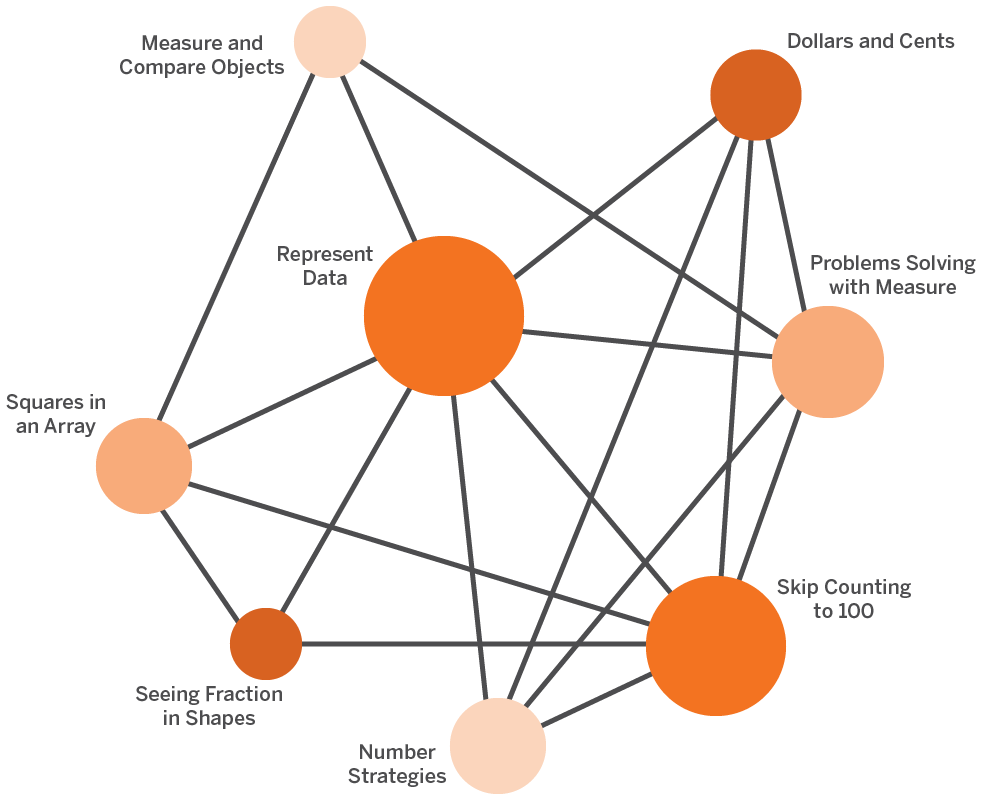
Audience: Teachers and coaches, maximum 30 participants

Modality: Remote

Program essentials

Half day (3 hrs)

Learn the program essentials, including how to navigate the digital curriculum and print materials components and how to locate assessments, data reports, and other features associated with the curriculum.

Audience: Teachers and coaches, maximum 30 participants

Modality: Onsite/Remote

Initial training for instructional leaders

Half day (3 hours)

This training will provide district-and school-level instructional leaders with an overview of Amplify ELA so that they can support their staff in implementing Amplify. Learn basic navigation and gain an understanding of Amplify ELA’s approach to reading, writing, and language instruction. Participants will then have the opportunity to choose how to best support teachers by either developing a school-wide implementation plan or learning strategies for effective classroom observations.

Audience: Ideal for instructional leaders, principals and district staff who oversee the implementation of the new curriculum, maximum 30 participants

Modality: Onsite/Remote

Comprehensive ELD training

Half day (3 hours)

This session is designed for schools who have purchased Amplify ELD, Amplify’s English Language Development program. It reviews the integrated and designated approaches to supporting language learners using our ELA and ELD programs. Participants will learn how to navigate the Amplify ELD platform, plan to teach a lesson, and monitor student progress. Multiple opportunities to practice components of Amplify ELD are incorporated throughout this training. Participants will leave feeling confident to begin teaching Amplify ELD.

Audience: This is an add-on for schools who have already been using or attended an ELA Initial training, maximum 30 participants

Modality: Remote

Basic ELD training

90 min.

This session is designed for schools that have purchased Amplify ELD, Amplify’s English Language Development program. It reviews the integrated and designated approaches to supporting language learners using our ELA and ELD programs. Participants will learn how to navigate the Amplify ELD platform, plan to teach a lesson, and monitor student progress. Participants will leave feeling prepared to begin teaching Amplify ELD.

Audience: This is an add-on for schools who have already been using or attended an ELA Initial training, maximum 30 participants

Modality: Remote

Strengthen

Enhancing observations for leaders

Half day (3 hours)

Prerequisite training: Initial training for leaders

Elevate your program knowledge to support colleagues with effective ELA implementation! Practice analyzing ELA lessons and identify key instructional elements and next steps. Participants will be prepared to analyze data and enhance classroom observations.

Audience: Ideal for instructional leaders, principals and district staff who oversee the implementation of the new curriculum, maximum 30 participants

Modality: Onsite/Remote

Enhancing planning and practice

Half day (3 hours)

Dig into one unit to unpack standards, assessments, and student engagement. Through backward planning, this session guides teachers to think deeply about learning outcomes and key moments of formative assessments. Teachers will leave this session with a detailed plan for a unit of their choice that includes learning outcomes, key assessment moments, and aligned instructional strategies.

Audience: Ideal for new or experienced Amplify ELA teachers or coaches, maximum 30 participants

Modality: Onsite/Remote

Analytic reading

half day (3 hours)

Participants will learn how close reading functions in Amplify ELA and which teacher moves support students as they tackle complex texts. Participants will learn how to facilitate a close reading session to support key reading routines, as well as promote academic discourse and the type of collaboration that drives analysis and deepens understanding.

Audience: Ideal for new or experienced Amplify ELA teachers, maximum 30 participants

Modality: Onsite/Remote

Supporting all learners

Half day (3 hours)

Participants will learn how to effectively use embedded and differentiated supports and the Classwork app to support all students, including ELLs, students with learning disabilities, struggling readers and writers, and advanced students.

Audience: Ideal for new teachers or instructional leaders who want to learn more about included supports in Amplify ELA, maximum 30 participants

Modality: Onsite/Remote

Data-informed instruction

Half day (3 hours)

Participants will review their own student data using the Reporting and Classwork apps and align embedded supports to specific student needs. The goal of this session is to become proficient in turning Amplify ELA data into differentiated and targeted instruction.

Note: This course can be combined with the supporting all learners session to make a full day of training.

Prerequisite: 4–6 weeks of student data in Amplify’s Reporting app. It is recommended that teachers are in at least Unit B.

Audience: Ideal for teachers or support staff who want to learn how to use student data to inform instruction and provide differentiation, maximum 30 participants

Modality: Onsite/Remote

Writing: Improving through feedback

Half day (3 hours)

Participants will learn how writing functions in Amplify ELA and which teacher moves support students as they build writing skills. Participants will learn how feedback supports student growth and will practice giving targeted feedback based on rubrics and assessment data.

Audience: This course tasks teachers to look at their students’ writing, so it is recommended for delivery after 4–6 weeks of curriculum use, maximum 30 participants

Modality: Onsite/Remote

Strengthening consultation package

3 1-hour sessions

This package consists of three 60-minute sessions that can be delivered on the same day or on different days. Each session will focus on a specific topic that will deepen educators’ understanding in ELA and equip them with the tools needed to drive stronger student outcomes. An Amplify facilitator will align with the school or district leadership team in advance of the session on the topic (chosen from a menu of options) that will best meet educators’ unique needs. The menu includes sessions on: engagement, pacing and grading/assessment.

Audience: Teachers and coaches, maximum 30 participants

Modality: Remote

Strengthening consultation session

1 hour

This 60-minute session will focus on a specific topic that will deepen educators’ understanding in ELA and equip them with the tools needed to drive stronger student outcomes. An Amplify facilitator will align with the school or district leadership team in advance of the session on the topic (chosen from a menu of options) that will best meet educators’ unique needs. The menu includes sessions on engagement, pacing, and grading/assessment.

Audience: Teachers and coaches, maximum 30 participants

Modality: Remote

Coach

Coaching session

2 days consecutive (6 hours per day, 12 total)

Strengthen your implementation of Amplify ELA with an Onsite coaching visit for your teachers and/or leaders. Participants can choose from a variety of topics that include, but are not limited to: lesson modeling and debrief (conducted by an Amplify ELA coach), grade-level planning, classroom observations, and leadership consultation. The flexible onsite coaching design allows for a collaborative approach to support effective program implementation.

Audience: Teachers, coaches, and/or instructional leaders, maximum 30 participants

Modality: Onsite

Coaching session

1 day (6 hours)

Strengthen your implementation of Amplify ELA with an Onsite coaching visit for your teachers and/or leaders. Participants can choose from a variety of topics that include, but are not limited to: lesson modeling and debrief (conducted by an Amplify ELA coach), grade-level planning, classroom observations, and leadership consultation. The flexible onsite coaching design allows for a collaborative approach to support effective program implementation.

Audience: Teachers, coaches, and/or instructional leaders

Modality: Onsite/Remote, maximum 30 participants

Coaching session

Half day (3 hours)

Strengthen your implementation of Amplify ELA with a Coaching session for your teachers and/or leaders. Participants can choose from a variety of topics that include, but are not limited to: lesson modeling and debrief (conducted by an Amplify ELA coach), grade-level planning, classroom observations, and leadership consultation. The flexible coaching design allows for a collaborative approach to support effective program implementation.

Audience: Teachers, coaches, and/or instructional leaders, maximum 30 participants

Modality: Onsite/Remote

Pricing

We offer the following pricing for training sessions and packages:

Session type Pricing
2 consecutive days onsite session $4,800
1-day onsite session $3,200
1-day remote session (2 half days remote) $1,500
Half-day onsite session $2,500
Half-day remote session $750
90-min. remote session $500
1-hour remote session $350
3 1-hour remote sessions $1,000

Please note that the prices are general ranges and may be subject to change.

Contact

Amplify welcomes the opportunity to partner with schools and districts to design professional development plans and answer your questions.

If you would like to order any of our professional development services, please contact your local Amplify sales representative or call (800) 823-1969.

Amplify Desmos Math NY Pilot

To view this protected page, enter the password below:


Administrators, welcome to Amplify Science!

Here you’ll find information about enrollment and licensing, technical requirements, professional learning resources, and more.

Onboarding: What to expect

Welcome to Amplify Science! There are six basic steps to onboarding. Use this visual as a reference, but also know that our dedicated implementation team will be there to support you during the entire process.

Technology requirements and guidelines

To ensure that your hardware and network meet the minimum technical requirements for performance and support of your curriculum products, please see Amplify’s customer requirements page.

You’ll also want to add the URLs on this page to the corresponding district- or school-level filters so that your teachers and students can access their Amplify Science materials.

Data sharing agreement

Partnering with Amplify through our data sharing program deepens learning outcomes and gives you the performance analysis you need to make impactful decisions within your district or school. By signing our data sharing agreement, your district will help us to better understand student performance as it relates to your state’s standards. It also allows us to compare results with the curriculum-embedded assessments and state-level assessments. These analyses will help you identify the areas where your teachers and students are excelling or may be experiencing challenges.

Stay tuned for additional updates.

Enrollment and licensing overview

During the enrollment and licensing call, your Amplify implementation partner will walk you through the enrollment process. We recommend exploring the enrollment web tool ahead of the call for suggestions on which enrollment method may be best for your district.

The following guides provide additional information about enrollment methods and the data sharing process.

Preparing for your materials

Each unit of Amplify Science comes with a hands-on materials kit.

Each hands-on materials kit arrives in 1–3 boxes and contains the following:

  • Consumable materials
  • Nonconsumable materials
  • Classroom wall materials
  • Premium print materials (cards, maps, etc.)
  • 18 copies of each Student Book (K–5)
  • A blackline master copy of the Student Investigation Notebook (K–5)

You can find complete materials lists for each unit in the following PDFs. This information is also available in the digital Teacher’s Guide within the program.

Once your district’s purchase order has been sent to Amplify and is processed, Amplify will provide tracking information on your materials kits and any additional print materials you’ve ordered.

Administrator Reports

Self-service Administrator Reports allow insight into teacher and student usage and student performance data for the current school year.

Access is limited to district and school administrators. Administrators can directly access these reports at my.amplify.com/admin-reports.

Get more information.

Announcements

Summer extension
With summer fast approaching, we recognize that some districts may be extending the school year and/or continuing the use of Amplify curriculum and programs for summer instruction. If your summer instruction will continue past June 30 and/or you need to make rostering or enrollment changes, follow our guidance on extending your rollover date.

Use stimulus funding to drive transformation
Learn about ESSER I, II, and III funding (or CARES, CRRSA, and ARP) and how to use these funds to help with learning recovery and acceleration. Districts have significant flexibility in how to use the ESSER money, with ESSER II and III specifying that some of the funds should be used to address unfinished learning. All Amplify programs and services meet the criteria for the funding. Get more information about funding and guidelines.

Next steps: How do I support my teachers?

Pre-launch checklist for teachers
Please share our Program Hub with your educators. It will provide helpful information as they prepare to implement Amplify in their classrooms, including a pre-launch checklist. Note that they’ll need to be logged into Amplify Science to access the Hub. If they don’t have a login yet, you can also download and share the  Amplify Science pre-launch checklist for teachers PDF.

Professional learning
We partner with every district to make sure the Amplify Science rollout meets their unique needs. Check out these sample agendas to get a better understanding of what our team has to offer.

Advice and answers
The Science help website is filled with step-by-step resources to address educators’ questions. Encourage your educators to read through these tutorials and search for topics they want to learn more about.

Contact us

Powerful (and free!) pedagogical support
Amplify provides a unique kind of support you won’t find from other publishers. We’ve developed an educational support team of former teachers and administrators who provide pedagogical support at no cost to educators using our programs. This free service includes:

  • Information on where to locate standards and other planning materials.
  • Recommendations and tips for day-to-day teaching with Amplify Science.
  • Support with administering and interpreting assessment data and more.

To reach our pedagogical team, click the orange icon while logged into the curriculum to get immediate help, call (866) 629-2446, or email edsupport@amplify.com.

Timely technical and program support
Our Customer Care and Support team is available Monday through Friday, 7 a.m. to 9 p.m. ET, and Sunday, 10 a.m. to 6 p.m. ET, through a variety of channels:

  • Live chat: Click the orange icon while logged into the curriculum to get immediate help in the middle of the school day.
  • Phone: Call our toll-free number: (800) 823-1969.
  • Email: Send an email to help@amplify.com.

Join our community
Our Amplify Science Facebook group is a community of Amplify Science educators from across the country. It’s a space to share best practices, ideas, and support on everything from implementation to instruction. Join today.

What does problem-based math learning unlock for students? Part 1

Webinar series recap, part 1 of 3

Problem-based math learning helps teachers set the stage for memorable learning experiences and transfer the responsibility for the learning to students, which has been shown to help develop students’ problem-solving and math reasoning skills.

Our webinar series explores how this type of instruction engages all students in grade-level math every day, and how instructors can go about implementing problem-based learning in the classroom. In part 1 of the webinar series, award-winning teacher Kristin Gray asks—and answers—the question: What does problem-based learning unlock for students?

Experience and explanation form a learning cycle

Imagine you’ve just gotten a new piece of technology: a phone, a TV, a computer. How do you learn to use it? Do you read the entire user guide first? Jump in and never touch the guide? Or turn it on and try some things, referencing the guide as needed? 

If the last option sounds like you, that’s very common—and it’s an example of learning through problem-solving. 

“It’s something we naturally do,” says Gray.  “We’ve had a phone before so we would pick up this new phone and try doing things that we know worked on our last phone, and then we would experiment: Does it work the same on this phone? This bouncing between experience and explanation is really the foundation of how we learn through problem-solving.”

What learning through problem-solving looks like in the math classroom

If we think of instructional methods in the math classroom along a spectrum, on one end we might have a classroom where students are left to solve a problem and discover the relevant math on their own. On the other end, the instructional method might be to show students how to get the answer and then practice doing similar problems. 

The methods at both extremes are challenging, and it’s hard for instructors to go from one to the other, says Gray. “We need to install a soft landing space in the middle of these extremes—and we can think of that space as learning through problem-solving, or problem-based learning.” 

What does that look like in the math classroom? 

Students will tackle interesting problems, raise questions about the math required, receive an explanation, and apply it back to the problem—as with the example of learning new technology. 

“When we show students how to get the answer, we send the message that math is solely about answer-getting and learning processes. Answers are important, but we want to use problems to teach the math, not just teach students to get the answer,” says Gray. 

Practice is also key, she adds: “This place in the middle pulls the best from both extremes and puts them into a structure that supports teachers in teaching and students in learning.”

Why students should learn through problem-solving

Learning through problem-solving has the potential to engage all learners in math, says Gray. It influences the way teachers and students think of themselves as mathematicians and what it means to know and do math. 

In the 2000 NAEP survey, 70 percent of fourth and eighth graders reported that they enjoy activities that challenge their thinking, and enjoy thinking about problems in new ways. 

“Students are already naturally curious and like solving challenges and trying things in new ways, so that’s a great start,” says Gray. 

“No matter how kindly, clearly, patiently, or slowly teachers explain, they cannot make students understand,” says Gray. “Understanding takes place in the student’s mind as they connect new information with previously developed ideas. Teachers can help, but understanding is a by-product of solving problems.” 

Add understanding is motivating. It inspires perseverance and confidence. It supports making connections, not learning concepts in isolation. 

When students are given a new problem and are able to use prior knowledge to help solve it, that “promotes the development of autonomous learners,” says Gray. 

How Amplify Math supports problem-based learning

Amplify Math supports teachers in the planning and delivery of problem-based lessons. It also enables teachers to monitor student progress and differentiate instruction based on real-time data. 

Lessons start with warm-ups that tap into prior knowledge and move into problems that require collaboration to solve. Teachers monitor, engage, and ultimately synthesize student work into the main idea. There are also ample opportunities for practice and reflection. 

Learn more about Amplify Desmos Math.

Register to watch the rest of the series here

Visit Gray’s site, Math Minds, here.

Inquiry-based learning: 3 tips for science teachers

Which practice is at the top of the eight NGSS Science and Engineering Practices? Good question! It’s asking questions and defining problems.

And why is asking questions so important? (Also a good question.) 

Because science isn’t just facts. Science is a process of finding answers—a process that starts with questions. That’s why students learn like scientists best in a science classroom defined by phenomena-based learning, also known as inquiry-based learning.  

How can science educators bring this approach into the classroom? 

That’s one question host Eric Cross and science educator and professional development facilitator Jessica Kesler address in the latest episode of Amplify’s Science Connections: The Podcast.

The power of questions

Kesler’s mission at TGR Foundation, a Tiger Woods charity, is to empower educators to create engaging classrooms that foster future leaders.

“We train teachers on STEM competencies and the pedagogical tools and strategies to implement the STEM we’re doing in our learning labs,” she says. “Then they can implement it in the classroom and have this multiplicative effect that can help us reach millions of kids and prepare them for careers.”

Those pedagogical approaches include student-centered learning practices. Using those practices, teachers spend less time delivering facts and more time asking questions, while developing students’ ability to do the same.

That’s how we shift science from, as the NGSS frames it, “learning about” to “figuring out.”

Per the NGSS: “The point of using phenomena to drive instruction is to help students engage in practices to develop the knowledge necessary to explain or predict the phenomena. Therefore, the focus is not just on the phenomenon itself. It is the phenomenon plus the student-generated questions about the phenomenon that guides the learning and teaching. The practice of asking questions or identifying problems becomes a critical part of trying to figure something out.”

Inquiry-based learning examples and approaches

Kesler recognizes that a shift to inquiry-based learning can’t be made overnight, or all at once. “We never suggest overhauling your classroom…add a little bit here and there and see how it impacts your students.”

Here are some strategies Kesler suggests for empowering educators to deliver inquiry-based science learning.

  1. Cultivate an inquiry mindset. We live in a world where answers to pretty much everything are right on our phones, right in our pockets. That ease and accessibility can dampen student curiosity. But when teachers start shifting focus from asking students for answers to asking them to develop smart questions, students can grow that mental inquiry muscle.
  2. Make inquiry visible. No need to be sneaky—you can be explicit with students about what you’re doing, and what you’re inviting them to do. Think: “What are tools and strategies you can use so that students can illuminate their thinking for themselves and for you and their peers?” Kesler says. “So the students get to see their own thinking as they progress, and you get to tell the story of how their minds have evolved.” Paying attention to student questions also enables you to observe where students are making mistakes, where misconceptions come up, and where you should target your next lesson, Kesler adds. “So it makes you more responsive in the moment.”
  3. Build an inquiry environment. Asks Kesler: “What are the things that you can embed into your physical space and develop in a student’s intellectual space that will help you create a holistic inquiry environment?” There’s no one right answer, but a shift in environment can support a shift in intellectual approach. (Consider the opposite: “If you take someone out of an old habit or space and tell them, ‘We are gonna change your minds and teach inquiry,’ but put them back in the same environment, they’re going to be conflicted,” Kesler says. You could create displays that present questions rather than facts, or arrange the room to support conversation rather than lecture—whatever makes sense for your space.

Definitely test, explore, experiment—even take risks—and ask your own questions. After all, the inquiry mindset is for you, too!

Learn more

Explore how Amplify Science supports inquiry-based learning.

Listen to all of Season 1, Episode 10, Empowering the science educator: Jessica Kesler, and find more episodes and strategies from Amplify’s Science Connections: The Podcast.

Advice for next year—for teachers, from teachers

It’s that time of the year again—when the trees are blooming, summer is coming, and already teachers are peeking ahead to next fall!

It’s also a strategic time for educational leaders, who are already beginning to set professional development goals for teachers for the coming school year.

There are lots of excellent educational resources for teachers and leaders to access at this time—including, of course, other teachers and leaders!

That’s why we took this moment to ask Amplify AmbassadorsWhat advice would you offer to educators just starting their journey with Amplify?

Here’s what they had to say, both about Amplify products and about teaching in general.

Teacher-to-teacher advice about Amplify products

—Darcey Linton, Teacher, Student Support, Wissahickon School District, Pennsylvania

“Approach Amplify with the same wonder and enthusiasm as the children in your classroom! Take advantage of the fact that everything is new to all of you, and explore and adventure through each lesson together. One of our best resources is a working document we share that is filled with ‘notes for next year,’ something that we add ideas, links, and lab ideas to each year to make them easier to retrieve and implement the next time through.”
—Kim Eich, 6th-Grade Teacher, Anoka Hennepin ISD #11, Minnesota

Amplify ELA: “Don’t skip the Quests! Especially in 7th grade, I love doing the Poe Quest and Perception Academy in [the] Brain Science [unit].”
—Christine Wallace, Teacher/Reading Specialist, North Lakeland School District, Wisconsin

“Gather read-alouds about the CKLA knowledge domain topic. The recommended trade books listed on the Family Take Home page are a great way to start. I’ve borrowed them from our school library, and asked for donations. I display the books for students to see. Students are able to grab them and read them throughout the day. Having themed, content-rich books readily available to students allows them to build on their knowledge in a meaningful way.”
—Alyssa Villalobos, 2nd-Grade Teacher, Riverside Unified School District, California

“I encouraged teachers to walk through both levels of the demo account offered in order to preview the student experience in Boost. This allowed them to see the progression of skills and expectations to know the base of what is being developed, and what they are working toward in the more advanced components.”
—Elizabeth Sillies, District Literacy Coach and Title I Supervisor, Three Rivers Local School District, Ohio

Try it with fidelity first to see what works best for your teaching style and student needs. Once you have a grasp of the curriculum, then you can better supplement or modify it for you and your students’ needs.

—Ashley Carter, Science Teacher, Indian River School District, Delaware

Amplify CKLA: “When pre-teaching vocabulary words before the Read-Aloud, come up with a simple hand motion or facial expression for each word, [for example] hugging your body for the word ‘embrace.’ Have the kids do the motions along with you and then listen for the words as you read. When they hear one of the vocabulary words, they should do the motion with you. The physical response helps cement language acquisition, especially for the majority of my students who are learning English, and listening for the words and motions keeps all students engaged. Plus, it adds a micro-movement break.”
—Kathe McCormick-Evans, 1st-Grade Teacher, Arlington Public Schools, Virginia

“For Amplify CKLA, read the Intro section of each unit!! These are so full of professional development for the teachers. It will help you understand the why behind each theme and also explain some of the phonics rules you will be teaching to the students.”
—Allie Appeal, Instructional Coach, School District of Arcadia, Wisconsin

“Don’t rush through the program to get it done. You won’t love it and your kids won’t love it. Take your time and enjoy the journey! The kids and you will appreciate [it] so much more!”
—Stephanie Schuettpelz, Teacher, Marion School District, Wisconsin

mCLASS® DIBELS® 8th Edition: “Try to progress monitor as often as possible. Weekly or every two weeks would be a great time frame based on the needs of the students.”
—Shennoy Barnett-Bell, Teacher, Johnston County Public Schools, North Carolina

Teacher-to-teacher advice about teaching (and more)

—Melba Jordan, Teacher, Richmond County School System, Georgia

“Trust the process, especially in the upper grades when you cannot yet see the end result.”
—Maria Fadden, PreK–8 Literacy Coach, Belle Plaine Public Schools, Minnesota

“Set a timer every time you allow students to work independently or in groups. This allows them to start to use and understand time management. It makes everyone work with purpose and work quietly. I also play relaxing music as a white noise in the background.”
—Kerri Lintl, Teacher, Merrimac Community School, Wisconsin

Make it fun! Your interest gets the students more involved than any fun activity you plan.

—Jadyn Kramp, 4th-Grade Teacher, Wayne County School District, Kentucky


Amplify CKLA:
 “Don’t be afraid to read word by word. You don’t have to memorize the script.”
—Denise Sandoval, Literacy Coach, Catch Up & Read partnered with Dallas ISD, Texas

“Enthusiasm and positivity are contagious!”
—Stacey Smart, Reading Specialist, Romeo Community Schools, Michigan

S3-03: Instructional strategies for integrating science and literacy

A graphic with the text "Science Connections" and "Amplify" features colorful circles and curved lines on a dark gray background.

We’re continuing our investigations around science and literacy with Doug Fisher, Ph.D., professor and chair of educational leadership at San Diego State University. We talk about the importance of integrating science and literacy, as well as practical guidance for teachers who want to unite the two disciplines in their own classrooms.

Listen as we discuss how science and literacy can be powerful allies and specific strategy areas to focus on when integrating the two disciplines. And don’t forget to grab your Science Connections study guide to track your learning and find additional resources!

We hope you enjoy this episode and explore more from Science Connections by visiting our main page!

DOWNLOAD TRANSCRIPT

Douglas Fisher (00:00):

It’s not that you have to become a reading specialist to integrate literacy into science. It’s how our brains work.

Eric Cross (00:10):

Welcome to Science Connections. I’m your host, Eric Cross. This season, we’re making the case for our favorite underdog, which of course is science. Each episode we’re showing how science can be better utilized in the classroom, and making the case for why it’s so important to do so. In our last episode, we examined the evidence showing that science and English instruction can support each other. And now on this episode, we want to give you some more strategies for really making that a reality in your own home or classroom or community. So to help me, I’m joined on this episode by Dr. Douglas Fisher, Professor and Chair of Educational Leadership at San Diego State University. Dr. Fisher is actually someone who has conducted literacy training at my own school, so I’m excited to be able to share some of his wisdom with all of you. Oh, and just a heads up, Dr. Fisher dropped some gems about the ways teachers can integrate literacy and science in their classrooms. So you may want to have a notepad. Ready. And now here’s my conversation with Dr. Douglas Fisher.

Eric Cross (01:12):

Well, Doug, thank you for your time and for being willing to come and talk about literacy and science. I know you’re busy, all over the place, and so I was super-excited that we were able to lock you in and talk about this. And, on this episode, we’re gonna talk about the ways that science and literacy can support each other. And one of the reasons why I’m really excited for you is because you said some really key things for me as a science teacher, when you talked about literacy and supporting students. That just resonated so deeply in me. And I was like, “I need more Doug!” Because we’re on that same frequency. And I know it’s a subject that you’ve spent a lot of time writing about. So can you tell us a little bit about how this became an area of interest or a passion for you? Just literacy, and all of the work that you’ve put into it?

Douglas Fisher (01:54):

Yeah. So I’ve wanted to be a teacher for a really long time. And I went to San Diego State as an undergraduate, and I was taking English class and we were assigned topics. You know, like, you’ll do an assignment, you’ll write a paper for this English class. And I got the topic “illiteracy,” and I was a freshman at San Diego State reading all of these things about adults who don’t read very well or not at all. And I ended up writing my very first college essay on illiteracy — at the time, you know, called illiteracy, at the time. And so I got super interested in this. And so as I moved through college and into my teaching career, literacy became a really important thing for me to think about, because it’s the gatekeeper. You know, you can be taken advantage of, if you’re not very literate. People can use vocabulary against you, if you’re not very literate. We know that people who have higher levels of literacy have better health outcomes. They have better lifespans, longer lifespans. I mean, there’s just — literacy impacts so much more than “Are you reading your fourth-grade textbook?” It really has lifelong implications.

Eric Cross (03:01):

That part that you said about being taken advantage of … I just got a flyer in the mail yesterday. It was one of these mailers that looked like it was an authentic debt-reduction type of thing, but it was really just like a marketing email. If you read the fine print at the very bottom, it had all of this jargon about “This is a paid, you know, for-profit company.” But when you look at it, it had official stamps all over it. And I could imagine if someone’s receiving that, that probably fools a lot of people. Is that kinda like what you’re talking about, like being taken advantage of?

Douglas Fisher (03:28):

Yes. I had a student turn 18, got a letter from a “credit card company” that was offering her daily compounding interest. And if you don’t know what that means — at 23 percent! — if you dunno what that means, you are gonna be a victim. Literacy really influences a lot of our life. It’s also how our brain works. We have a language-based system in our brain. We read, write, speak, listen, and view. And the things we learn, we learn through speaking, reading, writing, listening, and viewing. From what we know, we are the only species that has an external storage mechanism. Like, we have the ability to store complex information outside of our body, in the form of notes. We can type them. We can write them. And we can then go back and retrieve that information, that complex orthographic information later. And it means the same thing. We can say we have a storage system and we’ve been doing this for a really long time. Way back to, you know, hieroglyphics and messages on cave walls. And throughout the ages of humans learning, how to store information that they can re-access again later. That’s become a super-complicated system. It’s how computers operate. And we send messages to each other and we text each other and we write things down, and we’re really good at putting ideas, information out there. Now, if it’s just speaking and listening, then we can forget it. We can say, “No, you said this,” or “I said that.” But when it’s written, and it’s print literacy, you know, it’s the orthographics there, you can go back to the same message and over and over again. Now, you might change the interpretation of it, but the message is still there.

Eric Cross (05:16):

Right. And that is such a key element, at least of modern education, is this written element of it. It’s what many schools live and die by. They’re quantitatively and qualitatively analyzed by it. It’s public. They can see it. And so there’s this heavy emphasis. And why do you think science and literacy can be powerful allies together?

Douglas Fisher (05:38):

Awesome. Well, it’s hard to learn science if you’re not literate.

Eric Cross (05:42):

This is true.

Douglas Fisher (05:42):

But that’s a one-way direction. And yes, science teachers and scientists do a lot of reading, writing, speaking, and listening and viewing. They use the five literacy processes all the time. When we interview scientists, they spend a lot of their time reading the work of other scientists and writing their findings, writing grant proposals, presenting at conferences, you know. So a huge part of the work of a scientist is not just at a bench conducting experiments. But even if you’re conducting experiments, you’re using your literacy processes to think about what you’re seeing in your experiment. So that’s a one-way direction. And I do think literacy has an influence on science. But since science goes the other way, it influences literacy. As you learn more and you understand more about the world, your background knowledge grows, your vocabulary grows, you become more literate in those different areas. And how you think. So if I’m learning about life science; I’m learning how the world works in a more, biologic physical world. And that knowledge helps me think about when I’m reading a novel, and there’s an appeal to some science knowledge or a concept that gets played with, you know, perhaps time-space continuums … well, if I don’t have the science knowledge of how I think the world works, it’s hard for me to understand what this author is doing. So it does go both ways. They feed each other. And the more literate we become, the more complex science information we can understand. ‘Cause our background knowledge and our vocabulary influence how much we understand about what we read. And as we access more complex science information, it starts to change the way we think about other things in our world.

Eric Cross (07:23):

There was a couple of things that you said in that, but one of the first things that kind of perked my ears is when you said grant proposals. Because I have friends that are scientists — and this is one of the things that when I was in school, they don’t talk about — but how much of their research is reliant upon getting funding —

Douglas Fisher (07:37):

Mm-hmm. <affirmative>,

Eric Cross (07:38):

— which you don’t think about if you’re becoming a chemist or a physicist or a biologist or working in the field, is that that funding, coming from the NSF or anywhere else. And sometimes students ask in class like, “Why am I writing so much? Like, I want to go into science!” Or “I wanna do this!” And this is a real-life example of how the writing could actually apply, in addition to all of the things of collecting data and conclusions and results. But that grant proposal thing just really perked my ears, yeah.

Douglas Fisher (08:01):

And if you can’t write a grant proposal, your ideas and experiments are not gonna get funded. And if you can’t write a strong proposal, that compellingly convinces your readers to fund you, you’re not gonna get funded. But then once you get the grant, you have to write publications. You have to share your work with other people. Make PowerPoint presentations and write journal articles or books or whatever. So it’s a cycle that literacy influences the things we do, including the things we do in science.

Eric Cross (08:31):

Now to get in maybe some data, if you were trying to convince someone that like this happy marriage can exist, what would be like your number one piece of evidence to support this, this back and forth of supporting each other?

Douglas Fisher (08:44):

Awesome. So the quote I’ll often say — and this is from studies from more than two decades ago now — but in general, in high school science, students are introduced to 3000 unfamiliar words, 3000. Each year! Because there are words that are used in a scientific way that are used commonly in other places. And there are discipline-specific words. So 3000 words a year in high school science. The Spanish 1 textbook only has 1500 words in it. So science teachers have double the academic-language vocabulary demand that a typical introductory world-language class has. So just the vocabulary alone should say to us, literacy is gonna be important if you’re gonna learn science. And if you don’t understand these technical words, and you don’t understand the way science uses this particular word in this particular way… . When you say the word “process,” it means something very specific In science. “Division” — cellular division is not the way we think about it in mathematics; there’s a similar concept, but cellular division is different than dividing numbers. And those are words that get used in multiple areas. Then you have all these technical terms that you have to be able to use, to understand the concepts. To share the concepts. To talk to other people. Whether you’re in, you know, fifth grade and talking science, or you’re a university professor, there’s a shared language, appropriate for our grade level, that we have shared meanings of.

Eric Cross (10:22):

And we’re essentially … what I’m hearing you say is … most of the people that are listening to this are science teachers. We’re we’re also language teachers. In a sense.

Douglas Fisher (10:29):

So my frustration is when people say, “Every teacher’s a teacher of reading.” And I don’t like that. I’ve written against that phrase. I don’t think all teachers are teachers of reading, any more than all teachers are teachers of chemistry. Or all teachers are teachers of algebra. But what I will say is the human brain learns through language. And all of us — every teacher that I’ve ever met understands that language is important in my class. If my students don’t have strong listening skills and speaking skills; reading, writing, and viewing skills; I’m gonna have a hard time getting them to learn things. If I can help them grow their speaking, listening, reading, writing, and viewing in my content area, I’m gonna do a service for my learning of my subject and also their more broad literacy development.

Eric Cross (11:16):

  1. So, at a high level, what does it look like to integrate science and literacy? We’ve done education for the last, what, hundred years?

Douglas Fisher (11:24):

Mm-hmm. <affirmative>

Eric Cross (11:25):

—kind of pretty similarly, right? Kind of siloed way. What does this look like at the 30,000-foot level? You’re a professor, department chair. Run schools. Speak everywhere. Like, when you think about this from that high level, what does it look like?

Douglas Fisher (11:39):

A high level? Every time I meet with students in a science class, you know, biology or fifth grade or whatever? They should be reading, they should be writing, they should be speaking and listening. Every class. So what print do you want them to access? And it can be a primary source document, it can be an article, it can be from a textbook. Are they reading something? Are they writing to you? Because writing is thinking. If they are writing, they are thinking. As soon as their brain goes somewhere else, they stop writing. The pen won’t move or the fingers don’t type. And then speaking and listening, of course, is the dynamic of our classes. So every day we should see some amount of reading, writing, speaking, and listening, viewing in our classes. That’s at a high level. There are some generic things that seem to work across the literacy. So, learning how to take notes. Focusing on vocabulary. Using graphic organizers. These are generic things that as educators we can use in our classes. Then there’s more specialized things. So, scientists and science teachers think differently than historians and literary critics and art critics. So scientists, if you look at the disciplinary literacy work, there’s a whole body of research where they interview and study high-end experts in their field: chemistry, physics, biology, et cetera. And there are some characteristics that were more disciplined, specific. Scientists like cause and effect relationships. They look for them when they’re reading. They like sourcing information. “Where this come from?” “What’s the history of this idea?” Scientists have a long view in terms of time. Historians have a shorter view of time. English teachers have even shorter view of time. Scientists tend to think in long periods of time. And so all of that influences how a scientist reads and how we should apprentice young people after they get past the generic “I know how to take notes. I know how to study my vocabulary. I know how to do summary writing for my teacher in my notebooks and things,” there’s some generic tools. Once we get past those, we need to be looking at specifically how do people in science use literacy.

Eric Cross (13:52):

I’ve never had my thought process of reading deconstructed just now, but we just described how scientists read. I was like, “Yeah, that’s pretty much how I read, right there.” I also like how you said how we should apprentice young people. And I feel like you as the literacy guy, you chose that word very specifically, as far as apprenticing young people. That is a view, I think, that’s really important to hold. ‘Cause that’s what we’re doing essentially … is, if we’re doing what we should be doing, we are apprenticing these young people.

Douglas Fisher (14:18):

Yes.

Eric Cross (14:18):

And helping them develop. Now, let’s imagine there’s a listener out there and they’re interested in getting better at integrating science and literacy instruction. They want to start somewhere. Before we dive in, do you have any initial words of encouragement for the person who’s like, “Everything is like a priority right now,” in their classroom or in their world?

Douglas Fisher (14:37):

Yeah. So I’ll talk about elementary for just a moment. When we’re reading informational texts in our literacy block, we should be reading information that is aligned to what kids need to learn in science and history in, in that grade level. Why are we reading things that are gonna be in conflict with what they’re gonna learn in science later that day in fourth grade, for example? So when we look at our standards, our expectations, what is it that third graders need to know in history, science, mathematics, language arts? And when we’re reading text and we’re learning to apply our reading strategies during our literacy block, why aren’t we reading topics that build our background knowledge for our science time? So we’re seeing some synergy there. We should be looking at life cycles in grades that are appropriate for life cycles and knowing there’s more to life cycles than the frog and the plant or the seed. There are all kinds of life cycles. And we call ’em life cycles for a reason. That’s a general concept. Now in science, we’re looking at this particular lifecycle right now. And so that’s a high level. If we could get more connection to the content standards during our literacy blocks, it would be very good. When we talk about the time at which we call “science” in the day, in more of the K–8 continuum, the science needs to include some primary source documents. Some real things that students are reading. Read about a scientist; read about a scientist’s discovery; read about what they discovered. So that we’re building our background knowledge. So when we go to do things, activities, labs, simulations, we have background knowledge and we understand what we’re experiencing. It can’t be like—I watched this awesome lesson on lenses and the teacher had all these different lenses in the room and the students came in and they were brand new. They don’t know anything. They were picking ’em up. They’re exploring them. They’re trying to figure out, and they’re trying to come up with theories about what this is and how it works. And then the teacher gave them a reading, a short reading, on refraction of light. And they read this thing. And the clarity that they had about what these lenses must do, well! All of a sudden they’re putting them up to the lights! They’re asking if they can go get the lights out of the storage unit! ‘Cause there’s — and they’re shining different lights through the lenses to see what happens to the light. Because that little bit of reading turned some focus on for the students. And it allowed them to take what I’m thinking about, what I’m trying to figure out, how this thing works in another direction. That’s the power of using literacy in our classes.

Eric Cross (17:20):

And what I’m hearing essentially is transfer across disciplines, across content areas, ultimately. And in an elementary school classroom, would it be fair to say, probably the teacher has more autonomy to be able to do that, since they’re teaching all the subjects? But secondary, logistically, planning and those types of things … from what you’ve seen, is it fair to say this kind of needs to be like a top-down, full vertical alignment, to teach like this?

Douglas Fisher (17:45):

I think that would be awesome to do that. But if I’m a sixth grade English Language Arts teacher and I’m working with my sixth grade science teacher, the conversation should be, “What units are you teaching?” Because I’m choosing informational text. My job is to teach them how to find central ideas. My job is to teach them how to find the details in the text. My job is to have them make a claim and support that claim with evidence. The stuff I use is generic. Yes, we do read some literature and some narratives, but we also read about 50% of the text in English around informational text. So if I can help you and accomplish my standards as well, fantastic. So let’s have this conversation and say, “Oh, this is what you’re teaching in science in the next three weeks? I’m gonna choose some texts and we’re gonna analyze ’em for central idea. We’re gonna analyze ’em for details. We’re gonna, for mood or tone or whatever that we’re teaching. And by the way, I’m building background knowledge. So when they come to you, they know some stuff about what you’re going to be teaching next.” So I don’t think it’s impossible to say teams of teachers could come together and say, “What do we believe that our students need to know and learn and be able to do? And then how do we choose things that are gonna help them accomplish exactly that?”

Eric Cross (19:01):

And that’s empowering. Because that’s one thing that we can control maybe is this East-West, peer-to-peer, different content areas. A system may not be able to change as quickly, but I can definitely go talk to my English team or math team and check in and kind of see, “Hey, where do we have overlap in that?” And I know the times that I’ve accidentally had overlap with the teams, it’s super-exciting. And the students have been more bought in! Because it’s like, we’ve done something on the human microbiome and we’ve talked about genetics and all these different things, and then when they read The Giver, or they read some book about genetics, they have all this knowledge. And they’re excited. And they talk about colorblindness or they come to my class and they’re like, “Hey, we read about this!” It’s almost like they saw a magic trick, the fact that these things linked up. And the engagement has been so much higher when it’s the same content in different classes, but through different lenses. At least, that’s what I’ve seen in my years of teaching.

Douglas Fisher (19:54):

I saw a lesson on space junk that was so cool. Middle-school students learning space junk. And the history teacher had a part of it, science teacher had a part of it, English Language Arts teacher had a part of it. And these students, I mean, you watch them look up all the time, ’cause there’s space junk up there. Where’d it come from? Why is it there? What are the politics of this? How do we clean it up? I mean, it was just so interesting to watch them when the teachers came together. And the teachers met their standards in this couple-week-long space-junk exploration. Investigation was met. Politics was met. All these different things. Economy. You know, how much does it cost to clean up this problem? So there’s really cool opportunities when teachers come together and realize we can work together and improve the literacy and learning of our students.

Eric Cross (20:50):

Absolutely. So before this recording, we picked your brain a bit. And I know that there were three specific strategy areas that you wanted to touch on. And one of those — which is kind of coming back to the 3000-words language teachers — was vocabulary. So what are the opportunities that you see, as far as the way of educators to approach vocabulary? Because, you know, there’s a lot. We got a lot of it. The 3000 words.

Douglas Fisher (21:14):

Yeah. There’s a lot of it. So the worry is, we make a vocabulary list and have students look up the words in definitional kinds of things. That’s not really gonna help. Students need to be using the words. They need to be using the words in their conversations, in their writing, in how they think about your content in science. So vocabulary is a huge predictor of whether or not you understand things. Vocabulary is also a pretty good predictor if you can read on grade level. So when we think about vocabulary, there’s something called word solving. You show students a piece of text and you’re reading it, you’re sharing your thinking, and you say, “Oh, here’s a context clue!” Or “I know this prefix or suffix or root!” And in science, a lot of the words are prefixed, suffixed, or root words. We tend to add things together with a lot of prefixes and suffixes and have roots and bases in science. So we can help students think about, “Oh, what does geo- mean? We already know what geo- means here. It means the same thing in this word. Let’s apply that knowledge.” So word solving is part of it, showing students how we think about words that we might not know. The second is more direct instruction of vocabulary. As students encounter the words, we work on what it means, how we say it. We practice it a few times. The process is called orthographic mapping. It’s kind of a scientific idea here. But you have the sound and the recognition of by-the-word, by sight, and what it means. And your brain starts to automatically recognize that word in the future. So I don’t have to slow down, disrupt my fluency, and try to figure out what the word is saying. ‘Cause I’ve seen it enough. I’ve heard it pronounced enough, I’ve pronounced it enough, and I know what it means. So teachers should be saying, “What words in sixth grade science, what words in third grade science, do my students really need to know?” And I’m gonna have them encounter those words over and over. I’m gonna have them use the words. I’m gonna have them see the words. I’m gonna have them say the words. I’m gonna say the word and we’re gonna be over and over with these terms, so that students incorporate them into their normal view of, “These are the things I know about the world.” By the way, when they go to read that next thing, and they understand “geology,” you know, for sixth graders, for example, they know how to say it. They don’t stumble on it. And it activates a whole bunch of memories in their brains. “This is what geology is.” There are branches of geology, there’s physical geology, there’s all this thinking that activates as they read.

Eric Cross (23:35):

There was a practice that I participated in and am trying to incorporate — I don’t know what the name of it is. But essentially what happened was we were dissecting a flower. And the instructor had us name parts of the flower. But we got to come up with our own names for it.

Douglas Fisher (23:49):

Ah.

Eric Cross (23:50):

So, for instance, the stamen we call “the fuzzy Cheeto.” And we all used our own words and then everything was legitimized. And so we went through and learned the whole activity using our own vocab words. But then, in the end, after we presented and talked about it, then the words, the actual academic language was attached to our word. And we were able to say, “OK, the fuzzy Cheeto is the stamen,” and this, this, this, and this. But it was such an interesting practice, because it kind of legitimized all of our definitions. But we weren’t stumbling on these long Latin terms and things like that. Is there a name for that? Or. … ?

Douglas Fisher (24:29):

Yes. I don’t know the name for that. I think it’s really smart. So here’s what I would say about that, is: we don’t learn words, we learn concepts. Words are labels for our concepts. So what that teacher did for you was allow you to develop concept, a concept knowledge. “There’s a part of this plant, it goes like this, we’re gonna call it fuzzy Cheeto. Now I have this concept. And look, it occurred in all these plants. And those people called it that and that other group called it that. We called it a fuzzy Cheeto. Here’s the part of it.” And then the concept is in your brains. And the teacher said, “It’s really called stamen.” And it’s an instant transfer, because you already had the concept. What we often see is students are trying to learn a really hard academic word and the concept for the word at the same time. And so it slows down the whole process. And there’s higher levels of forgetting. Because human beings, we don’t learn words; we learn concepts. If you don’t have the concept, if I gave you a word out of the blue that you’ve never seen, never heard, and a week from now I asked you to remember it, you probably would not, because it didn’t register. It wasn’t part of your schema. You didn’t have a way to organize the information. You don’t have a concept. So that teacher? It’s a great idea. Got you to develop concept knowledge. And then said, “Here’s a real label for it: What some other people called it when they had the chance to come up with their own names.”

Eric Cross (25:50):

Shout out to my teacher, who was—

Douglas Fisher (25:51):

Right.

Eric Cross (25:52):

It was learned then. It was a great practice. And the fact that you’re right, like, I just mean from my own personal experience, I agree that learning concepts versus complicated words. And it’s interesting that you said higher levels of forgetfulness, you know. And you often hear that complaint about it: “Students forget! Students forget!” But this complex topic and this complex word that’s new to me, and I have to remember both of those things.

Douglas Fisher (26:12):

That’s right.

Eric Cross (26:13):

And the other neat thing that it did, is it actually honored the background and like the founts of knowledge of all the different groups in the classroom. You just said something about “this group called it this and this group called it this,” and so by letting different groups share all of those names, now we’re starting to build these kind of interesting connections. That’s at least what I remember experiencing. And so this, even this practice of this approach is very layered, beyond just kind of generating new knowledge of things. So I appreciate that aspect of it. Now another area that you mentioned was complex text.

Douglas Fisher (26:41):

Yeah.

Eric Cross (26:42):

And how we can get students into complex text. So what can we do there?

Douglas Fisher (26:46):

I think science is an ideal place to get students reading things that are hard for them. And I do believe that some parts of school should be a struggle. Not all day, every day. But there should be doses of struggle, which are good for our brains. And these complex pieces of texts that don’t give up their meanings easily allow students to go back and reread the text and maybe mark the text and talk to peers about the text and answer questions with their groups. And the whole point of complex text is to say, “We persevere through it. We may not understand it fully on our first read. But we go back and we might underline, we might highlight. We might write some margin notes. Our teacher might say, ‘What did this author mean here?’ And we go back and look at that part and we take it apart. What do we think about that? And we talk to each other. It’s showing that when we read things, we work to understand. We work through our thinking, often in the presence of other people. And our understanding grows as we go into the text over and over and over again.” So I said geology earlier. There’s about a two-page article on “what is geology” that sixth graders often read. And some kids find it super boring. It’s a once-read, “OK, geology, I don’t really understand it. There’s a bunch of words in here that I don’t understand.” But if you go back to it a few times and you start taking apart, “What are the branches of geology? Oh, I’m gonna go reread that.” How are these two branches related to each other?” “What are the subtypes of each branch of geology?” “How do geologists do their work?” You start asking questions where students are going back into the text. You spend a little bit of time. Now, the introduction to geology, the students know so much more. So whatever you do next— video experiments, whatever—they have a frame of reference, because of that deep, complex read. It’s probably better than simply telling them, “Here’s the information.”

Eric Cross (28:45):

Right. And I even feel like as an educator, when I reflect on my own learning in the classroom, and then looking at it through the perspective of an educator <laugh>, you find this difference between how you were taught and then what the data says good teaching is.

Douglas Fisher (28:59):

Mm-hmm. <affirmative> mm-hmm. <affirmative>.

Eric Cross (29:00):

It’s so easy to slide back into how you were taught!

Douglas Fisher (29:02):

Yeah.

Eric Cross (29:02):

Even though, you know, you mentally assent to, “This is the best way. This is the data shows.” And you find yourself kind of sliding back at times.

Douglas Fisher (29:10):

Yep. And there’s good evidence to support what you just said, that most people teach the way they experienced school. And it is very hard to change that. And people have studied this. And it’s very hard to change that. Because it worked for us. And we have an n of 1, and it worked for us. Now, remember, there were a whole bunch of other kids in the class that it may not have worked for. And we chose to be in school the rest of our lives, and some of your peers did not choose to be in school the rest of their lives. In fact, some of them hated school and found no redeeming qualities of their experience. So just because it worked for us in a case of one, n of 1, doesn’t mean it worked for all of the kids, or even the majority of them.

Eric Cross (29:57):

Very well said. It’s that, what is that, the survivor bias? Survivorship bias? Where you were the one that made it. But you don’t think about all the other folks. ‘Cause we’re thinking about ourselves.

Douglas Fisher (30:05):

That’s right.

Eric Cross (30:06):

Great case for empathy too, is thinking about the people left and right. Because my friends are like, “I hated science.” And I say, “Who hurt you? Like, what did they do? It’s so amazing, so much fun!”

Douglas Fisher (30:16):

“What happened to you? Science is the coolest. Right? It’s so amazing!”

Eric Cross (30:21):

But I also had a unique experience in seventh grade with my teacher who did some of these things, and made it accessible for so many of us, in opening opportunities that I wouldn’t have had otherwise. But you’re absolutely right. That was my story. That wasn’t the story of everybody that was around me. And I think that’s really important. Now, I know this is also a big one for you, but I wanna talk about writing. What are the opportunities that you see in terms of writing specifically?

Douglas Fisher (30:51):

So would love it if science teachers had short and longer writing tasks in the science time. Of course, you can integrate some of the science writing, the longer ones, in the English language arts time, especially if you’re the elementary teacher and you can have control of the whole day. But I said this earlier; I’ll say it again. Writing is thinking. While you are writing, there’s nothing else you can do but think about what you are writing. Your brain cannot do something else. So if a science teacher wants to know, do their students really understand the concepts? Have them write. Now some of the shorter ones, I like something called “given word” or “generative sentences”: “I’m gonna give you a word: CELL. C-e-l-l. We’re in science. I want you to write the word ‘cell,’ c-e-l-l, in the third position of a sentence. So it’s gonna go word, word, cell, and then more words.” You could also say, “I want the sentence longer than seven words,” or whatever. But the key is, I’m telling you where I want the word. You will know instantly if your students have a sense of what the word “cell” means in the context of science. If they write “my cell phone,” they don’t get it. If they write about spreadsheet cells or jail cells or whatever, they didn’t get it. But if they talk to you about plant cells and animal cells and the components of those cells, and then once they have that sentence down, you can say to them, “Now write three or four more sentences that connect to that sentence.” It’s super simple. So whatever concepts you’re teaching, put ’em in a specific position. Now you don’t have to only put it in the third position. You can say the first position, the fifth position, the fourth position. But it forces them to think about what they know about the word and then how to construct a sentence for you. That’s a very simple way to get some writing from your students that helps you think about what they understand. Other kinds of writing, you can have quick writes, you can have exit-slip writes. There’s something in the research space called the muddiest part, where halfway through the lesson you have them write so far what has been the least understood or the most confusing part of this lesson. And they do a quick write, right there, at the muddiest part. And as a teacher, you flip through these and you start to say, “Oh, these are the points that are confusing to my students.” So if 80% of them all have the same thing, I gotta reteach that. If these five got, “This is the muddiest part,” If these five thought, “This is the muddiest part,” these seven, “I thought this was the muddiest part,” what do I need to do? Because it’s gonna be hard to move forward if this is their area of confusion. There are also all kinds of writing prompts that have a little bit longer. My favorite one is RAFT. What’s your Role? Who’s your Audience? What’s the Format? And what’s the Topic we’re writing about? Super flexible writing prompt. When you teach something, we don’t want students to only think they write to their teacher. So your role is an atom. You are writing to the other atoms. What do you wanna write about? What’s the topic? What’s the format of it? Is it a love letter? Is it a text message? Is it … so we, we mix it up with students in saying, how do they show some knowledge through a prompt that we give them? And then of course, longer pieces as they get older. More opinion pieces through fifth grade. More claims and arguments starting in sixth grade. So that they’re starting to see, “I have to use the evidence from things I’ve learned, read, listened to, watched, and construct something: an opinion, an argument where I back it up with reasons or evidence.” And those longer pieces, you know, less frequently. The shorter pieces, pretty regularly. So the teacher sees the thinking of the students.

Eric Cross (34:29):

When you were speaking about these really creative writing prompts, there were specific students coming into mind, that were coming into mind … they’re, they’re great science students, but they also have this really strong artsy side drawing, creative writing, and things like that. And when you said something about atoms talking to each other, it elicited, in my brain, certain students that would really love this aspect of creativity in the sciences. And it’s not how we’re typically trained as science teachers, to kind of incorporate this, like you said. A book of props. But I’m imagining, like, as a science teacher, if I took this, this would be a great way to reach more students to be able to show what they know, in a way that might resonate with their own intrinsic “Oh, I get to write creatively!” So I was kind of writing furiously as you were sharing all that information there.

Douglas Fisher (35:12):

So here, I’ll give you another example for elementary people. Again, with RAFT. There’s a book called Water Dance. It’s a pretty popular book for elementary teachers. It’s really about the life cycle of water. For example, you are a single drop of water. You are writing to the land. The format is a letter. And you’re explaining your journey. Now, if they can do this, they’re essentially explaining to you the cycle of water. But you got it in a way that people are now, “Oh, I’m a drop of water. So it’s me. My perspective. Where do I go from? Where do I start?” Because you can start anywhere in the cycle, right? My drop could have started in the clouds. My drop could have started in the ground. My drop could have started in the lake. But it has to show you the journey. So there are many ways of showing you the right answers.

Eric Cross (36:02):

And that’s using the RAFT protocol.

Douglas Fisher (36:04):

That’s RAFT: Role, Audience, Format, Topic. It’s been around 20 or 30 years.

Eric Cross (36:09):

You just gave the name to something a teacher shared in our podcast community, Science Connections: The Community, on Facebook. Teacher shared a Google slide deck and on it were just three slides. And the role that the student had to have is they had to show, then tell, the story of a journey of a piece of salmon being eaten, a piece of starch from pasta being eaten, and then an air molecule in a child’s bedroom. And they had to give the path of travel and the experience from the mouth and then breaking down into protein and all those kinds of things. And this teacher shared it and I wish I knew the teacher’s name because I wanna give ’em credit, but they shared it. And so I used it with my students and then had ’em read aloud their stories and dramatize it. And they were so into it!

Douglas Fisher (36:49):

So cool.

Eric Cross (36:50):

But through it, I was able to see that they understood different parts of the body. They understood cell respiration. The whole thing. And it was fun! To watch them get so into this creative writing. And now I know the name of it. That’s been 30 years they were using RAFT. So you just talked a bit about complex texts and writing. And before we go, I wanted to circle back to something that you said, because I think it’s important, and if you could elaborate on it a little bit, about the value of struggle. Can you talk more about that?

Douglas Fisher (37:21):

Sure. I do believe in a lot of the U.S. we’re in an anti-struggle era of education. And it predates Covid. I think it made it worse during Covid. We front load too much. We pre-teach too much. We reduce struggle. We quote, “over-differentiate” for students. And there’s value in struggle. The phrase, “productive struggle” — if you haven’t heard it, Google productive struggle — it’s an interesting concept, that we actually learn more when we engage in this productive struggle. Now, productive struggle originally came from the math world, and it was this idea that it’s worth struggling through things to learn from it, that you’re likely to get it wrong, and then there was productive success. And there are times when we want students to experience success and we make sure we put things in place for productive success. But there are times where we want them to struggle through a concept. ‘Cause it feels pretty amazing when you get on the other side, when you know you struggled and you get to the other side. If you think about the things, listeners, think about the things in your life where you struggled through it and you are most proud of what you accomplished. I want students to have that. I don’t wanna eliminate scaffolding, eliminate differentiation. But I do want some regular doses of struggle. So if you look at the scaffolding, we have a couple choices. We have front-end scaffolds, distributed scaffolds, and back-end scaffolds. Right now we mostly use front-end scaffolds: We pre-teach, we tell students words in advance, that kind of stuff. But what if we refrained from only using front-end scaffolds, and we use more distributed scaffolds, when they encounter. So there’s a difference between “just in case” and “just in time” support for students. So we tend to plan on the “in advance, here are all the things we’re gonna do to remove the struggle before students encounter the struggle.” What if instead we said, “Let them encounter some struggle. Here’s the supports we’re gonna provide. We’re gonna watch; we’re gonna remove those scaffolds, and allow them to have an experience of success, where they realize, ‘I did it. I got it.’” Every science teacher I’ve ever worked with, when they do an experiment or a lab or simulation, they are looking for productive struggle. They don’t tell the answers in advance. They don’t tell if the answers are right. That’s your data. What does your data tell you? I mean, this is what you do. But then the other part of your day when you move into, like, reading, you don’t do that. You fall into the trap of removing struggle. And so allow them to grapple with ideas. Allow them to wonder what words mean. Allow them to say, “I’m not getting this, teacher! It’s really frustrating!” And you say, “Yeah, this is really hard. This is why we’re doing it at school. ‘Cause it’s really hard. If it was easy, I’d have you do it at home. But we’re doing it here, ’cause it’s really hard and it’s OK not to get it at first.” And create a place where errors are seen as opportunities to learn, and struggling through ideas and clarifying your own thinking and arguing with other people to reach an agreement or reach a place where we agree to disagree is part of the power of learning.

Eric Cross (40:38):

There’s a teacher, who I took this from. My master teacher when I was student teaching. And she said that there’s no such thing as failure in science, just data. And I took that same mantra. And I resonate with what you said about how science teachers, all of us, hold onto that productive struggle, because it’s part of being a scientist. It’s part of the experiments. That genuine “aha” moment. Or it didn’t work out? That’s great! That’s totally fine! Let’s write about it and let’s take photos and let’s publish it and let’s be scientists. That’s totally true. As we wrap up, Dr. Fisher, is there any final message that you have to listeners about bringing science and literacy together? I know you speak everywhere, but for everyone that’s listening, if you can put out your encouragement or message or suggestion … you’ve given so many great tips and practical applications. But, any final thoughts on the subject?

Douglas Fisher (41:32):

I think many science teachers are intimidated because they think they have to be reading teachers. And there’s a knowledge base to reading. And some teachers are reading teachers and science teachers, and I don’t wanna dismiss that. But it’s not that you have to become a reading specialist to integrate literacy into science. It’s how our brains work. And so as you think about the way in which you are learning and the ways in which you want your students to learn, what role does language play? What role does speaking, listening, reading, writing, viewing, play in your class? And then provide opportunities for students to do those five things each time you meet with them.

Eric Cross (42:12):

Dr. Fisher, thank you so much for being here and for your encouragement, and sharing your wisdom and experience. And then personally serving my city, here in San Diego, and my students, when they make it to your high school and ultimately the alma mater of San Diego State University.

Douglas Fisher (42:30):

That’s right.

Eric Cross (42:31):

Yeah. We really, really appreciate you in serving all kids and lifting the bar and making things more equitable for all students. And encouraging teachers. So thank you.

Douglas Fisher (42:39):

Thank you very much.

Eric Cross (42:42):

Thanks so much for listening to my conversation with Dr. Douglas Fisher, Professor and Chair of Educational Leadership at San Diego State University. Check out the show notes for links to some of Doug’s work, including the book he co-authored titled Reading and Writing in Science: Tools to Develop Disciplinary Literacy. Please remember to subscribe to Science Connections so that you can catch every episode in this exciting third season. And while you’re there, we’d really appreciate it if you can leave us a review. It’ll help more listeners to find the show. Also, if you haven’t already, please be sure to join our Facebook group, Science Connections: The Community. Next time on the show, we’re going to continue exploring the happy marriage between science and literacy instruction.

Speaker  (43:26):

I had this moment of realization I felt a few months ago: I’m like, if I don’t teach them how to use the AI as a tool, as a collaborator, then they’re gonna graduate into a world where they lose out to people who do know how to do that.

Eric Cross (43:39):

That’s next time on Science Connections. Thanks so much for listening.

Stay connected!

Join our community and get new episodes every other Wednesday!

We’ll also share new and exciting free resources for your classroom every month!

What Dr. Douglas Fisher says about science

“There are really cool opportunities when teachers come together and realize we can work together to improve the literacy and learning of all our students.”

– Dr. Doug Fisher

Professor and Chair of Educational Leadership, San Diego State University

Meet the guest

Douglas Fisher, Ph.D., is professor and chair of Educational Leadership at San Diego State University and a leader at Health Sciences High & Middle College having been an early intervention teacher and elementary school educator. He is the recipient of an International Reading Association William S. Grey citation of merit, an Exemplary Leader award from the Conference on English Leadership of NCTE, as well as a Christa McAuliffe award for excellence in teacher education. He has published numerous articles on reading and literacy, differentiated instruction, and curriculum design as well as books, such as The Restorative Practices PlaybookPLC+: Better Decisions and Greater Impact by DesignBuilding Equity, and Better Learning Through Structured Teaching.

A middle-aged man with short light brown hair and glasses, wearing a white shirt and dark blazer, in a circular frame with a green accent and simple graphic elements.
A laptop screen displays the “Science Connections: The Community” private group page, with science-themed icons decorating the background and edges.

About Science Connections

Welcome to Science Connections! Science is changing before our eyes, now more than ever. So…how do we help kids figure that out? We will bring on educators, scientists, and more to discuss the importance of high-quality science instruction. In this episode, hear from our host Eric Cross about his work engaging students as a K-8 science teacher.